Nonprofit Org Chart Software
Build Your Nonprofit Org Structure in Minutes
Map board oversight, leadership, staff, volunteers, departments, and programs in one visual workspace you can actually keep current. Import existing team data, update reporting lines without redrawing everything, and collaborate on structural changes with nonprofit org chart software built for planning, not just presentation.
 Team data gets scattered across spreadsheets, docs, and outdated charts
Import existing data and turn it into a clean org chart you can keep current.

 Roles, reporting lines, and team structures change constantly
Update the org chart easily without redrawing it from scratch.
 As nonprofits grow, one accurate org chart gets harder to maintain
Share, review, and keep one clear org chart current in a shared workspace.








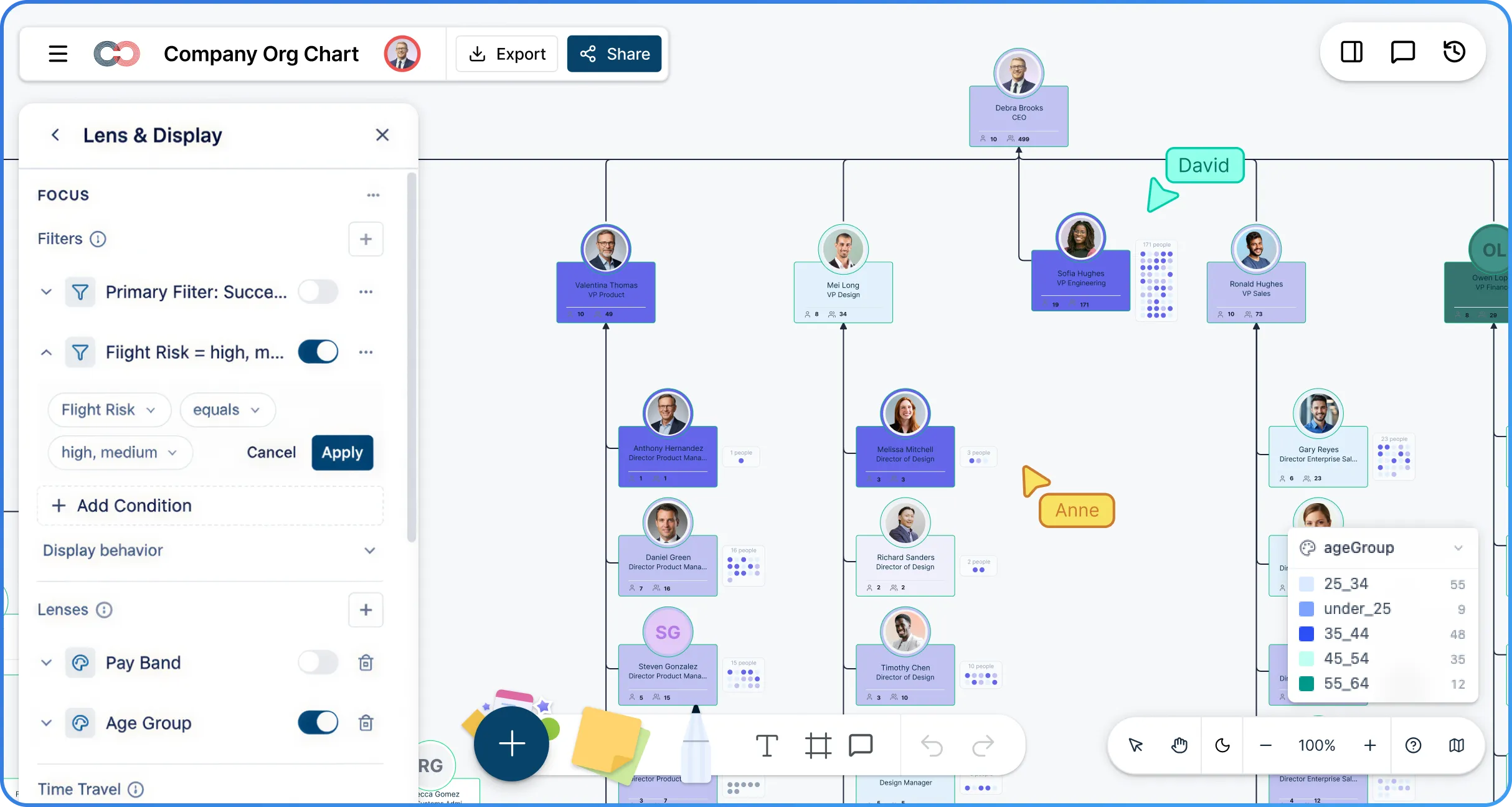
 Diagramming Visual Collaboration Org Chart


Why Choose Creately’s Nonprofit Org Chart Creator
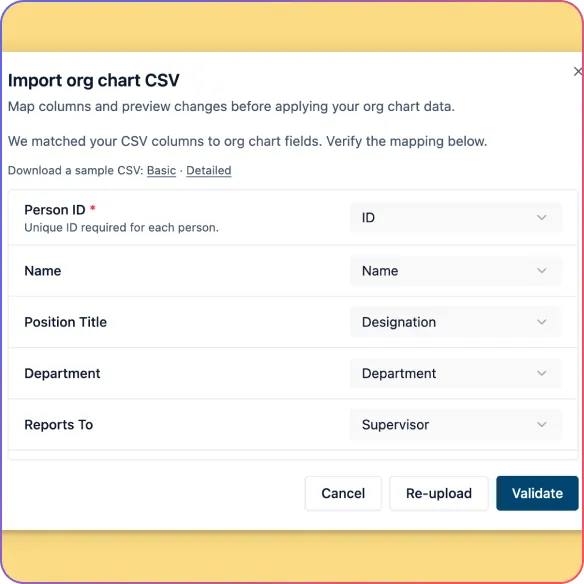
Built for Real Nonprofit Structures
Map board members, leadership, staff, volunteers, departments, teams, and projects in one connected org chart.
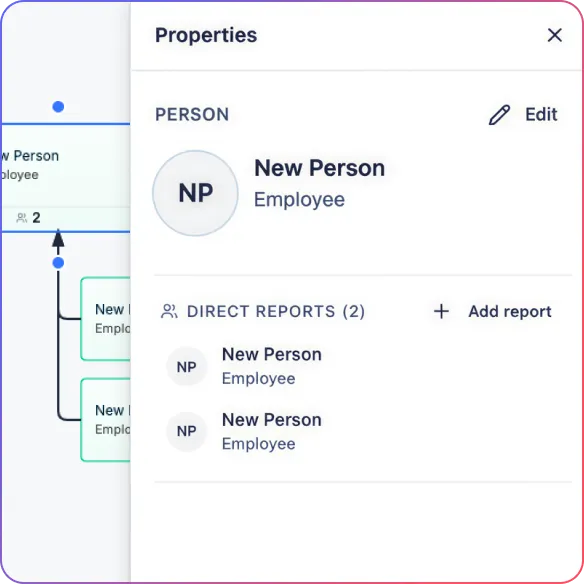
Keep the Org Chart Easy to Update
Edit names and titles inline, add direct reports quickly, and keep reporting lines current without rebuilding the chart.
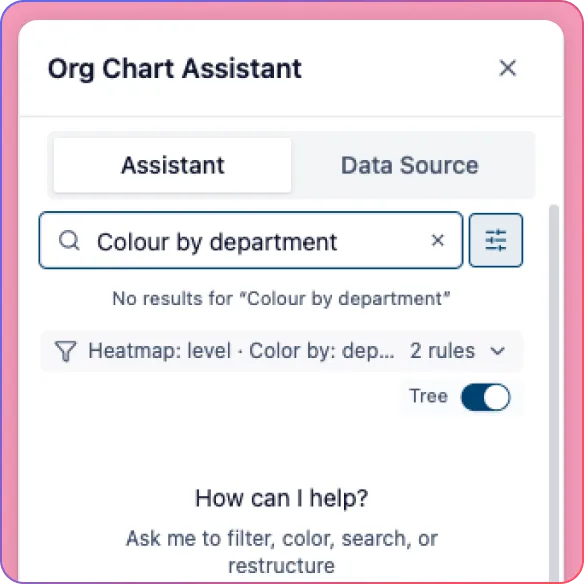
Explore the Org with AI
Ask questions in plain language, highlight teams, apply filters, and spot structural issues faster with AI.
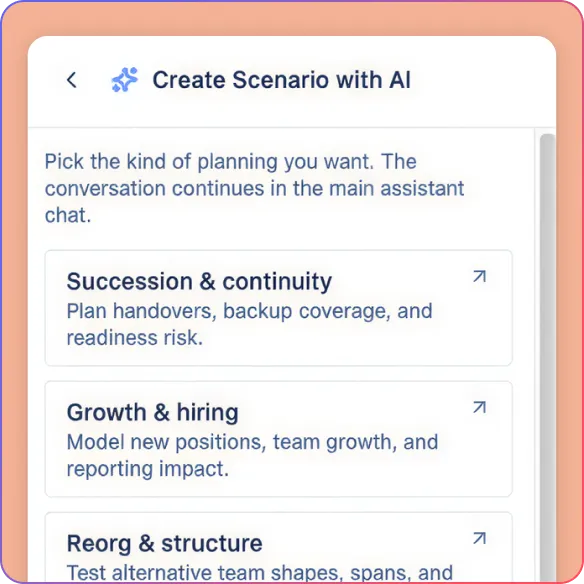
Plan Changes Before They Go Live
Model new programs, leadership changes, vacant roles, and restructuring ideas in what-if scenarios before updating the live chart.
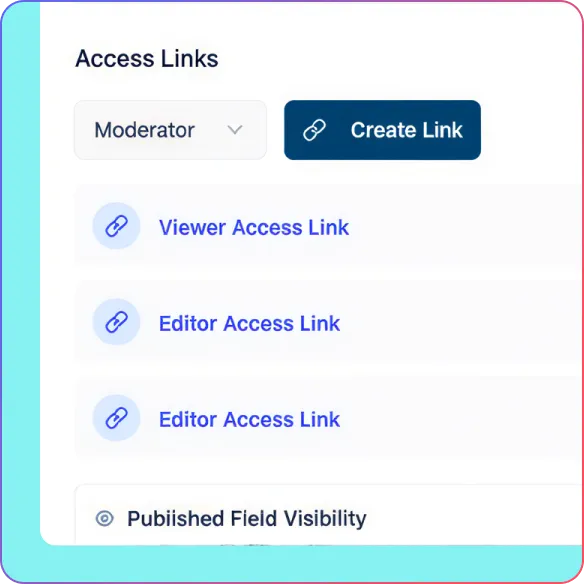
Create Views for Leadership, Review, and Communication
Use focus views, color overlays, heatmaps, compact cards, and exports to turn one org chart into a planning, review, and presentation tool.
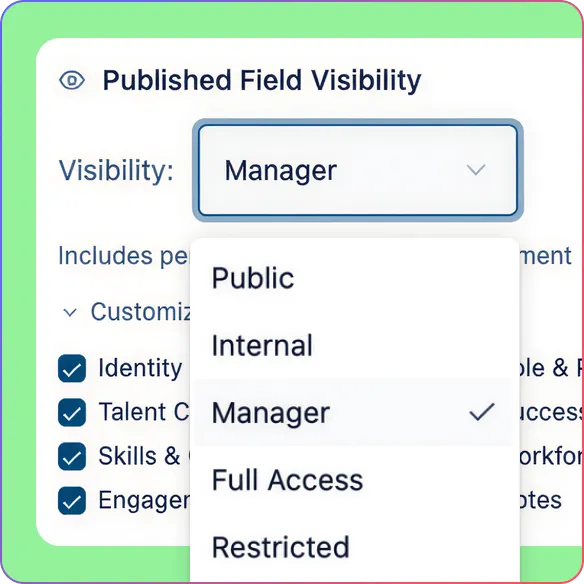
Share the Right View with the Right People
Give leadership, board members, and managers the visibility they need with role-based permissions and read-only sharing.
Turn Team Data Into a Clear Org Chart You Can Keep Current
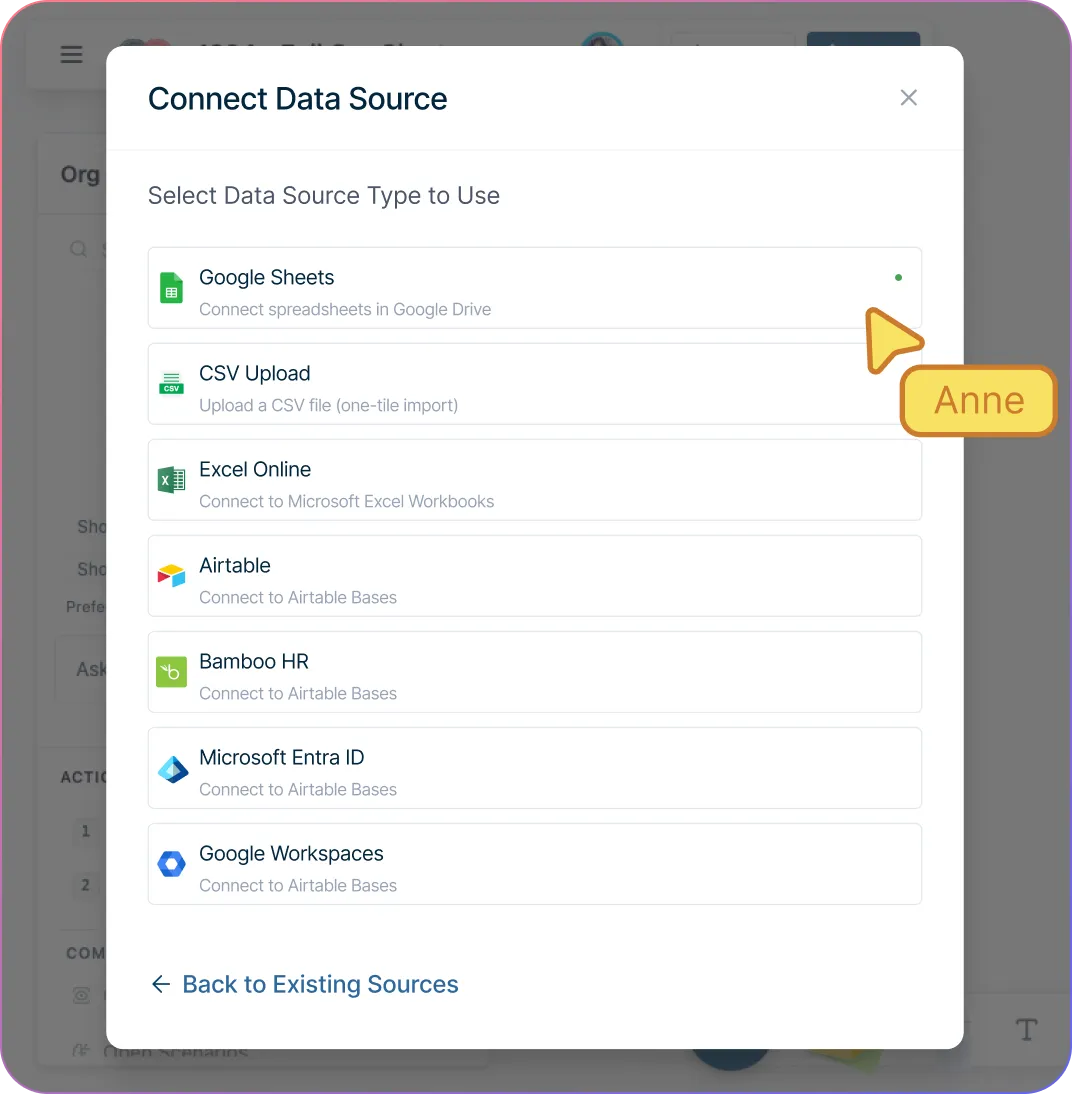
Build your nonprofit organizational chart faster from existing team data with spreadsheet import and smart column mapping.
Catch structure issues before they create confusion with validation for missing IDs, unknown managers, reporting cycles, and empty rows.
Start with a clean hierarchy instead of arranging every card manually with automatic org chart generation and auto-layout.
Keep the organizational chart accurate as teams change by editing names and titles directly on the chart with inline editing.
Add new roles, reporting lines, and nonprofit-specific details easily with quick-create actions, custom properties, and support for vacant positions.
Get The Visibility You Need To Make Better Structural Decisions
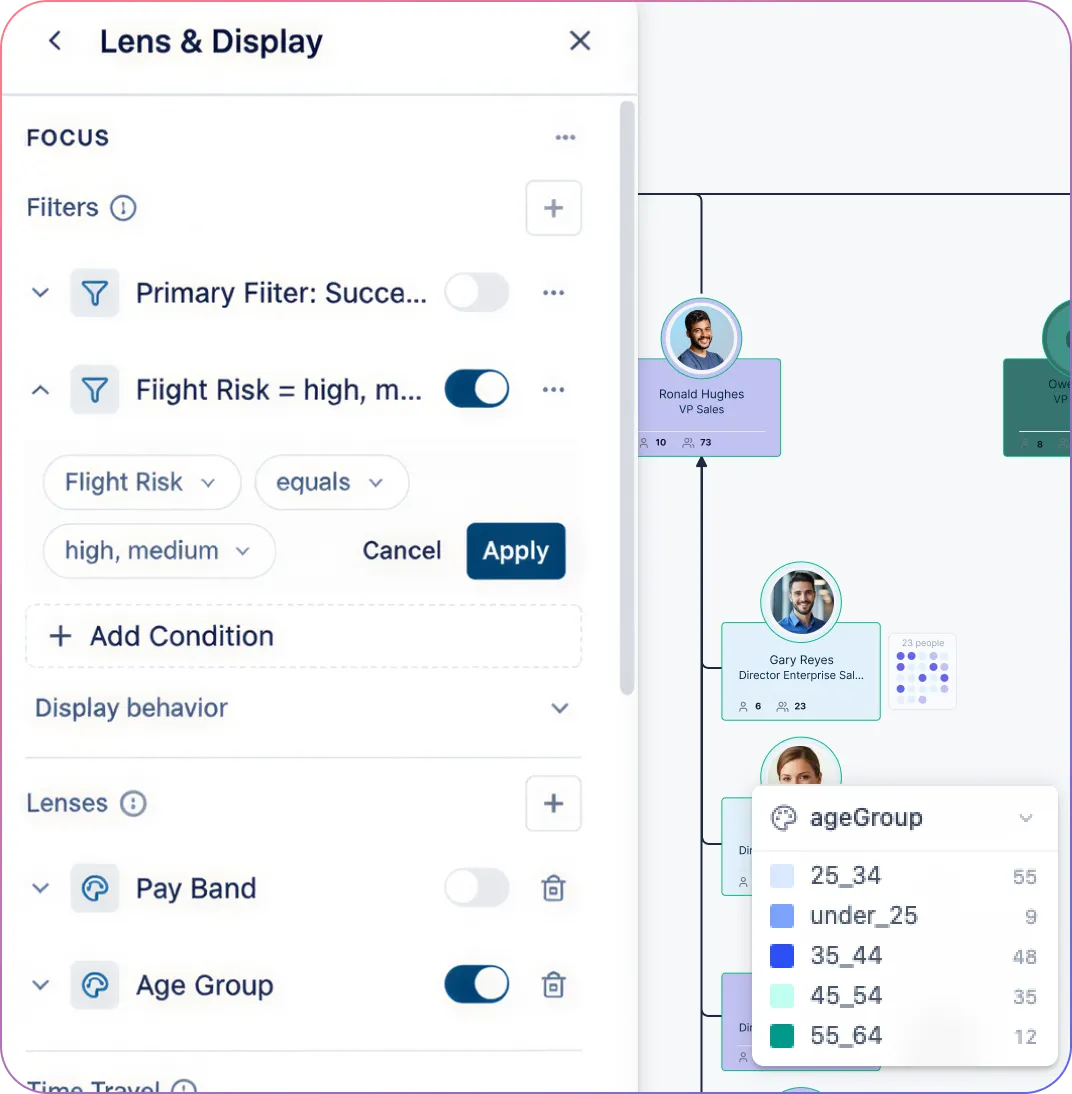
Find the right people, roles, and teams faster by searching the org chart by name, title, department, or field value.
Get answers without digging through files by asking AI questions in plain language to highlight teams and isolate parts of the org.
Spot structural patterns more quickly with filters, color overlays, and heatmaps that make issues easier to see.
Review one part of the organization without clutter by using focus views and collapsible branches.
Test structural changes more safely with what-if scenarios before applying updates to the live organizational chart.
Keep Everyone Aligned On One Shared Version Of The Org Chart

Keep updates visible to the right people by working together on the same organizational chart in real time.
Make feedback easier to manage by reviewing changes in context with comments instead of scattered files and messages.
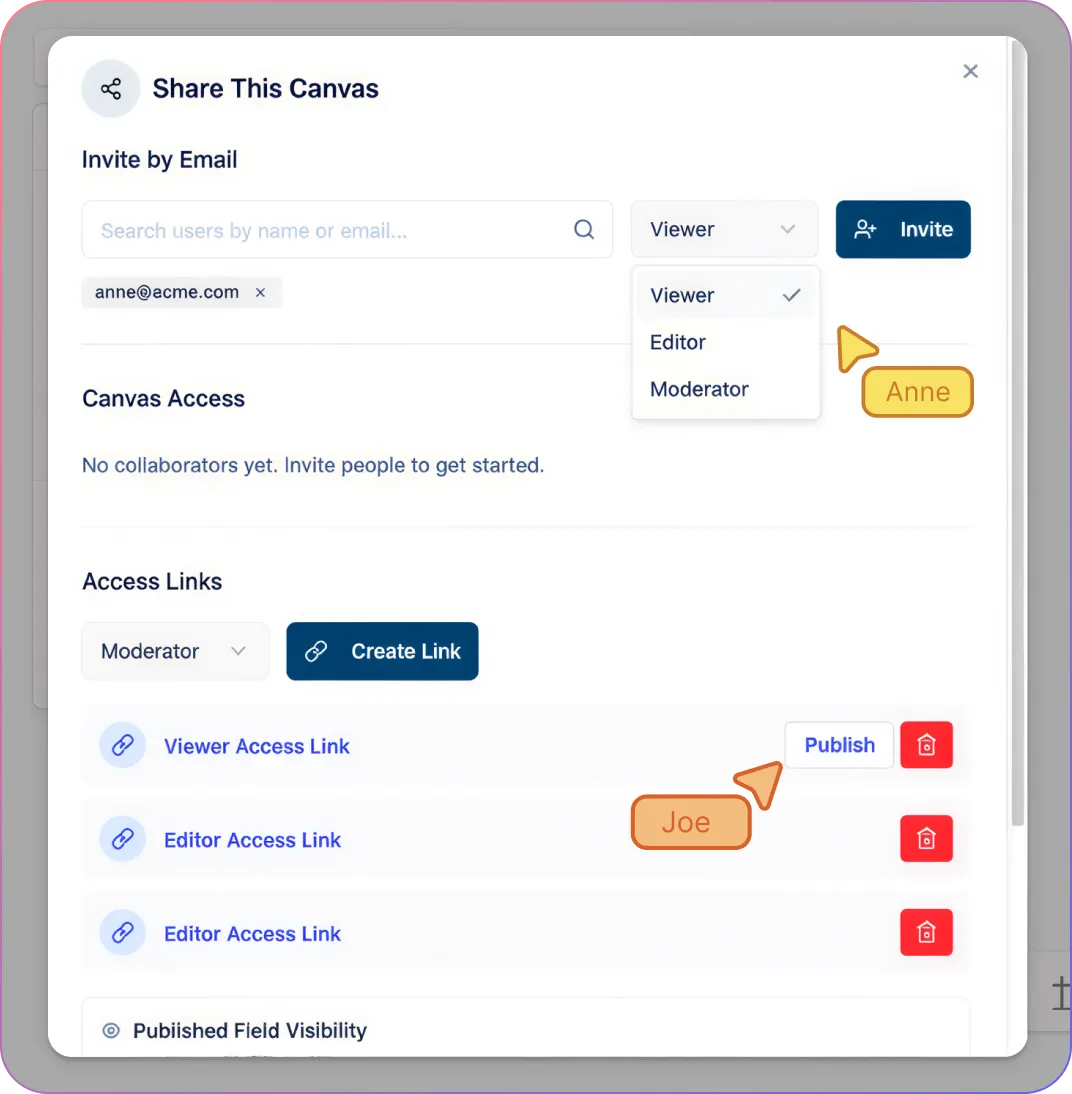
Give each stakeholder the right level of access with role-based permissions for editing, reviewing, or viewing only.
Share the org chart with leadership or board members more safely through read-only access that protects the source chart.
Protect restricted information while still collaborating by keeping shared access aligned with visibility controls.
Present And Distribute Org Charts With Less Manual Work
Turn one org chart into the right view for each audience with focused views for leadership, review, and communication.
Make the same chart work for both quick presentations and detailed review with compact and full card views.
Share polished organizational charts easily across planning, onboarding, and board communication with PDF, PNG, SVG, and CSV exports.
Avoid creating separate versions for every use case by reusing the same living org chart across teams and workflows.
How to Create a Nonprofit Org Chart in Creately
Import your nonprofit team data from CSV
Validate reporting lines and structure
Generate the nonprofit org chart automatically
Customize roles, teams, and fields
Share, export, or model changes in scenarios
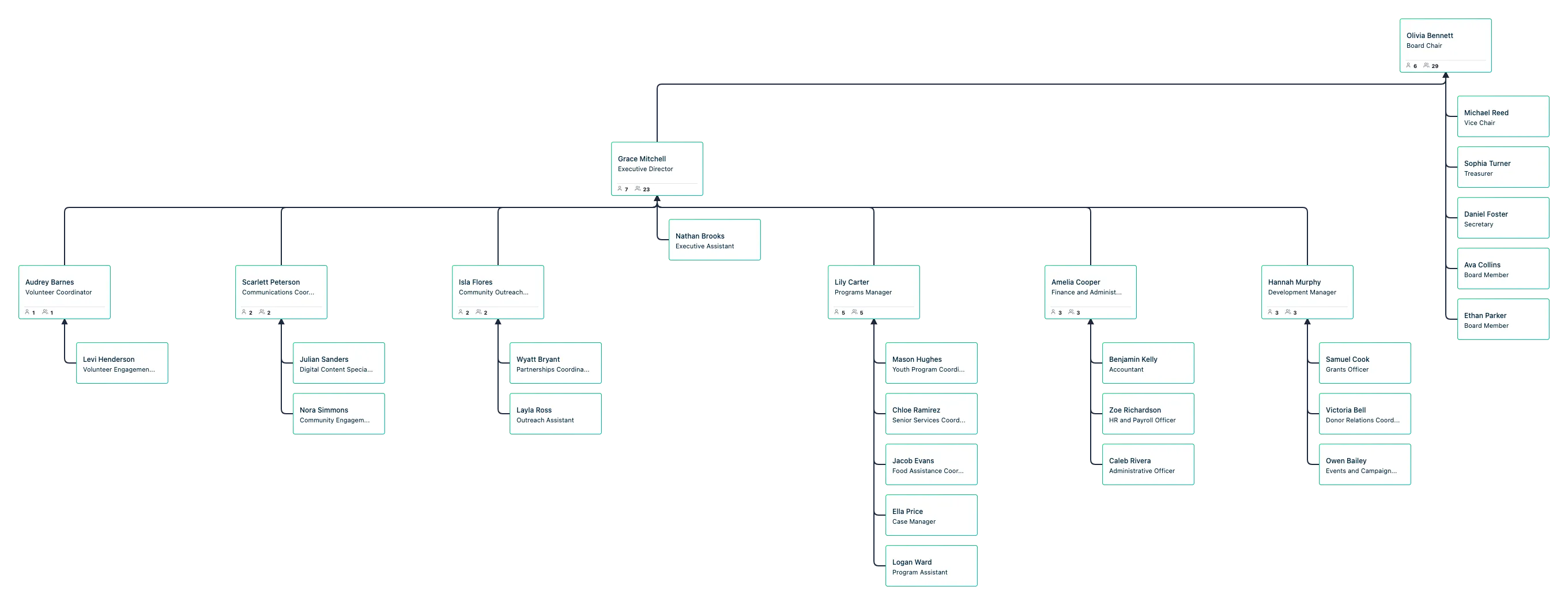
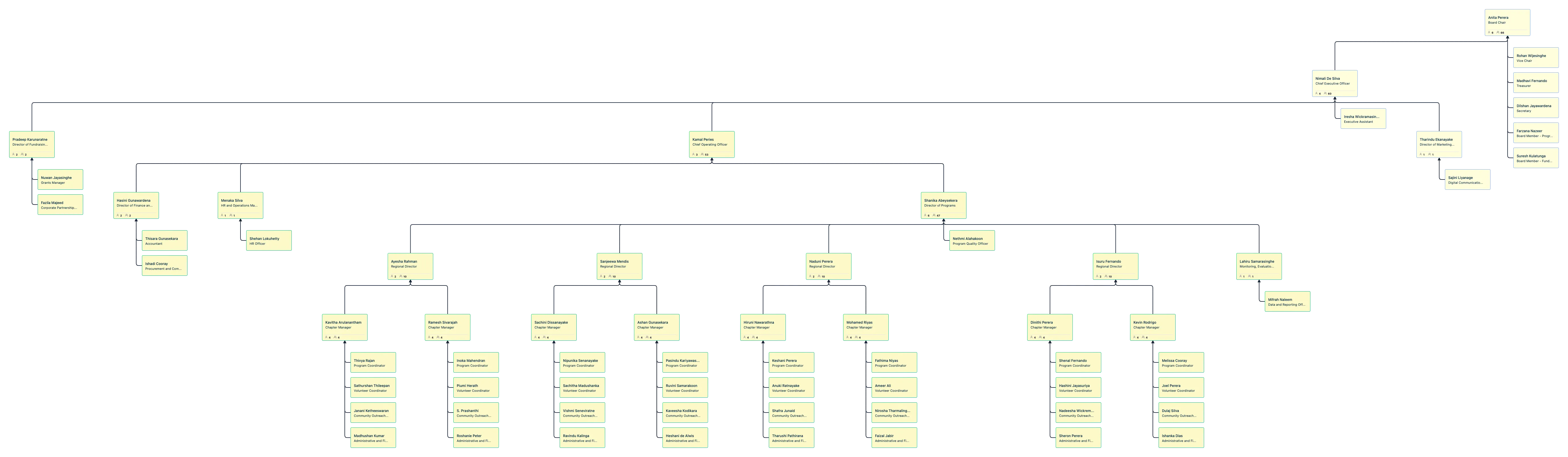
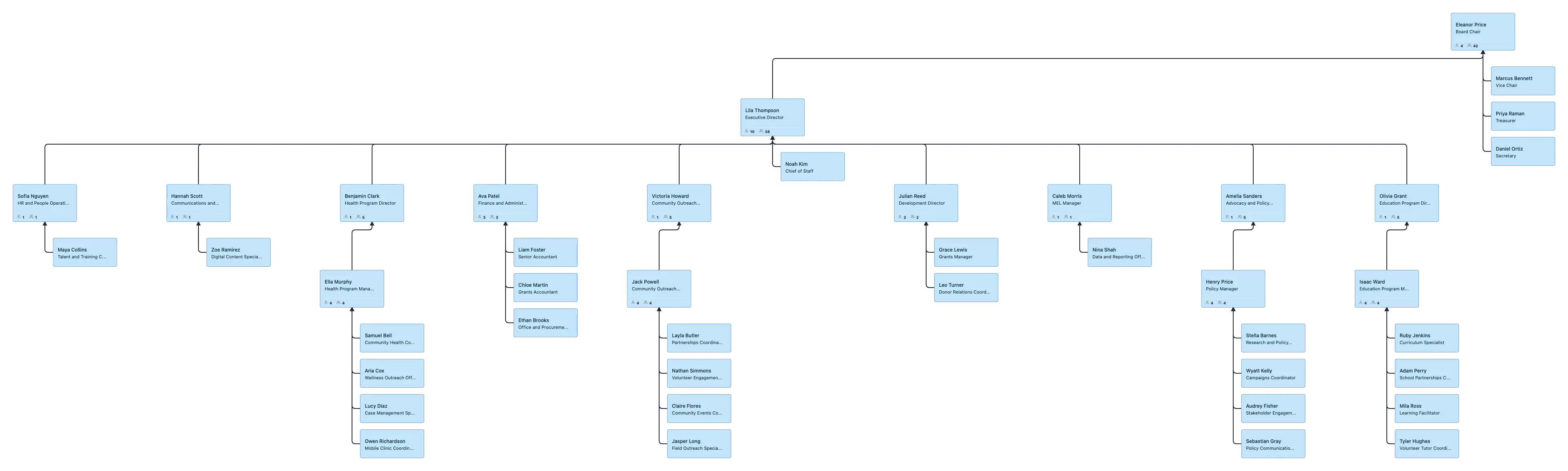
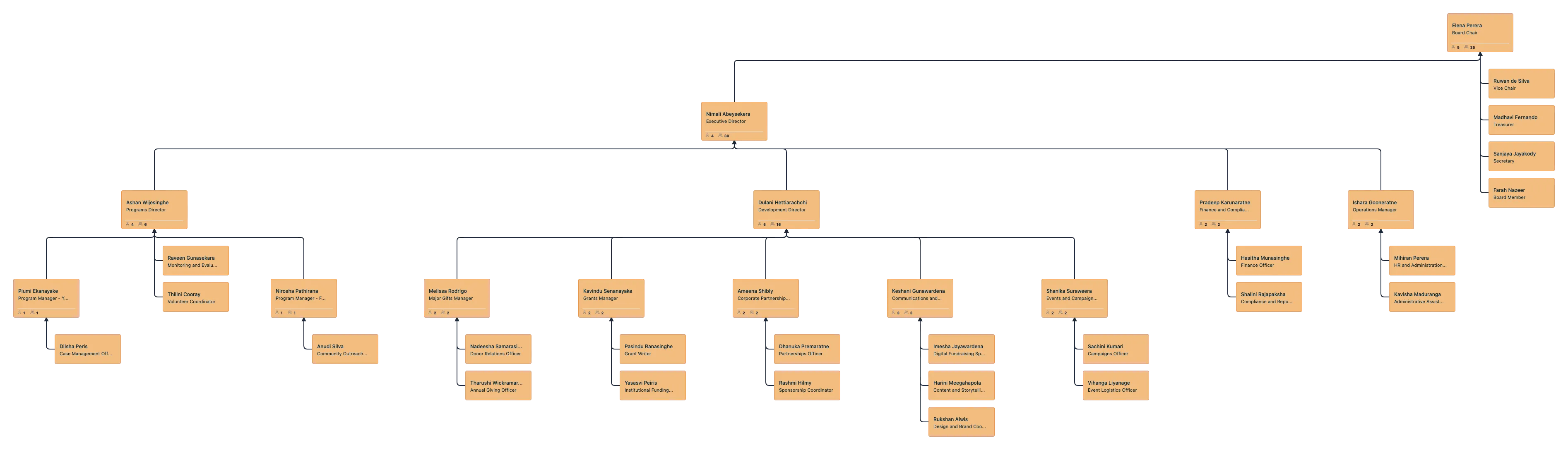
Free Ready-to-Use Nonprofit Org Chart Templates
Use Cases
Board And Leadership Visibility
Map board oversight, executive leadership, and department structures clearly so leadership discussions happen with one shared view.
Program And Department Structure
Show how program teams, operations, fundraising, and support functions connect so responsibilities are easier to understand.
Volunteer And Staff Alignment
Bring staff and volunteer structures into one organizational chart so coordination is clearer across day-to-day work.
Growth And Restructuring Planning
Model new programs, reporting changes, and open roles before making structural updates live.
Onboarding And Internal Communication
Give new hires, managers, and stakeholders a clear view of how the nonprofit is organized from day one.
Leadership Review And Org Clarity
Ask questions about reporting lines, teams, and department structure in plain language so leadership can review the org faster and spot issues earlier.
FAQs About Nonprofit Org Chart Generator
Can I try Creately without importing real nonprofit data?
Can I see what my nonprofit organizational chart looked like in the past?
How large of a nonprofit org chart can Creately handle?
What happens when I activate a field pack?
Can different people look at the same org chart in different ways?
Is sensitive nonprofit team data secure in Creately’s nonprofit org chart software?
Can I switch between detailed and simplified org chart views?






















 Instant replies
 Org chart guidance
 Real human support