Meeting Agenda Creator

Streamline Every Meeting with the Meeting Agenda Builder

Plan with precision, stay on track, and turn discussions into actionable outcomes using customizable, collaborative meeting agendas.

  • Visual agenda mapping for better clarity and alignment.
  • Real-time collaboration and task assignments.
  • Flexible templates for all meeting types and teams.

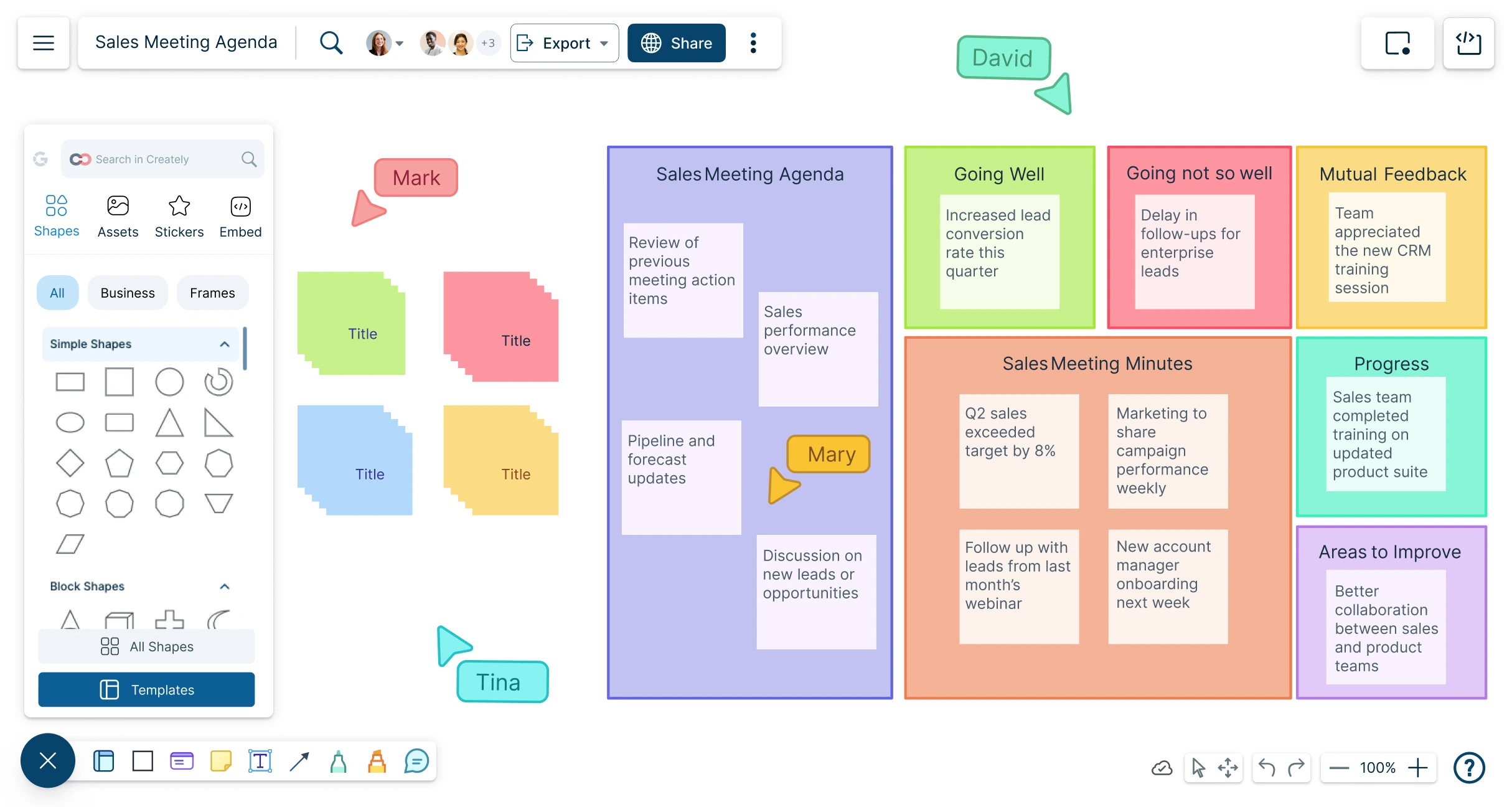
Screenshot of Creately's Meeting Agenda Creator
Over 10 Million people and 1000s of teams already use Creately
Diagramming Grid Leader 2025 Diagramming
Visual Collaboration Grid Leader 2025 Visual Collaboration
Org Chart Grid Leader 2025 Org Chart
Most Implementable 2025 Best Results 2025 Ease to Do Business With 2025

AI Meeting Agenda Generator

AI Meeting Agenda Generator

Kickstart, Customize, and Power Through Every Meeting

  1. Enter key meeting details and click ‘Generate’.
  2. Watch Creately instantly build a clear, structured agenda—ready to run.
  3. Collaborate, refine, and assign tasks—all within one connected workspace.
Try Creately AI

Why teams love Creately’s Meeting Agenda Generator

Try the AI Meeting Agenda Generator
  • Save time Save time – Automate agenda creation, reducing prep time by 90% and letting teams focus on meaningful discussions and decisions.
  • Uncover hidden trends Uncover hidden trends – Identify missing discussion points, recurring blockers, and inefficiencies to optimize meeting outcomes.
  • Privacy-first Privacy-first – All meeting data stays securely within Creately, with no third-party access or retention.
  • Multi-lingual support Multi-lingual support – Generate and share agendas in multiple languages for seamless collaboration across global teams.
  • Objective insights Objective insights – AI groups related topics and suggests priorities, ensuring every agenda is focused and actionable.


Used by Over 10 Million people and 1000s of teams

A Comprehensive Tool for Visual Collaboration and Diagramming
it is ease of collaborative diagramming and real-time editing. This allows teams to brainstorm, create, and refine diagrams together in a way that feels intuitive and seamless, regardless of location.
JUAN LEONARDO G
Small-Business
Efficient and User-Friendly Diagramming Tool
I love how easy it is to create and collaborate on diagrams with Creately. The real-time collaboration feature is incredibly helpful for team projects, and the extensive library of templates and shapes saves a lot of time
Aymen G
Small-Business
Creately provides best diagram structure.
Creately has proven to be an incredibly creative tool, enhancing the visual appeal of our company tasks significantly. Additionally, its pricing is highly competitive, offering great value for the features it provides.
Ruchika N
Assistant Manager
Creately: Simple Diagram Tool
I like that Creately is easy to use. It helps me create diagrams quickly and easily.
Ananya G
Executive Committee Member
Creately: A smart choice for expressing ideas over diagrams
Creately is a simple and user-friendly application for creating diagrams to visualize complex technical ideas and data flow on wireframes, flow charts, and other visual options. The best part of this tool is its real-time collaboration features, which help us to enhance the workflows in the team.
Gulam M
Software Engineer
User friendly and visually appealing!!
The interface is easy to use. The look is aesthetically pleasing as well. Love the functionality.
Chrisoula
Small-Business
Intuitive Design and Effortless Creativity
What I like best about Creately is its intuitive design and the ease with which it allows me to create attractive designs. From the moment I started using it, I was impressed by how easy it was to navigate the platform and how quickly I could bring my ideas to life in visually appealing diagrams and charts.
DARWIN M.
Mid-Market
Creatly Awesome App
In creatly easy to use and easy to design our all network diagrams for the clients and easy to export and Creately offers a user-friendly interface that makes it easy for users to create various types of diagrams without extensive training or experience. We used creately on daily basis for making diagram.
Surya Prakash M
Tech Lead Security
Easy to use
Creately has better options than Canva. It has great templates. it is a great product to use for visual org charts.
Jennifer D.
Initial Implementation
Great AI features
AI Modelling capability. It gives Prompt examples so user can learn how to create effective prompts
Karma A.
Business Manager
G2
Atlassian
GetApp
Capterra
Software Advice
Trust Radius
ACCELERATE

Supercharge Your Meeting Agendas
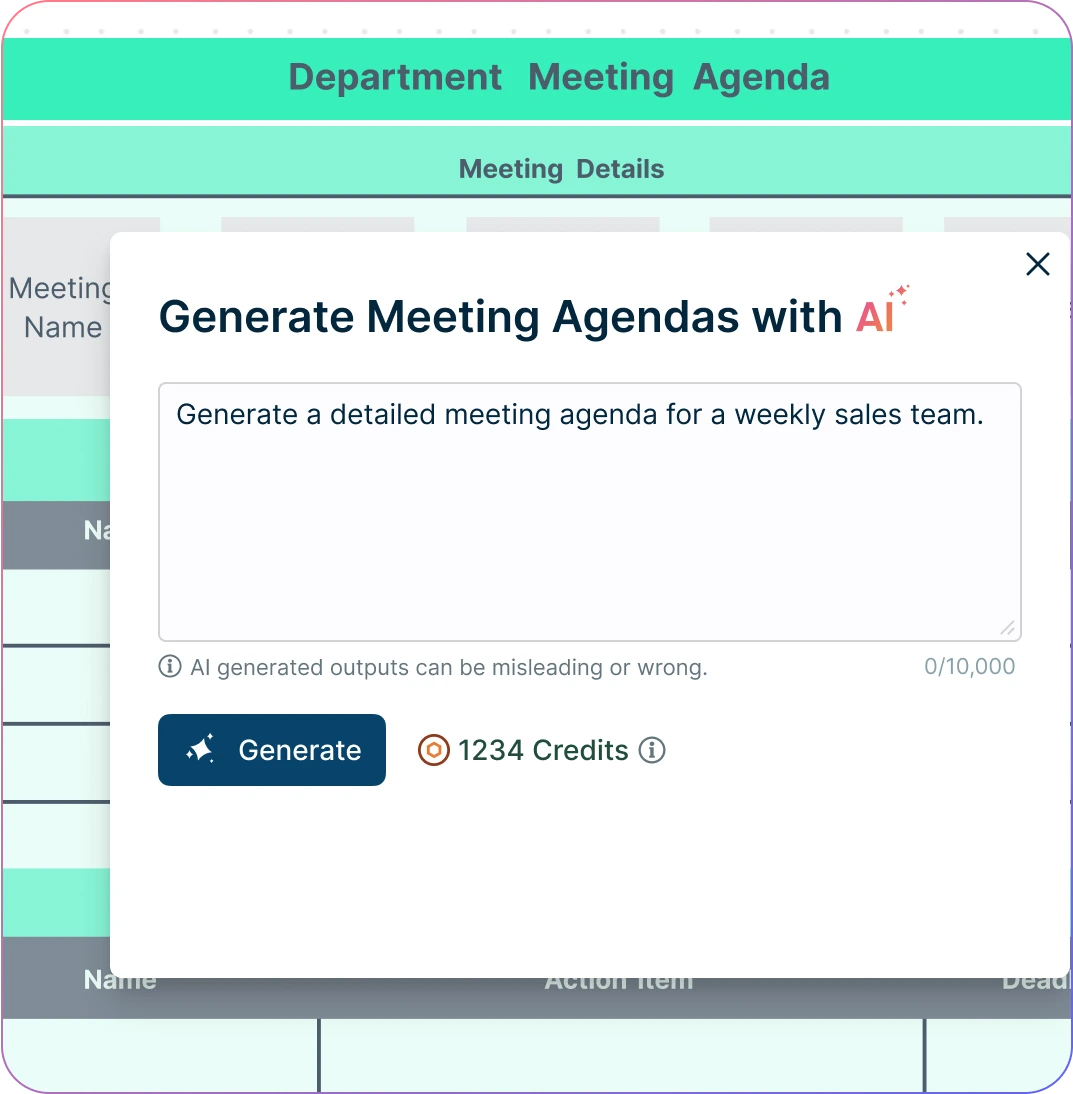
Screenshot of Creately's meeting agenda generator prompt box
  • Auto-generate a complete meeting agenda with just a quick prompt— in seconds.

  • Turn scattered notes or past meeting docs into structured agendas with topics, time slots, and owners.

  • Get AI-powered suggestions to improve clarity, relevance, and meeting efficiency.

  • Use standardized templates to ensure consistent meeting structures and reduce prep time across teams.
Screenshot of Creately's meeting agenda generator prompt box
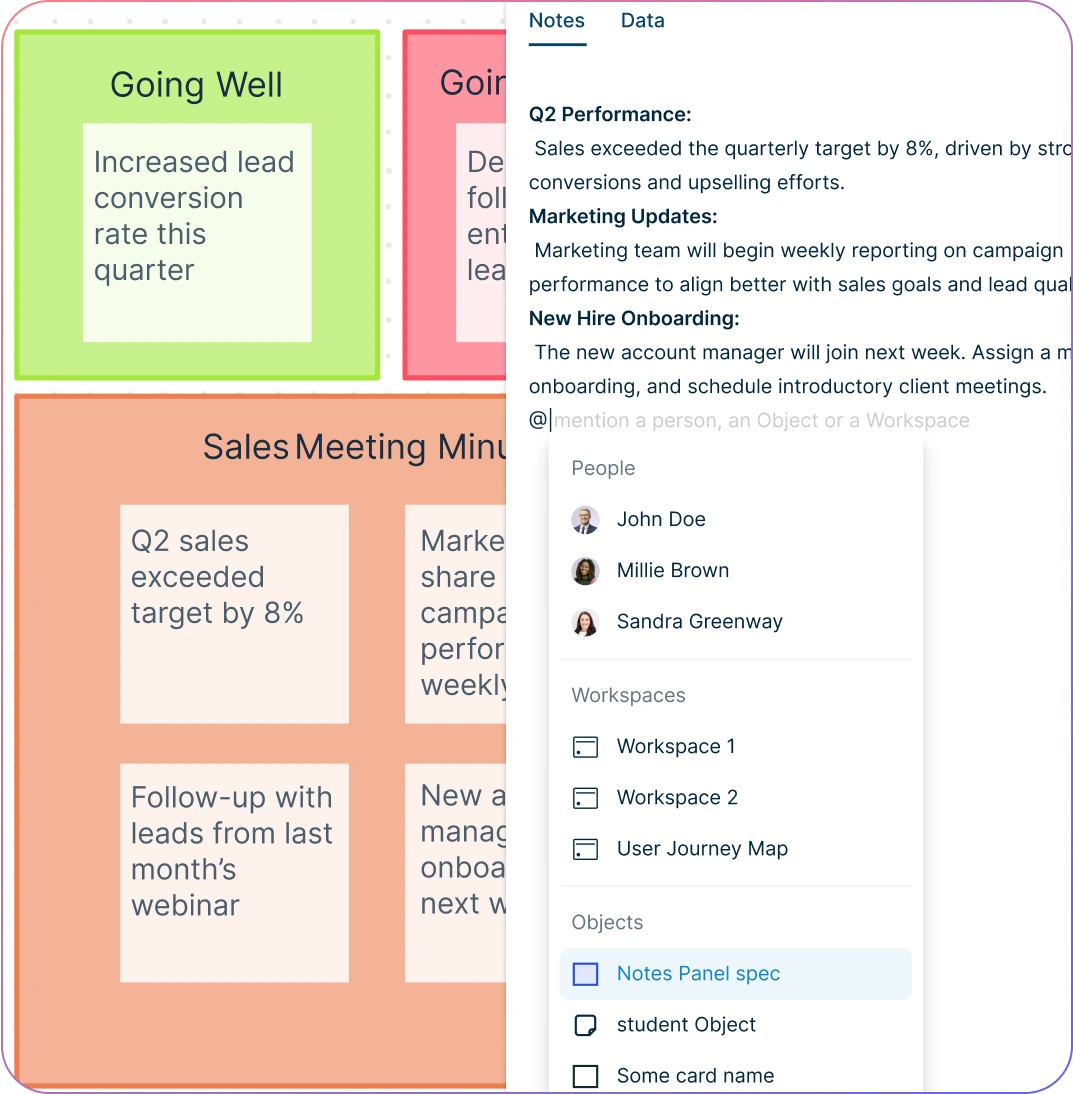
Screenshot of adding notes to a meeting agenda in Creately
VISUALIZE

Design Clear and Customizable Agendas with Intuitive Visual Tools

Screenshot of adding notes to a meeting agenda in Creately
  • Easily customize agendas with flexible fields that align with your team’s workflow and styling to match your brand.

  • Access a library of ready-to-use meeting templates for project kickoffs, retrospectives, one-on-ones, and more.

  • Map out agendas visually on the infinite canvas alongside related workflows and timelines.

  • Add context-rich notes, links, and attachments directly on the workspace for more actionable meetings.

  • Use full-text search and smart linking to quickly navigate across agendas, notes, and action items.

COLLABORATE

Reimagine How Teams Plan and Run Meetings
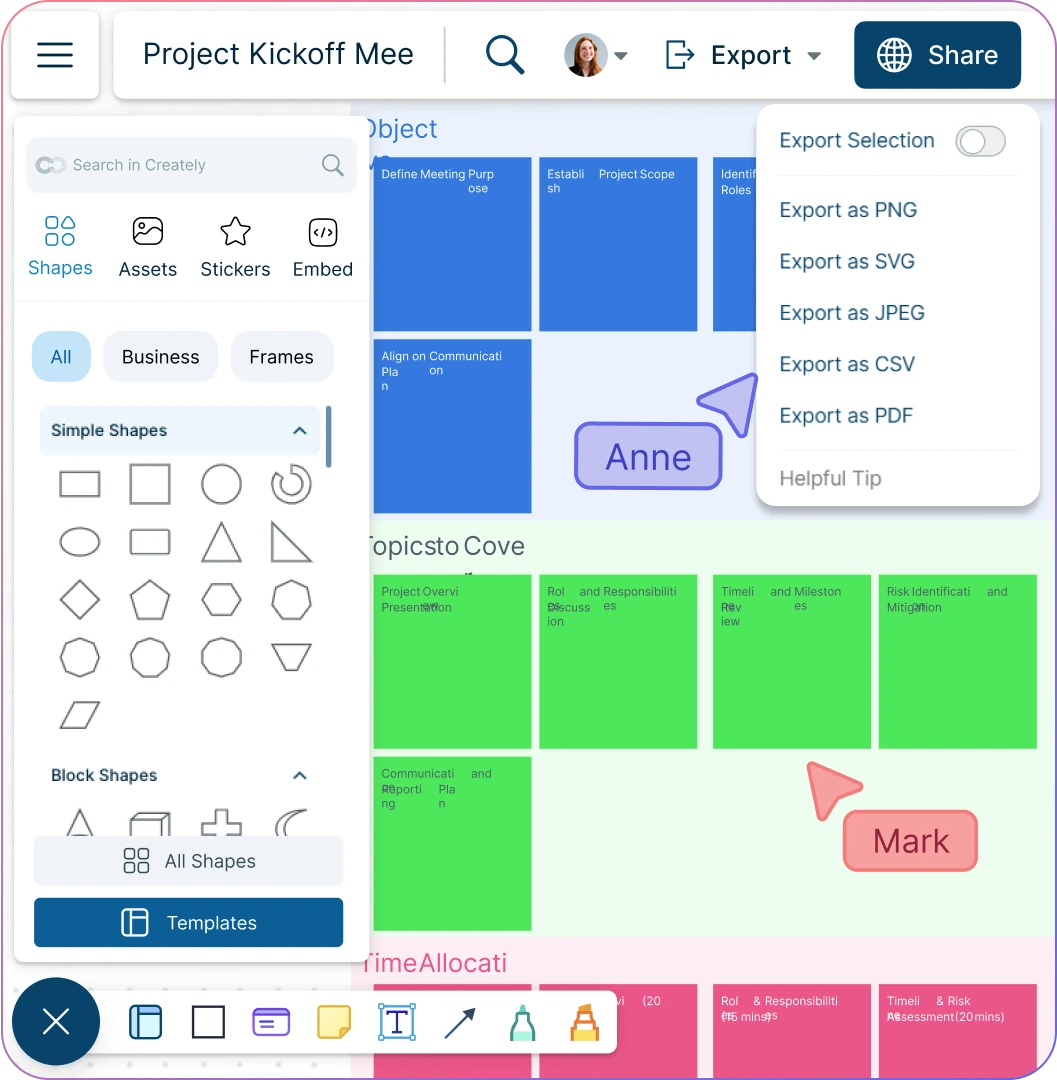
Screenshot of real-time collaborative editing in Creately
  • Real-time collaboration with comments, shared editing, task assignments, and live updates during meetings.

  • Set viewing, editing, or approval permissions with role-based access controls.

  • Track all changes in the meeting agenda software with complete version history for easy reference.

  • Export your agendas to PDF, PNG, or JPEG formats for distribution or documentation.

  • Generate shareable links to present agendas or embed them in internal tools and team wikis.

Screenshot of real-time collaborative editing in Creately
Ideate, plan, and execute ideas better with Creately

What Is a Meeting Agenda?

What Is a Meeting Agenda?
A meeting agenda is a structured outline that defines the purpose, topics, and flow of a meeting. It typically includes the discussion points, time allocations, objectives, and the roles of participants. By setting expectations in advance, an agenda ensures that meetings stay focused, efficient, and goal-oriented.

How to Plan Your Meetings with Creately

  1. Select the Meeting Template

Launch Creately and pick a ready-made meeting template that suits your needs. The meeting agenda builder comes with templates for daily standups, project kickoffs, retrospectives, or workshop planning. You can also start fresh on a blank canvas and build your own template.

  1. Add and Structure Your Agenda

Use the agenda template to map out meeting objectives, topics, and time slots. Add discussion points, responsibilities, and expected outcomes directly onto the canvas, making it easy to organize everything in one place.

  1. Customize with Visual Tools

Personalize your agenda with layouts, colors, fonts, sticky notes, and the notes panel. Attach supporting documents, links, or references right on the canvas to keep all context accessible.

  1. Collaborate, & Finalize in Real-Time

Invite team members and stakeholders to comment, co-edit, or suggest changes on the meeting agenda. Use feedback threads to track discussions and resolve items quickly. Control approvals in the online meeting agenda tool with role-based permissions and maintain a full change log.

  1. Publish & Share Securely

Export your finalized agenda to PDF, PNG, or JPEG formats. Share your meeting agenda online by embedding it or via secure links with internal and external collaborators. Version history ensures transparency and easy reference for future meetings.

Create a Meeting Agenda

Create Your Meeting Agendas Instantly with These Templates
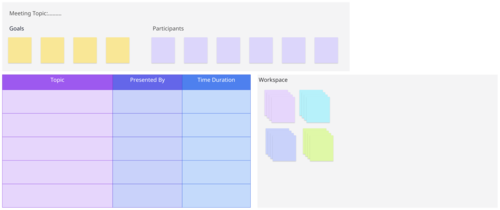
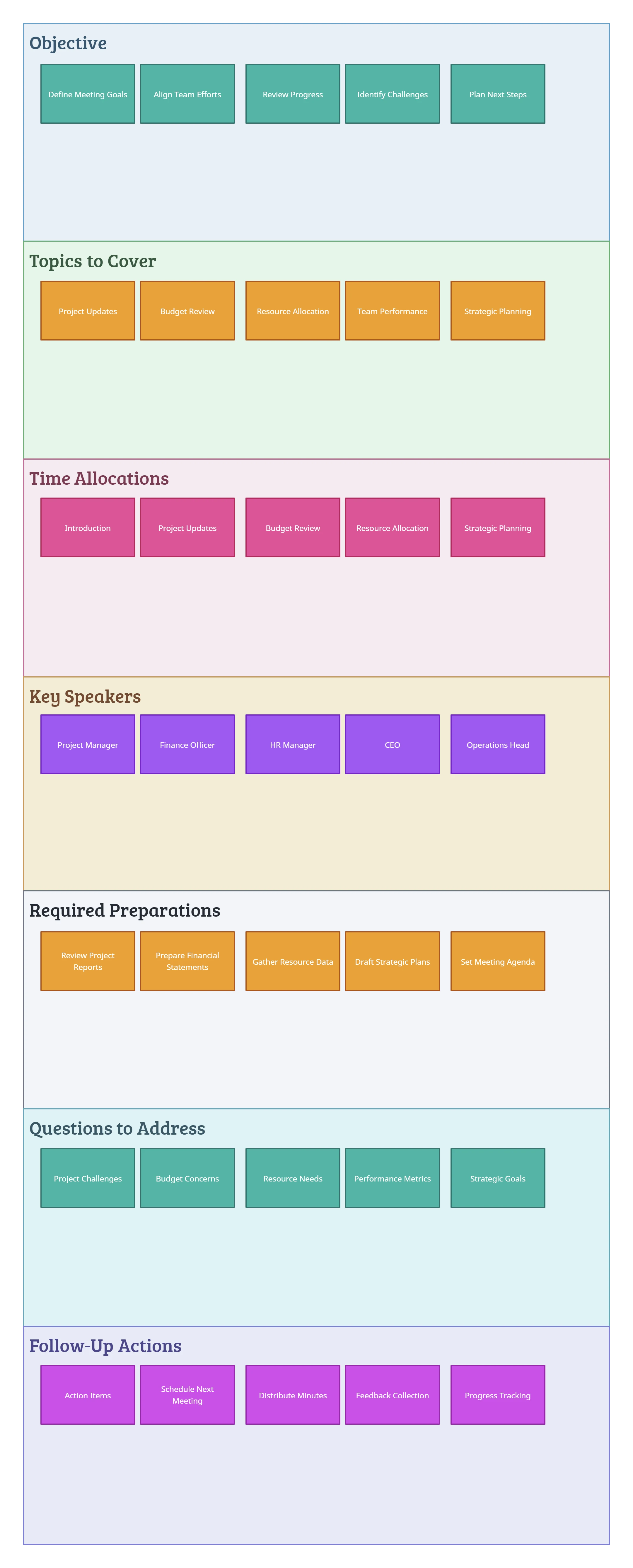
Image of Standard Meeting Agenda Template

Meeting Agenda Template

Image of Business Meeting Agenda Template

Business Meeting Agenda Template

Image of Project Kickoff Meeting Agenda Template

Project Kickoff Meeting Agenda

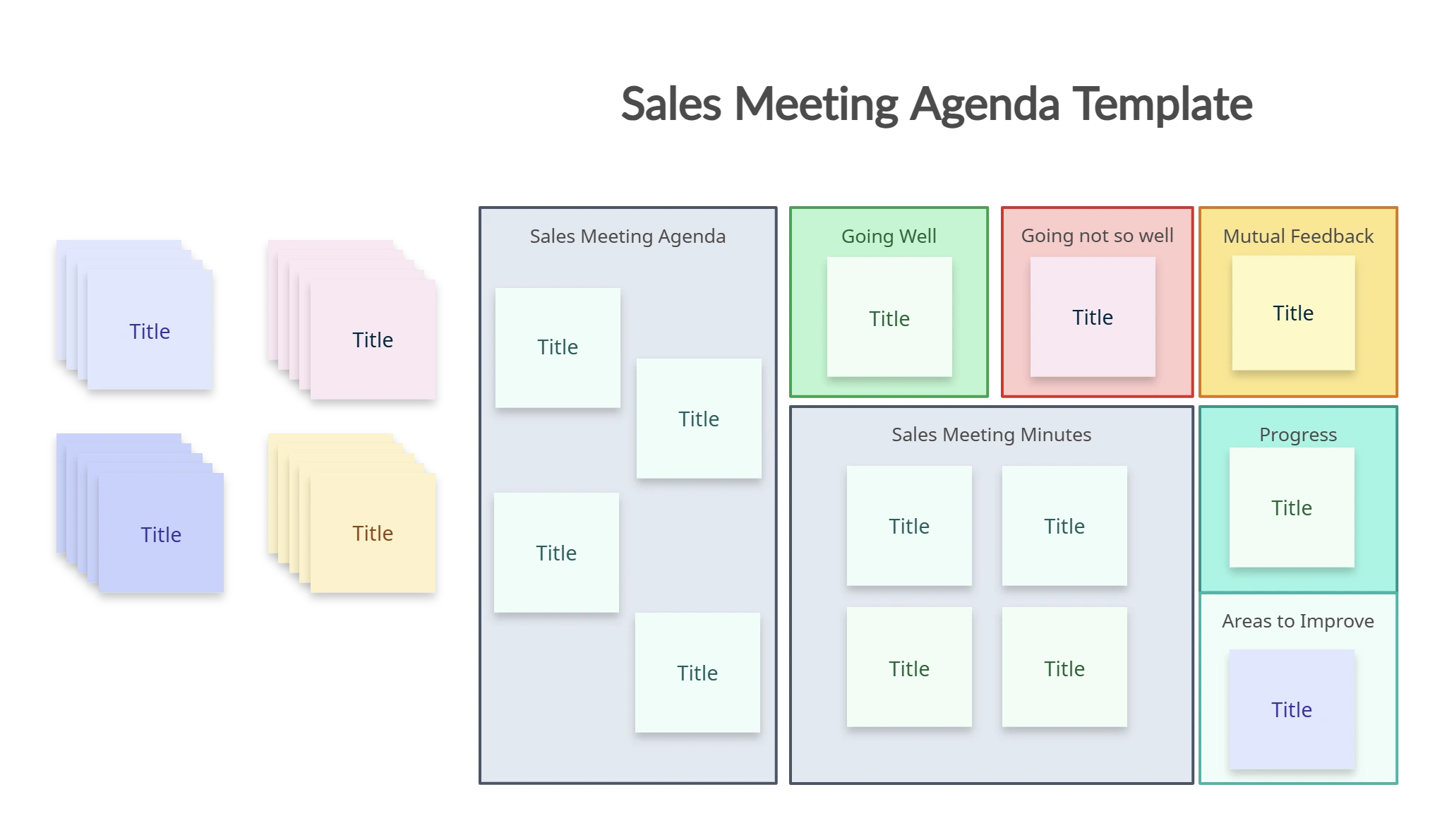
Image of Sales Meeting Agenda Template

Sales Meeting Agenda Template

FAQs About the Meeting Agenda Creator

What types of meetings need a meeting agenda?

A meeting agenda can be used for all kinds of meetings from team standups, project kickoffs, retrospectives, one-on-ones, and more. You can use Creately’s meeting agenda creator to build a custom agenda from scratch, or select a ready-made template to start planning your meetings instantly.

Who should use a meeting agenda?

A meeting agenda is ideal for team leads, project managers, HR professionals, executives, and anyone running client or internal meetings. Whether for a stand-up, planning session, or board meeting, it’s flexible for any context.

Does the meeting agenda tool keep past versions of my agendas?

Yes. Version history is automatically maintained in the meeting agenda creator, so you can review, restore, or reference previous agendas whenever needed.

Can I edit the meeting agenda template?

Yes! Creately’s meeting agenda tool lets you fully customize the content, layout, colors, and formatting for your chosen meeting agenda template. You can add or remove agenda items, assign owners, and insert notes or attachments as needed.

Can I collaborate on a meeting agenda?

Absolutely. Invite others to co-edit, comment, or vote on agenda items in real time. Creately’s meeting agenda software supports real-time collaborative planning directly on the canvas.

Can I share or export meeting agendas?

Yes, agendas can be exported to PDF, PNG, or JPEG formats and shared via secure, permission-controlled links. They can also be embedded in internal tools or wikis.
Streamline Your Workflows by Integrating with the Tools You Love
Creately integrates with the tools your teams use every day and supports your team’s workflow seamlessly.
Github
Microsoft
Google Drive
Google Sheets
Google Docs
Google Slides
Confluence
Why Is Creately a Better Meeting Agenda Tool
Creately is the intelligent visual platform enabling visual collaboration, knowledge management and project execution.
Why Is Creately a Better Meeting Agenda Tool
Infinite Visual Canvas
Real-Time Collaboration
Custom Databases
Data Driven Docs
Professional Diagramming
Project & Task Management
Enterprise Grade Security
Powerful Visual Modelling
G2
Atlassian
GetApp
Capterra
Software Advice
Trust Radius

24/7 Live Support

Live in-app chat support

Sign up for a free account today.
banner-img