Employee Onboarding Org Chart Tool
Help New Hires Understand the Organization Faster
Map managers, teammates, mentors, reporting lines, departments, and key cross-functional contacts in one visual workspace that is easy to update and share. Build onboarding org charts from existing employee data, tailor views for each new hire, and keep one clear source of truth as teams change.
 New hires struggle to understand who does what and where they fit
Give them a clear onboarding org chart with managers, teammates, teams, and key collaborators.

 Reporting lines, team structures, and responsibilities change quickly
Update names, roles, and reporting lines without rebuilding the org chart.
 Onboarding details get scattered across docs, spreadsheets, and chats
Keep team structure and onboarding context in one shared visual workspace.








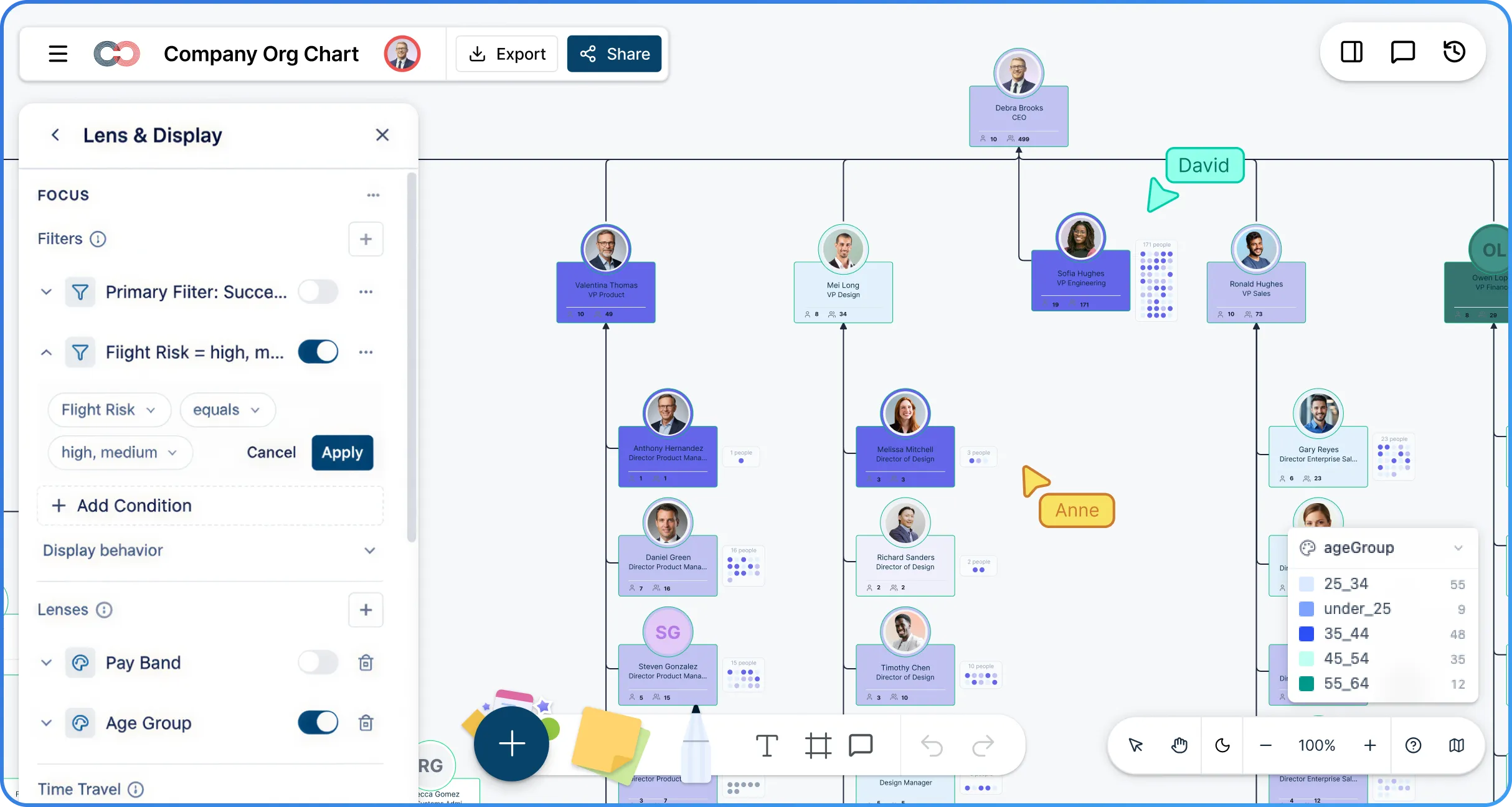
 Diagramming Visual Collaboration Org Chart


Why Choose Creately’s Employee Onboarding Org Chart Software
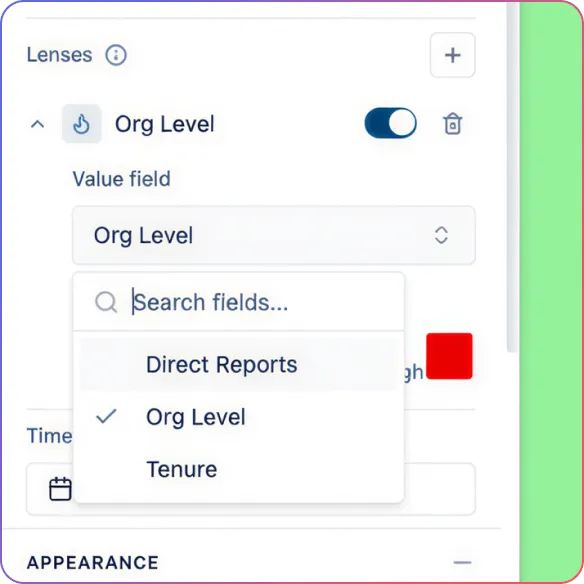
Built for Faster Onboarding
Show new hires where they fit, who they report to, and how their team connects to the business.
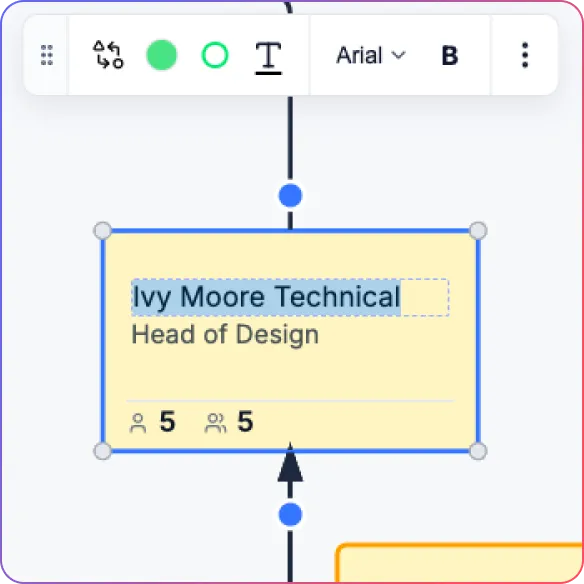
Easy to Keep Updated
Edit names and titles inline, add direct reports quickly, and update reporting lines without redrawing the chart.
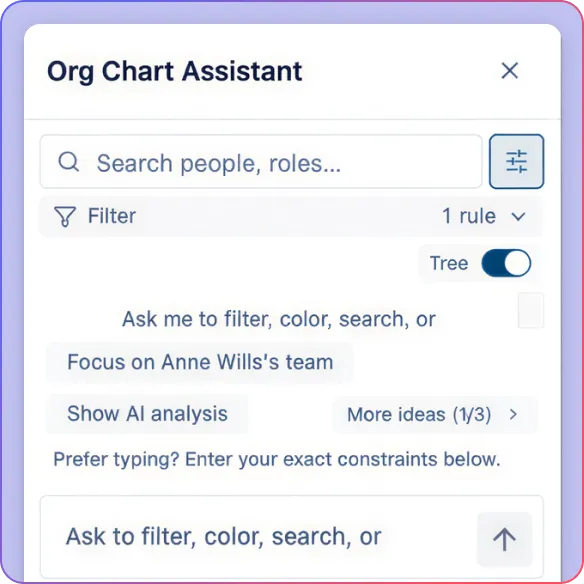
Explore the Org With AI
Use simple prompts to find people, focus on teams, and answer org questions faster.
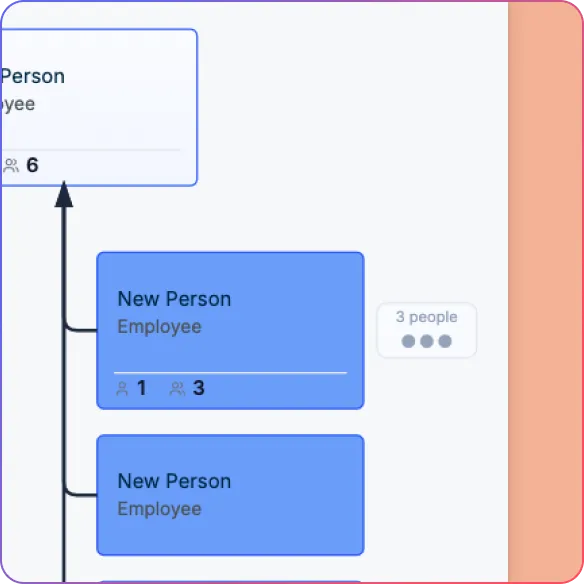
Create Role-Specific Views
Use focus views, collapsible branches, and compact or full cards for different onboarding needs.
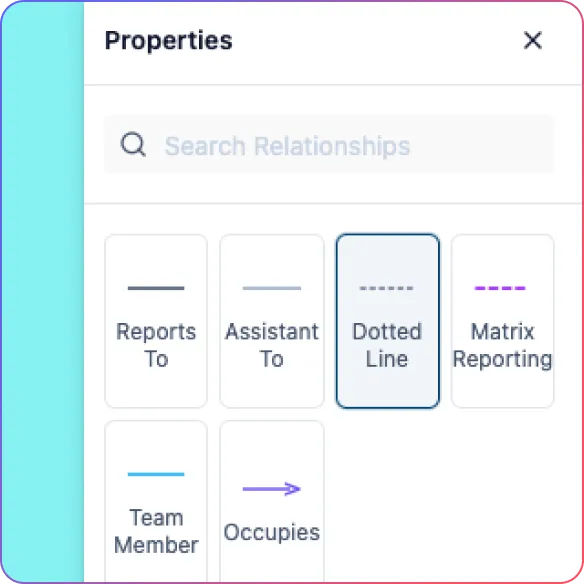
Show Cross-Functional Connections
Map teams, projects, dotted-line relationships, and key contacts in one view.
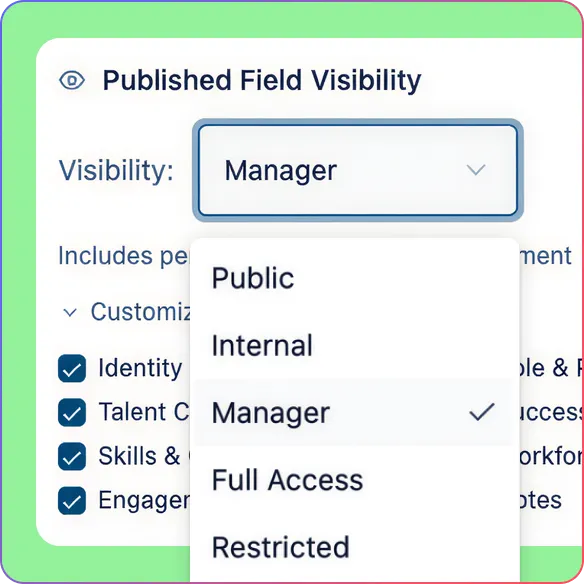
Share Securely
Share the right organizational chart view with HR, managers, mentors, and new hires using role-based access.
Turn Employee Data into a Clear Onboarding Org Chart You Can Keep Current
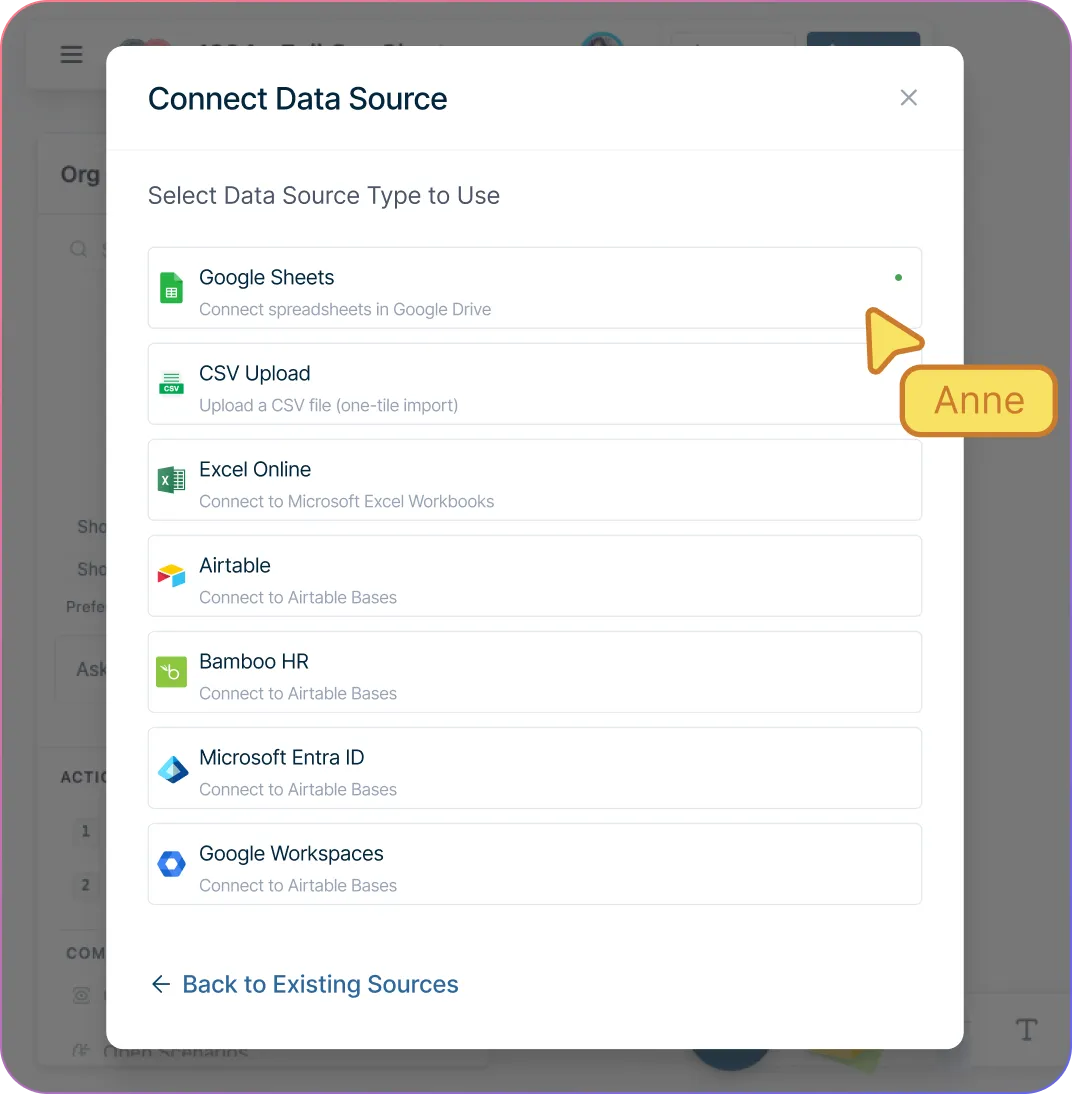
Build onboarding org charts faster from HRIS exports or spreadsheets with CSV import and smart column mapping.
Catch structure issues before they confuse new hires with validation for missing IDs, unknown managers, reporting cycles, and empty rows.
Start with a clean hierarchy automatically instead of arranging every card manually with auto-generated org chart layout.
Keep the organizational chart accurate as teams change by editing names and titles directly on the chart with inline editing.
Add managers, teammates, open roles, and onboarding-specific details quickly with quick-create actions, custom fields, and support for vacant positions.
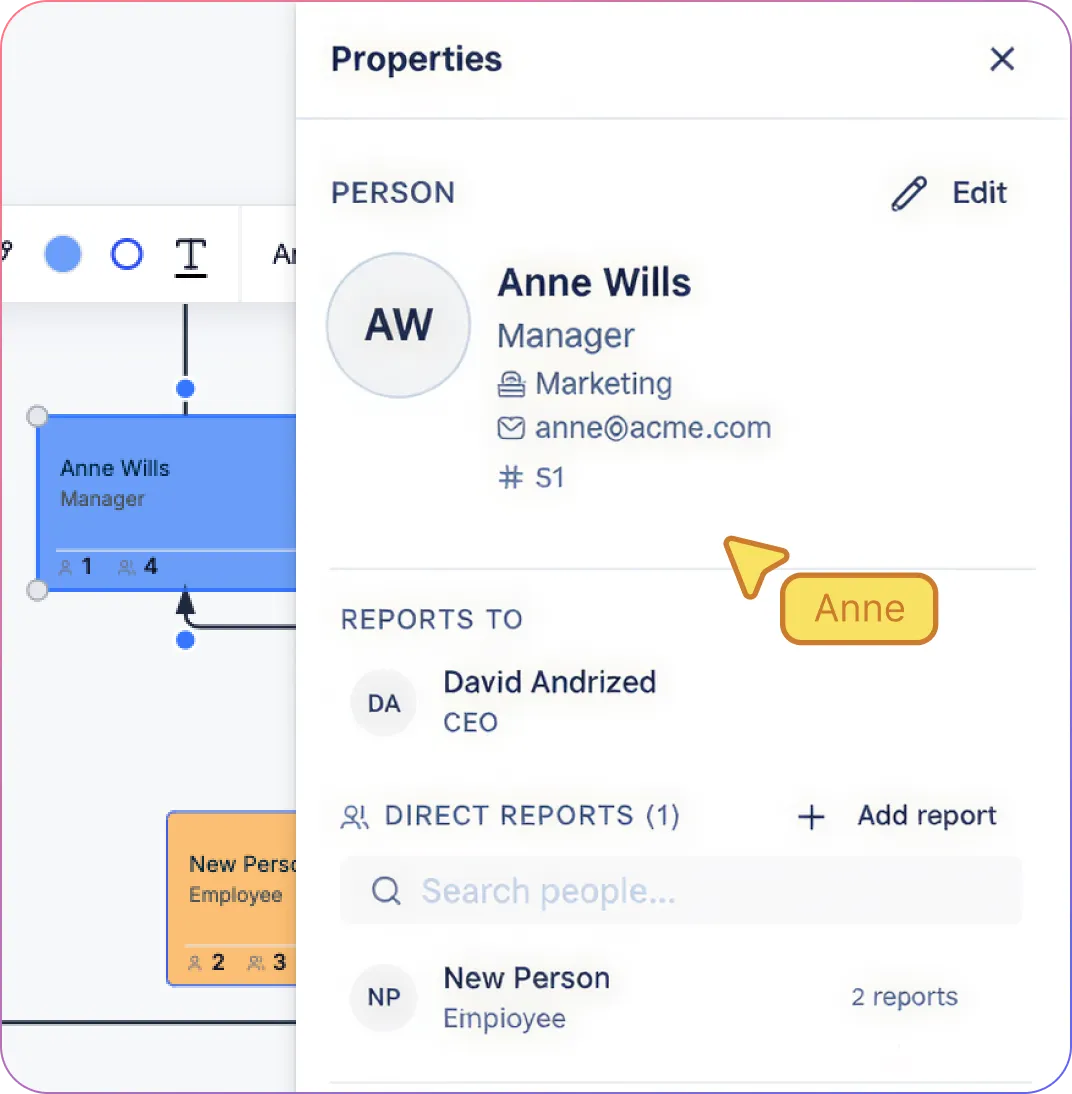
Give Every New Hire the Org View They Actually Need
Help new employees understand their immediate context by showing just their manager chain, team, and nearby collaborators with focus views and collapsible branches.
Switch between full and compact card views depending on whether the goal is detailed onboarding or a quick visual overview.
Add useful employee details such as department, location, work arrangement, title, start date, and onboarding notes with custom properties and field packs.
Show project teams, role profiles, mentors, and cross-functional contacts in the same workspace so onboarding reflects real working relationships, not just the hierarchy.
Support different onboarding situations, including matrix structures and dotted-line reporting, with multiple relationship types that make the structure easier to understand at a glance.
Help People Find the Right Contacts, Teams, and Context Faster
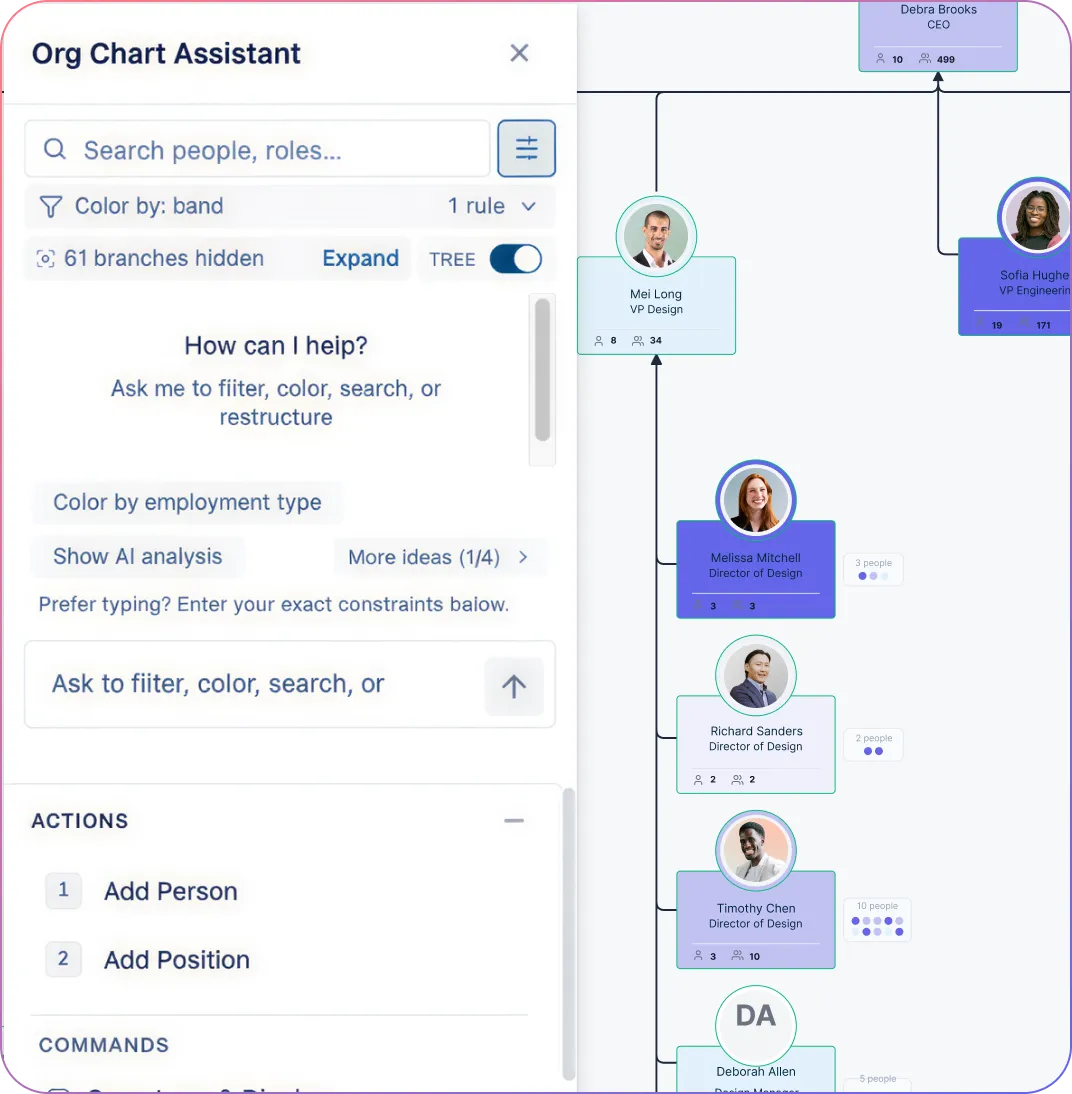
Search the organizational chart by name, title, department, location, or field value so new hires and managers can find the right people quickly.
Ask AI questions in plain language to surface reporting chains, team structures, and the right contacts without digging through multiple files.
Use filters, color overlays, and heatmaps to make team distribution, tenure, work arrangement, or department structure easier to understand.
Reduce clutter during onboarding conversations by isolating one team, function, or reporting branch at a time.
Reuse the same org chart beyond day-one onboarding for headcount visibility, internal mobility, team changes, and workforce planning.
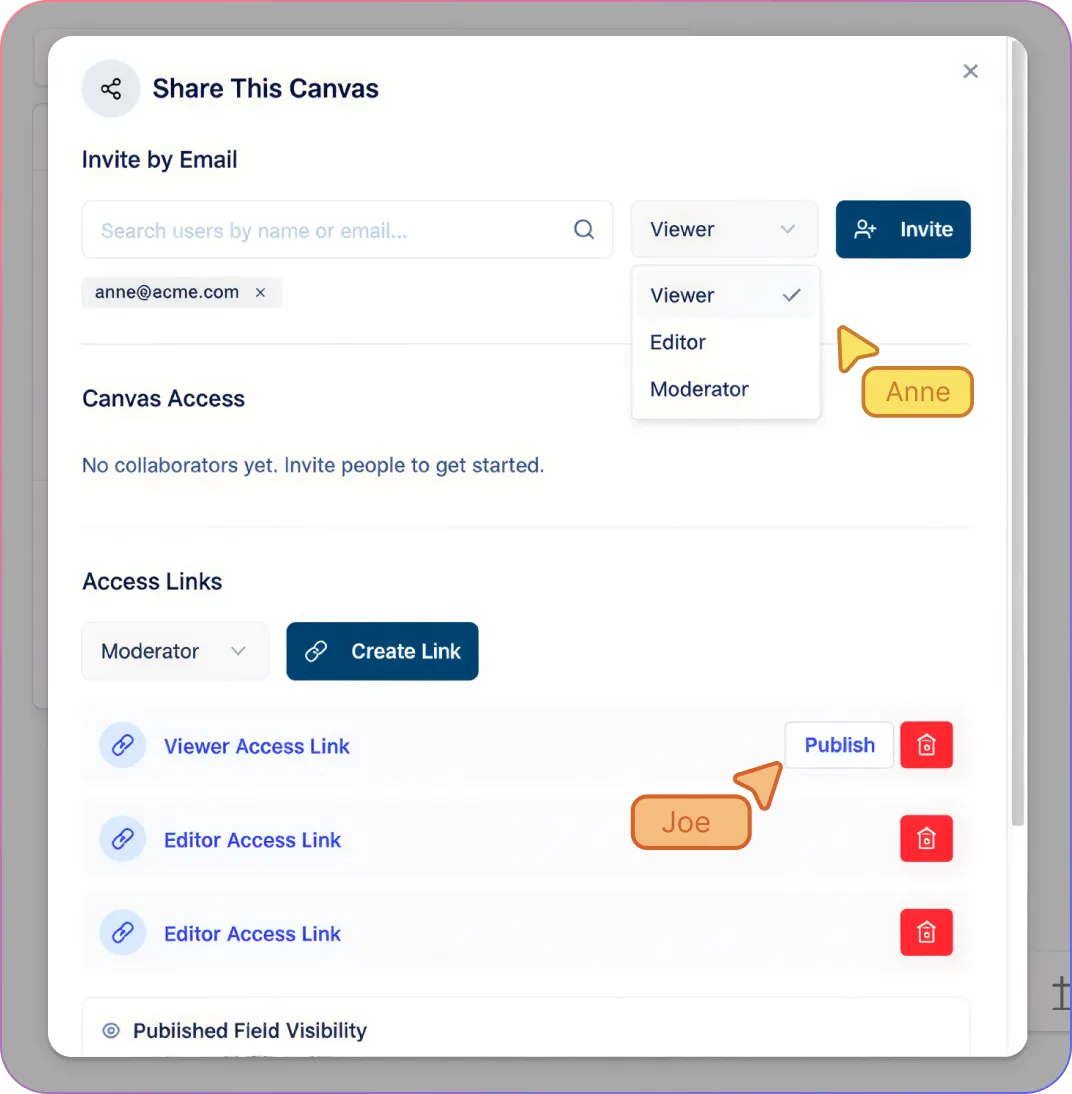
Keep HR, Managers, and New Hires Aligned on One Shared Org Chart
Let HR, hiring managers, and team leads work on the same onboarding org chart in real time instead of updating separate files.
Review onboarding updates in context with comments and collaboration instead of scattered email threads and docs.
Share the right view with the right audience using Viewer, Editor, Moderator, and Owner permissions.
Give new hires and stakeholders read-only access to the organizational chart without exposing unnecessary editing controls.
Protect sensitive employee data with field-level visibility controls so people only see what is appropriate for their access level.
How to Create an Employee Onboarding Org Chart in Creately
Import employee data from CSV or start with a template
Map reporting lines, teams, and key onboarding contacts
Validate the structure and auto-generate the organizational chart
Customize cards, fields, and onboarding-specific views
Share, present, or reuse the org chart across onboarding workflows
Free Online Employee Onboarding Org Chart Templates
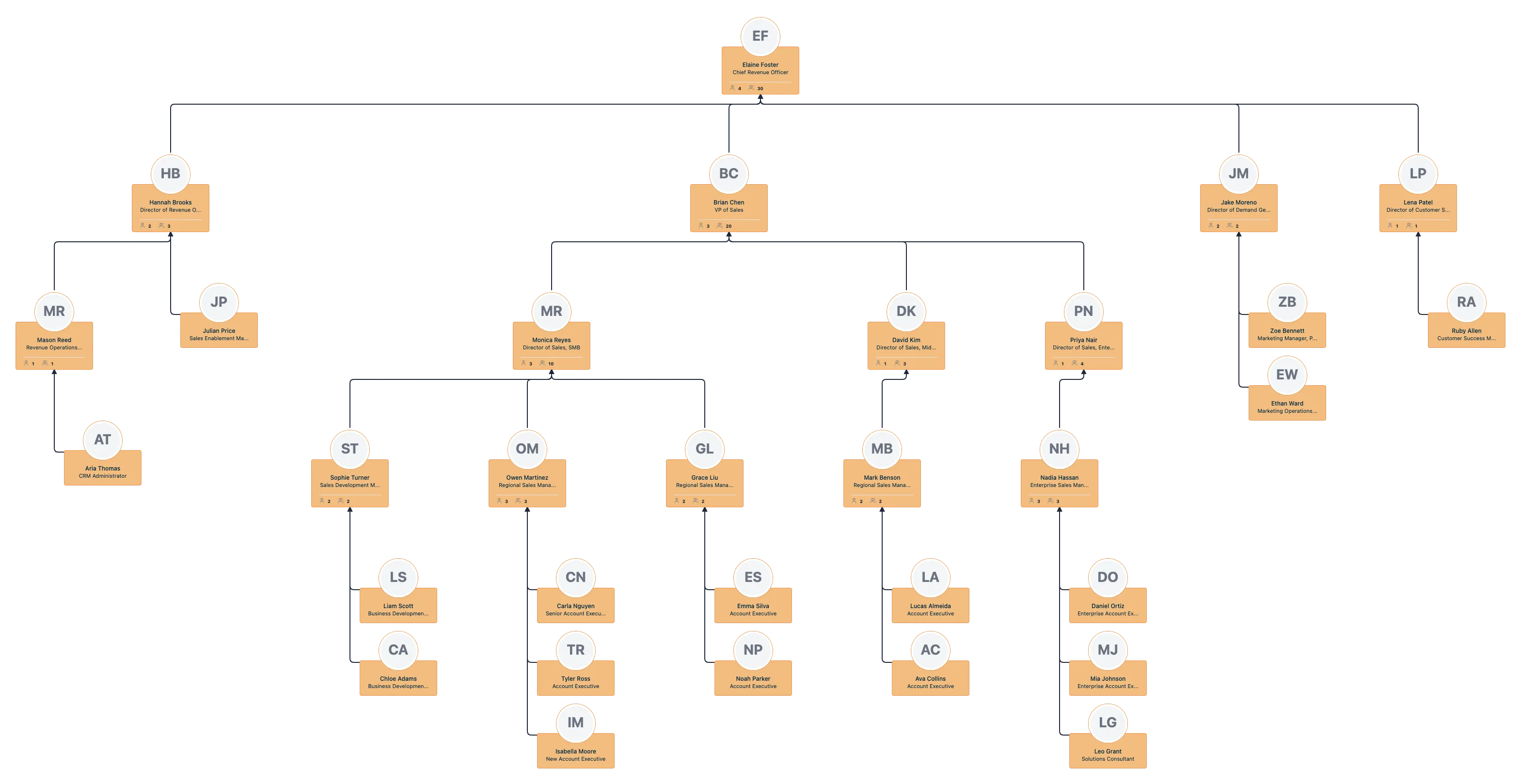
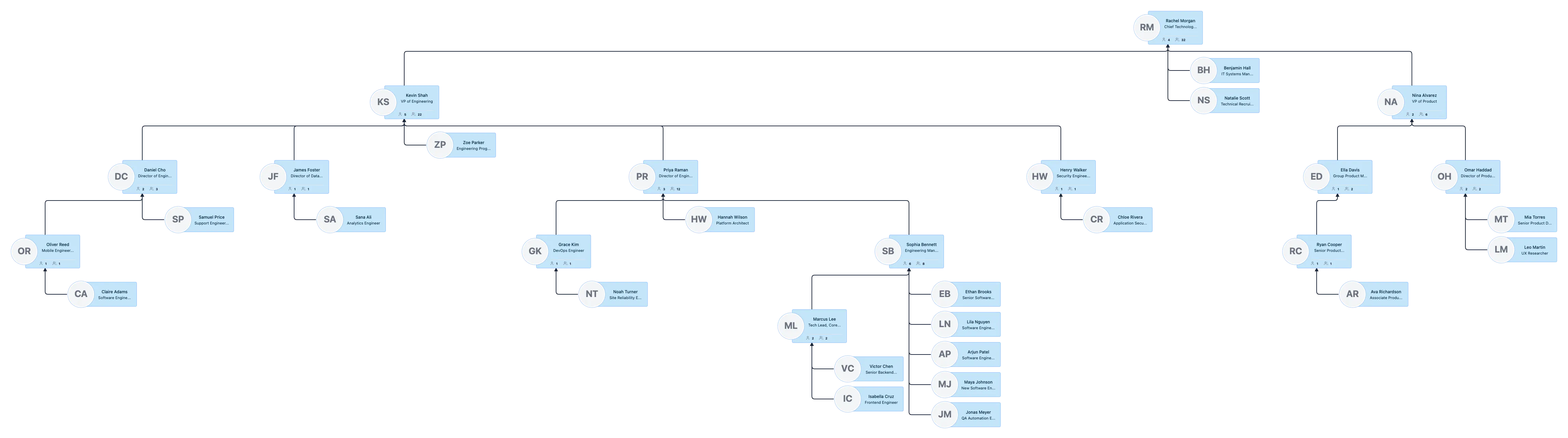
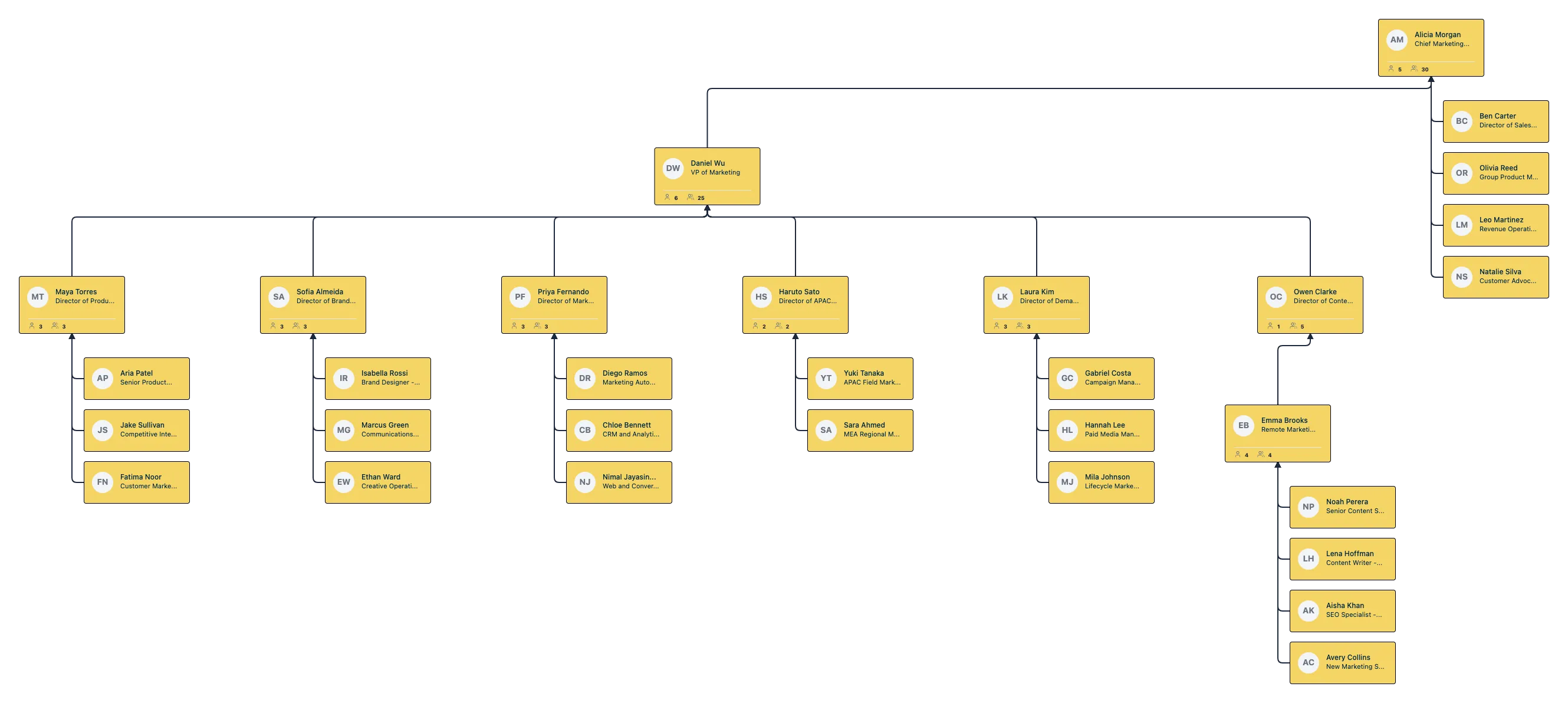
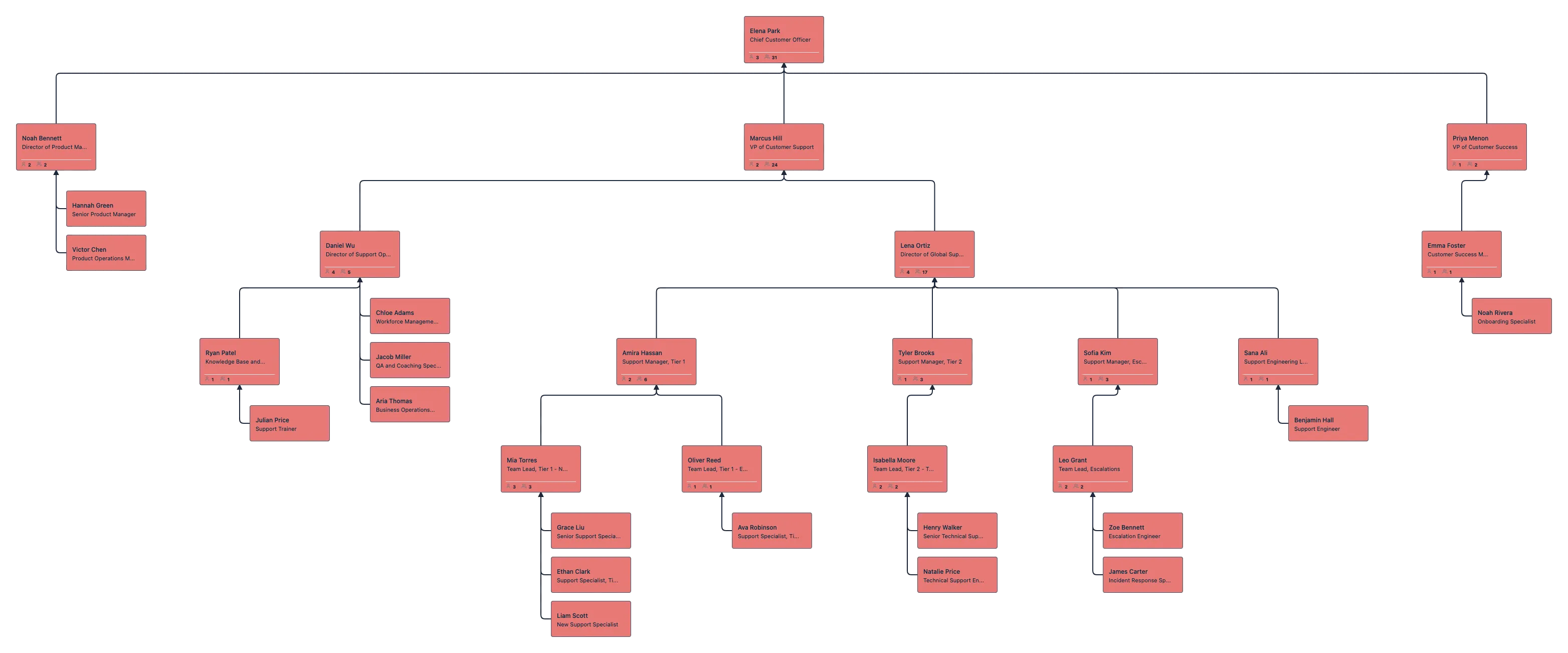
Use Cases
New Hire Team Introductions
Show new employees their manager, teammates, department leaders, and close collaborators so they understand where they fit faster.
Cross-Functional Onboarding
Map the key people a new hire will work with across teams, including sales, product, engineering, HR, operations, and support.
Manager and Mentor Alignment
Clarify managers, mentors, and dotted-line support so responsibilities are easier to understand from the start.
Remote and Distributed Team Onboarding
Help new hires understand locations, reporting lines, and team structure across offices, regions, and work arrangements.
Role and Project Context
Connect people to projects, role profiles, and cross-functional teams so onboarding shows how work gets done, not just who reports to whom.
Ongoing Org Visibility After Onboarding
Keep using the same living org chart for team updates, manager changes, internal communication, and future hires.
FAQs About Employee Onboarding Org Chart Tool
What are Creately’s employee onboarding org chart tool pricing plans?
- Free Plan — $0/month for basic employee onboarding org chart creation and collaboration
- Starter & Team Plans — $8/month or $5/month billed annually
- Business Plan — $149/month or $89/month billed annually
Annual billing helps you save more while unlocking advanced collaboration, workspace management, and enhanced employee onboarding org chart features. You can compare all available plans and features on the Creately Pricing Page.
How can you create employee onboarding org charts faster?
Are there templates for different employee onboarding org chart use cases?
Can teams collaborate on employee onboarding org charts?
Can I add notes, data, and files?
Can I share, present, or export employee onboarding org charts?













Find practical guides and support articles for mapping new hire reporting lines, team structure, mentors, and key collaborators more clearly.
 Quick Answers
 Employee Onboarding Org Chart Guides
 Practical Support Articles