Design System Generator
Visualize, Customize, and Scale Your Design System Online
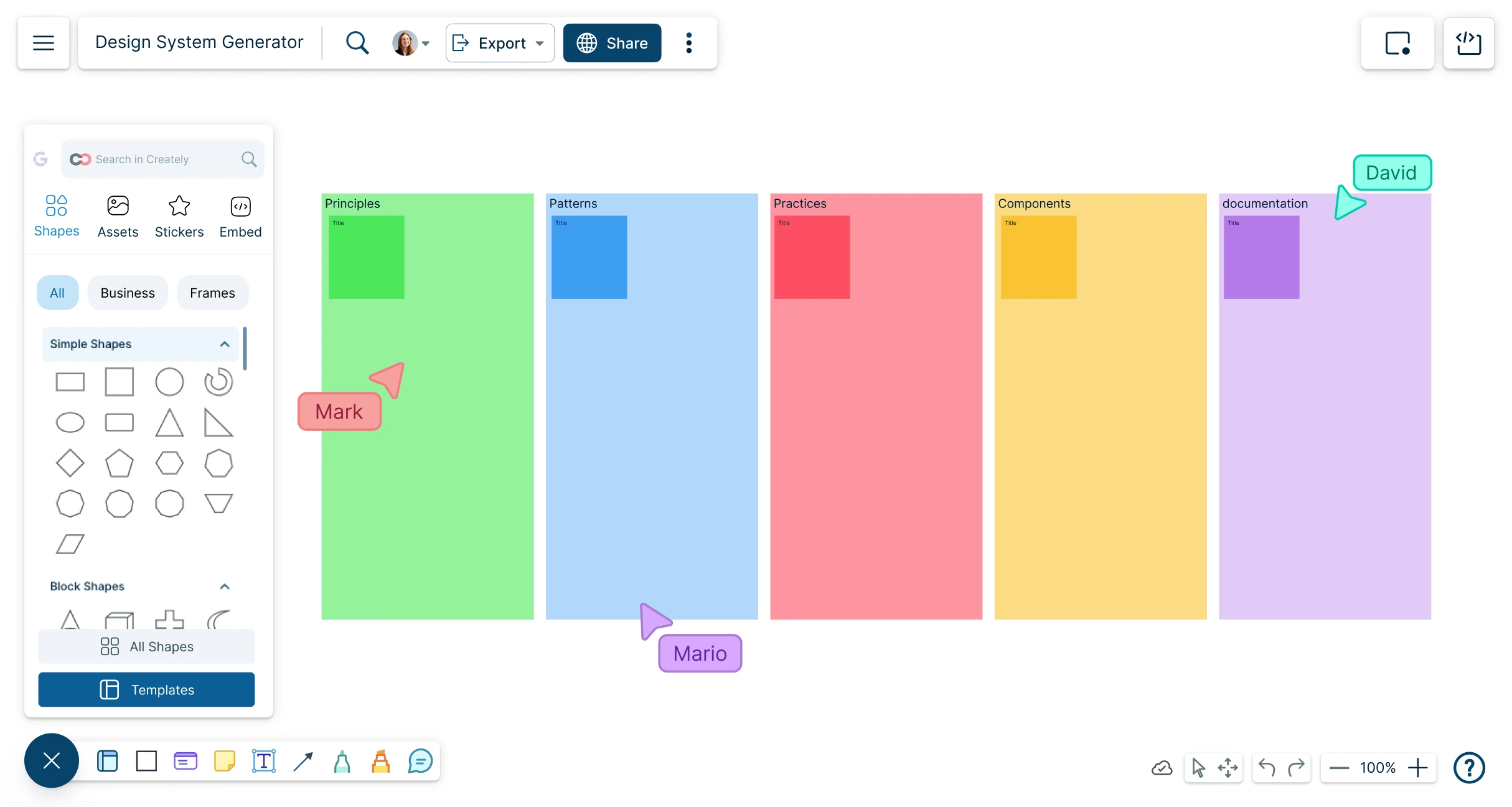
Powerful visual design system generator to create, manage, and scale design tokens, UI components, and documentation—all in one responsive collaborative workspace.
Auto-generate scalable design system structures with AI
Collaborate in real time with designers, developers & product teams
Keep design and dev perfectly aligned with visual version control




 Diagramming Visual Collaboration Org Chart


Design System AI Tool
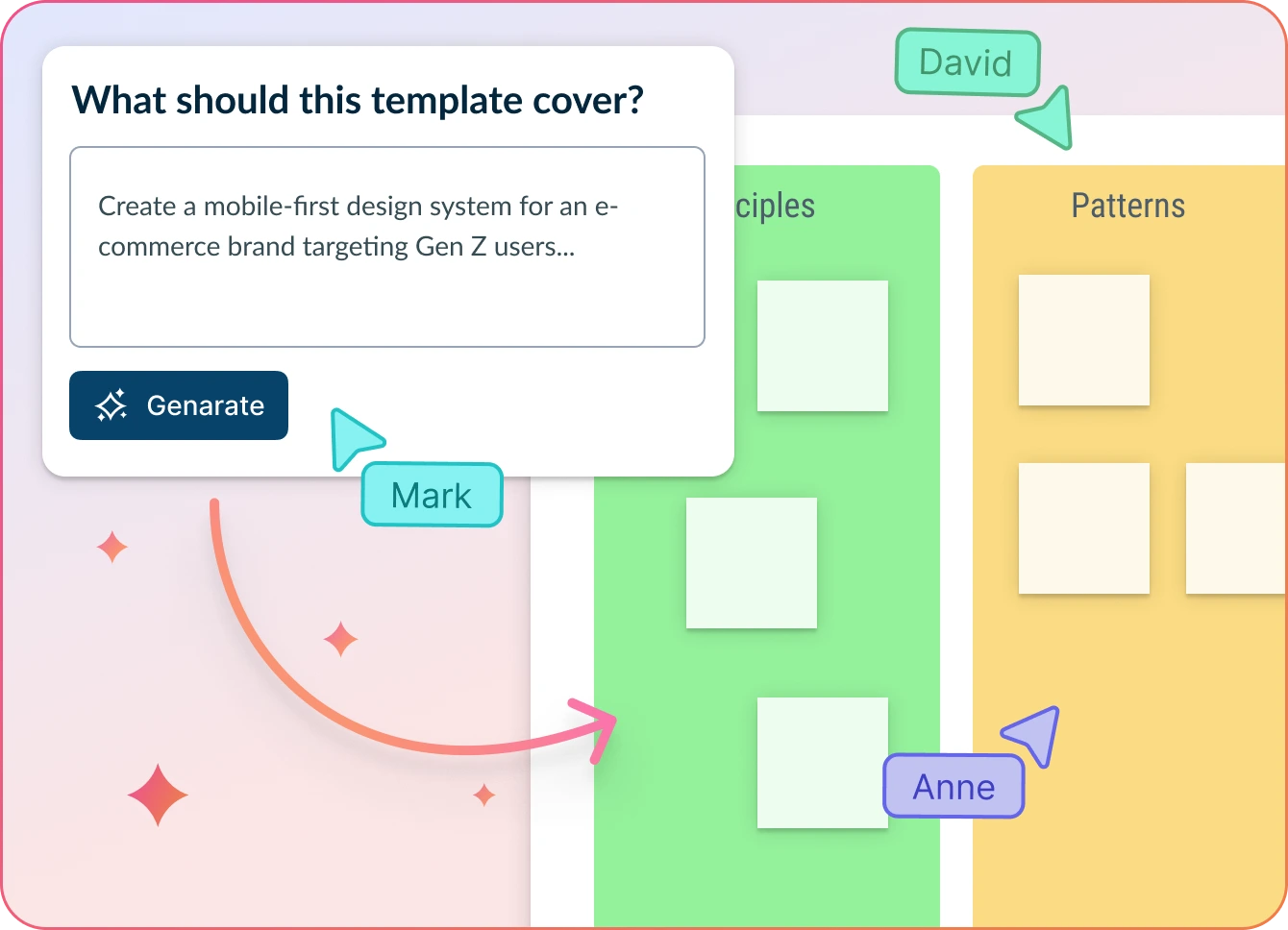
Accelerate Design System Creation with AI-Powered Assistance
- Start with a blank canvas or pre-built design system template
- Enter design principles, component ideas, or token definitions in the dialog box
- Click Generate with AI → let Creately structure your design system, suggest components, and auto-generate documentation
Why Teams Love Creately’s Design System AI Tools
 Faster Setup – Instantly generate foundational elements like color tokens, typography scales, and component groups.
 Private & Secure – Your design data is processed securely and never leaves Creately’s encrypted infrastructure.
 Smarter Suggestions – AI recommends reusable patterns, naming conventions, and accessibility best practices.
 Works with Your Language – AI understands industry-specific terminology and supports multilingual teams.
 Automated Documentation – Generate style guides and design system documentation as you build—no manual work needed.






Lay the Foundation for Scalable, Consistent Design Systems
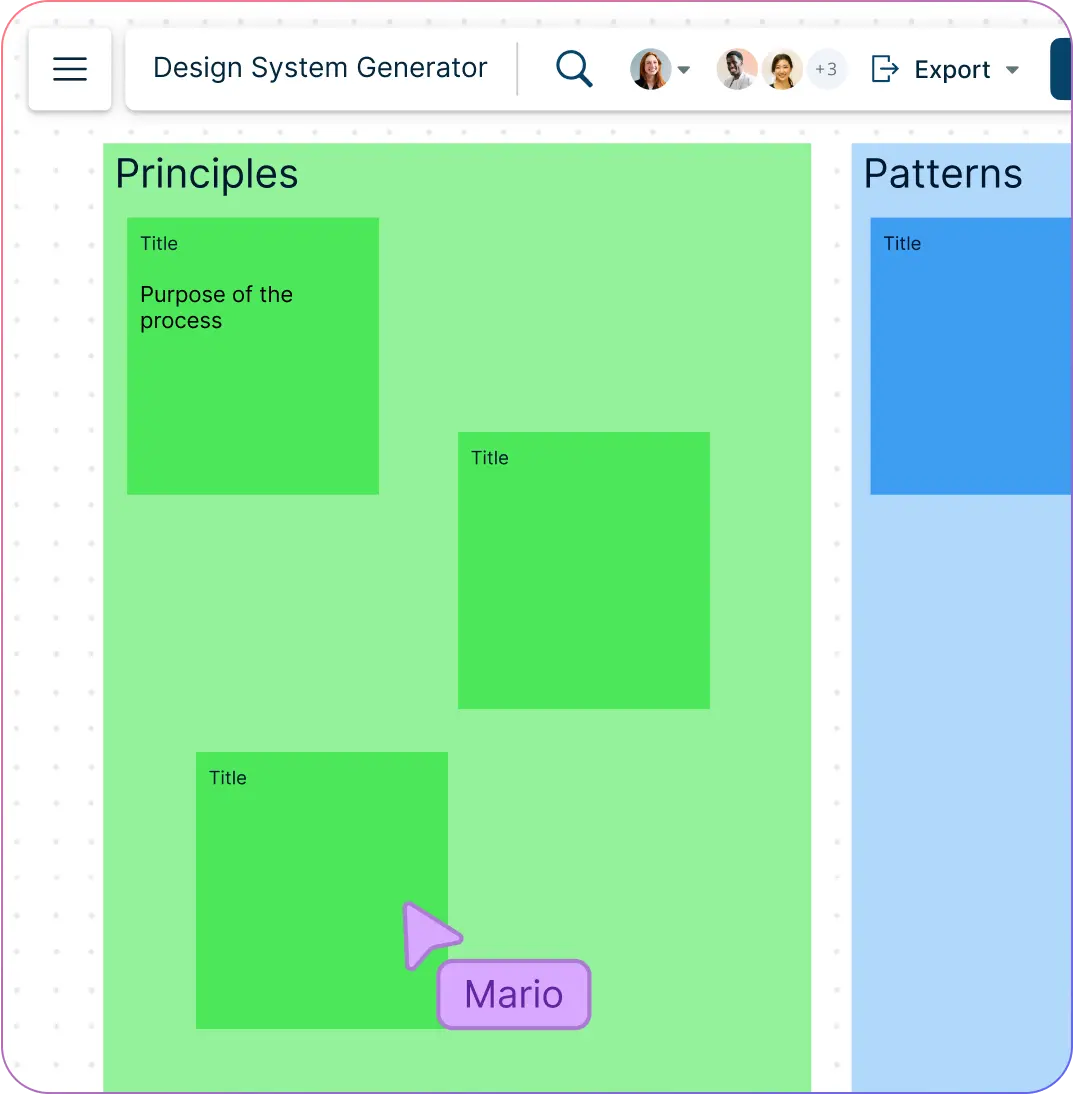
Define your design principles, token structures, and component needs from the start with built-in templates and planning tools.
Map out your UI architecture visually to align design and development from day one.
Use sticky notes, diagrams, and whiteboards to brainstorm design patterns, naming conventions, and documentation flow.
Collaborate with your team to plan reusable components, accessibility guidelines, and branding rules in one unified space.
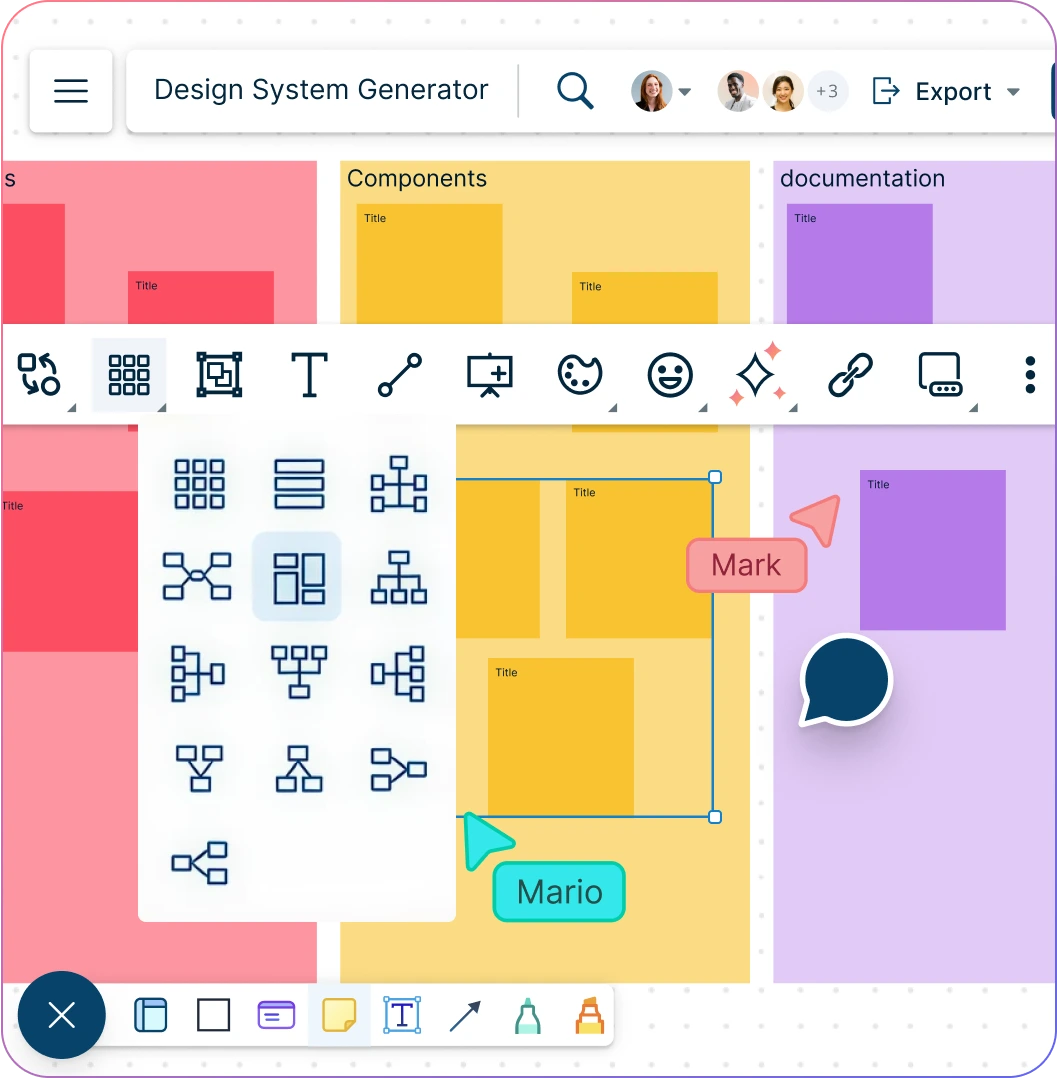
Bring Your Design System to Life—Visually and Intuitively
Create design tokens, component hierarchies, and style guides with drag-and-drop precision.
Visualize relationships between colors, typography, spacing, and UI elements in a centralized workspace.
Use smart containers and layout grids to organize components for better scalability and reuse.
Instantly see how design decisions impact the entire system with real-time visual feedback and updates.
Seamlessly Integrate Your Design System Across Tools and Teams
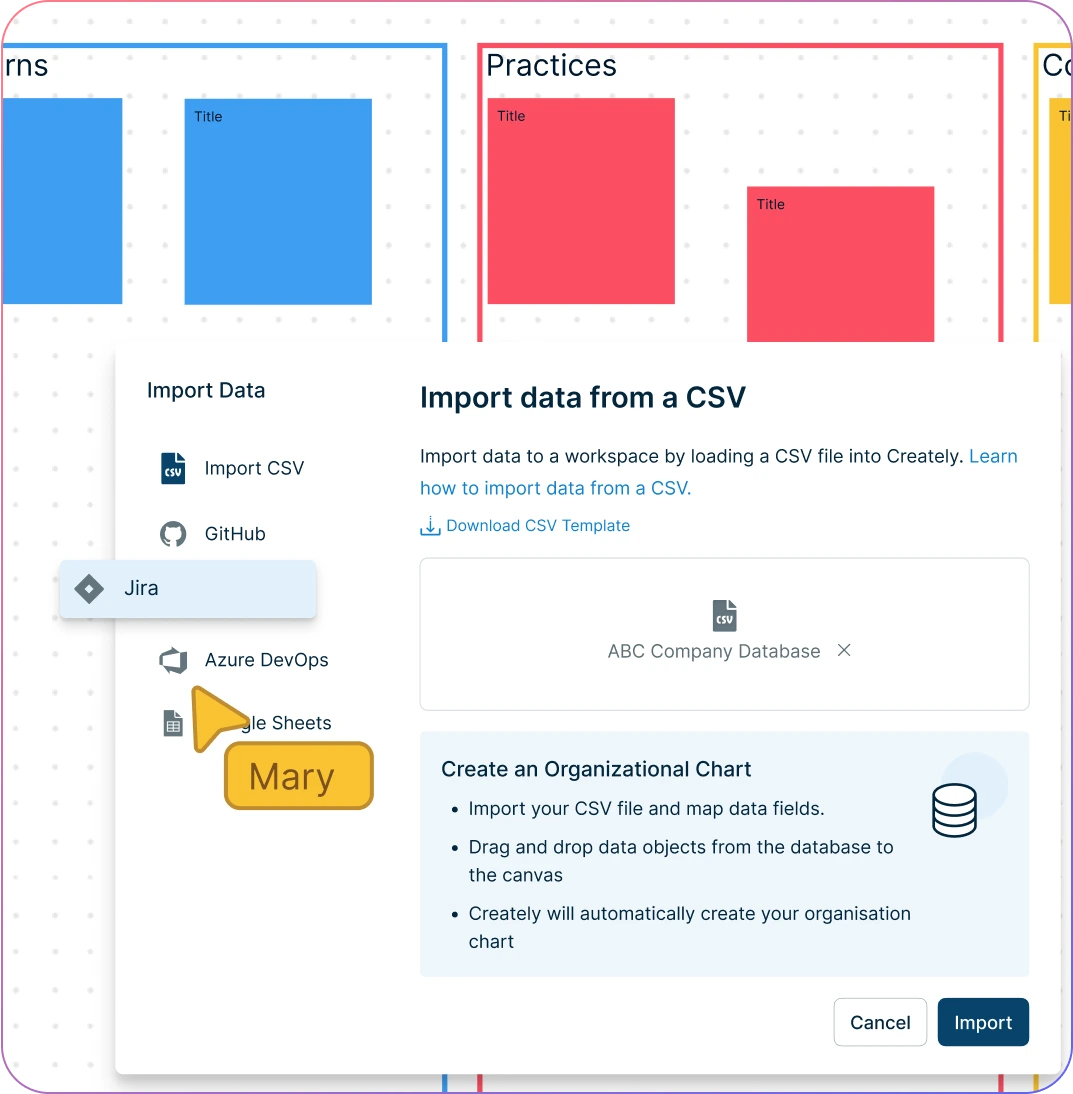
Sync your design system with tools like JIRA, GitHub, and other development environments effortlessly.
Connect design components to codebases and ensure consistency with live documentation.
Keep every stakeholder on the same page by linking your design system to product roadmaps, design specs, and developer handoff tools.
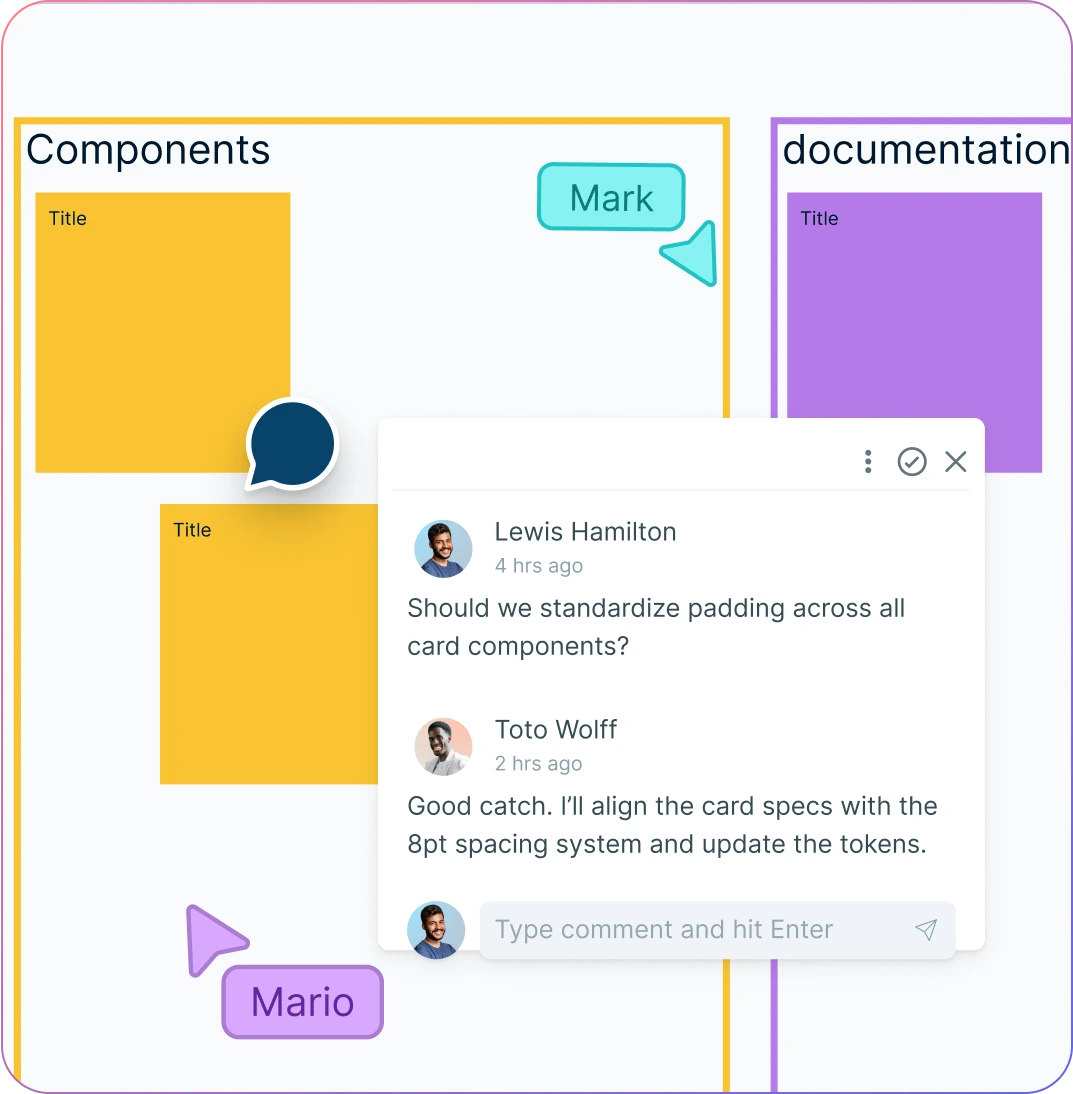
Build and Evolve Your Design System—Together
Work with designers, developers, and stakeholders in real time to co-create and refine your design system.
Leave contextual comments, tag teammates, and track changes directly on the canvas.
Manage roles and permissions to ensure structured contributions and smooth reviews.
Turn your design system into a living document that grows with your product and team workflows.
What Is a Design System Generator?
A Design System Generator is a tool that helps teams create, manage, and scale consistent design systems faster and more efficiently. It brings together design tokens, UI components, visual styles, and documentation into one centralized workspace.
With a Design System Software, you can visually build the foundations of your design language, automate repetitive tasks, and ensure that every team, from design to development, stays aligned. Whether you’re starting from scratch or evolving an existing system, it simplifies every step of the process.
How to Create a Design System Using Creately's Design System Generator?
Launch Creately
Sign in and open a new workspace. Pick from pre-built Design System Generator templates with ready-made structures (color palettes, typography, components) or start with a blank canvas.
Define Core Variables and Styles
Easily set up your design tokens—colors, typography, spacing, shadows—using Creately’s drag-and-drop tools. Automate naming conventions and visualize relationships to keep everything consistent.
Build and Organize UI Components
Quickly add buttons, forms, cards, and more. Use smart containers and reusable component libraries to structure elements, making your system scalable across projects.
Document and Enhance with AI
Add sticky notes, callouts, and guidelines directly on the canvas to document usage rules, accessibility notes, and developer instructions. With AI-powered design system tools, you can instantly generate token structures, suggest reusable patterns, and create initial documentation.
Collaborate, Review, and Share
Invite your team to co-create in real time, leave contextual comments, and track versions. Export your design system as PDF, PNG, or SVG—or share the live workspace for seamless developer handoff.
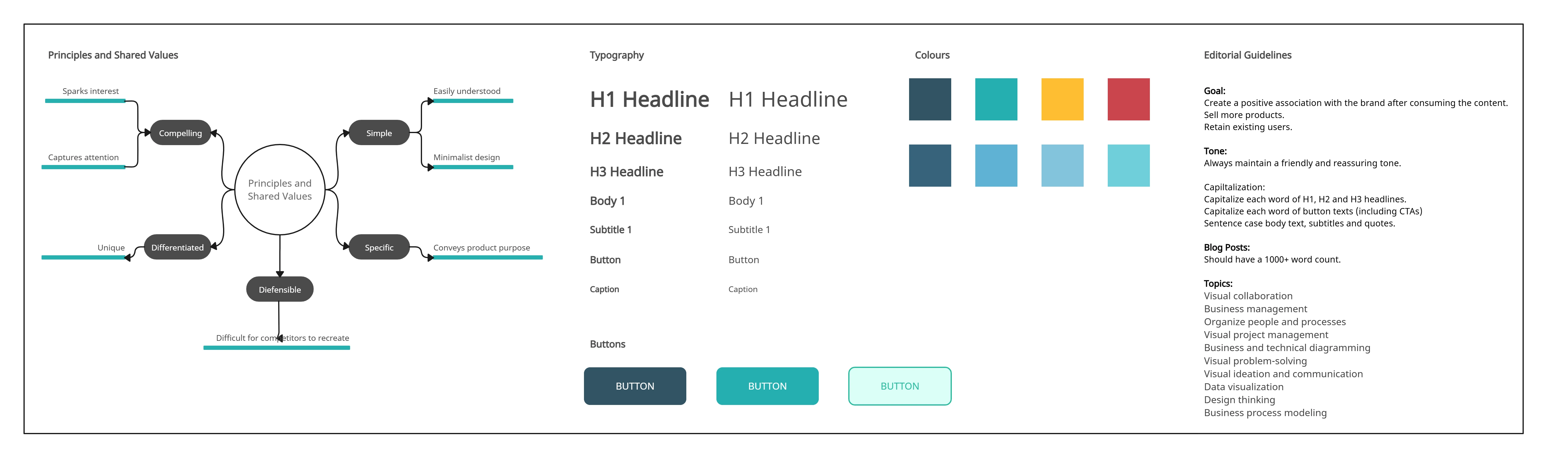
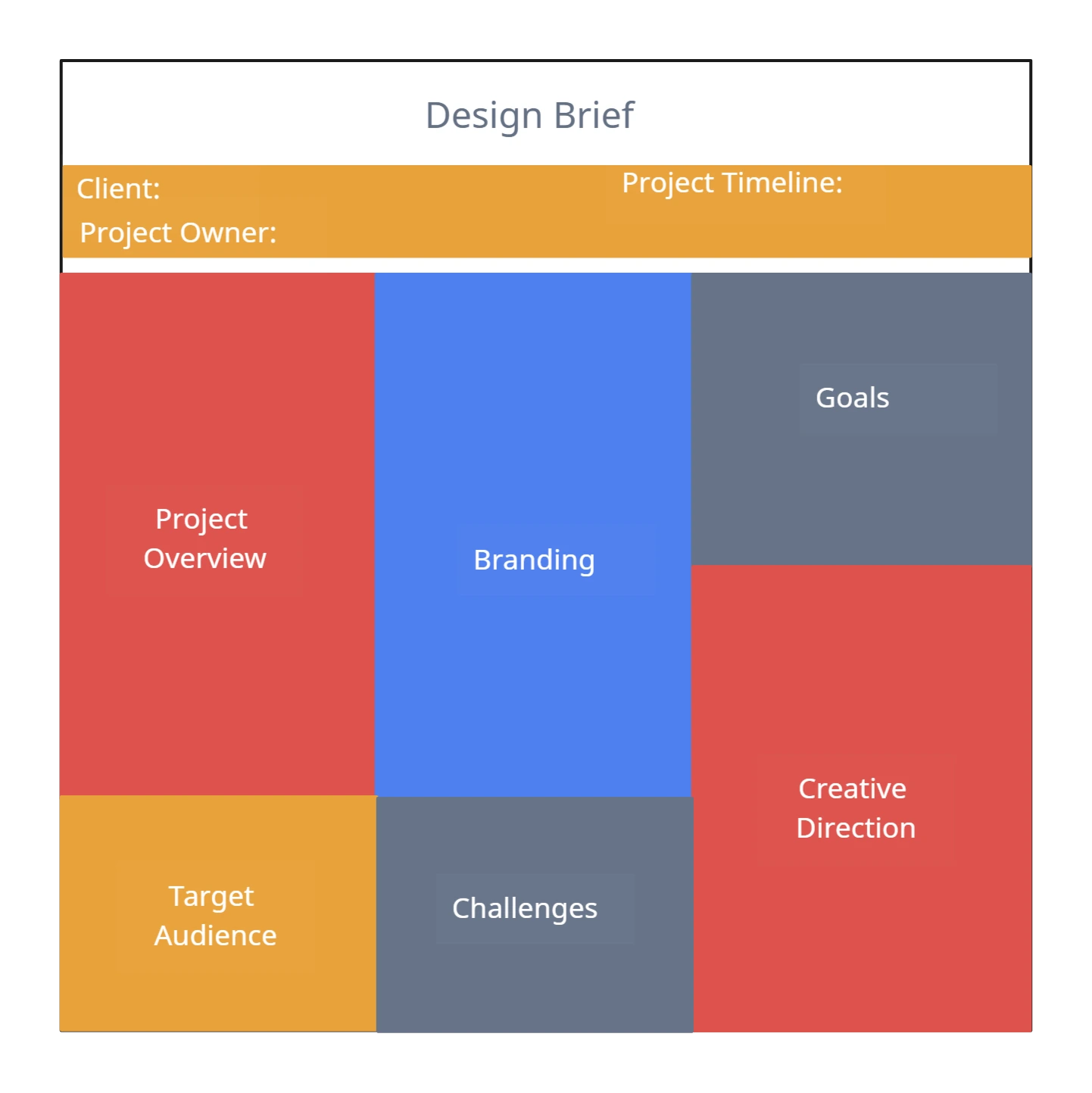
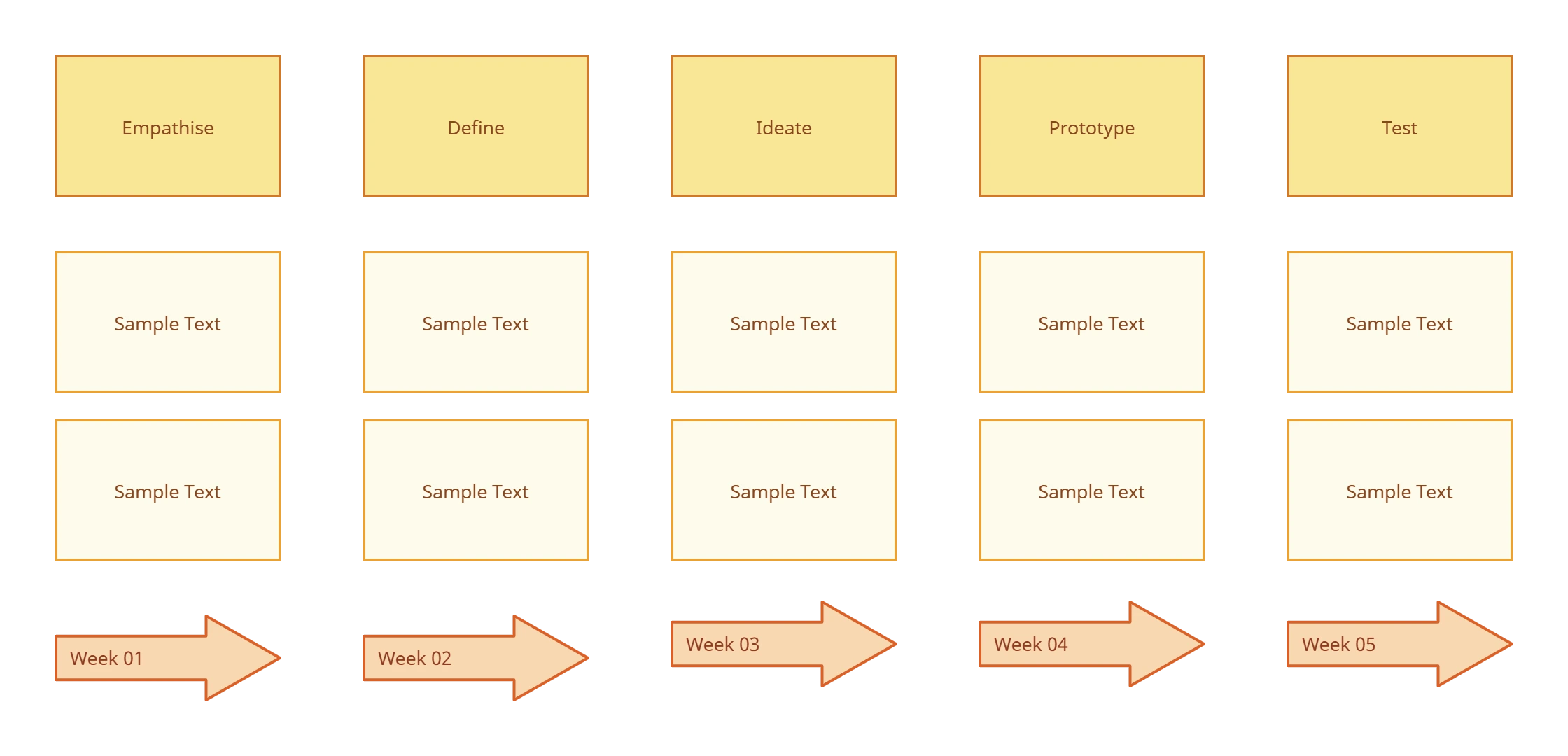
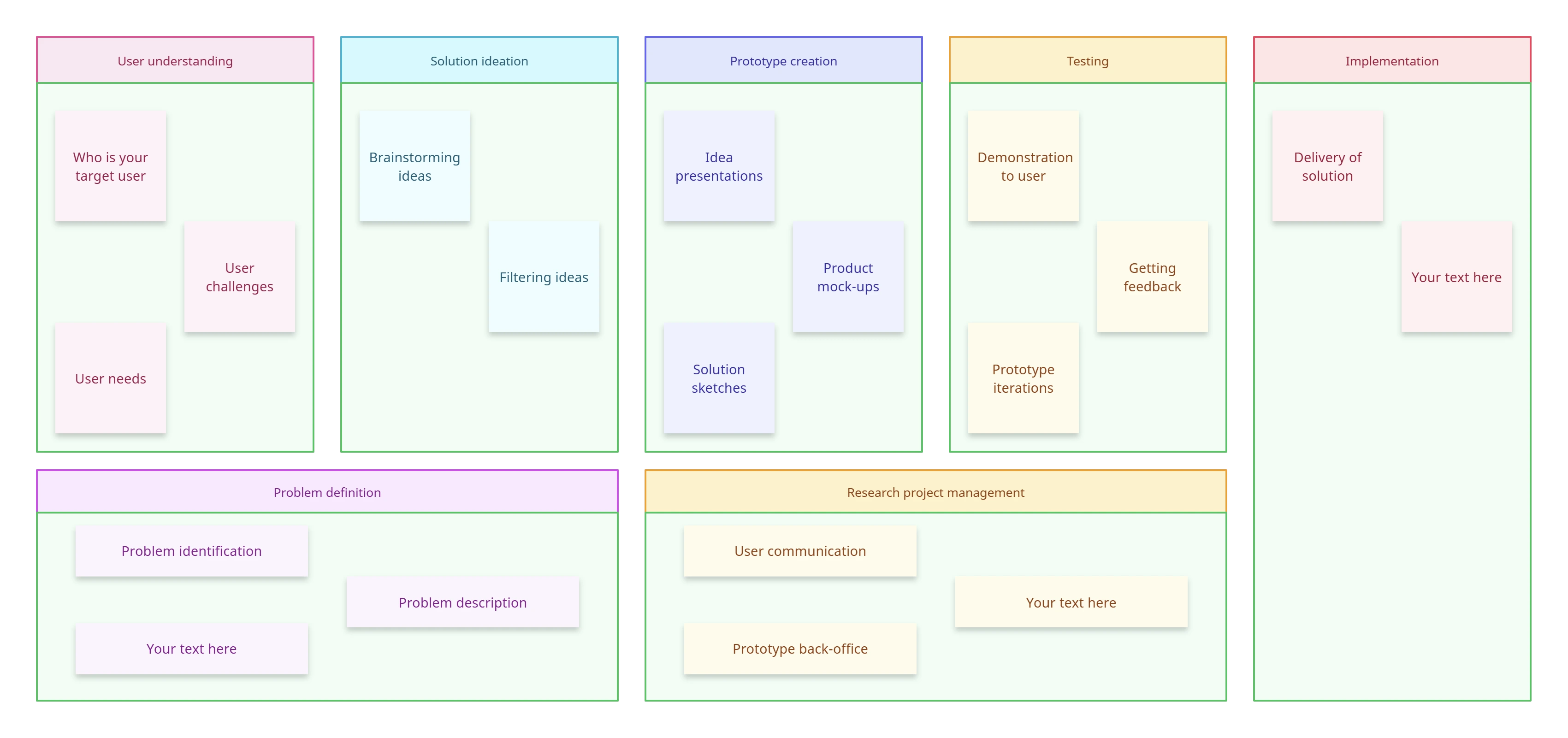
Create a Design SystemGenerate Your Design System Instantly with These Free Editable Templates
FAQs About Design System Generator
Why should I use a Design System Generator?
Who should use a Design System Generator?
How does a Design System Generator improve design consistency?
Can I customize templates in the Design System Generator?
Does using a Design System Generator help with accessibility compliance?