Component Diagram Maker

Turn System Complexity into Crystal-Clear UML Architecture

Built for developers, system architects, and DevOps teams to design modular system architectures with UML component and composite structure diagrams quickly and collaboratively. Connect components, define interfaces, and map dependencies clearly, whether building new systems or documenting existing ones.

  • Build correct UML fast — components, interfaces, and ports without a steep learning curve

  • Review in real time — reduce rework and accelerate sign-off

  • Start from best-practice templates — get a clean, standards-aligned base

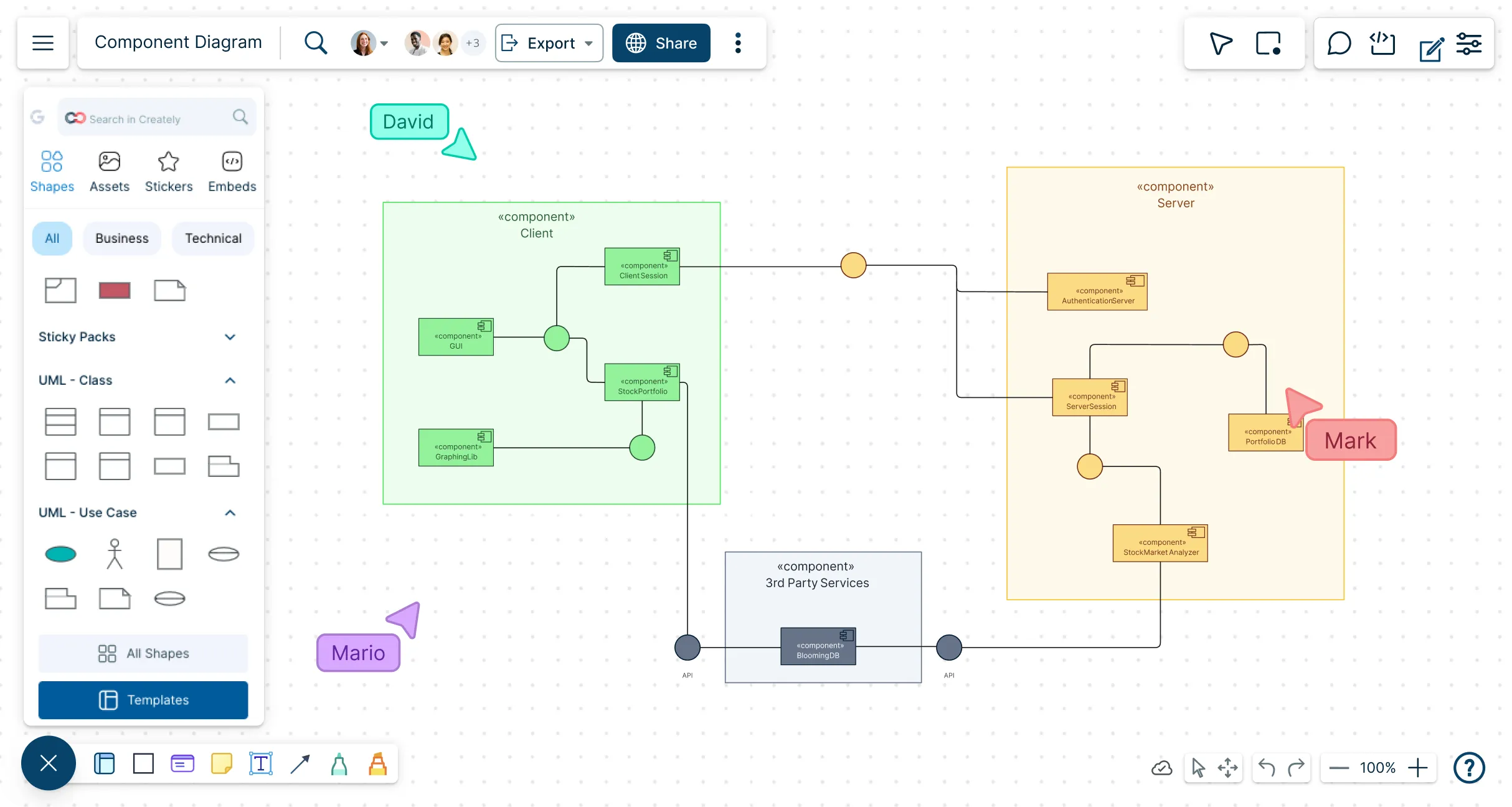
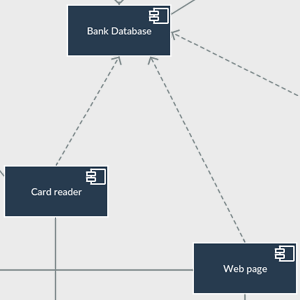
Snapshot of Creately's workspace with a component diagram template
Over 10 Million people and 1000s of teams already use Creately
Diagramming Grid Leader 2025 Diagramming
Visual Collaboration Grid Leader 2025 Visual Collaboration
Org Chart Grid Leader 2025 Org Chart
Most Implementable 2025 Best Results 2025 Ease to Do Business With 2025

Used by Over 10 Million people and 1000s of teams

A Comprehensive Tool for Visual Collaboration and Diagramming
it is ease of collaborative diagramming and real-time editing. This allows teams to brainstorm, create, and refine diagrams together in a way that feels intuitive and seamless, regardless of location.
JUAN LEONARDO G
Small-Business
Efficient and User-Friendly Diagramming Tool
I love how easy it is to create and collaborate on diagrams with Creately. The real-time collaboration feature is incredibly helpful for team projects, and the extensive library of templates and shapes saves a lot of time
Aymen G
Small-Business
Creately provides best diagram structure.
Creately has proven to be an incredibly creative tool, enhancing the visual appeal of our company tasks significantly. Additionally, its pricing is highly competitive, offering great value for the features it provides.
Ruchika N
Assistant Manager
Creately: Simple Diagram Tool
I like that Creately is easy to use. It helps me create diagrams quickly and easily.
Ananya G
Executive Committee Member
Creately: A smart choice for expressing ideas over diagrams
Creately is a simple and user-friendly application for creating diagrams to visualize complex technical ideas and data flow on wireframes, flow charts, and other visual options. The best part of this tool is its real-time collaboration features, which help us to enhance the workflows in the team.
Gulam M
Software Engineer
User friendly and visually appealing!!
The interface is easy to use. The look is aesthetically pleasing as well. Love the functionality.
Chrisoula
Small-Business
Intuitive Design and Effortless Creativity
What I like best about Creately is its intuitive design and the ease with which it allows me to create attractive designs. From the moment I started using it, I was impressed by how easy it was to navigate the platform and how quickly I could bring my ideas to life in visually appealing diagrams and charts.
DARWIN M.
Mid-Market
Creatly Awesome App
In creatly easy to use and easy to design our all network diagrams for the clients and easy to export and Creately offers a user-friendly interface that makes it easy for users to create various types of diagrams without extensive training or experience. We used creately on daily basis for making diagram.
Surya Prakash M
Tech Lead Security
Easy to use
Creately has better options than Canva. It has great templates. it is a great product to use for visual org charts.
Jennifer D.
Initial Implementation
Great AI features
AI Modelling capability. It gives Prompt examples so user can learn how to create effective prompts
Karma A.
Business Manager
VISUALIZE

Build Clear and Accurate System Architectures
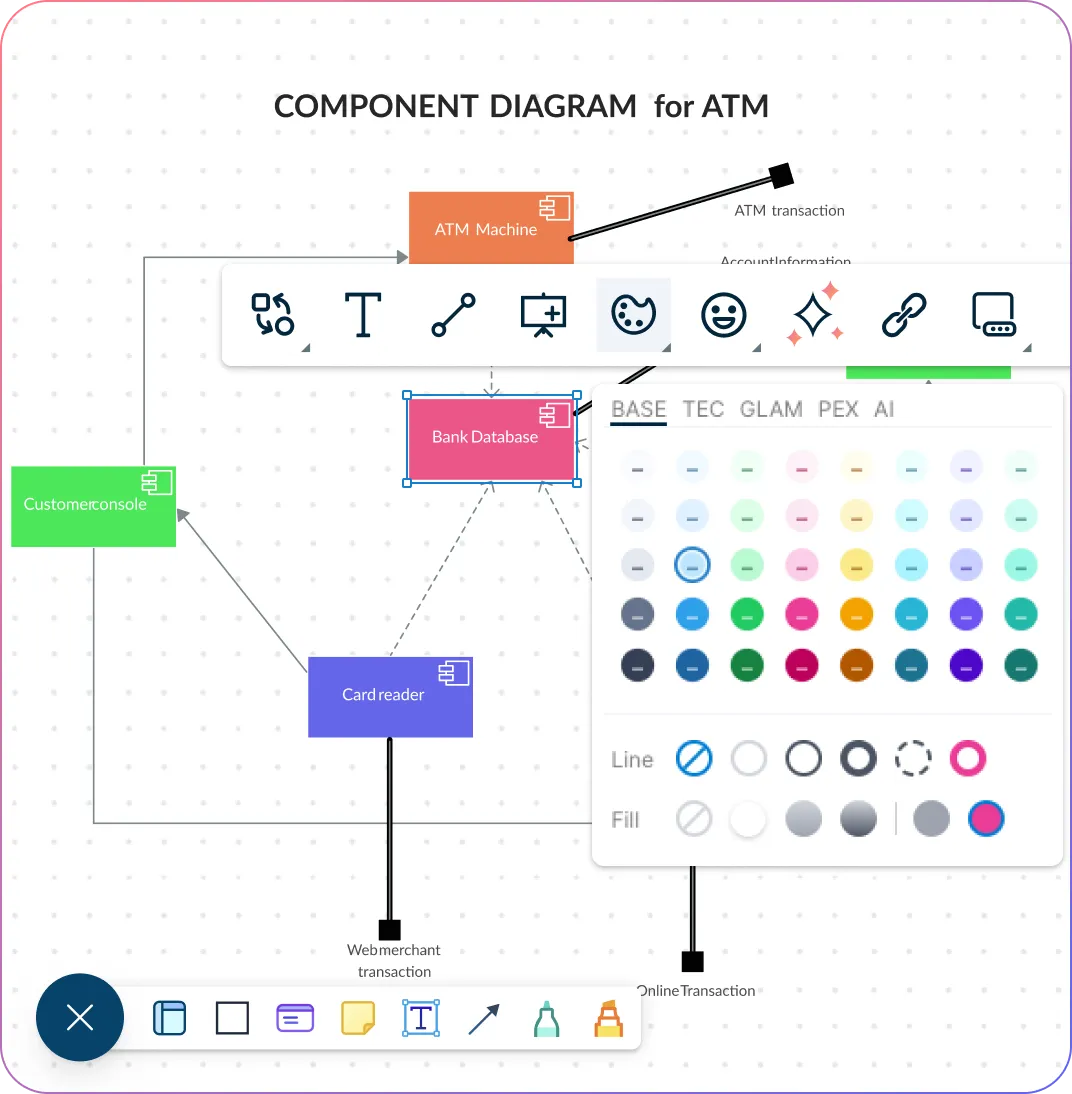
Snapshot of Creately's quick toolbar with a UML component diagram
  • Model modular systems quickly and confidently with ready-made UML components, interfaces, and ports that take the guesswork out of setup.

  • Let smart connectors instantly map out dependencies so your architecture stays clean, logical, and easy for anyone to follow.

  • Group classes and components into packages and hierarchies to bring order to even the most complex designs.

  • Switch between layered composite views to explore details freely while always keeping the big picture in focus.
Snapshot of Creately's quick toolbar with a UML component diagram
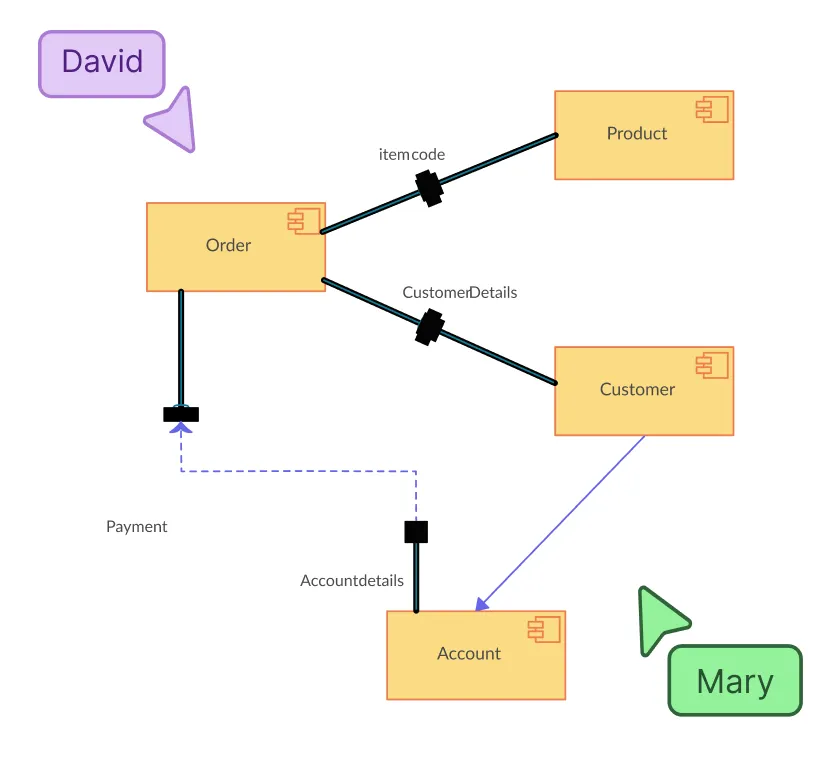
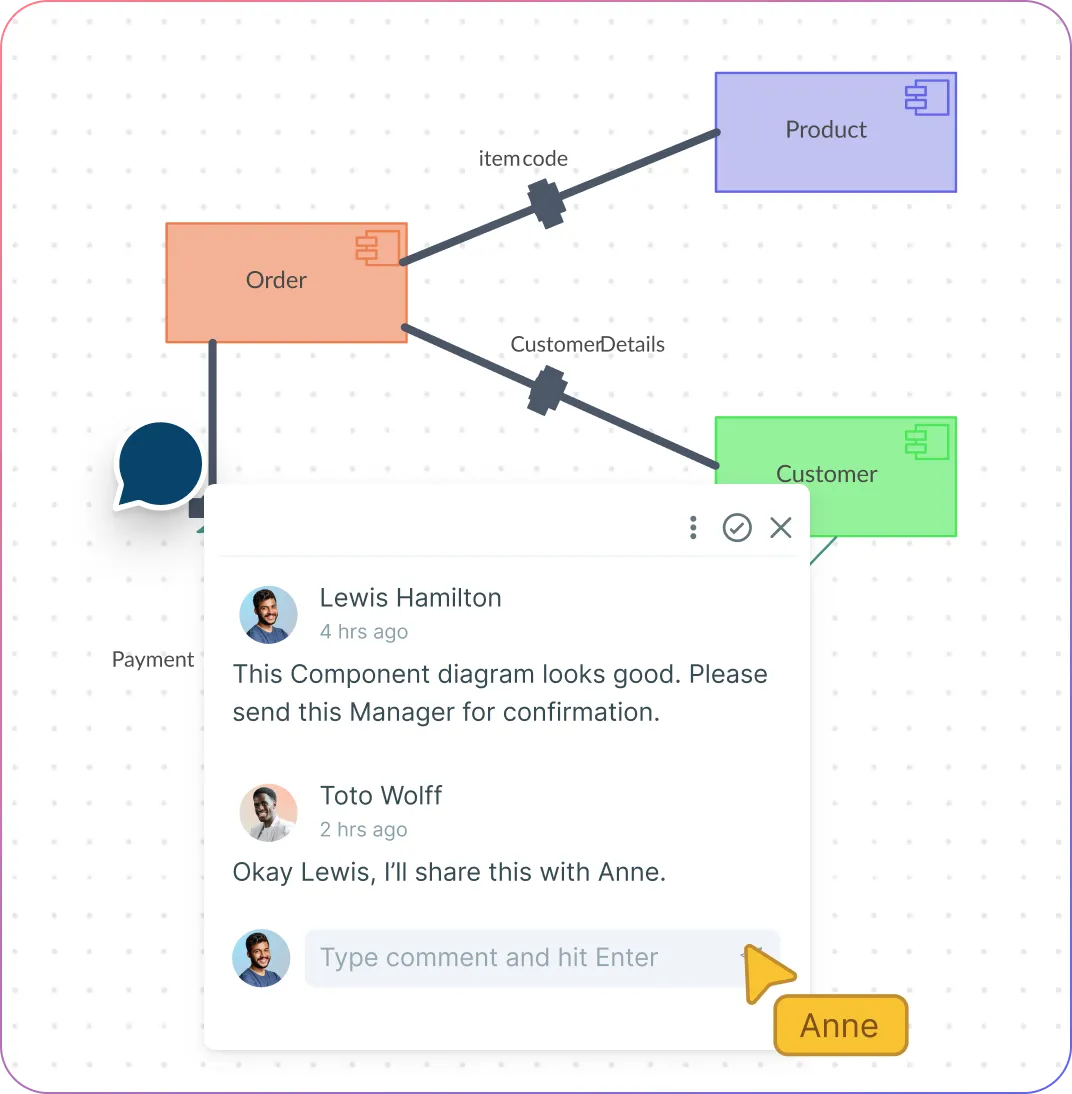
Snapshot of Creately's commenting feature with a component diagram
COLLABORATE

Collaborate Efficiently and Stay Aligned

Snapshot of Creately's commenting feature with a component diagram
  • Work together in real time so ideas flow faster and everyone stays in sync as diagrams evolve.

  • Leave comments right on components and interfaces to clear up questions quickly and keep conversations focused.

  • Keep every version organized in a shared workspace or folder, making it easy for your team to access, review, and build on the same source of truth.

  • Export your diagrams as PDF, PNG, or SVG in a single click so you can share updates or drop visuals into documentation without slowing down.

ORGANIZE

Optimize and Act on Your System Designs
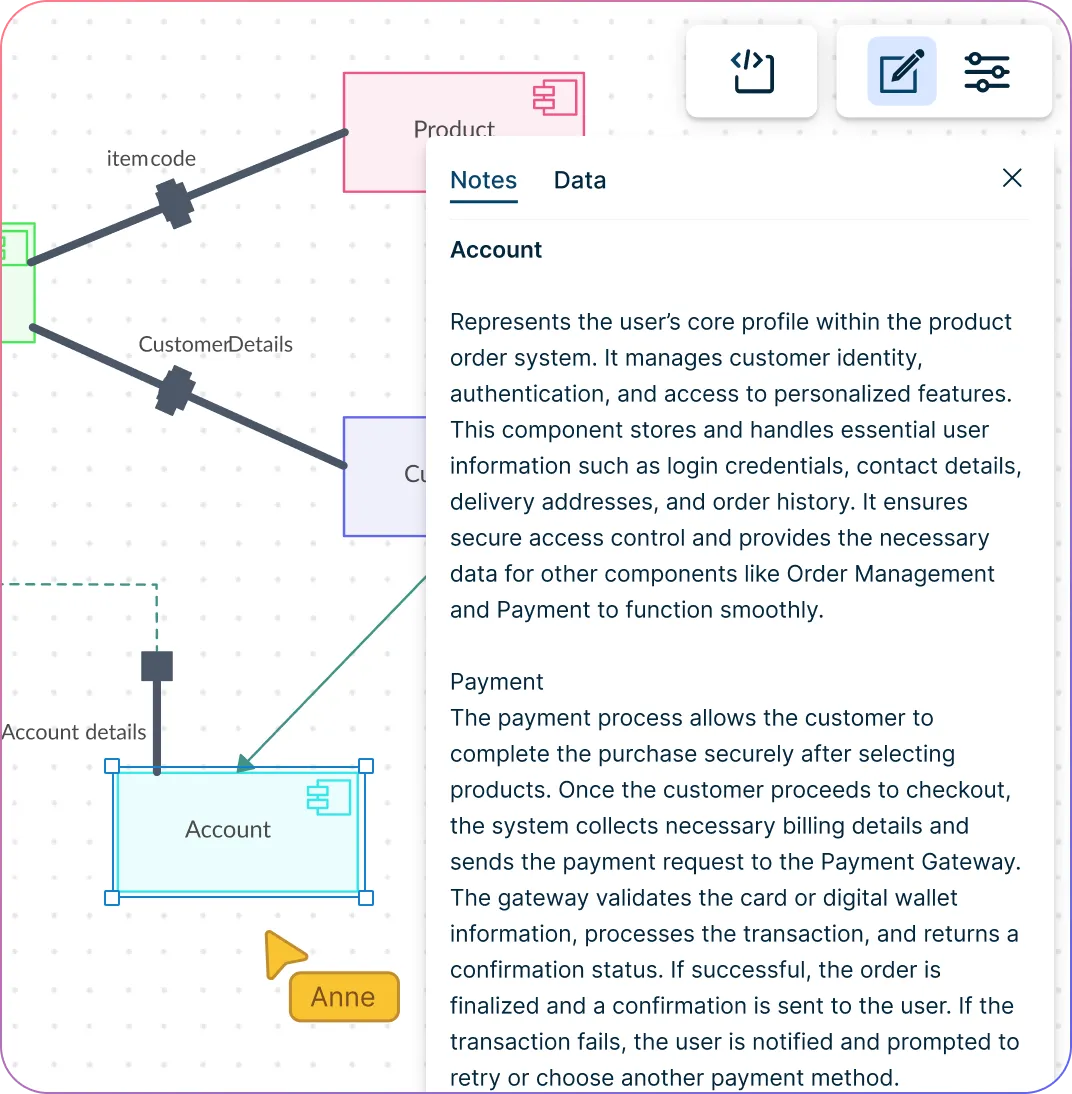
Snapshot of Creately's Component diagram workspace with its notes panel
  • Add notes, custom properties, and hyperlinks to components to make every diagram rich with context and instantly actionable.

  • Keep everything neat and organized as systems grow with auto-layout and alignment tools that do the heavy lifting for you.

  • Connect your workflow seamlessly by embedding diagrams directly into Slack, GitHub, or Confluence.

  • Let smart UML shapes handle connections automatically, cutting errors and saving you time so you can focus on designing better systems.
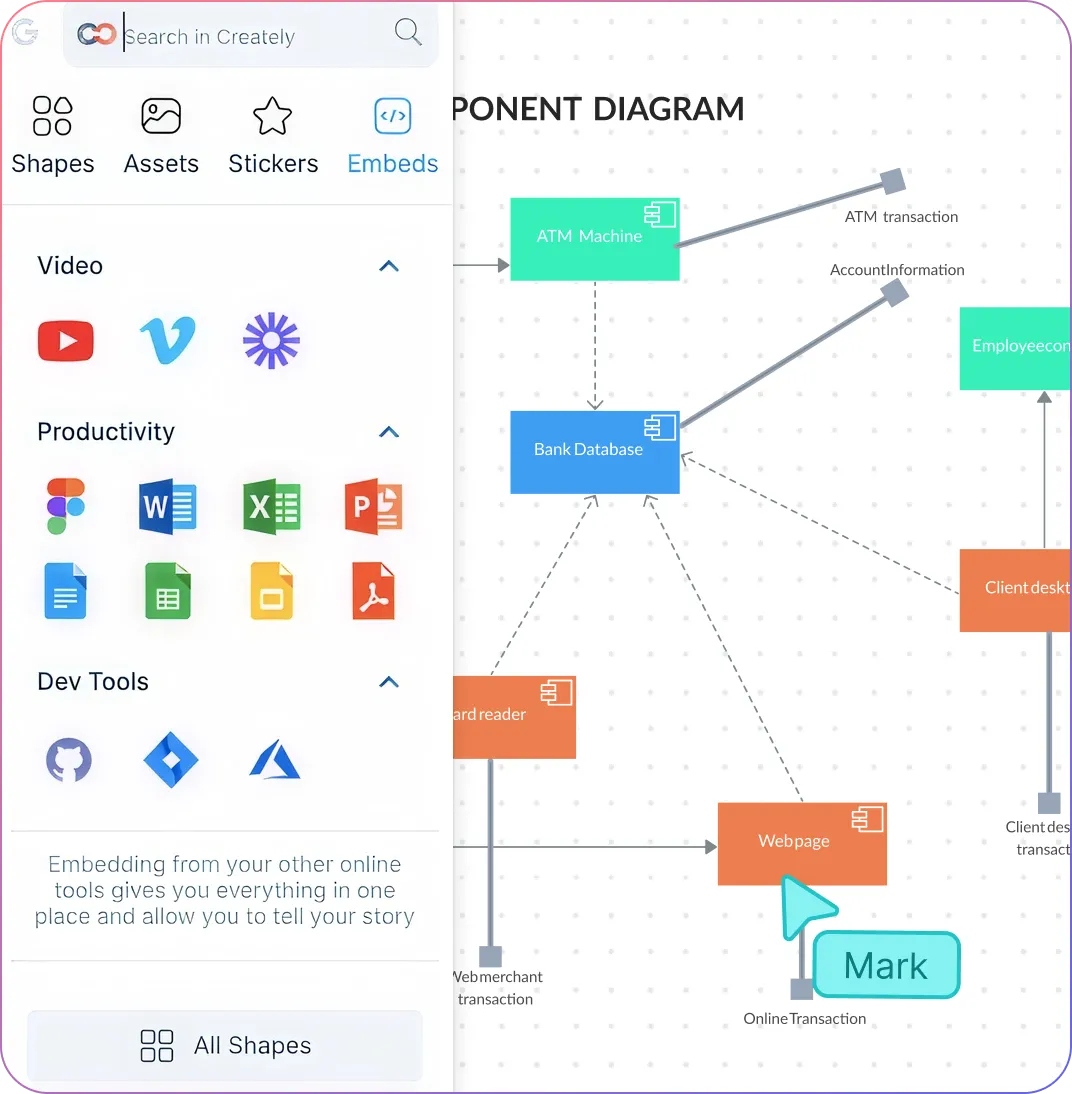
Snapshot of Creately's Component diagram workspace with its notes panel
Snapshot of Creately's component diagram maker and embedding options
SCALE

Scale, Document, and Maintain Your Architecture

Snapshot of Creately's component diagram maker and embedding options
  • Break large systems into clear, manageable modules using frames and linked boards so nothing gets lost in complexity.

  • Turn diagrams into living system specs with embedded documentation and custom fields that keep your team informed and aligned.

  • Share confidently with secure access controls that protect your architecture while enabling seamless collaboration.

  • Rely on enterprise-grade security to safeguard your designs and maintain compliance without slowing your workflow.

Ideate, plan, and execute ideas better with Creately

What Is a Component Diagram in UML?

What Is a Component Diagram in UML?
A component diagram is a type of UML diagram that shows the modular parts of a system and how they interact. It maps components, interfaces, ports, and dependencies, making it easy to understand the structure of software or complex systems at a glance. With Creately’s Component Diagram Maker, you can build these diagrams visually, share instantly, and collaborate across teams.

How to Draw a Component Diagram

  1. Start with a template or blank canvas

Open Creately and choose a UML component diagram template or start from a blank canvas. Templates give you a ready-made structure, so you can focus on mapping your system instead of designing from scratch.

  1. Add components, interfaces, and ports

Drag and drop UML components, interfaces, and ports from the shape library onto your canvas. Label each component clearly to reflect modules, services, or subsystems in your architecture.

  1. Connect components with dependencies

Use connectors to define relationships and dependencies between components. Creately automatically aligns and styles connectors according to UML standards, keeping your diagram clean and readable.

  1. Organize your diagram with packages and layers

Group related components into packages or subsystems, and use layered views to show both high-level architecture and detailed internal structures without clutter.

  1. Collaborate, refine, and share

Invite teammates to review or edit in real-time, add comments, and refine connections. Once done, export your diagram as PDF, PNG, SVG, or share a link with stakeholders with the help of the component diagram online tool.

Create a Component Diagram

Free Ready-to-Use Component Diagram Templates
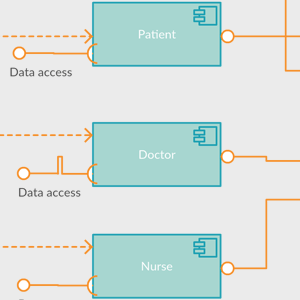
Component Diagram for Hospital Management System

Component Diagram for Hospital Management System

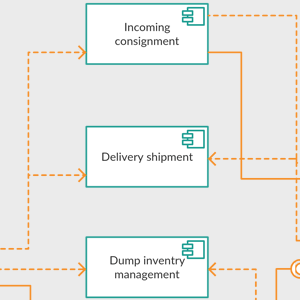
Component Diagram for Inventory Management System

Component Diagram for Inventory Management System

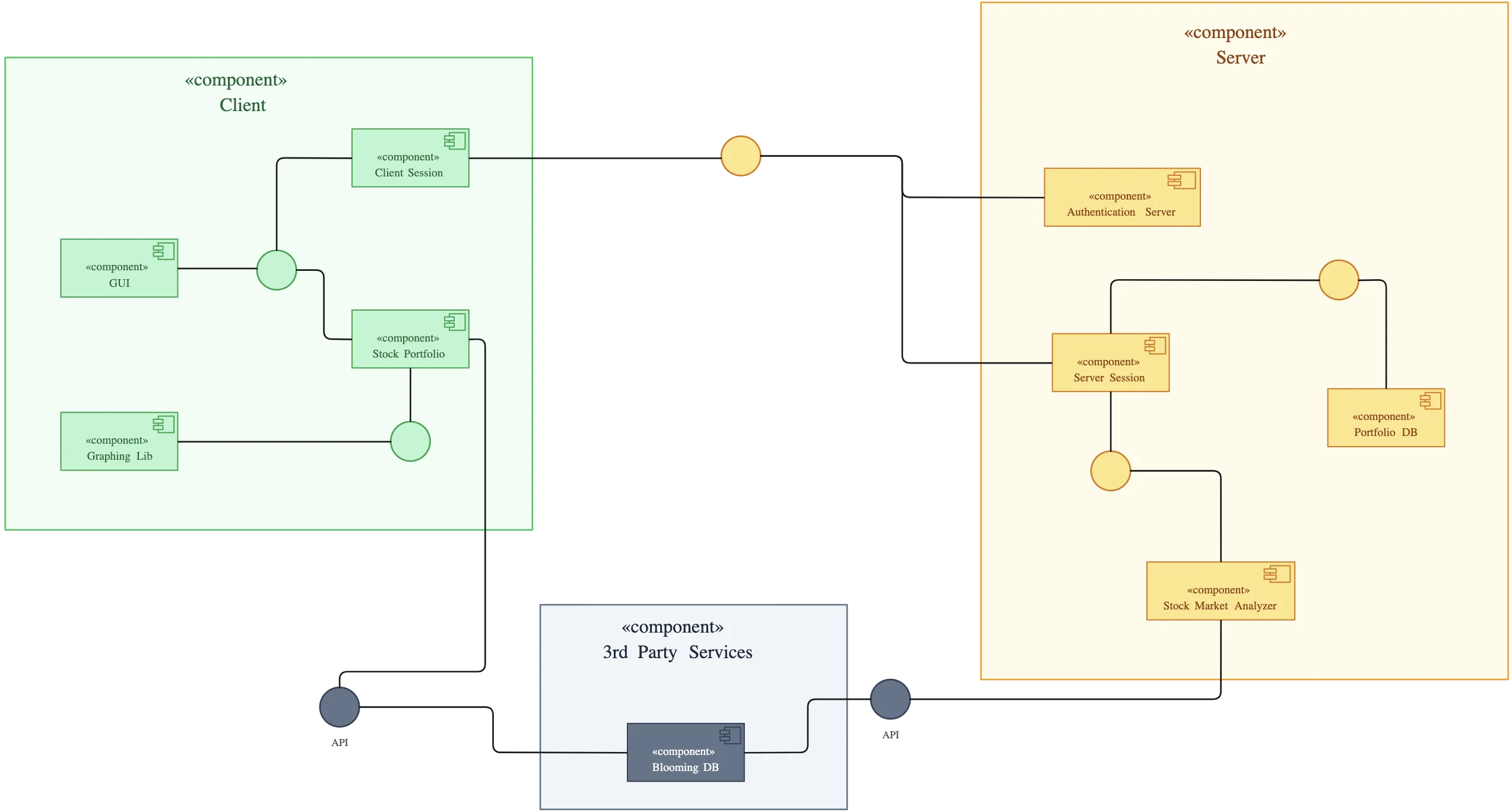
Securities Trading System UML Component Diagram

Securities Trading System UML Component Diagram

Component Diagram for ATM

Component Diagram for ATM

FAQs About Creately’s UML Component Diagram Tool

Can I use a component diagram tool for free?

Yes! Creately’s component diagram tool allows you to create, edit, and share UML component diagrams online for free, so you can start today without any cost.

Do I need prior UML knowledge to use Creately’s component diagram software?

Not at all. Creately’s intuitive drag-and-drop interface, ready-made templates, and pre-built UML components make it easy to create diagrams even if you’re new to UML.

What features should I look for in a UML component diagram tool?

Look for drag-and-drop UML components, pre-built templates, auto-layout, interactive ports, and real-time collaboration — all features that Creately’s component diagram maker provides.

Who should use a component diagram?

Component diagrams are useful for software architects, developers, system analysts, and anyone who needs to visualize and document system architecture.

How do component diagrams fit into overall system documentation?

They complement other UML diagrams, such as class or sequence diagrams, by providing a modular view of the system’s architecture.

What other UML diagrams can I create with Creately?

You can create a wide range of UML diagrams with Creately’s Component diagram creator, including class, object, package, composite structure, deployment, use case, sequence, activity, state machine, communication, timing, and interaction overview diagrams. All come with drag-and-drop shapes, templates, and collaboration features to make diagramming fast and easy.
Streamline Your Workflows by Integrating with the Tools You Love
Creately integrates with the tools your teams use every day and supports your team’s workflow seamlessly.
Github
Microsoft
Google Drive
Google Sheets
Google Docs
Google Slides
Confluence
Why Creately Is the Best UML Component Diagram Software
Creately is the intelligent visual platform enabling visual collaboration, knowledge management and project execution.
Why Creately Is the Best UML Component Diagram Software
Infinite Visual Canvas
Real-Time Collaboration
Custom Databases
Data Driven Docs
Professional Diagramming
Enterprise Grade Security
Project & Task Management
Powerful Visual Modelling
G2
Atlassian
GetApp
Capterra
Software Advice
Trust Radius

24/7 Live Support

Live in-app chat support

Sign up for a free account today.
banner-img