Balanced Scorecard Software
Design Smarter Business Plans with Balanced Scorecards
Turn strategy into measurable results with the balanced scorecard maker that aligns goals, tracks KPIs, and drives action together.
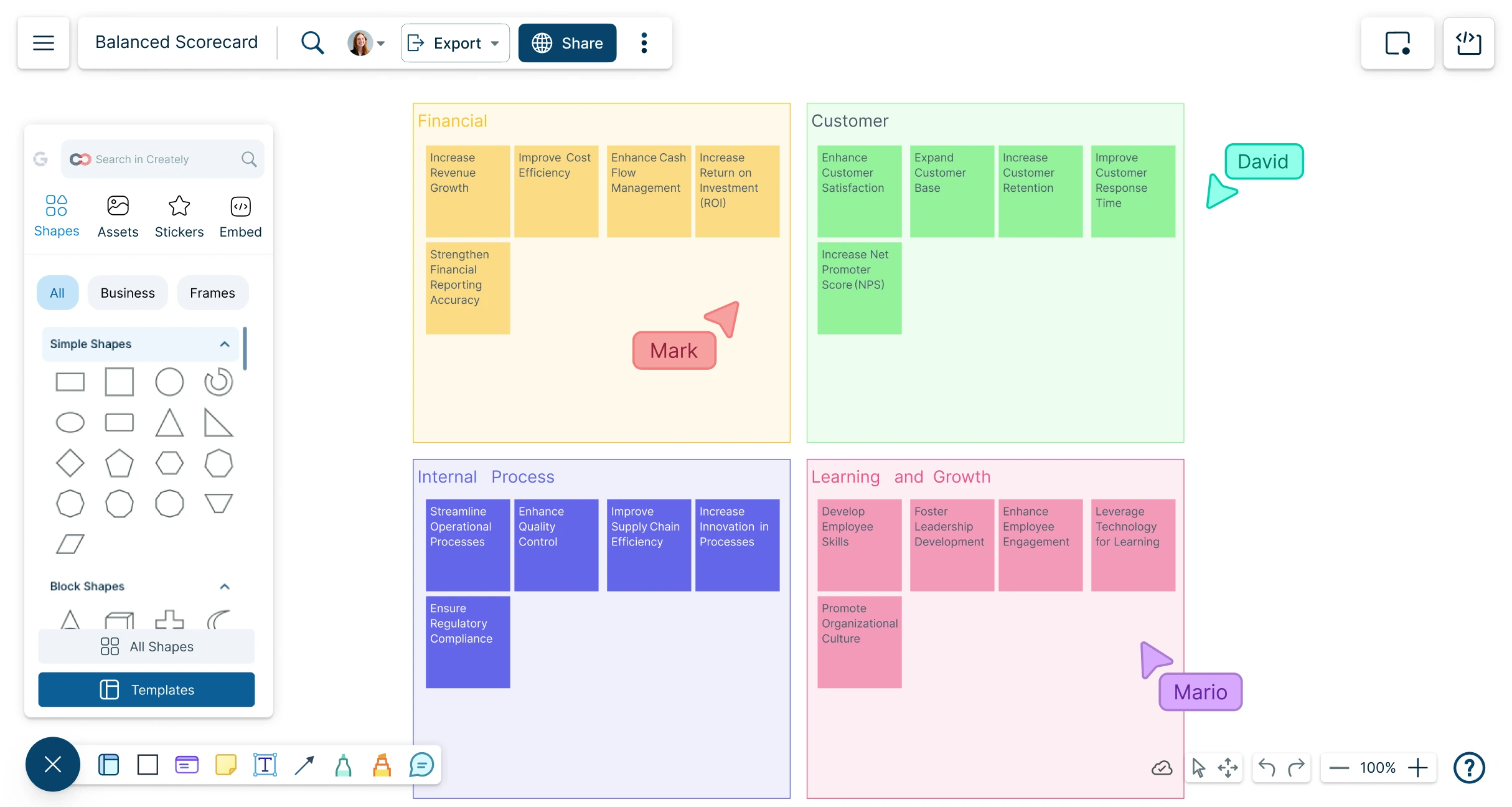
- Align goals, KPIs, and strategy in one balanced scorecard
- Enable real-time collaboration across managers, teams, and stakeholders
- Use customizable templates with built-in metrics for easy tracking




 Diagramming Visual Collaboration Org Chart


AI Balanced Scorecard Generator
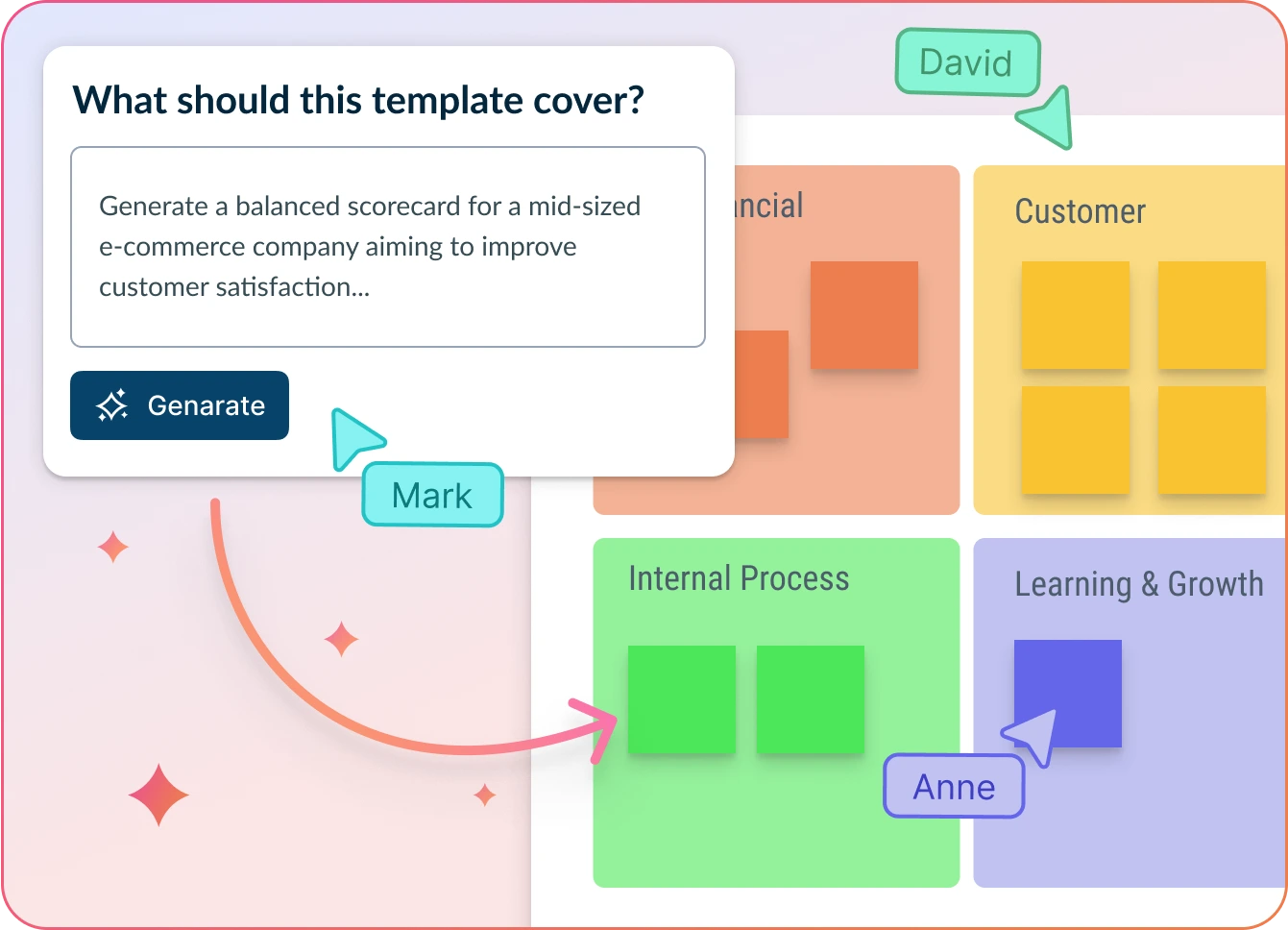
Align, Activate, and Execute Your Strategy
- Enter your strategic goals and key metrics, then click ‘Generate’.
- Watch Creately instantly create a clear, structured balanced scorecard—ready to align your team.
- Collaborate, refine objectives, and assign KPI owners—all within one connected canvas.
Why teams love Creately’s Balanced Scorecard Generator
 Save time – Automate balanced scorecard creation in seconds, so you can focus on strategic planning instead of manual formatting.
 Uncover hidden trends – Identify misaligned goals, overlooked KPIs, and strategic blind spots to fine-tune your performance plan.
 Privacy-first – All your strategic data stays secure within Creately—no third-party access or external retention.
 Multi-lingual support – Creately supports multiple languages, helping you align global teams around a unified strategy.
 Objective insights – Let AI organize objectives and KPIs across perspectives, ensuring your scorecard is focused, balanced, and actionable.






Better Strategies, Faster Alignment
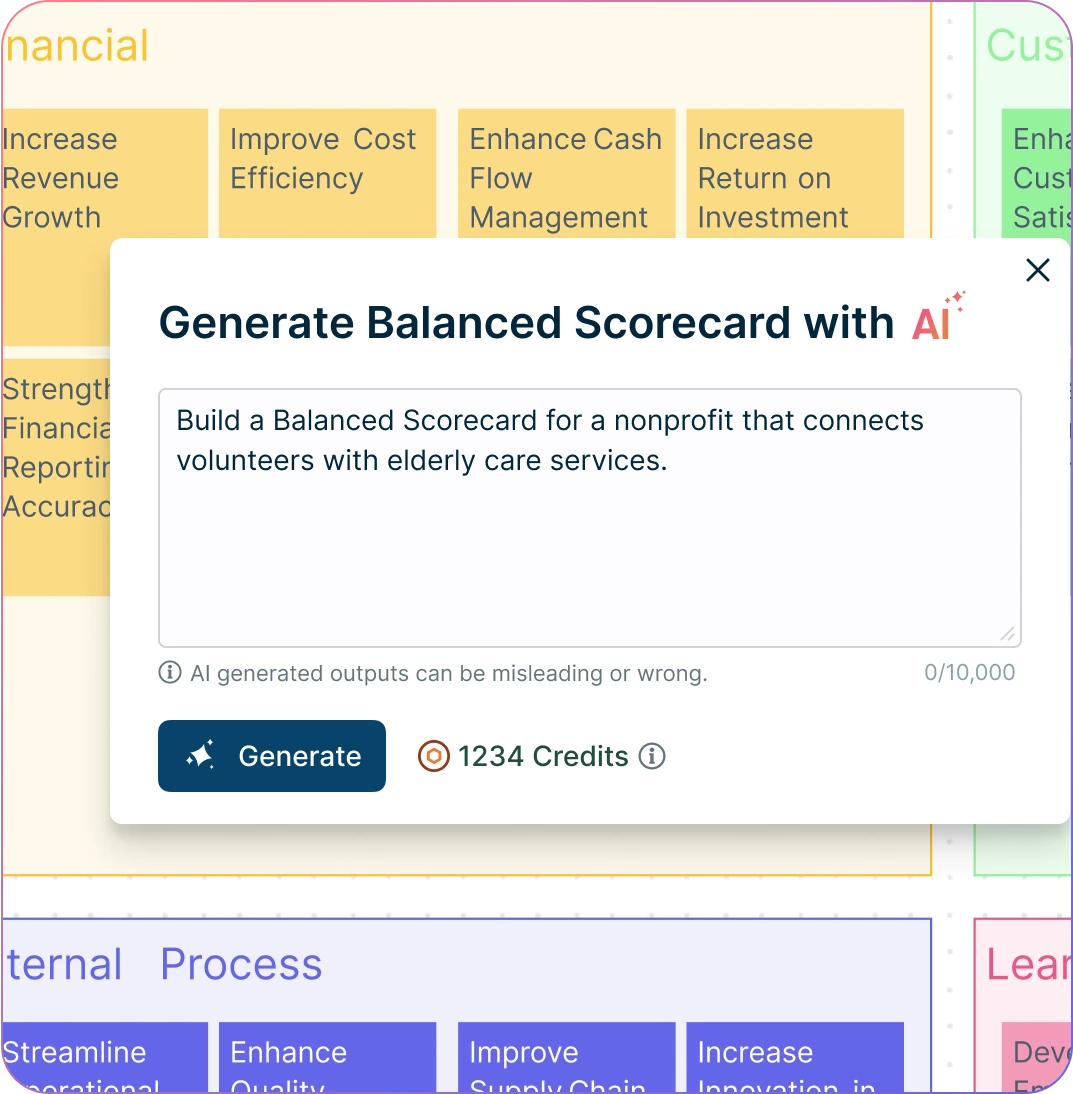
Auto-generate a complete balanced scorecard online with just a quick prompt—within seconds.
Get AI-powered suggestions to sharpen objectives, align metrics, and close strategic gaps.
Turn scattered goals, KPIs, and strategy notes into a structured scorecard across all four perspectives.
Use standardized balanced scorecard templates to ensure consistency across teams and accelerate planning with minimal setup.
Bring Your Business Strategy to Life
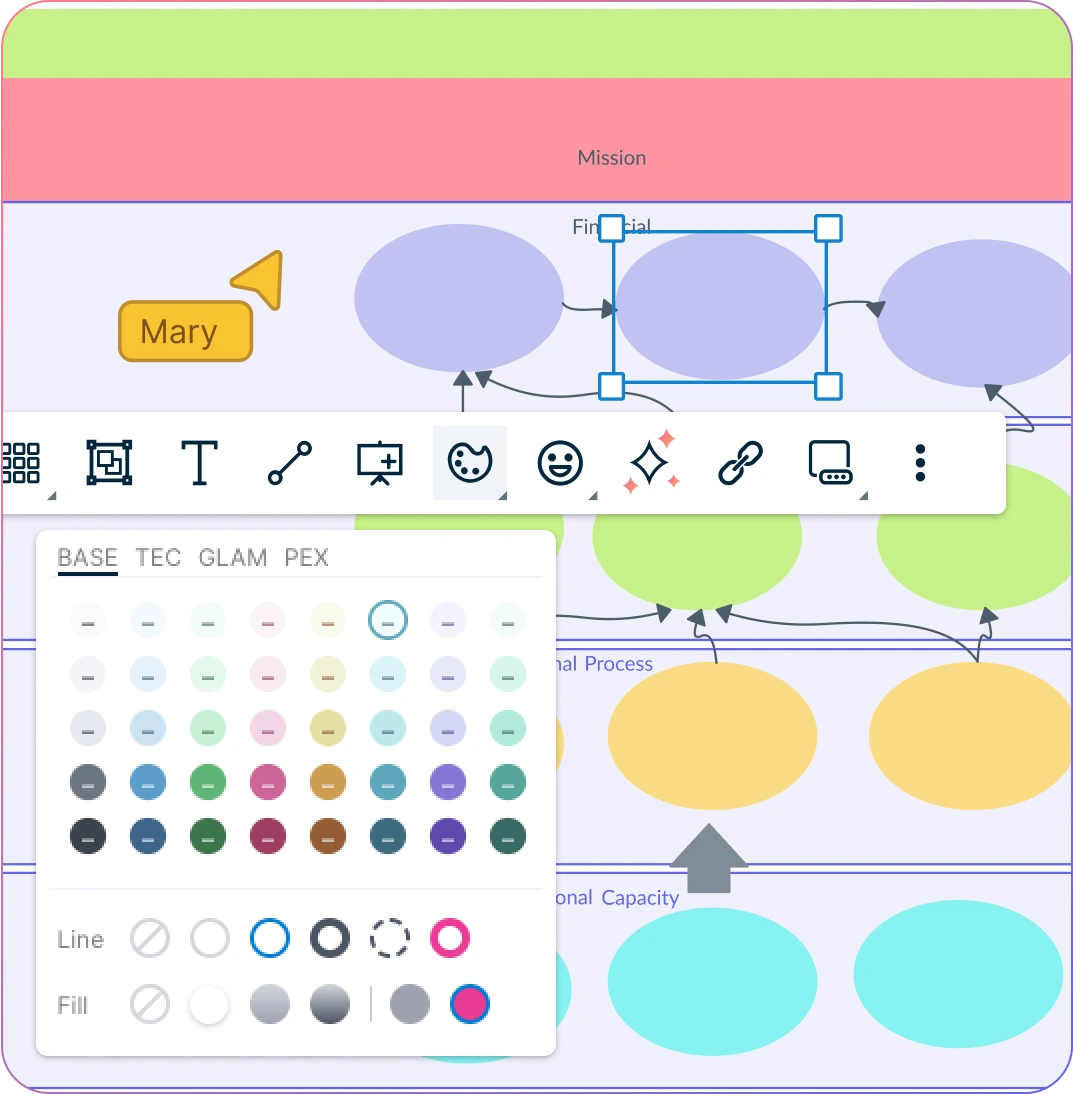
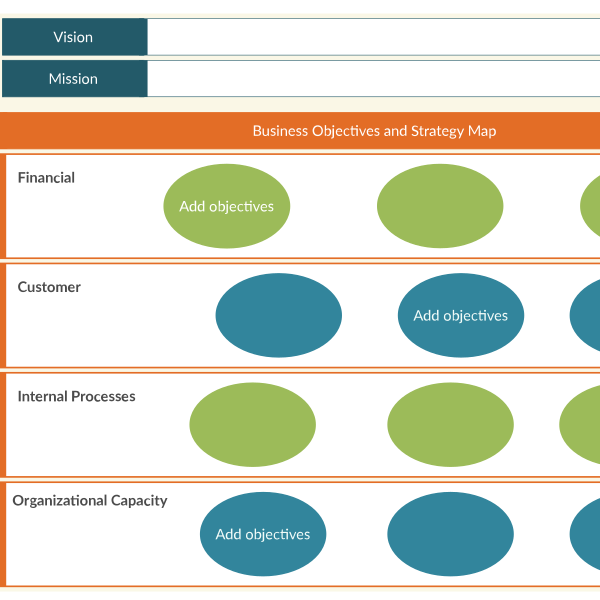
Visualize goals, KPIs, and initiatives across financial, customer, process, and growth perspectives in one workspace.
Start instantly with a simple drag-and-drop interface—no steep learning curve for the balanced scorecard software.
Tailor the design with your own layouts, colors, and shapes, to fit branding, reporting needs, and business workflows.
Highlight progress and priorities with visual indicators like icons, tags, and status markers.
Keep Every Aspect of Strategy Connected
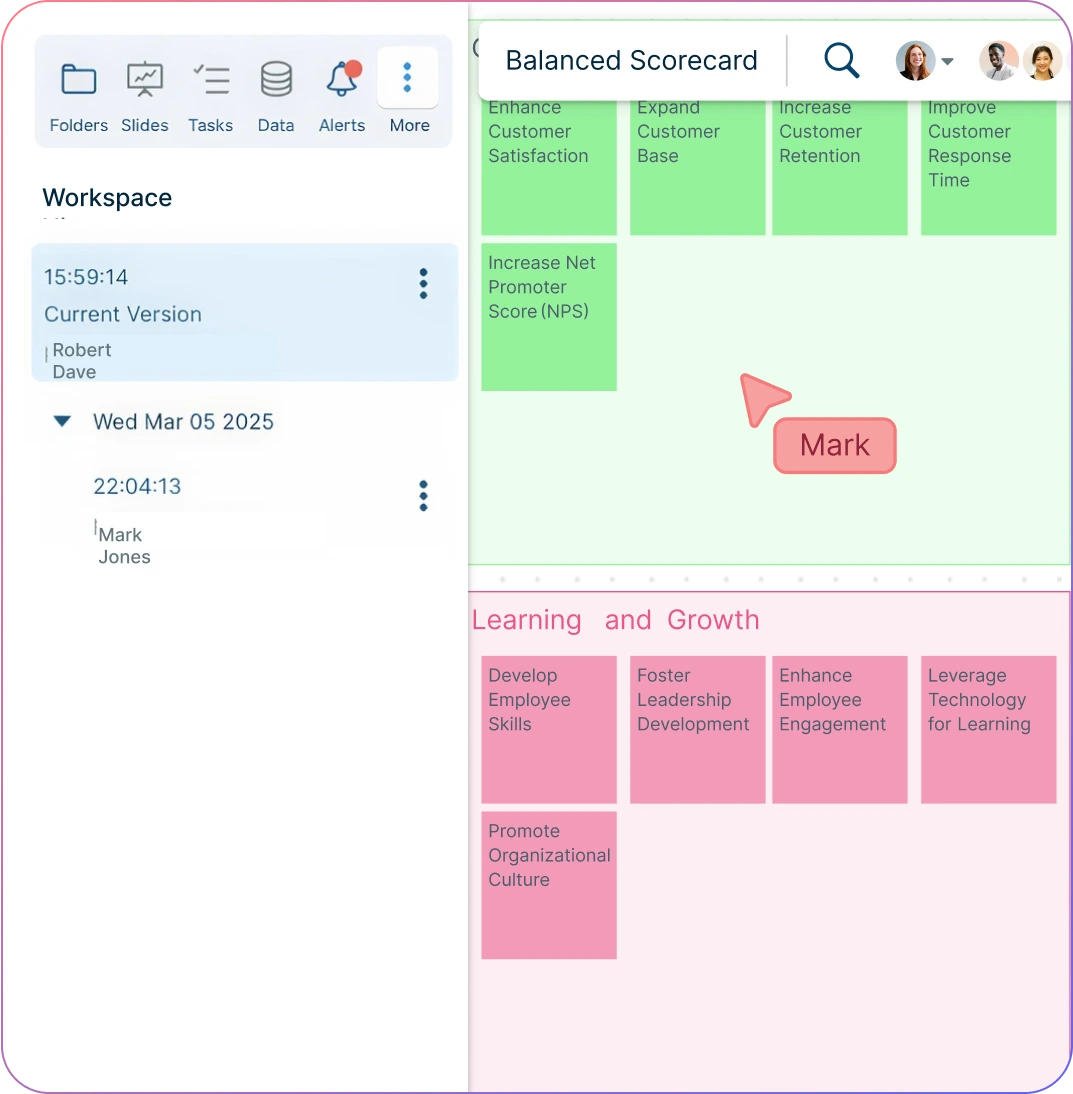
Keep all scorecards in one workspace—ideal for ongoing planning, tracking, and reporting.
Capture goals, KPIs, and initiatives with notes, annotations, and linked data that evolve as your strategy grows.
Update scorecards with version history—adjust metrics, rearrange objectives, and revisit past iterations without starting over.
Link external data sources, reports, or dashboards directly to objectives or KPIs for deeper strategic context.
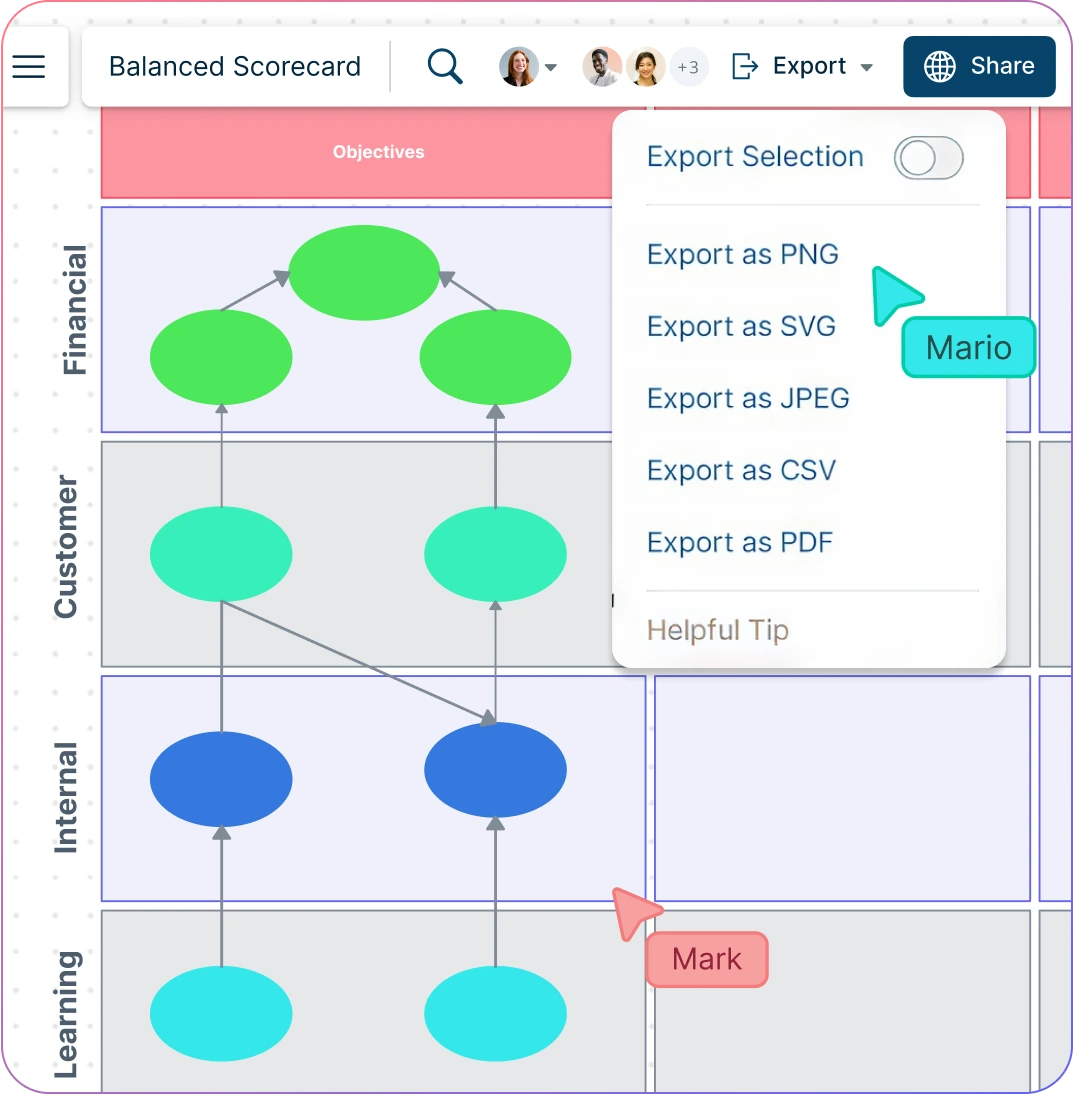
Align Teams Around Shared Strategy
Work with executives, managers, and teams in real time on a shared scorecard to align decisions and priorities.
Assign owners to goals and KPIs so accountability is clear across departments.
Use comments, @mentions, and tasks to streamline discussions and keep initiatives moving forward.
Share balanced scorecards instantly in meetings or presentations so stakeholders stay engaged and informed.
What Is a Balanced Scorecard?
How to Create a Balanced Scorecard?
Open a Balanced Scorecard Template
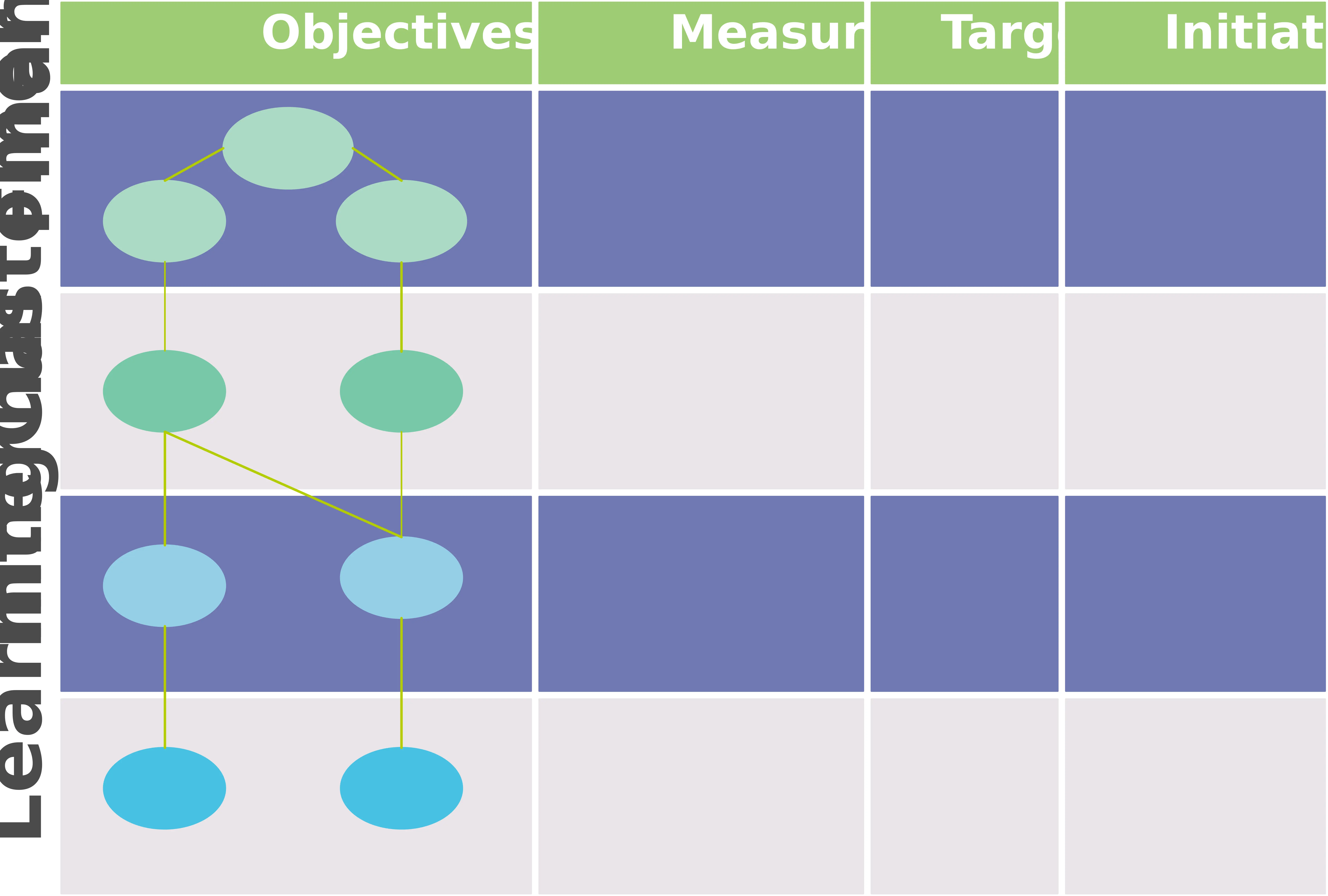
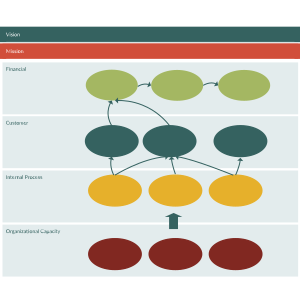
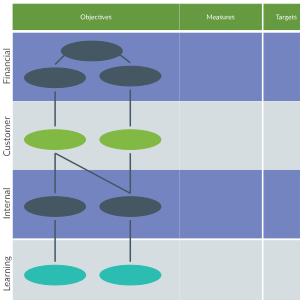
Start by selecting a ready-made template from Creately’s library. Add it to your workspace to get a structured starting point for defining goals, KPIs, and initiatives across the four perspectives.
Add and Organize Strategic Objectives
Use the drag-and-drop interface to arrange objectives in the right quadrant. Break down high-level goals into focus areas, and connect them to related KPIs, metrics, and initiatives.
Customize Your Scorecard
Personalize the design with layouts, fonts, and colors that fit your brand. Add annotations for context, links to dashboards or reports, sticky notes for quick ideas, and attach documents such as strategy papers or performance reviews to enrich your scorecard with supporting details.
Collaborate and Refine in Real Time
Work together with teammates or stakeholders directly on the canvas. Share feedback through comments and @mentions, assign responsibilities such as tracking KPIs, updating metrics, or managing initiatives, and use permission settings and version history to keep everything organized.
Review, Update, and Share
Finalize your scorecard by reviewing inputs and making updates as needed. Export as PDF, PNG, or JPEG for presentations, or generate a secure shareable link for ongoing access and reviews.
Create a Balanced ScorecardCreate Your Balanced Scorecard with Free Templates
FAQs About the Balanced Scorecard Software
Why use a balanced scorecard online tool instead of traditional methods?
What features should I look for in the best balanced scorecard tool?
Is a balanced scorecard tool suitable for small teams?
Is the Balanced Scorecard software free?