Designing a wide area network can quickly feel overwhelming when you’re trying to connect multiple locations, keep traffic secure, and avoid downtime at the same time. A clear WAN diagram cuts through that complexity by showing how everything fits together before problems appear. In this guide, you’ll learn how to create a wide area network diagram step by step, understand key components and WAN examples, follow proven best practices, and get started faster using free network diagram templates.
What is a Wide Area Network Diagram?
A wide area network (WAN) diagram is a visual representation of how networks are connected across multiple locations, such as branch offices, data centers, and cloud environments. A WAN network diagram shows key components like routers, WAN links, firewalls, and internet connections, helping you understand how data moves between sites. By putting the entire network into a single, clear view, a WAN diagram makes it easier to plan designs, communicate architecture, and troubleshoot issues before they impact users.
To learn about different network diagram types and their use cases, read our network diagram guide.
Key Components in a WAN Diagram
A clear WAN diagram highlights the components that keep multiple locations connected and data flowing reliably. These are the core elements you should include:
Routers: Act as the primary gateways between sites, directing traffic across WAN links and deciding the best path for data.
WAN Links: Represent the connections between locations, such as MPLS, leased lines, broadband, or fiber. These links define bandwidth, latency, and reliability.
Firewalls: Protect the network by controlling incoming and outgoing traffic between sites, the internet, and cloud environments.
VPN Gateways: Enable secure communication over public networks, commonly used for site-to-site or remote access connections.
Switches: Connect multiple devices within a site before traffic reaches the router and WAN link.
Internet Service Providers (ISPs): Shown as external networks that deliver internet or WAN connectivity between locations.
Branch Offices / Remote Sites: Offices, campuses, or locations connected through the WAN, usually grouped to show geographic distribution.
Data Centers: Centralized locations hosting servers, applications, and core infrastructure accessed by multiple sites.
Cloud Services: Public or private cloud platforms connected to the WAN, often shown with dedicated links or secure tunnels.
Wide Area Network Examples
Below are common WAN diagram examples, explained in practical terms to help you understand how WAN designs change with scale, complexity, and business needs.
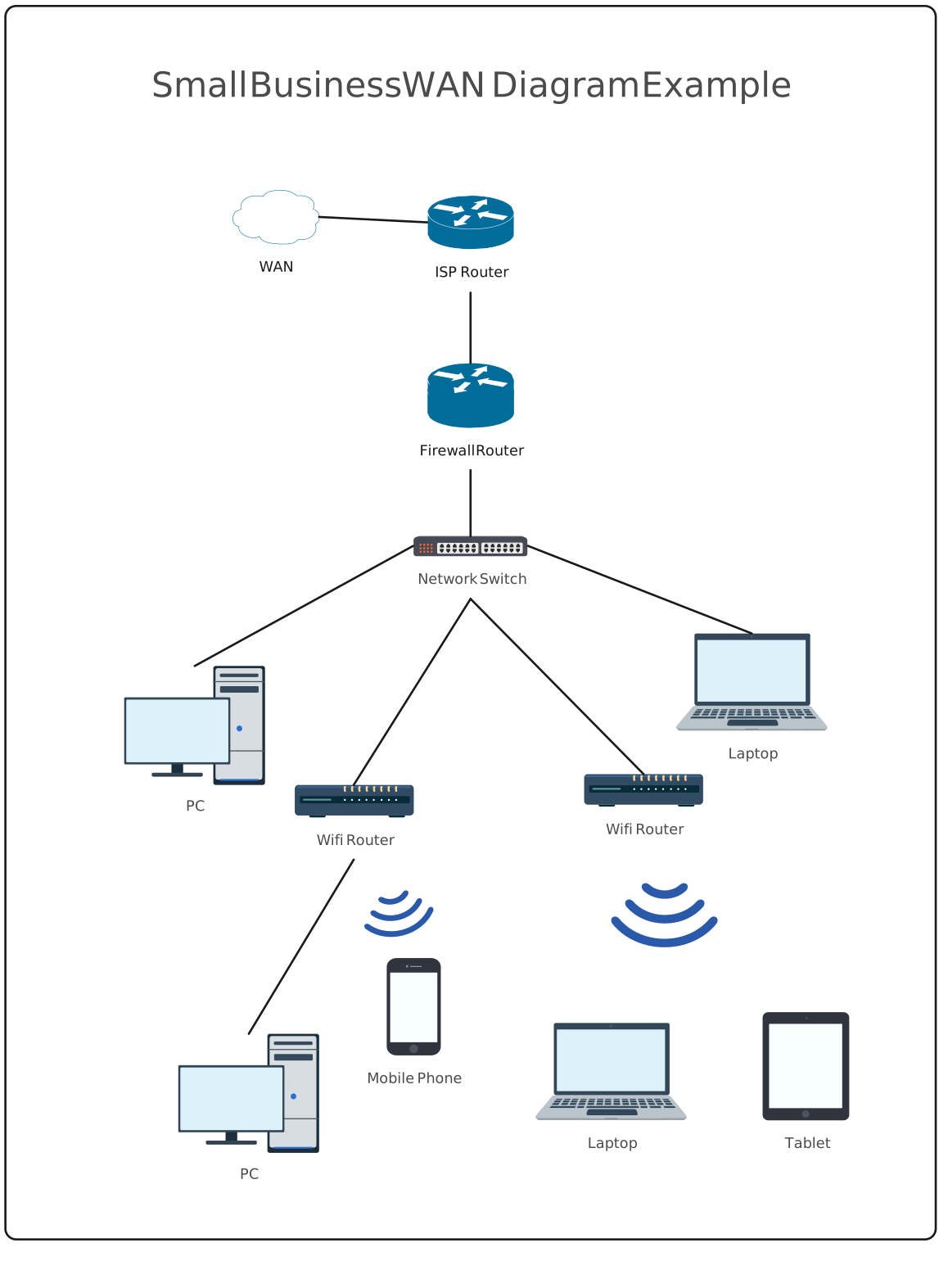
Small Business WAN
A small business WAN diagram typically shows one main office connected to the internet, with limited or no branch locations. The setup is simple, often using a single router, firewall, and an ISP connection.
What it usually includes
- One primary site
- Internet connection via broadband or leased line
- Basic firewall or VPN for security
Why it works: This type of WAN is cost-effective, easy to manage, and sufficient for businesses with a single location or a small remote workforce.

Enterprise Multi-Branch WAN
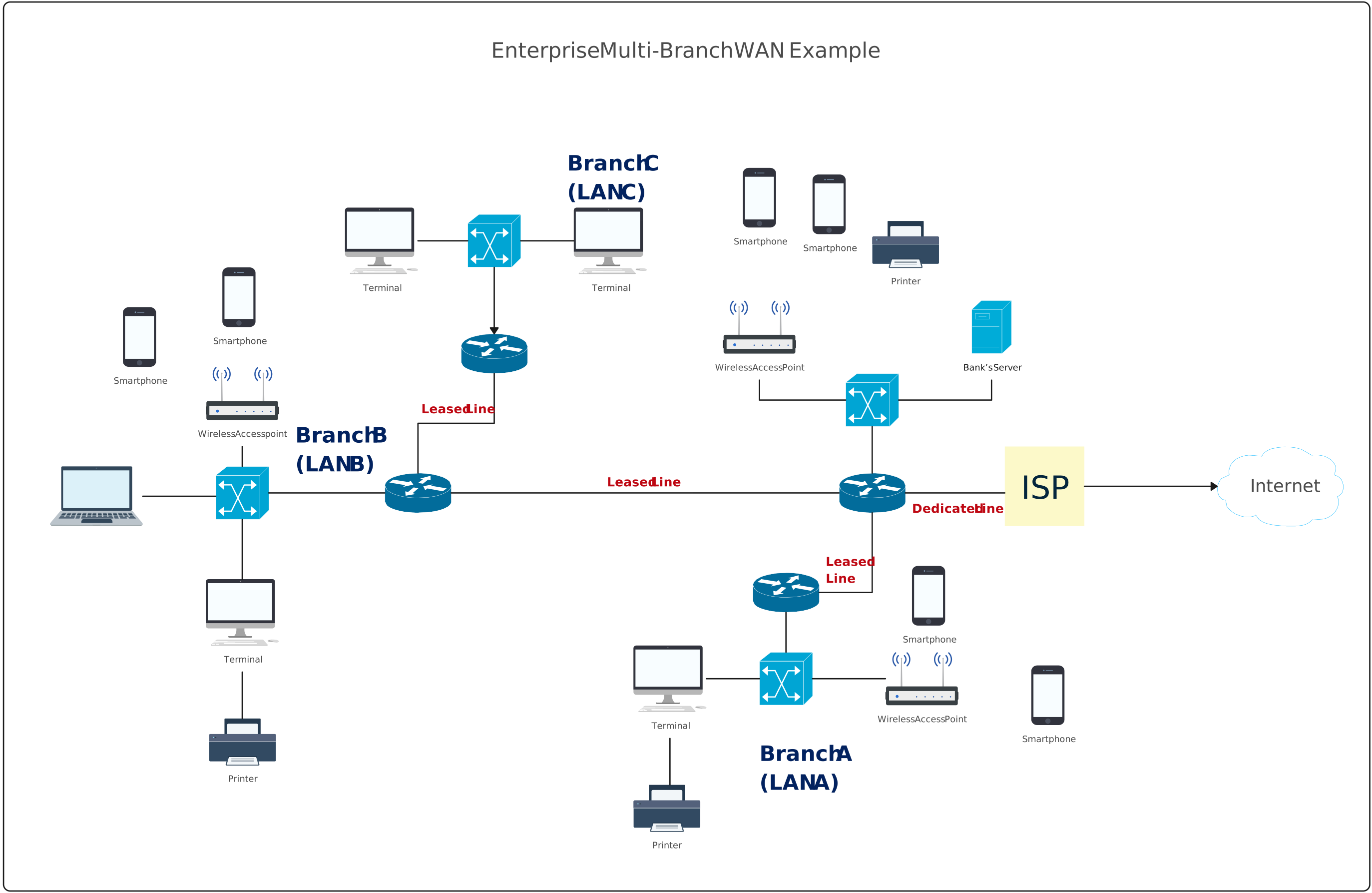
An enterprise multi-branch WAN diagram shows multiple offices connected to a central data center or headquarters. Traffic between branches often flows through core sites.
What it usually includes
- Multiple branch offices
- Central data center or HQ
- MPLS, leased lines, or VPN connections
- Centralized security and routing
Why it works: This setup provides better control, consistent security policies, and reliable connectivity across many locations.
Global WAN
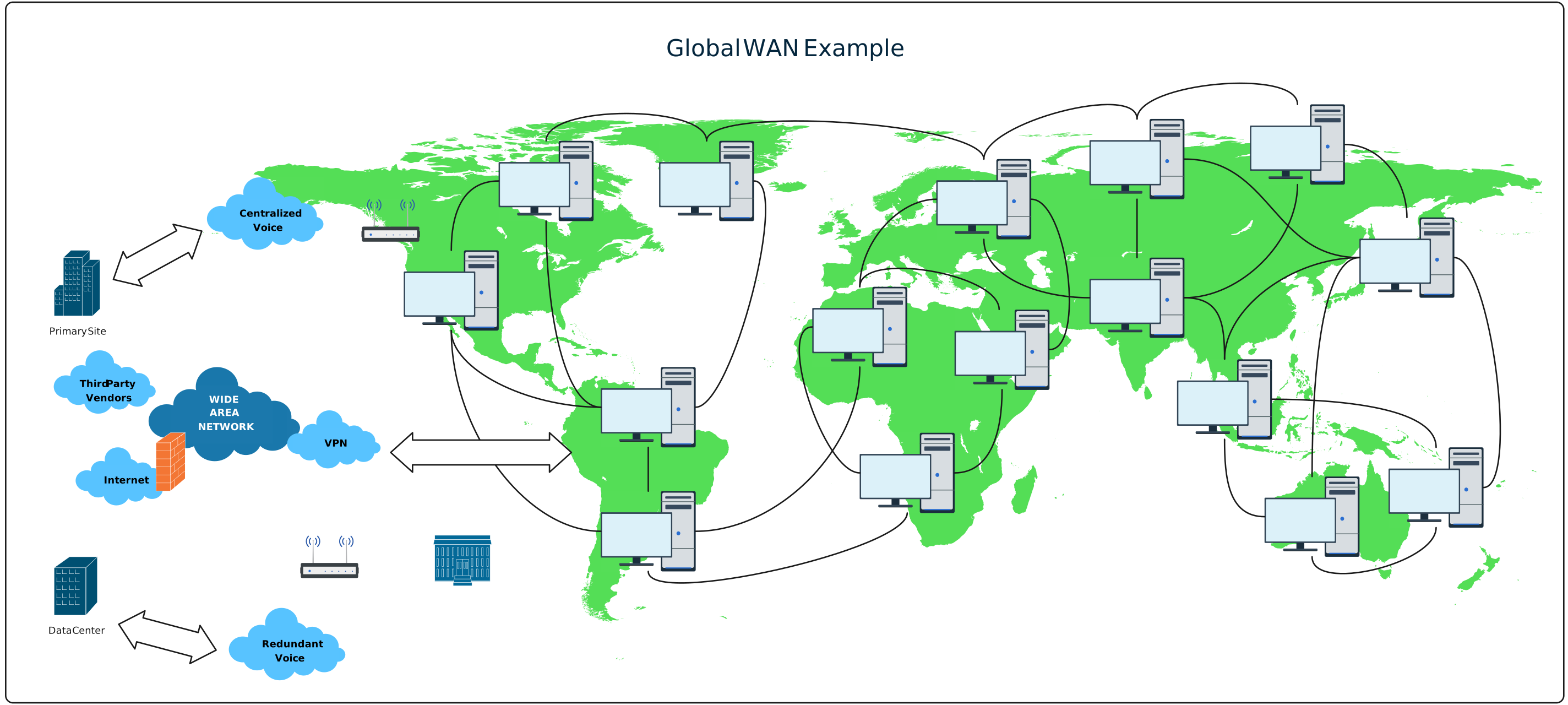
A global WAN diagram represents a large-scale network spanning regions or countries, designed with redundancy to prevent outages.
What it usually includes
- Offices across multiple geographic regions
- Multiple ISPs per site
- Redundant WAN links and backup paths
- Load balancing and failover mechanisms
Why it works: This design minimizes downtime, improves performance across regions, and ensures business continuity even when individual links fail.
How to Draw a Wide Area Network Diagram
Creating a clear WAN diagram is much easier when you follow a structured approach. You can walk through the steps below using Creately’s network diagram software to map locations, connections, and traffic flows visually and keep everything easy to update as the network evolves.
Step 1: Identify All Locations and Sites
List every site that will be part of the WAN, such as headquarters, branch offices, data centers, cloud regions, and remote users. This defines the scope of the diagram.
Step 2: List Key Network Components
Identify routers, switches, firewalls, VPN gateways, and any SD-WAN devices used at each location. Include ISP handoff points where connectivity enters each site.
Step 3: Define WAN Connection Types
Decide how sites connect to each other—MPLS, leased lines, broadband, fiber, VPNs, or cloud direct connections. This clarifies performance, cost, and reliability characteristics.
Step 4: Choose the WAN Topology
Select the topology that matches your design, such as hub-and-spoke, partial mesh, full mesh, point-to-point, or hybrid. This determines traffic flow across the network.
Step 5: Map Physical Connections
Draw the physical links between locations and devices. Show which routers connect to which WAN links and ISPs, keeping the layout clean and readable.
Step 6: Add Logical Connections and Traffic Flow
Overlay logical paths, such as VPN tunnels, routing paths, or SD-WAN policies, to show how data actually moves across the WAN.
Step 7: Include Security and Redundancy
Add firewalls, backup links, secondary ISPs, and failover paths. This highlights how the network stays secure and resilient during outages.
Step 8: Label and Standardize
Label sites, devices, link types, and bandwidth clearly. Use consistent symbols and naming so the diagram is easy to understand and share.
Step 9: Review, Validate, and Update
Check the diagram for accuracy and clarity. Validate it against the real network and update it whenever links, sites, or providers change.
Tips for Drawing a Wide Area Network Diagram
A well-designed WAN diagram should be easy to understand, accurate, and useful for both planning and troubleshooting. Follow these tips to keep your diagram clear and effective as the network grows.
Separate physical and logical views: Use different diagrams or clearly defined layers to distinguish physical connections from logical traffic flows, VPNs, and routing paths.
Use consistent symbols and naming: Stick to standard network symbols and clear naming conventions so anyone reviewing the diagram can understand it quickly.
Keep the layout clean and readable: Avoid crossing lines and overcrowding. Group related sites and components to improve visual clarity.
Label links with meaningful details: Include relevant information such as connection type, bandwidth, or ISP name, but avoid excessive technical detail.
Highlight security components clearly: Make firewalls, VPN gateways, and security zones easy to identify to support audits and reviews.
Show redundancy and failover paths: Clearly indicate backup links, secondary ISPs, and alternate routes to demonstrate resilience.
Design with scalability in mind: Leave space for future sites, links, or cloud services so the diagram doesn’t need to be rebuilt later.
Use color and grouping purposefully: Apply colors or zones to distinguish regions, environments, or network layers without overwhelming the viewer.
Keep the diagram up to date: Update the diagram whenever locations, providers, or connections change to ensure it reflects the real network.
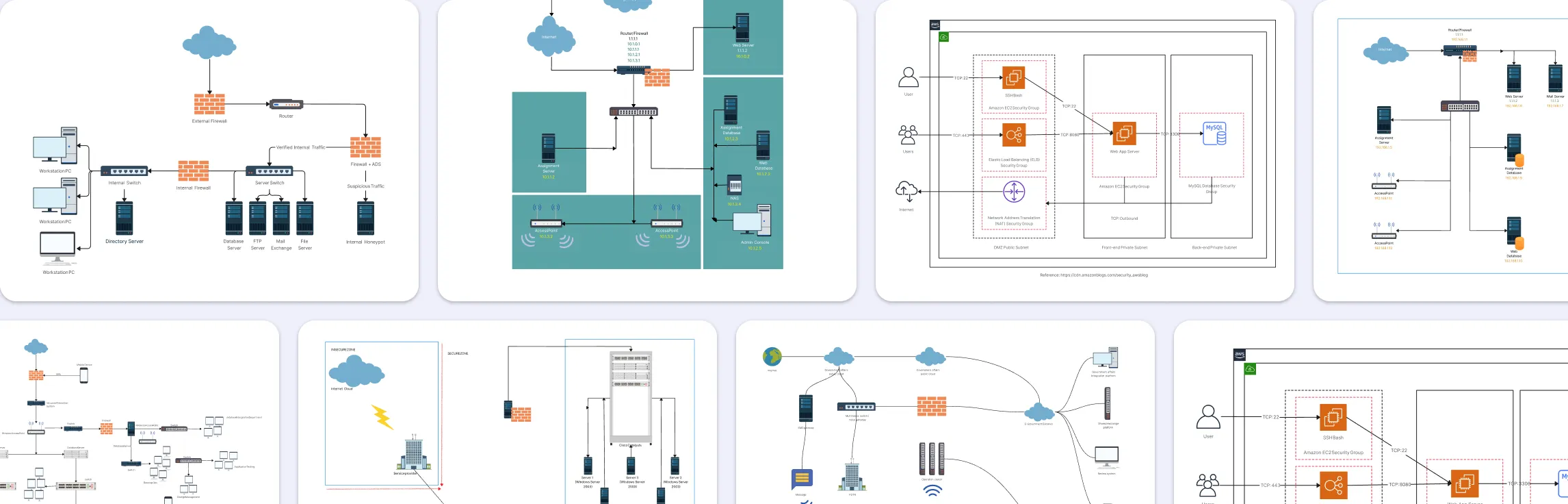
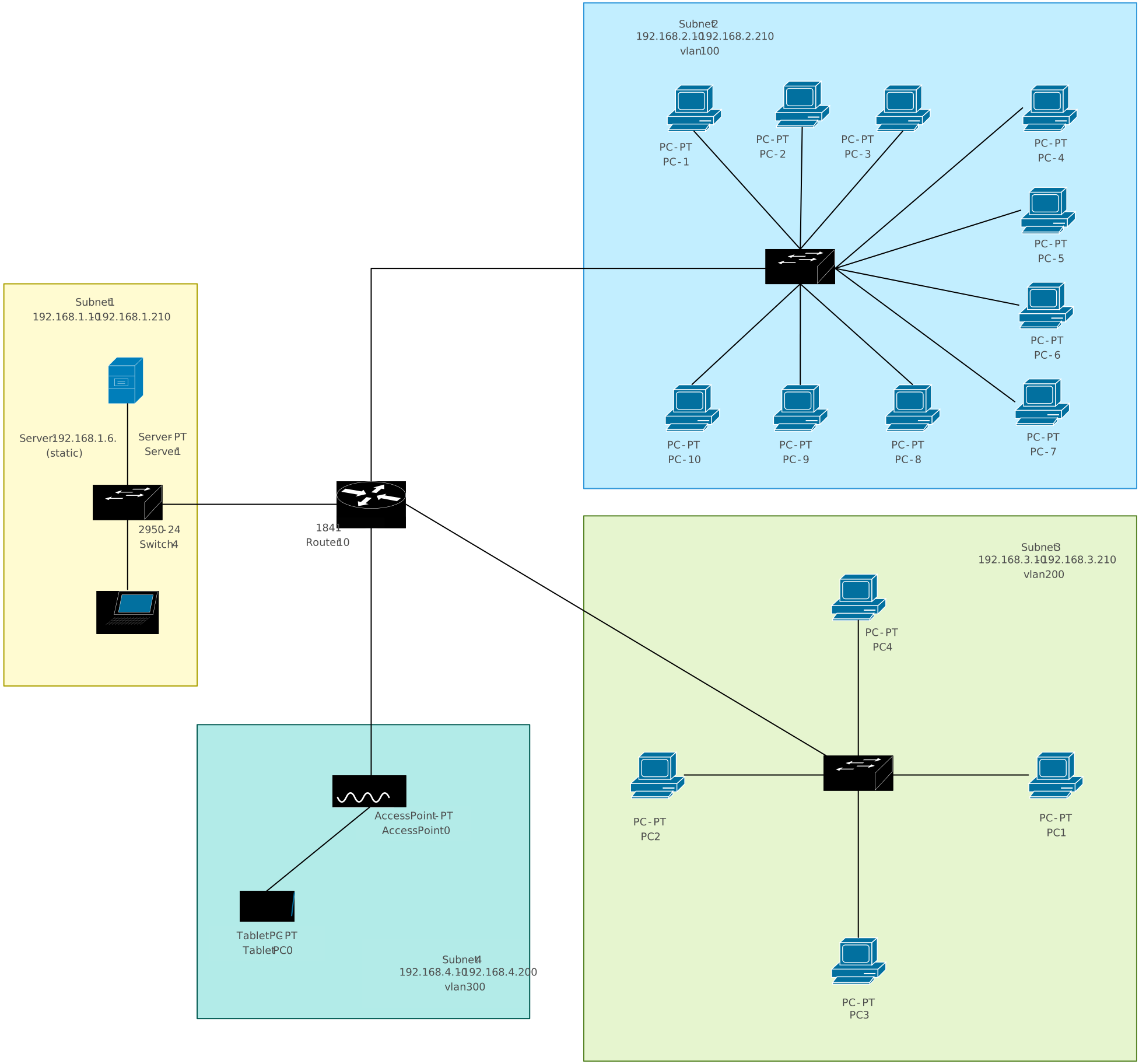
More Network Diagram Templates to Get Started


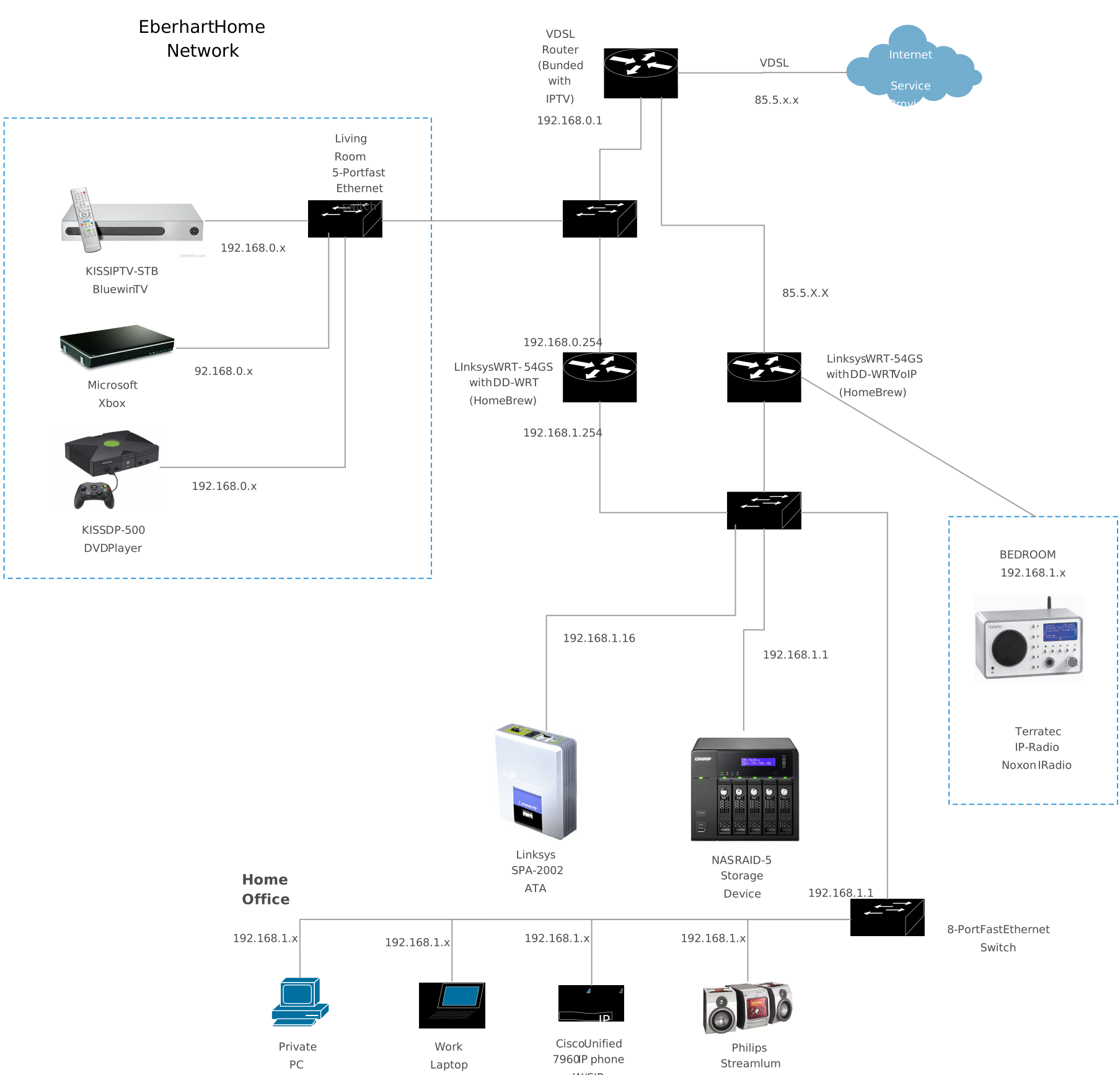
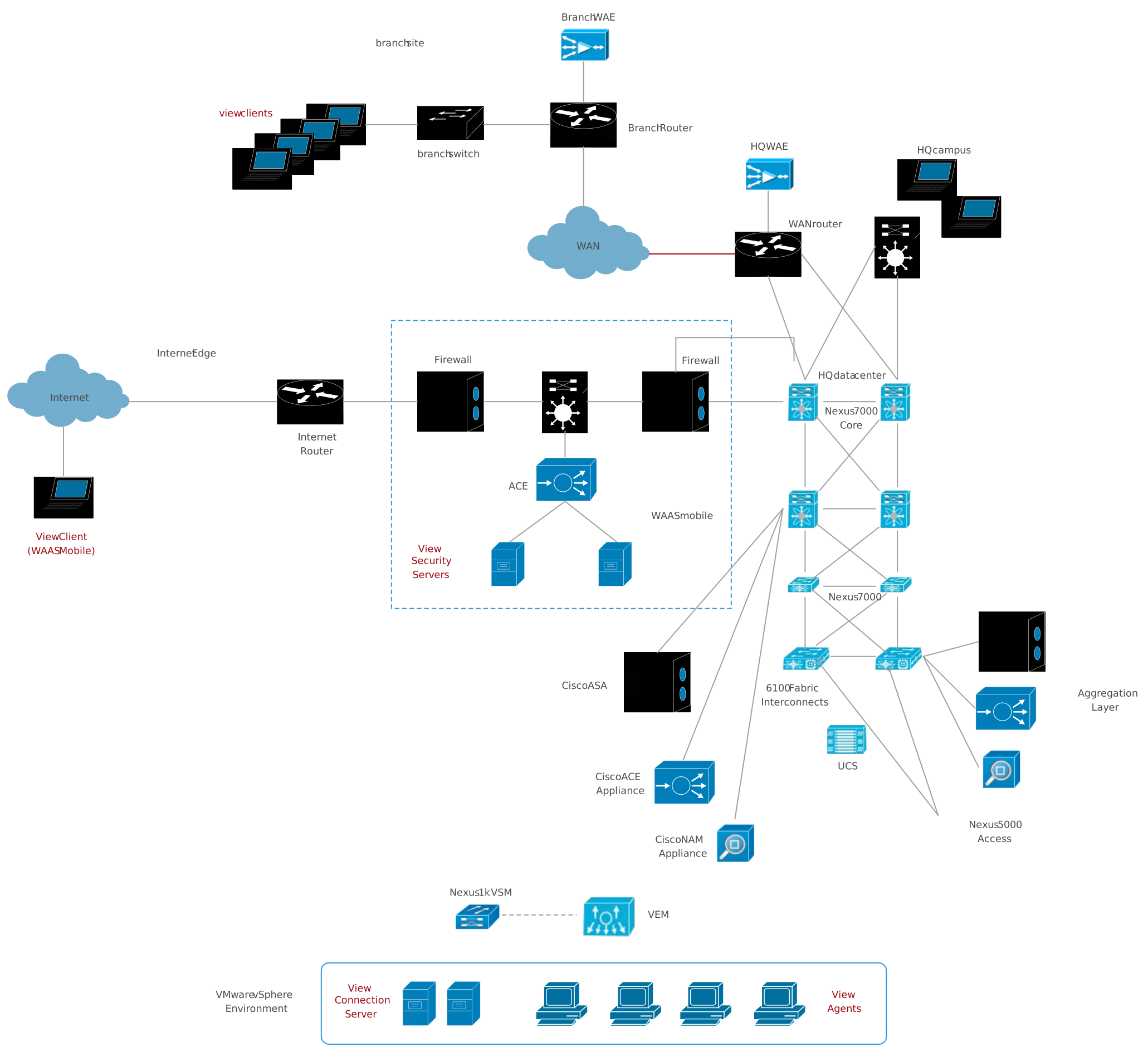
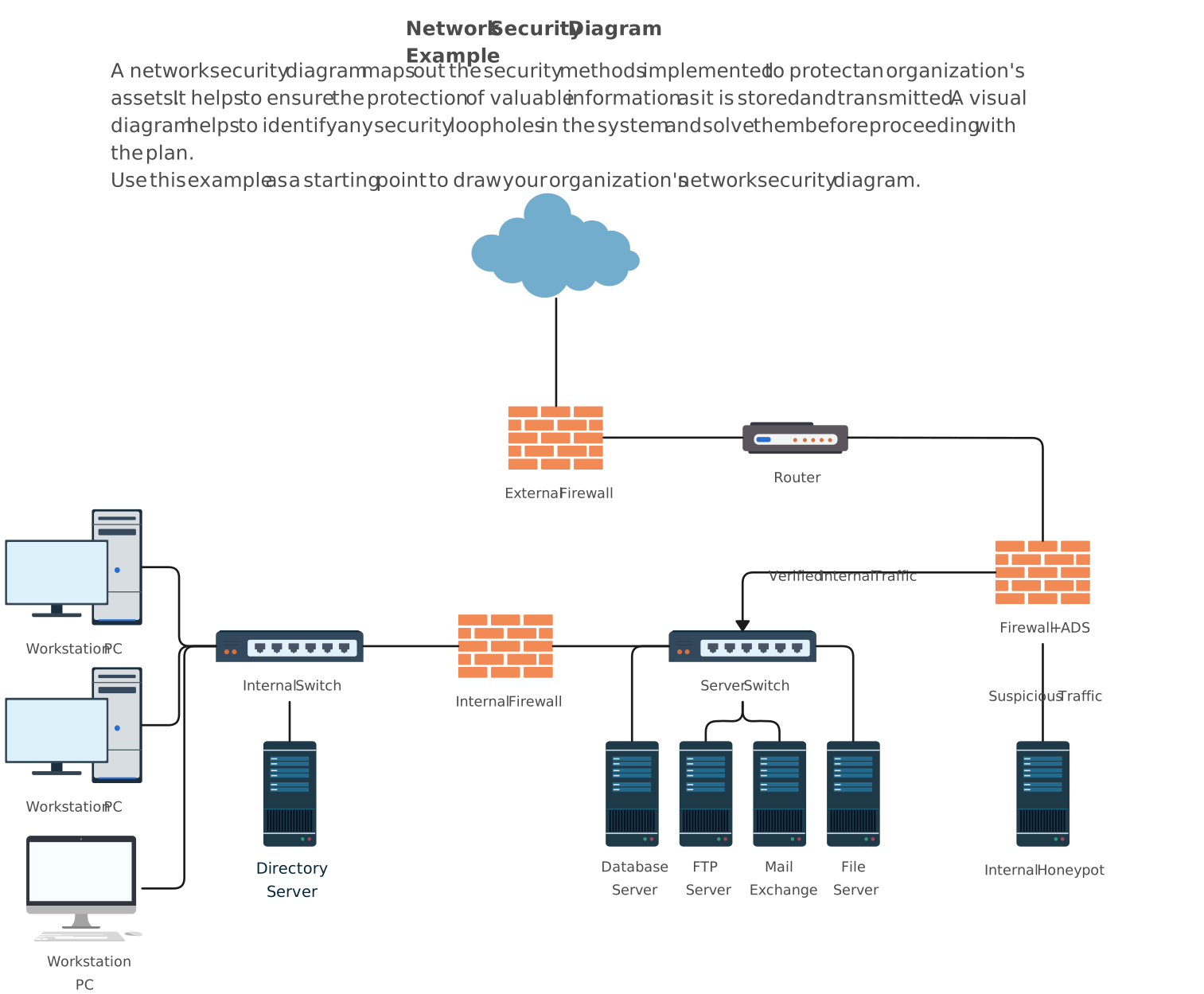
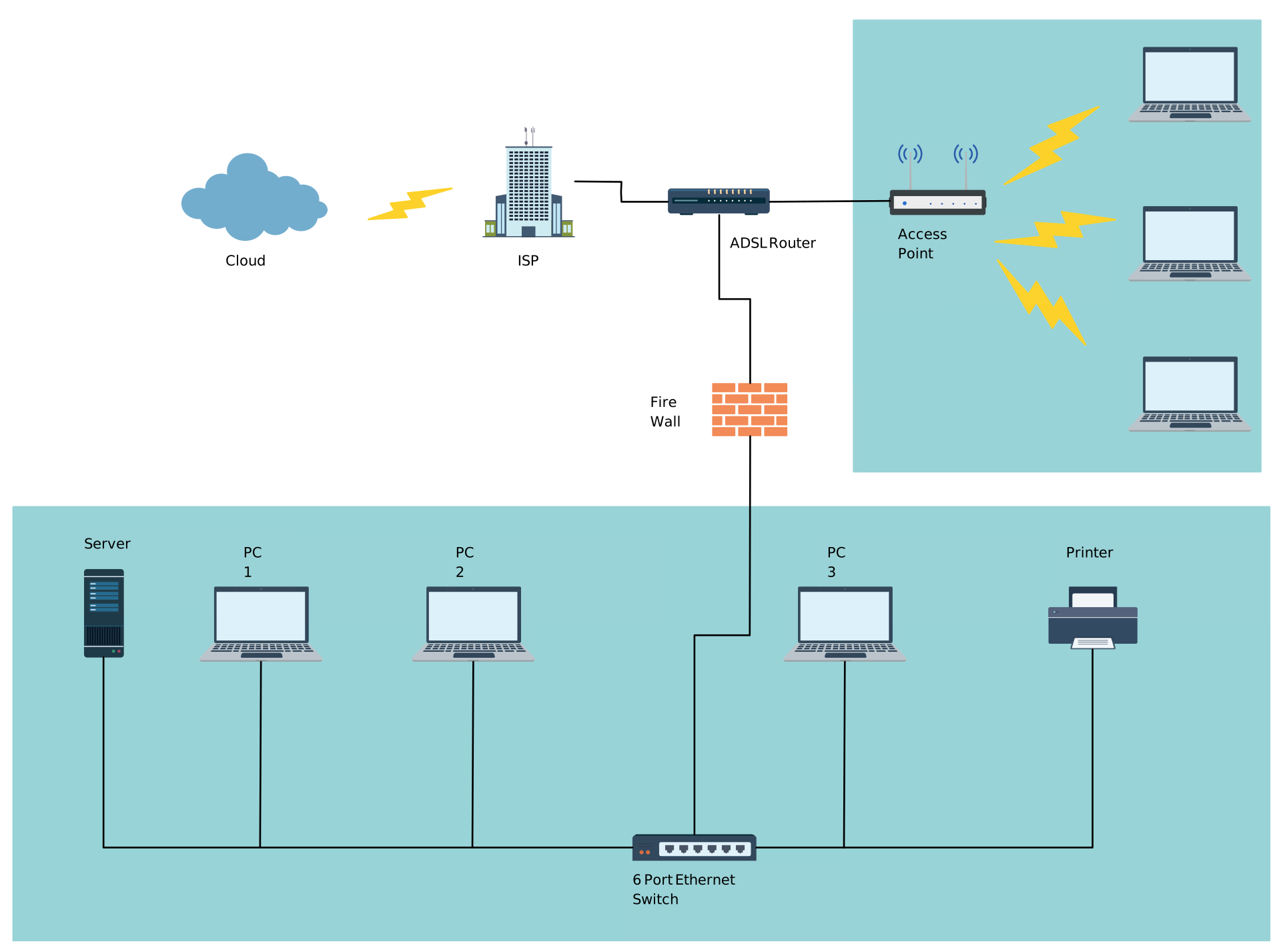
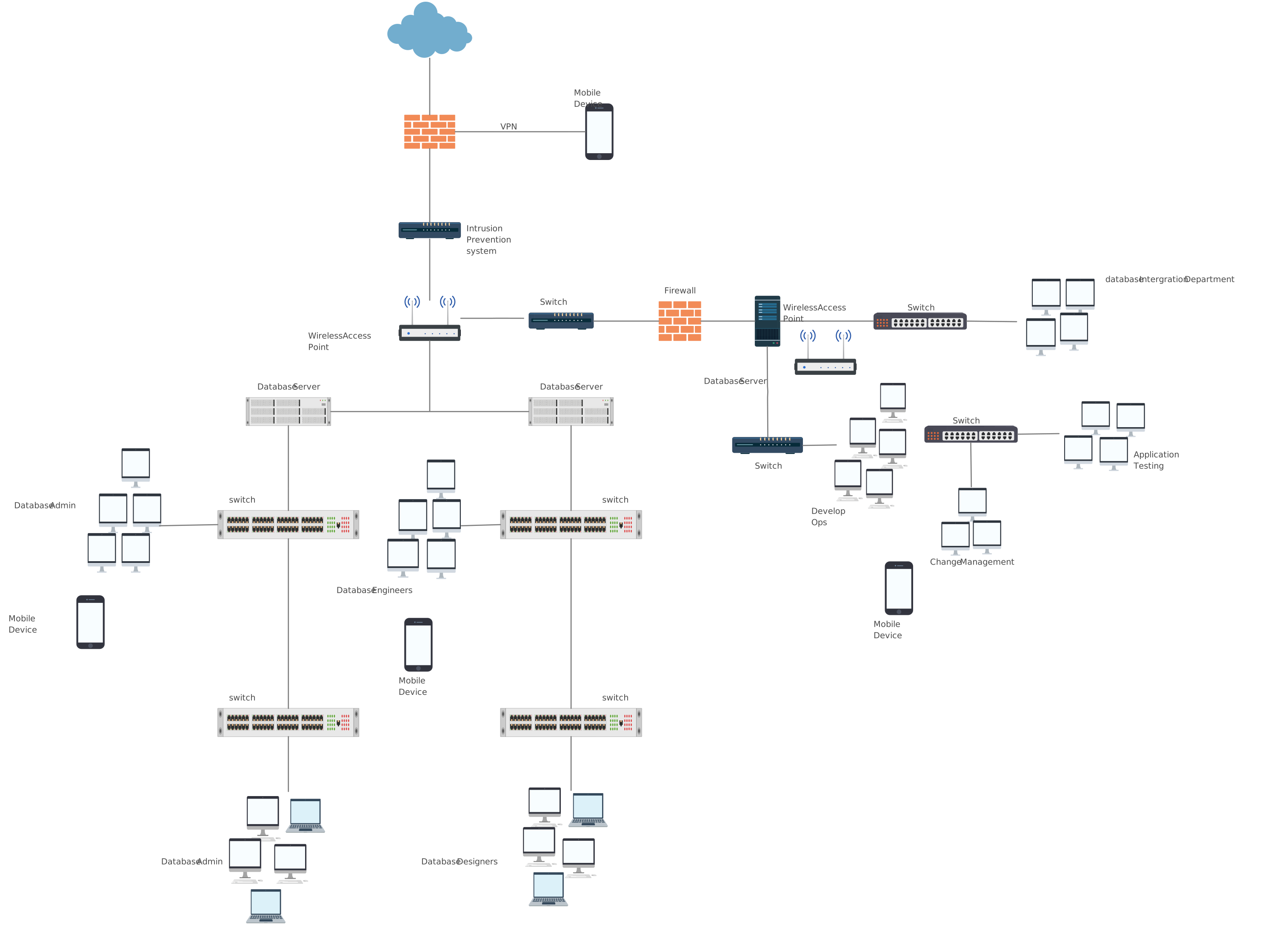
Helpful Resources for Building Network Diagrams
Learn about the different types of network diagrams with examples.
Discover the different types of network topology and their use cases.
Learn about the Home Network Diagram and its applications.
FAQs about WAN Diagrams
Which WAN topology is most commonly used?
Can WAN diagrams help with security and compliance?
Should WAN diagrams include bandwidth and link types?
Can WAN diagrams include cloud services?
Resources
Michel, Oliver, and Eric Keller. “SDN in Wide-Area Networks: A Survey.” 2017 Fourth International Conference on Software Defined Systems (SDS), May 2017, https://doi.org/10.1109/sds.2017.7939138.
Zhang, Yan, et al. “On Wide Area Network Optimization.” IEEE Communications Surveys & Tutorials, vol. 14, no. 4, 2012, pp. 1090–1113, https://doi.org/10.1109/surv.2011.092311.00071.