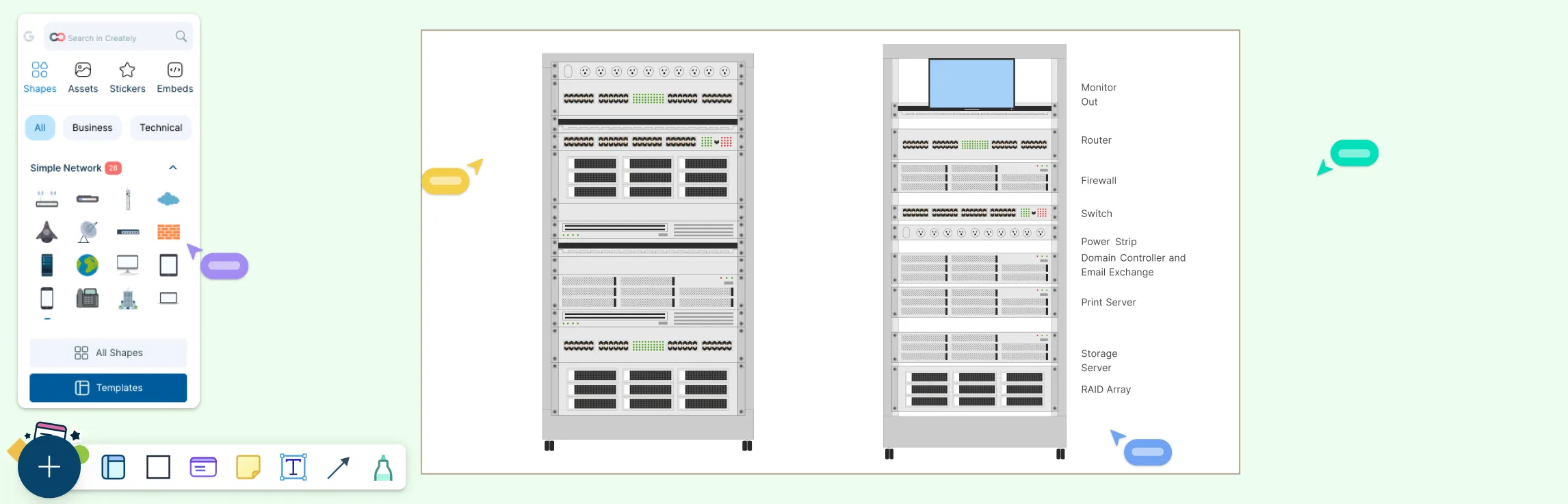
Managing servers, switches, and network gear requires clarity and precision. Whether you’re planning a new deployment, reorganizing a rack, or documenting existing infrastructure, a clear visual layout keeps everyone aligned and prevents costly mistakes. In this guide, you’ll learn how to create rack diagrams that are accurate, scalable, and easy to maintain—so you can plan smarter, troubleshoot faster, and keep your infrastructure organized.
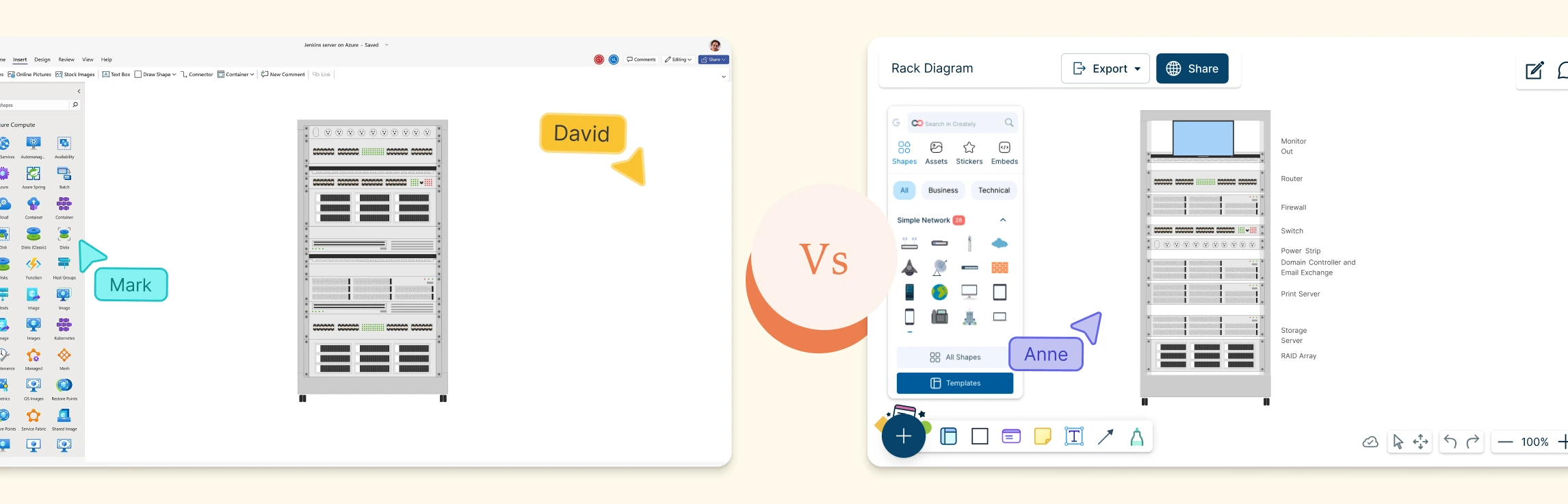
In this guide, you’ll learn what a rack diagram is, how to make a rack diagram in Visio, and the common limitations teams run into when using Visio for rack layouts. We’ll also explore a faster, more collaborative alternative and explore some ready-made rack diagram templates to get started.
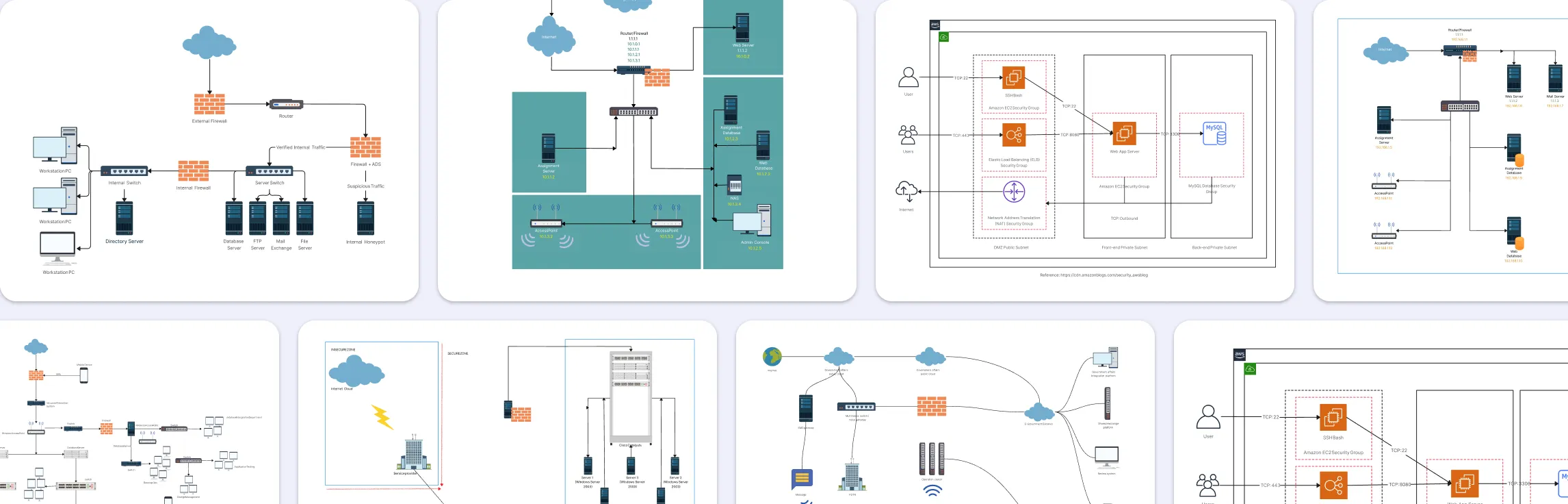
Network security diagrams help teams spot vulnerabilities, plan controls, and communicate network design clearly. Used by admins, architects, and auditors, they turn complex networks into easy-to-understand visuals. This guide showcases practical network security diagram examples and templates you can use to strengthen your network.
Network diagrams are the backbone of modern IT infrastructure work. They help teams design networks, document what’s actually deployed, troubleshoot issues faster, and explain complex setups without long meetings or guesswork. But not all diagramming tools are built for this kind of work. The right tool makes it easier to be precise, keep diagrams up to date as the network evolves, and ensure network engineers, operations, and security teams are aligned around a single source of truth. The wrong one leads to messy diagrams, outdated documentation, and costly misalignment when it matters most.
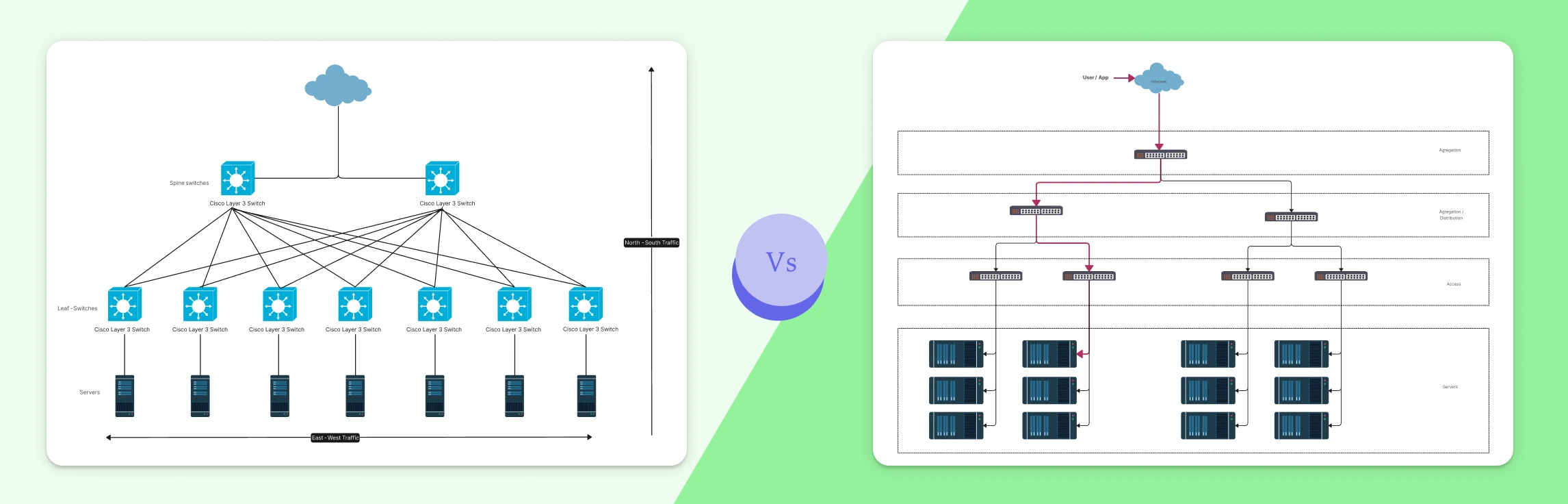
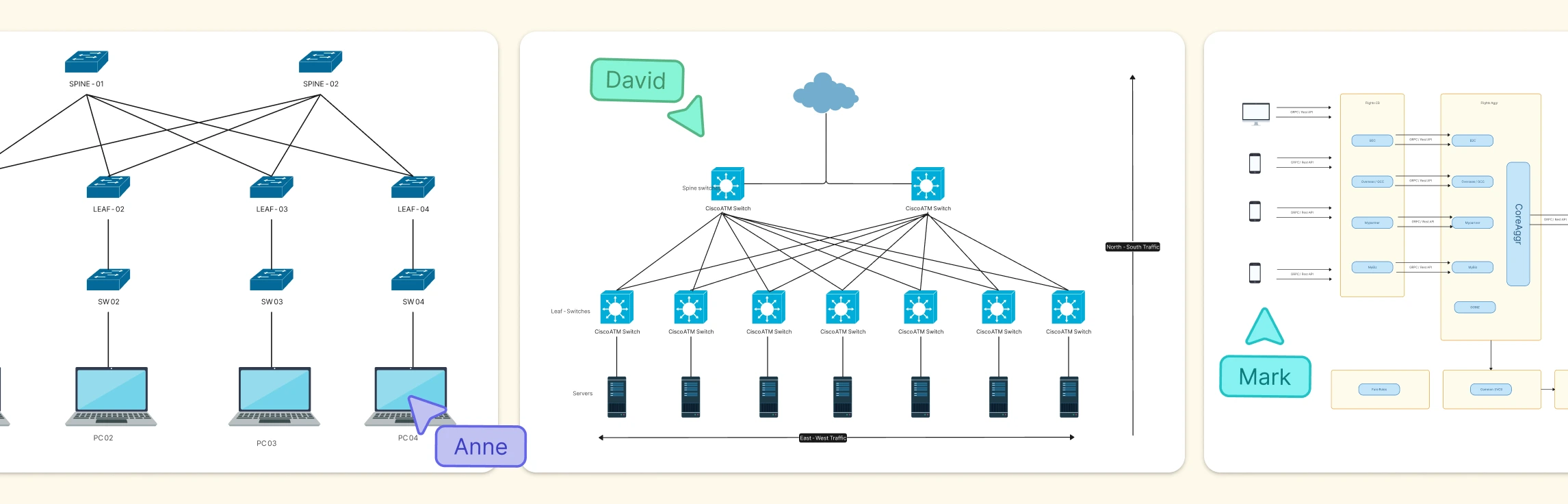
Modern applications don’t just send traffic in one direction. Requests move into systems from users, flow across internal services, and fan out across increasingly complex architectures. Understanding the difference between North–South and East–West traffic is essential for making sense of how modern networks actually behave. This guide breaks down both traffic patterns, shows how they differ in real-world environments like data centers and microservices, and explains why visualizing these flows matters for performance, security, and reliability today.
Modern networks generate far more traffic inside their boundaries than at the edges, and that internal flow is where things often go wrong. This guide explains what East–West traffic is, where it shows up in data centers, microservices, Kubernetes, and cloud networks, and why visualizing it is critical for performance, security, and observability. You’ll see real-world examples, common challenges teams face, and how network diagrams can turn hidden internal traffic into something clear, shareable, and easier to manage.
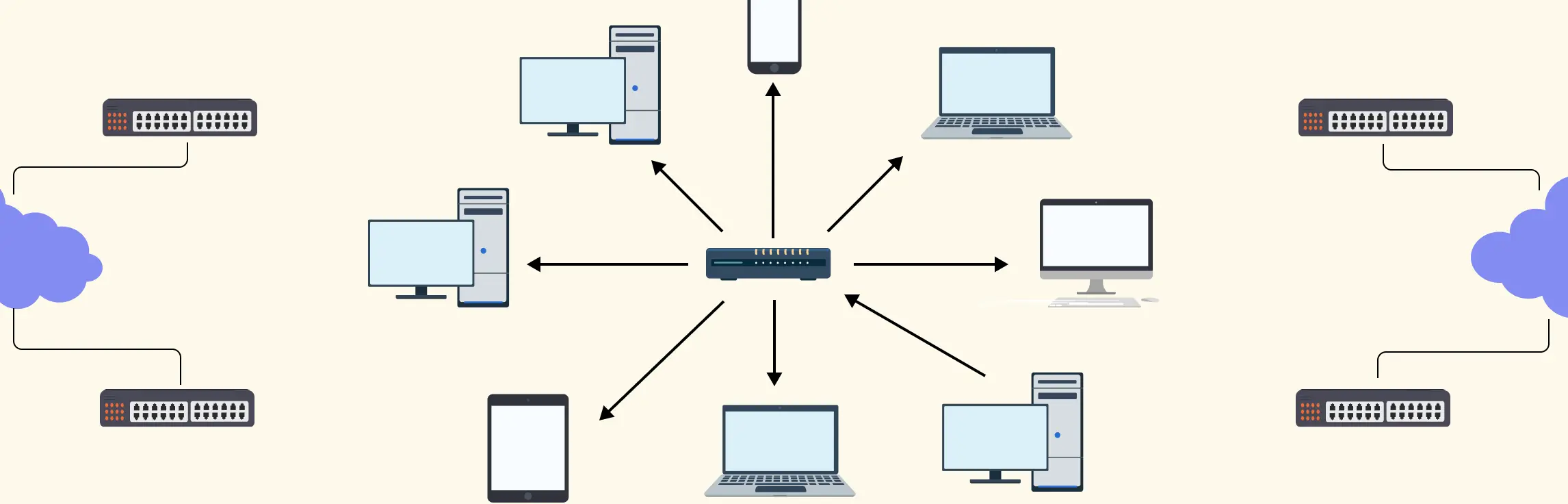
Ever stared at a messy network diagram and felt your head spin? Many teams struggle with scattered connections, confusing layouts, and endless troubleshooting, especially when networks grow beyond a few devices. That’s where a star topology comes in: a simple, organized way to connect devices with a central hub, making your network clear, manageable, and scalable. In this guide, we’ll discuss the different types of star topologies and 10 practical star topology examples that you can explore.
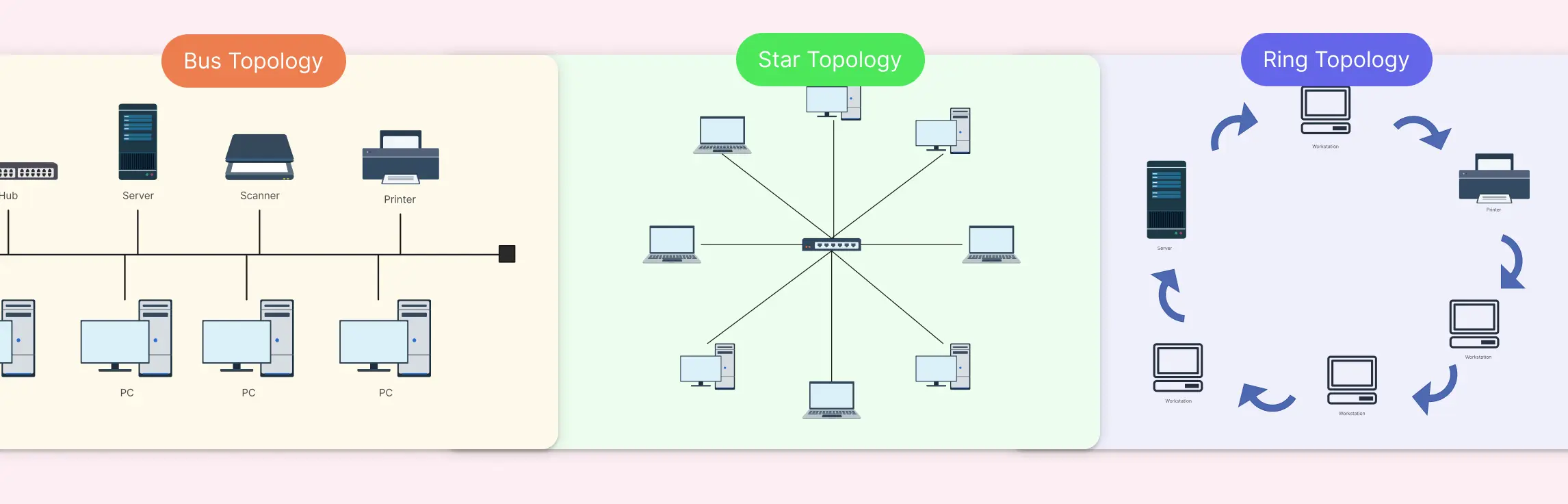
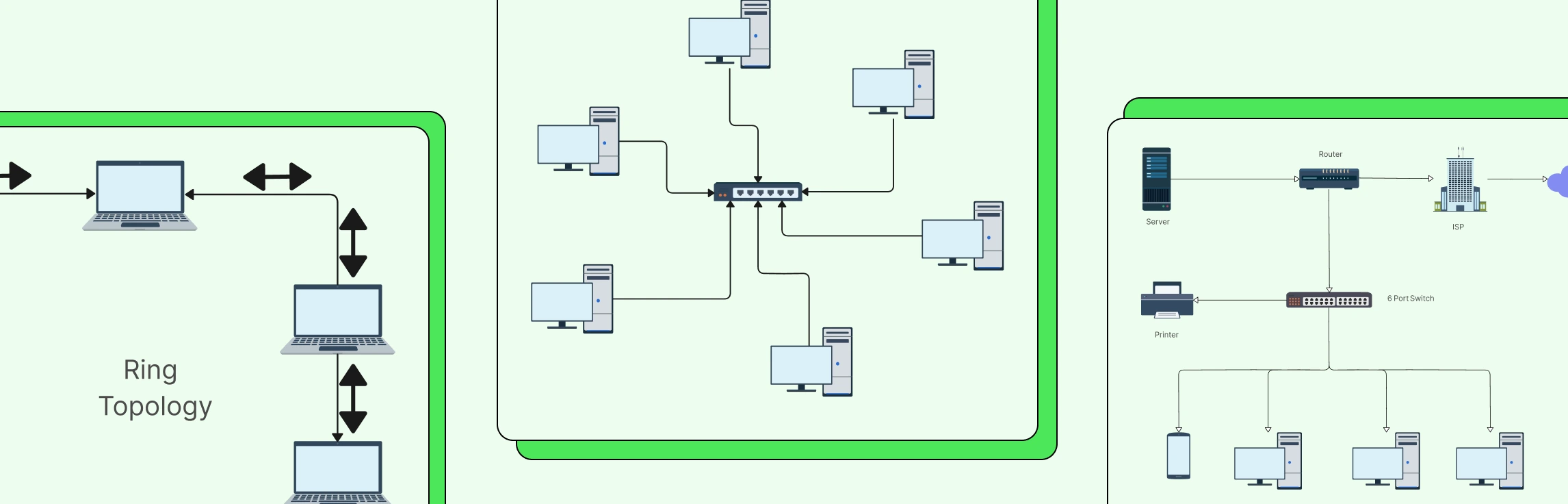
Choosing the right network topology can feel like navigating a maze; one wrong decision, and you’re stuck with slow data flow, troubleshooting headaches, and scattered team workflows. That’s exactly why comparing Bus, Star, and Ring Topology upfront can save hours of frustration and keep your network running smoothly. In this guide, we’ll break down each topology, highlight the differences, and show you practical ways to visualize your network with ready-to-use templates.
Bus topology remains one of the simplest ways to structure a network, with all devices connected along a single shared communication line. While bus topology is less common in modern enterprise networks, bus topology still appears in legacy systems, industrial environments, and specialized setups. This guide brings together practical bus topology examples to show how this layout is used across different real-world scenarios.
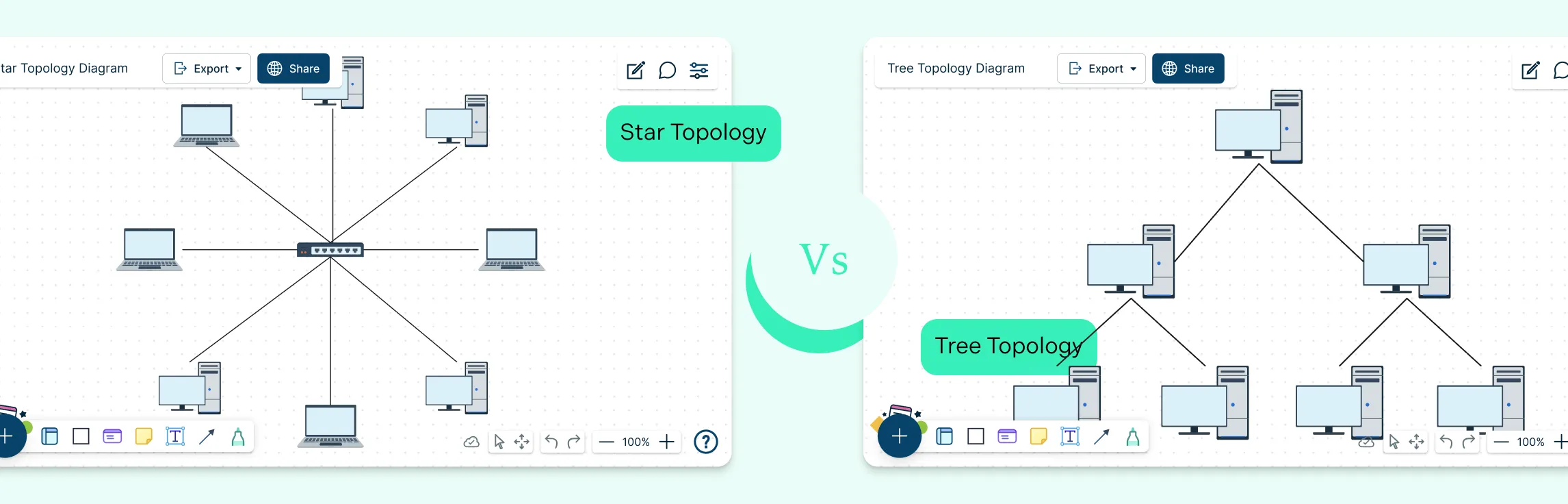
Choosing the right network topology plays a big role in how efficiently a network performs and scales over time. Star and tree topologies are two widely used structures, each offering different strengths when it comes to layout, reliability, and expansion. This guide breaks down the key difference between star and tree topology to help you understand how they compare and when each one makes the most sense.
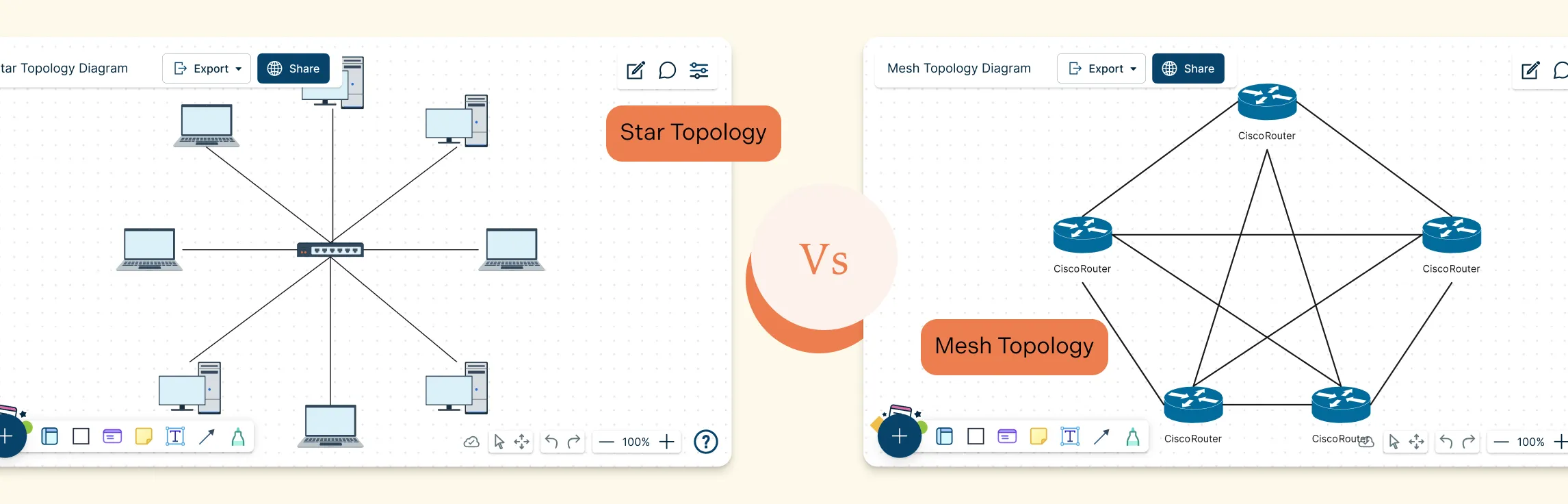
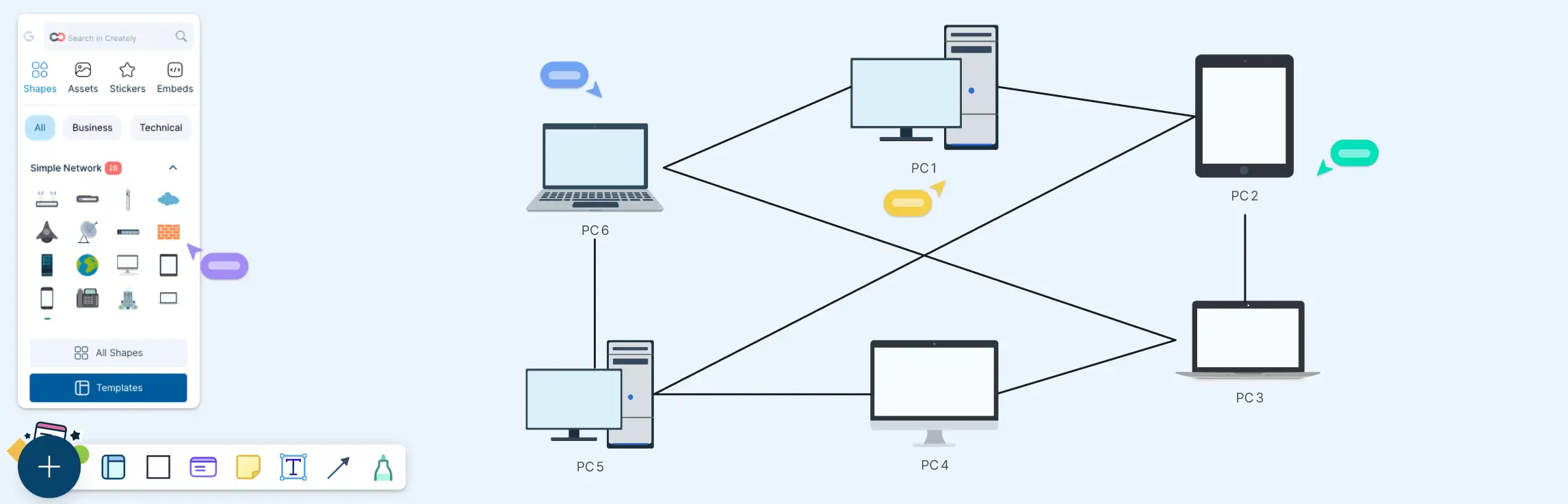
Choosing the right network layout can make all the difference in performance, reliability, and scalability. Star and Mesh Topology are two of the most popular designs, each offering unique ways to connect devices and manage data flow. Whether you’re building a small office network or a large, high‑availability system, understanding Star and Mesh Topology helps you make smarter design decisions, troubleshoot effectively, and ensure your network can grow with your needs.
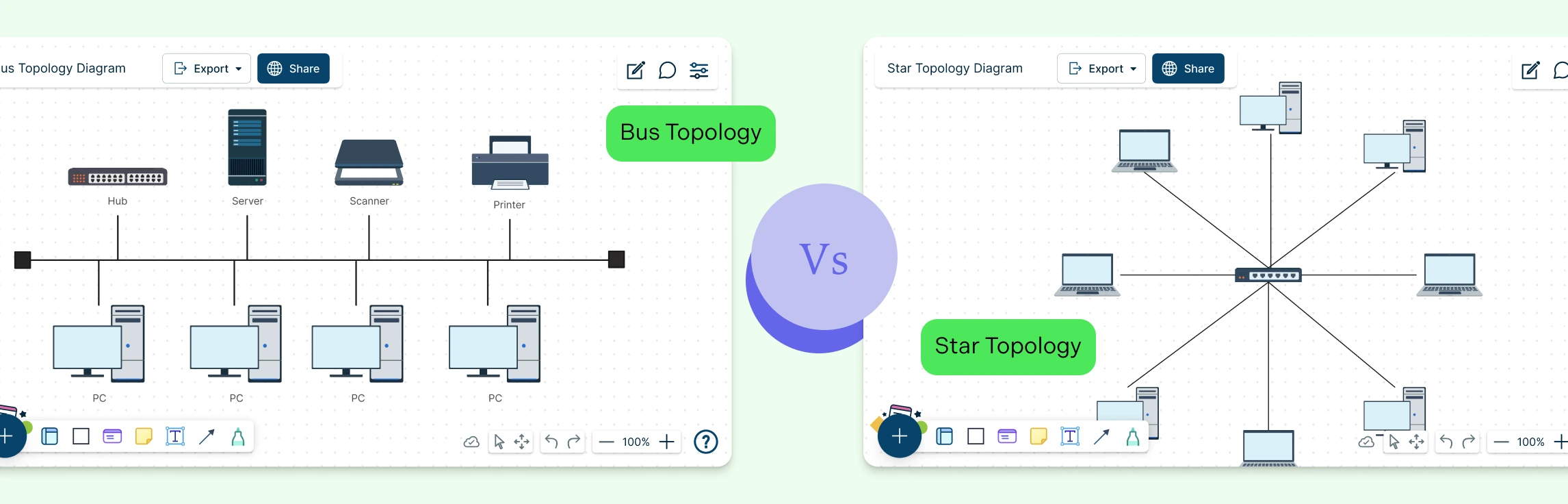
Choosing the right network topology can feel confusing, especially when terms like bus and star sound technical but affect how your entire network behaves. This guide breaks down how bus and star topologies work, what makes them different, where they overlap, and when each one makes sense. By the end, you’ll know exactly which topology fits your setup, and how to diagram it clearly using ready-made templates.
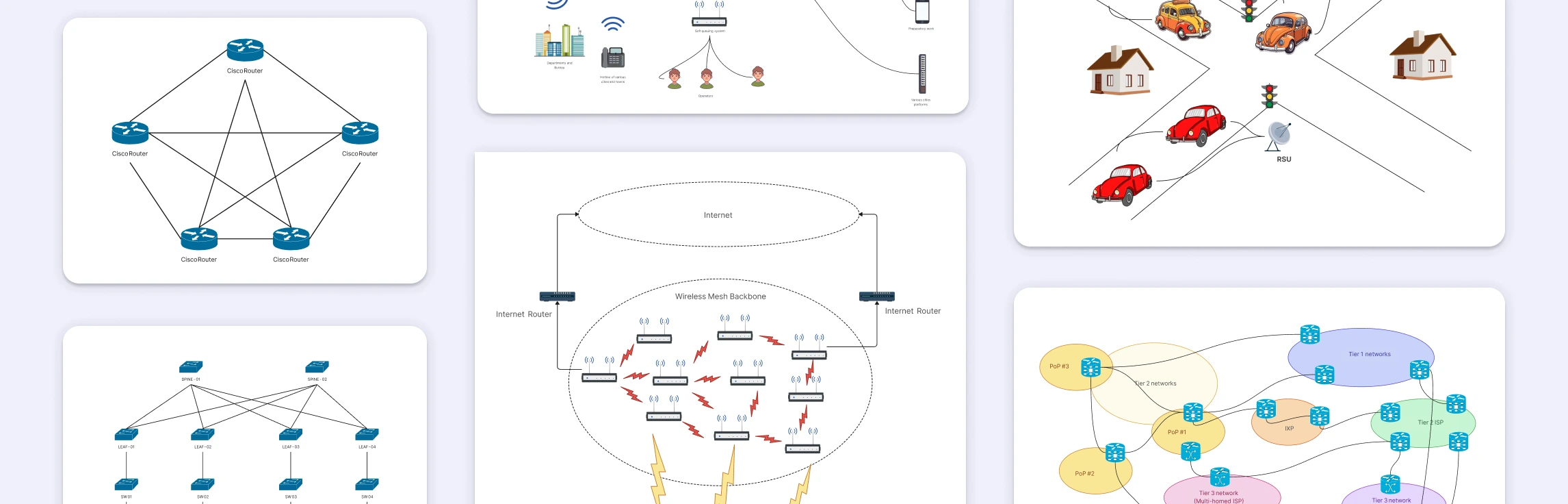
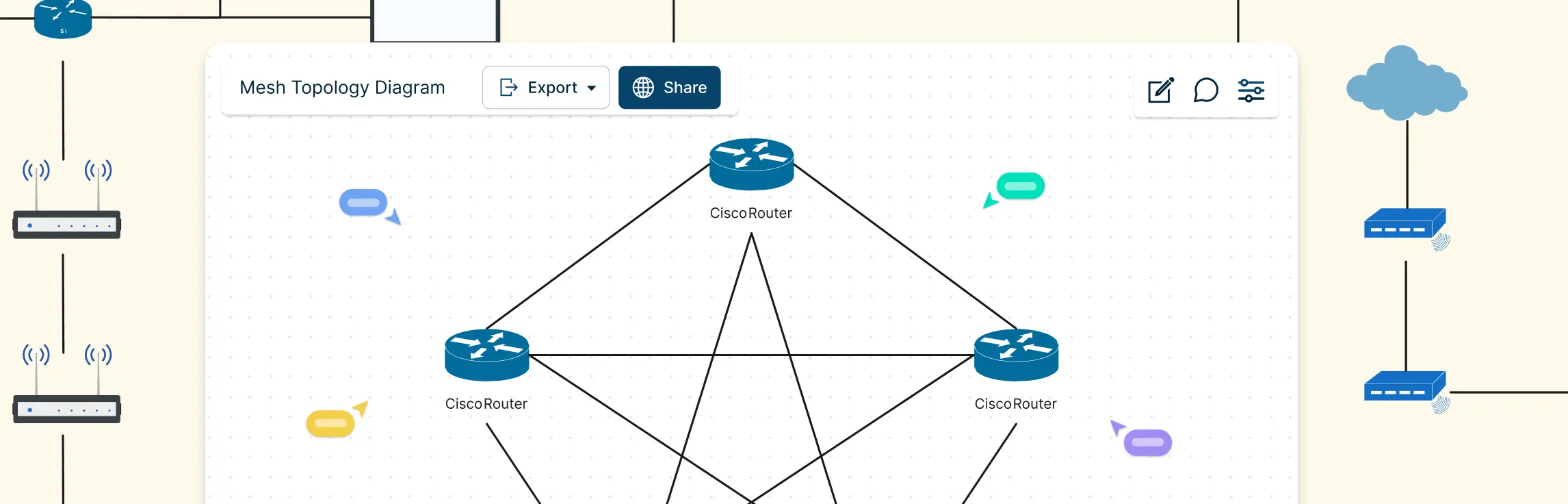
A mesh topology connects devices through multiple redundant paths instead of a single central link, making networks more reliable, fault-tolerant, and scalable. This guide covers real world mesh topology examples, from internet backbone routing and wireless mesh networks to home Wi-Fi systems, data center interconnections, emergency communication networks, and peer-to-peer architectures to help you understand how mesh designs work in practice and draw accurate network diagrams.
A partial mesh network is a practical approach to building reliable networks without the overhead of fully connecting every device. This guide explores why partial mesh networks are used, where they appear in real-world architectures, and how they compare to full mesh topology designs, helping you understand and choose the right topology with confidence.
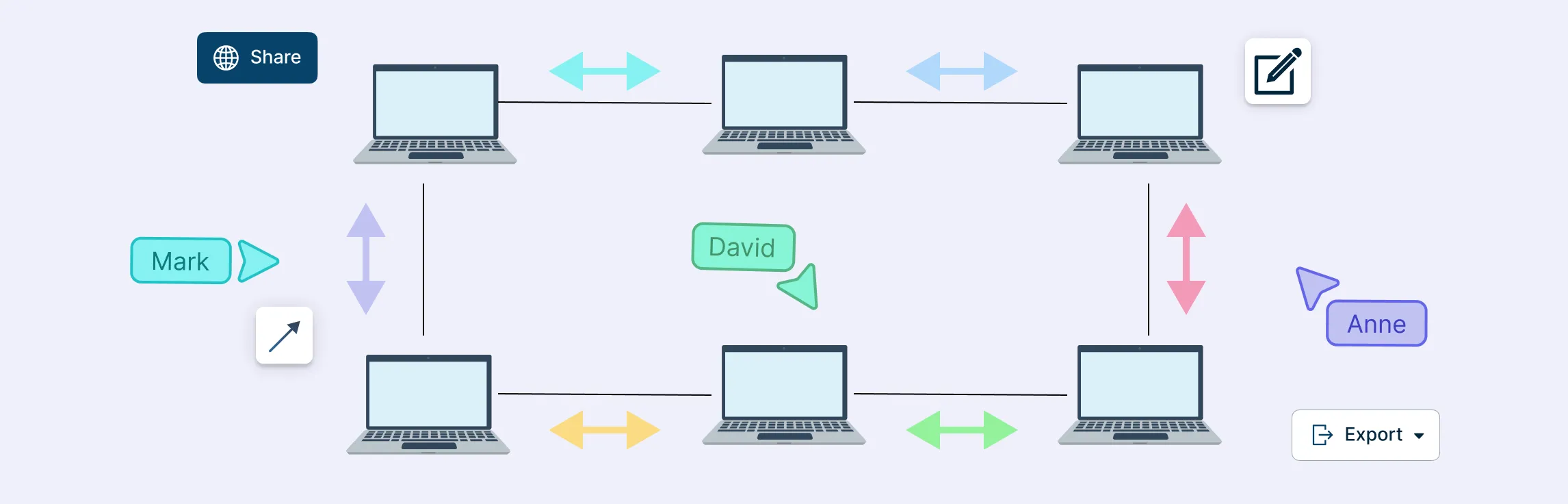
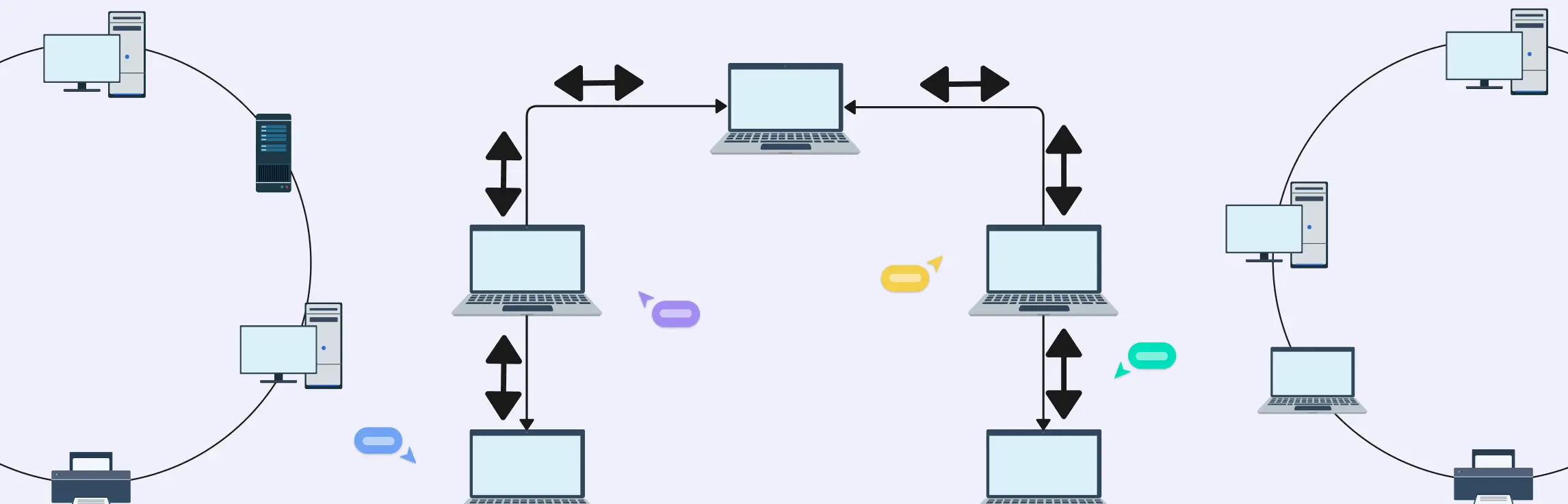
A ring network topology connects devices in a circular loop so each node links to exactly two neighbors, forming a closed path for data to travel either unidirectionally or bidirectionally. Ring topologies can be simple logical designs or part of hybrid network setups — they’re valuable for planning, documentation and troubleshooting network traffic paths.
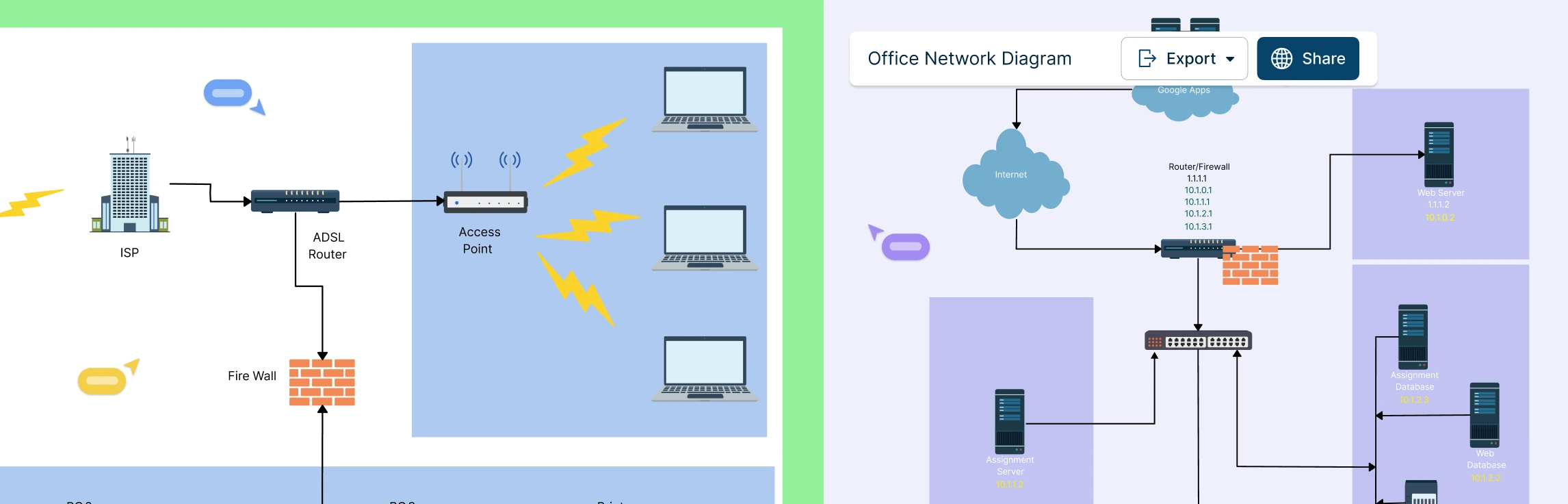
Visualizing your network’s security setup is key to keeping systems safe and organized. Firewall network diagrams help IT teams see how traffic flows, identify weak points, and plan robust defenses. In this guide, we’ll explore practical examples and templates you can use to design clear, effective firewall diagrams for any network.
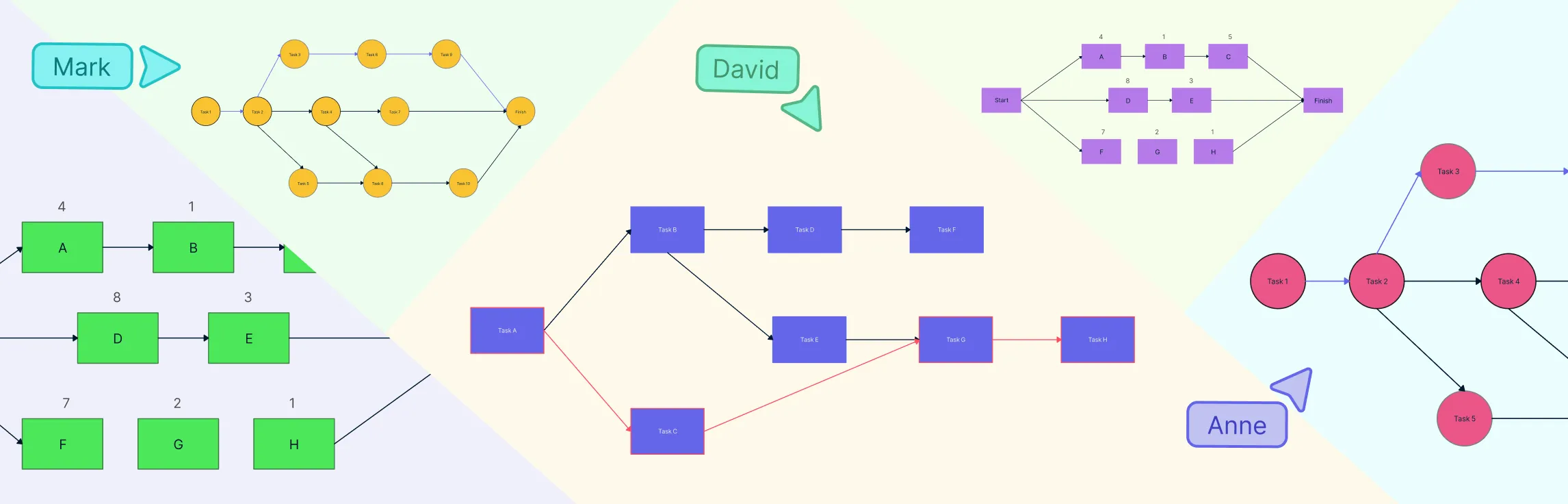
Want clearer project timelines and fewer surprises? Network diagrams and the critical path method (CPM) help you visualize how tasks connect, depend on one another, and ultimately drive your project schedule. A network diagram maps the flow of work, while the critical path — the longest chain of dependent tasks — defines the shortest possible project duration. Since any delay on this path delays the entire project, understanding these tools is essential for realistic planning, early risk detection, and staying on track.
This guide walks you through everything you need to know about peer-to-peer (P2P) network diagrams, from what they are and how they work, to the key elements that make them effective. You’ll explore the main P2P architectures, see real-world diagram examples like BitTorrent, WebRTC, and Gnutella, learn how to draw your own P2P network diagram step by step, and compare peer-to-peer layouts with traditional client–server networks.
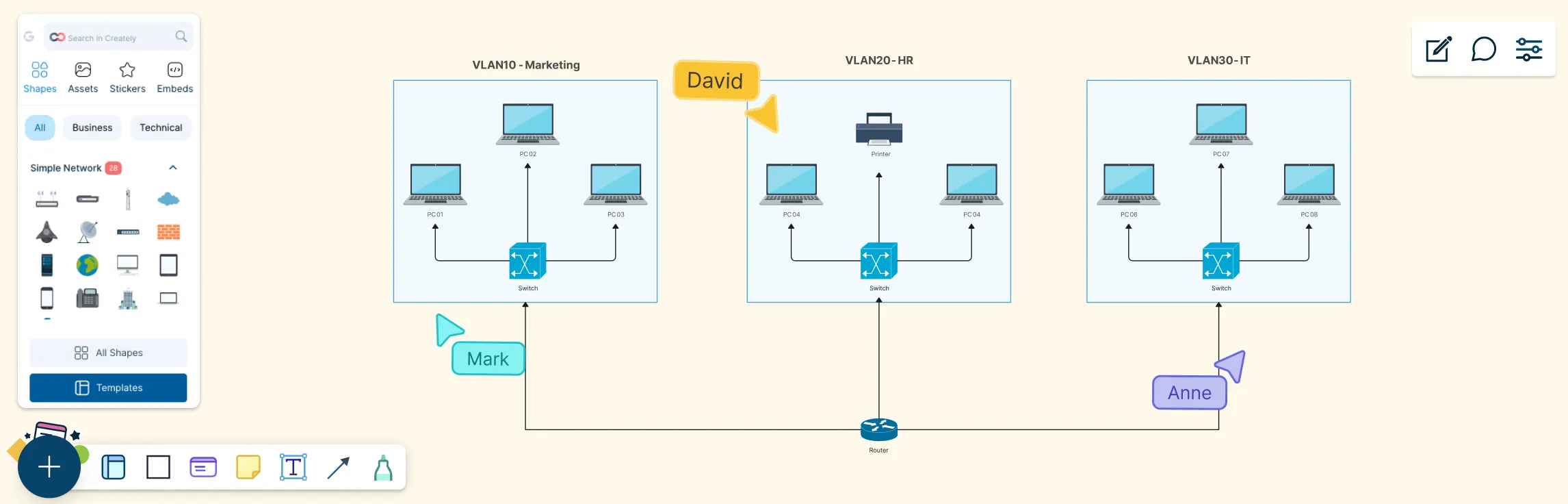
Modern networks can look simple on the surface, but behind the scenes, traffic needs to be carefully separated, secured, and managed. This guide helps you understand VLAN diagrams by breaking them down step by step, from what a VLAN diagram is, the key components you’ll see, why it’s used, real-world examples, and how to draw one yourself.
Mesh topology has become increasingly important as modern networks demand higher reliability, flexibility, and uninterrupted connectivity. Designed to keep data flowing even when individual connections fail, this network structure is widely used in environments where uptime and resilience matter most. Industry experts often highlight its ability to support dynamic routing, making it well-suited for wireless networks, IoT systems, and large-scale infrastructure. This guide walks you through mesh topology in computer network from a practical perspective, helping you understand its behavior, strengths, and structure through clear explanations and diagrams.
Network diagrams are the foundation of understanding how data flows in different network designs, and ring topology diagrams have a special place in that world because of their unique circular communication pattern. While ring topology might seem simple at first glance, they pack a lot of interesting behavior—from predictable traffic flow and equal access for all devices to the engineering trade-offs that make them both powerful and challenging in real deployments. This guide walks you through ring topology diagrams, how they work, and their practical applications in real-world networks.
When you’re planning or managing a real-world network, clarity and control matter more than ever—and that’s where tree topology stands out. With their hierarchical layout and clearly defined branches, these diagrams make it easier to scale networks, organize complex infrastructure, and pinpoint issues without disrupting the entire system. This guide will take you through the essentials of tree topology, from how it works and its key characteristics to practical examples and diagramming tips, helping you design, visualize, and troubleshoot networks with confidence.
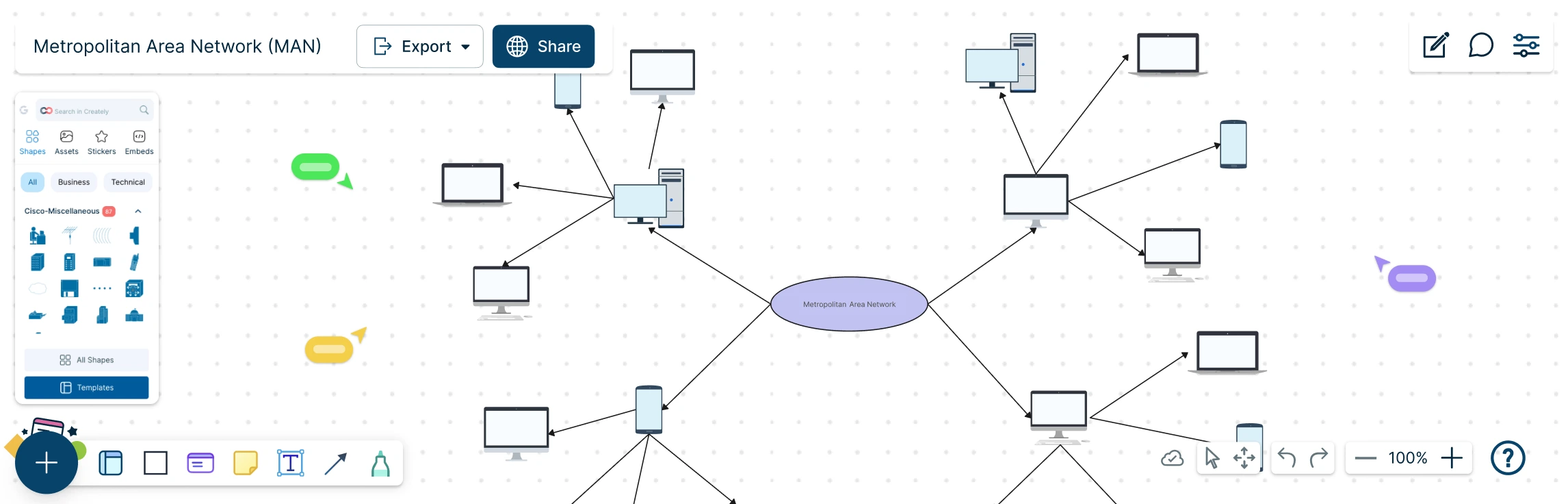
A Metropolitan Area Network (MAN) sits at the heart of modern, city-scale connectivity, linking offices, campuses, and critical services into one seamless network. But as networks grow beyond a single building, understanding how everything connects can quickly become complex. This guide explores what a MAN network diagram is, how it compares to LAN and WAN setups, when it makes sense to use one, and how to design it step by step. With practical examples and free templates, you can move from concept to clarity and confidently map networks that scale across an entire city.
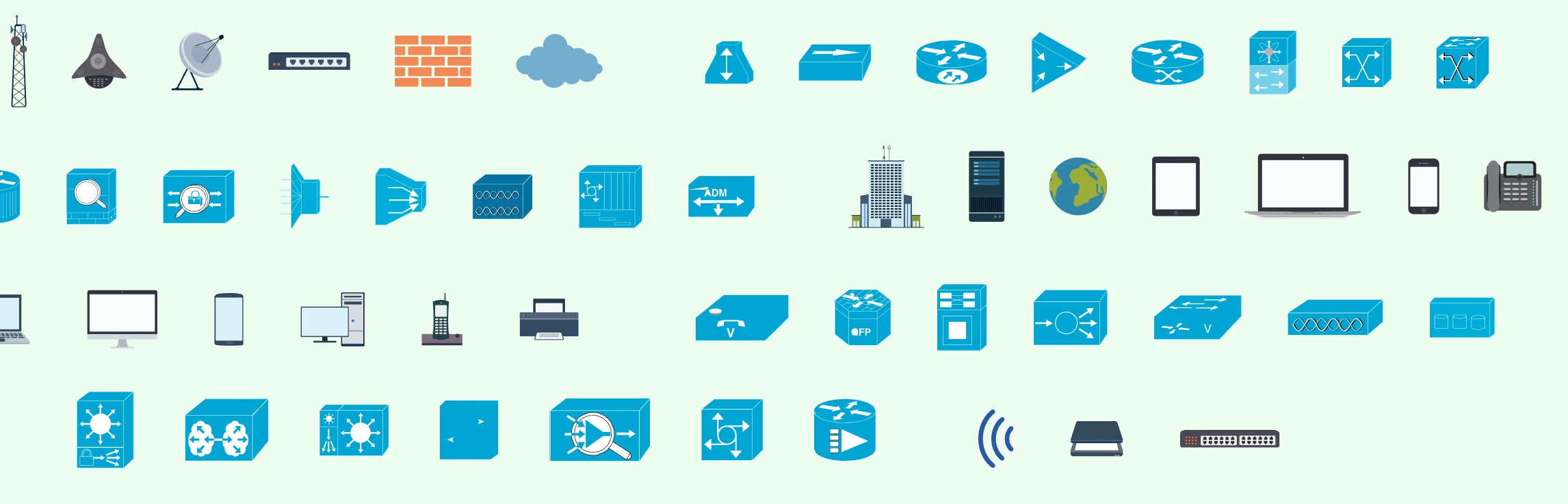
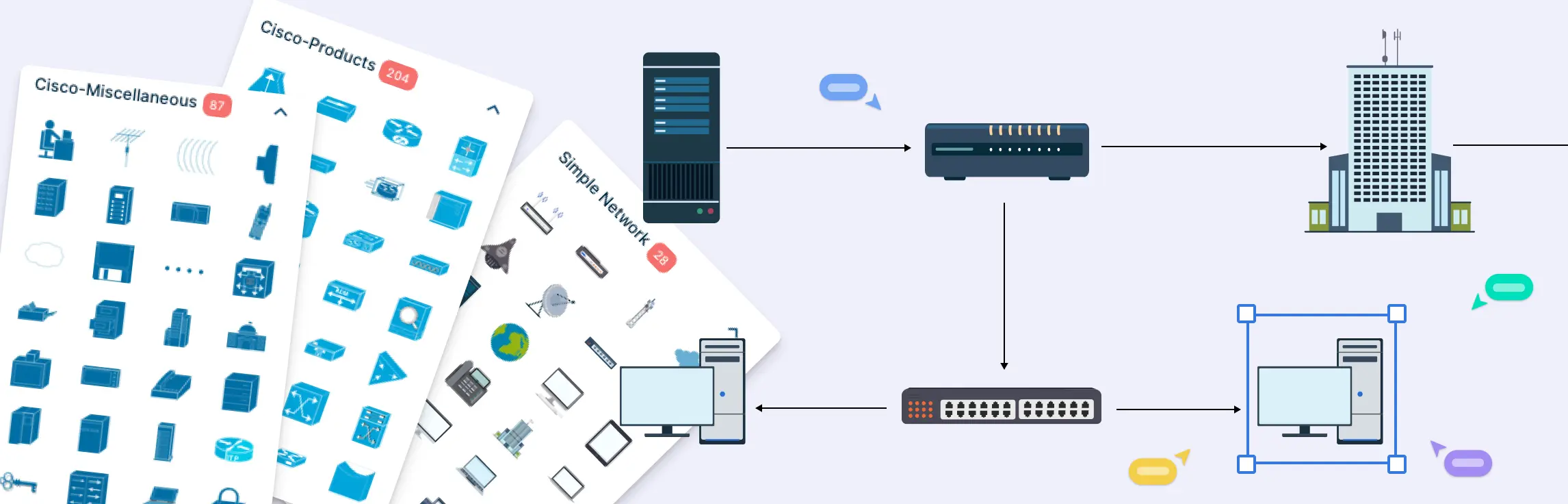
Network diagrams are visual representations of a computer network that show how devices, systems, and connections are structured and how data flows between them. These diagrams are only as clear as the symbols used to draw them. This guide simplifies networking symbols by explaining what they are, why they matter, and how to use standard symbols correctly. You’ll learn about common network diagram symbols, best practices for labeling and annotation, and how these visual elements help create diagrams that are easy to read, share, and maintain over time.
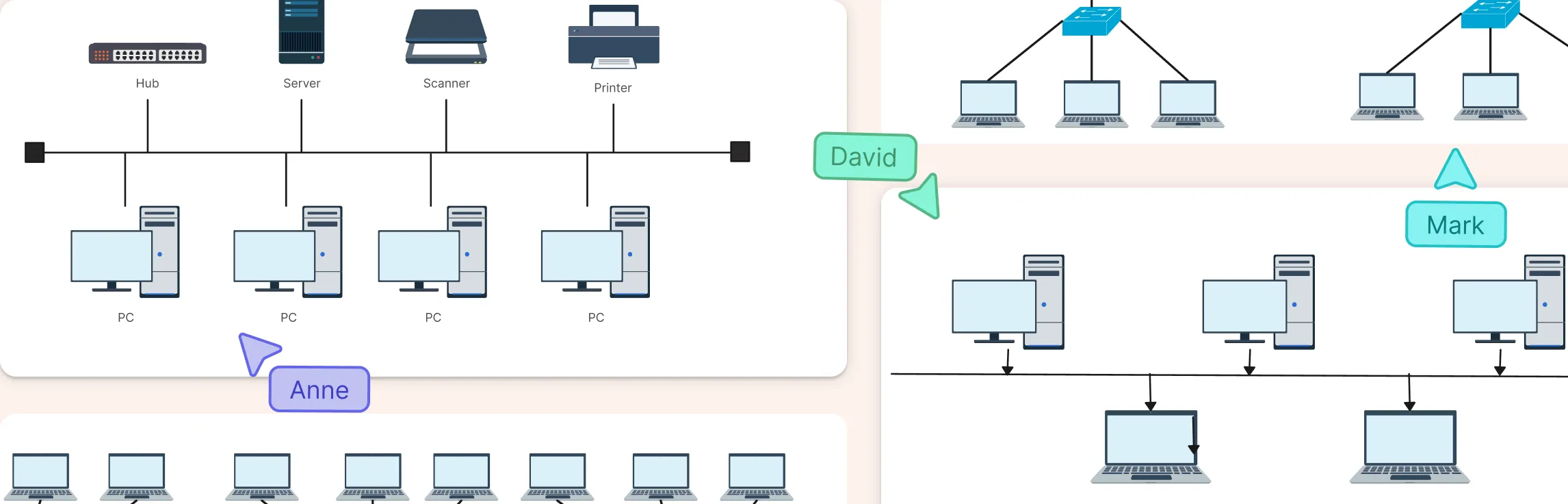
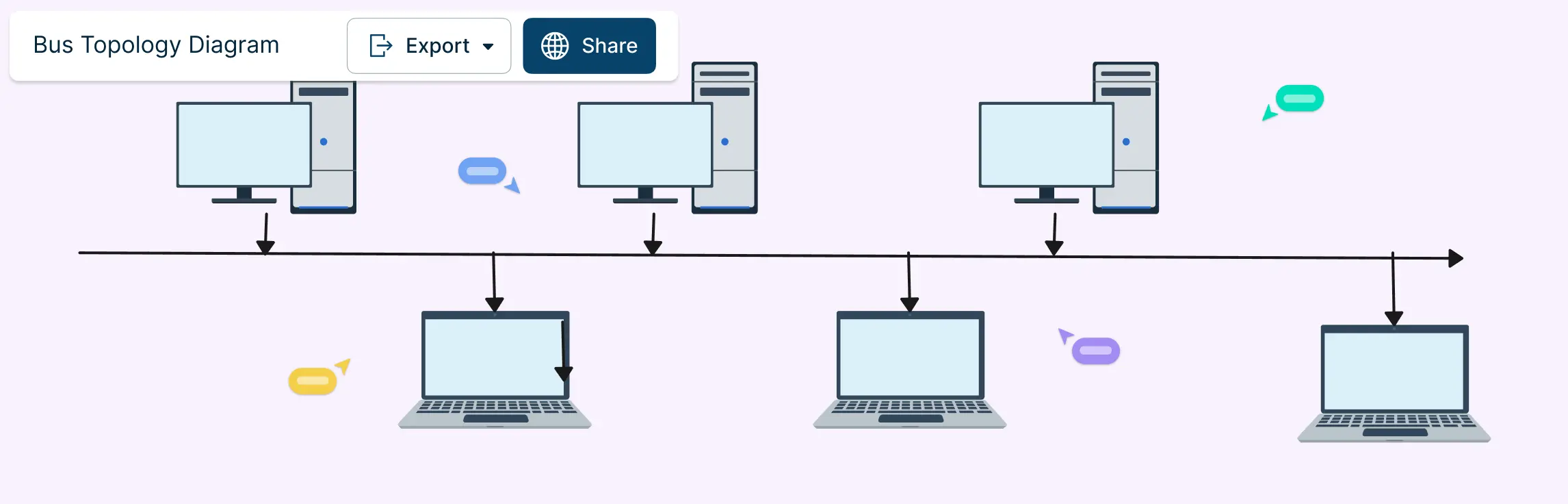
Bus topology is often one of the first network layouts people encounter because it’s simple, visual, and easy to follow. In this guide, you’ll learn how bus topology diagrams are structured, how data moves across the shared backbone, and what the layout looks like in real-world and learning scenarios. We’ll break down key bus topology diagram elements, highlight common design patterns, and point out the limitations you need to account for when working with this topology.
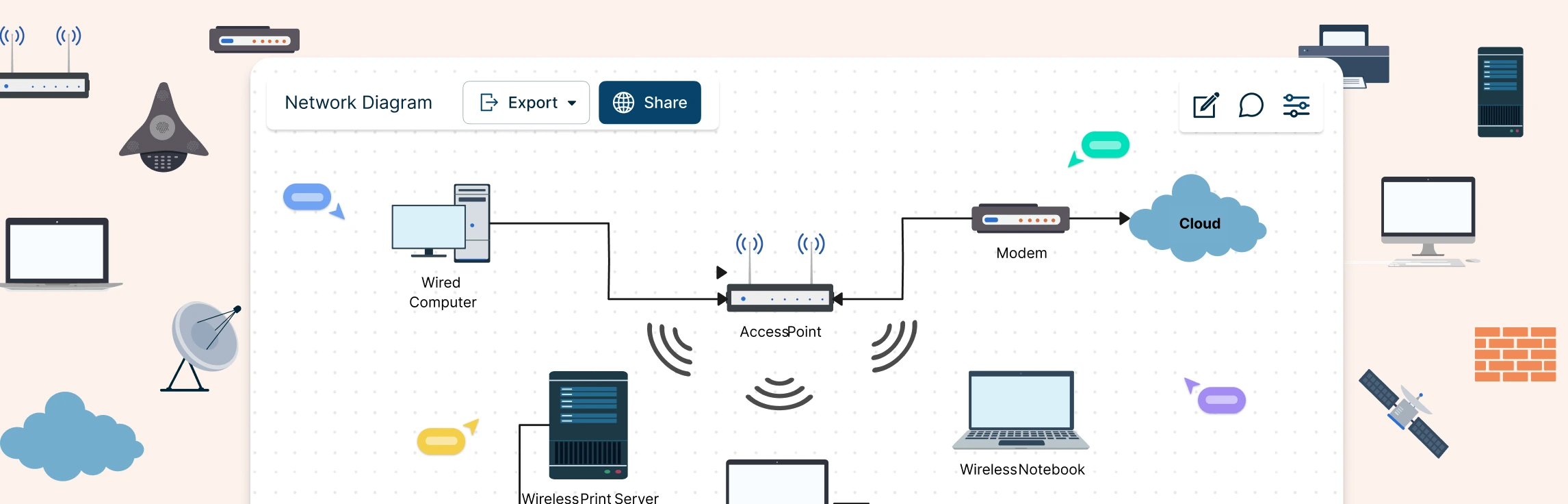
A network diagram is a visual representation of system components—such as devices, servers, and applications—and how they’re connected. It shows how data, traffic, or dependencies flow across a network, making complex systems easier to understand at a glance. In this guide, you’ll learn how to draw a network diagram step by step, from planning what to include to laying out components clearly and choosing the right symbols.
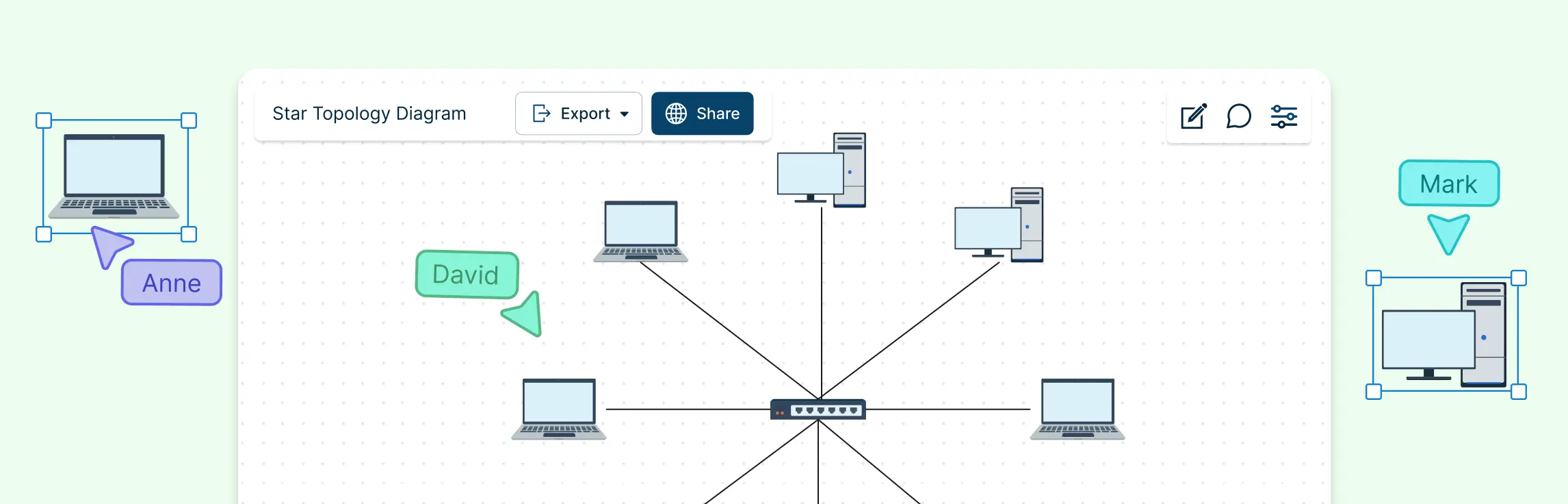
A star topology makes networks easy to see, manage, and troubleshoot by connecting all devices to a central hub or switch. The key is clarity and simplicity — a well‑designed diagram instantly shows how devices interact and highlights potential issues. In this guide, you’ll learn how to create a clear, professional network star topology diagram that communicates your network at a glance.
Designing a network can quickly feel complex when you’re trying to balance performance, cost, and scalability at the same time. Understanding network topology simplifies that process by showing you how different network structures work and why they matter. In this guide, you’ll explore the 7 types of network topology, see where each one fits in real-world scenarios, and learn how to choose the right option with confidence.
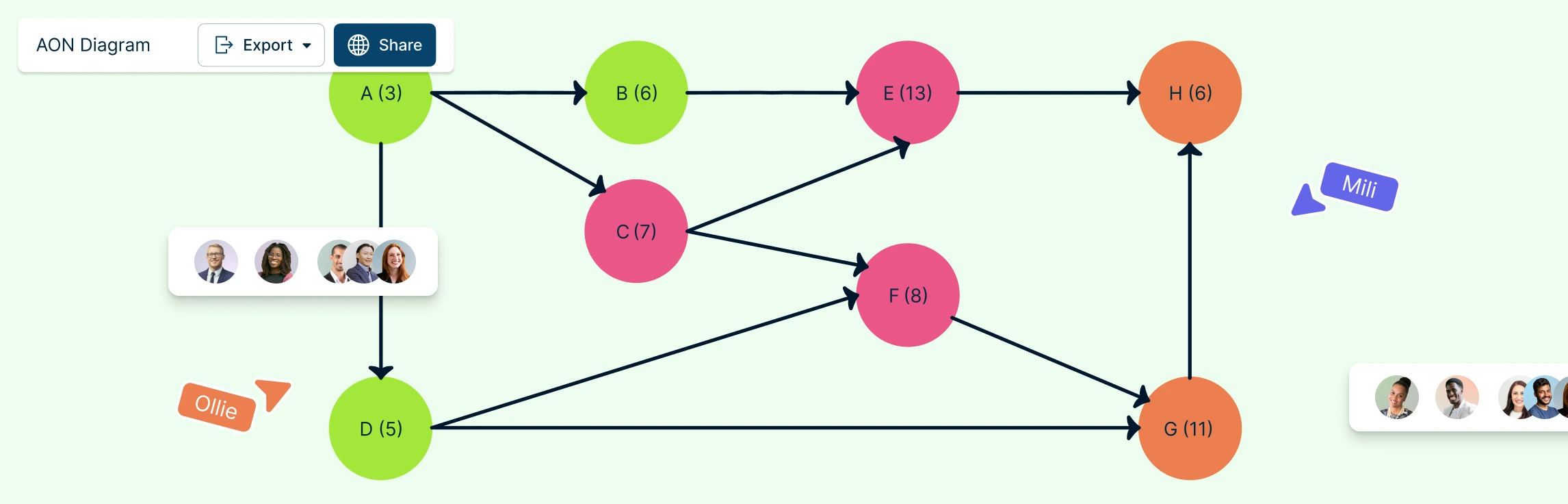
AON (Activity-on-Node) Network Diagrams are crucial tools in project management, offering a visual representation of activity relationships and dependencies. In this guide, you’ll learn what an AON network diagram is, explore its key components, and follow simple steps to create one using free, editable AON network diagram templates to get started quickly.
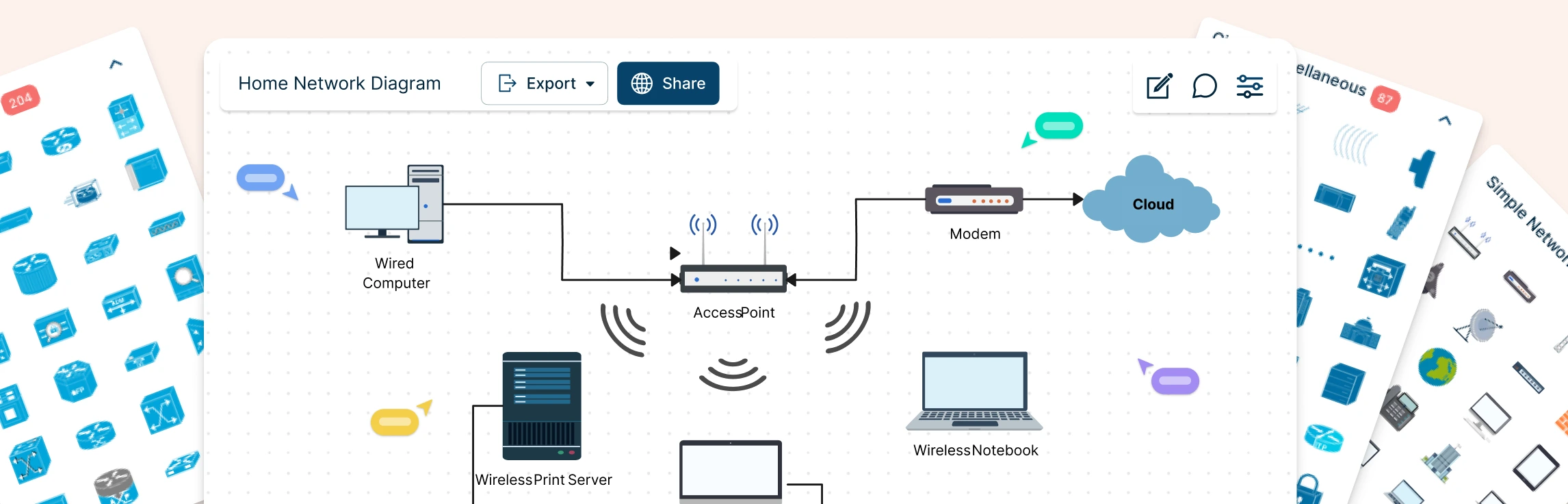
Planning a home network often starts with guesswork—what’s connected, what’s slowing things down, and where everything actually sits. A home network diagram removes that uncertainty by giving you a clear, visual view of how your devices connect and communicate. In this guide, you’ll learn how to create a home network setup diagram step by step, understand common layouts, follow practical best practices, and use free templates to map your setup.
Modern IT environments rarely stay simple for long. As systems grow, tools multiply, and teams scale, it becomes harder to see how everything fits together, or what might break when changes are made. This guide helps you cut through that complexity. You’ll learn what IT infrastructure maps are, how they bring clarity to connected systems, how to create your own step by step, and the best tool to do it.
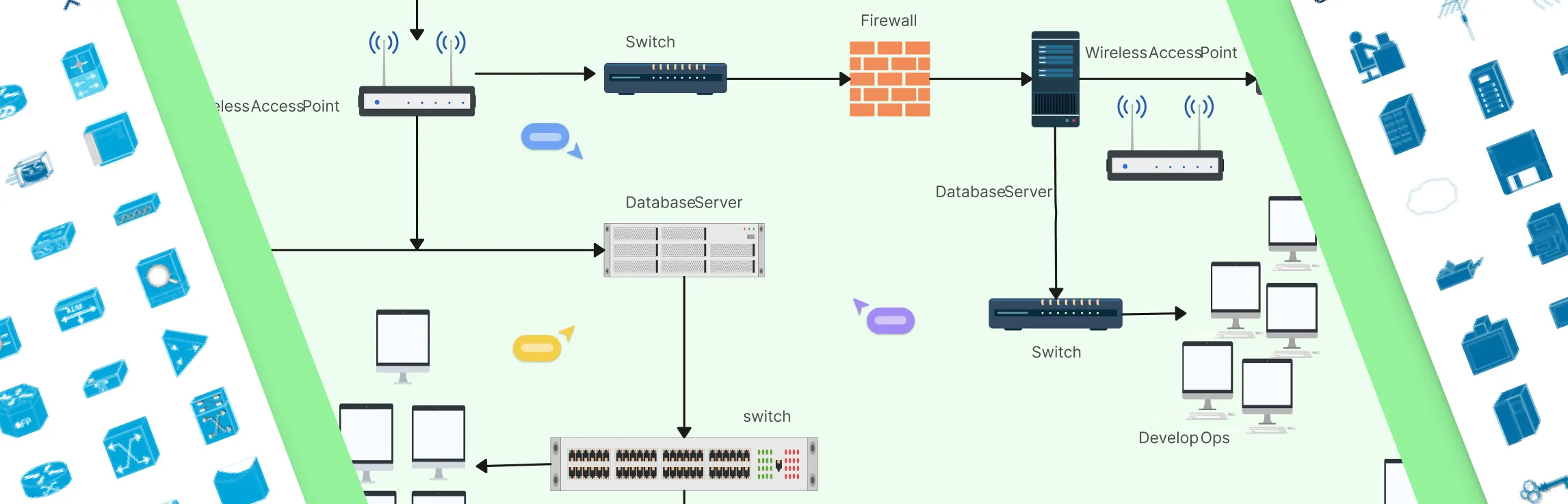
Modern networks can quickly become complex, devices multiply, connections overlap, and one small change can impact the entire system. Whether you’re setting up a network, managing infrastructure, or trying to explain how everything fits together, having a clear visual makes all the difference. This guide walks you through what network diagrams are, how they’re used, the different types you’ll encounter, and common network topologies.
Designing a wide area network can quickly feel overwhelming when you’re trying to connect multiple locations, keep traffic secure, and avoid downtime at the same time. A clear WAN diagram cuts through that complexity by showing how everything fits together before problems appear. In this guide, you’ll learn how to create a wide area network diagram step by step, understand key components and WAN examples, follow proven best practices, and get started faster using free network diagram templates.