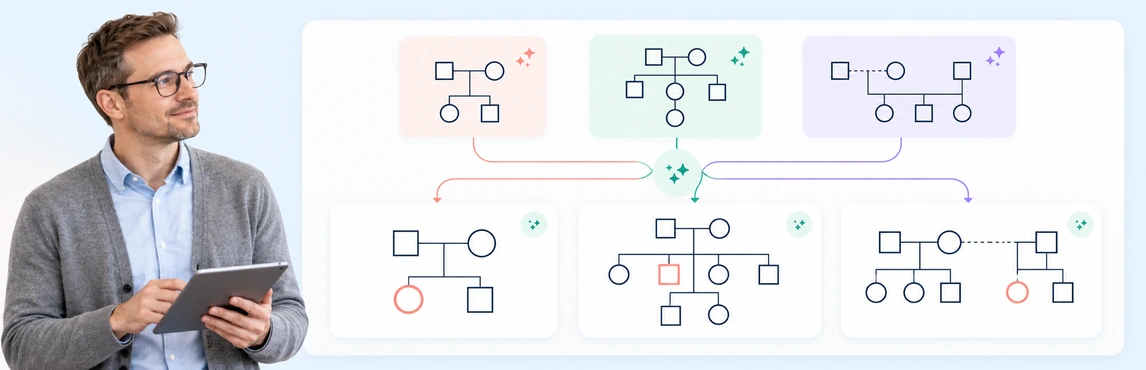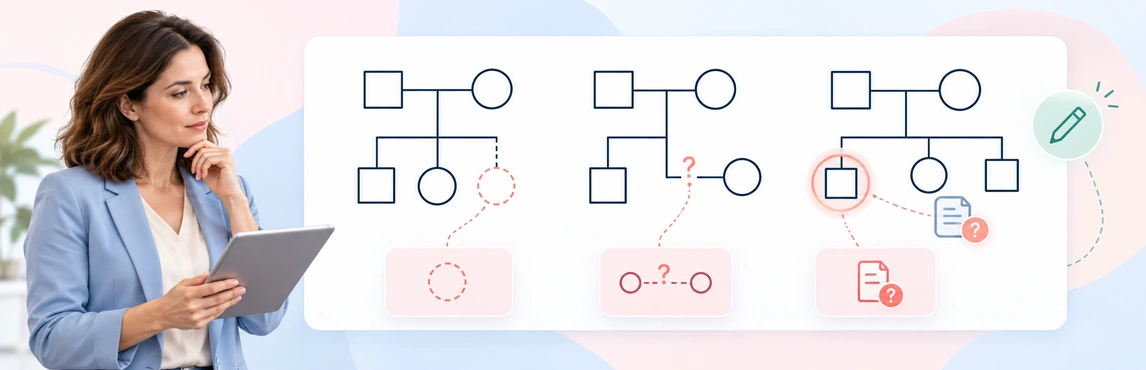
AI genograms can be safe to create only when the information, AI service, account settings, and workflow are approved for the task. A genogram may bring family relationships together with health history, trauma, caregiving, or case details. Even without names, that combination can identify people.
Before using real information, minimize what goes into the prompt, check what the service does with prompts and outputs, and review the generated map against its source. This guide focuses on those AI-specific decisions. For storage, access, audit, and retention across the wider workflow, use the digital genograms and HIPAA guide.
Assess the Data Before You Enter It
Start with the purpose of the genogram and include only details needed for that purpose. Family notes can contain direct identifiers as well as details that identify people in combination: a rare diagnosis, a small community, a specific event, or a distinctive family structure.
Before entering any information, ask:
- Does the diagram need real names, exact dates, addresses, contact details, or record numbers? Could initials, age ranges, or role labels meet the need?
- Does the source include diagnoses, genetic information, mental-health details, trauma, substance use, child-welfare concerns, or information about someone who is not the client?
- Is the information confirmed, reported by someone else, disputed, or still unknown? Keep those distinctions visible.
- Is this a real case, or can a fictional scenario answer the design or training question?
| Detail in a proposed prompt | Decision before entering it |
|---|---|
| Names, addresses, record numbers, or exact dates | Use fictional labels for practice. Include real identifiers only in a workflow approved for that data. |
| A rare event, diagnosis, location, or distinctive family structure | Consider whether details could identify someone in combination; follow your organization’s de-identification process where applicable. |
| Clinical or case details about relatives | Include only what the purpose needs and the approved workflow permits. Distinguish confirmed facts from reports. |
| An unclear or disputed relationship | Mark it as unknown or disputed and instruct the AI not to infer a connection. |
Removing names alone may not make family information anonymous. Details can identify people when combined with other available information. For health information governed by HIPAA, use your organization’s approved de-identification process; HHS describes the formal methods and notes that residual identification risk is not always zero. Read HHS guidance on de-identification.
Check the AI Service and Its Terms First
Do not rely on a general claim such as “secure,” “private,” or “compliant” to decide whether a tool is approved for clinical or case information. Ask your privacy, security, procurement, or legal contact to review the exact service and account that staff will use.
Confirm how the service handles both the prompt and the resulting diagram:
- Whether inputs or outputs may be used to train or improve models, and whether that use can be disabled.
- How long prompts, diagrams, logs, backups, and deleted items are retained.
- Which service providers or subprocessors may handle the information, and where processing or storage may occur.
- What access, audit, deletion, incident response, and support controls are available for your account.
- Which contract and product terms apply, including any required data-processing agreement or business associate agreement (BAA).
For a HIPAA-regulated workflow, have your privacy or legal team confirm whether the exact AI service requires a business associate agreement before entering electronic protected health information. HHS cloud guidance explains provider obligations; the digital-genogram HIPAA guide covers the wider safeguards.
Creately’s security information and privacy and contracting information can help you start that review. They do not replace approval of your specific use, plan, settings, and agreement. If those details are unresolved, keep real client or case information out of the prompt.
Genogram Templates to Adapt with Approved Information
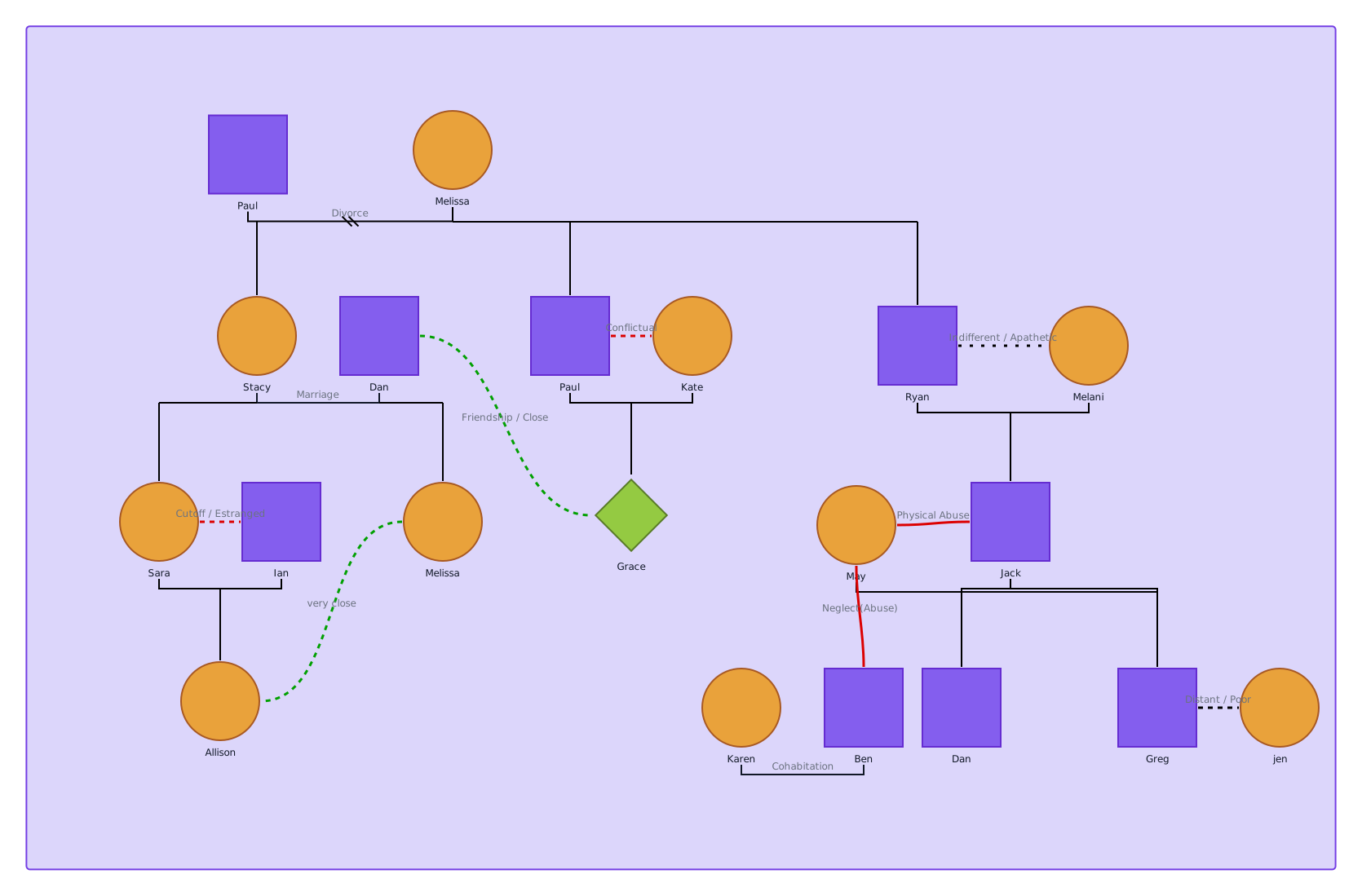
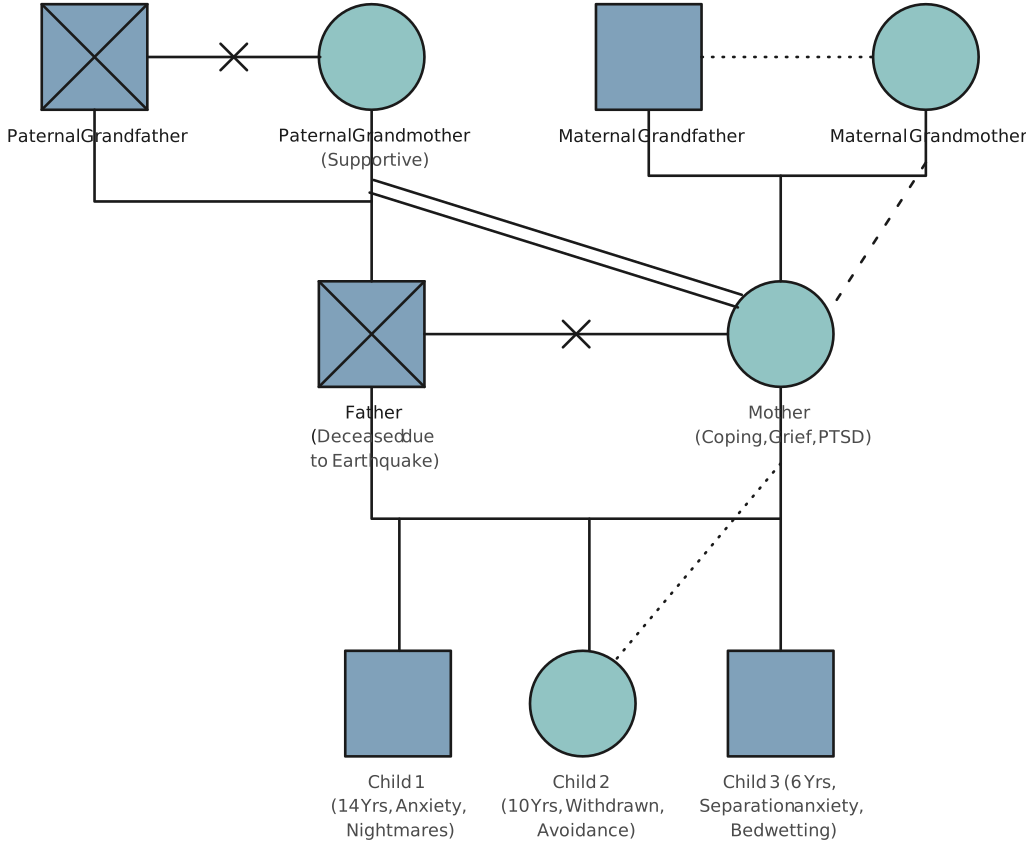
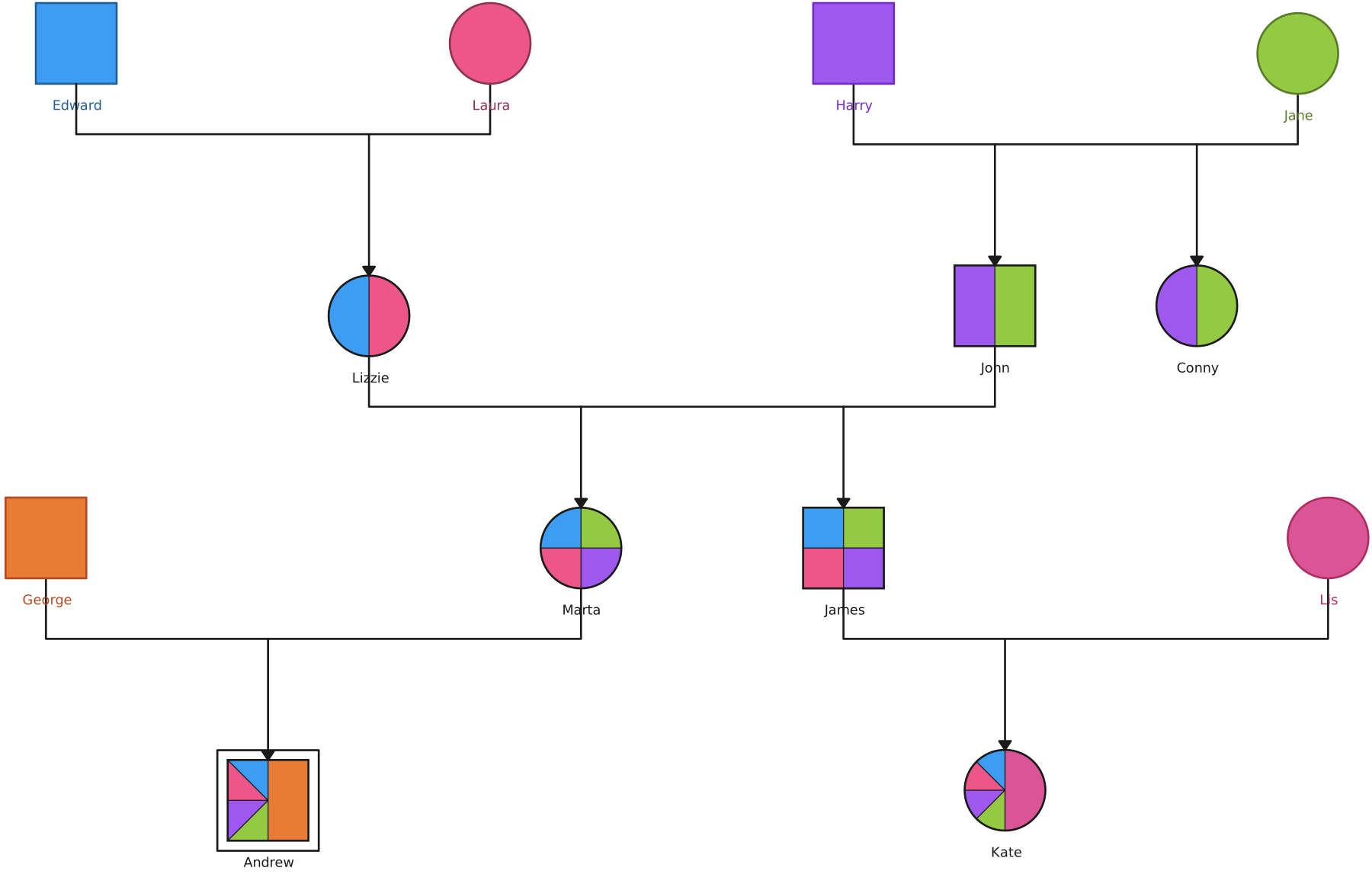
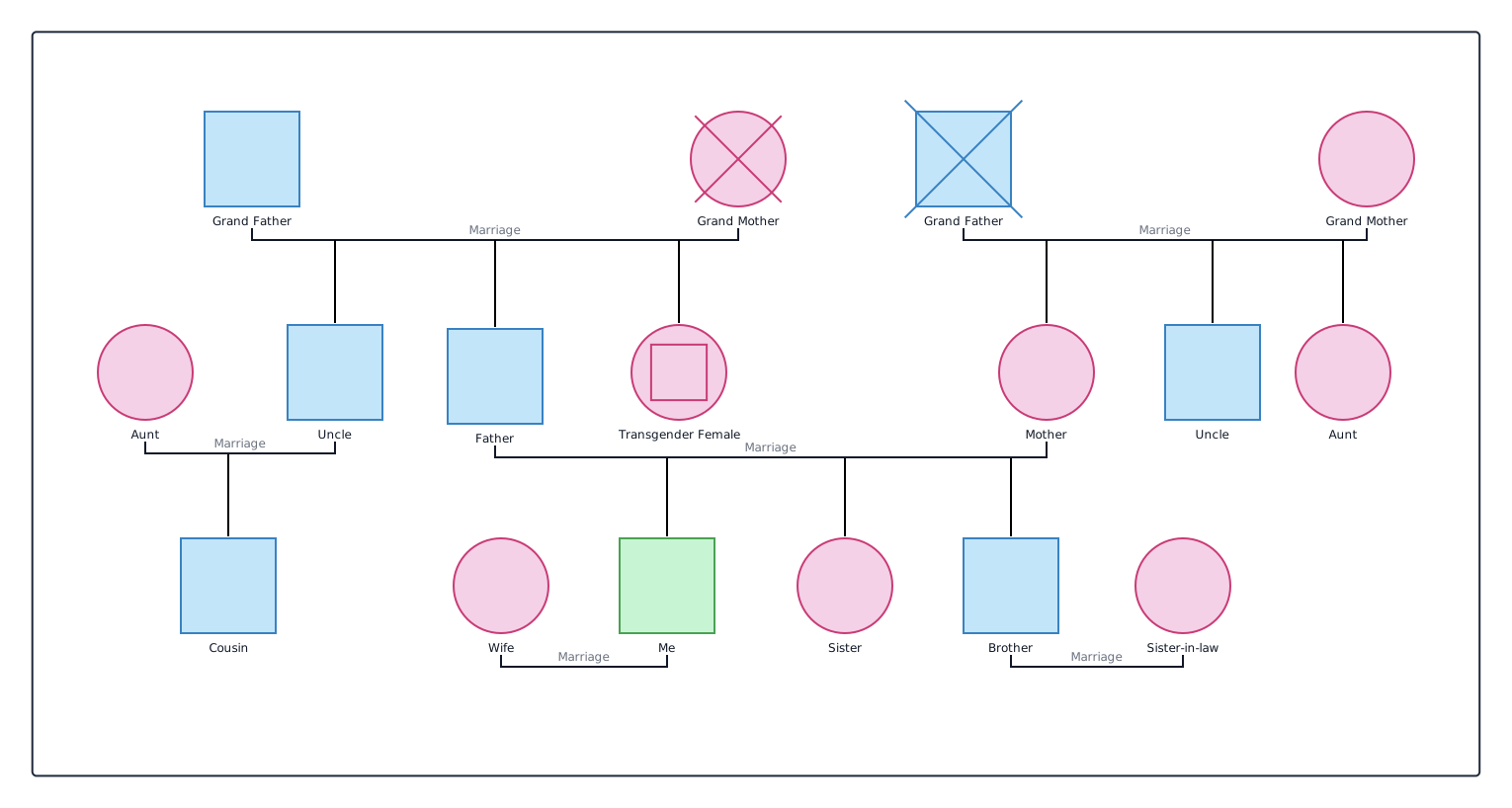
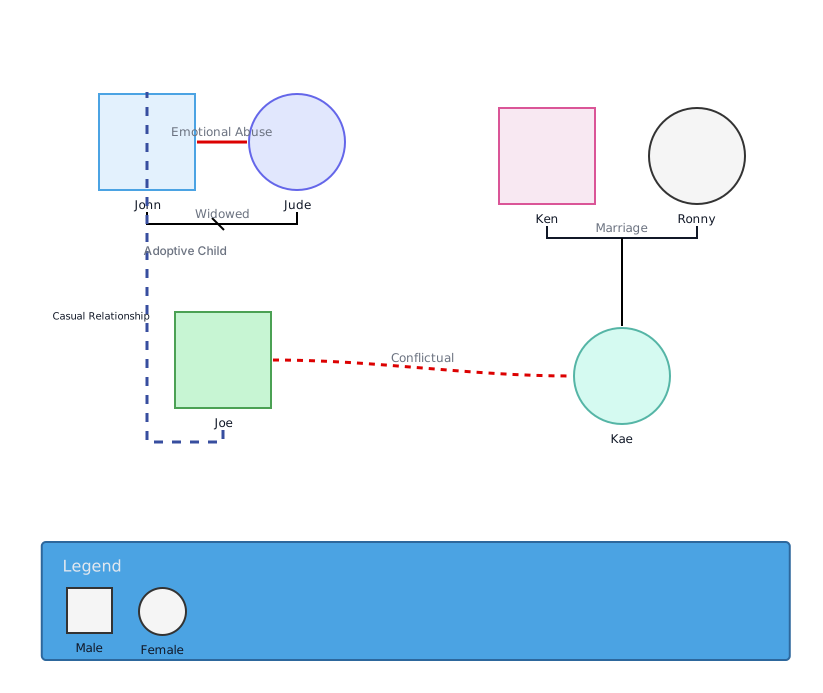
These editable examples offer different starting structures for family, trauma, cultural, health-history, and group-counseling discussions. A template does not anonymize information or make an AI workflow approved. Explore the layouts with fictional details, and use real information only after your organization has approved the tool and workflow.


Review the Output Before You Use or Share It
AI-generated diagrams are drafts. They can omit a person, confuse relationships, attach a condition to the wrong relative, or turn ambiguous notes into a connection that was never stated. A clear layout does not mean the underlying details are correct.
Use a human review before the diagram informs a discussion, case plan, clinical record, or decision:
- Compare each person and relationship with the approved source.
- Remove unsupported connections, motives, diagnoses, risk judgments, or causal explanations. Keep reports and unknowns separate from confirmed facts.
- Record who checked the draft, the source used, and what remains unresolved under your team’s policy.
If you need a structure for recording evidence limits and observations, see the genogram assessment report guide.
Check Sharing and Export of the AI Draft
Before sharing, check whether a recipient will see an unreviewed AI draft, can edit or download it, or can reshare the link. Share only the reviewed version with people authorized for that information. Use Creately’s access-controls help page to review the sharing options, then confirm which permissions are available in your own workspace.
An export creates another copy of the AI output. Remove unsupported or unnecessary details before exporting, then use your organization’s approved storage and transfer process. The digital-genogram HIPAA guide covers access, audit, retention, deletion, and incident handling in more detail.
Record the AI Workflow Decision
Complete this small assessment before real case information goes into an AI prompt. Keep the evidence with your team’s approval record.
| AI-specific check | Evidence or link to record | Reviewer and approval date | Open question |
|---|---|---|---|
| Approved service, account, and prompt data | Policy or contract covering this use | To complete | To complete |
| Model training and prompt/output retention | Current terms and settings | To complete | To complete |
| Subprocessors and required agreement | Vendor documentation and legal review | To complete | To complete |
| Output review, sharing, and export | Review procedure and access settings | To complete | To complete |
An unanswered item is a reason to hold real data out of the prompt until the responsible team resolves it. The table records a decision; it is not proof of compliance.
Privacy and Genogram Resources
Review Creately's published security information as one input to your vendor and workflow assessment.
Find the current privacy policy and the enterprise documents it should be read with.
Use a practice-focused checklist for assessing data flow, agreements, access, retention, and safeguards; it does not certify a product.
See how to document sources, uncertainty, observations, and limitations alongside a genogram.