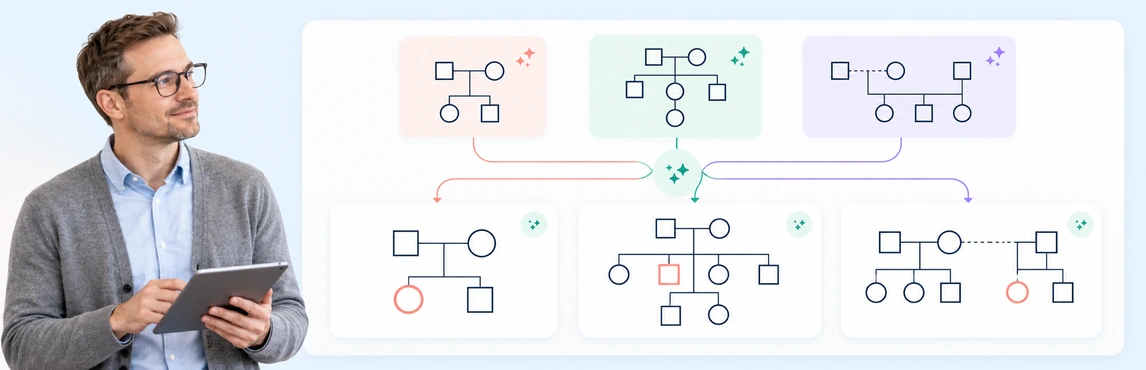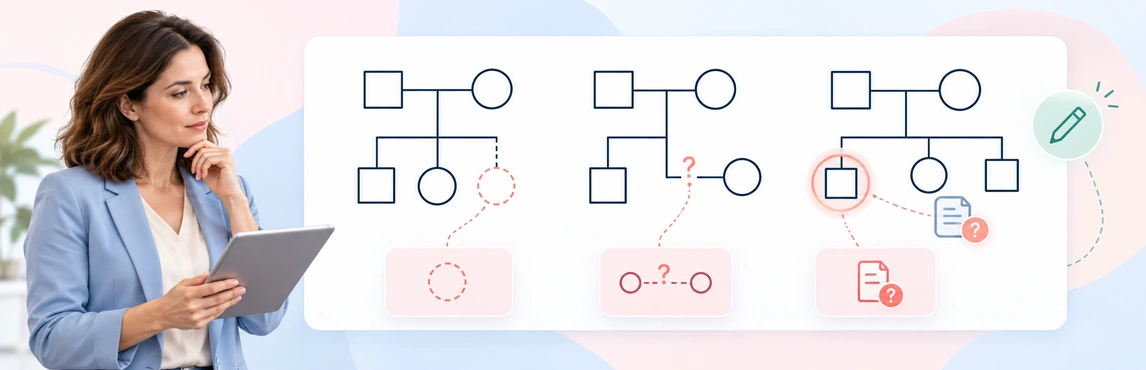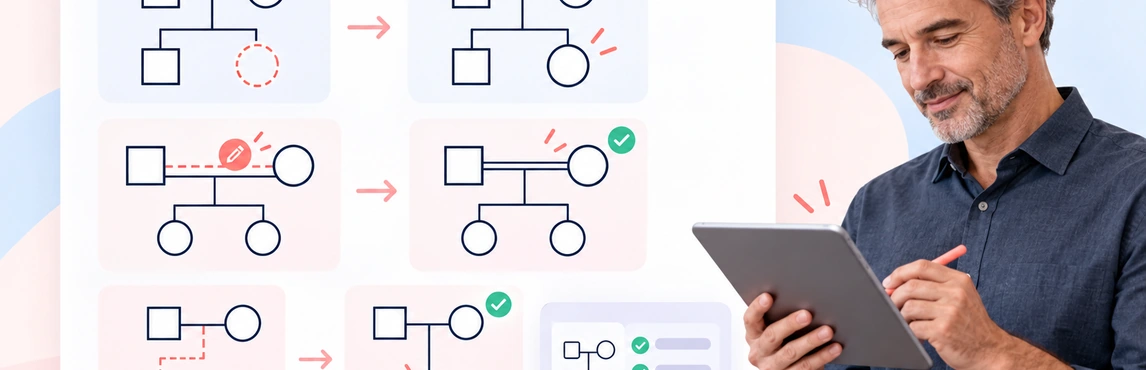
Choose an AI-assisted draft when you have clear, approved notes and want a starting structure; draw manually when details are still being clarified or an AI tool is not approved. A hybrid workflow can work well when you need a draft and a deliberate review of every connection. Neither method verifies the source information for you, so use the comparison below to choose an approach that fits the task.
AI Genogram vs Manual Genogram: Quick Comparison
| Consideration | AI-assisted genogram | Manual genogram |
|---|---|---|
| First draft | Can organize clear written notes into a starting diagram | Requires you to add people and connections directly |
| Control | You review and adjust what the AI produces | You choose each symbol, line, label, and position as you build |
| Accuracy review | Check every generated detail against the source; the tool may miss or misread ambiguous information | Check your own entries against the source; manual work can also contain omissions or notation errors |
| Complex relationships | A text description can help establish an initial structure, but unclear or overlapping relationships need careful checking | You can add connections one by one, using a legend to make less familiar notation clear |
| Sensitive information | Check whether the AI tool and workspace are approved for the information before entering it | Follow the same storage and access rules for the diagram and notes, even when no AI is used |
| Team review | Depends on the diagramming tool and its sharing permissions | Depends on the format and process; a shared digital diagram may support review, while paper copies need their own version and access controls |
| Useful when | Your notes are clear, AI use is approved, and you can review and edit the draft | You are clarifying the notes, learning notation, or cannot use an approved AI tool |
AI and manual describe how you create a diagram; they do not determine whether the content is correct, appropriate to share, or ready for professional use. The review process matters in either case.
Before choosing, check whether the available tool supports the editing, sharing, and export format you need. Allow time to review either result; a quicker first draft is not a verified genogram.
When an AI Genogram Helps
An AI-assisted workflow can be useful when you already have a clear written description and want a first-pass visual structure to review. It may reduce repetitive setup, especially when notes mention several people or generations. You can then check and refine the draft before using it in a discussion or record.
AI is most useful when you can give it bounded instructions and distinguish confirmed details from reports or unknowns. For example, you can ask it to show only relationships stated in the note, leave uncertain connections blank, and avoid adding diagnoses or explanations. See how AI creates genograms from text for the separate generation workflow.
Treat the result as a draft, not a verified record. If the note uses vague terms such as “close,” “guardian,” or “partner” without clarifying what they mean, review the connection rather than letting the tool choose an interpretation.
When Manual Drawing Is Better
Manual drawing may be a better fit when the family map is small, when you are learning the notation, or when the source details are still being discussed. Building the diagram yourself can make it easier to pause at each connection, ask a follow-up question, and leave an unresolved relationship visibly blank.
It can also be appropriate when your organization has not approved an AI tool for the information involved. This does not remove your responsibility to protect the diagram: digital files, printouts, and source notes still need suitable storage, access, and sharing controls.
Manual work is not automatically more accurate. A missed relationship, inconsistent symbol, or unlabeled line can make a carefully drawn map misleading. Use a consistent notation and review it against the source, especially when another person will rely on the diagram.
Genogram Templates to Start With
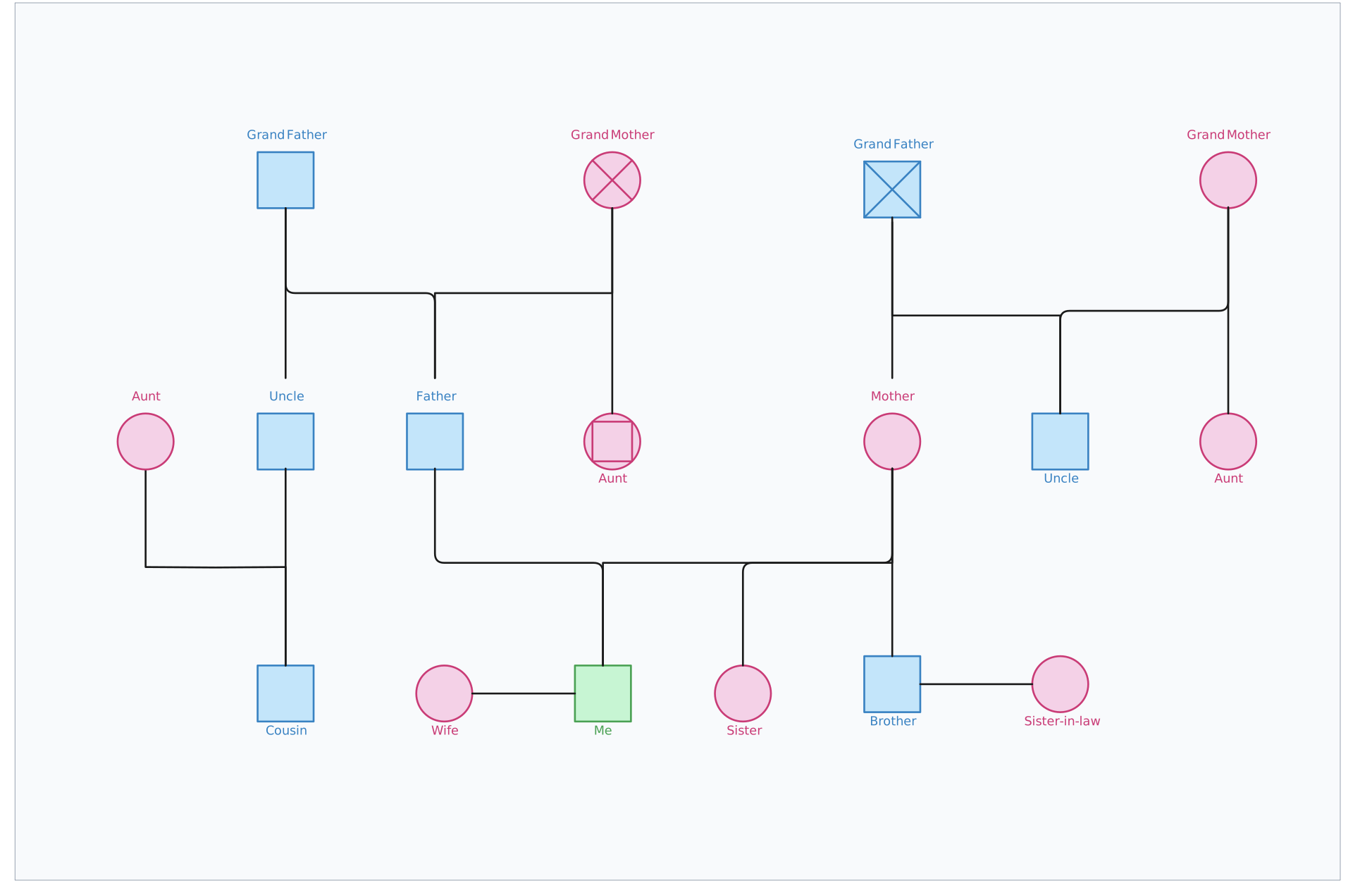
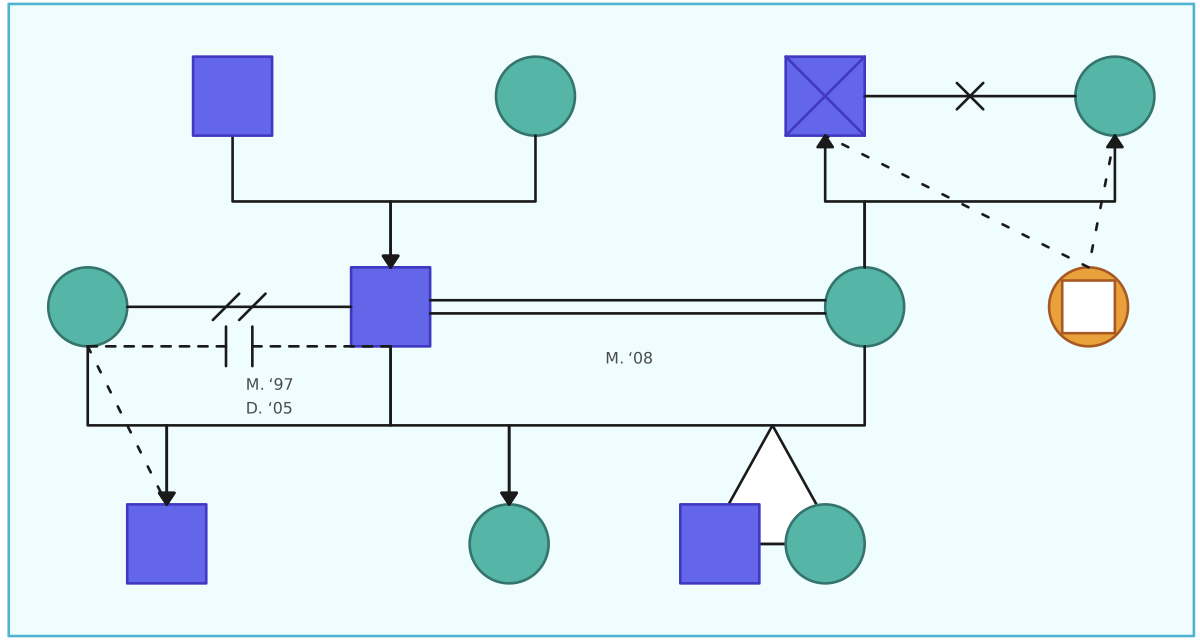
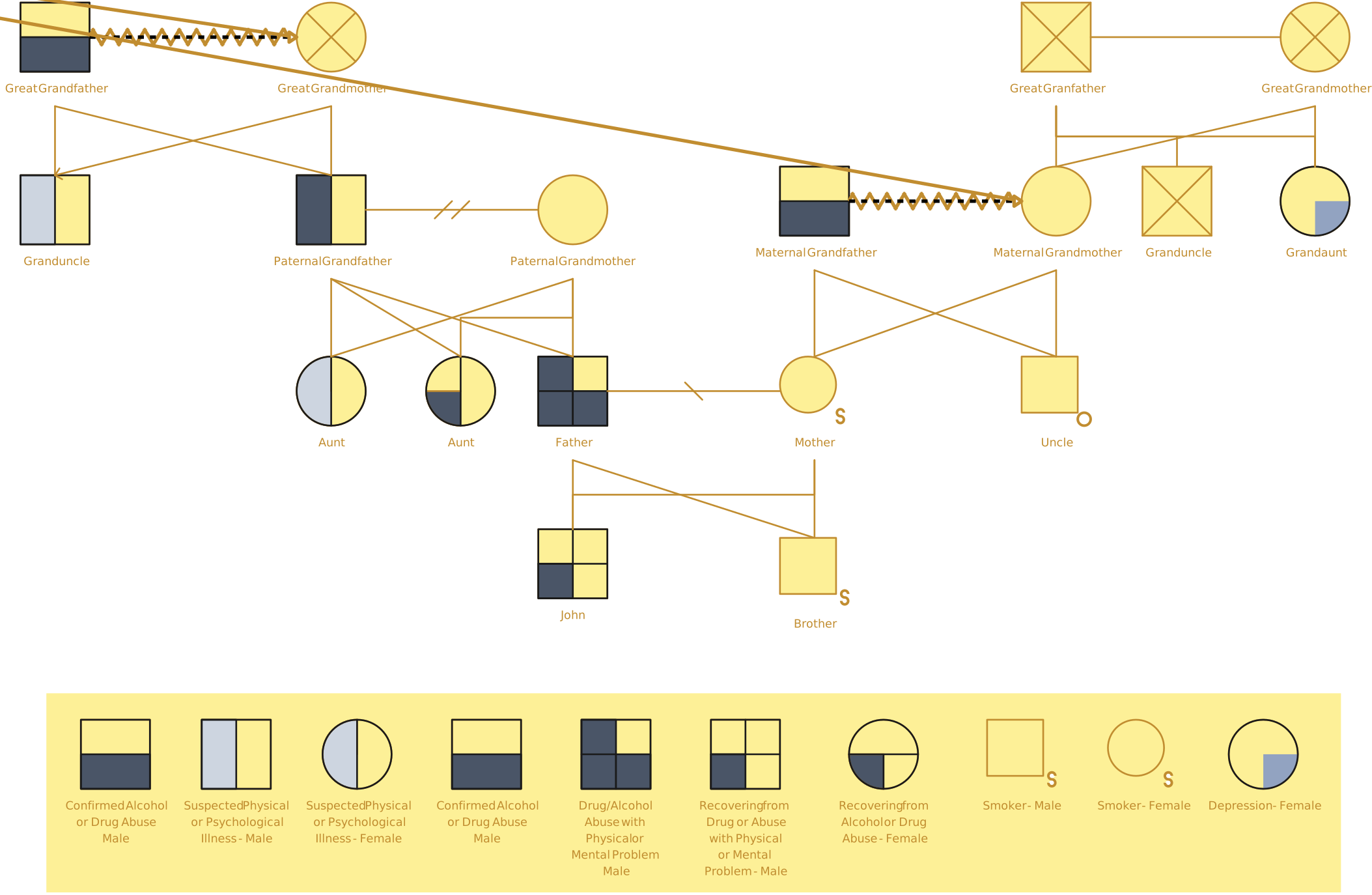
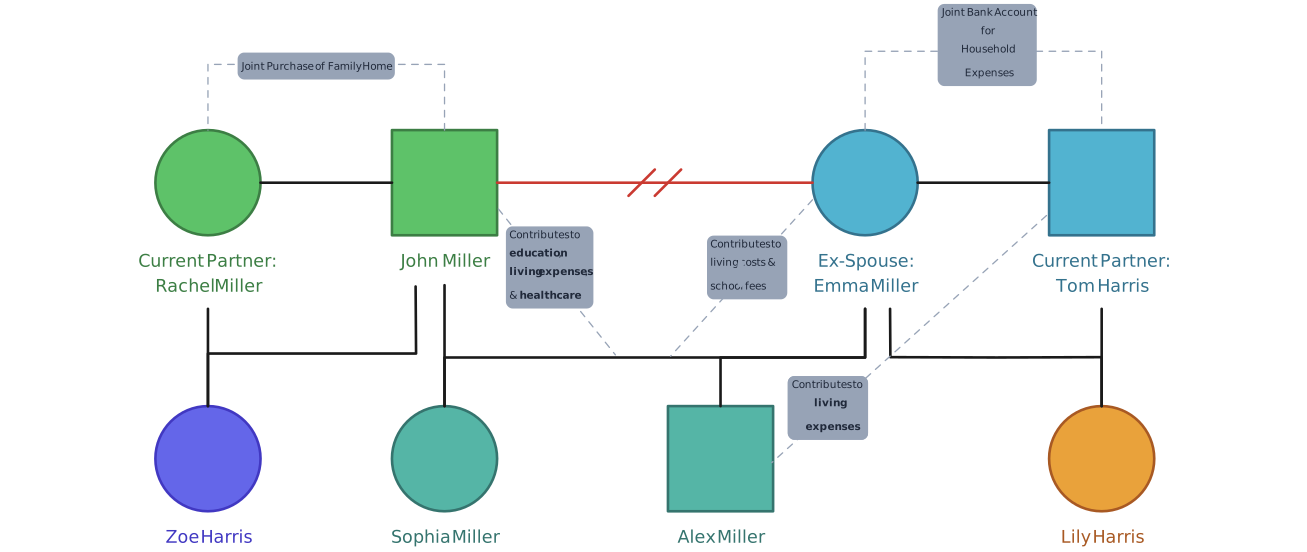
Choose a structure that fits the information you need to map. These editable examples can be used as a starting point for a manual diagram or as a reference when reviewing an AI-generated draft. Adapt the fields and symbols to your purpose, and verify every detail against its source.
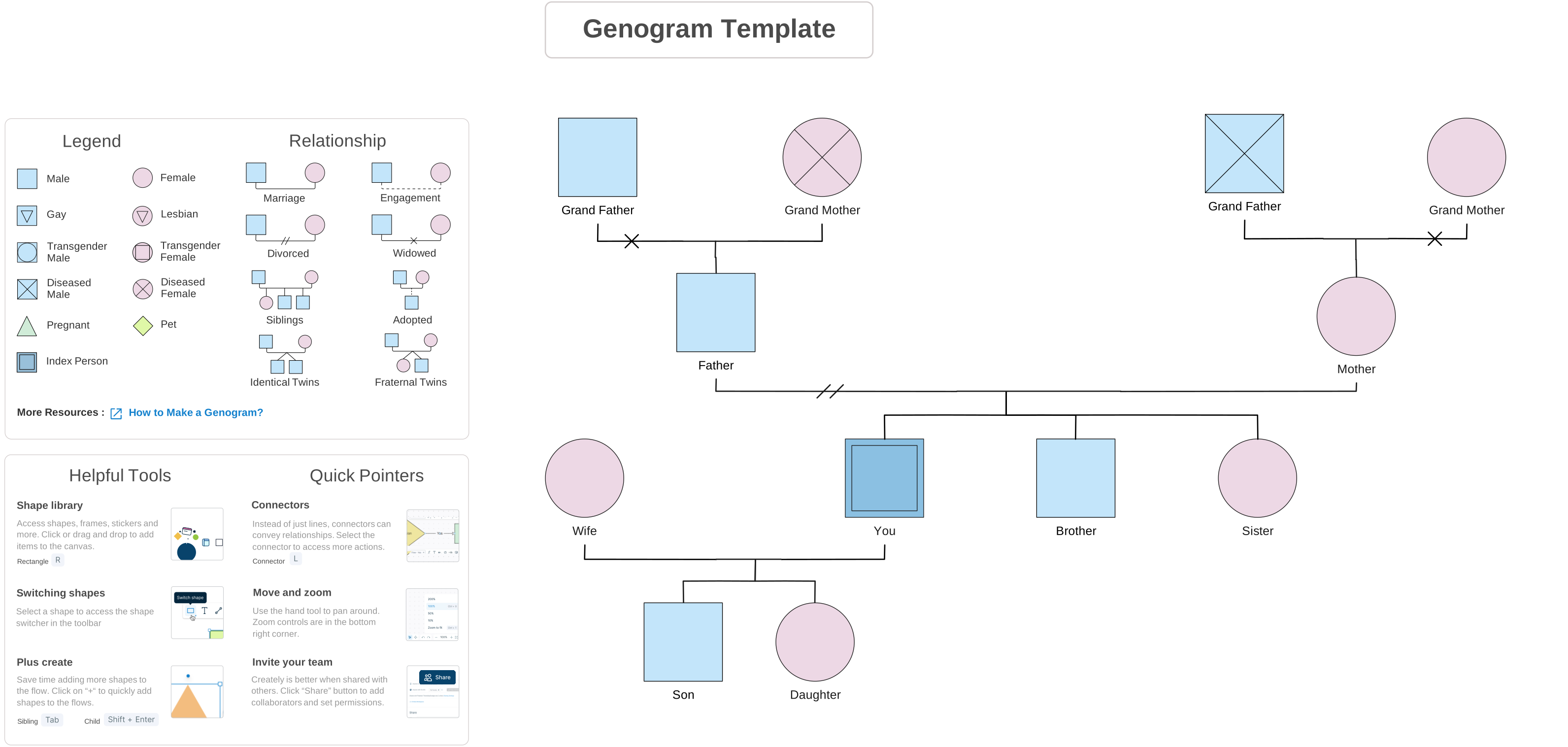


Use a Hybrid Workflow
For many tasks, a hybrid workflow provides a practical balance between a quick starting structure and direct human control:
- Set the purpose and scope. Decide what the diagram needs to show and who will review it. Leave out details that are not needed for that purpose.
- Prepare the source note. Use fictional or otherwise approved information. Separate confirmed details, reported information, and questions that remain open.
- Generate a bounded first draft or start manually. If you use AI, tell it to use only the stated information and leave unclear details for review. If you draw manually, add people and relationships using your chosen notation.
- Compare the diagram with the source. Check every person, generation, connection, date, and label. Correct omissions, mistaken relationships, or unsupported details.
- Review and share deliberately. Add or check the symbol legend, ask an appropriate reviewer to confirm the map, and share only with authorized people using an approved method.
If you need the complete step-by-step process for building the diagram, follow how to make a genogram. This comparison focuses on selecting and reviewing a method, rather than repeating that tutorial.
Review Checklist for Either Method
Before relying on a genogram, check that:
- Each person and generation matches the source information.
- Parent, partner, sibling, caregiving, and other connections are labeled only as specifically as the source allows.
- Unknown, disputed, estimated, or reported details remain distinguishable from confirmed information.
- Symbols and relationship lines follow a consistent notation, with a legend for any custom marks.
- The diagram contains no diagnosis, motive, risk rating, or cause that was not established by an appropriate source and professional process.
- The file and source notes are stored and shared according to the rules that apply to the information.
For symbol meanings and notation options, use the genogram symbols guide. You can browse the template collection in the header to choose a structure before drawing.
Related Genogram Guides
See how a written family description can become a first-pass genogram and what to review in the result.
Explore how genograms can represent different family structures and information needs.
Review common genogram symbols and relationship lines, and use a legend for notation that may be unfamiliar.