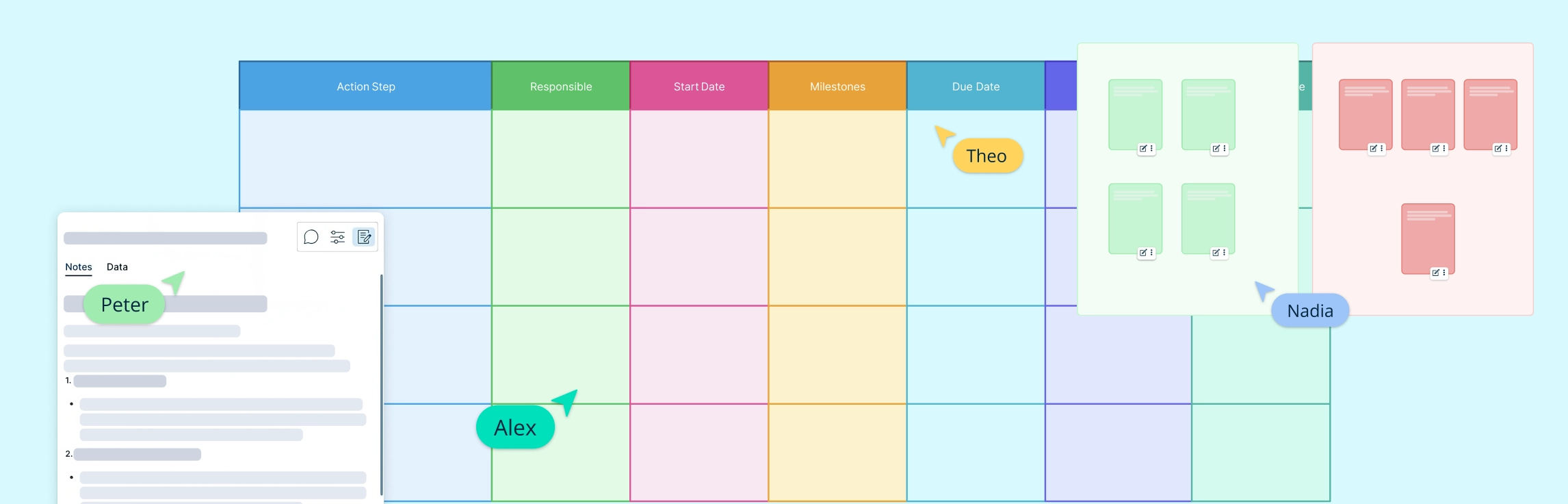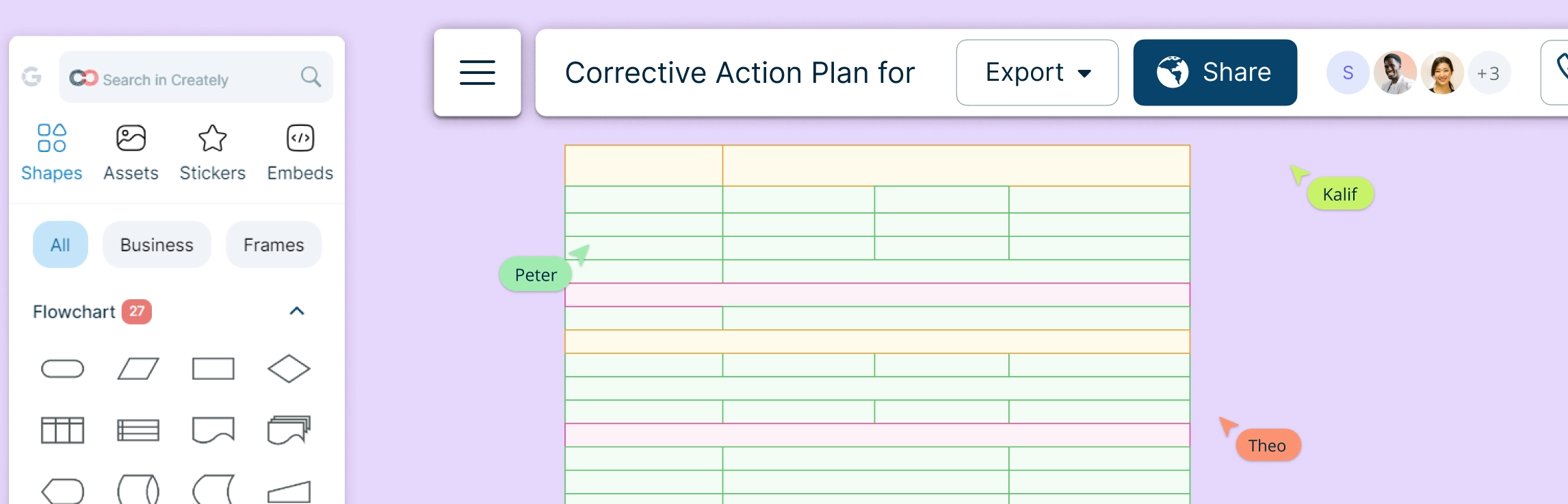
Struggling to turn ideas into results? Many teams and individuals start with clear goals but lose momentum when it’s time to execute. That’s where an action plan makes the difference. In this guide, you’ll learn how to write an action plan that breaks goals into clear, actionable steps, assigns ownership, and keeps work moving forward using practical examples, best practices, and ready‑to‑use templates.
Action Plan at a Glance
An effective action plan answers six execution questions: what goal are we trying to achieve, what tasks need to happen, who owns each task, when is each task due, what resources are required, and how will progress be reviewed. Use it when a strategy, meeting decision, project, or improvement idea needs to become accountable work.
| Action plan element | What to define |
|---|---|
| Goal | The specific outcome the plan must achieve |
| Tasks | The steps required to reach the goal |
| Owners | The person or team accountable for each task |
| Deadlines | Due dates, priorities, and dependencies |
| Resources | Budget, tools, documents, people, and approvals |
| Milestones | Checkpoints for reviewing progress and adjusting the plan |
What Is an Action Plan?
An action plan is a detailed outline that defines the actions needed to achieve a specific goal. It includes tasks, deadlines, assigned responsibilities, required resources, and milestones. Creating an action plan helps teams and individuals stay organized, focused, and accountable, whether in personal projects, business strategies, or academic endeavors.

Read what is an action plan guide to learn more about the action plan format, its benefits, and types of action plans.
How to Create an Action Plan
Here is how to write an action plan in seven practical steps.
Step 1: Define your end goal
To write an effective action plan, start by clearly defining your end goal. Understand your current position, analyze the situation, and explore possible solutions. Involve your team early through brainstorming sessions to gather diverse insights and ensure a comprehensive, focused objective.
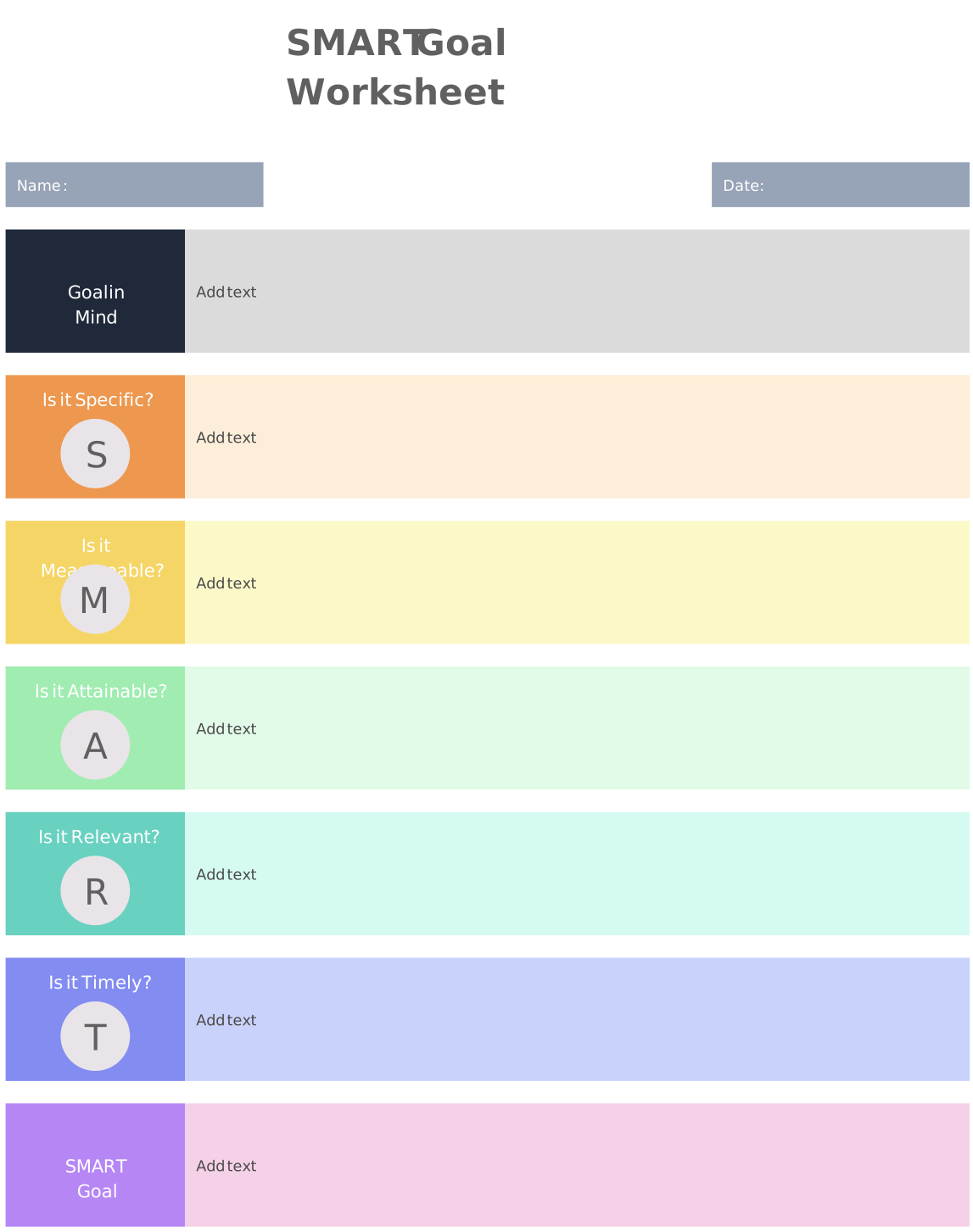
Once you have a goal in mind, write it down. Use SMART criteria to refine it:
- Specific: Clearly define the goal so it’s unambiguous.
- Measurable: Identify indicators to track progress.
- Attainable: Ensure it’s realistic with the resources you have.
- Relevant: Align it with broader objectives.
- Timely: Set a clear deadline.
Step 2: List down the steps to be followed
A defined goal is useful only when the team knows the exact steps required to achieve it.
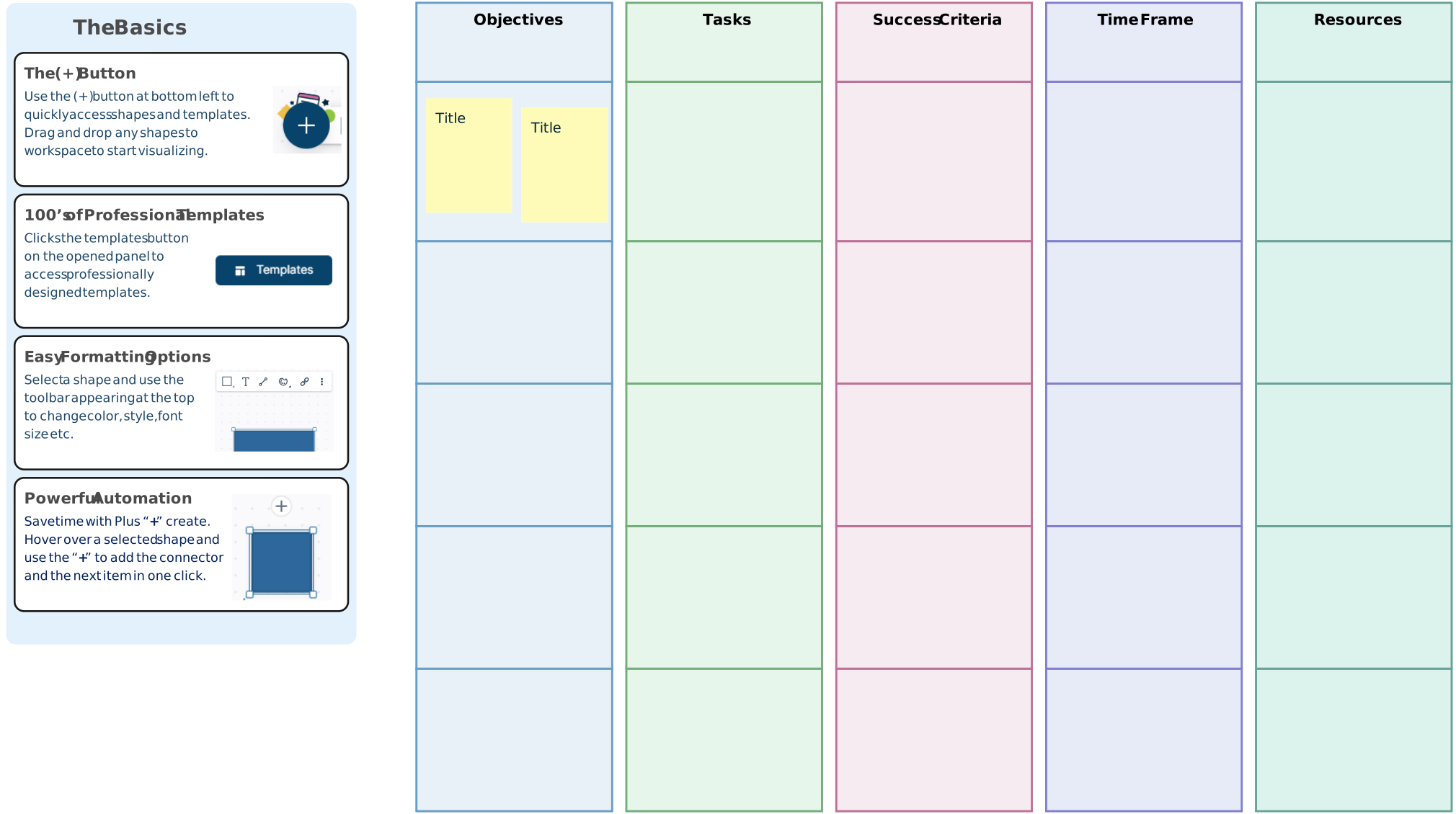
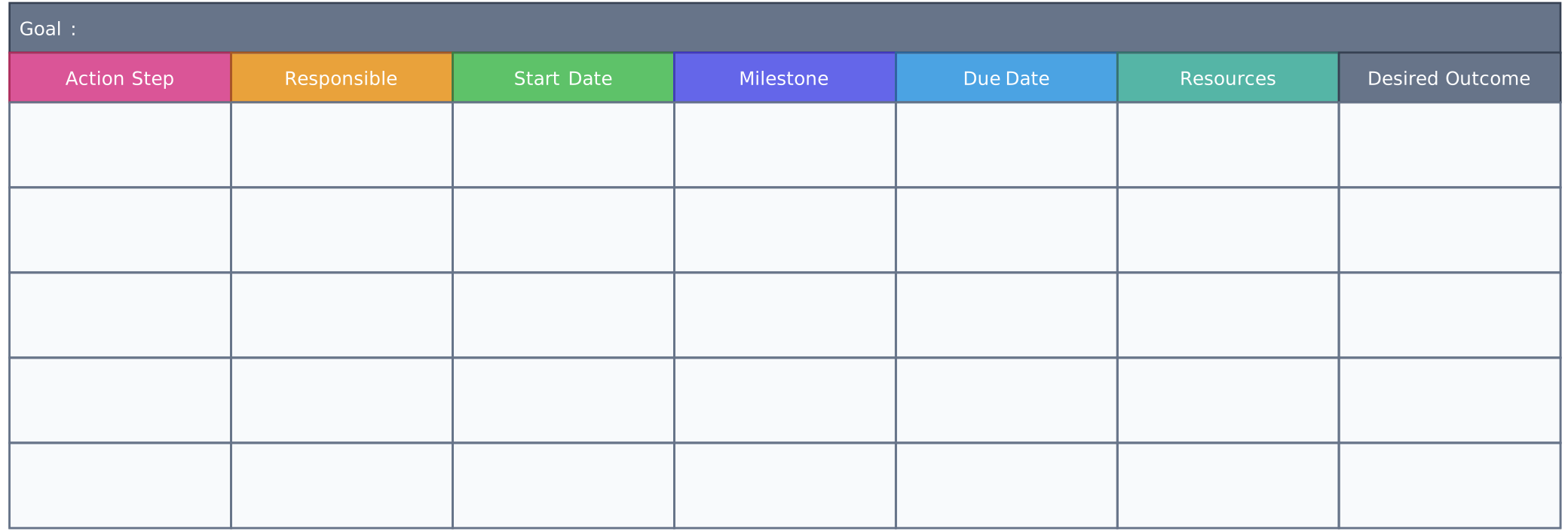
Start by brainstorming all the tasks required to meet your goal. Use a simple action plan format, like the template below, to list each task, its due date, and the person responsible. Collaborative brainstorming helps you catch missing steps, surface dependencies, and build team ownership before execution begins.
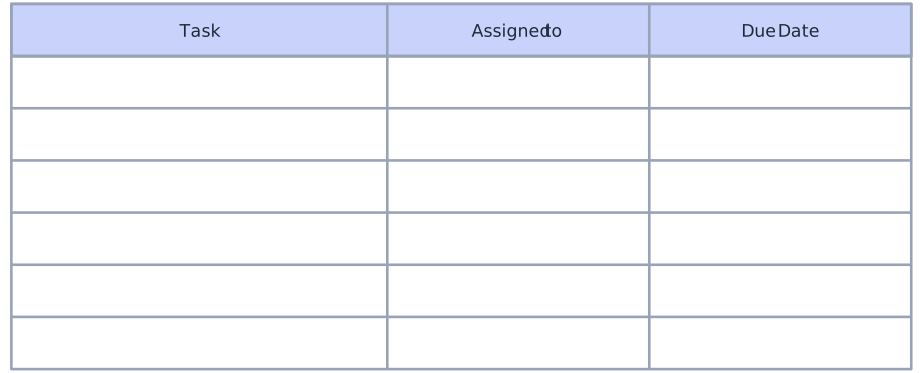
Once the tasks are listed, clarify them further. Break down larger, more complex tasks into smaller, manageable actions. This makes the work easier to track and complete.
Step 3: Prioritize tasks and add deadlines
Now that your tasks are listed, it’s time to prioritize. Not all tasks are equally urgent, and some might depend on the completion of others. Reorganize your list to identify critical steps that must come first.
Assign deadlines for each task, ensuring they are achievable. Collaborate with the task owners to understand their workload and capacity before finalizing timelines. This step ensures the plan is realistic and maintains team morale.
Step 4: Set Milestones
Milestones act as checkpoints that help keep everyone on track. They break the journey into manageable parts and give team members a clear point to review progress before the final goal.
To set milestones, start from the end goal and work backward. For many team projects, spacing milestones one to two weeks apart helps maintain momentum without overwhelming the team. Longer strategic plans may need monthly or quarterly checkpoints.
Step 5: Identify the resources needed
Before launching your plan, take stock of the resources required for each task. These include materials, tools, personnel, and budget. If resources are unavailable, create a plan to acquire them.
In your action plan, dedicate a section to track the cost of tasks and manage your budget effectively. This financial clarity is vital for avoiding unexpected expenses.
Step 6: Visualize your action plan
A well-visualized action plan is easier to understand and implement. Use formats like flowcharts, Gantt charts, or simple tables to present tasks, owners, deadlines, and resources clearly.
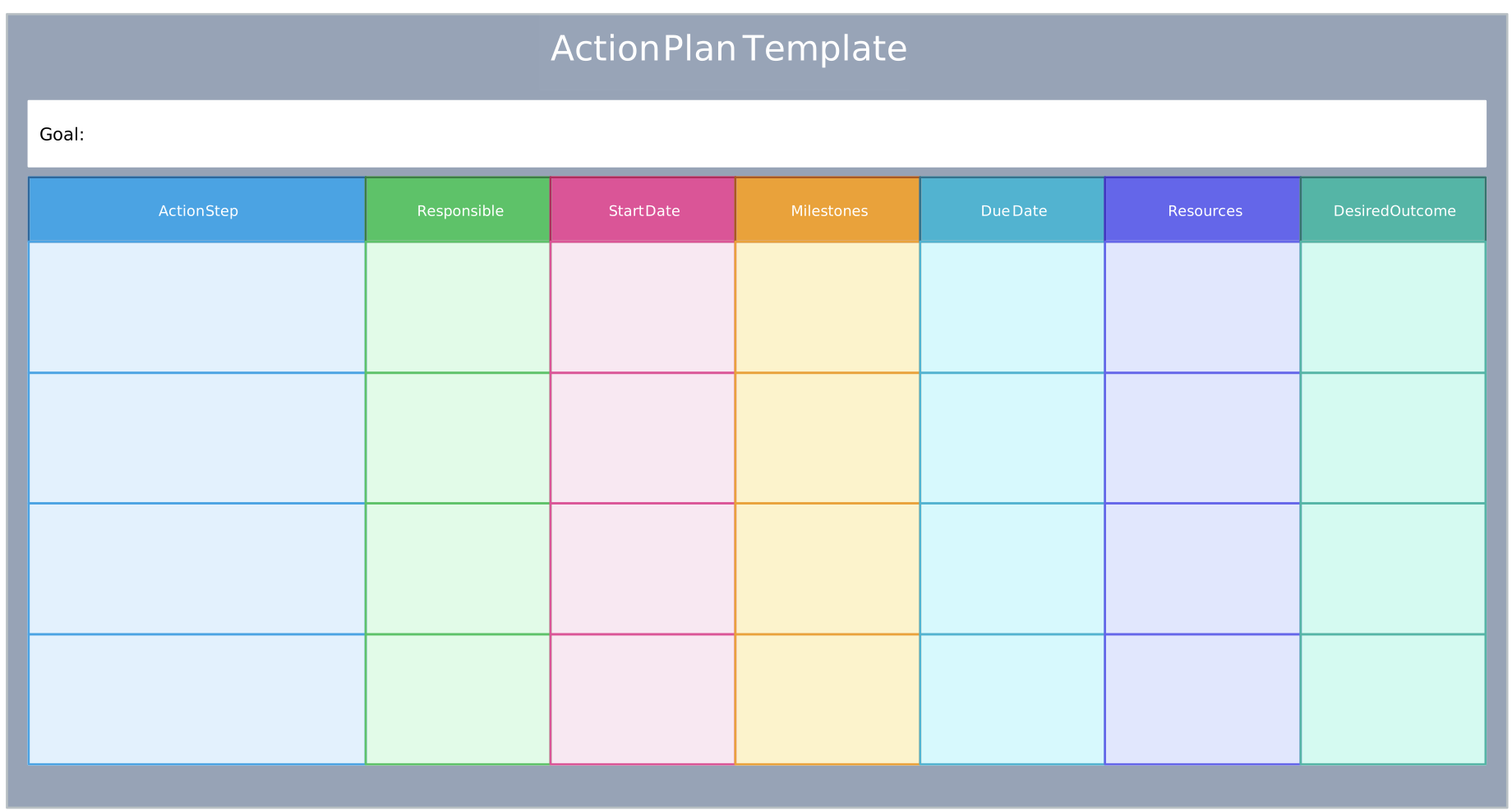
Your action plan should be accessible to everyone on the team and editable to accommodate changes. Sharing it in a central location, like a project management tool or cloud-based document, ensures seamless collaboration.
Step 7: Monitor, evaluate and update
Even the best action plans require regular monitoring to stay on track. Schedule periodic reviews with your team to assess progress. Mark completed tasks, identify pending ones, and address any delays.
Evaluating your progress also helps identify challenges that may require adjustments to the action plan. Update it as needed to reflect changes, ensuring it remains relevant and effective. Regular check-ins also make it easier to adjust priorities before small issues turn into larger setbacks.
How to Implement Your Action Plan Successfully
Now that you know how to draft an action plan, it’s time to implement it. A visual workspace such as Creately can help teams keep tasks, owners, deadlines, dependencies, and updates in one accessible place.
1. Share the plan
Once the action plan is ready, make sure every team member knows about it. Explain what the goal is and how each person’s role fits into the bigger picture. It’s important that everyone understands their tasks and how their work contributes to the success of the plan. Sharing the plan clearly helps avoid confusion and keeps everyone on the same page.
2. Set clear deadlines
Every task should have a deadline to make sure things stay on track. Assign specific dates for when each task should be finished. It’s also helpful to set smaller milestones along the way for bigger projects so that progress is visible. This keeps the team motivated and ensures that everyone knows when their part is due.
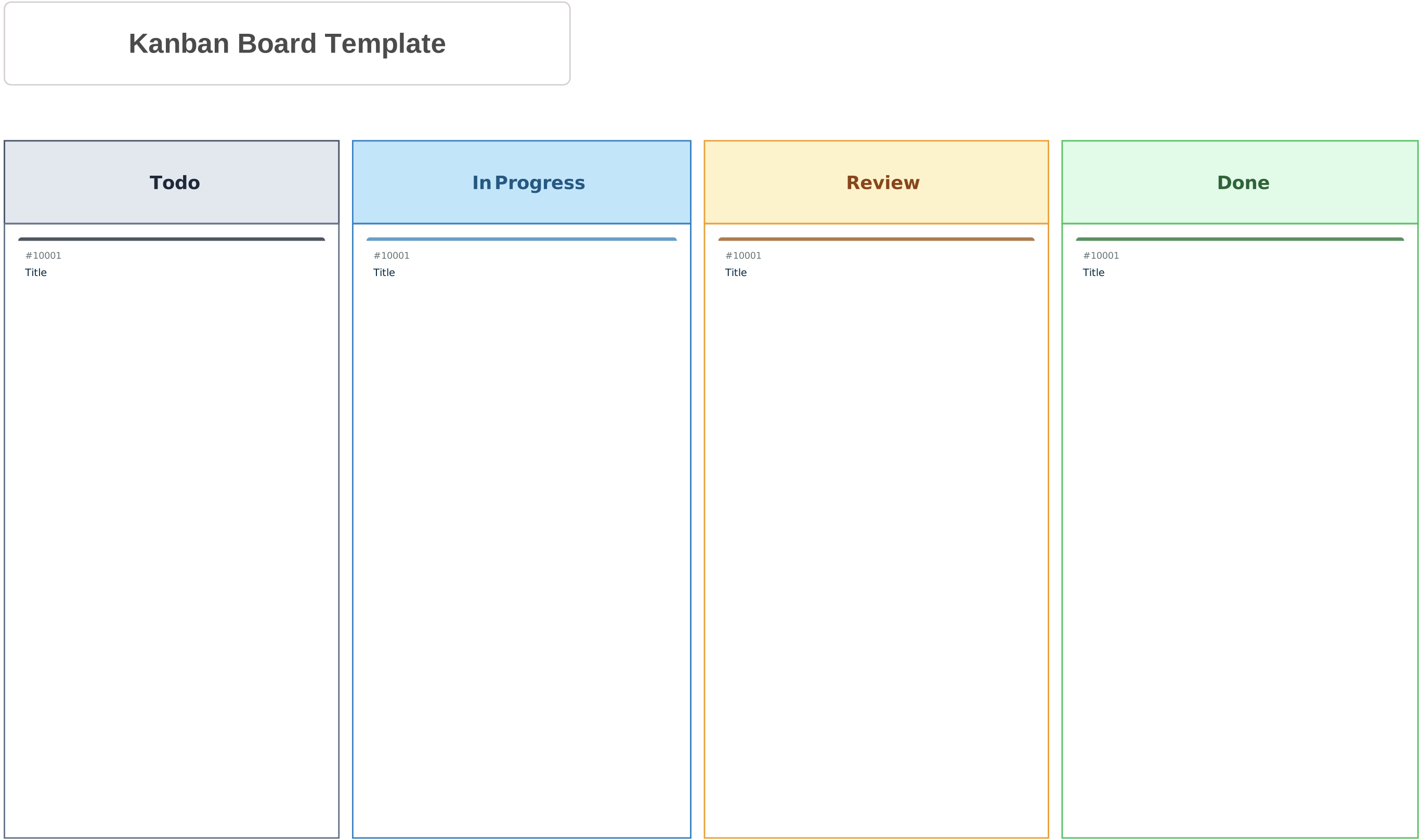
3. Use Kanban boards to manage tasks
Kanban boards are a practical way to visualize and organize tasks. You can see which tasks are pending, in progress, or completed, making it easier to manage the workflow. Online Kanban boards help teams track progress visually and stay on top of all the moving parts in the action plan.
4. Use or create templates
Templates are useful for standardizing recurring tasks. Whether you are creating a new action plan or organizing tasks for a specific project, templates can save time and make sure nothing important is missed. Start with an action plan template, then customize the task fields, milestones, owners, and review cadence for your specific goal.
5. Set up real-time alerts and assign dependencies
Real-time alerts keep everyone informed about important updates, like deadlines or changes in the plan. Assigning task dependencies helps team members understand how their work connects with others. For example, one task might need to be completed before another can start. Visualizing these dependencies alongside responsibilities and deadlines makes it easier to see how tasks are linked and when each part is due.
6. Mark tasks as completed
As tasks are completed, mark them off the list. This creates a sense of achievement and helps the team track their progress. It’s also a useful way to see how much work is left to do.
7. Address late or pending tasks
If any tasks are running late or still pending, discuss them openly with the team. It’s important to identify the reasons for delays and find solutions together. Regular check-ins and updates help ensure that issues are addressed before they become bigger problems. Open communication also builds trust and keeps the team aligned on how to get back on track.
8. Review and reflect
After the plan is fully implemented, review how it went. Did everything go according to plan? What worked well, and what could have been better? Ask for feedback from the team to gather different perspectives. Reviewing helps you learn from the process and improve future action plans.
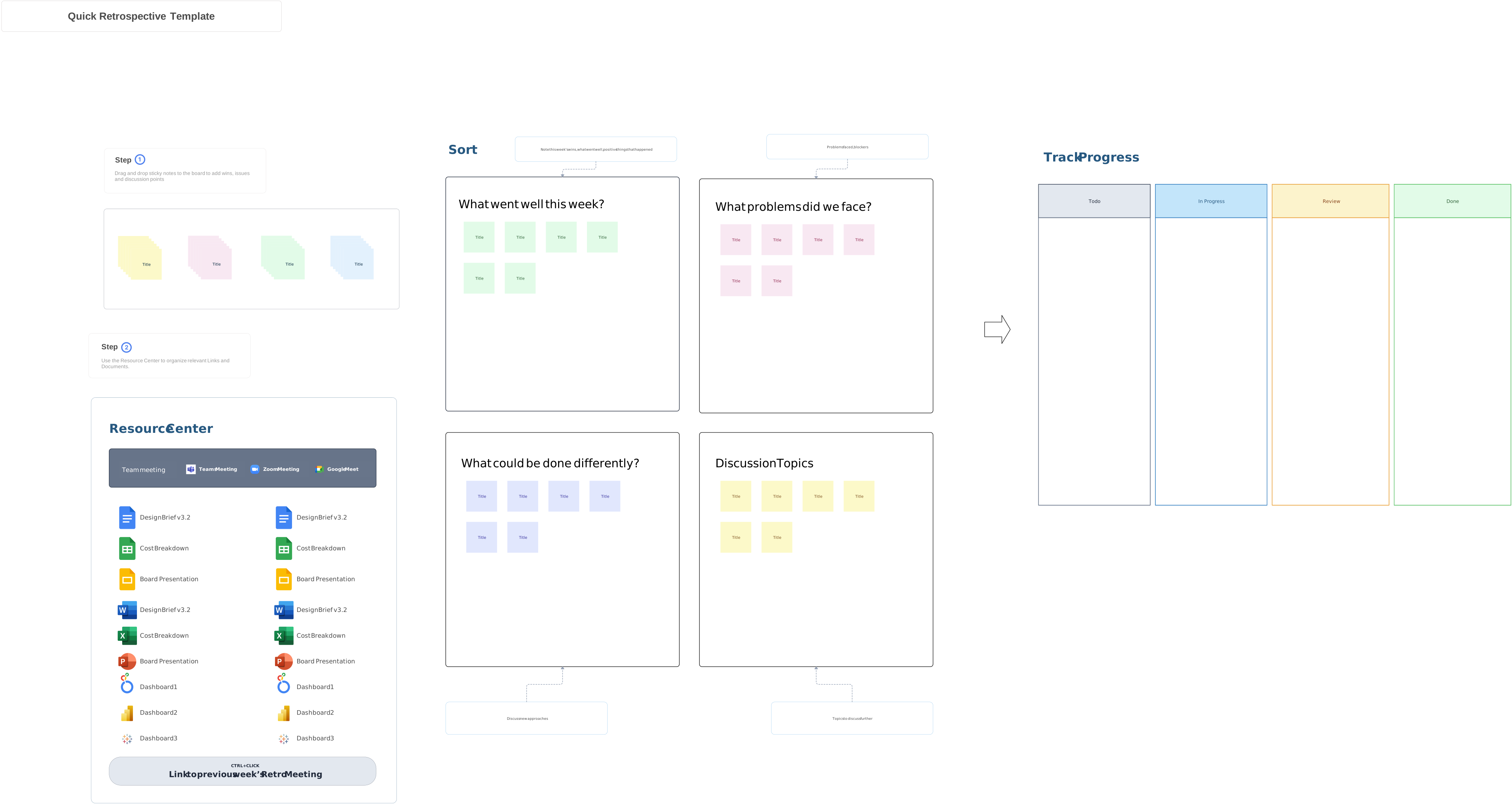
By clearly communicating the plan, tracking progress, and reviewing outcomes, teams can improve execution over time—and when issues persist, knowing how to write a corrective action plan helps address root causes and keep goals on track.
Best Practices to Follow for Effective Action Planning
Knowing how to prepare action plans and implementing them is only half the work. You also need to follow best practices that improve clarity, ownership, and execution during this process.
1. Define the end goal and objectives
The foundation of a successful action plan is clarity. Clearly define your goals, the steps required, and the expected outcomes. Vague goals or actions create confusion and make it difficult to measure progress. For instance, instead of saying, “Improve customer satisfaction,” specify what you’ll do, such as “Launch a customer feedback survey by March 15 and implement changes based on feedback by April 30.”
Being specific also helps team members understand exactly what’s expected of them, leaving no room for misinterpretation.
2. Brainstorm and outline all necessary steps
Before assigning deadlines, list every step required to move from the current state to the desired outcome. Include planning tasks, approvals, handoffs, communication, implementation work, and review steps. This prevents the plan from focusing only on the obvious execution tasks while missing the supporting work needed to complete them.
Involve the people doing the work during this stage. They can point out hidden dependencies, missing resources, and sequencing issues that may not be visible to the person drafting the plan.
3. Assign duties and roles for each task
Accountability is crucial in an action plan. Clearly assign each task to a specific individual or team, so there’s no ambiguity about who is responsible. Specify not just the task but also the expected outcomes and deadlines.
For example, instead of saying, “Someone needs to create a marketing strategy,” assign it directly: “John will draft the marketing strategy and share it with the team by March 10.” This clarity ensures everyone knows their role and contributes effectively.
4. Set deadlines and prioritize tasks
Not all tasks are equally important. Some have a larger impact or need to be completed first to enable other steps. Prioritize tasks by considering their urgency, importance, and dependencies.
Create a ranking system, such as labeling tasks as high, medium, or low priority. Focus your energy and resources on the tasks that move you closer to your goal more efficiently.
5. Allocate resources such as budget, tools, and personnel
An action plan is only realistic if the required resources are available. For each task, confirm the budget, tools, documents, approvals, people, and time needed to complete the work. If a task depends on a resource you do not yet have, add a separate action item for securing it.
Resource planning also helps prevent bottlenecks. For example, if several tasks depend on the same designer, analyst, or approval group, schedule that work carefully instead of assuming everyone will be available at the same time.
6. Establish milestones to track progress
Without measurable checkpoints, it’s hard to track progress or evaluate success. Add milestones or key performance indicators (KPIs) to your action plan so the team can see whether execution is moving in the right direction. For example, if your goal is to increase website traffic, you might set a measurable target like “Increase website visitors by 20% within three months.”
Milestones should show meaningful progress, not just activity. Connect each milestone to an outcome, deliverable, or decision point so the team knows when to continue, adjust, or escalate an issue.
7. Determine dependencies and plan for potential risks
No matter how well you plan, unexpected challenges or changes are inevitable. Identify task dependencies early so the team understands what must happen before each step can begin. Then list the main risks that could delay execution, such as unavailable resources, slow approvals, unclear requirements, or competing priorities.
For each major risk, define a response. This might include a backup owner, alternate tool, escalation path, or adjusted deadline. Planning for risk makes the action plan more adaptable when conditions change.
8. Review and reflect
Regularly reviewing your action plan helps you track progress and identify areas for improvement. Schedule time to reflect on what’s working and what isn’t. Celebrate completed milestones to maintain motivation, but also analyze any setbacks to learn from them.
Action Plan Examples
Seeing how an action plan works in real situations makes the process easier to understand and apply.
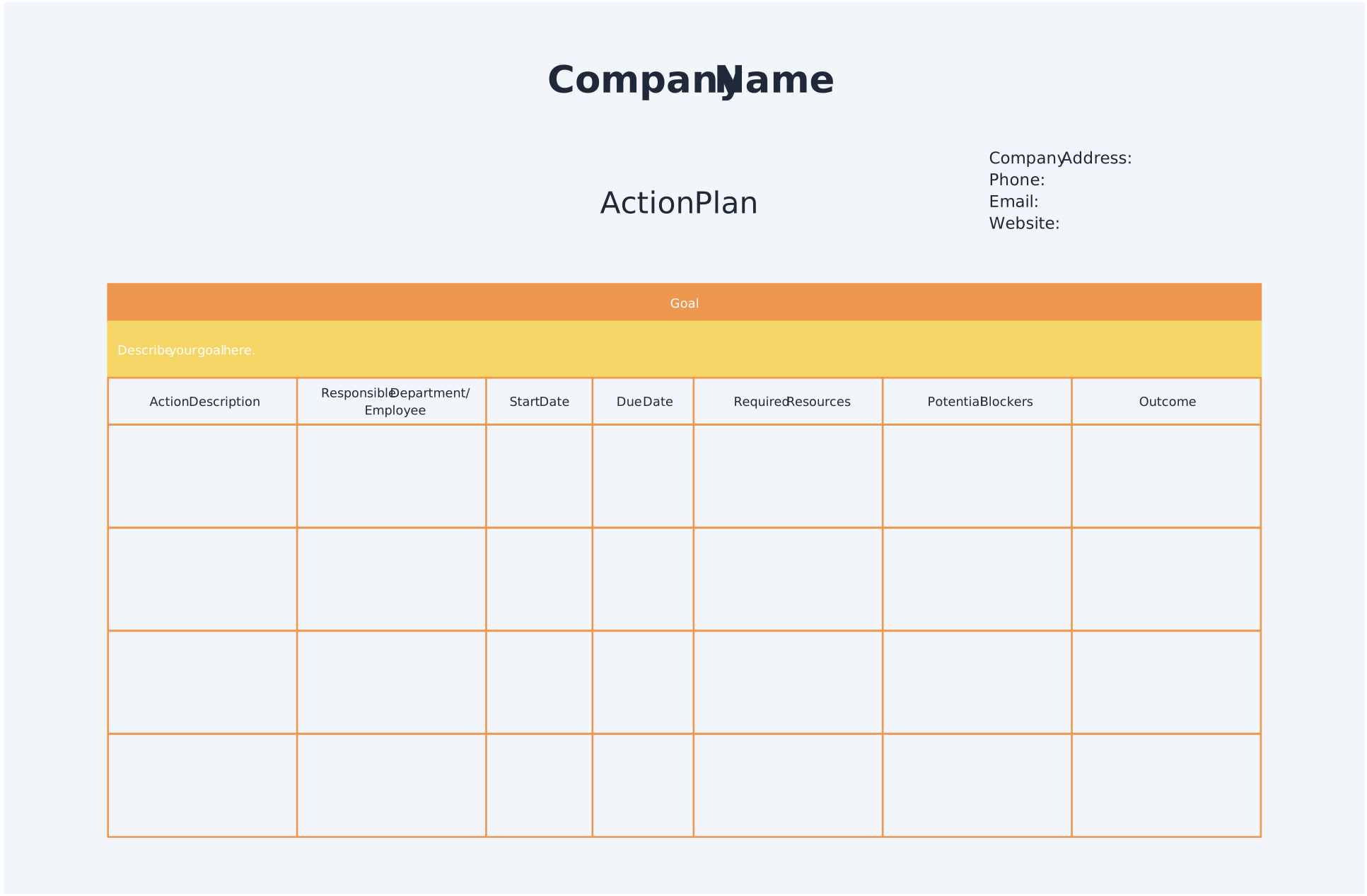
Business Action Plan
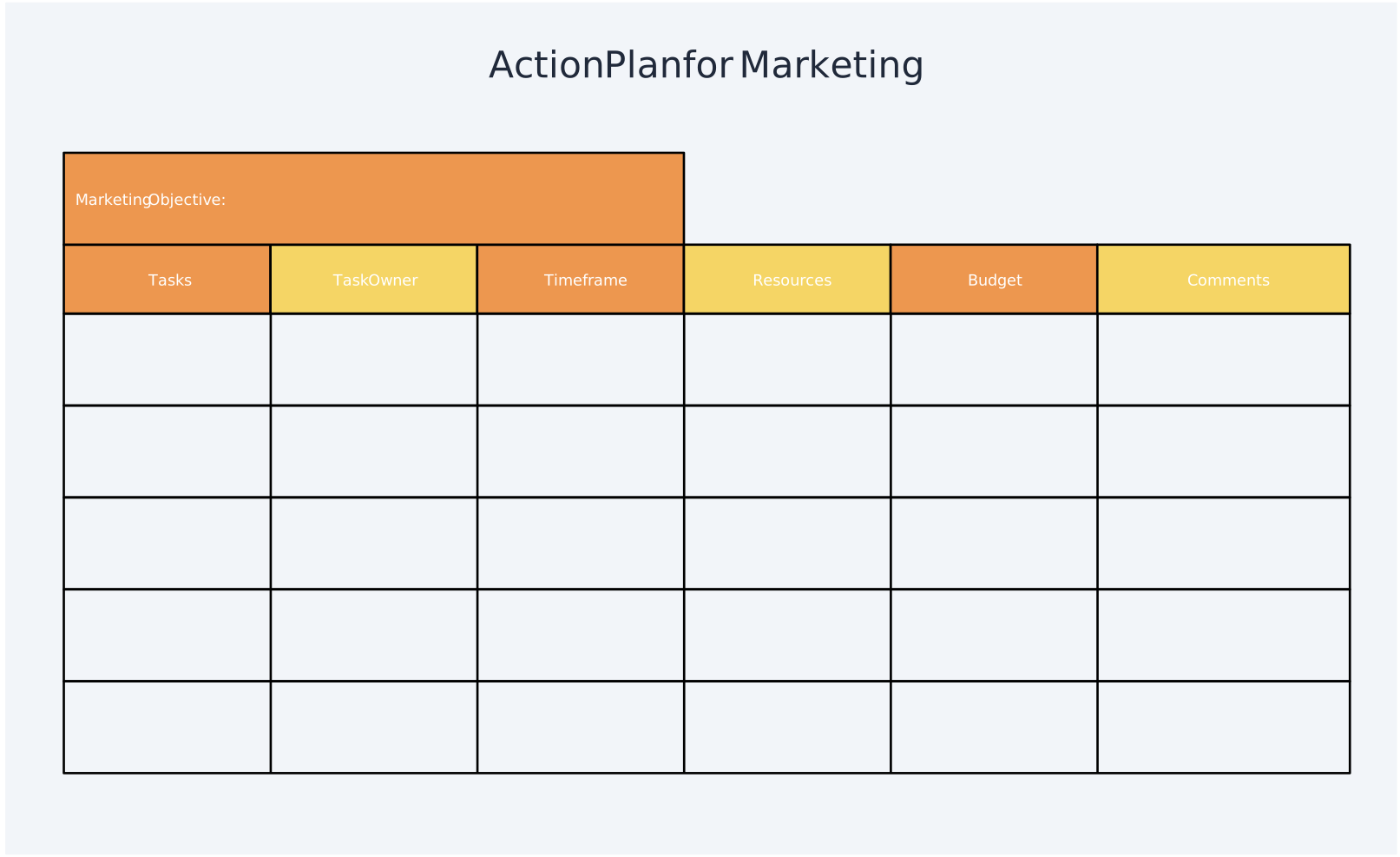
Marketing Action Plan
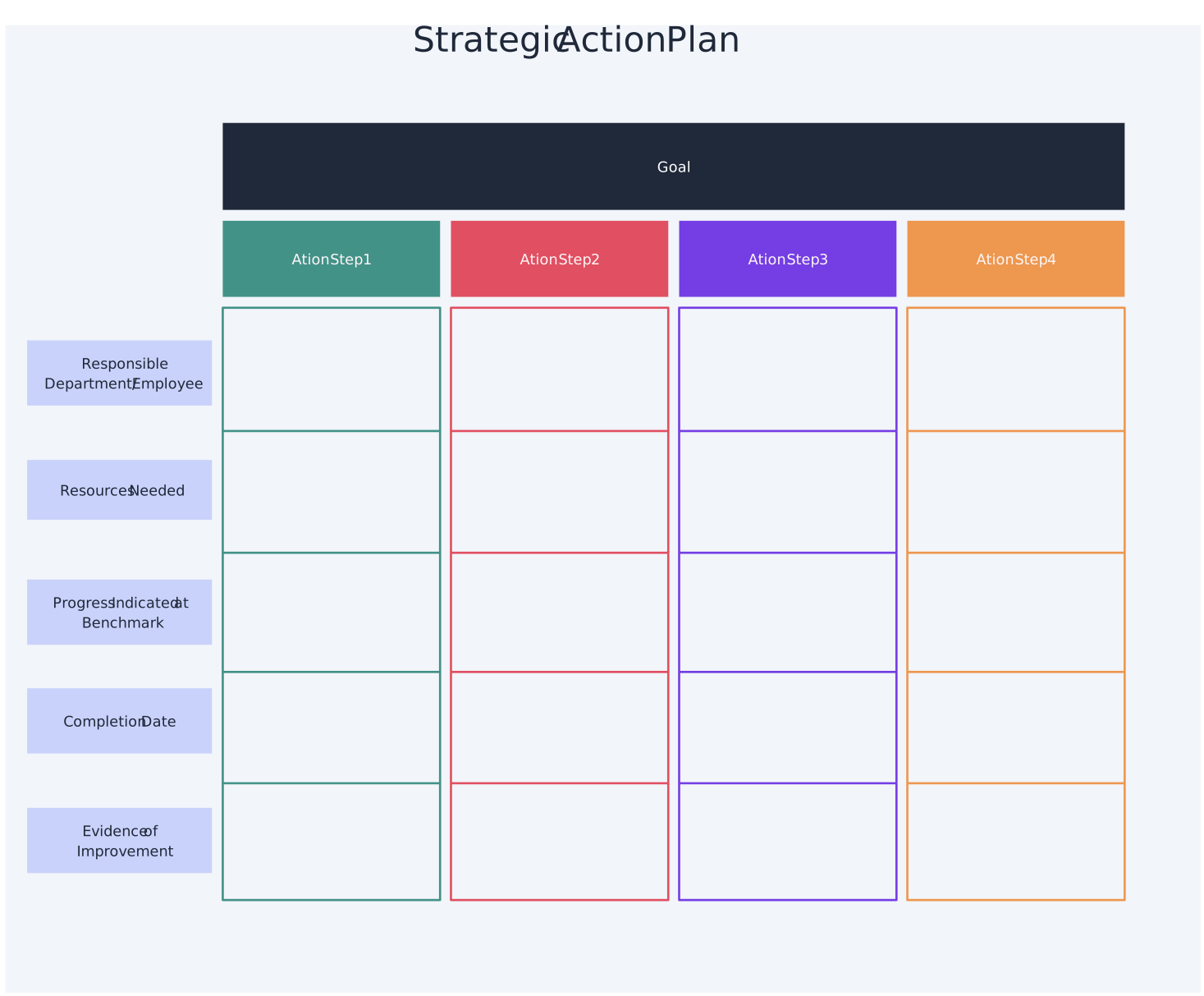
Strategic Action Plan
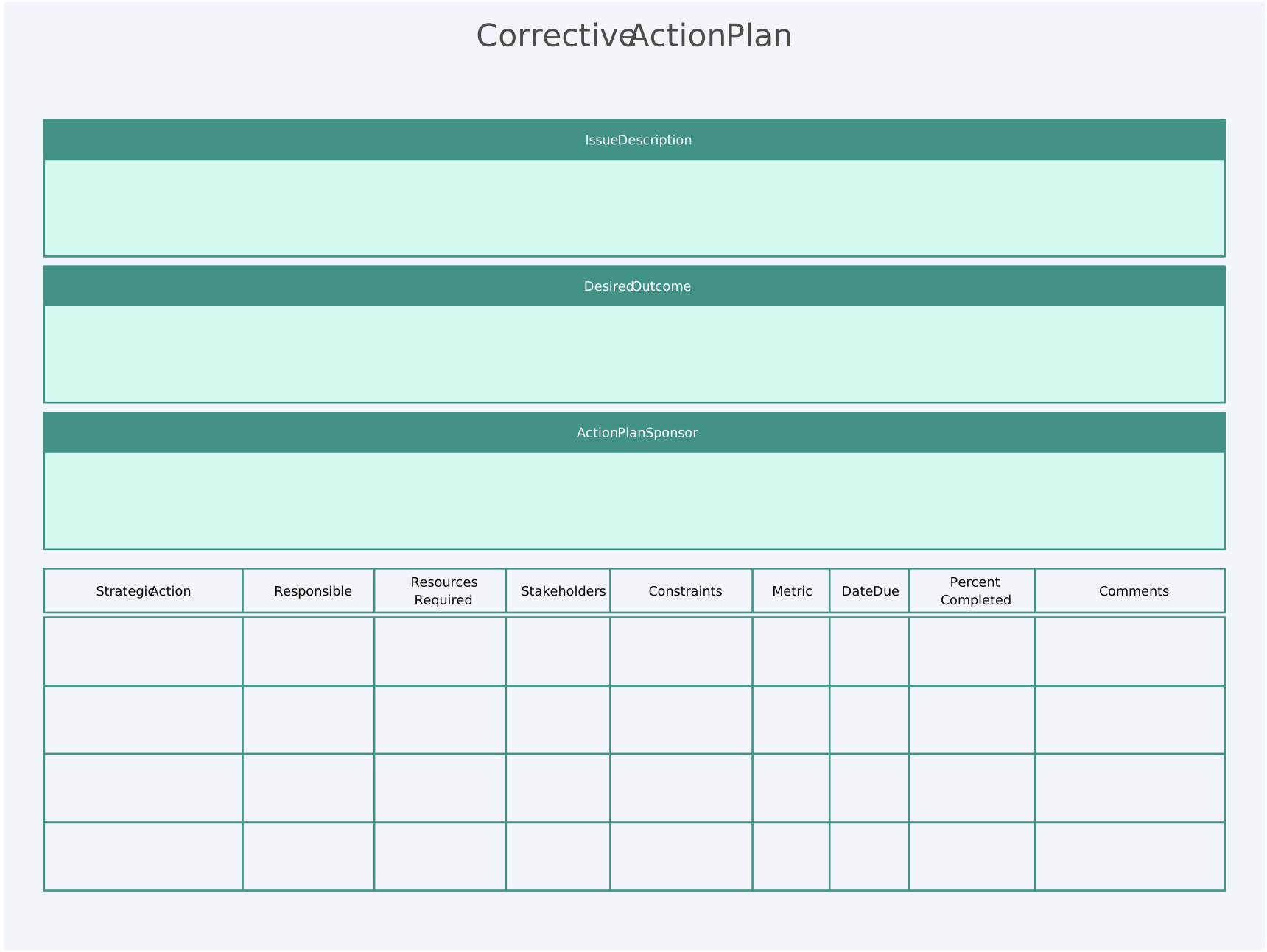
Corrective Action Plan Template
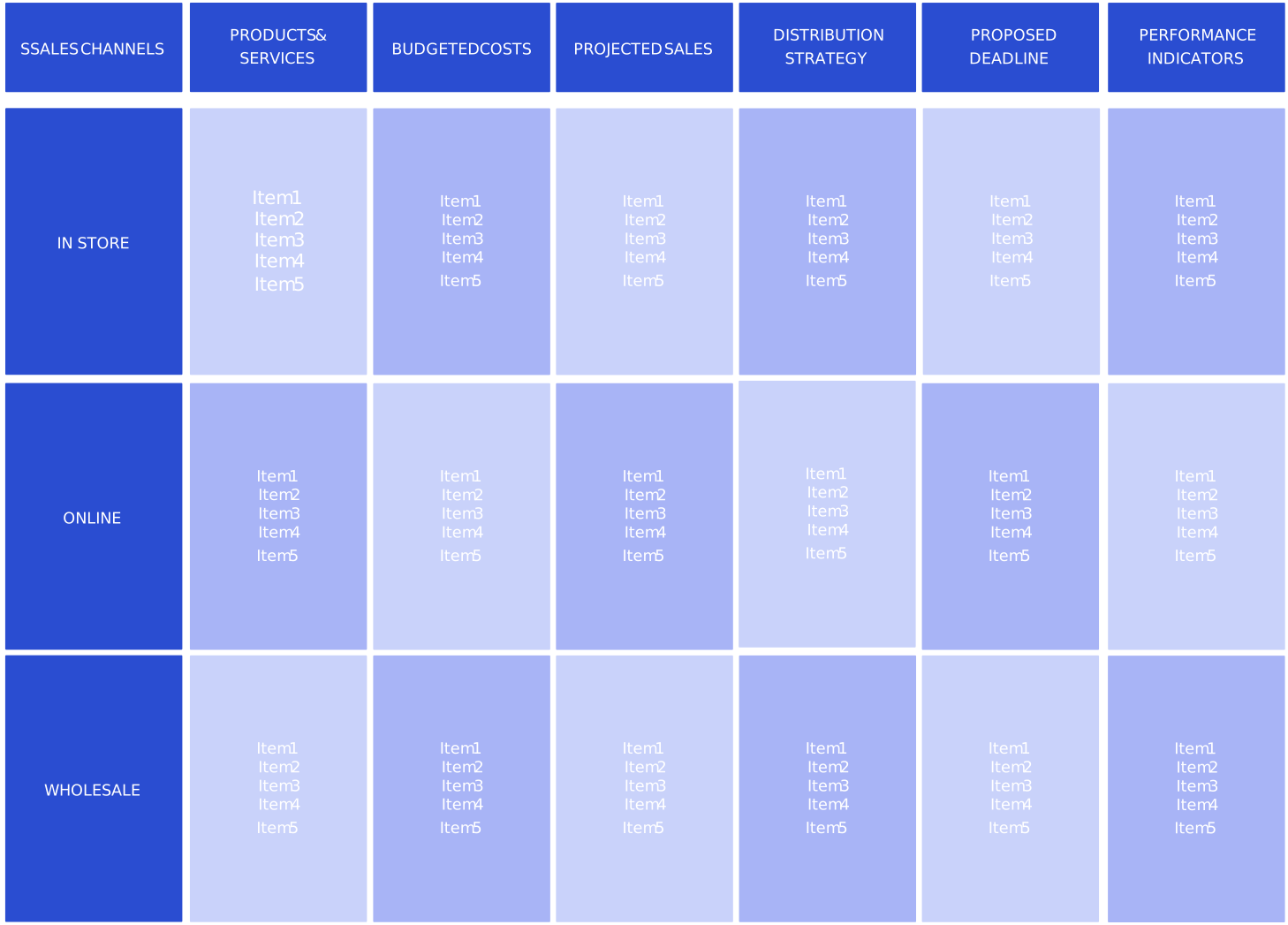
Sales Action Plan Template
Helpful Resources for Creating Action Plans
Explore ready-to-use management action plan templates to help leaders organize priorities, assign responsibilities, and track execution effectively.
Discover career action plan templates designed to help individuals set professional goals, define actionable steps, and plan long-term growth.
Learn what a strategic action plan is, how it differs from a regular action plan, and when to use it for long-term organizational goals.
FAQs about How to Make an Action Plan
Why is it important to learn how to write an action plan?
What are the common mistakes to avoid when collaborating on creating an action plan?
How do I create an affirmative action plan?
When should an action plan be created in a meeting?
What are the key components of an action plan?
How often should you review your action planning worksheet?
References
Damen, Tom G. E., et al. “Put Your Plan into Action: The Influence of Action Plans on Agency and Responsibility.” Journal of Personality and Social Psychology, vol. 108, no. 6, June 2015, pp. 850–866, https://doi.org/10.1037/pspa0000024.
Hua Tan, Kim, and Ken Platts. “Effective Strategic Action Planning: A Process and Tool.” Business Process Management Journal, vol. 11, no. 2, Apr. 2005, pp. 137–157, https://doi.org/10.1108/14637150510591147.