Conceptual Map Maker
Build Clear, Structured Conceptual Frameworks—Fast
Quickly turn complex ideas into clear, visual frameworks. Easily map relationships, organize key concepts, and refine your thinking in one flexible workspace—so your framework is easy to build, easy to update, and easy for others to understand.
- Ready-made templates for research, academic, and strategic use cases
- Flexible diagramming for mapping variables, theories, and relationships
- Real-time collaboration for faster feedback and alignment
Over 10 Million people and 1000s of teams already use Creately
Ready-to-Use Conceptual Framework Templates
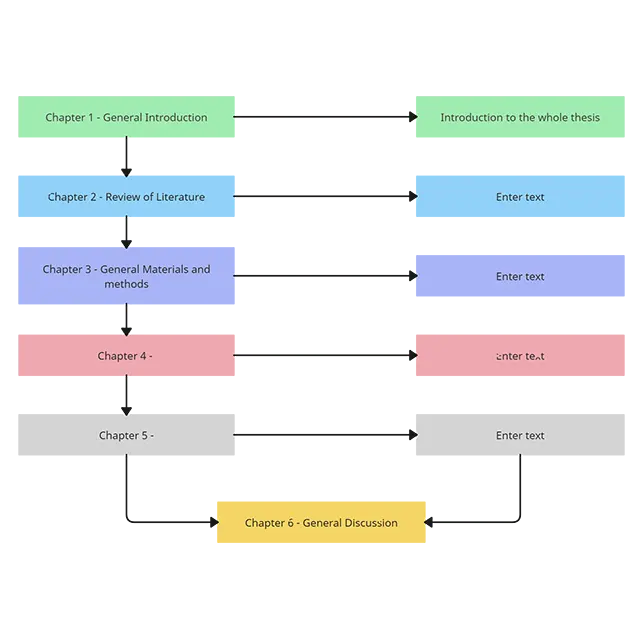
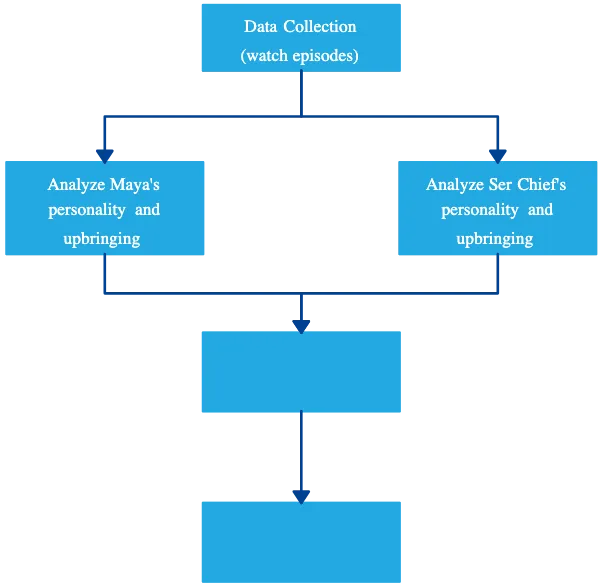
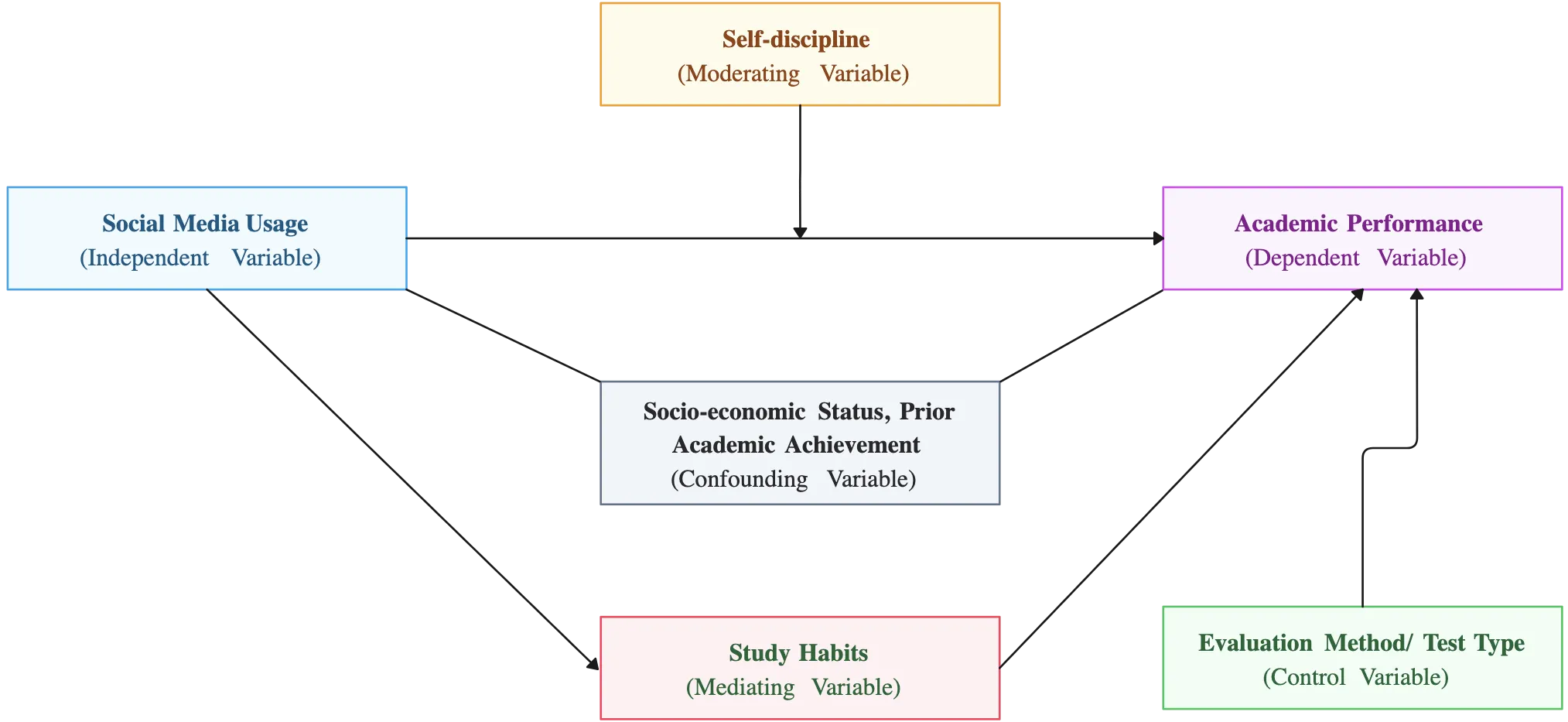
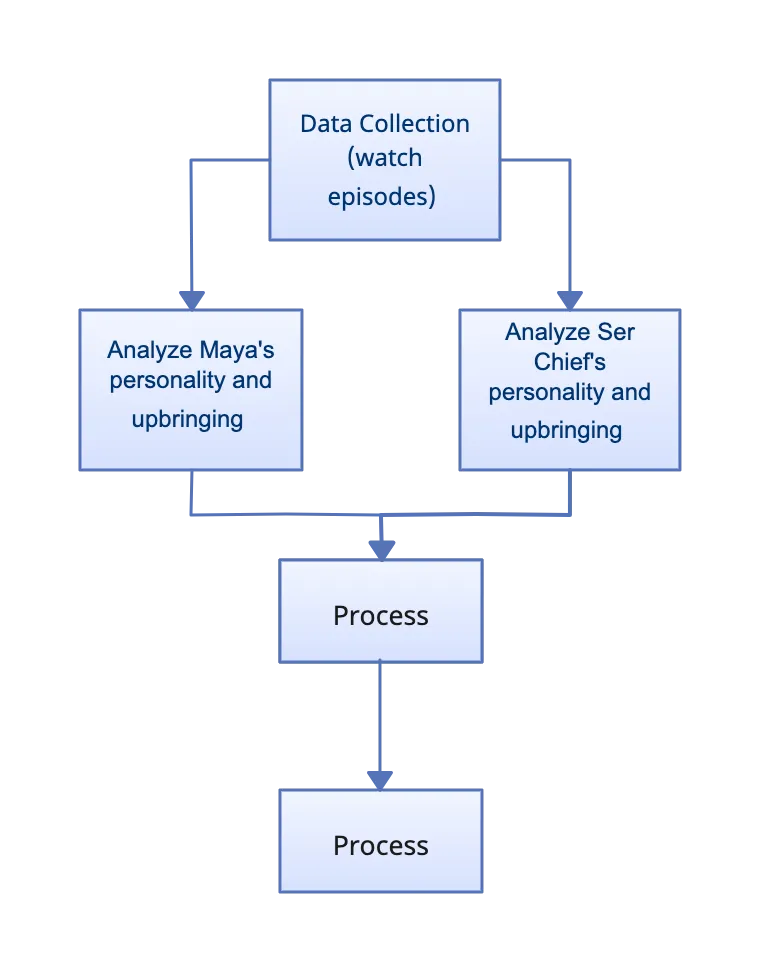
Ideate and Plan with Clarity from the Start
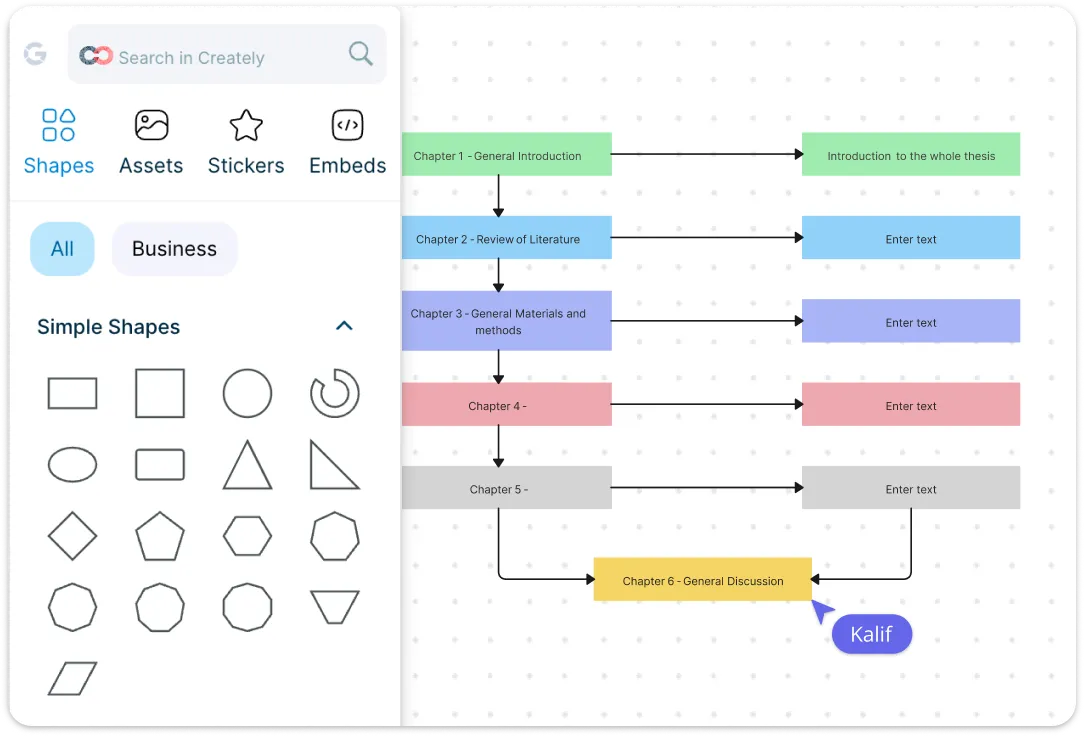
Start with a blank canvas that’s designed to think with you—not limit you. Creately’s conceptual framework template helps you quickly capture core concepts, variables, and assumptions as they form. Use flexible shapes, text, and connectors to explore ideas freely, rearrange elements as your thinking evolves, and move from rough concepts to a structured framework without friction. It’s ideal for early-stage research planning, thesis development, program design, and strategic thinking sessions.
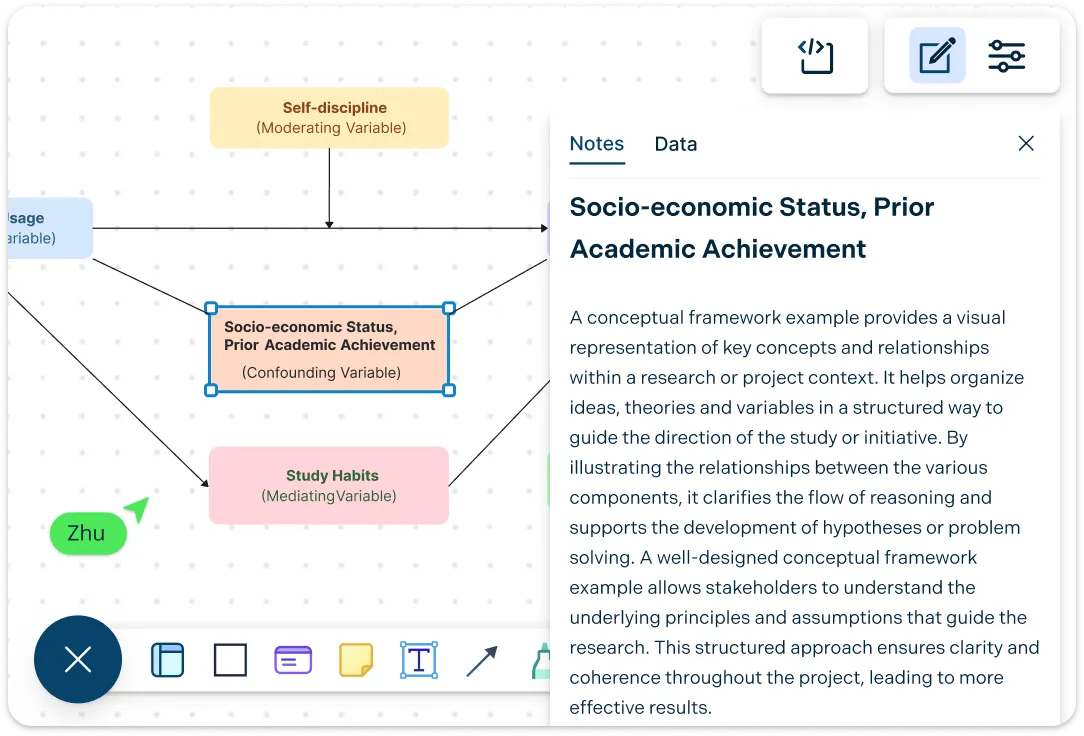
Connect and Organize Ideas that Actually Make Sense
Conceptual frameworks are all about relationships—and Creately’s conceptual map maker makes those relationships clear. Easily link concepts, define dependencies, and show cause-and-effect or theoretical connections using intuitive connectors and visual cues. Group related ideas, layer supporting notes, and keep everything logically organized so your framework tells a coherent story. The result is a clean, readable visual that communicates complex thinking in seconds.
Collaborate and Refine Together, in Real Time
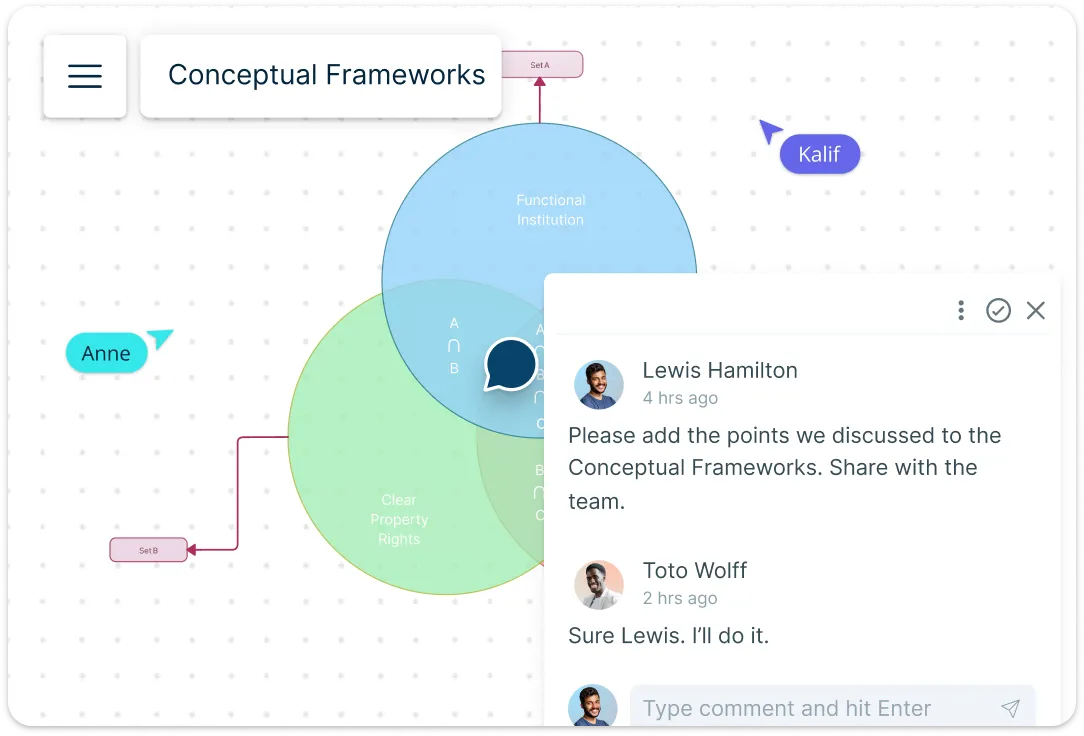
Conceptual frameworks often improve through discussion—and Creately’s conceptual framework creator is built for that. Collaborate live with peers, students, supervisors, or teams on the same canvas. Leave comments, suggest changes, and iterate together without version confusion. Whether you’re reviewing a research framework or aligning stakeholders around a shared model, everyone stays on the same page—literally.
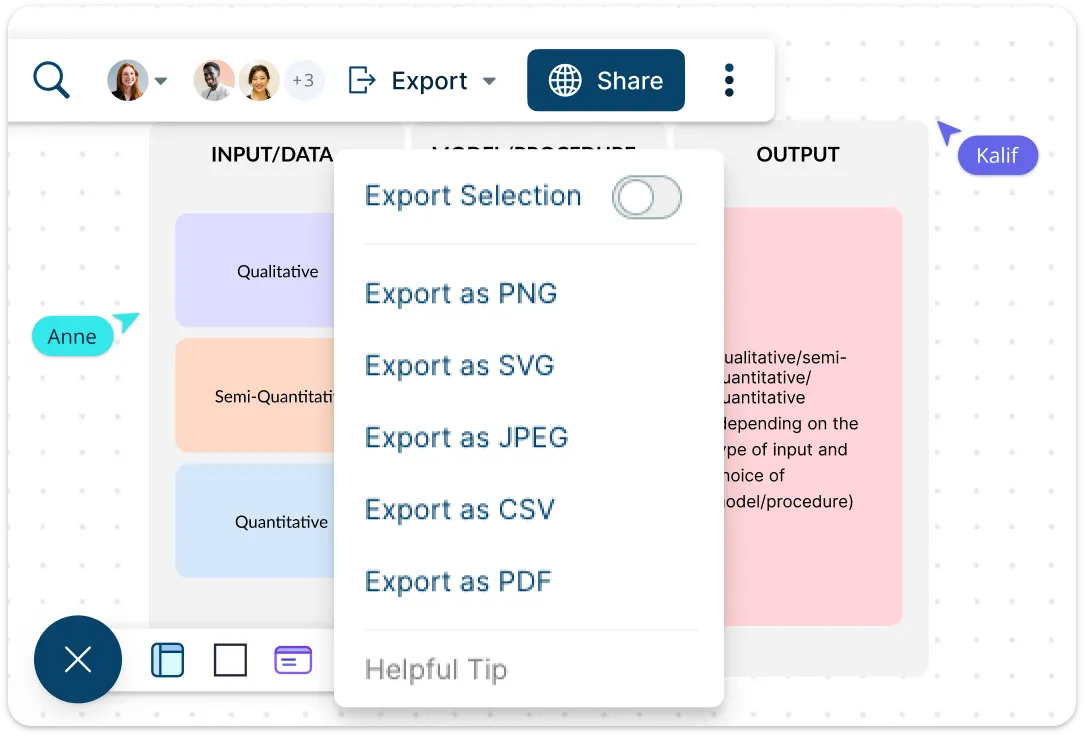
Execute and Extend Your Framework with Confidence
Once your conceptual framework is ready, put it into action. With Creately, you can assign tasks, track progress, and link framework elements to workflows, making your ideas actionable. Export your diagram for presentations, reports, or academic submissions, or embed it directly into documents and team workflows. As your project evolves, update and extend your framework in real time without starting over. Creately grows with your thinking—helping you move seamlessly from concept to execution, and from insight to measurable results.
What Is a Conceptual Framework?
How to Make a Conceptual Framework?
Start with a template or blank canvas:
Open Creately and choose a conceptual framework template, or start with a blank canvas. Templates give you a head start with pre-arranged structures, while a blank canvas gives you complete flexibility to build from scratch.Define your key concepts and variables:
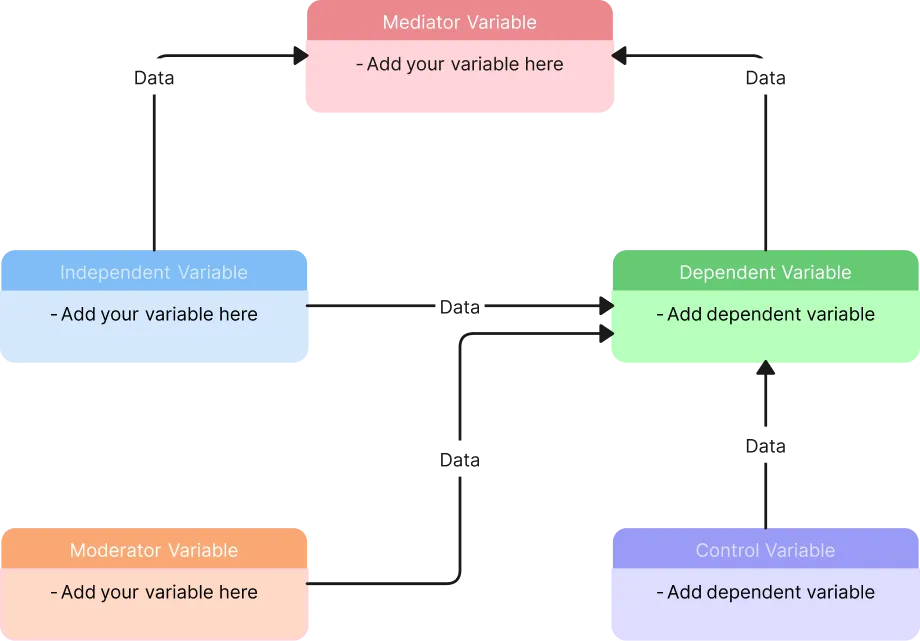
Identify the main ideas, concepts, or variables that your framework will include. Use Creately’s shapes and text tools to add these elements clearly and visually on your canvas.Connect ideas and show relationships:
Use connectors, arrows, and labels to define relationships between concepts. Highlight cause-and-effect, dependencies, or theoretical links so that your framework tells a clear story at a glance.Organize and refine your framework:
Group related ideas, adjust layouts, and use color coding or formatting to make the framework clean and readable. Creately’s drag-and-drop and alignment tools make it easy to reorganize as your thinking evolves.Collaborate, share, and extend:
Invite teammates, supervisors, or stakeholders to collaborate in real time. Leave comments, assign tasks linked to your framework, or export it for reports, presentations, or academic submissions. Creately ensures your conceptual framework is not just a diagram—it’s a live, actionable tool.
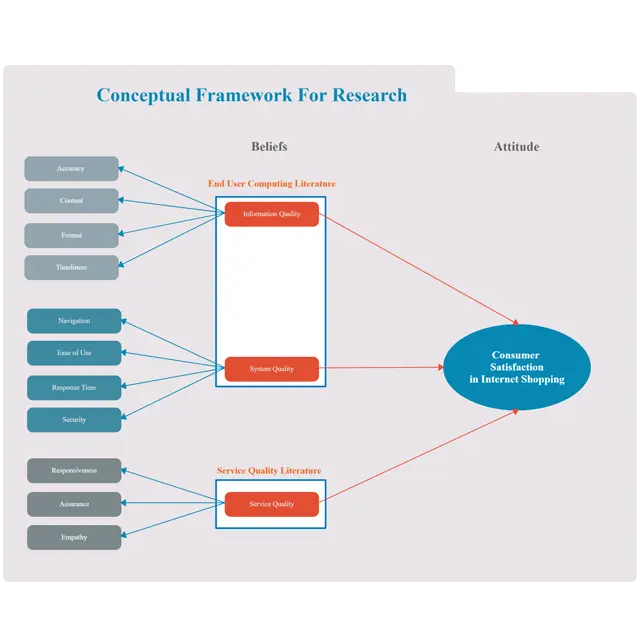
Conceptual Framework Examples to Try Now
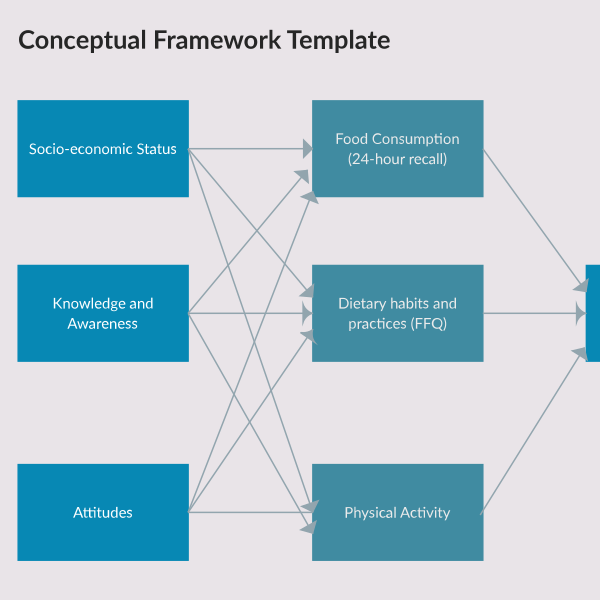
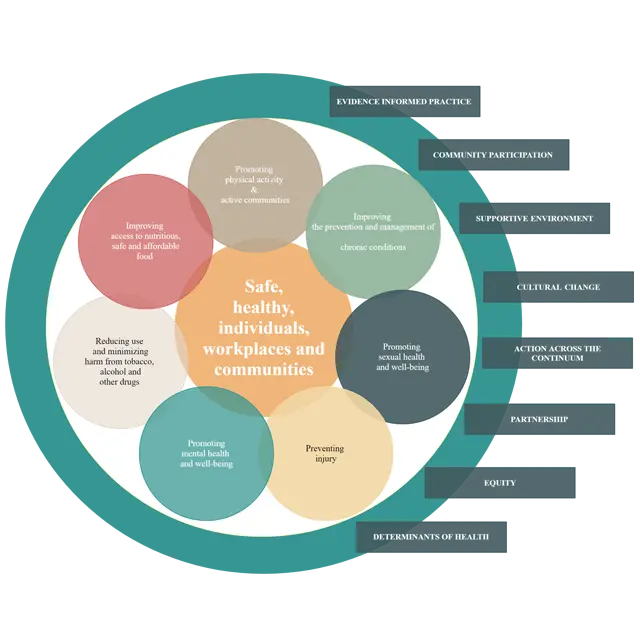
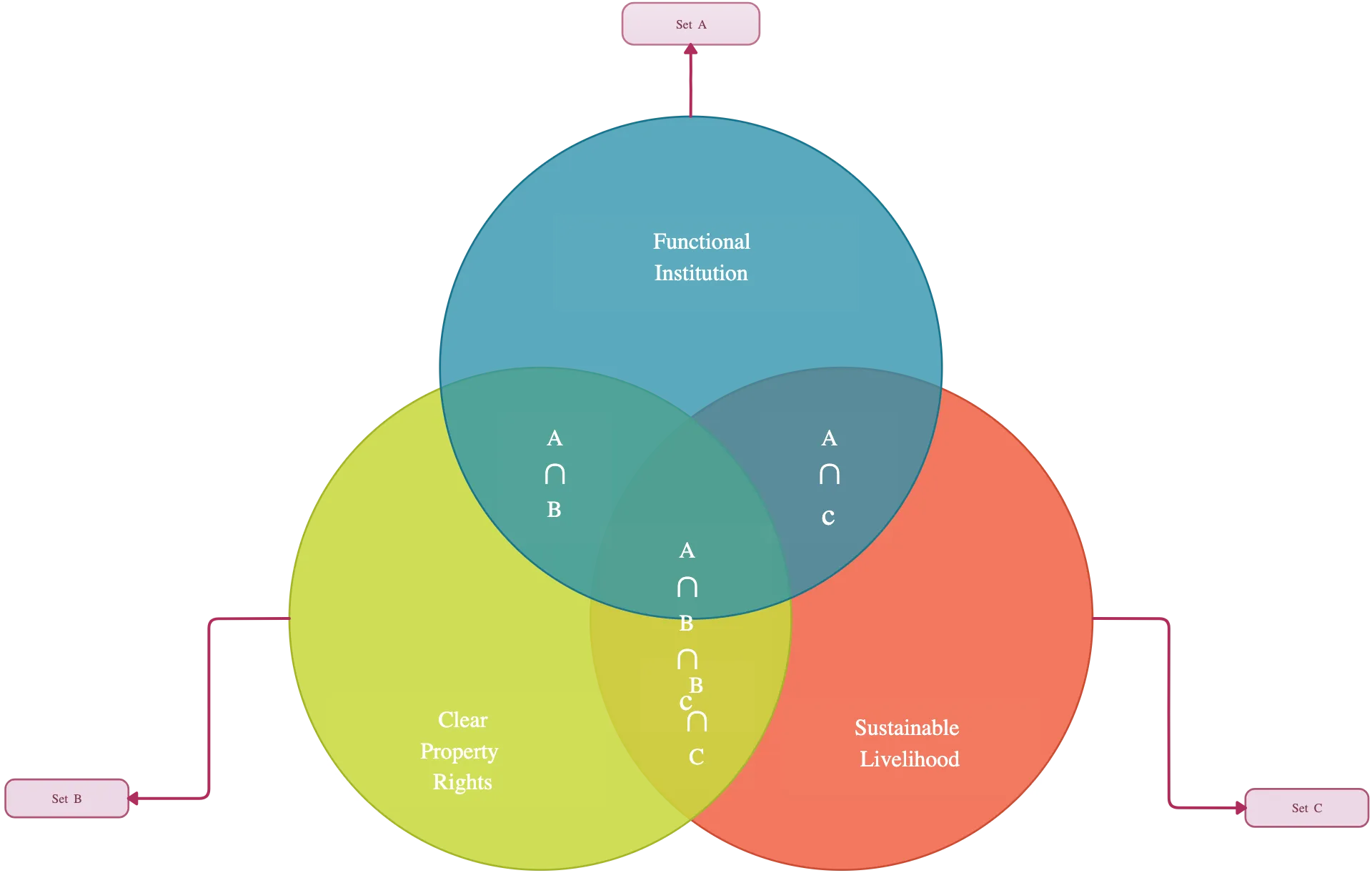
FAQs About Creately’s Conceptual Framework Generator
What are Creately’s conceptual map maker pricing plans?
- Free Plan — $0/month for basic conceptual map creation and collaboration
- Starter & Team Plans — $8/month or $5/month billed annually
- Business Plan — $149/month or $89/month billed annually
Annual billing helps you save more while unlocking advanced collaboration, workspace management, and enhanced conceptual map features. You can compare all available plans and features on the Creately Pricing Page.
How can you create conceptual maps faster?
Are there templates for different conceptual map use cases?
Can teams collaborate on conceptual maps?
Can I add notes, data, and files?
Can I share, present, or export conceptual maps?