Balanced Scorecard Template
Drive Performance Across Every Strategic Dimension
Translate strategy into action with clear goals, aligned teams, and continuous performance tracking across the four Balanced Scorecard format perspectives.
- Multiple customizable balanced scorecard examples to get a head start
- Real-time collaboration to work together with colleagues and stakeholders
- Keep track of each teams’ KPIs and create action plans on Creately’s infinite canvas
Over 10 Million people and 1000s of teams already use Creately
Set SMART Goals and Measurable KPIs
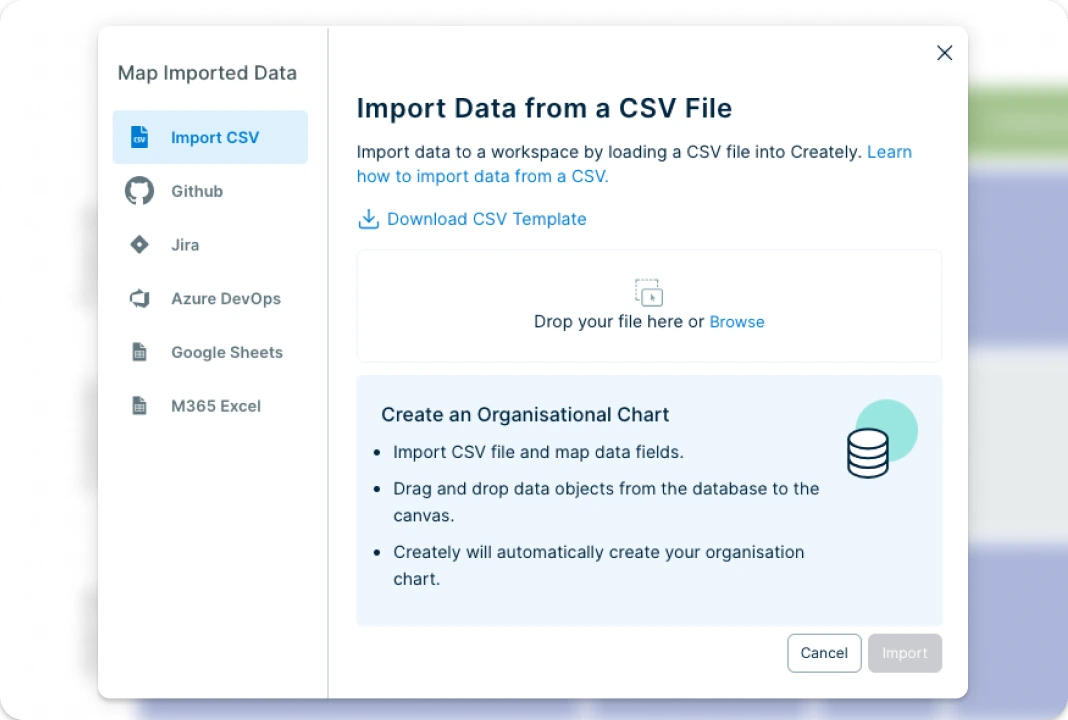
Creately’s Balanced Scorecard templates are professionally designed and fully customizable, making strategic planning easier than ever. You can seamlessly import data from Excel or CSV files to keep all your insights in one centralized workspace. With a single, infinite canvas, teams can analyze workflows across departments, identify performance gaps, and align on improvements. Add dynamic data fields, capture key metrics in real time, and turn your balanced scorecard template into a presentation-ready report—all within the same visual platform.
Get Everyone to Drive Towards Common Goals
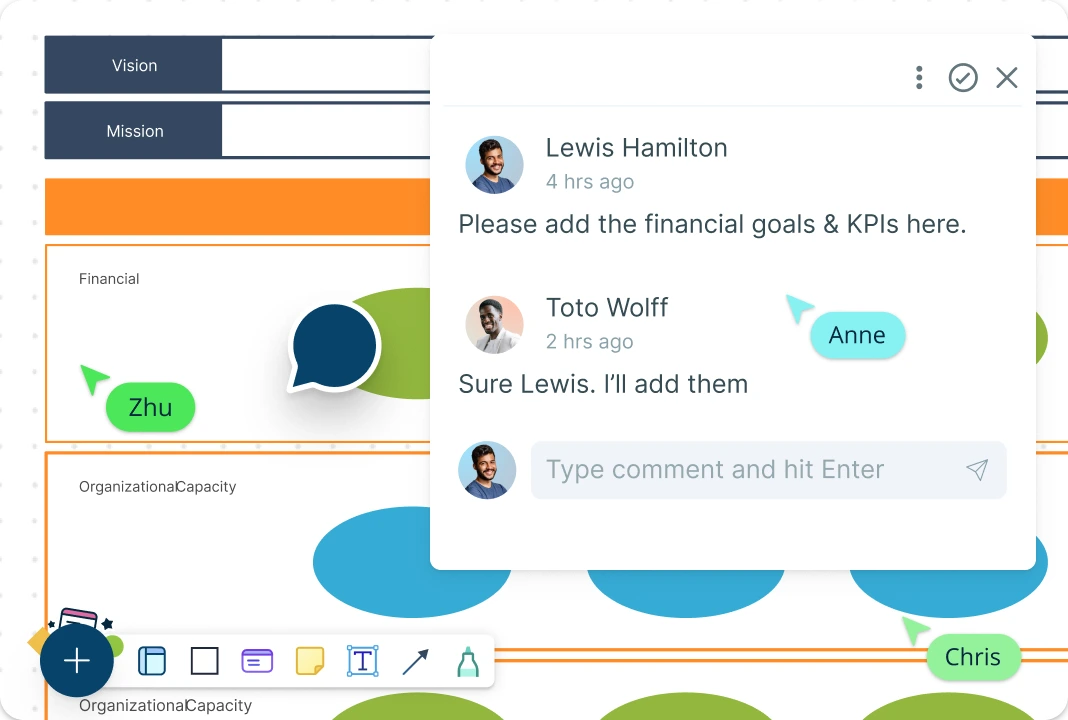
Collaborate effortlessly on your Balanced Scorecard template with Creately’s built-in sharing features. Easily share your scorecard via links or invite team members directly to ensure all relevant stakeholders can contribute. Keep everyone on the same page with version history that lets you track updates, and revisit past changes. Use @mentions and comments to discuss objectives, KPIs, and next steps right on the canvas. With multiple access roles and permission settings, you can control visibility and ensure sensitive information is only accessible to the right people.
Transform Strategic Goals into Action Plans
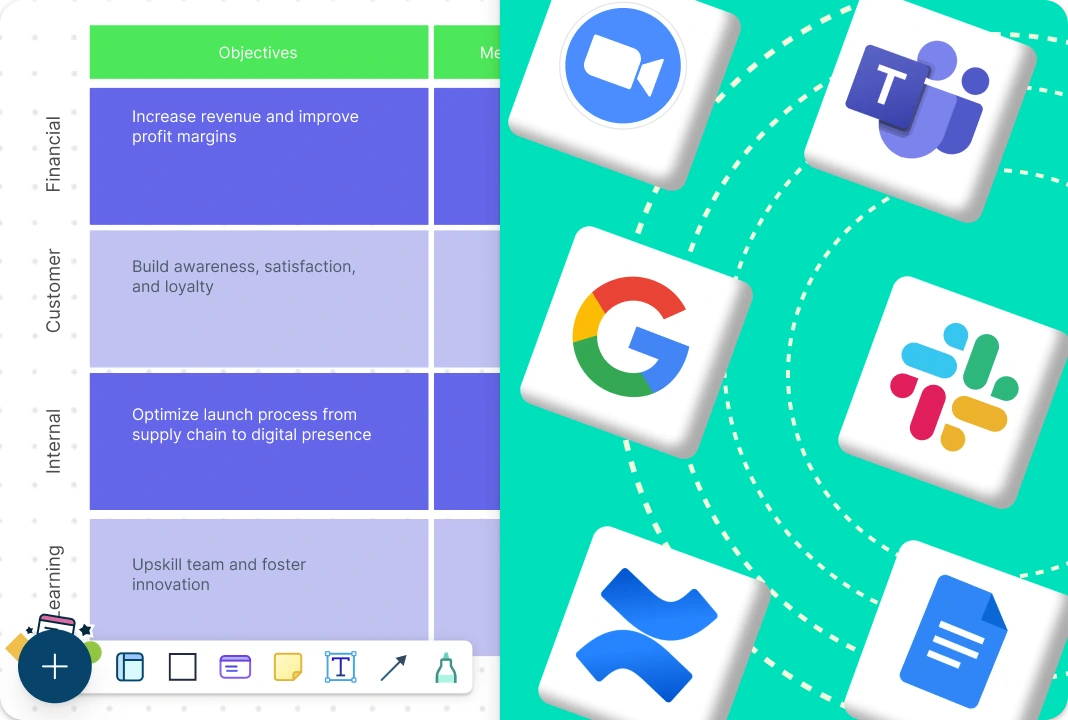
Integrate your Balanced Scorecard seamlessly into your existing workflow with Creately’s plugins for Slack, Google Workspace, Confluence, and more. When it’s time to share insights, use the built-in presentation tools to showcase your completed scorecard template to stakeholders. You can also export your Balance Scorecard in multiple formats like PDF, PNG, or SVG—clearly communicating goals, metrics, and progress in just a few clicks.
What Is a Balanced Scorecard Maker?
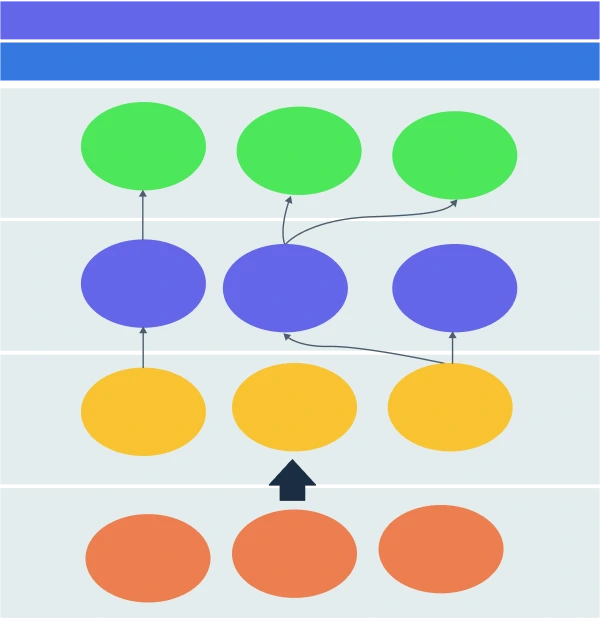
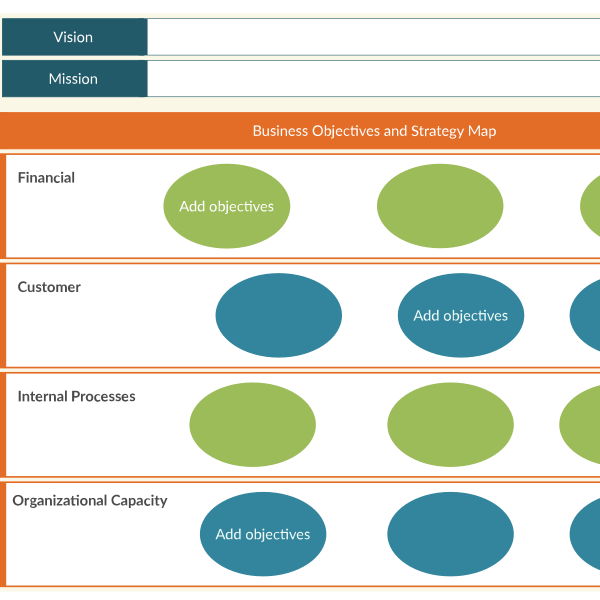
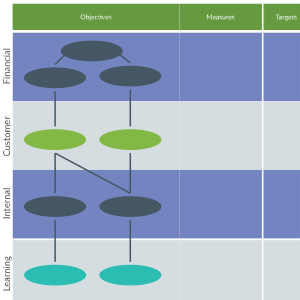
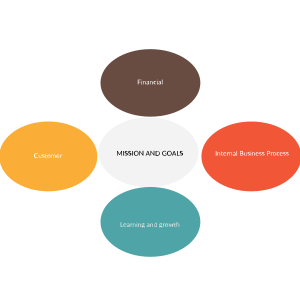
A Balanced Scorecard Maker is a structured visual tool used to plan, track, and communicate an organization’s strategic goals and performance. It organizes objectives and KPIs across four key perspectives: Financial (How the organization creates value for shareholders), Customer (How it delivers value to customers), Internal Processes (How efficiently internal operations support goals), and Learning & Growth (How the organization supports continuous improvement and innovation).
Using a balanced scorecard creator helps teams align on strategy, monitor progress, and ensure that day-to-day activities support long-term goals.
How to Use Creately’s Balanced Scorecard Template
Choose a Balanced Scorecard Template:
Start by selecting a professionally designed Balanced Scorecard template from Creately’s comprehensive library. There are multiple layout options available which can be tailored to your planning needs. You can also start from a blank canvas and build a balanced scorecard structure that fits your unique strategy.Define Your Vision and Strategy:
The next step is to clearly define the organization’s strategy, vision, mission, values and key partners. Identify customer requirements and the company’s value proposition by considering different aspects of the company strategy such as strategic themes and results.Identify Objectives Across the Four Perspectives:
Break down your strategy into specific, measurable objectives under each of the Balanced Scorecard’s four perspectives: Financial, Customer, Internal Processes, and Learning & Growth. Creately’s Balance Scorecard templates are made with standard frameworks in mind, guiding you to complete this step.Set Key Performance Indicators (KPIs):
Determine performance metrics for the strategic objectives you identified earlier in the scorecard template. These help track progress and define what success looks like. Include Target values, Timeframes, and Measurement frequency.Link Objectives to Strategic Initiatives:
Connect each objective to specific projects or initiatives that drive it. This creates alignment between strategy and execution. Assign tasks and responsibilities to team members. Share the balanced scorecard you created with them with an edit/ review link. —making it easy for multiple collaborators to jump in simultaneously. You can assign roles such as editor, viewer, or commenter to control access, use @mentions for targeted feedback, and track every change with version history.Monitor, Update & Review:
Track performance over time, and evaluate the completed scorecards. Use regular reviews to update KPIs, adapt goals, and realign initiatives based on new insights or changes in strategy. Make sure that you are measuring the right things, whether your strategies are working, and whether there are any changes in the environment.
Free Balanced Scorecard Examples to Get Started
FAQs about the Balanced Scorecard Template
What are Creately’s balanced scorecard template pricing plans?
- Free Plan — $0/month for basic balanced scorecard creation and collaboration
- Starter & Team Plans — $8/month or $5/month billed annually
- Business Plan — $149/month or $89/month billed annually
Annual billing helps you save more while unlocking advanced collaboration, workspace management, and enhanced balanced scorecard features. You can compare all available plans and features on the Creately Pricing Page.
How can you create balanced scorecards faster?
Are there templates for different balanced scorecard use cases?
Can teams collaborate on balanced scorecards?
Can I add notes, data, and files?
Can I share, present, or export balanced scorecards?