Skill Tree Maker
Create Skill Trees Easily Online
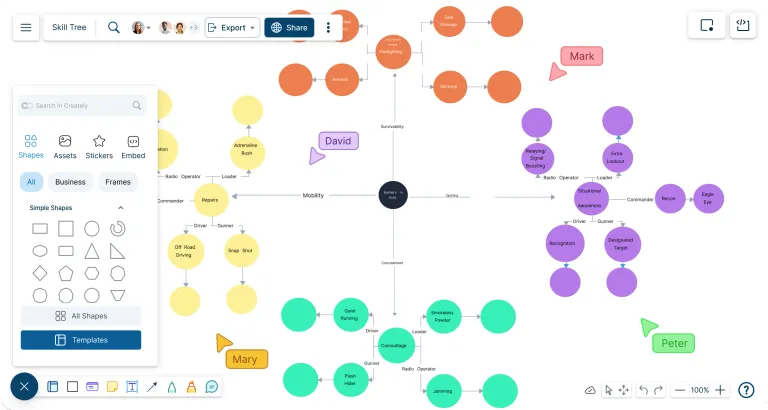
Turn character abilities, unlock paths, prerequisites, and upgrade ideas into a clear skill tree without starting from a messy blank page. Organize progression visually, connect skills logically, and keep design notes, feedback, and decisions in one place as your tree grows.
Start with editable skill tree templates or build your own from scratch
Drag and drop skills, abilities, perks, and upgrades into a clear layout
Share and export your skill tree for design docs, lessons, or team feedback




 Diagramming Visual Collaboration Org Chart


How to Create a Skill Tree in Creately?
Open a Skill Tree Template or Blank Workspace
Start with an editable skill tree template or open a blank canvas if you already have a custom progression structure in mind. Use the canvas to organize early ideas, ability categories, player roles, or character paths before finalizing the layout.
Add Skills, Abilities, and Upgrade Paths
Place each ability, skill, perk, talent, or upgrade as a separate shape. Group related skills by class, role, element, weapon type, level, or gameplay style so the tree is easier to scan and balance.
Connect Prerequisites and Unlock Logic
Use smart connectors to show which skills unlock next, which abilities depend on earlier choices, and where branches split or merge. Add labels to explain level requirements, skill point costs, cooldowns, or special conditions.
Add Notes, Files, and Tasks
Attach gameplay notes, balance details, design decisions, reference files, formulas, and open questions directly to the relevant skills or branches. Use task tracking to assign balancing, writing, review, or implementation work to the right team members.
Review, Present, and Export
Invite teammates, students, or stakeholders to review the skill tree with comments and real-time collaboration. Use frames to present progression paths step by step, share the workspace with a link, or export the final skill tree for documentation, game design specs, lessons, or presentations.
Watch this quick walkthrough to see how to create a skill tree, add skills and unlock paths, connect prerequisites with smart connectors, and share or export your finished diagram.
Use These Editable Skill Tree Templates to Enhance Your Gameplay Progression
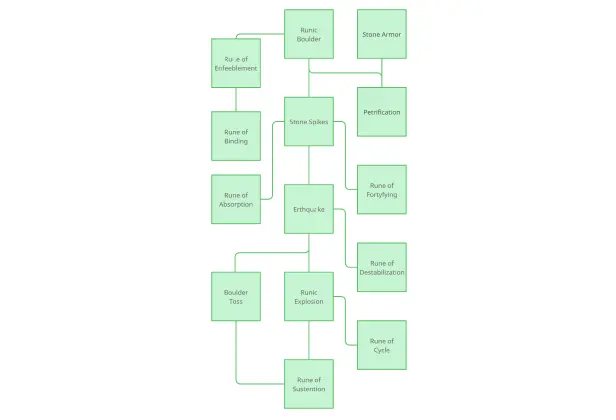
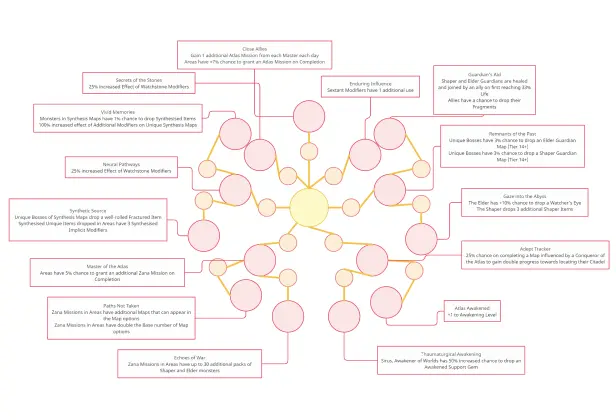

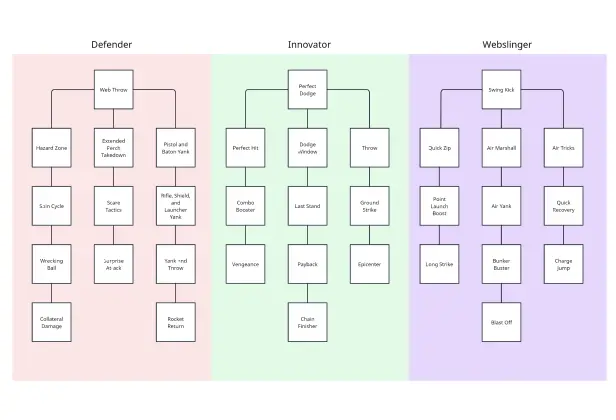
Create a Skill Tree Without Starting From Scratch
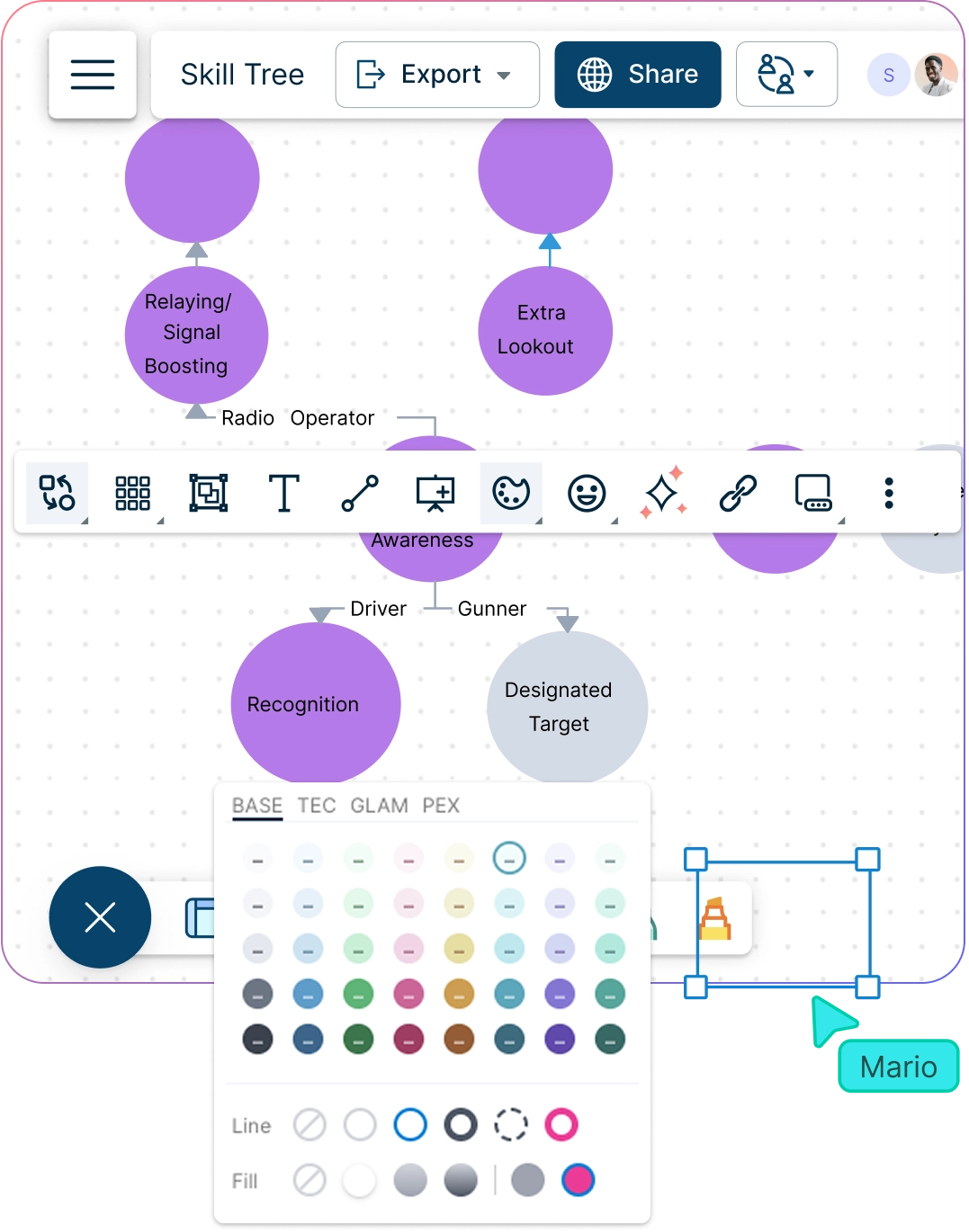
When skills, perks, prerequisites, and upgrade paths are scattered across sketches or notes, it is hard to see how the full progression system works. Start with a template, shape the tree around your character, class, or learning path, and build a clear structure that is easy to edit as ideas change.
Start with editable skill tree templates for games, education, training, or progression planning.
Drag and drop skills, abilities, perks, upgrades, and branches into place.
Use smart connectors to show unlock paths, prerequisites, tiers, and branching choices clearly.
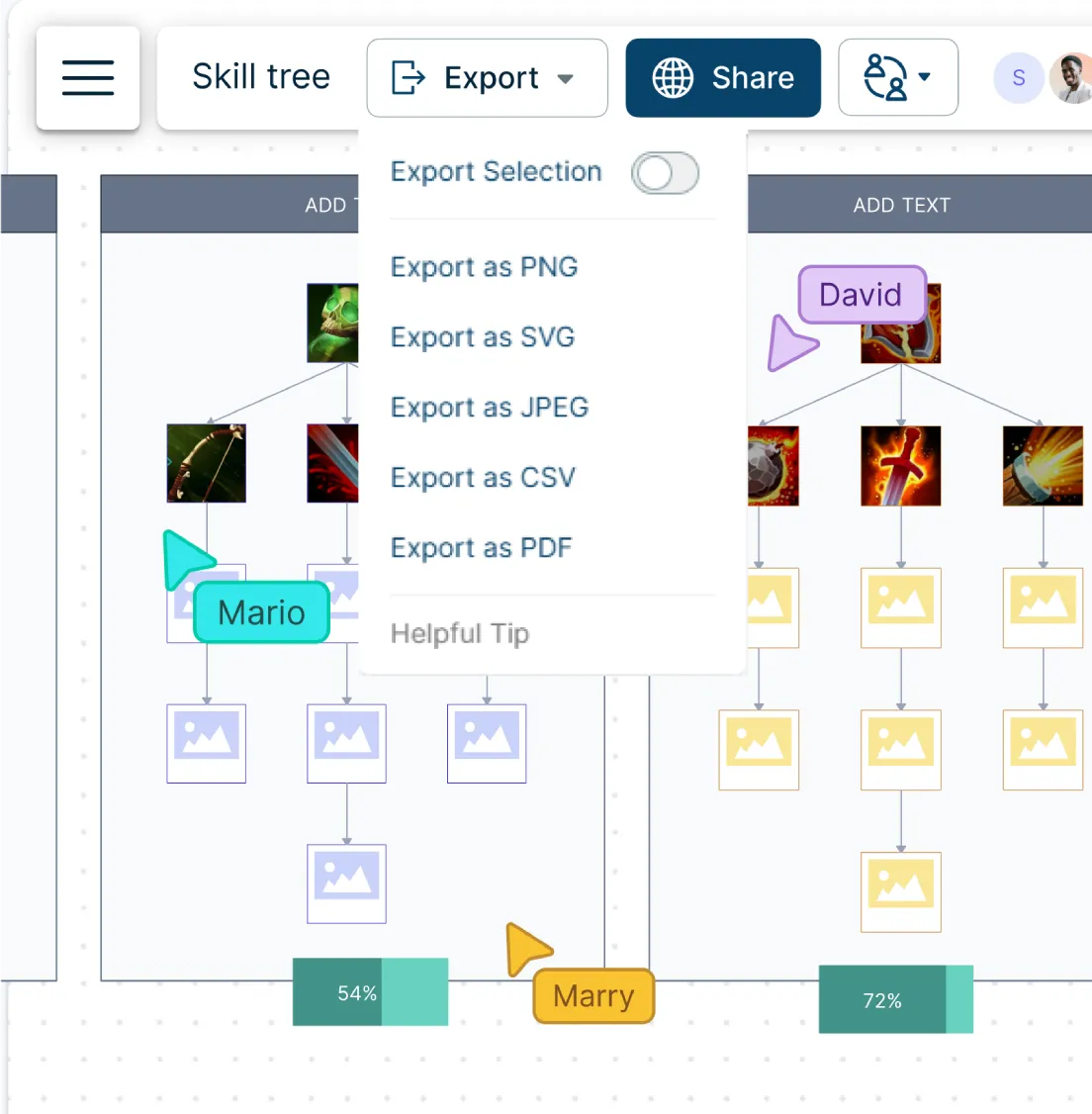
Review and Balance Skill Trees With Your Team
Skill trees often need several rounds of review before they feel balanced. Designers, developers, educators, and reviewers can work from the same visual map, discuss changes in context, and spot issues in progression, difficulty, or player choice before they become harder to fix.
Work together in real time while editing, reviewing, or refining the skill tree.
Use comments and @mentions to discuss balance issues, missing paths, or unclear unlock rules.
Share the diagram with the right people for editing, feedback, or review.
Keep Skill Details, Notes, and Decisions in One Place
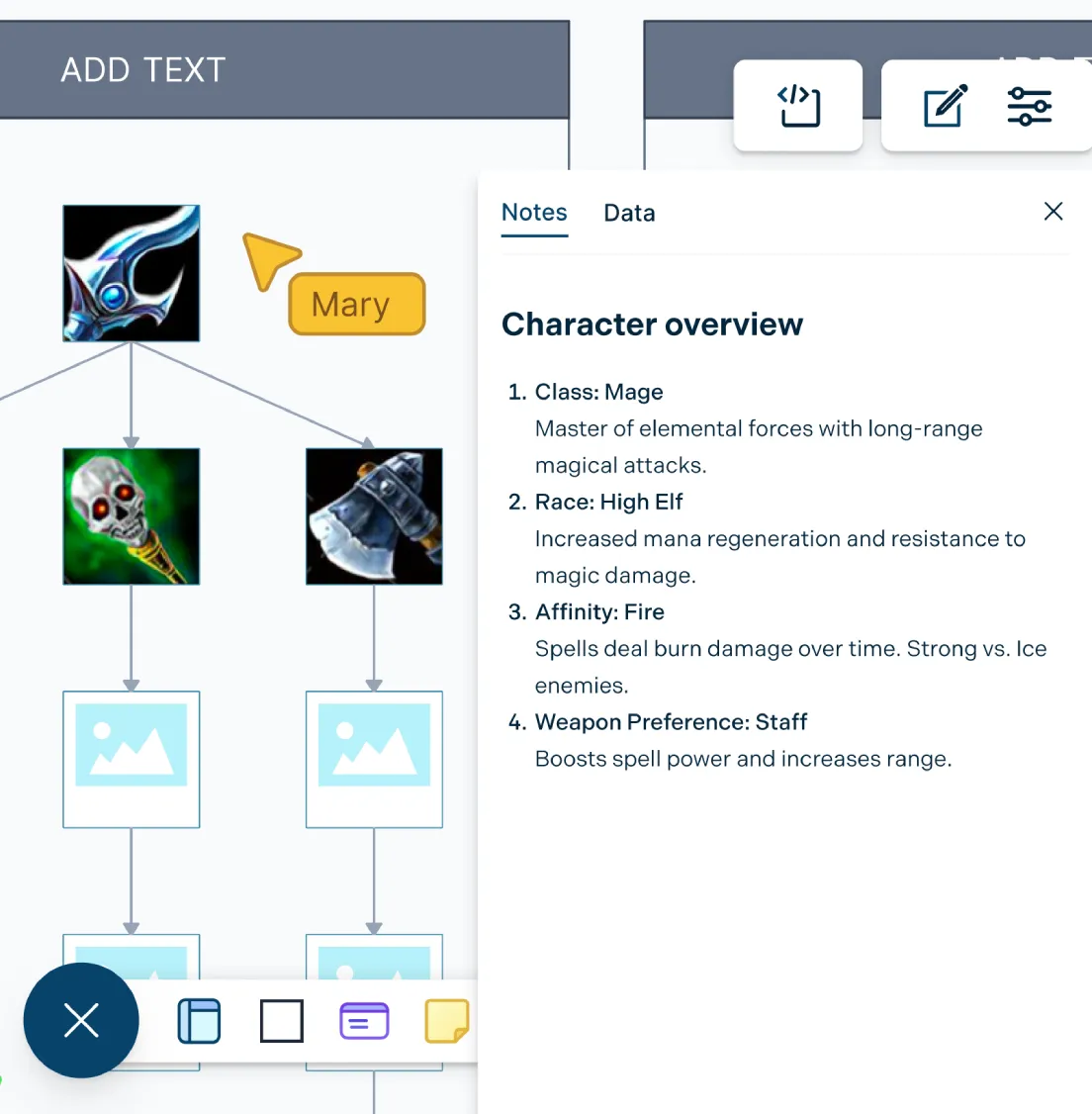
A skill tree is more than a diagram. Each ability may need notes on cost, level requirements, cooldowns, effects, player role, or implementation status. Keep those details connected to the right skill or branch so the tree stays useful for design reviews, development, documentation, or lessons.
Add notes, links, files, and design context to individual skills, branches, or ability groups.
Track tasks for balancing, implementation, review, documentation, or classroom feedback.
Present, embed, or export the skill tree as PDF, PNG, SVG, or JPEG for specs, lessons, reports, or slides.
What Can You Create With Creately’s Skill Tree Maker?
- Character Skill Trees:
Create skill trees that show how a character unlocks new abilities, powers, perks, or upgrades over time.
- Ability Trees:
Map ability paths for heroes, classes, weapons, roles, or playstyles with clear prerequisites and branching choices.
- Perk and Talent Trees:
Organize passive bonuses, special talents, stat boosts, and optional upgrades into easy-to-follow progression paths.
- Class Progression Trees:
Show how different classes, roles, or specializations develop from basic skills to advanced abilities.
- Weapon and Upgrade Trees:
Plan weapon upgrades, equipment improvements, crafting paths, or unlockable enhancements.
- Learning Skill Trees:
Create visual learning paths for lessons, courses, training programs, or student progress tracking.
FAQs About the Skill Tree Maker
What are Creately’s skill tree maker pricing plans?
- Free Plan — $0/month for basic skill tree creation and collaboration
- Starter & Team Plans — $8/month or $5/month billed annually
- Business Plan — $149/month or $89/month billed annually
Annual billing helps you save more while unlocking advanced collaboration, workspace management, and enhanced skill tree features. You can compare all available plans and features on the Creately Pricing Page.
How can you create skill trees faster?
Are there templates for different skill tree use cases?
Can teams collaborate on skill trees?
Can I add notes, data, and files?
Can I share, present, or export skill trees?
What is a skill tree?






















