GCP Architecture Diagram Tool
Quickly Create and Visualize Google Cloud Architecture Diagrams with Ease
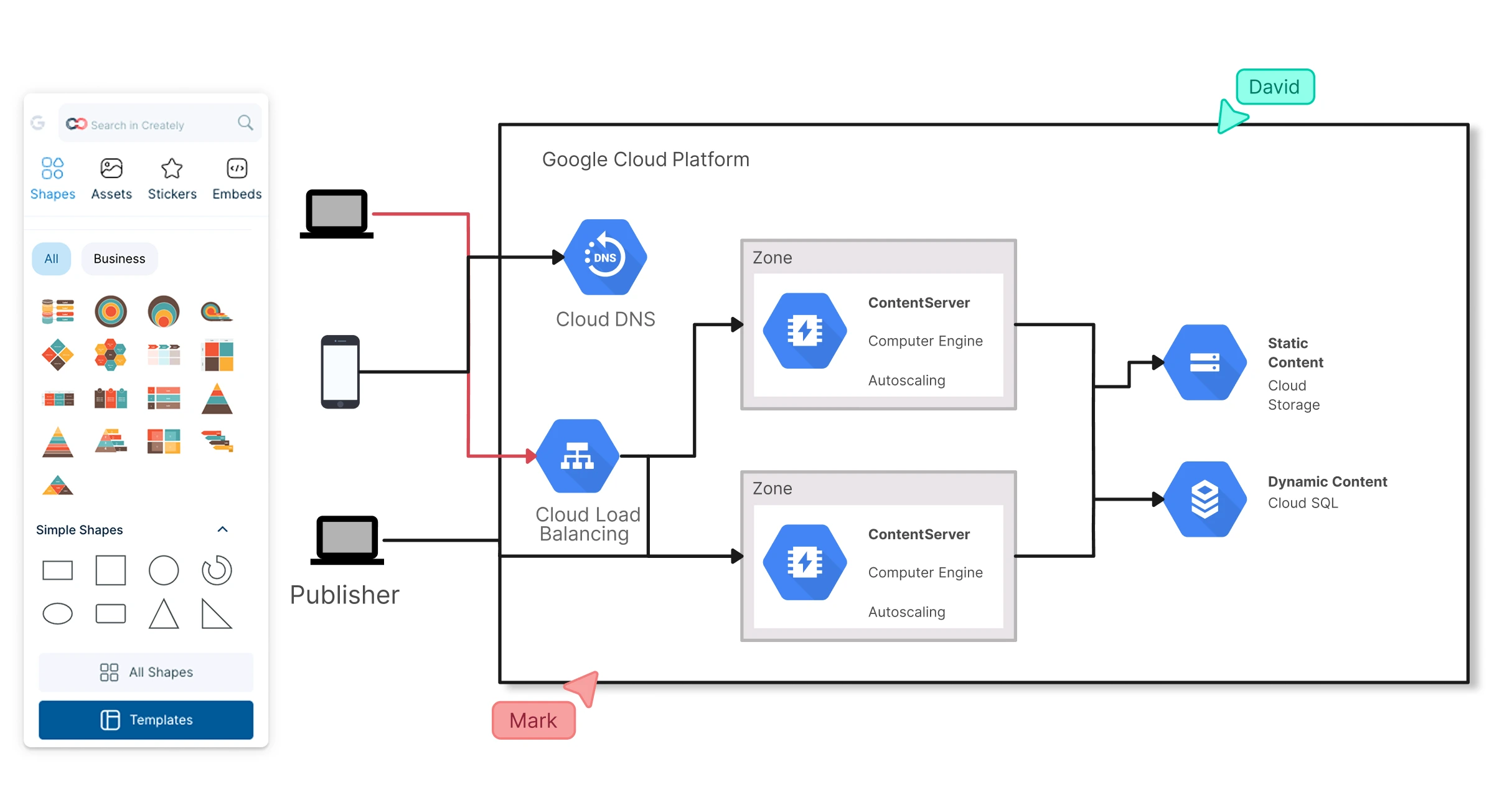
Effectively collaborate on designing, planning, and communicating your GCP architecture diagram with Creately’s Google Cloud architecture diagram tool.
Collaborate in real-time with your team on GCP diagrams
Drag and drop from a full set of GCP shapes to build diagrams
Use an infinite canvas to map large and complex GCP cloud architectures




 Diagramming Visual Collaboration Org Chart


How to Make a GCP Architecture Diagram?
Visualize Your GCP Architecture Diagrams with Ease
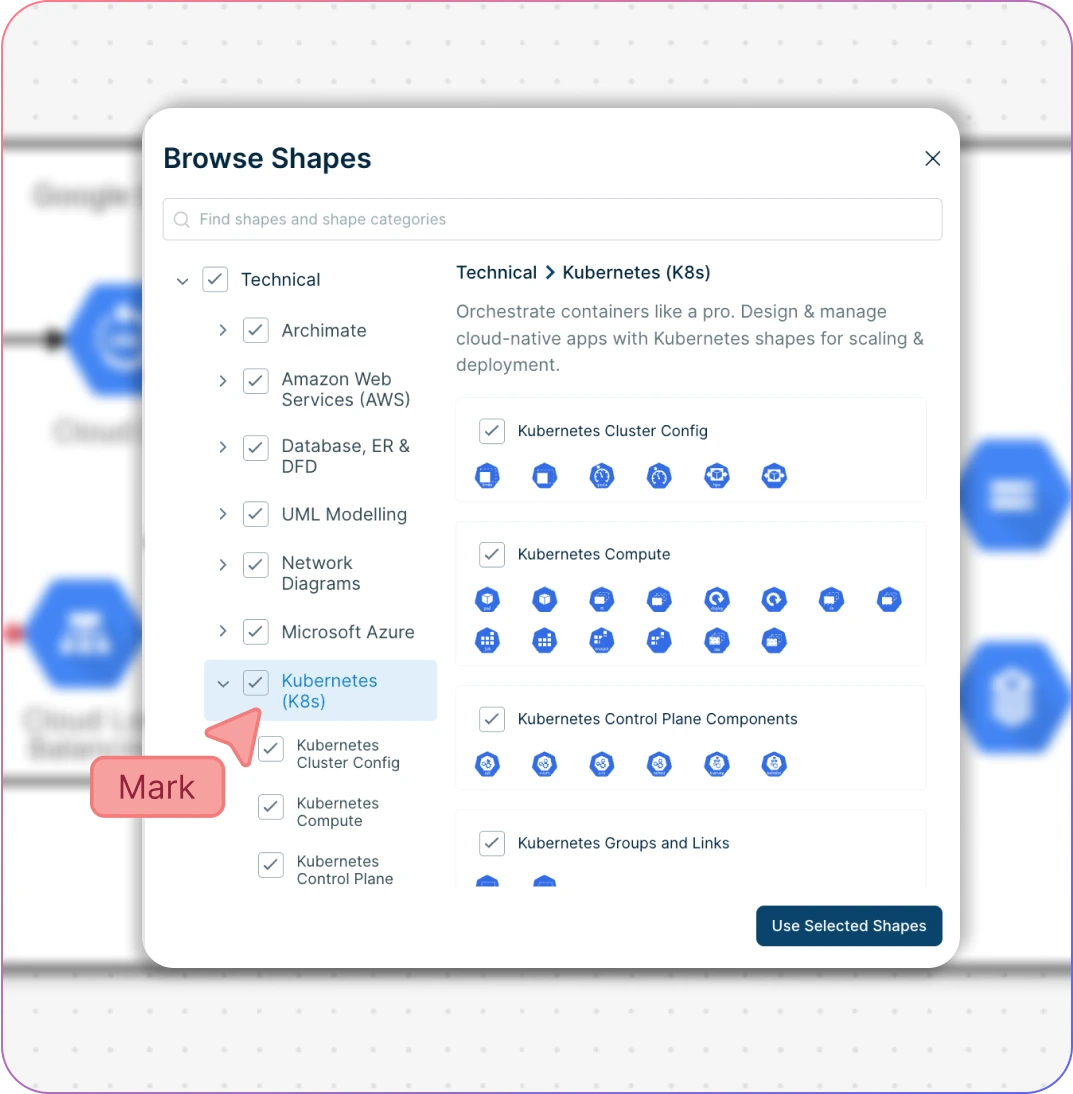
Drag-and-drop interface to quickly design GCP architecture diagrams.
Pre-built GCP reference architectures and templates for common cloud solutions.
Standards-compliant GCP components, logically grouped for faster diagramming.
Extensive shape libraries covering Kubernetes, Azure, AWS, Cisco, and more.
Infinite canvas to map complex Google Cloud architectures without limits.
Easily customize shapes, connections, and layouts to match your cloud setup.
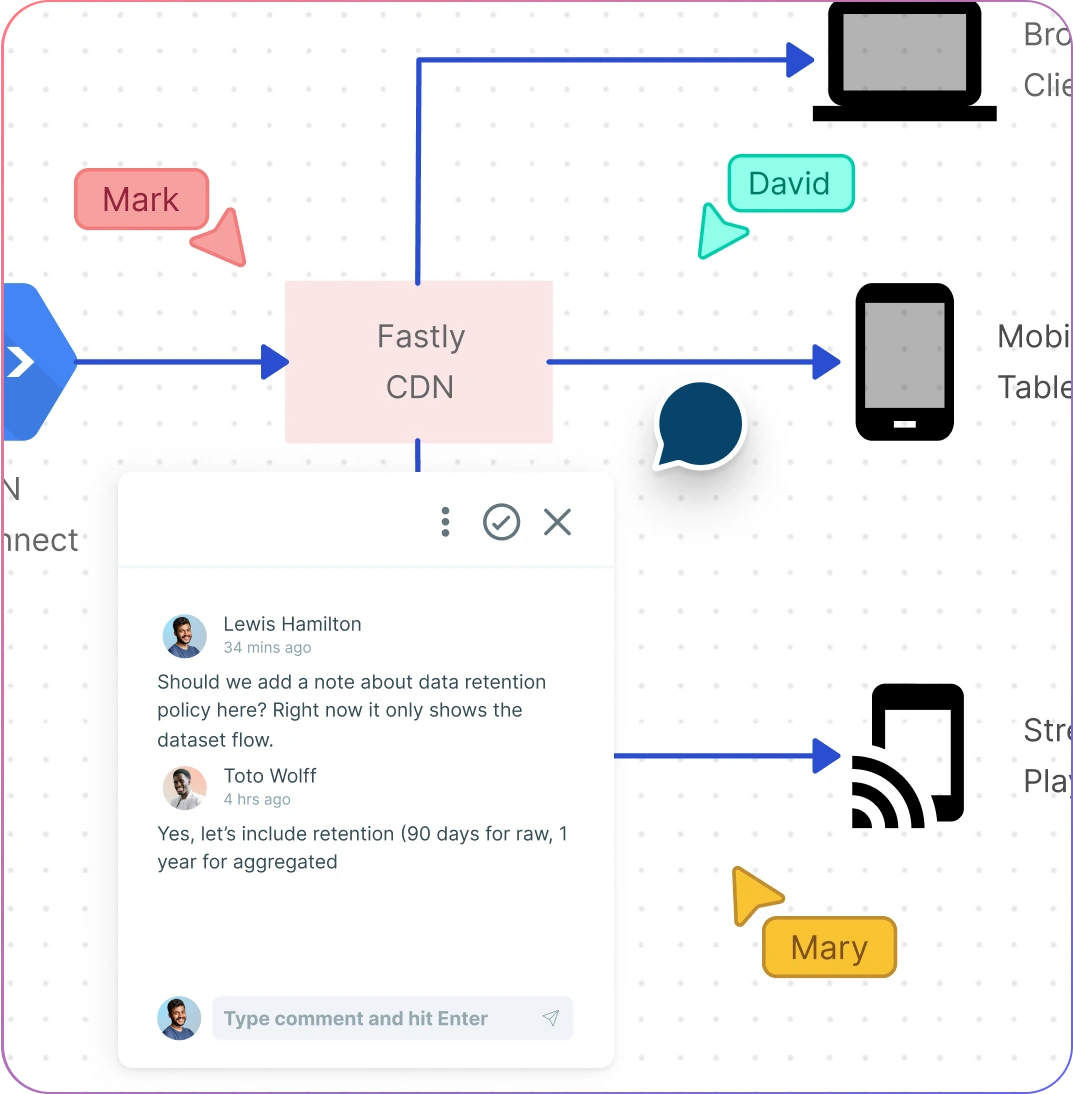
Seamless Collaboration for Cross-Functional Teams
Live cursors and color-coded pointers for real-time teamwork.
@mentions and contextual commenting to streamline feedback.
Multiple role levels with secure sharing and access control (edit/view).
Full version history to track iterations and revisions effortlessly.
Collaborate asynchronously with comment threads and discussion boards.
Ensure your Google Cloud architecture diagrams stay accurate and up-to-date.
Streamline Your GCP Architecture Diagrams with Notes, Folders, and Integrations
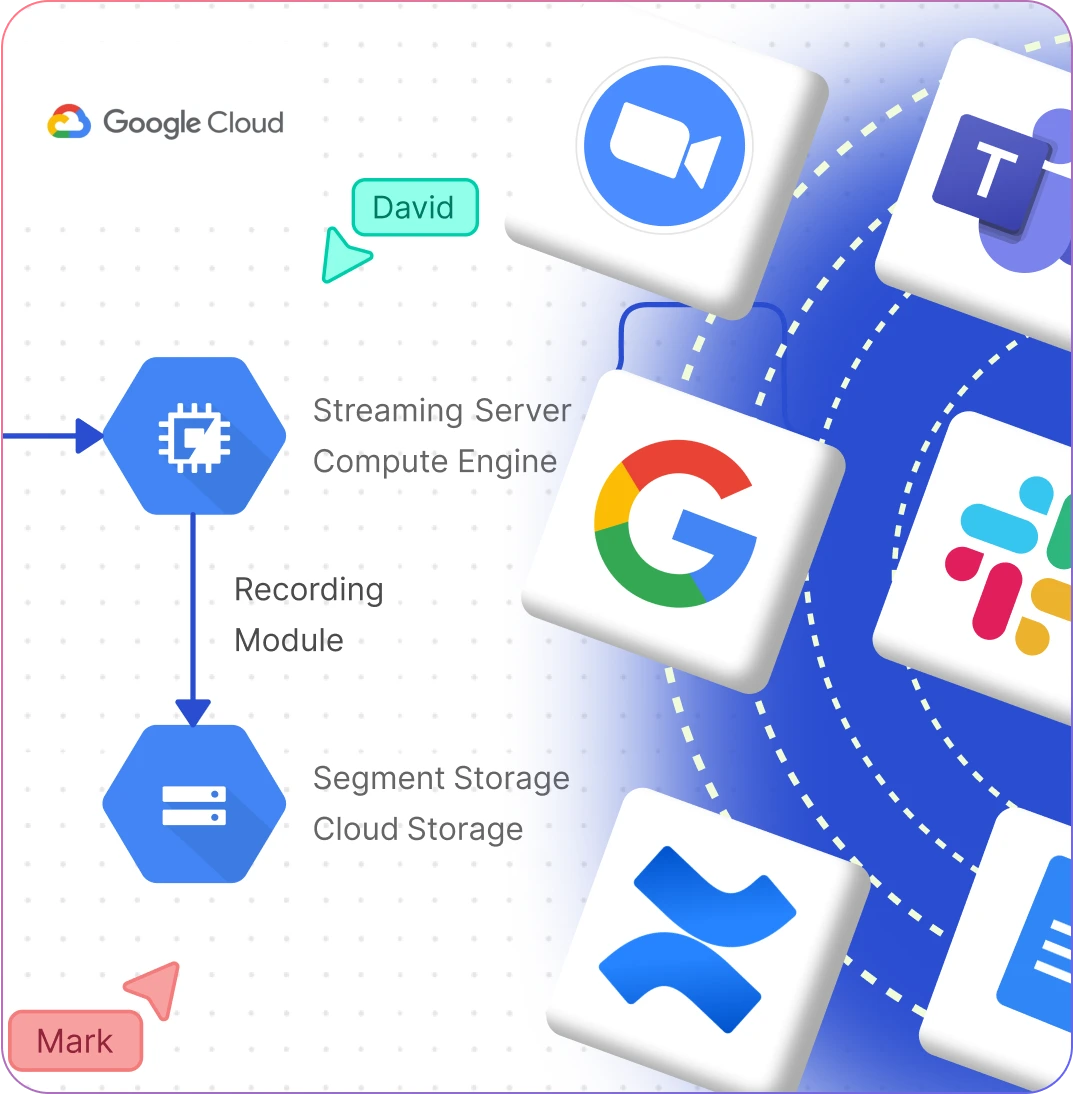
Reference your data in context with an intuitive notes panel.
Organize diagrams and workspaces efficiently using folders.
Embed your cloud architectures securely in any site or intranet.
Integrate seamlessly with tools like GitHub, Slack, and Confluence.
Maintain structured, connected cloud diagrams for better planning.
What Is a Google Cloud Architecture Diagram?
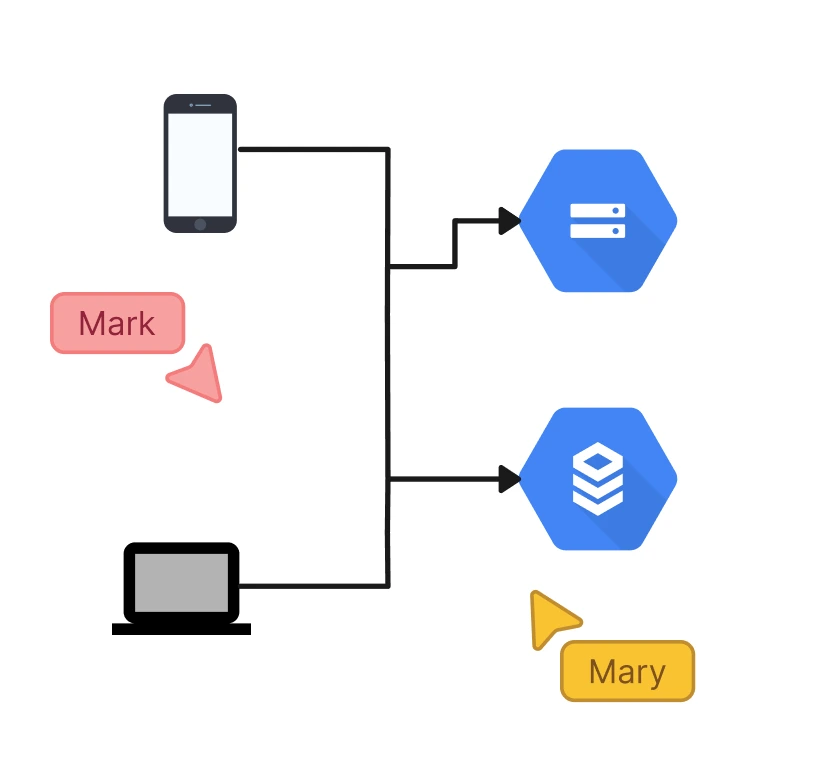
How to Create a GCP Architecture Diagram Using Creately
Launch Creately
Sign in to Creately and open a workspace. Add your team members as collaborators with edit or view access to work together in real-time.
Choose a Template or Start from Scratch
With the help of the stakeholders involved, gather requirements including the information on the scope and the budget for the cloud infrastructure.
Customize Your Diagram
Drag and drop components, connect resources, and use sticky notes or the notes panel to annotate important details. Customize layouts, colors, and labels to match your project requirements.
Collaborate and Gather Feedback
Use real-time collaboration features, contextual comments, and @mentions to gather input from stakeholders. Ensure everyone stays aligned as you refine the architecture.
Review, Update, and Share
Validate your diagram, make final adjustments, and track changes using version history. Share the finalized GCP architecture diagram securely with your team or embed it in documentation.
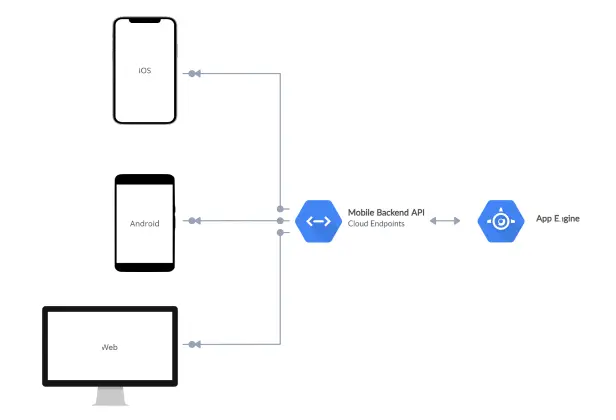
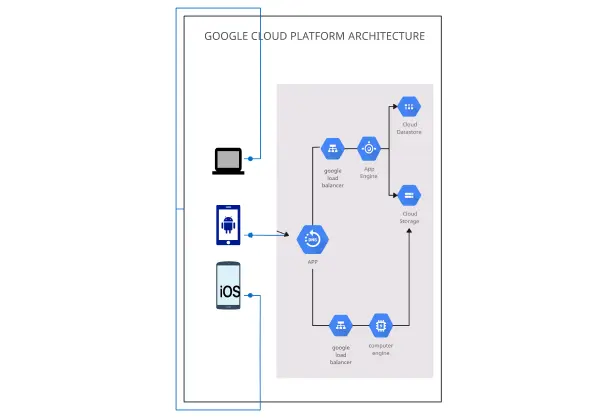
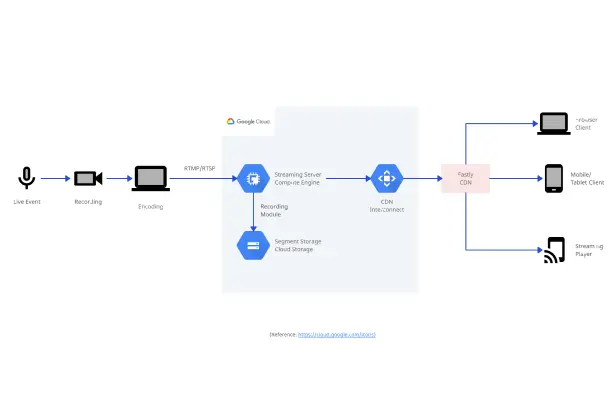
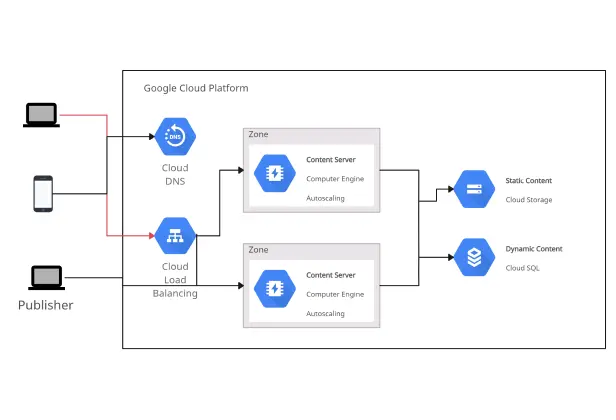
Create a GCP DiagramDesign Google Cloud Architecture Diagrams Faster with Premade Templates
FAQs About Creately’s GCP Architecture Diagram Tool
How can you create GCP architecture diagrams faster?
Are there templates for different GCP architecture diagram use cases?
Can teams collaborate on GCP architecture diagrams?
Can I add notes, data, and files?
Can I share, present, or export GCP architecture diagrams?