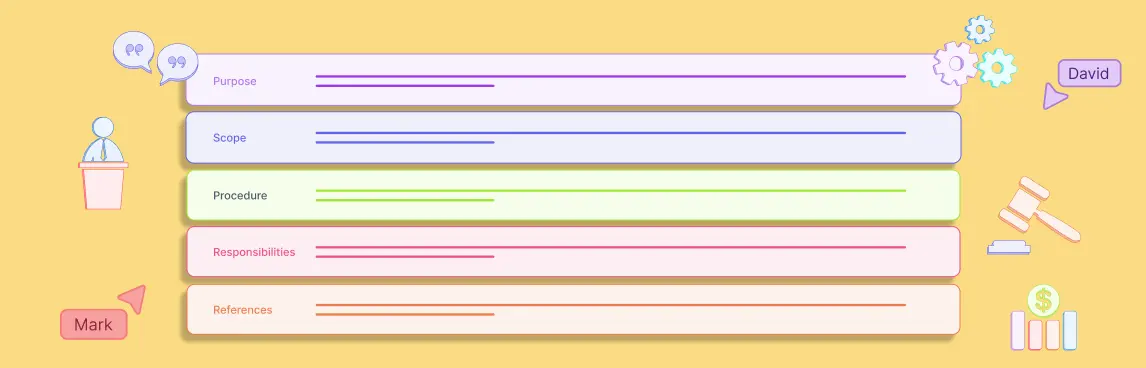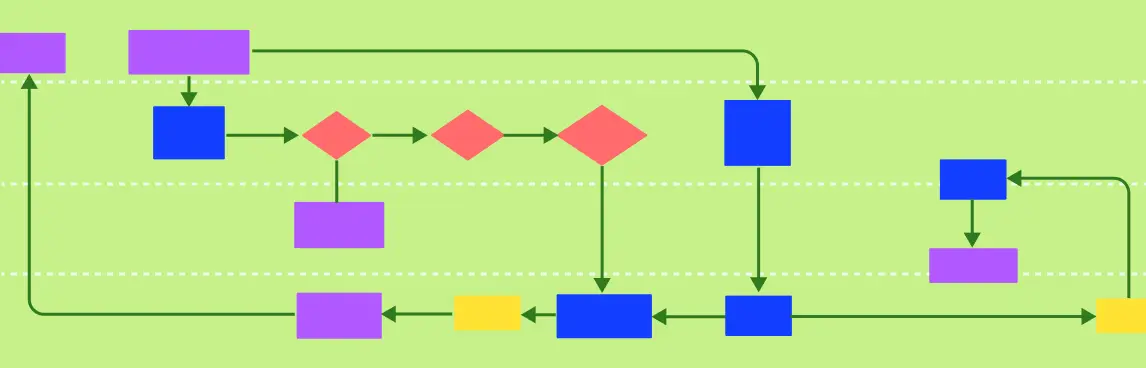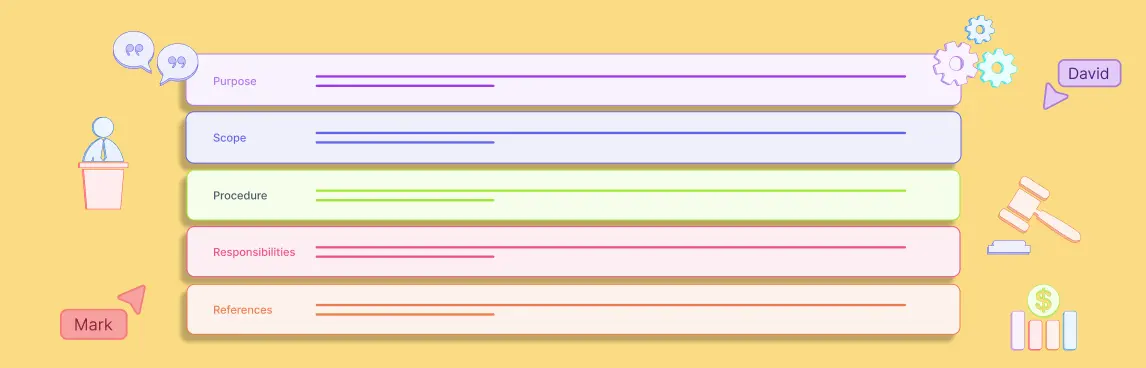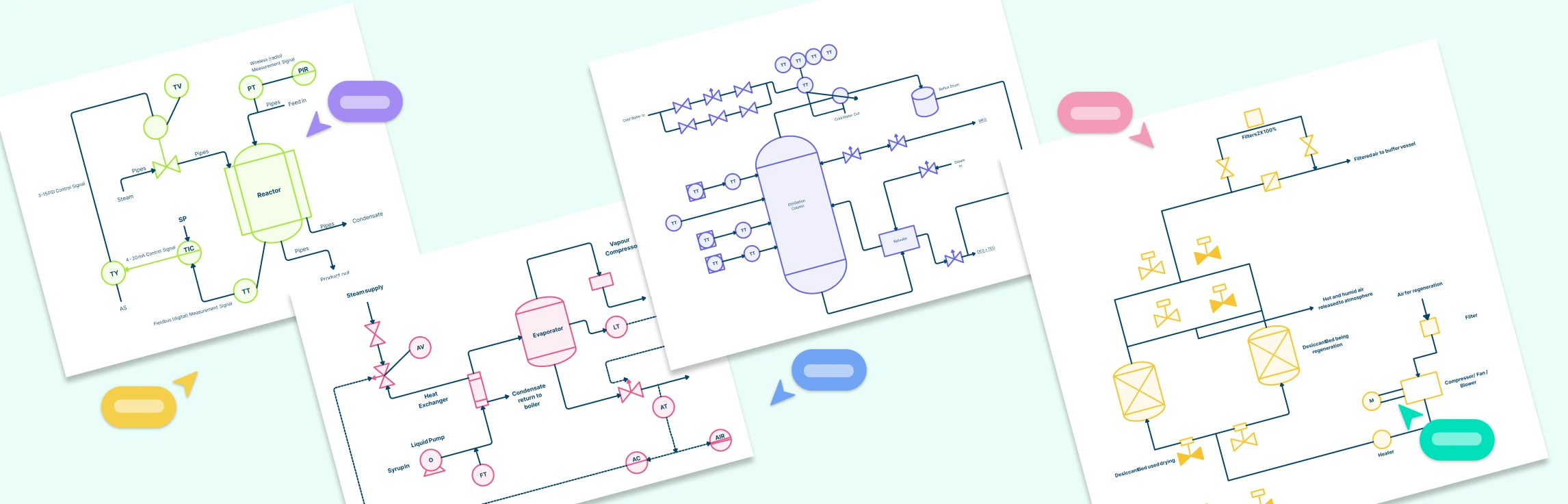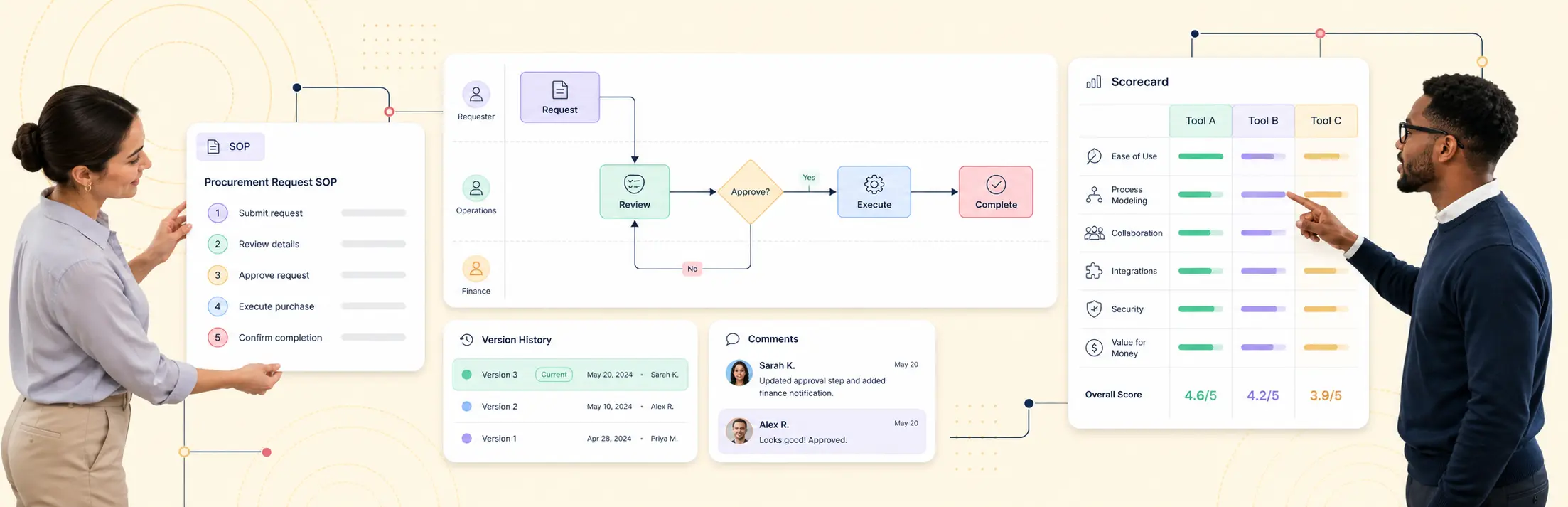
If you need a short answer, use a screen-capture tool when speed matters most, use a wiki-first tool when your main job is publishing procedural knowledge, and use a process-modeling platform when you need documentation that stays governed, visual, and current across teams. For most ops and process owners, the right choice depends less on template count and more on whether the tool can handle ownership, change control, and cross-functional process logic without turning your documentation into another stale folder of files.
That distinction matters. GitBook’s 2025 State of Docs report says 90% of documentation leaders see product documentation as at least somewhat important in a buying decision, and follow-on reporting highlights that 56% of teams say keeping documentation up to date is their biggest challenge. If your documentation matters to adoption, training, audit readiness, or tool evaluation, “fast to create” is not enough on its own.
This guide compares process documentation tools through that lens. It is built for business analysts, ops leads, and process owners who need to choose between quick SOP capture, collaborative process mapping, and more governed BPMN-style documentation.
If you are not comparing vendors or tool categories and mainly want a product overview plus editable assets, use our process documentation templates page instead. This guide is specifically for evaluation and selection.
The Shortlist at a Glance
Here is the practical version:
| If your priority is… | Best-fit tool type | Strong examples | Tradeoff to watch |
|---|---|---|---|
| Capturing screen-based tasks fast | Screen-capture SOP tools | Tango, Scribe | Fast capture, weaker for end-to-end process logic |
| Publishing internal procedures in a searchable hub | Wiki and knowledge-base tools | Notion, Confluence | Easy publishing, weaker process structure |
| Mapping and governing cross-functional workflows | Visual process modeling tools | Creately Process, Bizagi, SAP Signavio | Stronger governance, more structure to set up |
| Workshop-style collaboration around process design | Visual collaboration platforms | Miro, Lucidchart | Great collaboration, lighter governance depth |
| Building a process repository tied to standards and ownership | BPM and process-governance platforms | Creately Process, SAP Signavio | Requires clearer process ownership model |
If your team mainly documents how one person completes a task in software, start with a capture-first tool. If your team needs to document who does what, where a decision happens, which control applies, and what changed between versions, start with a process-modeling platform instead.
What Process Documentation Tools Actually Cover
Process documentation tools help teams capture, organize, review, and maintain how work gets done. That can include:
- step-by-step SOPs
- flowcharts and swimlane diagrams
- BPMN models
- roles and responsibilities
- control points and approvals
- linked notes, files, and evidence
- version history and review workflows
That is why this category gets confused so often. Buyers searching for process documentation tools are usually shown a mixed list of products built for very different jobs:
- Tools that record a workflow from the user’s screen
- Tools that publish written instructions in a knowledge base
- Tools that model the process itself in a structured visual format
- Tools that do some of each, but with stronger or weaker governance
Those are not interchangeable.
A screen recorder can help you document “how to submit an expense claim.” It is much less useful when you need to show the approval path, exceptions, control checks, and ownership handoffs across finance, HR, and department managers. A wiki can centralize guidance, but it usually will not give you the same modeling fidelity as a BPMN-driven process workspace. That is where evaluation goes wrong.
Process Documentation Tools vs. SOP Software vs. Screen-Capture Tools
Use this distinction before you compare vendors.
1. Screen-capture SOP tools
These tools are built to record a user completing a task and turn that activity into instructions. They are useful for onboarding, software adoption, and repeatable task documentation.
Best when:
- the process lives mostly inside one application
- you need a draft quickly
- the audience needs click-by-click guidance
Weaker when:
- the process spans teams or systems
- exceptions matter
- governance and approvals matter
- the documentation needs BPMN or swimlane-level structure
2. Wiki and knowledge-base tools
These tools are built for publishing internal documentation, policies, SOPs, and reference material in a searchable hub.
Best when:
- the team needs one place for written procedures
- collaboration is mostly document editing and review
- the process itself does not need formal visual modeling
Weaker when:
- the workflow is hard to understand without a visual model
- handoffs and decision paths matter
- you need a stronger operational view of process ownership
3. Visual process modeling tools
These tools are built to model how work flows across people, teams, and systems. They usually support flowcharts, swimlanes, process maps, and in stronger products, BPMN.
Best when:
- the team needs to improve or standardize a process
- multiple roles are involved
- the documentation needs to stay aligned with real execution
- change governance matters
Weaker when:
- the only need is quick single-user task capture
- stakeholders will not maintain a structured process repository
That difference is why BPMN still matters. ISO/IEC 19510:2013 is identical to BPMN 2.0.1, which means BPMN is not just another template library. It is a standard notation for communicating process logic across business and technical stakeholders.
The 7 Evaluation Criteria That Matter Most
Most comparison pages stop at templates, UI, and integrations. Those matter, but they do not tell you whether the documentation will still be useful six months later.
Use these seven criteria instead.
1. Modeling depth
Can the tool support simple steps only, or can it handle swimlanes, roles, decisions, exceptions, and BPMN-level structure?
If your team is documenting cross-functional workflows, this is the first filter.
2. Collaboration
Can process owners, analysts, and stakeholders review and edit together? Can they comment in context? Can they approve changes without exporting files back and forth?
3. Version control and change history
Can you see what changed, who changed it, and when? Can you roll back? Can you compare versions? Version history is the line between living documentation and a folder full of dated copies.
4. Governance and permissions
Can you assign owners, control access, and manage review cycles? This matters most in regulated or high-change environments.
5. Documentation richness
Can the team attach notes, screenshots, files, links, checklists, and supporting material to the process itself? Or does the process map live in one tool while the real explanation lives somewhere else?
6. Search and findability
Can new team members find the current version quickly? Is the process browseable, searchable, and understandable without a guided tour?
7. Fit for continuous improvement
Does the tool help you analyze, refine, and govern the process over time, or does it only help you publish a static snapshot?
APQC’s Process Classification Framework organizes enterprise work into 13 top-level categories and more than 1,000 processes and activities, with more than 30 years of use by thousands of organizations. The point is not that every team needs a huge framework. The point is that most organizations have more process sprawl than they think, so a documentation tool should help structure and maintain that complexity instead of hiding it.
Comparison Table: How the Main Tool Categories Stack Up
| Criteria | Screen-capture tools | Wiki tools | Visual collaboration tools | Process-modeling tools |
|---|---|---|---|---|
| Capture speed | Excellent | Good | Good | Moderate |
| Process logic and decision modeling | Limited | Limited | Good | Excellent |
| BPMN support | Rare | None | Limited to mixed | Strong in leading tools |
| Cross-functional swimlanes | Limited | None | Good | Excellent |
| Version control | Basic to moderate | Moderate | Moderate | Strong |
| Governance and approvals | Basic | Moderate | Moderate | Strong |
| Knowledge publishing | Moderate | Excellent | Moderate | Good |
| Continuous improvement fit | Limited | Moderate | Good | Excellent |
| Best use case | Fast task capture | Procedure hub | Collaborative mapping | Governed process documentation |
This is why teams often outgrow their first tool. A capture-first tool feels productive at the beginning. Then the team needs clearer ownership, cross-functional visibility, and change control. That is where a process-modeling product starts to look like the better long-term decision.
The Best Process Documentation Tools Reviewed
The tools below are grouped honestly. This is not a “one winner for every team” list.
1. Creately Process
Best for: teams that need visual process documentation, collaboration, and governed BPMN-style modeling in one workspace.
Creately Process is strongest when the job is larger than publishing a procedure. It lets teams sketch a workflow, formalize it into a more structured process model, and keep documentation, roles, and supporting context in one place. That makes it a strong fit for business analysts, ops leads, and quality teams that need more than screenshots or wiki pages.
Strengths
- strong fit for visual process documentation and BPMN work
- supports cross-functional mapping, swimlanes, and structured process thinking
- collaborative workspace for review and refinement
- lets teams keep process context with the model instead of splitting it across tools
Limitations
- overkill if your only need is quick click-by-click task capture
- requires some process discipline to get the most value from it
Choose it if: you want process documentation that can double as a living process repository rather than a static SOP library.
2. Tango
Best for: fast software task capture for onboarding and internal enablement.
Tango is useful when you need to document a task as someone performs it. That makes it attractive for success teams, internal operations, and enablement teams trying to reduce manual SOP writing.
Strengths
- very fast capture for browser-based workflows
- good fit for single-user task documentation
- easy for teams that want fast rollout over process rigor
Limitations
- weaker for end-to-end process logic
- not the right fit when you need BPMN, handoffs, or governance
Choose it if: your biggest problem is documenting software workflows quickly.
3. Scribe
Best for: turning repeated software actions into quick step-by-step guides.
Scribe sits in a similar category to Tango. It helps teams create instructions without writing everything manually, which is useful for training, support, and operations handoff.
Strengths
- quick draft creation
- approachable for non-technical teams
- helpful for documenting routine software steps
Limitations
- process reasoning stays shallow
- less effective for multi-team workflows with approvals and exceptions
Choose it if: you need speed and ease more than process depth.
4. Notion
Best for: teams that want a flexible documentation hub for SOPs, notes, and internal procedures.
Notion is useful as a documentation home base. It works well when the team wants searchable procedures, templates, and collaborative editing without committing to a formal process notation.
Strengths
- flexible page structure
- good search and publishing experience
- easy for teams already using it for internal knowledge
Limitations
- weak process modeling depth
- process diagrams usually need another tool
- governance depends on how disciplined the team is with structure
Choose it if: your process documentation is mostly narrative and reference-based.
5. Confluence
Best for: teams that already live in Atlassian and want process docs close to project work.
Confluence is a practical choice for procedure publishing, internal standards, and team playbooks. It works well when searchability and team editing matter more than formal process modeling.
Strengths
- strong fit for internal documentation hubs
- broad team familiarity in many organizations
- good pairing with Jira-centered workflows
Limitations
- process visualization often depends on companion tools
- not the strongest choice for governed process maps on its own
Choose it if: your documentation workflow is already centered on Atlassian.
6. Lucidchart
Best for: teams that need clean collaborative diagramming with some process-mapping capability.
Lucidchart is useful when stakeholders want a diagramming-first experience and need a cleaner structure than a whiteboard. It handles visual process work better than a wiki, though it is still lighter on governance than more process-specific platforms.
Strengths
- good collaborative diagramming
- strong for process maps, flowcharts, and stakeholder-friendly visuals
- easier entry point than heavyweight BPM suites
Limitations
- governance depth is lighter than process-first platforms
- can turn into a diagram repository without stronger ownership practices
Choose it if: your team needs better process diagrams but is not ready for a full BPM platform.
7. Miro
Best for: teams that workshop and redesign processes collaboratively.
Miro is strong in workshops, discovery sessions, and collaborative process exploration. It is often used before a team settles on a more structured source of truth.
Strengths
- strong real-time collaboration
- good for workshop-style mapping and brainstorming
- easy for cross-functional participation
Limitations
- boards can become messy over time
- process governance is not the main strength
- not ideal as the only long-term governed repository
Choose it if: your team needs to co-design workflows before formalizing them elsewhere.
8. Bizagi
Best for: teams that need deeper BPMN modeling and formal process structure.
Bizagi is a stronger fit when the team has real process maturity and wants formal modeling discipline. It makes more sense for analysts and process teams than for casual SOP authors.
Strengths
- stronger BPMN support
- solid fit for structured process analysis
- better for teams that think in process architecture terms
Limitations
- less approachable for simple documentation use cases
- heavier setup than lightweight documentation tools
Choose it if: you need formal process modeling more than flexible team documentation.
9. SAP Signavio
Best for: larger organizations treating process documentation as part of broader process governance.
Signavio is usually considered when process documentation is part of a larger transformation, architecture, or governance program. It is more platform than quick-start tool.
Strengths
- strong governance and enterprise process management fit
- useful for large organizations building structured process repositories
- well suited to broader process transformation efforts
Limitations
- heavier operational footprint
- less attractive for smaller teams or quick documentation needs
Choose it if: your evaluation is tied to enterprise process governance, not just SOP publishing.
Which Tool Type Fits Your Team Best
Choose screen-capture software if:
- your workflows are mostly software walkthroughs
- new-hire enablement is the main use case
- you value draft speed over modeling depth
Choose a wiki-first tool if:
- your main need is searchable written procedures
- your team already works in a documentation hub
- visual process logic is secondary
Choose a visual collaboration platform if:
- your team workshops processes live
- process discovery is more important than governance
- you need fast participation across functions
Choose a process-modeling platform if:
- your documentation needs to survive audits, turnover, and process change
- the process spans multiple roles, systems, or approvals
- you want a process repository, not just a library of guides
That is where many ops teams land. They do not just need to explain a task. They need to document how work flows across a team, where controls sit, who owns the step, and what changes when the process improves.
How to Evaluate a Tool in a Two-Week Pilot
Avoid evaluating process documentation tools with a toy template. Use one real workflow.
Pick a process that:
- crosses at least two teams
- includes a decision point
- has at least one exception path
- causes rework when it is undocumented or outdated
Then score each tool on these questions:
- How fast could the team create a usable first draft?
- How clearly could reviewers understand handoffs and ownership?
- How easy was it to update the process after feedback?
- Could you see version history and changes clearly?
- Could supporting context stay connected to the process?
- Would a new employee find the right version easily?
- Would the same tool still work if the process grew more complex?
If the tool scores high only on question one, you are probably testing a capture tool, not a durable process documentation platform.
Why Process Documentation Goes Stale
Most documentation does not fail because teams never create it. It fails because nobody owns the update cycle.
The common failure pattern looks like this:
- a process gets documented during a project
- the owner changes or the team changes tools
- exceptions get handled outside the documented flow
- the diagram and the written steps drift apart
- people stop trusting the documented version
That is why version control and ownership matter so much. A good process documentation tool should make it obvious who owns the process, what changed, and whether the current version is still approved. If it cannot do that, you are not building a process system. You are building process debt.
A Practical Recommendation for Ops and Process Owners
If your team is still deciding, use this rule:
- choose Tango or Scribe if you need fast task capture
- choose Notion or Confluence if your main need is a searchable SOP hub
- choose Lucidchart or Miro if your main need is collaborative process mapping
- choose Creately Process, Bizagi, or Signavio if you need governed process documentation with stronger modeling depth
For many business analysts and ops teams, the strongest middle path is a process-modeling tool that still feels collaborative and accessible. That is where Creately Process stands out. It gives teams a way to move from quick process mapping into more structured BPMN-style documentation without splitting the work across separate capture, wiki, and diagram tools.
If you want to explore that workflow next, start with our process documentation guide, review the BPMN guide, or explore process documentation templates as a safe next step while the final funnel path for this topic is still being defined.