Value Chain Analysis Template
Create Value For Your Customers
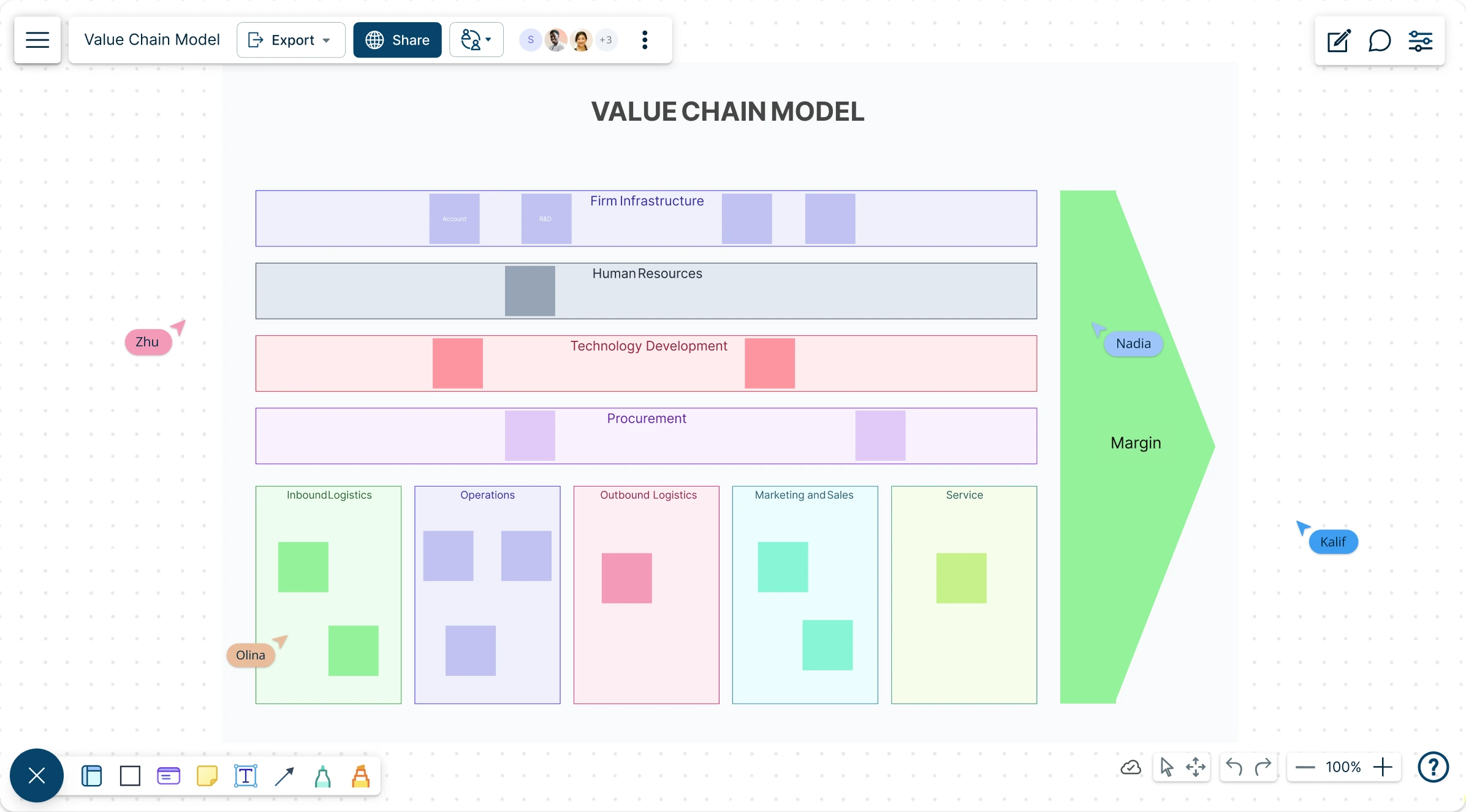
Map out your value chain easily to identify ways you can improve processes to add more value to your products & customers.
- Customizable templates to visualize your production process
- Real-time collaboration to connect with multiple participants
- Export in multiple formats to share with others in your team
Over 10 Million people and 1000s of teams already use Creately

Free Value Chain Examples to Get Started
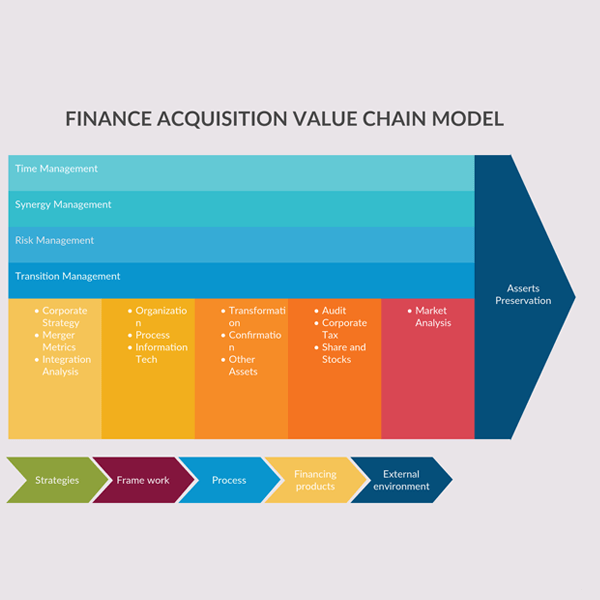
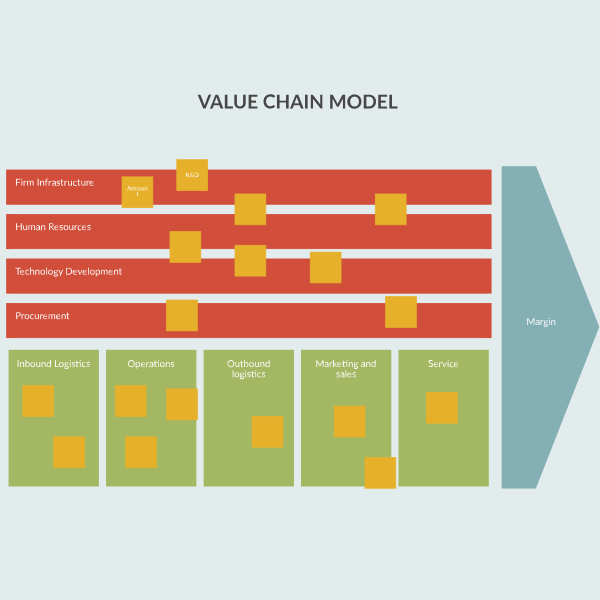
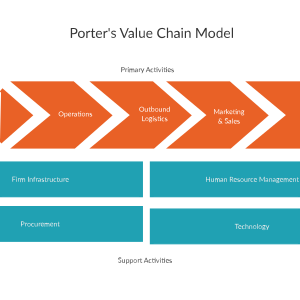
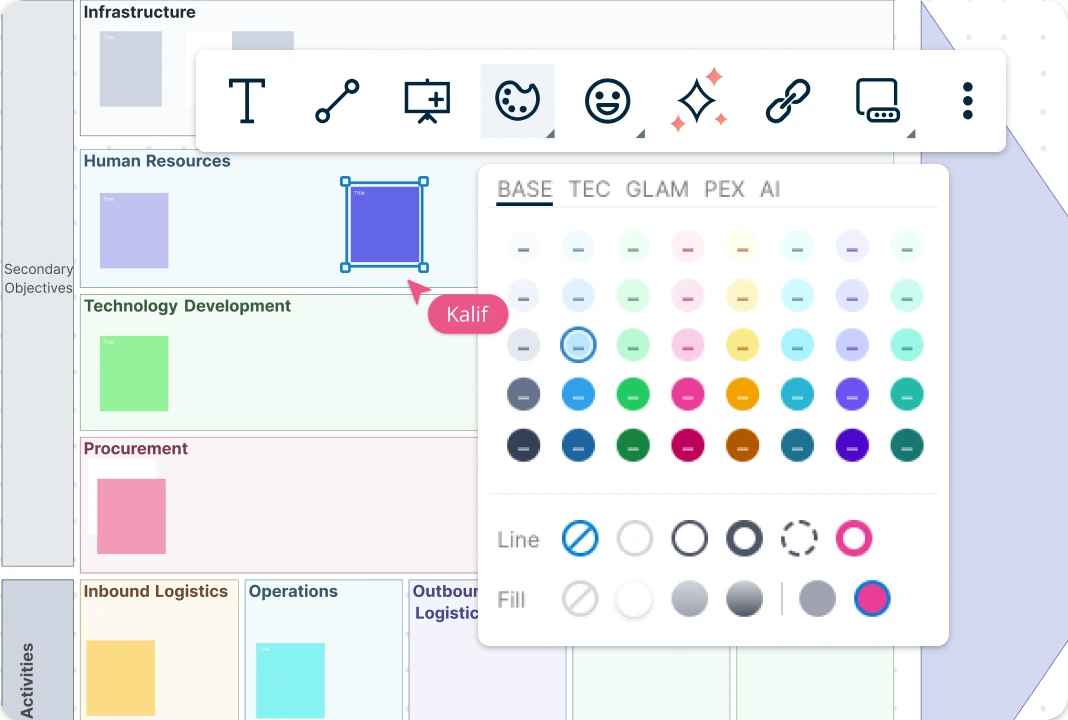
From Factory to Market, In One View
Start with ready-made value chain mapping templates and frameworks that help you map each activity and see what it contributes. Brainstorm together on an online whiteboard, organize everything in one place, and use simple color themes and formatting to highlight what matters most. With drag-and-drop tools and Plus Create, you can visualize all your activities in minutes and spot where to improve fast.
Increase Production Efficiency
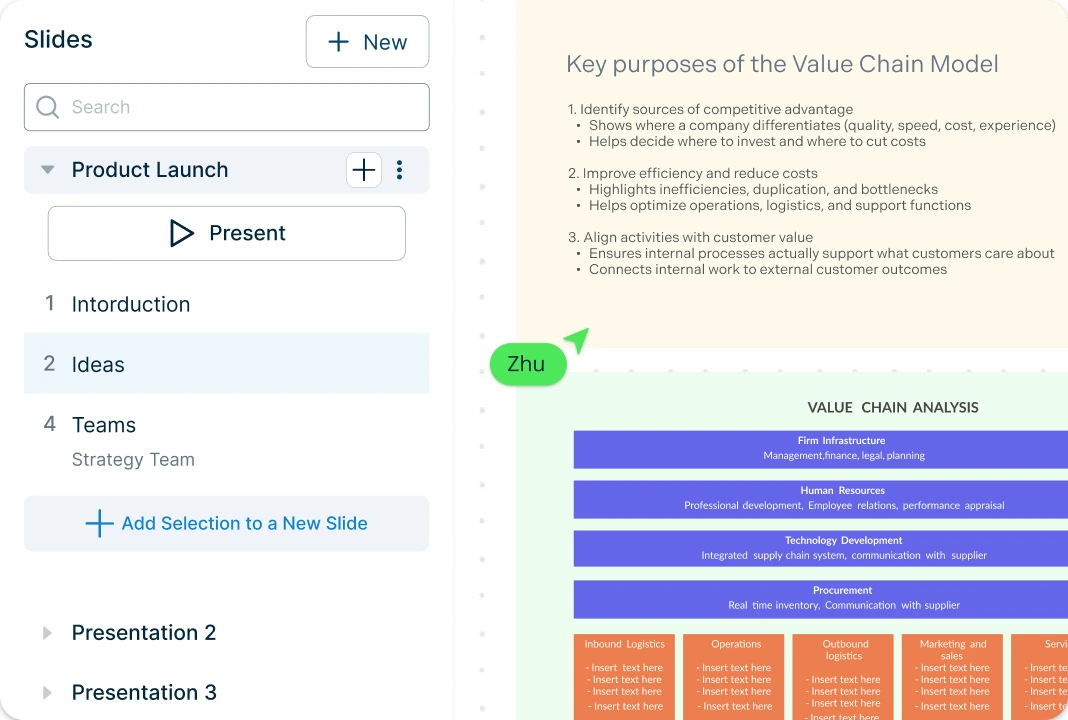
Pull research on external factors from your existing sources and turn it into clear, meaningful shapes on the canvas, so analysis feels faster and less messy. Use built-in tools to create interactive presentations, reports, dashboards, and bring stakeholders along with your strategy. With an infinite canvas, you can keep everything, including your value chain chart, supporting documentation, and team conversations in one shared place.
Get Everyone on the Same Page
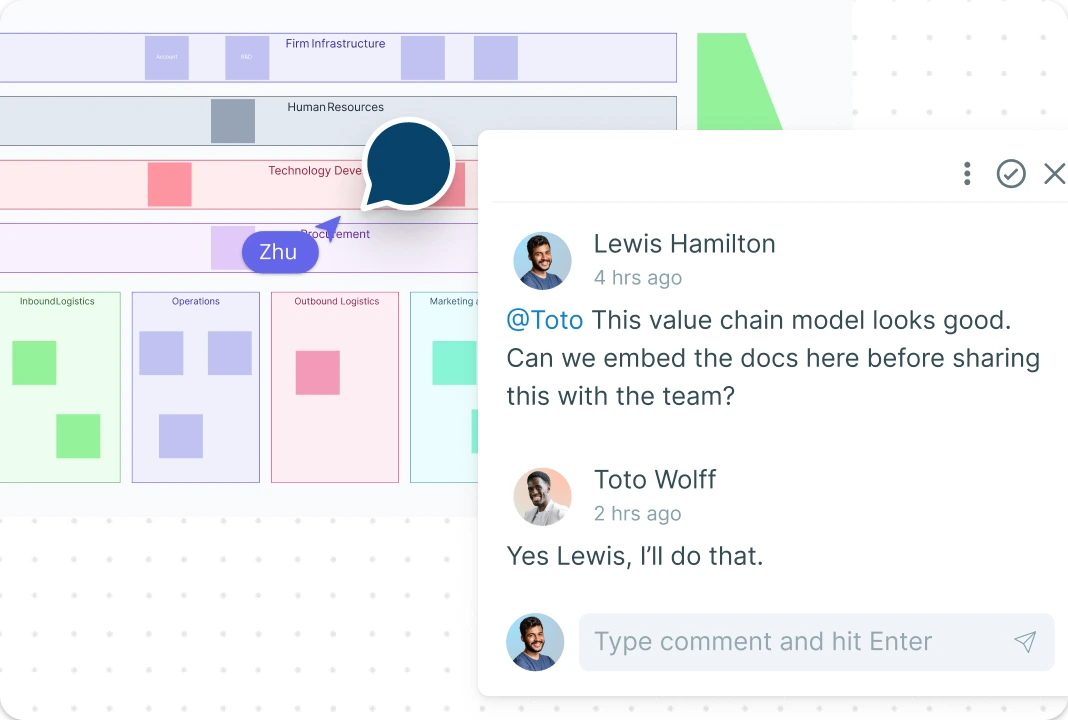
Work together with your team, even across time zones with smooth multi-user editing and automatic conflict resolution. Keep comments, context, and follow-ups right on the same canvas, so nothing gets lost in chat threads. With flexible roles and access levels, it’s easy to manage sharing, reviews, and edits while you build your value chain model template.
Manage Your Entire Workflow
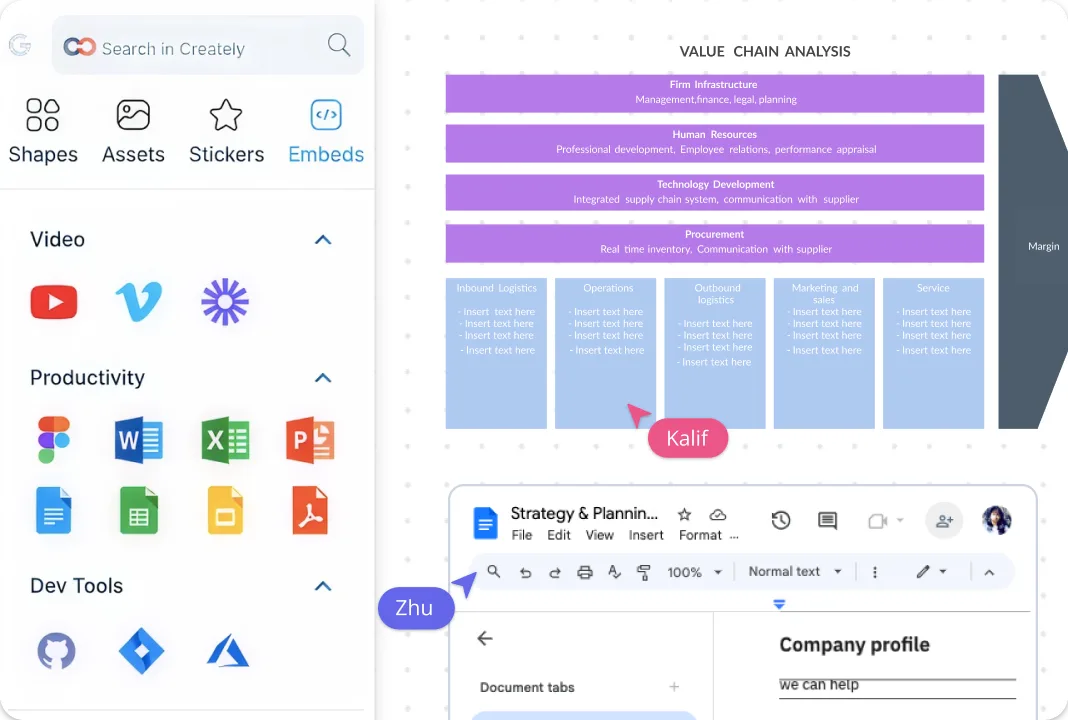
Keep work moving with clear document statuses—Draft, In Progress, In Review, Approved, or Final so everyone knows what’s next. Assign owners, track tasks, and manage revisions with built-in project tools, then connect everything with plugins for GitHub, Slack, Google Workspace, Confluence, and more. Share your value chain analysis diagram with a simple link or email invite, embed it anywhere, and attach external docs you can open right inside the canvas for full context.
What Is a Value Chain Model?
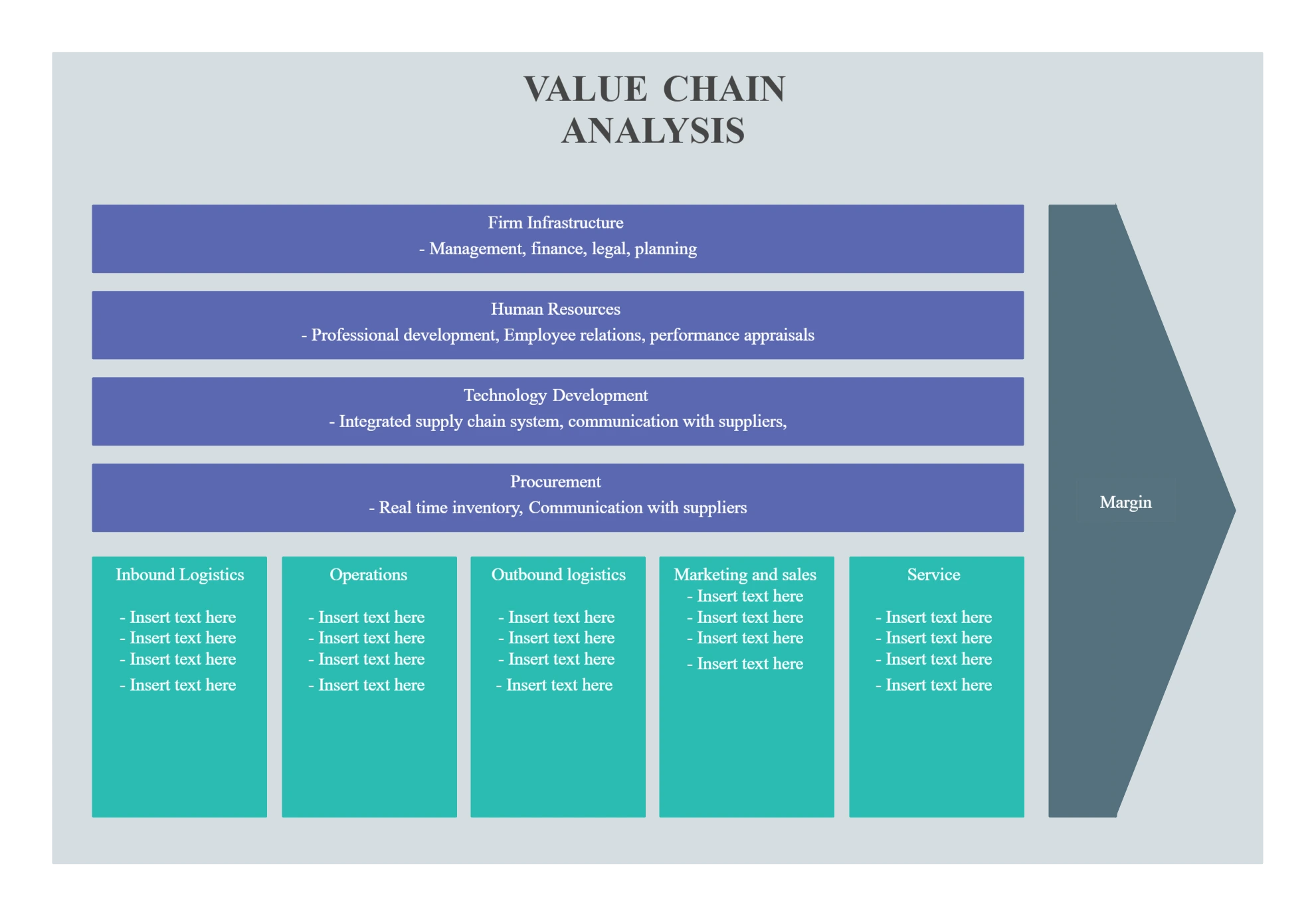
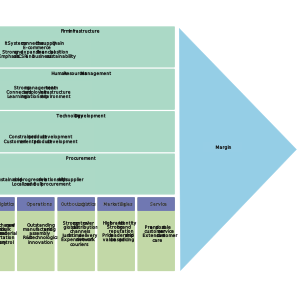
Value chain consists of various business activities and processes that are involved in performing a business or a service. Value chain model is a strategic analytical and decision-support tool that evaluates each of the business activities in a company’s value chain, which helps to understand the opportunities and improvements.
After identifying the activities that create value, use a VRIO analysis template to test whether the resources behind those activities are valuable, rare, costly to imitate, and supported by the organization.

How to Create a Value Chain Diagram?
Open a value chain template in Creately:
Start with a ready-made value chain template in Creately so you don’t have to build from scratch.Map your activities on the canvas:
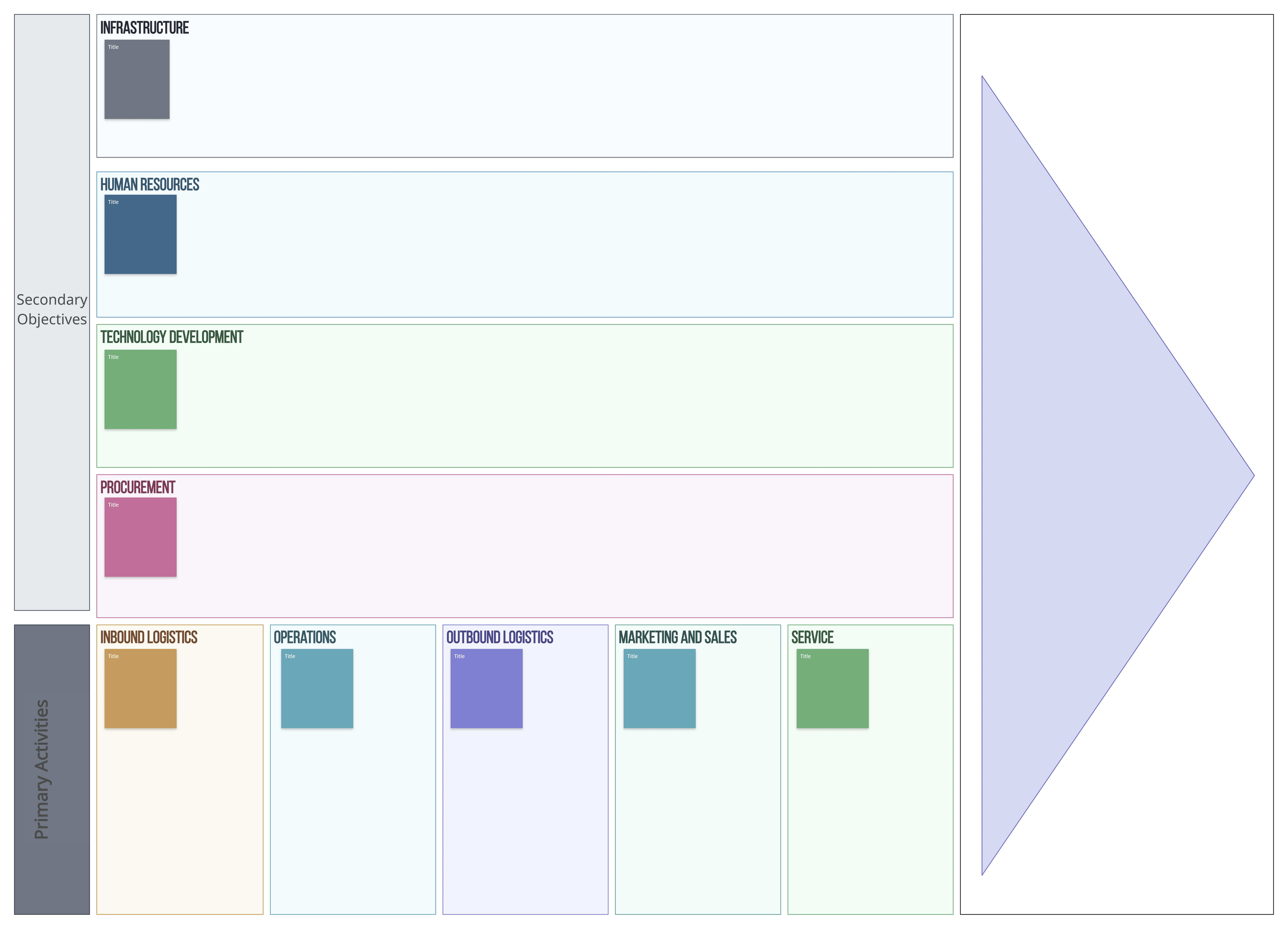
Plot your primary and support activities on the infinite canvas using drag-and-drop shapes, connectors, and Plus Create. Customize each activity block with clear labels so anyone viewing the diagram instantly understands what happens at each stage.Capture value factors for each activity:
For every activity, document what value it creates and what drives that value. Use sticky notes, icons, color highlights, comments, and the Notes panel to capture value factors (cost, time, quality, customer impact, risk, dependencies) and link them directly to the relevant activity.Add detail and connect related work:
When an activity needs deeper analysis, create a separate flowchart or supporting diagram (e.g., a workflow, SOP, or process map) and link it to the main value chain. You can also attach external documents and open them within the canvas, keeping all context and evidence connected to the model.Review, prioritize, and share:
Review the full diagram with stakeholders, then mark progress using document statuses (Draft, In Review, Approved, Final). Add owners and tasks for changes you want to make, prioritize quick wins first, and track updates over time. Finally, share via link/email invite or embed the diagram in docs, wikis, or presentations so everyone can follow the plan in one place.
More Value Chain Diagram Templates
FAQs about Value Chain Mapping Template
What are Creately’s value chain analysis template pricing plans?
- Free Plan — $0/month for basic value chain analysis creation and collaboration
- Starter & Team Plans — $8/month or $5/month billed annually
- Business Plan — $149/month or $89/month billed annually
Annual billing helps you save more while unlocking advanced collaboration, workspace management, and enhanced value chain analysis features. You can compare all available plans and features on the Creately Pricing Page.
How can you create value chain analyses faster?
Are there templates for different value chain analysis use cases?
Can teams collaborate on value chain analyses?
Can I add notes, data, and files?
Can I share, present, or export value chain analyses?






















