SOAR Analysis Template
Create a Clear Organization Vision with SOAR Analysis
Visually analyze your organization’s strengths, opportunities, aspirations, and results to guide strategic planning.
- Use strategy tools to align on long-term organizational vision
- Turn insights into action with clear, goal-driven planning
- Collaborate in real time to improve clarity and team alignment
Over 10 Million people and 1000s of teams already use Creately

Explore Ready-to-Use SOAR Analysis Templates
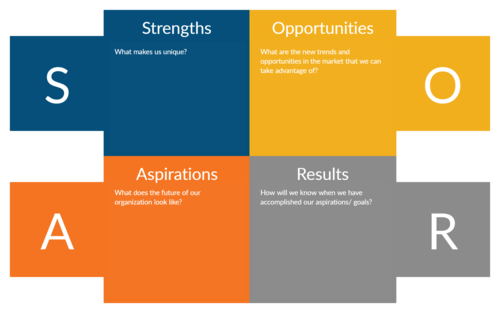
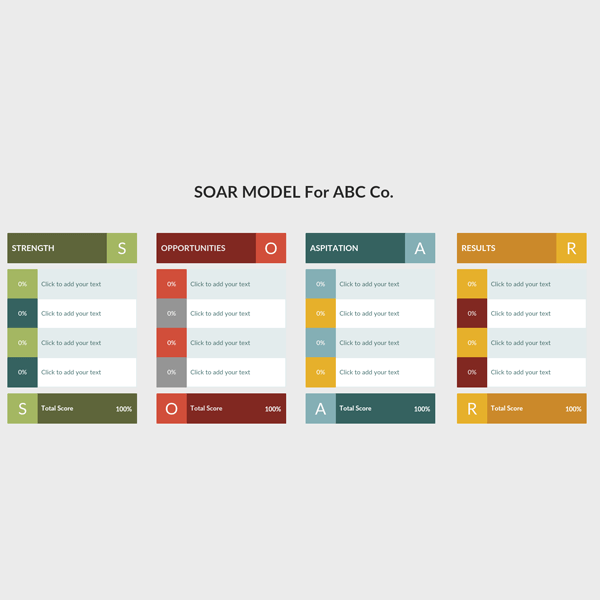
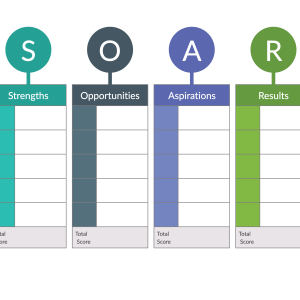

Bring Strategy to Life with SOAR Analysis Visualization
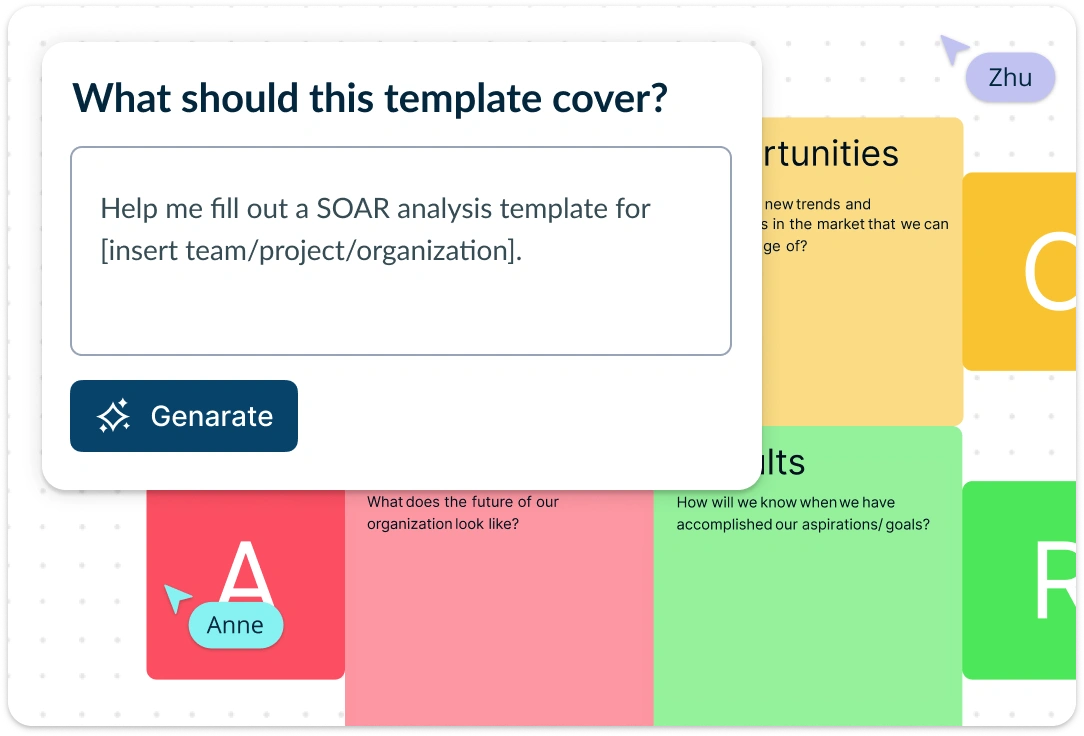
Turn strengths, opportunities, aspirations, and results into a clear visual strategy your team can understand, discuss, and act on. Use Creately’s SOAR analysis template to organize strategic inputs, map relationships between initiatives and outcomes, and customize the layout to match your planning process. Keep everything on a flexible canvas so teams can update ideas, compare priorities, and build shared understanding as the strategy develops.
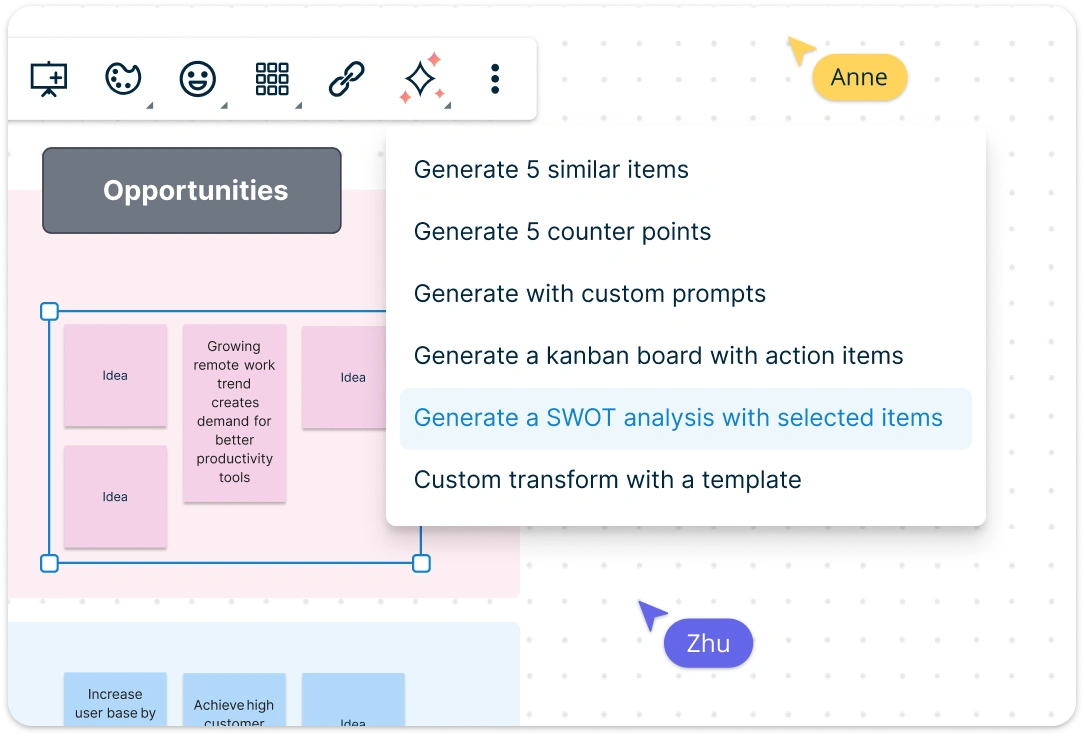
Bring Strategy to Life with SOAR Analysis Visualization
Use the SOAR analysis template alongside related strategic planning frameworks such as SWOT, TOWS, environmental scans, roadmaps, and action plans. Add supporting data, notes, links, and documents directly to the workspace so decisions stay grounded in context. Use in-app AI assistance where helpful to expand or refine ideas, while keeping the analysis based on your team’s goals, insights, and strategic priorities.
Link Insights Seamlessly Across Your Strategic Workflows
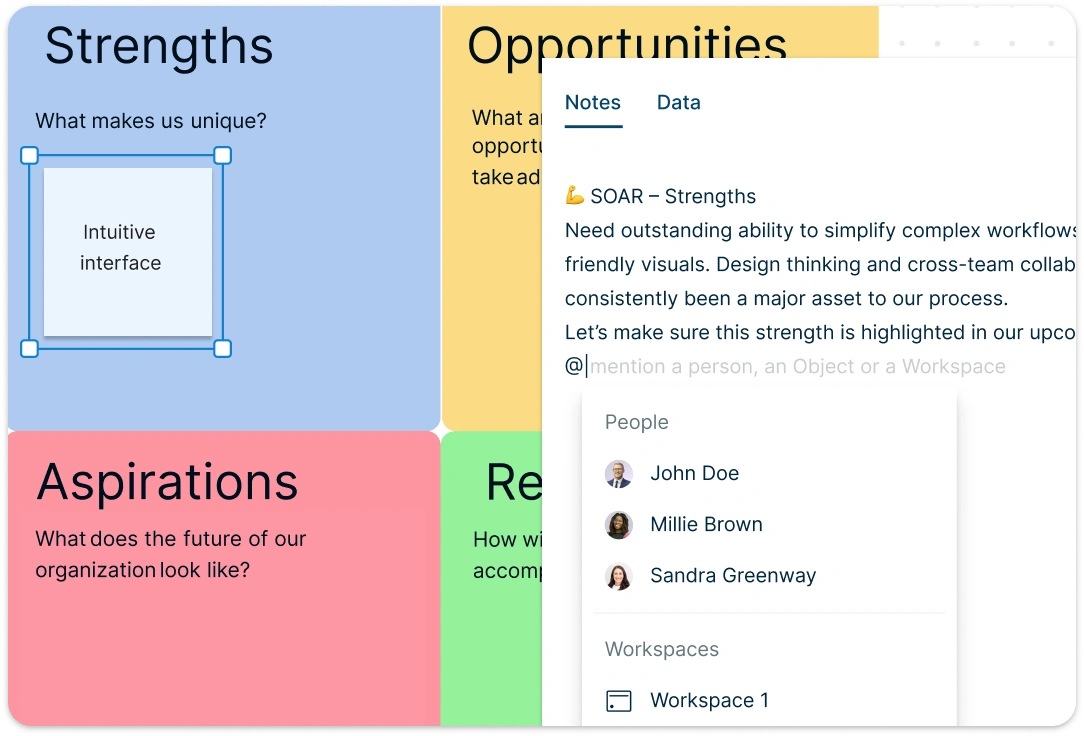
With the SOAR Analysis Template, you can go beyond isolated diagrams by connecting key data sources and strategic inputs in a unified view. Use intuitive drag-and-drop tools to collect and organize relevant data visually within the SOAR format. Embed documents, records, and reference assets with live previews to create deeper context for every element, helping teams move from analysis to action faster.
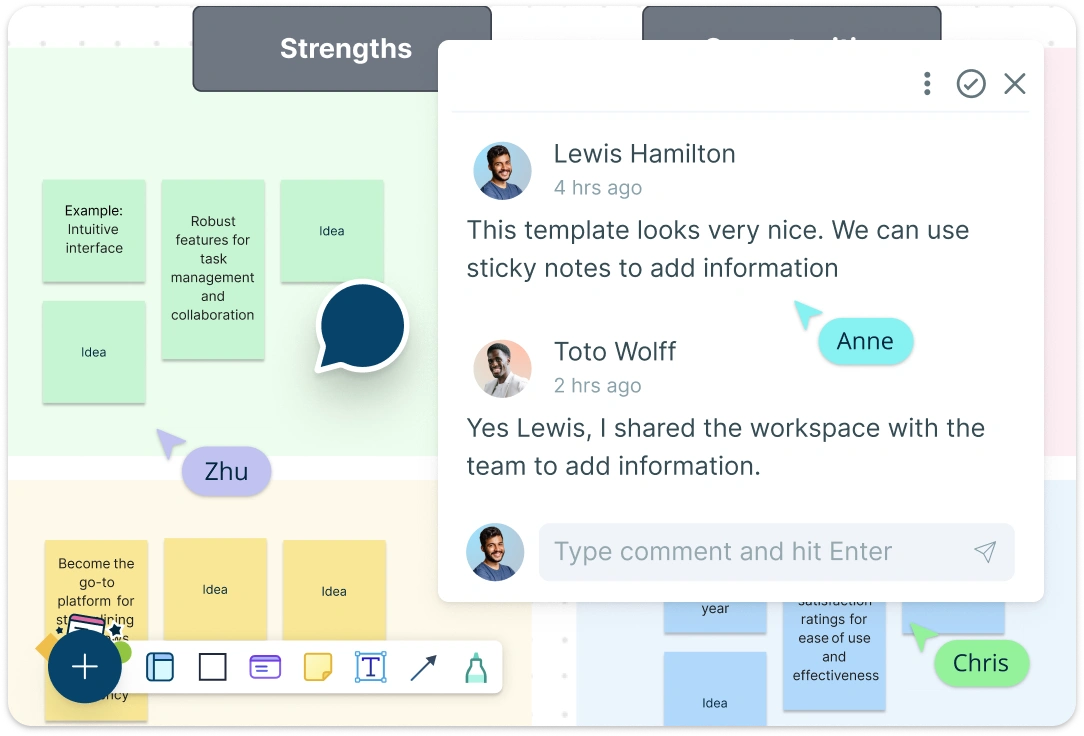
Create Strategy with Real-Time Input on a Shared SOAR Canvas
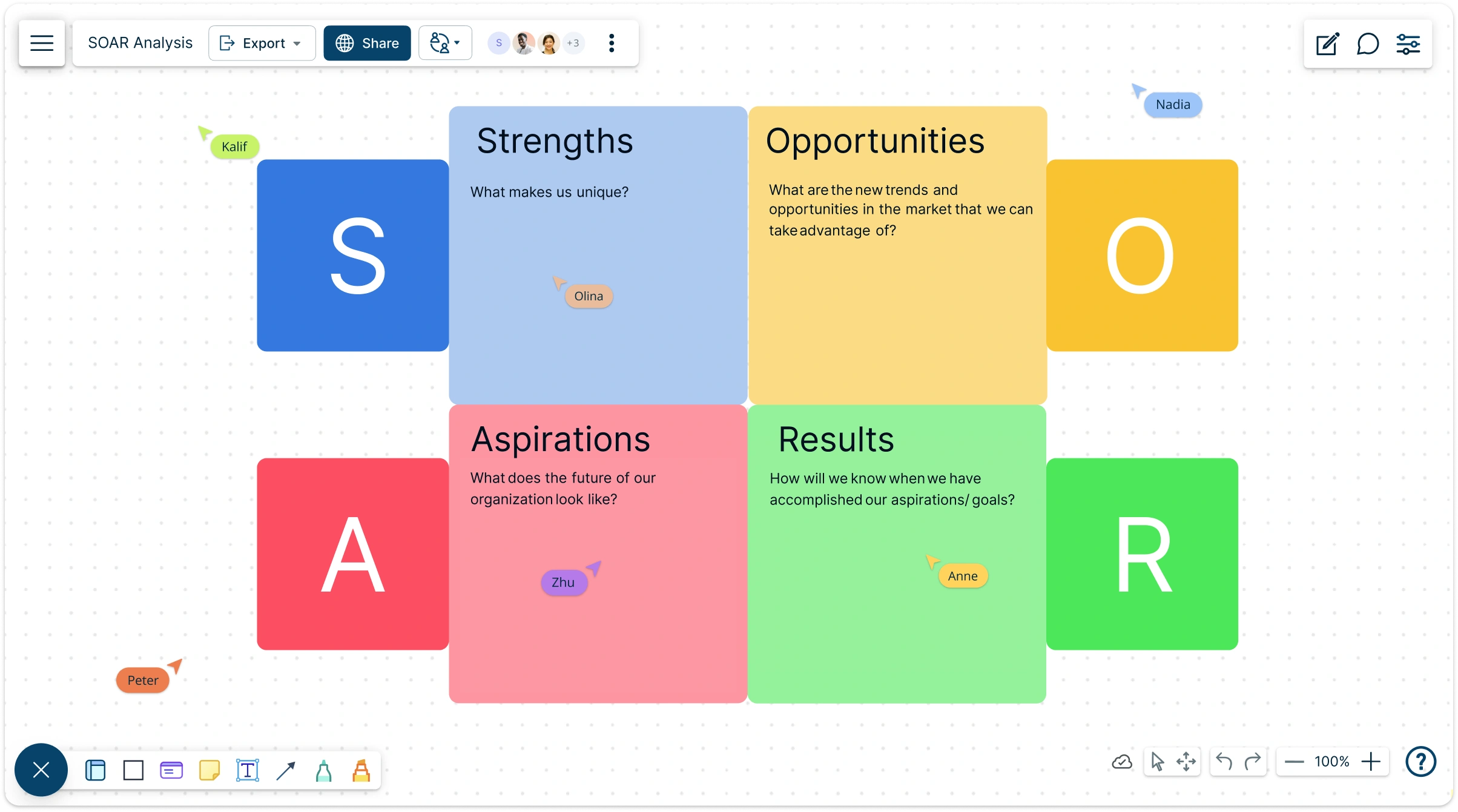
The SOAR Analysis makes it effortless for teams to align around a common strategic direction. Collaborate in real time with multiple participants using a shared canvas where everyone can contribute, no matter their role or location. With live cursors and contextual commenting, teams and stakeholders can review, provide feedback, and refine the SOAR analysis collaboratively, leading to stronger buy-in, faster alignment, and more meaningful outcomes.
What Is a SOAR Analysis?

How to Use the SOAR Analysis Template?
Start with a New Workspace:
Log in to Creately or sign up with a free account. Launch a new workspace where your team can brainstorm, plan, and collaborate on your SOAR analysis in real time.Select a SOAR Analysis Template:
Choose from Creately’s professionally designed SOAR analysis templates, including basic layouts and industry-specific options that fit your strategic planning goals.Fill in Each Section of the SOAR Format:
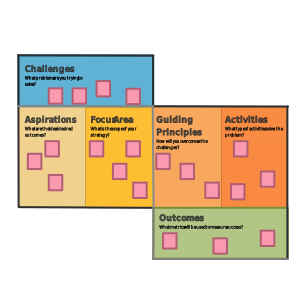
Use the template to break down your organization’s strengths, opportunities, aspirations, and results. Drag and drop shapes or sticky notes to map insights within their respective sections.Refine Strategic Insights:
Use AI options to expand, refine, or clarify ideas where helpful, while keeping your SOAR analysis grounded in your team’s notes, goals, and observations.Add Context and Supporting Materials:
Embed documents, spreadsheets, research reports, or links directly into the canvas. This creates a single, visual source of truth for deeper understanding and informed decision-making.Collaborate and Refine in Real Time:
Invite team members or stakeholders to contribute live. Use comments, reactions, and live cursors to discuss ideas, iterate on priorities, and finalize your strategy together.Share, Export, or Present Your SOAR Analysis:
Once your SOAR analysis template is complete, export it as a PDF, PNG, SVG, or JPEG, or share a live link with your team or leadership. It’s perfect for strategy reviews, planning sessions, or executive presentations.
Expand Your Strategy Toolkit with More Templates

FAQs About the SOAR Analysis Template
What are Creately’s soar analysis template pricing plans?
- Free Plan — $0/month for basic soar analysis creation and collaboration
- Starter & Team Plans — $8/month or $5/month billed annually
- Business Plan — $149/month or $89/month billed annually
Annual billing helps you save more while unlocking advanced collaboration, workspace management, and enhanced soar analysis features. You can compare all available plans and features on the Creately Pricing Page.
How can you create SOAR analyses faster?
Are there templates for different SOAR analysis use cases?
Can teams collaborate on SOAR analyses?
Can I add notes, data, and files?
Can I share, present, or export SOAR analyses?






















