Class Routine Maker
Create Trackable and Interactive School Schedules
Effortlessly design your school timetable with our intuitive class schedule maker. Build using templates, import data from multiple sources, and centralize everything on one interactive canvas that’s easy to share.
- Customizable templates to build school schedules in minutes
- Real-time collaboration for multiple participants
- Export & share schedules in PDF, PNG, SVG & JPEG
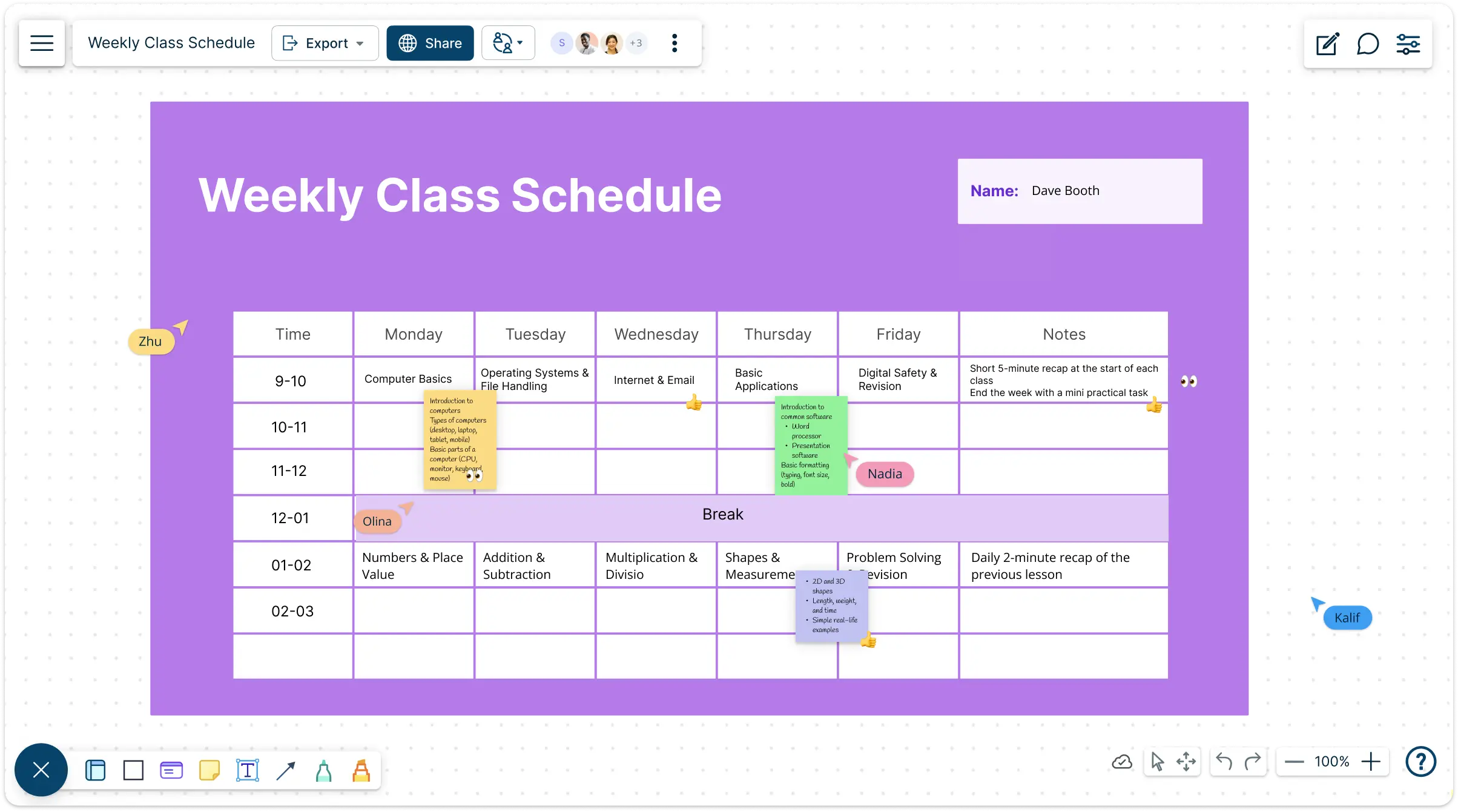
Jumpstart Your Class Routines with Customizable Templates
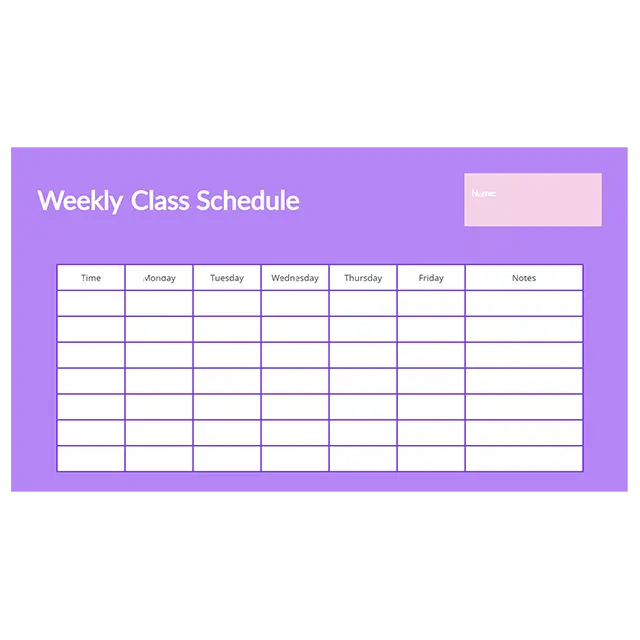
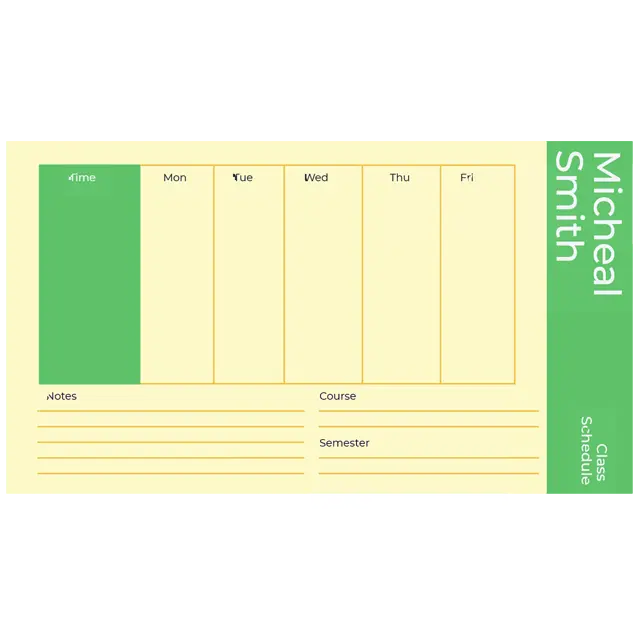
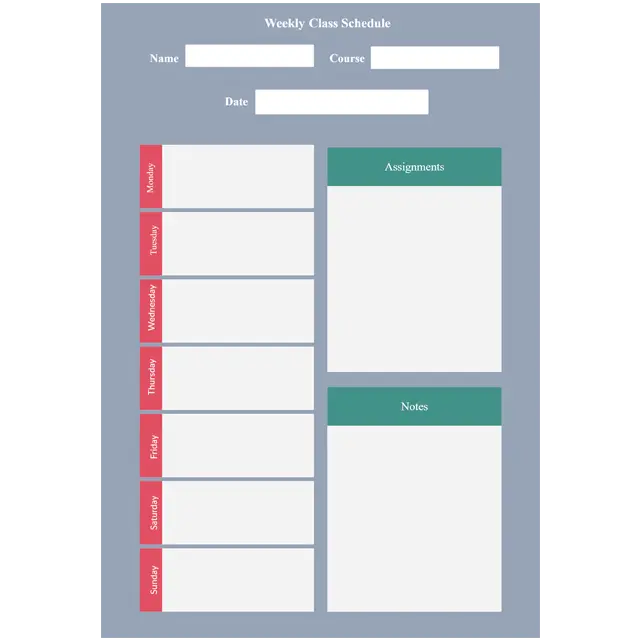
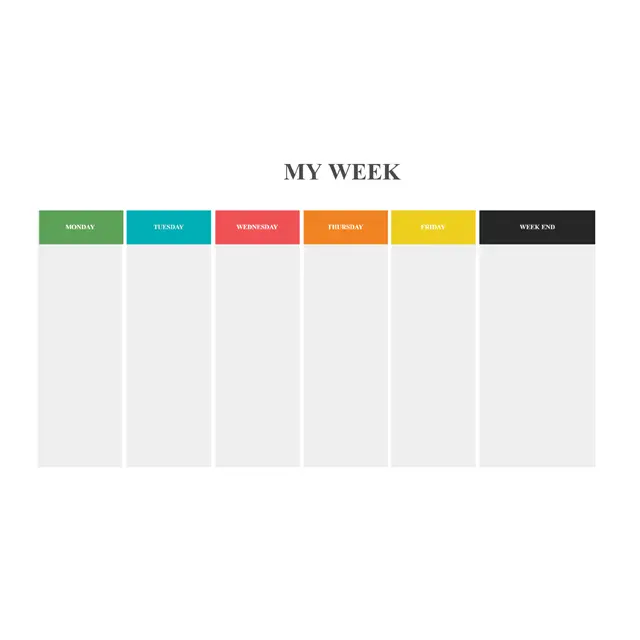
Create Class Schedules with Ease and Clarity
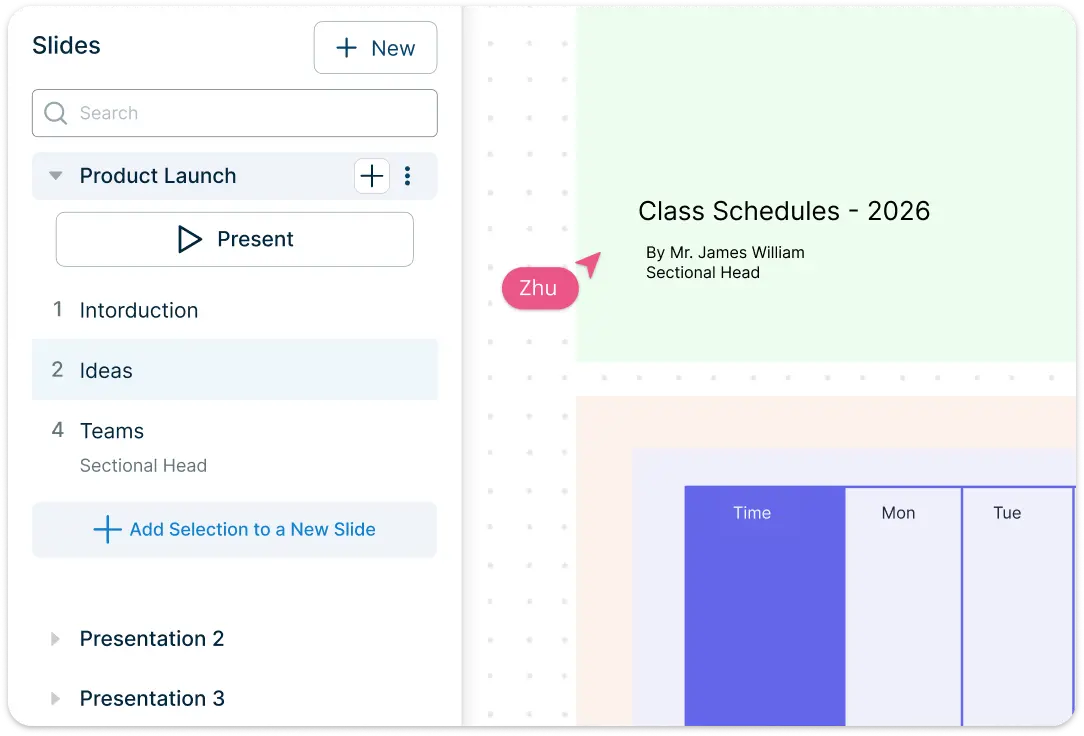
Efficiently design and organize school schedules with our class schedule maker. Select from a diverse collection of templates for various subjects and teaching requirements. Easy styling and formatting options allow you to clearly highlight classes, teachers, and durations, ensuring schedules are informative and visually structured.
Intuitive drag-and-drop tools enable rapid arrangement of class timings, teacher assignments, and subjects, making complex schedules easy to interpret. The infinite canvas provides flexibility to create multiple schedules and presentation-ready timetables, ideal for sharing with staff, students, and parents.
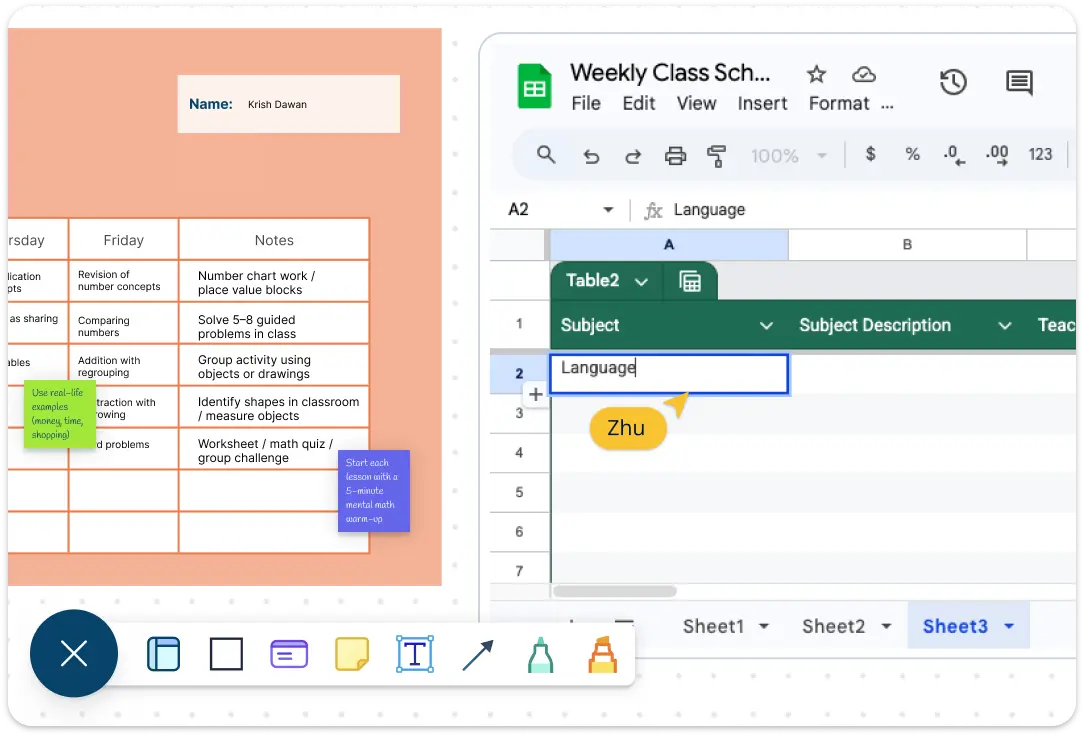
Centralized Canvas to Organize Class Schedules and Syllabi
Centralize all your planning in an infinite canvas designed to handle thousands of items. It allows teachers to efficiently organize class schedules for every grade and subject. Seamlessly link workspaces to map out syllabuses, lesson plans, and content flows for each subject. Import videos, images and documents onto the canvas to enrich your class planning experience.
Attach detailed notes, resources, past papers, and reference materials to each element, ensuring your school schedule and syllabus are comprehensive, organized and easily accessible. With everything structured in one workspace, schools can streamline their planning, improve clarity, and maintain professional timetables.
Smart Planning Tools for Organized School Schedules
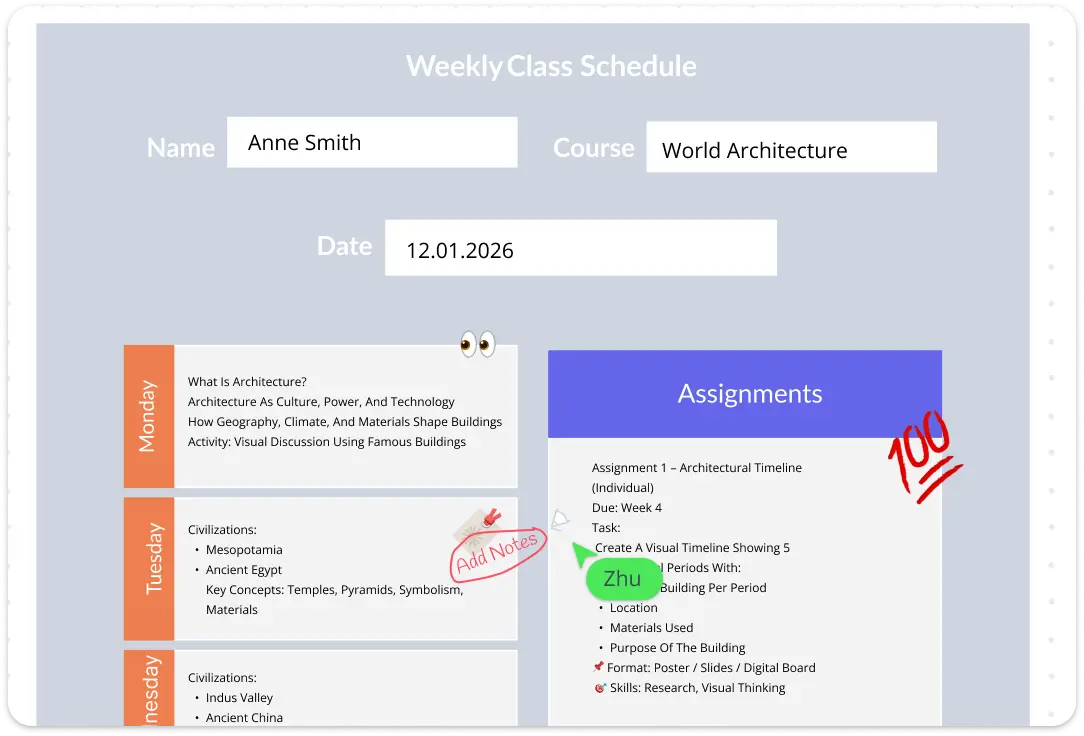
Plan and adapt school routines with confidence using flexible planning tools built into our class routine maker. Use freehand drawing to visually emphasize important details, adjustments, or exceptions directly on your schedule easily.
Smart shapes and connectors make it easy to map out class schedules and rearrange them as requirements change, helping teachers quickly respond to updates in subjects, timings, or resources. An advanced folder structure allows you to organize schedules by academic year, grade, and teacher, ensuring every plan remains structured, accessible, and easy to manage.
Collaborate on Class Schedules Without Confusion
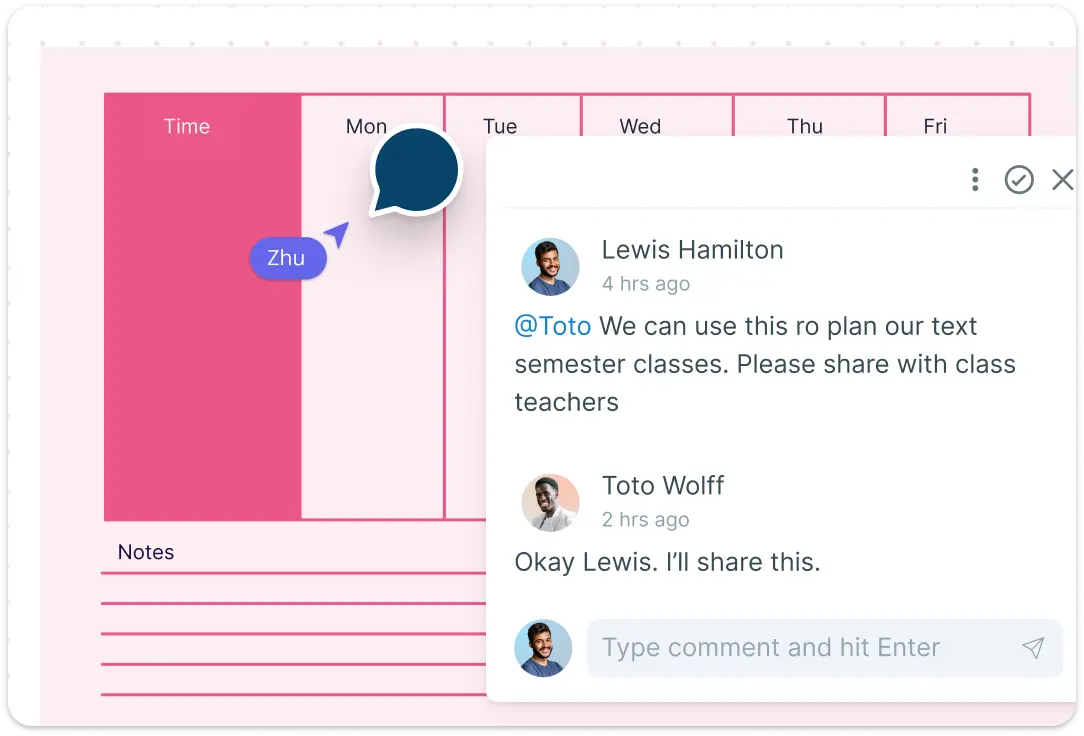
Work together seamlessly to resolve conflicts and overlapping schedules using our class routine maker. Discuss schedule adjustments, substitute allocations, and leave-related changes in real time, ensuring everyone stays aligned as updates happen.
Real-time cursors allow multiple teachers and administrators to collaborate simultaneously on a shared canvas, making coordination faster and more transparent. A complete version history tracks every change made to school schedules across different timeframes, with the flexibility to branch from earlier versions whenever required. Use @mentions and contextual comments to assign follow-ups, guide teachers to finalize specific class schedules, and keep all discussions connected to the relevant timetable.
What Is a Class Routine Maker?
A class routine maker is an online tool designed to help educators and administrators plan, organize, and visualize class schedules in a clear and structured way. It brings together class timings, subjects, teachers, and resources into one centralized view, making it easier to manage daily, weekly, or term-based schedules without confusion.
Unlike static spreadsheets or manual timetables, an online class routine maker allows schools to create, update, and share schedules in real time. Teachers can quickly see their assigned classes at a glance, while administrators can adjust routines, resolve overlaps, and maintain consistency across grades and departments.
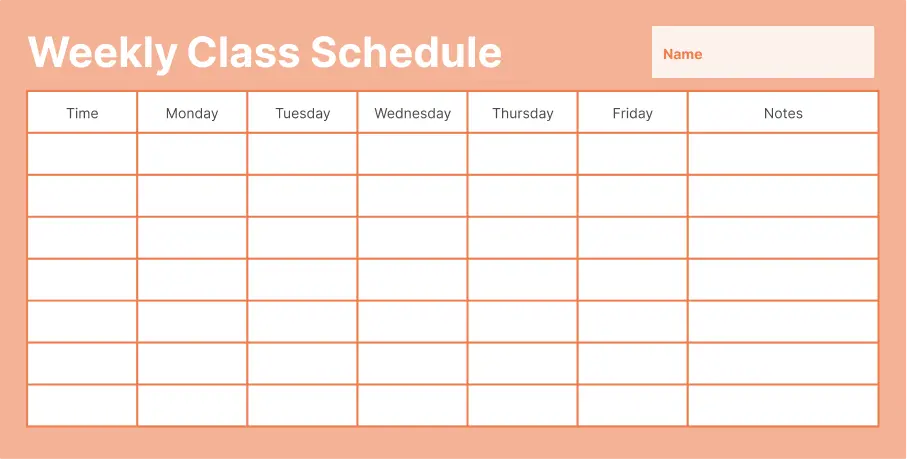
How to Make a School Schedule Using Creately
Launch Creately and Open a Workspace:
Sign in to Creately and open a new workspace to begin building your schedule. Choose a blank canvas or start with a ready-made template designed for school timetables and class routines.
Select a Schedule Template or Start from Scratch:
Browse professionally designed templates or use the canvas to create your school schedule from the ground up. Add class blocks, time slots, and subjects using drag-and-drop shapes tailored for scheduling.
Customize and Structure Your Class Routine:
Adjust colors, text styles, and layouts to clearly distinguish subjects, grades, and teachers. Use frames to organize daily or weekly views, and add sticky notes or the notes panel to capture important details and reminders.
Collaborate and Refine in Real Time:
Invite faculty or administrators to collaborate on the same schedule. Use comments, @mentions, and live cursors to discuss changes, resolve overlaps, and finalize class routines together.
Review, Update, and Share Your Schedule:
Review your completed schedule, make updates as needed, and keep track of changes using version history. Export the timetable or securely share it online so everyone has access to the most up-to-date school schedule.
FAQs About Class Schedule Maker
What are Creately’s class routine maker pricing plans?
- Free Plan — $0/month for basic class routine creation and collaboration
- Starter & Team Plans — $8/month or $5/month billed annually
- Business Plan — $149/month or $89/month billed annually
Annual billing helps you save more while unlocking advanced collaboration, workspace management, and enhanced class routine features. You can compare all available plans and features on the Creately Pricing Page.
How can you create class routines faster?
Are there templates for different class routine use cases?
Can teams collaborate on class routines?
Can I add notes, data, and files?
Can I share, present, or export class routines?






















