Root Cause Analysis Template
Quickly Identify and Eliminate Issues at the Source
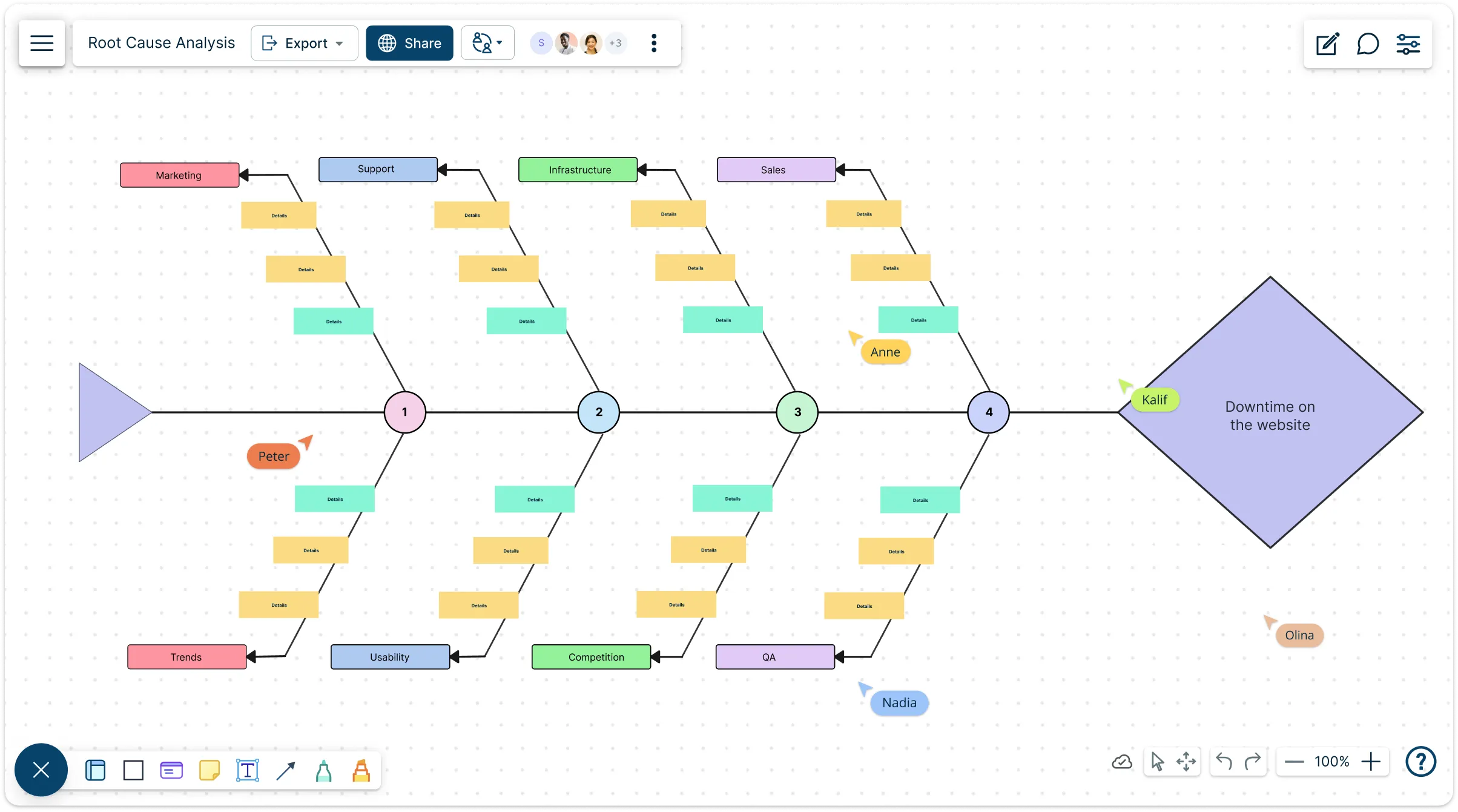
Use Creately’s root cause analysis online to visually break down problems, uncover hidden causes, and develop effective solutions.
- Save time with ready-made RCA templates for any scenario
- Collaborate with teams in real time or asynchronously
- Turn complex problems into actionable insights using intuitive diagrams
Over 10 Million people and 1000s of teams already use Creately

Free Root Cause Analysis Templates You Can Use Instantly

Visual Tools to Pinpoint the Real Problem
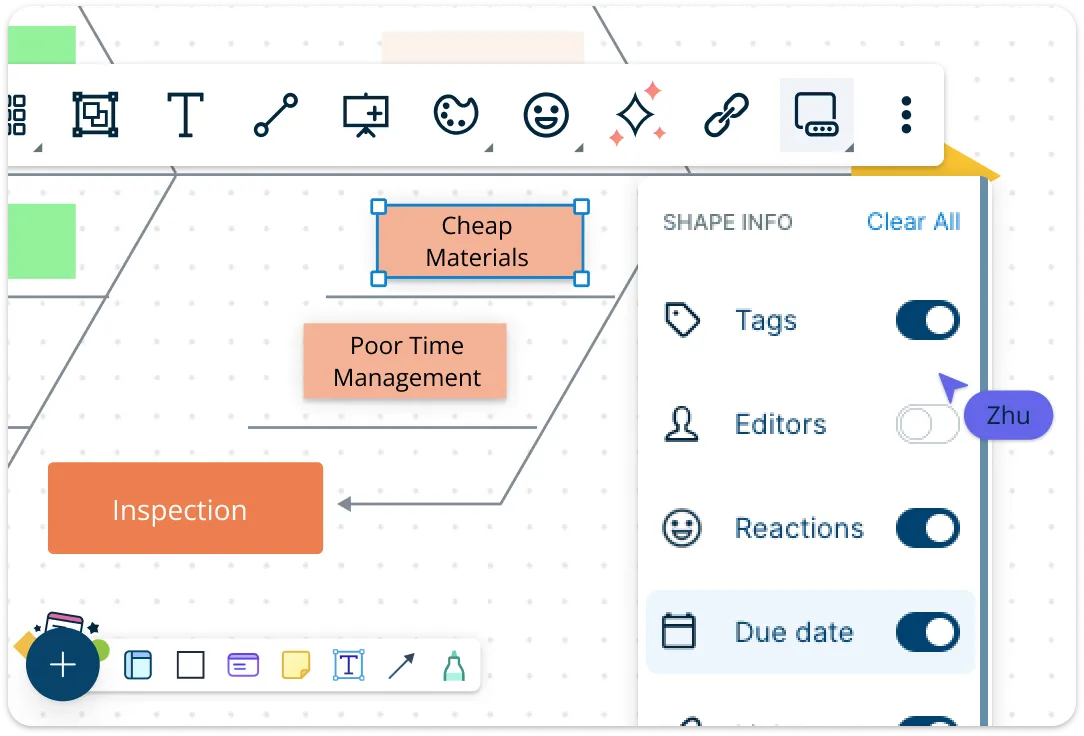
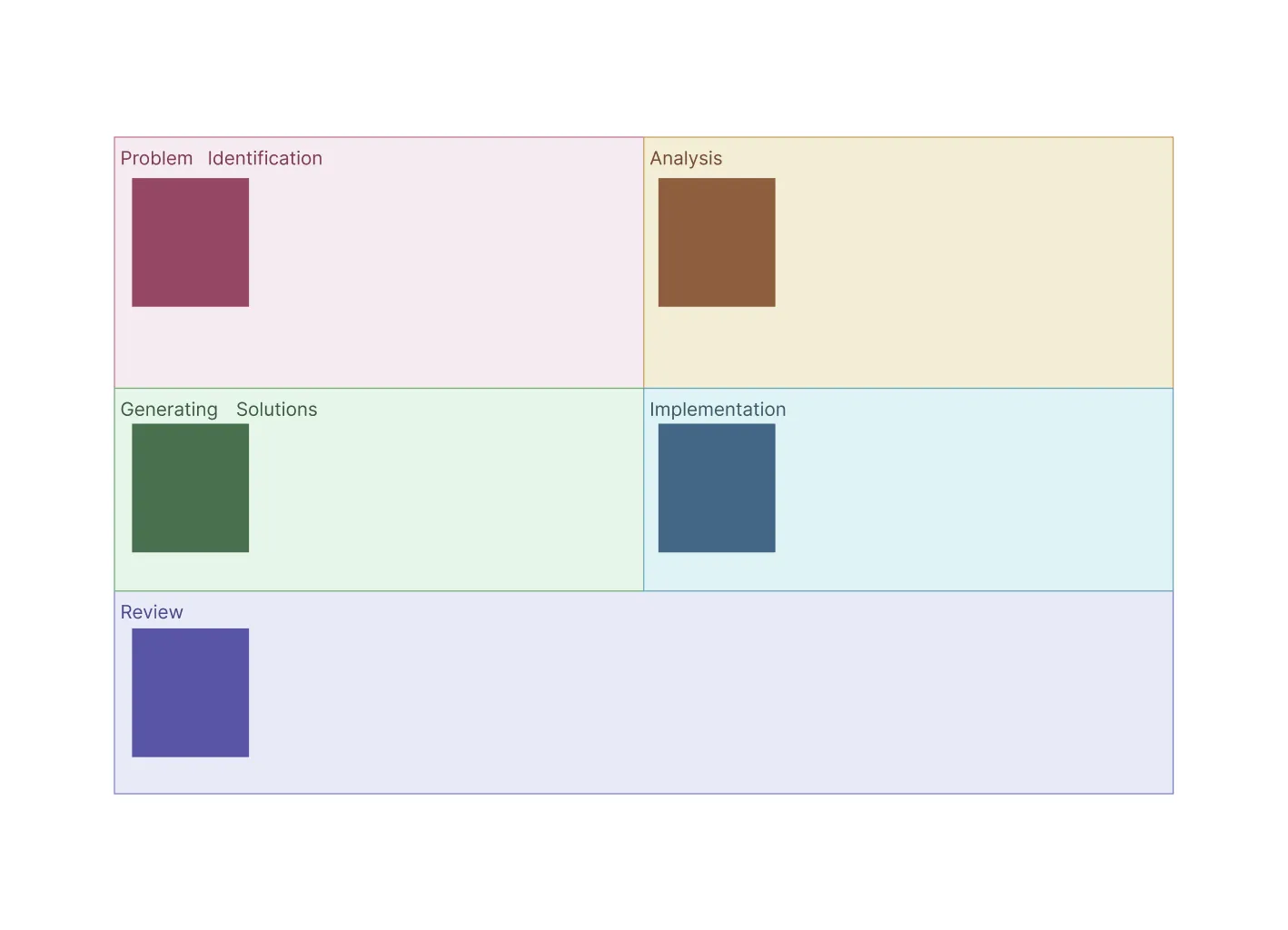
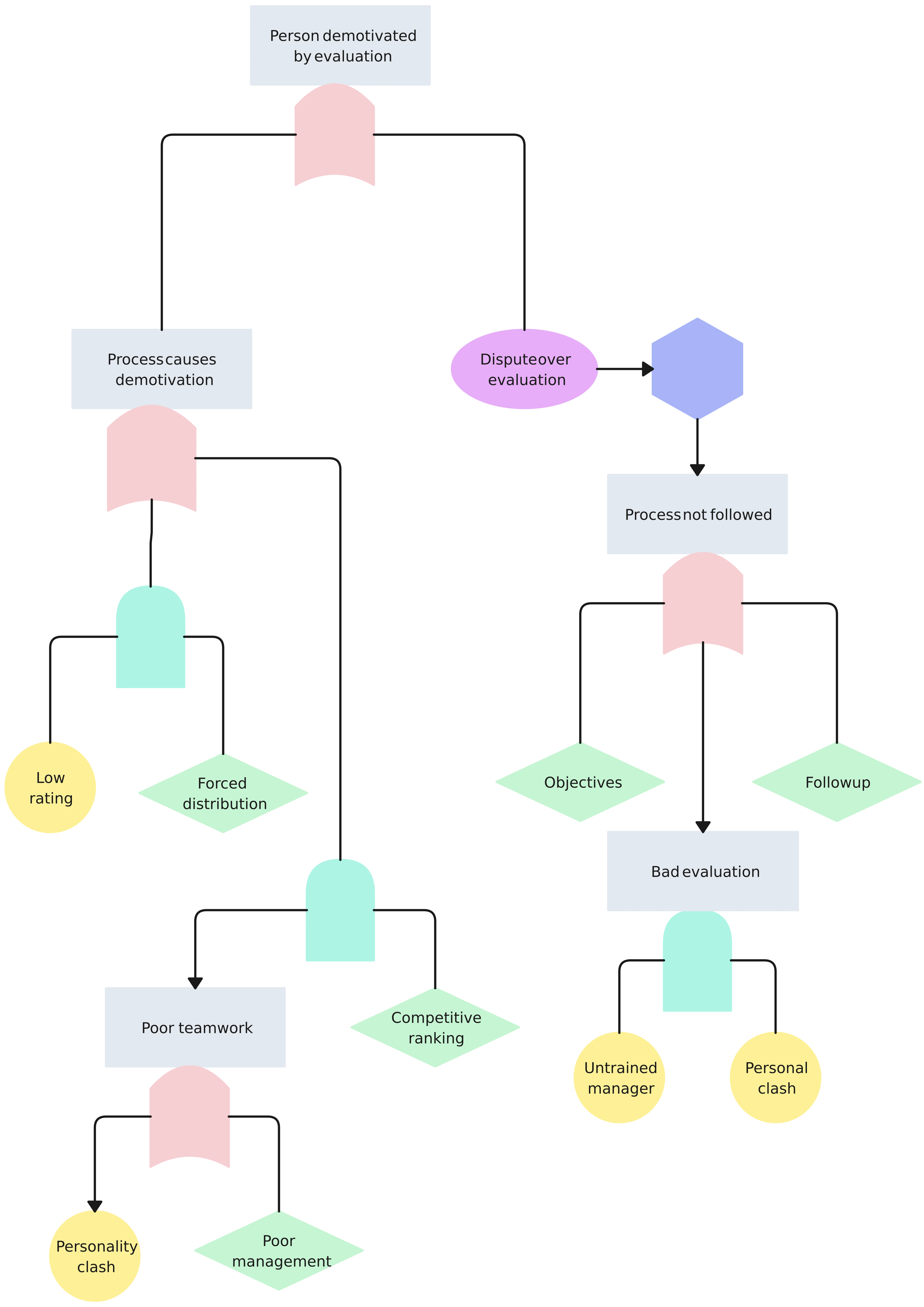
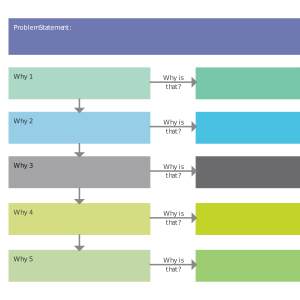
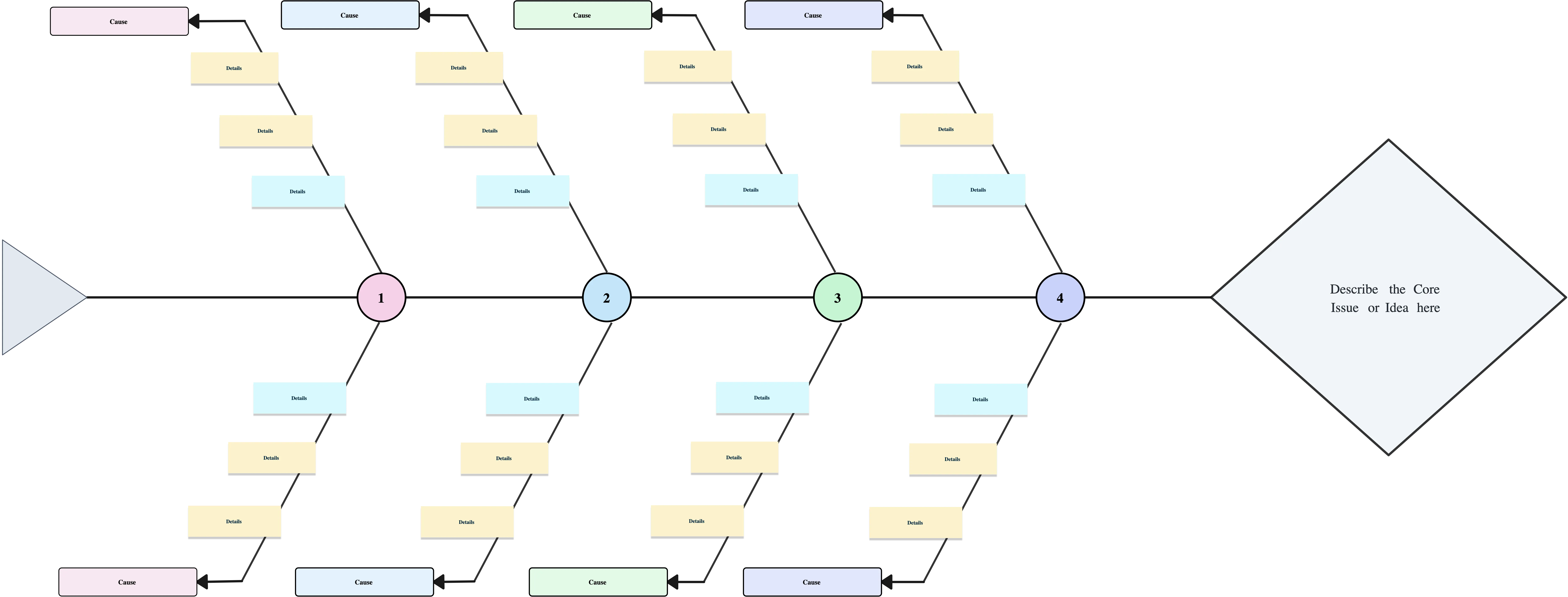
Creately’s root cause analysis tools come with pre-built shapes, connectors, and popular RCA formats like 5 Whys, Fishbone (Ishikawa), and Fault Tree templates. You can use these standard RCA formats or customize your own template to fit any problem. Once causes and solutions are identified, transition seamlessly into action with Kanban boards—track, assign, and manage tasks directly linked to solving the problem.
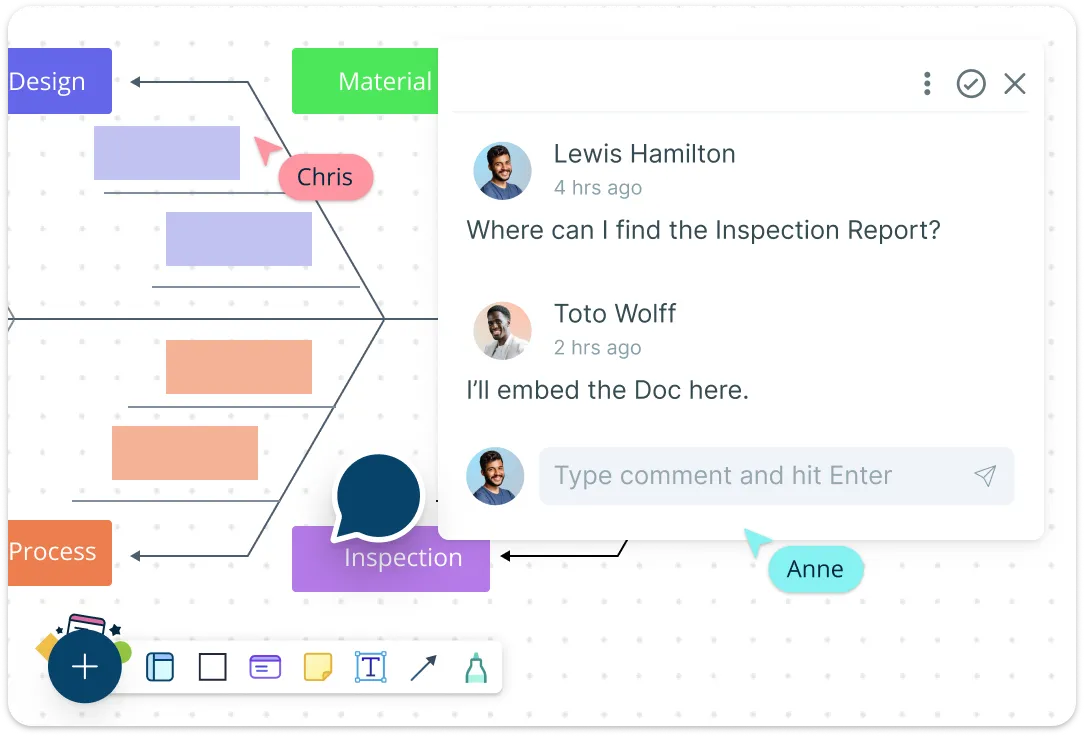
Collaborate on RCA Documents in Real-Time
Create, edit, and share RCA documents collaboratively with your team or external partners. Co-author root cause analysis templates live, add inline comments, tag teammates, and gather asynchronous feedback effortlessly. Integrations with Google Drive, Confluence, and Slack keep your RCA workflows connected to the tools you already use, so nothing gets lost in email threads.
Jumpstart Problem Solving Without Starting from Scratch
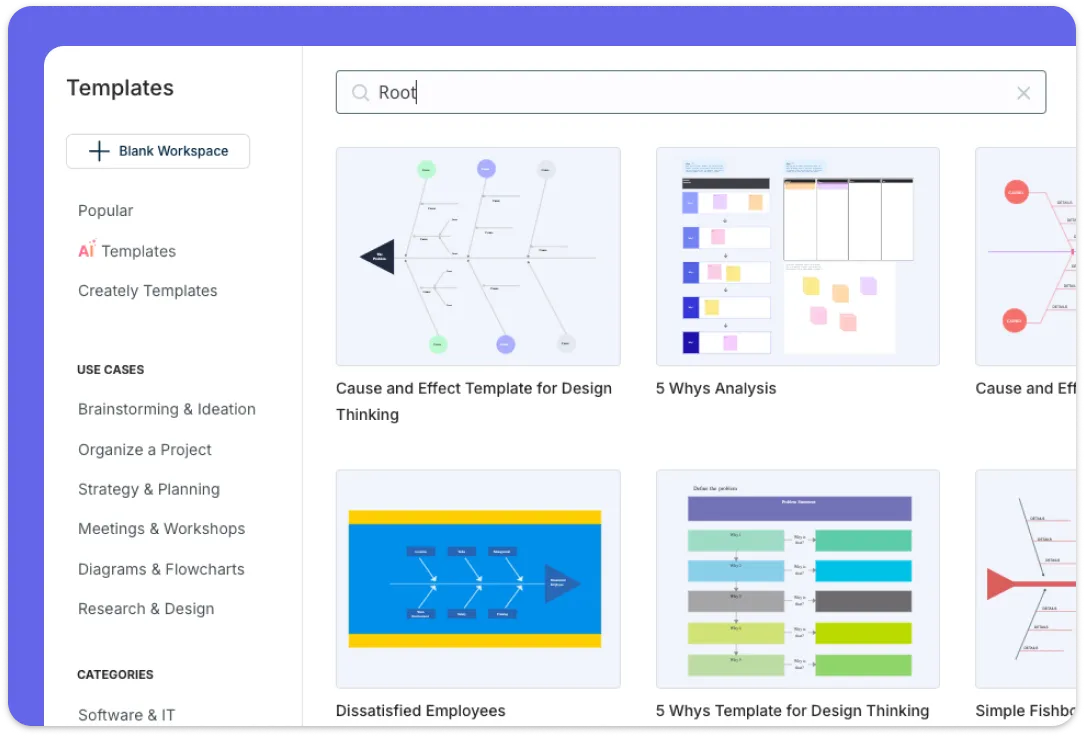
Access a library of professionally designed free root cause analysis tools and templates ready for any industry—healthcare, manufacturing, IT, education, and more. Browse RCA formats from basic to advanced, duplicate, and adapt them for recurring issues. When finished, export your diagrams as PDFs or images for reports, presentations, or audits.
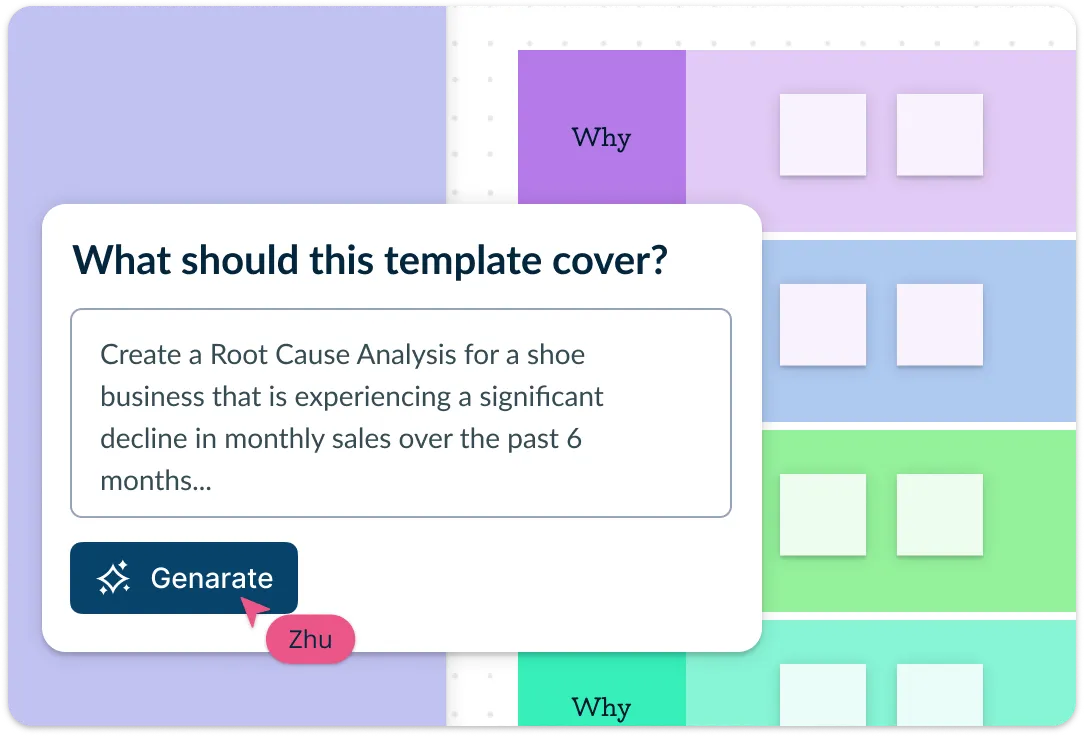
Speed Up Analysis with AI-Powered Root Cause Tools
Creately’s AI-assisted root cause analysis generator helps you create diagrams faster by suggesting possible causes and organizing your inputs into clear RCA diagrams. Whether it’s a Fishbone diagram or a 5 Whys analysis, AI transforms your notes into structured documents, reducing manual effort, improving consistency, and accelerating problem resolution—all within the same collaborative workspace.
What Is a Root Cause Analysis?

How to Do a Root Cause Analysis Using Creately
Choose the right template:
Start by selecting a root cause analysis template free from Creately’s library. Choose formats like 5 Whys, Fishbone (Ishikawa), or other structured RCA templates based on the type and complexity of the problem you’re investigating.Define the problem clearly:
Add a clear, concise problem statement to the central node of the template. A well-defined problem sets the foundation for accurate analysis and ensures everyone is aligned on what’s being examined.Identify possible causes:
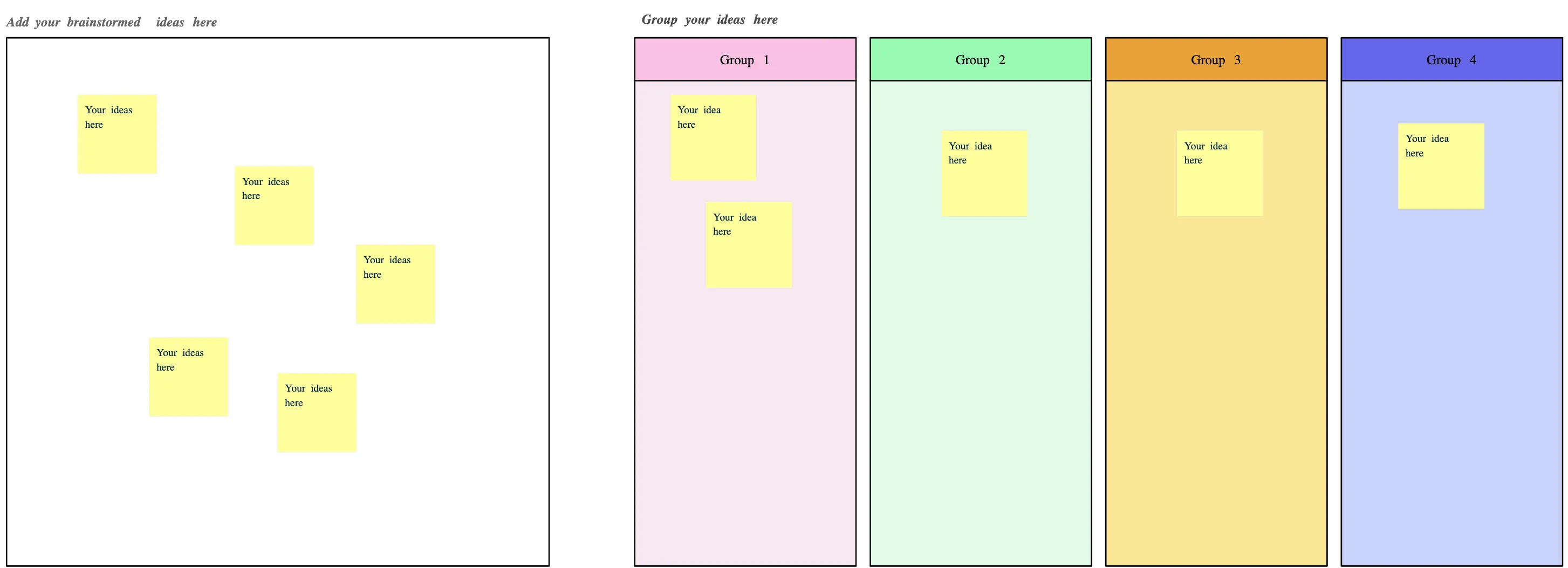
Brainstorm potential causes manually or use Creately’s AI assistant to generate likely contributing factors based on your problem statement. This helps you quickly build out the cause structure using proven patterns and best practices.Organize and analyze causesv:
Group related causes using drag-and-drop, apply color coding to spot patterns, and evaluate which factors are most likely the true root causes. The visual layout makes relationships and gaps easy to identify.Collaborate, finalize, and share:
Invite stakeholders to collaborate in real time or asynchronously using comments and mentions. Once complete, summarize findings, define corrective actions, and export or share the RCA through formats and integrations like PDF, Google Drive, Slack, or Confluence.
Save Time and Collaborate Better with Free Root Cause Analysis Examples
FAQs About the Root Cause Analysis Template
Is this root cause analysis tool free to use?
What is the best root cause analysis software available today?
Are root cause analysis templates suitable for all industries?
How long does it take to complete an RCA using the template?
What’s the difference between a root cause analysis template and an RCA format?
Can I track action items or resolutions within the template?
Does the template support team brainstorming sessions?































