Kano Model Template
Efficiently Identify High-Satisfaction Features and Decide What to Add to Your Product Roadmap
Use Creately’s Kano Model Generator to transform messy feedback into a clear product roadmap by visualizing satisfaction levels and identifying high-impact features.
- Visualize customer feedback to gain clear insight into the market
- Identify high-impact features against the cost of implementation
- Sync your team instantly with real-time collaboration on a shared canvas
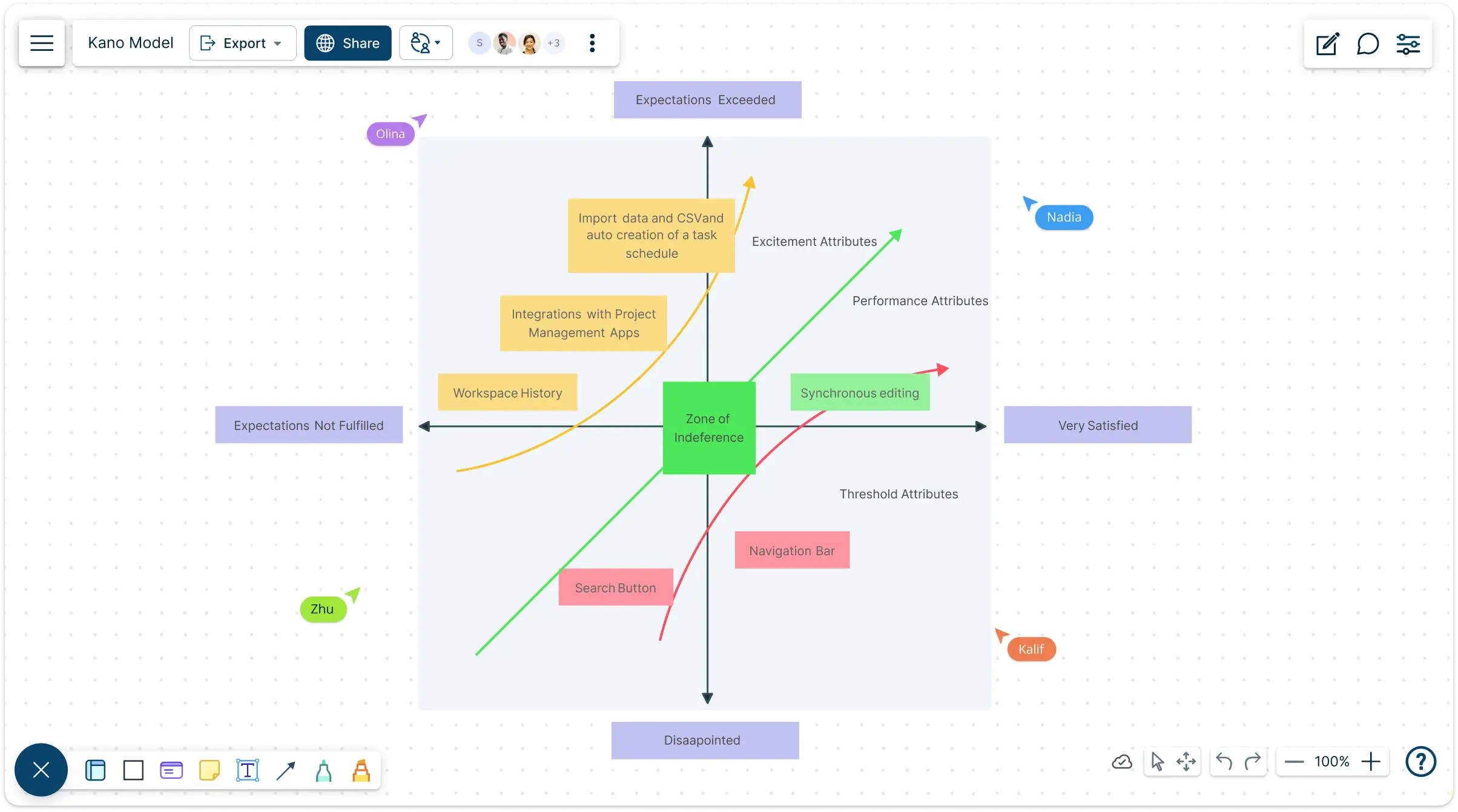
Jumpstart Your Roadmap with Free Kano Model Templates
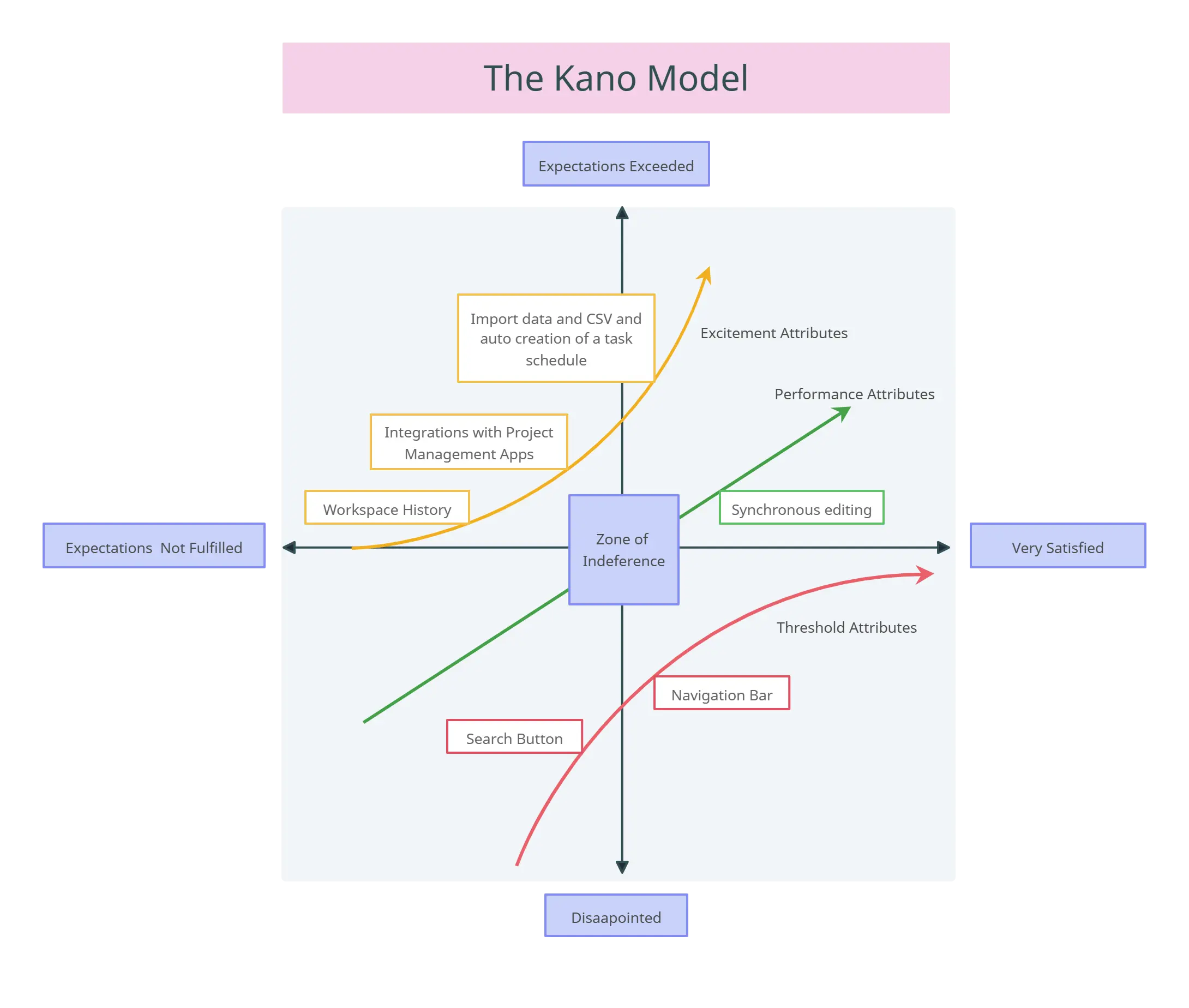
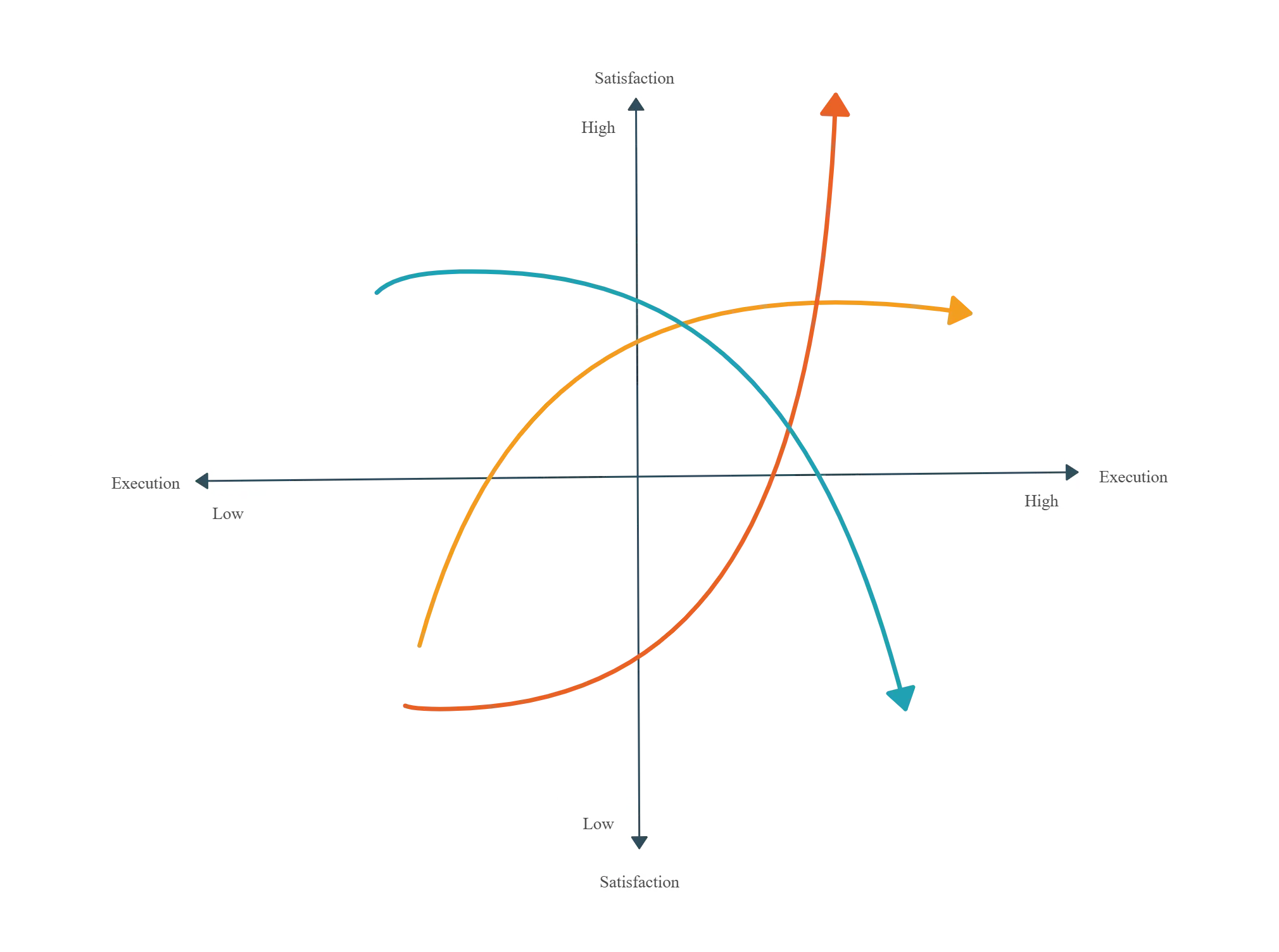
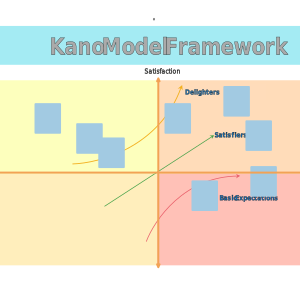
Transform Scattered Ideas into a Professional Kano Diagram
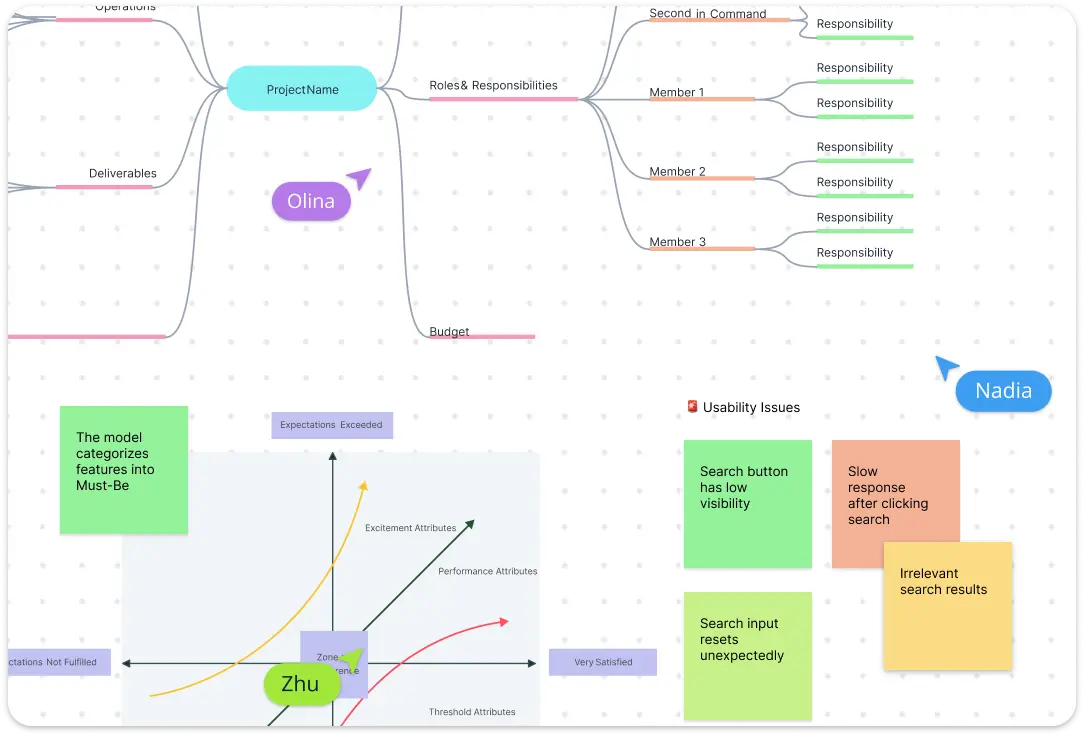
Don’t let your best ideas get lost in a sea of tabs. Start with a collaborative brainstorm using sticky notes and mind maps to capture every feature request and customer pain point. Transition instantly into a structured Kano model diagram using our intuitive diagramming tools. With a comprehensive shape library and simple drag-and-drop functionality, you can map out “Basic” vs. “Delighter” features on an infinite canvas that grows with your vision.
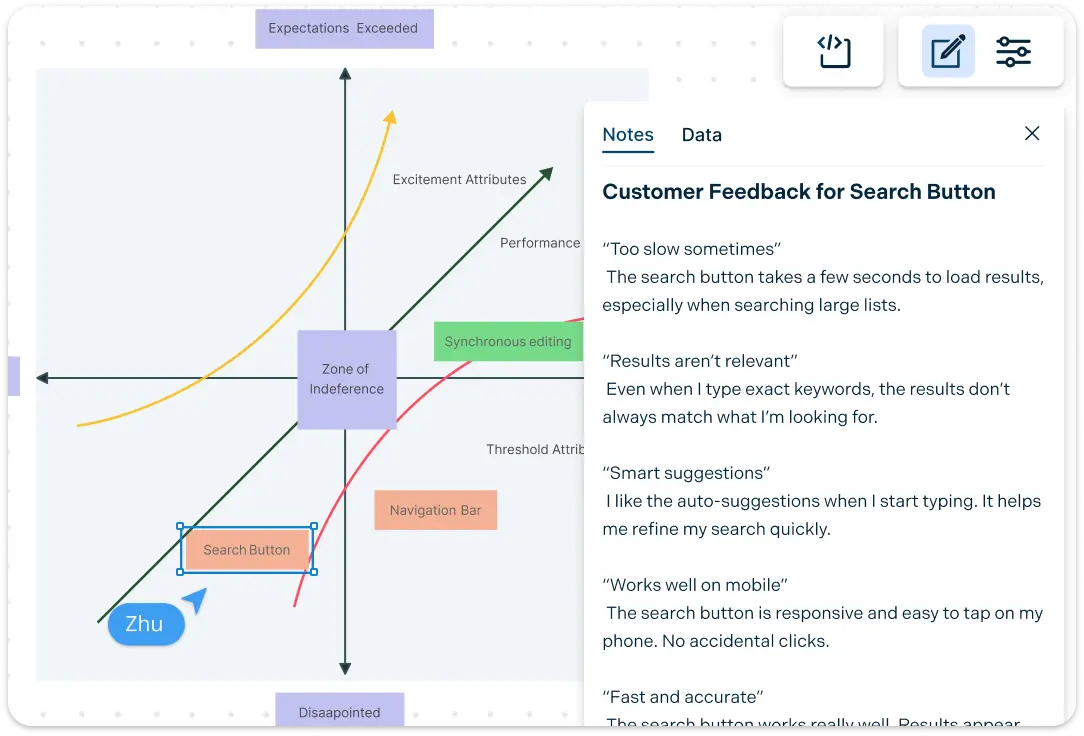
Data-Driven Decisions with Deep Contextual Analysis
A Kano analysis template is only as good as the data behind it. Move beyond the surface level by using the notes panel to attach survey results directly to your shapes. Keep your strategy organized with centralized documentation and version history, ensuring you never lose track of how your roadmap evolved. It’s not just a chart; it’s a living record of your product’s growth that keeps everyone on the same page.
Bring Your Roadmap to Life with Dynamic Context
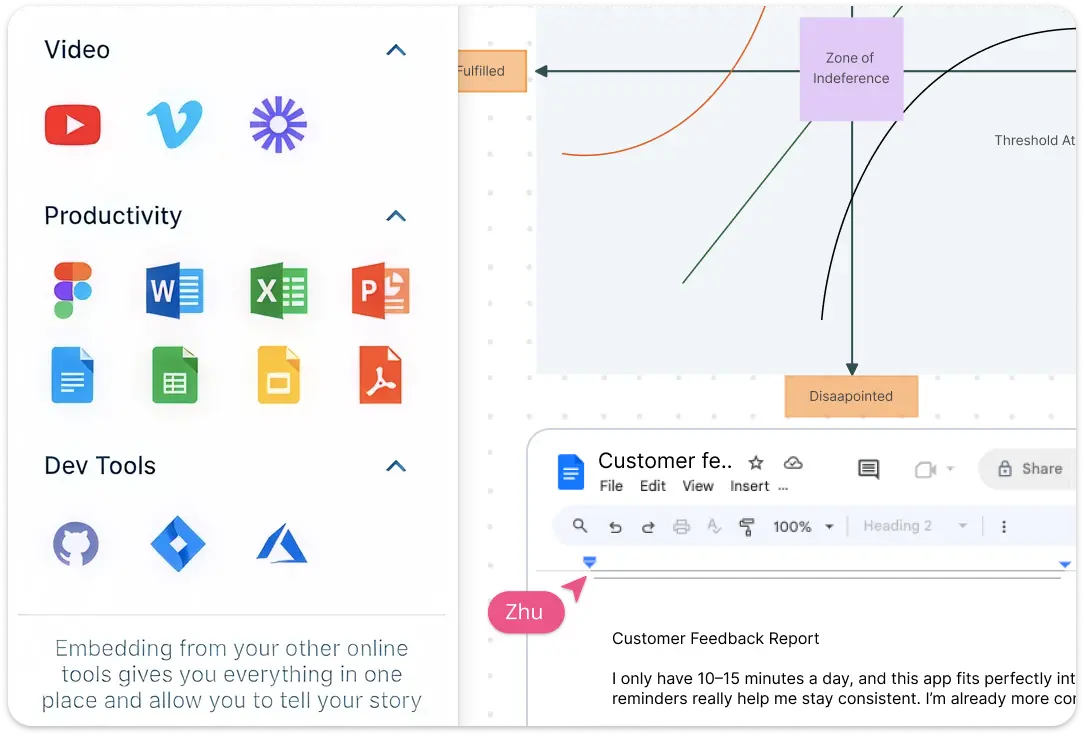
Bring Your Roadmap to Life with Dynamic Context Stop switching between tools to find screenshots or research links. Our Kano board acts as a visual hub where you can add links and multimedia directly to your diagram. Use color codes and tags to categorize features by sprint, priority, or development cost. This level of formatting allows you to see the “why” behind every feature at a glance, turning a simple graph into a powerful project management asset.
Sync Your Team and Stakeholders in One Click
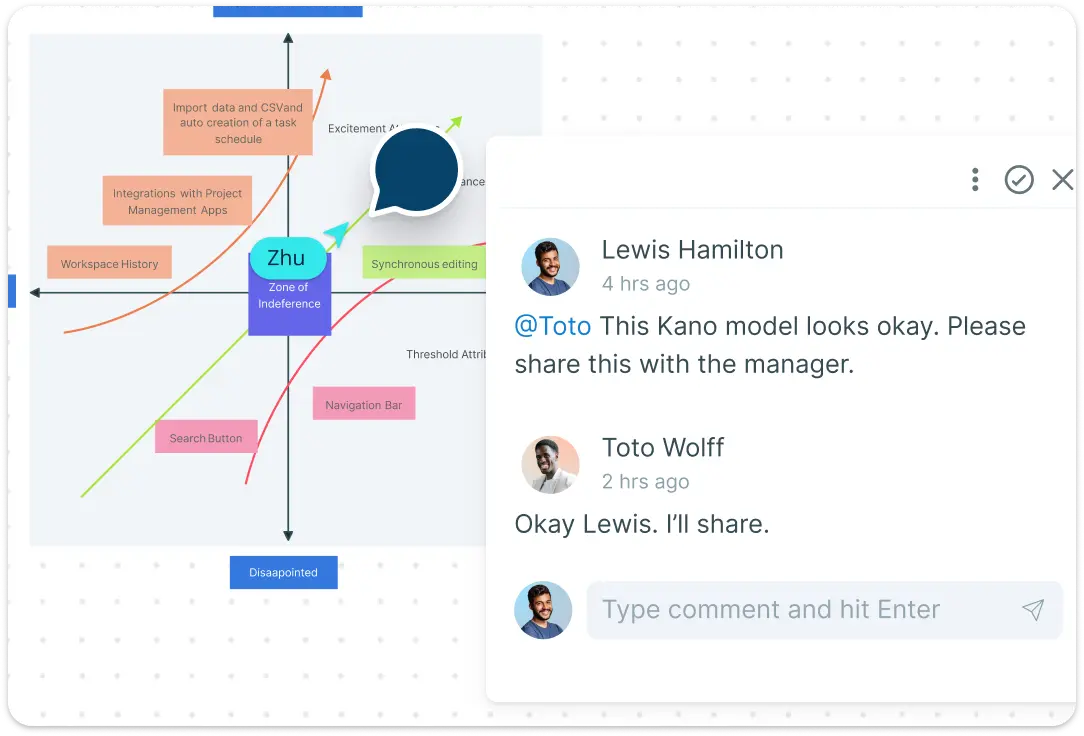
Eliminate the feedback loop lag. You can use Creately’s Kano model creator as a presentation tool, and collaborate with your team using multiple cursors to build together in real-time. Use @mentions and contextual comments to resolve feature-priority debates instantly. Once you’re done, use secure sharing with access control to get stakeholder buy-in without the back-and-forth of email attachments.
What Is the Kano Model?
How to Use the Kano Model
Launch Creately and pick a template:
Sign in to Creately and open a fresh workspace to get started. You can skip the manual setup by selecting a professional Kano model template from our library. This gives you a ready-made framework on an infinite canvas, so you can focus on strategy instead of drawing boxes.
Brainstorm and gather team inputs:
Invite your team to the canvas for a real-time session. Use sticky notes to list every potential feature or customer request. With multiple cursors, your product and engineering teams can ideate together, ensuring that every perspective is captured in one centralized location.
Categorize features on the Kano board:
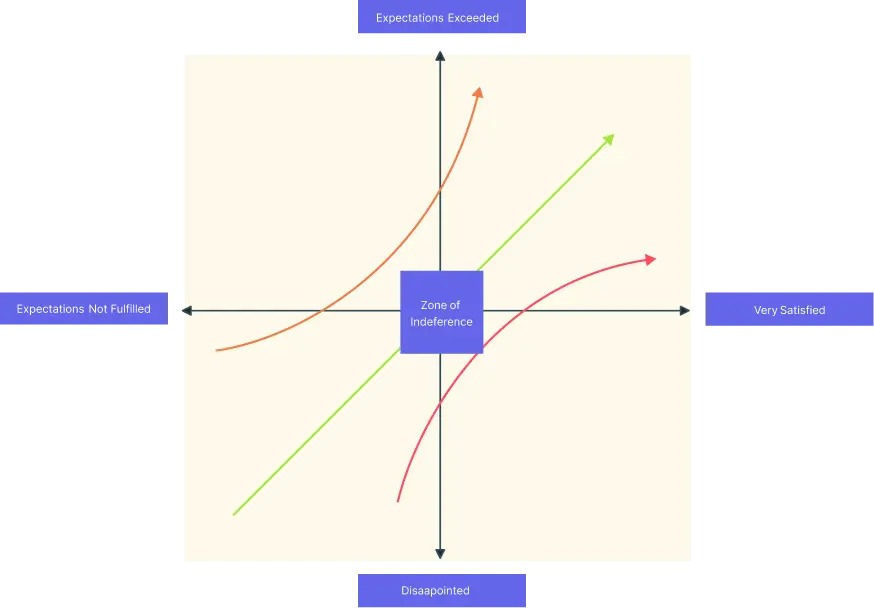
Drag and drop your ideas onto the Kano diagram to see where they land. Use the intuitive interface to move features between quadrants: Must-bes, Performance features, and the “Wow” Attractive delighters. This visual mapping makes it easy to spot which ideas are truly worth your resources.
Layer in data with the notes panel:
Transform your chart into a source of truth by adding context. Use the notes panel to link to user interview transcripts or attach implementation cost estimates. You can also use color codes and tags to differentiate between “MVP” features and future roadmap goals, keeping your Kano analysis template organized.
Review, sync, and share your roadmap:
Once the strategy is set, use secure sharing to get instant buy-in from stakeholders. Because Creately is a live Kano model tool, you can easily update the board as you gather more data, using version history to track how your product priorities have evolved over time.
Explore More Product Development Examples
FAQs About the Kano Diagram Template
What are Creately’s kano model template pricing plans?
- Free Plan — $0/month for basic kano model creation and collaboration
- Starter & Team Plans — $8/month or $5/month billed annually
- Business Plan — $149/month or $89/month billed annually
Annual billing helps you save more while unlocking advanced collaboration, workspace management, and enhanced kano model features. You can compare all available plans and features on the Creately Pricing Page.
How can you create kano models faster?
Are there templates for different kano model use cases?
Can teams collaborate on kano models?
Can I add notes, data, and files?
Can I share, present, or export kano models?






















