Activity System Map Template
Analyze Your Organization's Strategic Positioning and Competitive Advantage
Turn scattered workflows into a clear, connected system. Our intuitive activity system map template helps you visualize how every activity supports your strategy to spot gaps, align faster, and gain a real competitive edge in minutes.
- Instantly map your strategy with ready-made activity system map templates
- Collaborate in real time on a limitless canvas built for visual teams
- Export and share polished strategy maps in any format, effortlessly
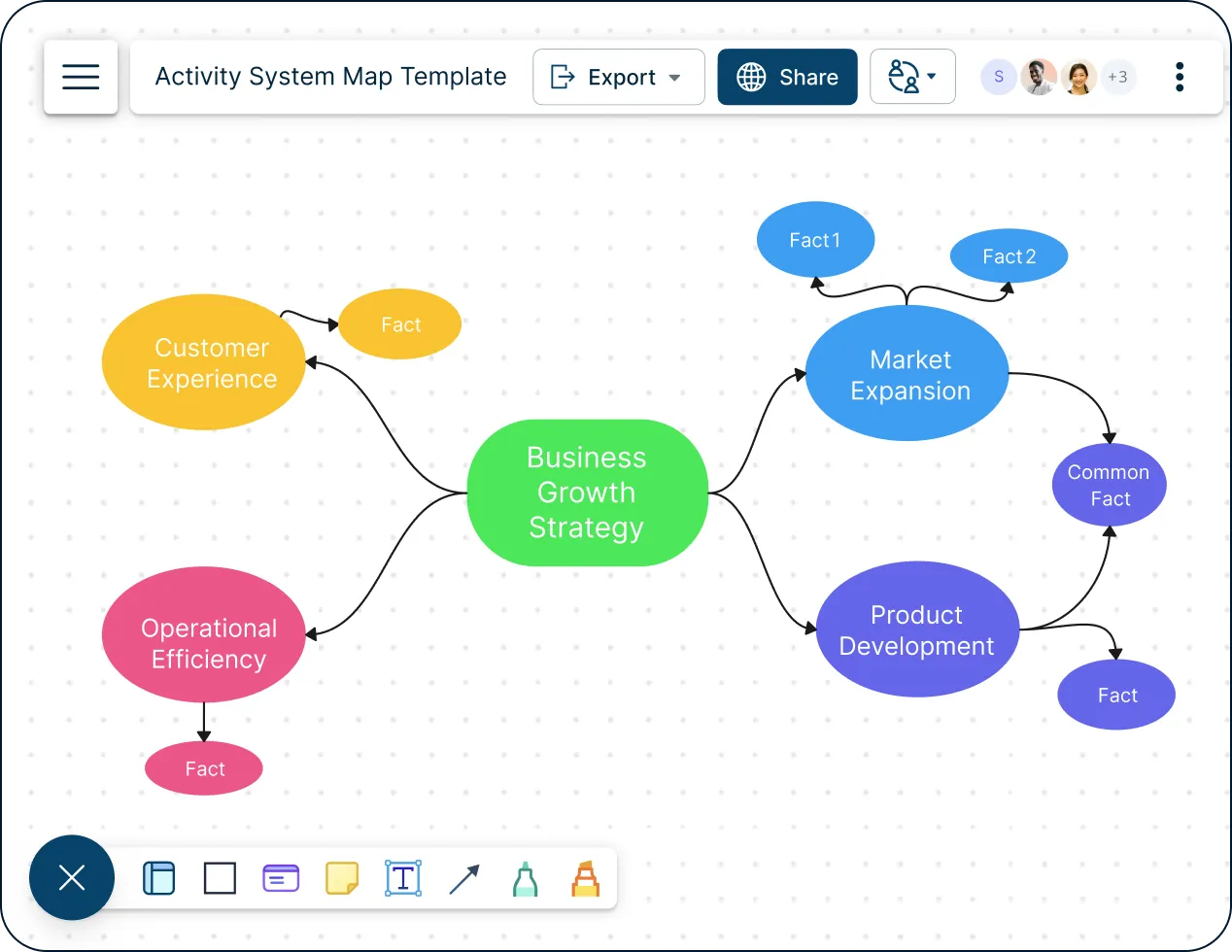
- Instantly map your strategy with ready-made activity system map templates
- Collaborate in real time on a limitless canvas built for visual teams
- Export and share polished strategy maps in any format, effortlessly
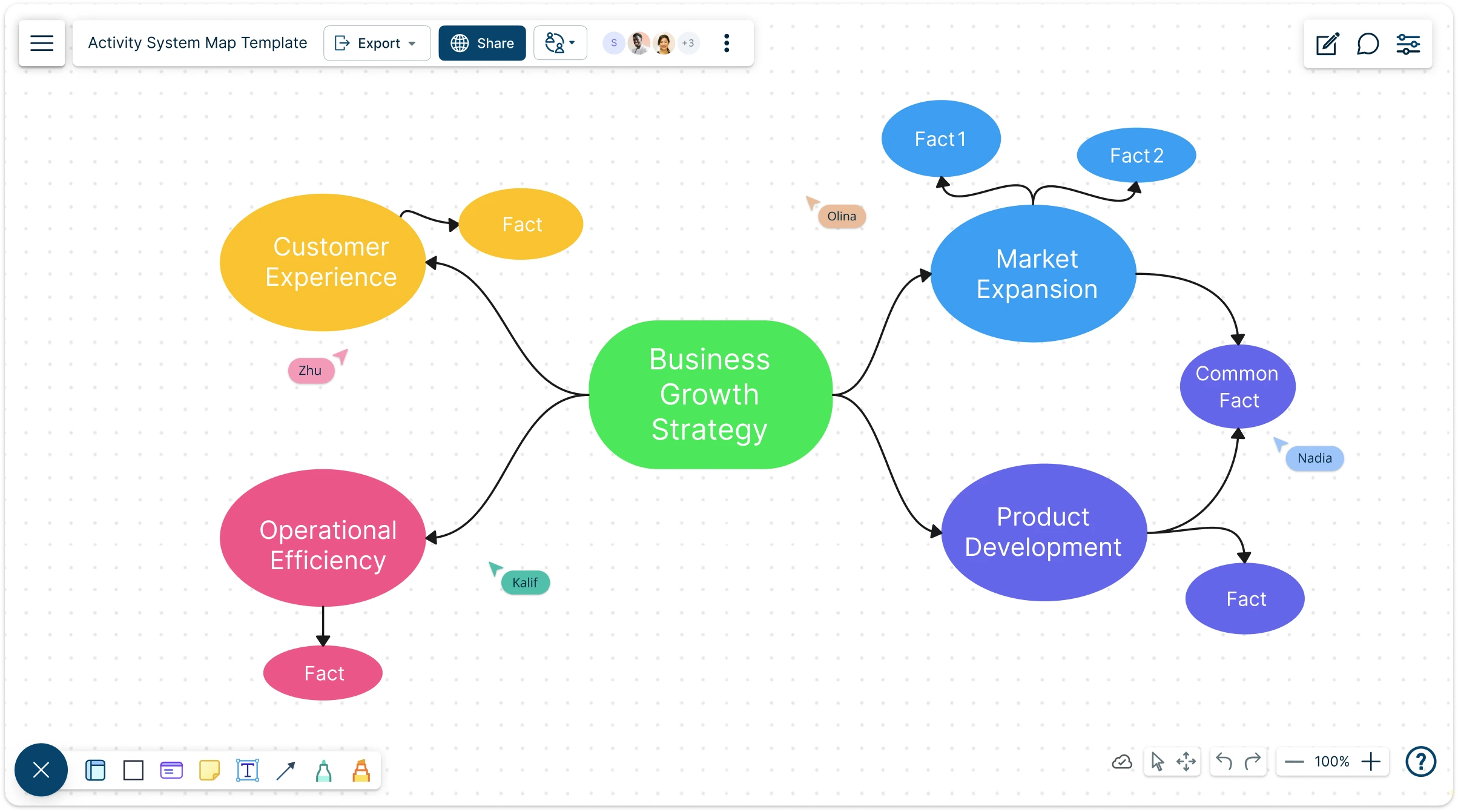
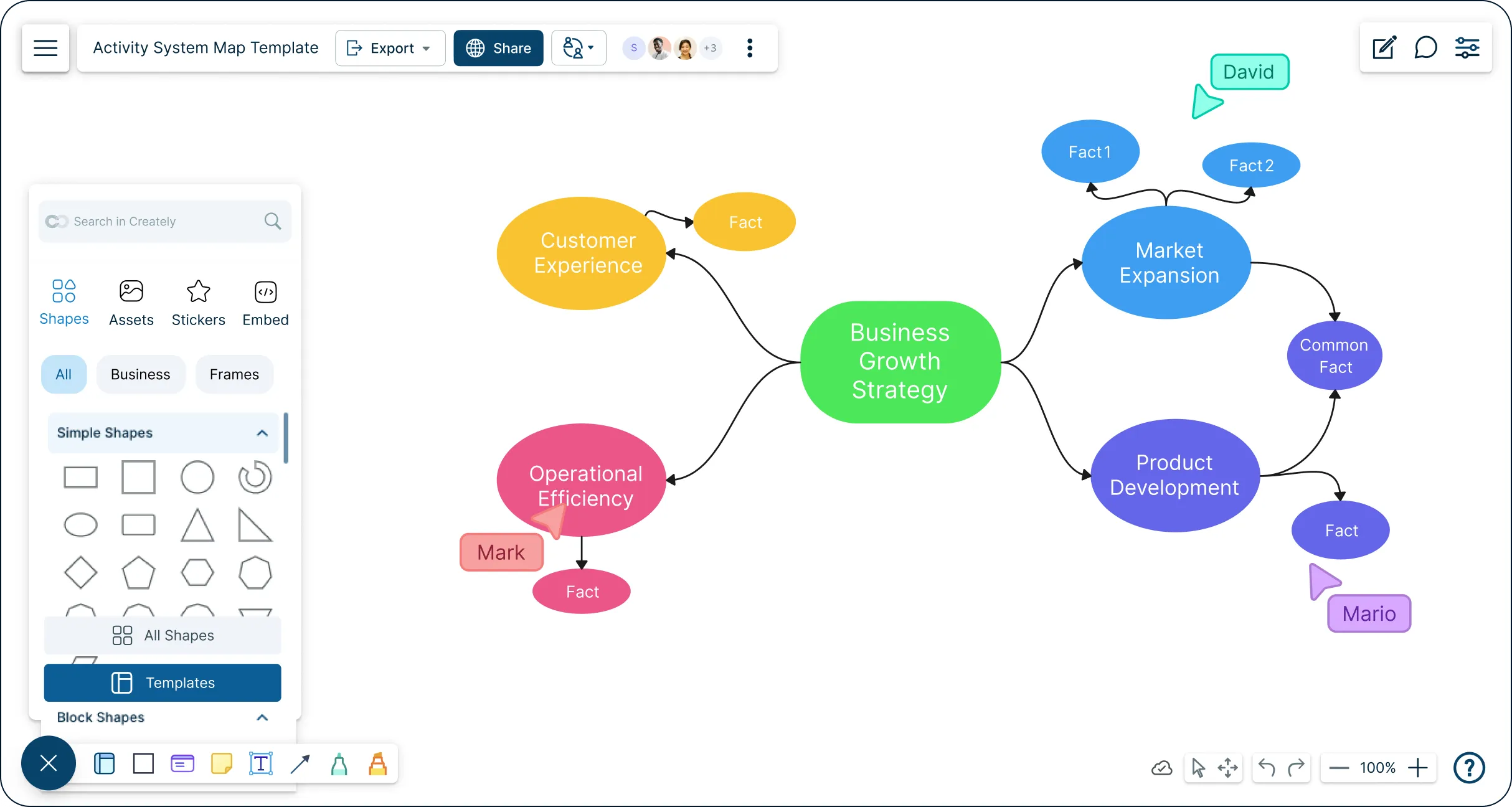
More Activity System Map Examples
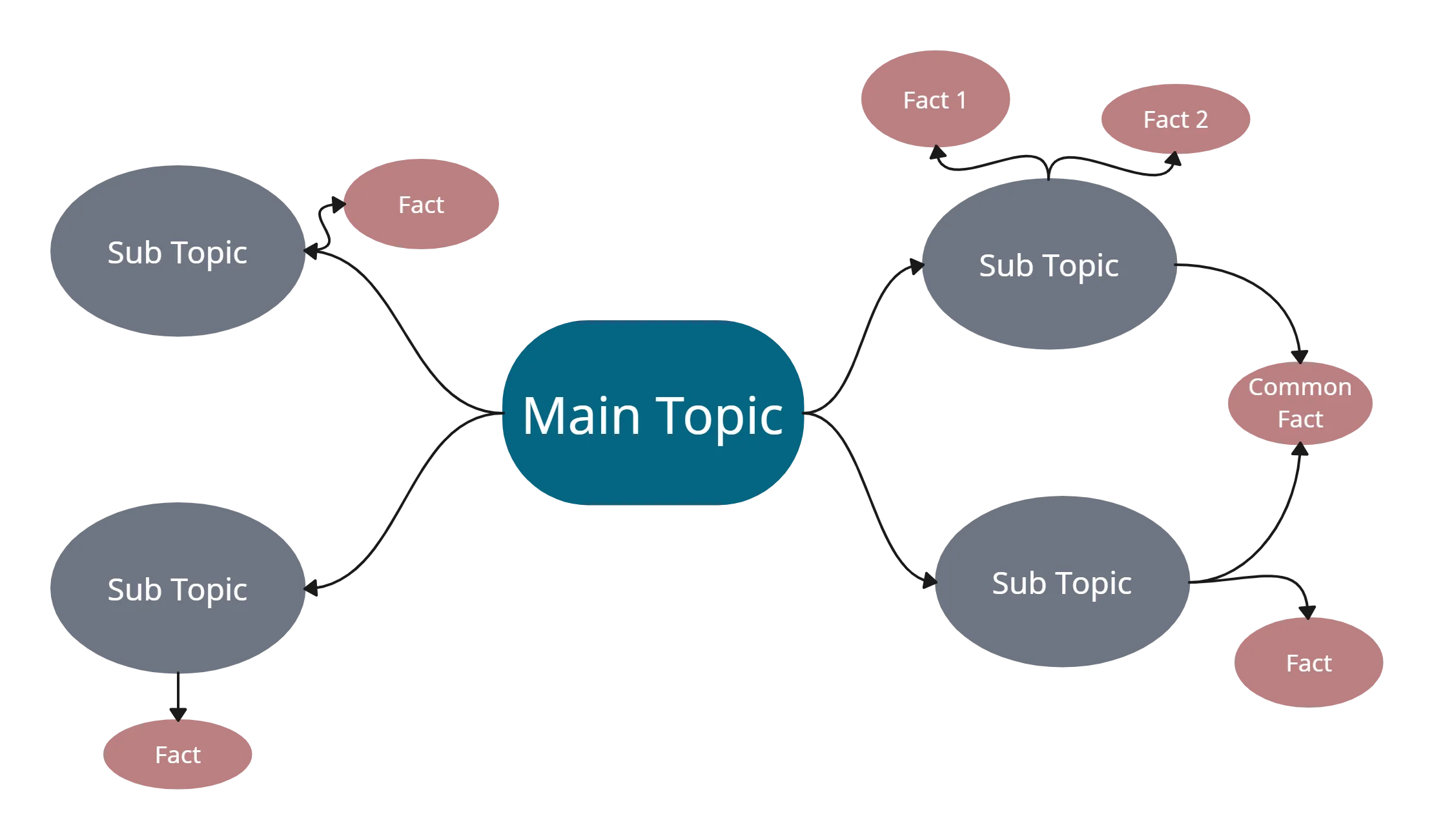
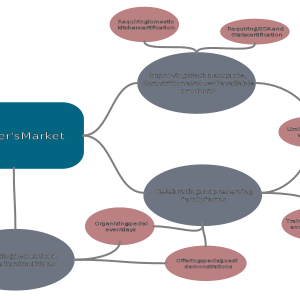
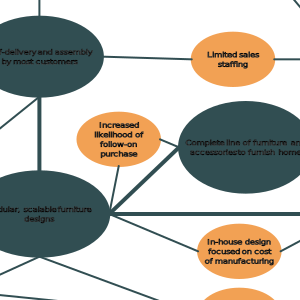
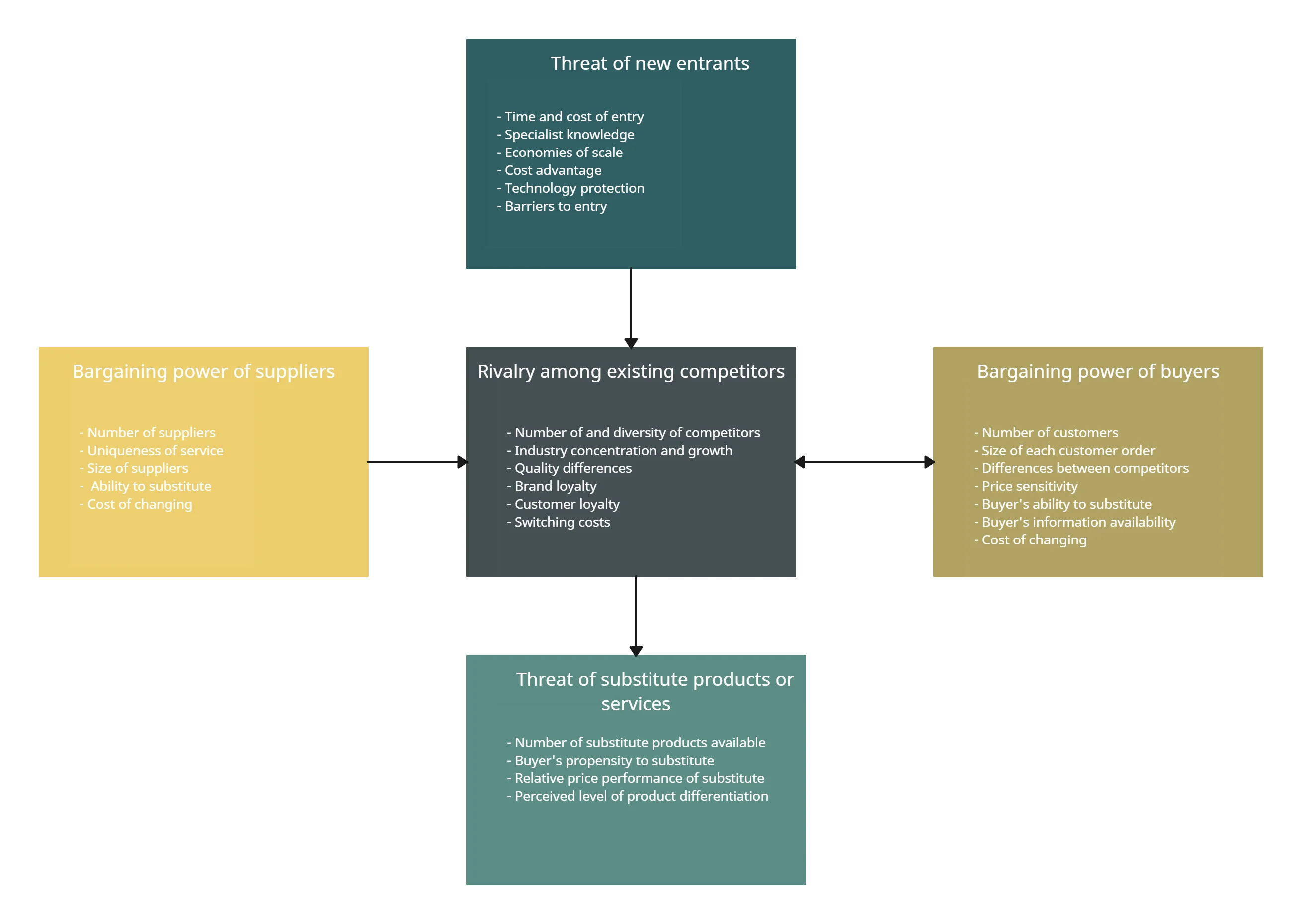
Brainstorm Smarter with Our Activity System Map Tool
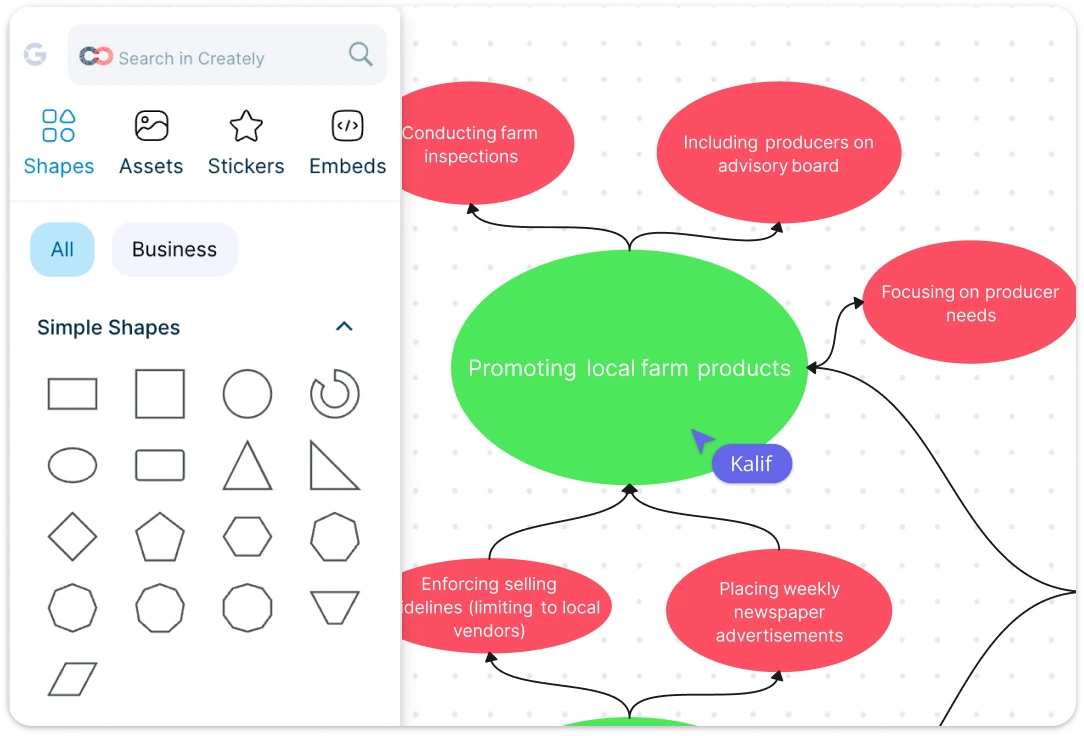
Turn scattered thoughts into a clear Strategy with our activity system map creator. Brainstorm with sticky notes, mindmaps, and intuitive visual tools to bring your ideas together on an infinite canvas. Drag-and-drop feature, templates, and a comprehensive shape library make diagramming your organization’s workflows effortless. Whether you’re mapping activities, processes, or strategic connections, everything feels organized, visual, and actionable.
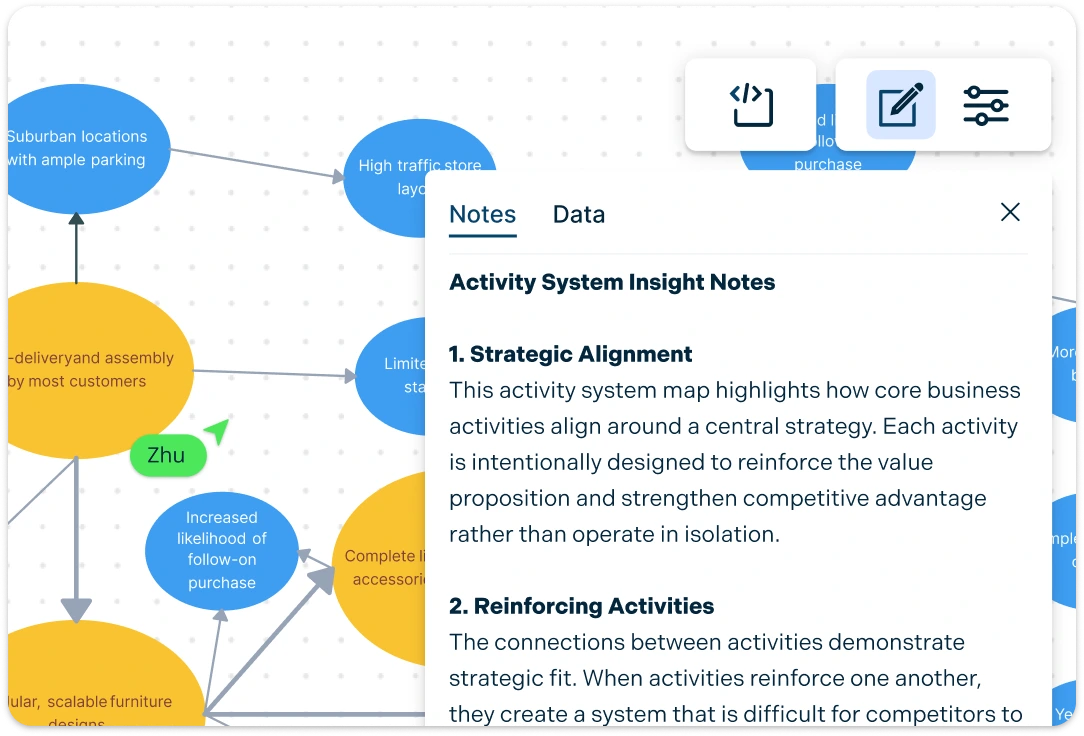
Uncover Insights Using a Centralized Activity System Map
KeepAnalyze your organization’s strategic positioning with ease. Keep all documentation in one place, track changes with version history, and add notes or comments directly on your diagrams. With centralized insights at your fingertips, teams can identify gaps, explore dependencies, and plan competitive strategies faster.
Structure Your Workflow with an Insightful Activity Map
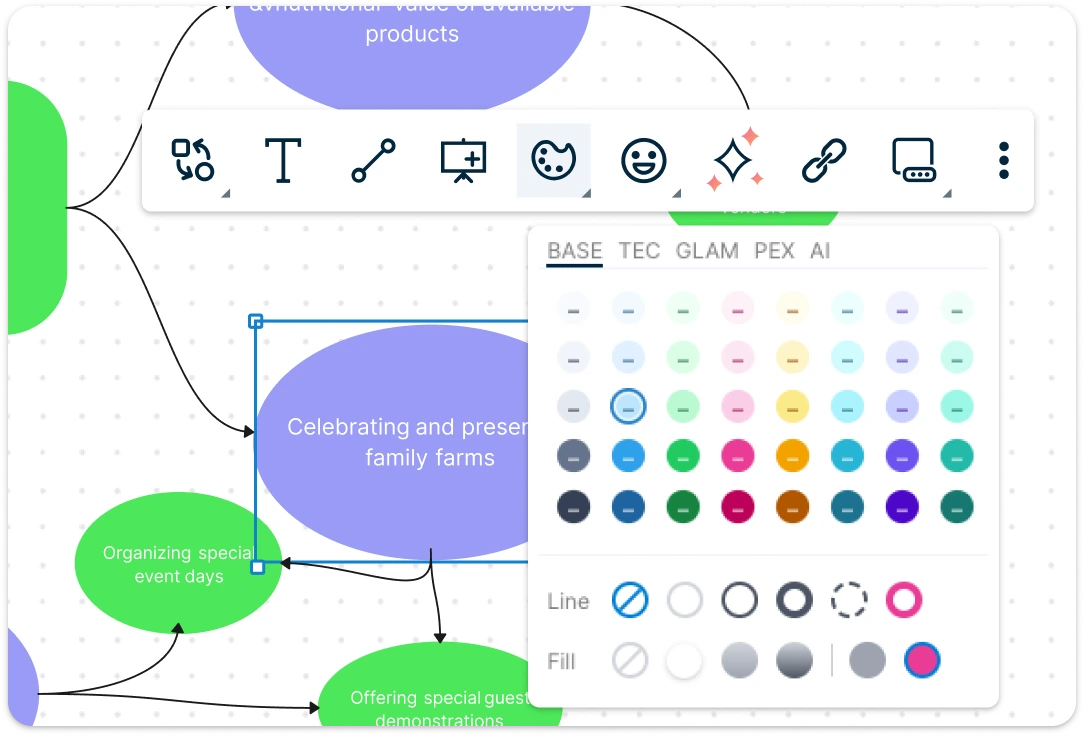
Add context and clarity to your activity system maps with multimedia links, color codes, tags, and custom formatting. Our activity map template ensures every activity, dependency, and strategy node is easy to navigate and understand. With a clean, organized layout, your team can quickly connect the dots, prioritize work, and maintain a single source of truth.
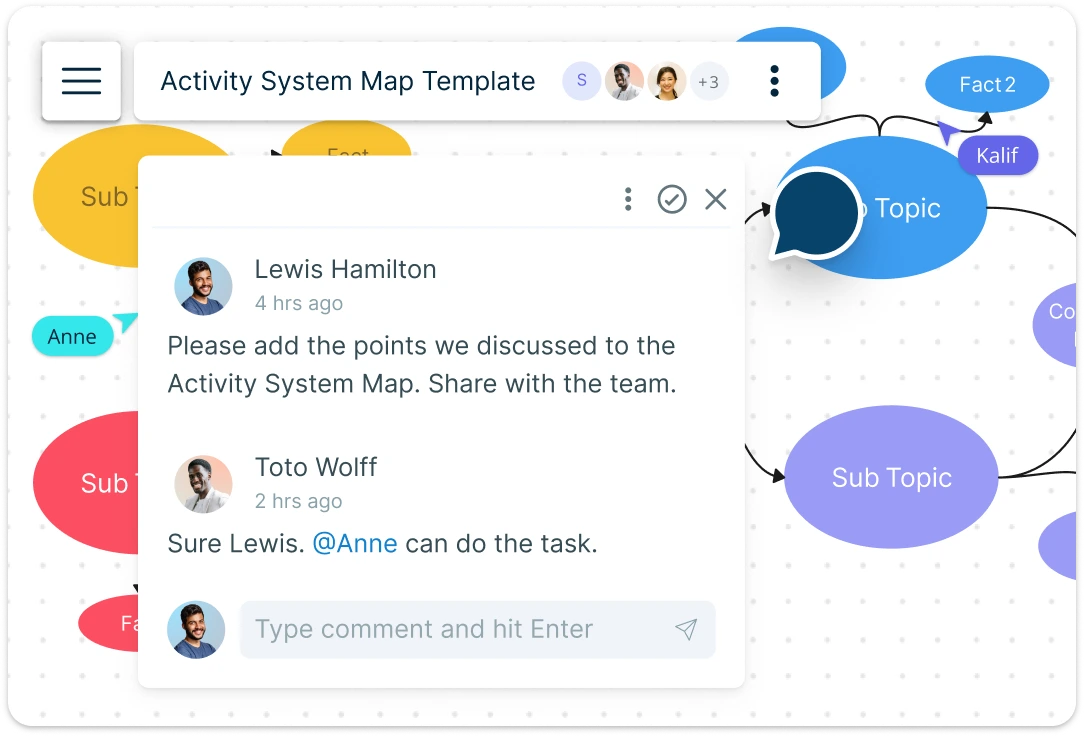
Align Teams in Real Time on a Powerful Activity Map Creator
Bring your team together on the same visual workspace with real-time collaboration tools. Use @mentions, multiple cursors, and contextual comments to communicate instantly, while secure sharing with access control keeps sensitive strategic data safe. Everyone stays aligned, feedback is immediate, and decision-making becomes faster and more transparent.
What Is House of Quality?

How to Create an Activity System Map
Launch Creately and Open Your Workspace:
Sign in to Creately and open your visual workspace. Start with a blank canvas or select a pre-built activity map template. Using a ready-made template helps you structure your activity system map quickly and ensures you don’t miss critical workflow elements.
Add Activities and Core Processes:
Use sticky notes, mindmaps, or drag-and-drop shapes from Creately’s comprehensive shape library to map your organization’s key activities. Identify core operations, strategic initiatives, and dependencies between tasks. This step turns scattered processes into a clear visual representation of your organization’s strategy.
Customize Your Map for Clarity:
Organize activities under broader themes using color codes, tags, and formatting. Add links, multimedia, or notes in the notes panel to provide context for each activity. This makes your activity map not only visually appealing but also actionable for decision-making.
Collaborate in Real Time:
Invite team members to your activity system map workspace. Use @mentions, contextual comments, and multiple cursors to brainstorm, provide feedback, and refine workflows. Real-time collaboration ensures alignment and accelerates strategy planning across departments.
Review, Update, and Share:
Double-check connections, update any changes, and finalize your activity system map. Export in PDF, PNG, SVG, or JPEG formats for presentations, reports, or stakeholder sharing. Secure sharing and version control make it easy to keep everyone on the same page.
Explore More Templates for Strategic Planning

FAQs About Activity System Map
Why should I use an activity system map for my organization?
Are there pre-built activity system map examples in Creately?
Can I integrate my activity system map with other tools?
Is there a recommended process for updating activity system maps over time?
Can I use Creately’s activity system map tool for cross-functional teams?
Do I need design experience to create an activity system map in Creately?































