Org Chart Software for Mac
Map Your Organization with Org Charts on Mac
Org chart software for Mac users to create dynamic org charts. Centralize employee data & visualize corporate structures for effective employee management.
- Custom org chart design options and templates.
- Flexible data fields for people and processes.
- Visual collaboration and secure sharing.




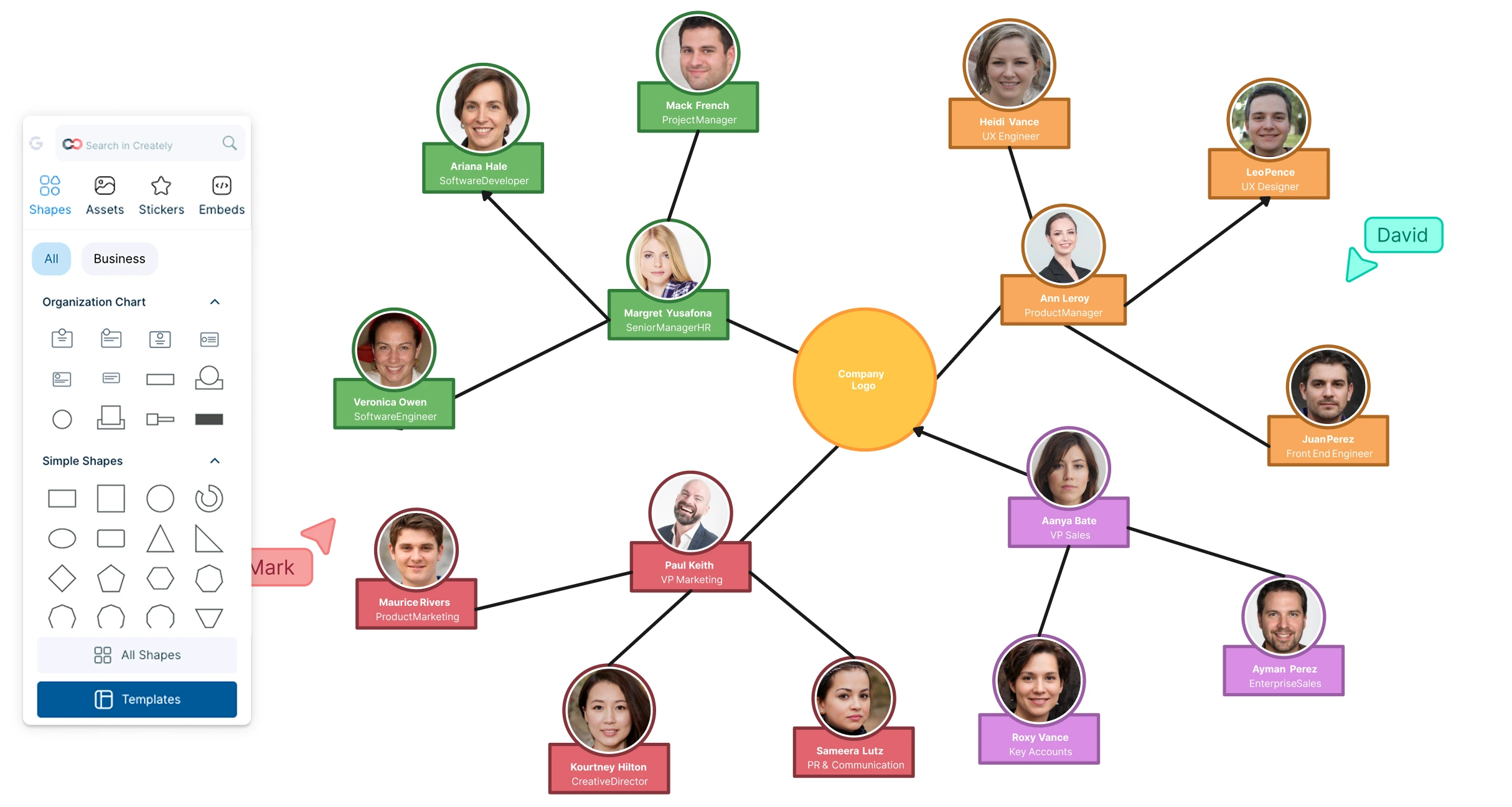
 Diagramming Visual Collaboration Org Chart


Draw Complex Org Charts in Minutes
Map out organizational charts of any size effortlessly with simple drag-drop tools.
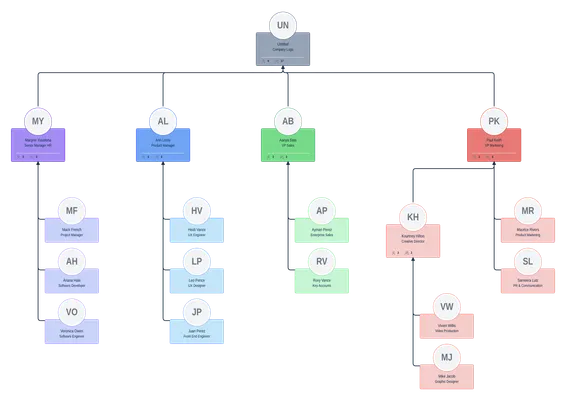
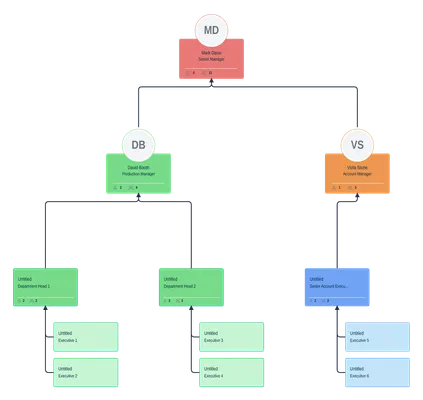
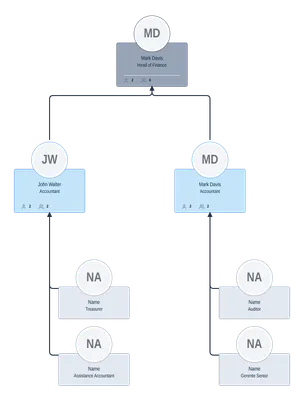
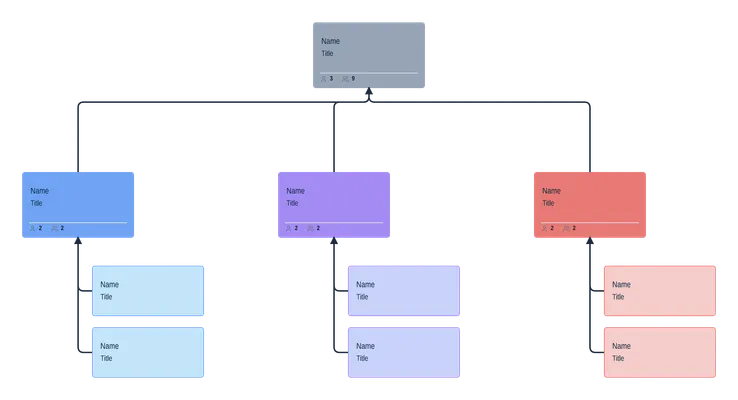
Org chart templates for hierarchical, matrix, and flat org structures and more.
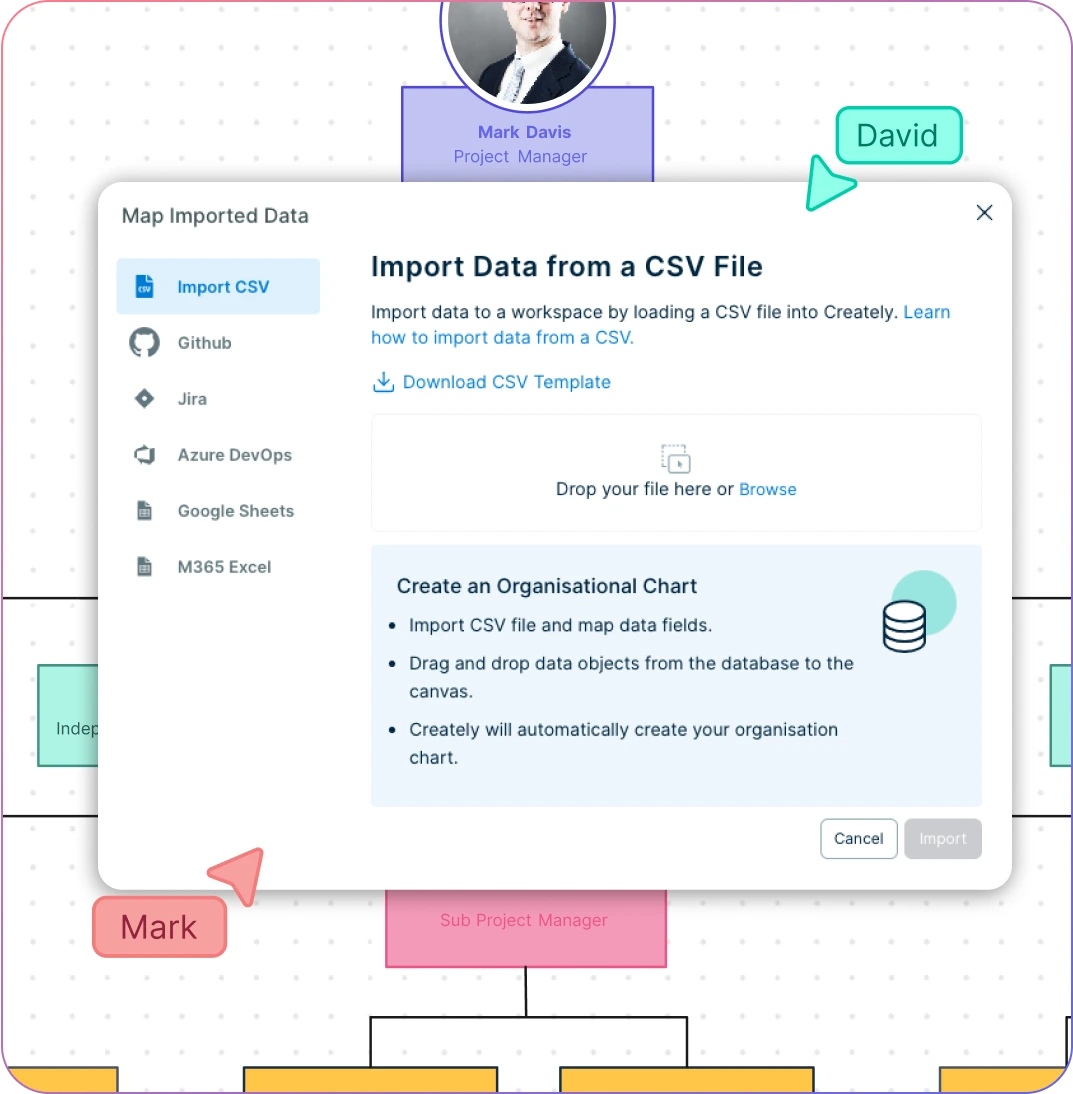
Bring data from any source to easily visualize them on the canvas.
Quick customization with preset color themes and image imports.

Get All Your Stakeholders on the Same Page
Work with teams & external stakeholders o n a shared canvas with live mouse tracking.
Give direction and have discussions using advanced comments.
Manage, share, edit, and review org charts with multiple access levels & roles.
Export org charts in multiple formats, ready to drop into a Keynote for Presenting or publishing.
Build a Single Source of Truth

Import & export data across teams on different platforms with multiple integrations.
Add detailed docs, links & more to capture details on employees in a single space.
Two-way sync with your spreadsheets or HRM systems to keep org charts up to date.
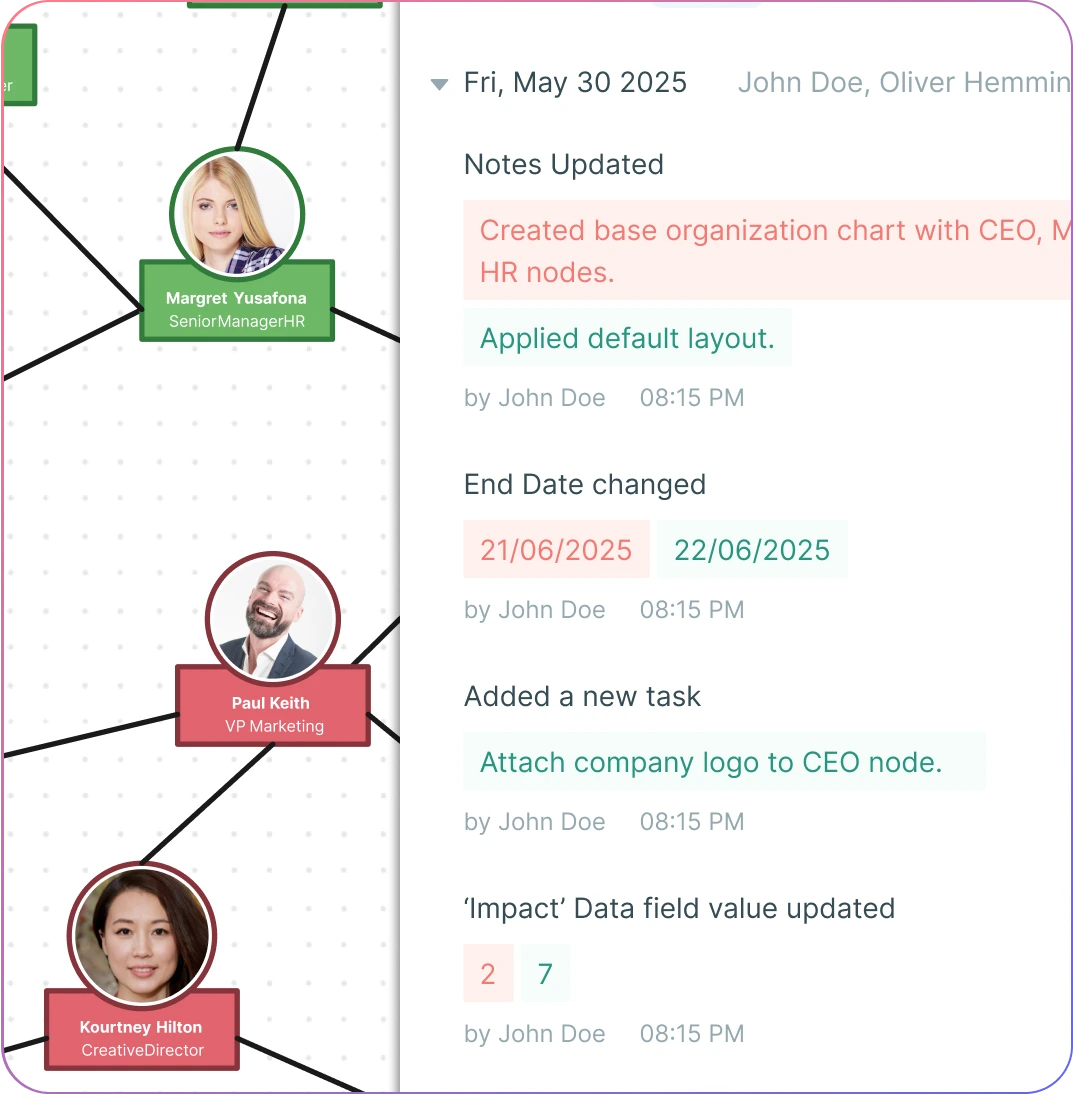
Adapts to Your Ways of Working
Link team structures to other workspaces to better allocate work within teams.
Keep track of changes done to your org chart with full version history.
Embed your organizational charts in any site or intranet securely.
What is an Org Chart?
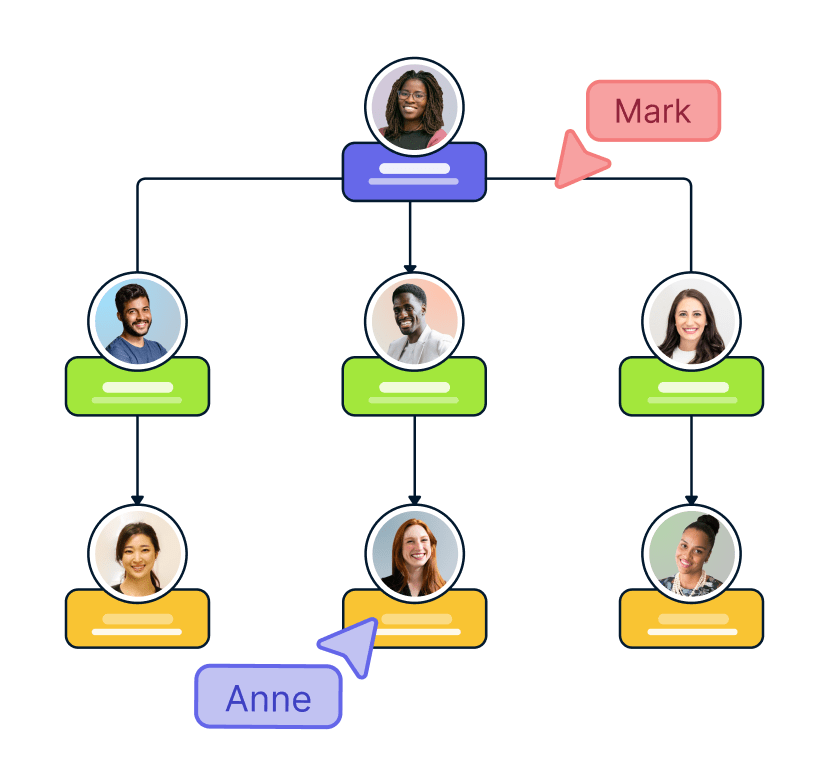
How Can Org Charts Help Improve Team Collaboration?
Clarifying roles and responsibilities
Org charts help teams understand the responsibilities and tasks of each team member and how their roles fit into the overall structure of the organization. It in turn helps them reduce confusion related to their tasks and avoid duplication of work.
Planning projects and initiatives
Org charts are a great way to identify the key stakeholders, decision-makers, and influencers within the organization, which can help streamline planning and executing projects and initiatives more effectively.
Identifying knowledge and expertise
They can be used to identify subject matter experts and resources within the organization which can help with putting together high-functioning cross-functional teams that can work together more effectively.
Facilitating communication and collaboration
Better understanding the structure and the reporting relationships within the organization, teams can identify the best channels of communication and collaboration to work together more effectively.
Supporting talent management and career development
By highlighting the roles and responsibilities of the employees, org charts can help highlight areas for growth and development for employees and plan their career progression accordingly.
How to Create an Org Chart in Mac with Creately?
Launch Creately on Safari and Import Employee Data
Start by launching Creately on Safari, select the data import options from the top toolbar and use Finder to choose a CSV or Excel file to import your employee data.
Map the Employee Data Fields
Map the data fields corresponding to your employee details. Finally, click ‘Import’ and watch Creately’s org chart builder for Mac automatically generate the org chart according to the reporting relationships in your employee data file.
Customize the Org Chart
You can manually fill in names, roles, and responsibilities on the org chart shapes. Click on any employee shape to upload images and add extra data using the shape data panel for a context-rich org chart. Use preset color palettes to match your organizational branding. Rearrange shapes to highlight hierarchical relationships and apply formatting for a professional look.
Collaboratively Edit the Org Chart
Invite team members or stakeholders to work on the org chart simultaneously. Everyone can view synced previews, add sticky notes, and leave comments. Use version control to track updates or roll back to an earlier version if needed.
Review, Update, and Share
Make final adjustments, gather feedback, and share the chart with your stakeholders. You can export the org chart as an image or PDF to drop into a Keynote presentation. You can also showcase it directly in Creately’s Presentation Mode with a shareable link that opens seamlessly in Safari or any macOS browser.
Create Your Org ChartInstantly Visualize Your Team Structure With Free Org Chart Templates
FAQs about Org Chart Software for Mac
What are Creately’s org chart software for Mac pricing plans?
- Free Plan — $0/month for basic org chart creation and collaboration
- Starter & Team Plans — $8/month or $5/month billed annually
- Business Plan — $149/month or $89/month billed annually
Annual billing helps you save more while unlocking advanced collaboration, workspace management, and enhanced org chart features. You can compare all available plans and features on the Creately Pricing Page.
How can you create org chart software for macs faster?
Are there templates for different org chart software for mac use cases?
Can teams collaborate on org chart software for macs?
Can I add notes, data, and files?
Can I share, present, or export org chart software for macs?