Flyer Generator

Design Stunning Flyers in Minutes

Create eye-catching flyers in minutes with Creately’s intuitive flyer creator—no design skills needed.

  • Drag, drop, and design—no experience required
  • Access a library of ready-made templates for any event or campaign
  • Work with your team simultaneously and get instant feedback

Over 10 Million people and 1000s of teams already use Creately
Diagramming Grid Leader 2025 Diagramming
Visual Collaboration Grid Leader 2025 Visual Collaboration
Org Chart Grid Leader 2025 Org Chart
Most Implementable 2025 Best Results 2025 Ease to Do Business With 2025
VISUALIZE

Online Flyer Maker for the Non-Designer
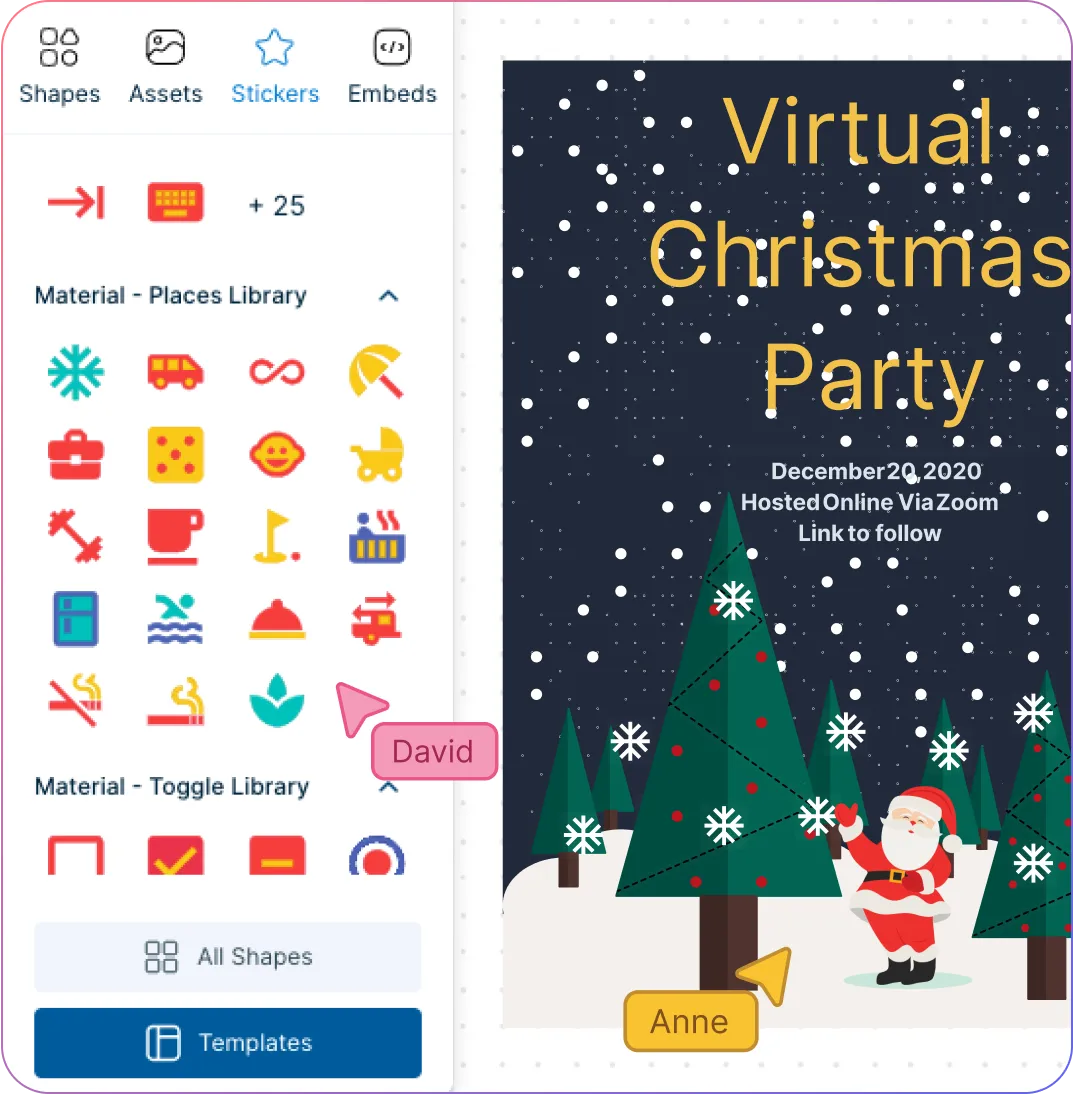
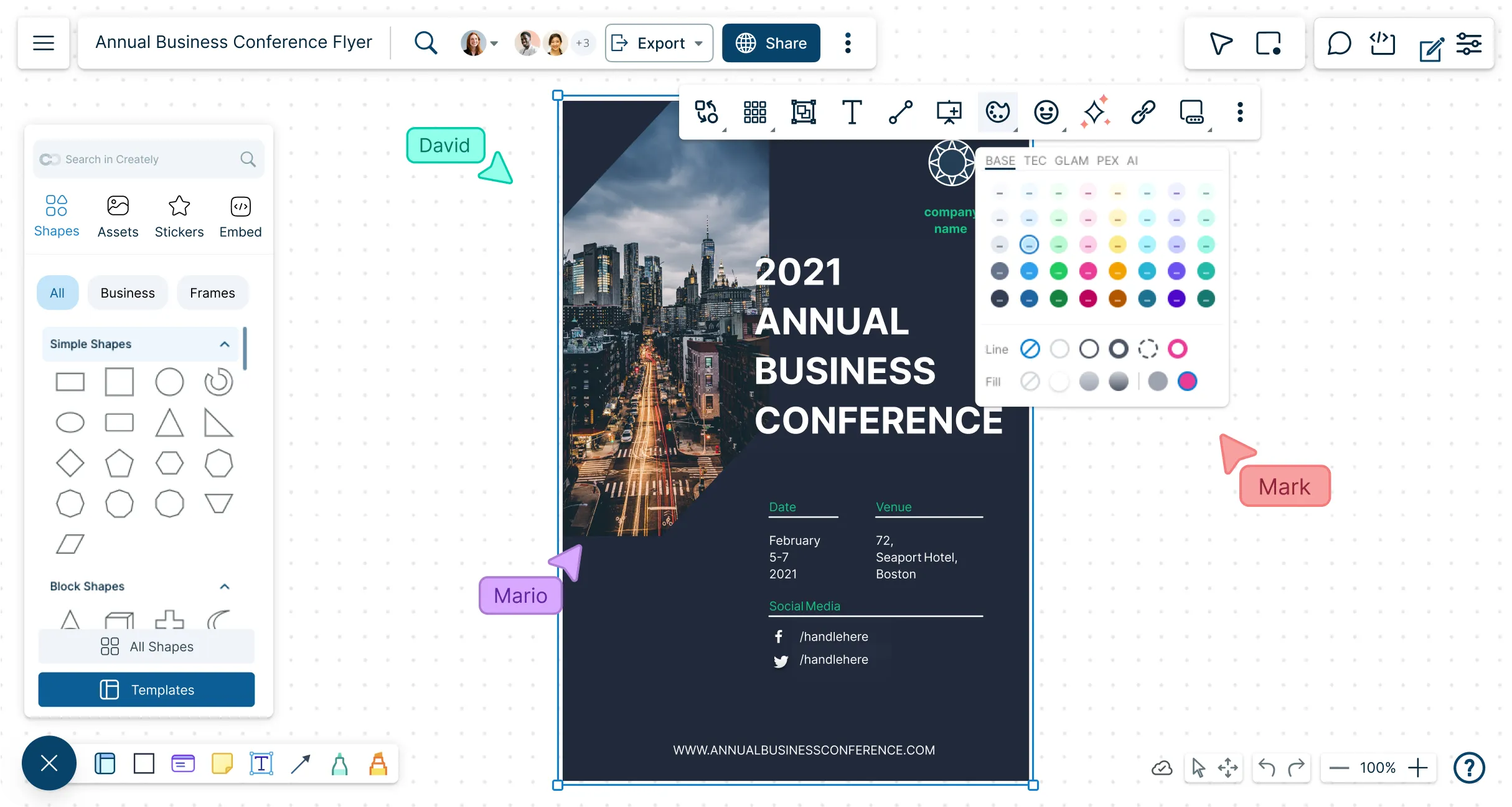
A snapshot of Creately's leaflets maker depicting its icon library and a leaflet design
  • Get a quick start with multiple pre-made templates for brochures.

  • Style with shape and icon libraries, configurable color themes, and text formatting.

  • Import or drag-and-drop images, vectors, GIFs, logos, screenshots, and more.

  • Find backgrounds, design elements, clipart, and graphics with Google-image search.
A snapshot of Creately's leaflets maker depicting its icon library and a leaflet design
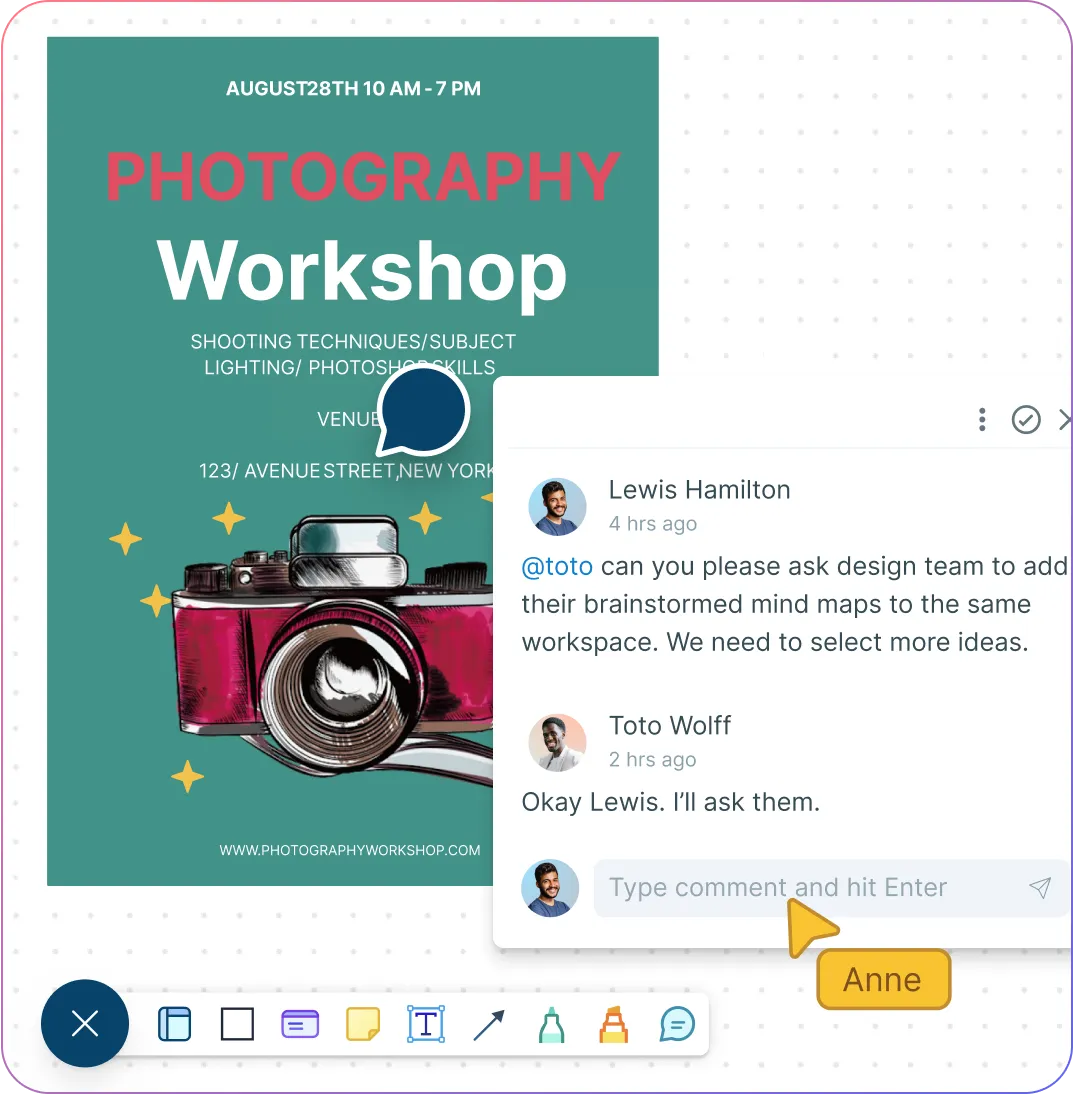
A snapshot of Creately's flyer creator depicting its commenting feature and a flyer template
IDEATE & COLLABORATE

Collaborate to Bring Out the Best Creative Ideas

A snapshot of Creately's flyer creator depicting its commenting feature and a flyer template
  • Brainstorm with built-in tools like mind maps, mood boards, and post-it note walls.

  • Collaborate with your team, suppliers, or clients with multi-user collaboration.

  • Stay updated on changes that others make with smart notifications.

  • Provide and receive feedback directly within the platform with comments.

ORGANIZE

Streamline the Creative Design Process
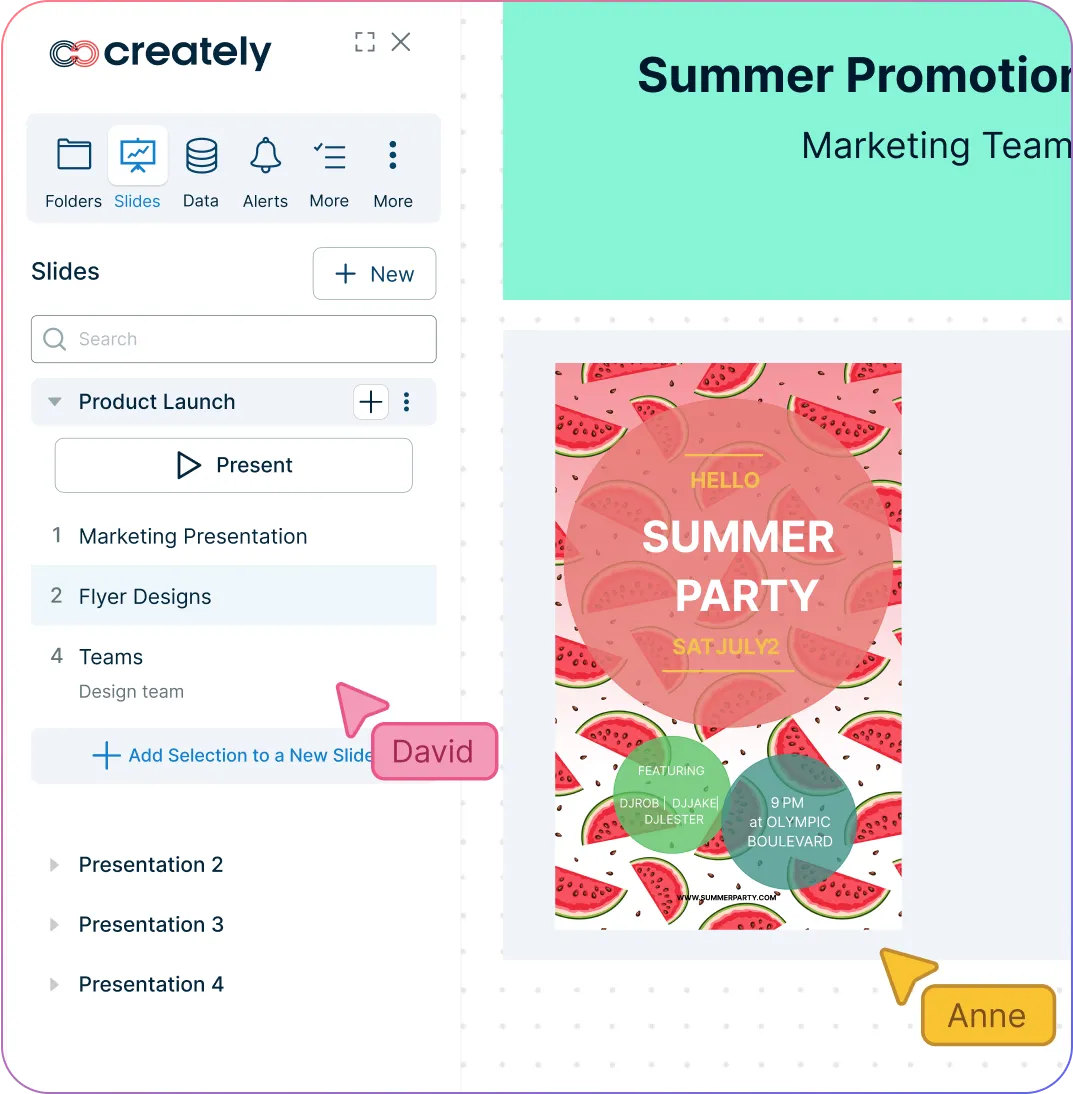
A snapshot of Creately's flyer generator depicting its presentation features and a leaflet design
  • Centralize all your research and material in a single workspace with an infinite canvas.

  • Create dynamic and interactive presentations, reports, or dashboards with built-in tools.

  • Add detailed docs, attachments, links, and more to your brochure using the notes panel.

  • Embed on any site or share using plugins for Google Workspace, Confluence and Slack.

A snapshot of Creately's flyer generator depicting its presentation features and a leaflet design
Ideate, plan, and execute ideas better with Creately

What Is an Online Flyer

What Is an Online Flyer
An online flyer is a digital promotional graphic designed to grab attention and convey your message quickly. Unlike traditional print flyers, online flyers can be shared instantly via email, social media, or embedded on websites, making them a cost-effective and eco-friendly way to promote events, sales, products, or campaigns. With vibrant visuals, customizable layouts, and interactive elements, online flyers help you connect with your audience and make a lasting impression—without needing any design expertise.

How to Make an Online Flyer

  1. Choose a Template

Open Creately and pick a professionally designed flyer template or leaflet design online that fits your event, campaign, or promotion.

  1. Customize Your Design

Edit text, colors, fonts, and layouts of the leaflet using the drag-and-drop editor to match your brand and message.

  1. Add Images and Graphics

Import your own logos, photos, or icons—or use Creately’s built-in library to make your flyer visually engaging.

  1. Collaborate with Your Team

Invite colleagues or clients to review and provide real-time feedback directly within Creately’s leaflets maker.

  1. Export or Share

Download your flyer in PDF, PNG, or JPG format, or share it online via social media or by embedding it on your website with Creately’s flyer maker online.

What Our Customers Say About Us
A Comprehensive Tool for Visual Collaboration and Diagramming
it is ease of collaborative diagramming and real-time editing. This allows teams to brainstorm, create, and refine diagrams together in a way that feels intuitive and seamless, regardless of location.
Juan Leonardo G
Efficient and User-Friendly Diagramming Tool
I love how easy it is to create and collaborate on diagrams with Creately. The real-time collaboration feature is incredibly helpful for team projects, and the extensive library of templates and shapes saves a lot of time
Aymen G
Creately provides best diagram structure.
Creately has proven to be an incredibly creative tool, enhancing the visual appeal of our company tasks significantly. Additionally, its pricing is highly competitive, offering great value for the features it provides.
Ruchika N
Great AI features
AI Modelling capability. It gives Prompt examples so user can learn how to create effective prompts
Karma A.
User friendly and visually appealing!!
The interface is easy to use. The look is aesthetically pleasing as well. Love the functionality.
Chrisoula

FAQs About Creately’s Flyer Generator

What is the standard size for a flyer?

There is no exact flyer size, and sizes can vary according to your specific requirements. However, if you need help knowing where to start, you can use the most commonly used flyer size, 8.5 x 11 inches. Other sizes to consider when making a flyer are 4 x 9 inches (rack card) and 5.5 x 8.5 inches (half sheet).

Depending on what you need, whether it’s for an event or for other promotional material, you can easily customize the size of your flyer in the Creately canvas using guides and grids in the workspace preferences panel.

Can I create my own flyer template with Creately’s flyer generator?

Yes! Use Creately’s advanced color, text, and shape formatting options to create your very own flyer. Import images from external sources and use the extensive icons library to make your flyer attractive and relevant.

Can I use Creately as a free online flyer maker?

Yes, you can. Sign up for Creately’s basic plan that provides you access to 3 free canvases with up to 60 items max.

What are some key tips that I should know when creating a flyer?

  • Understand your target audience
  • Make sure you have a catchy title or headline that can be read from a distance
  • Include captivating yet relevant photos and graphics to catch the reader’s attention
  • Use an appropriate and easy-to-read font
  • Have a clear message with a call-to-action

How can I download my flyer in Creately’s free flyer generator?

With Creately’s flyer creator, you can download the flyer as a JPEG, PNG, SVG, or PDF via the export button in the top left-hand corner.
Streamline Your Workflows by Integrating with the Tools You Love
Creately integrates with the tools your teams use every day and supports your team’s workflow seamlessly.
Github
Microsoft
Google Drive
Google Sheets
Google Docs
Google Slides
Confluence
Why Creately Is the Best Tool to Create Flyers
Creately is the intelligent visual platform enabling visual collaboration, knowledge management and project execution.
Why Creately Is the Best Tool to Create Flyers
Infinite Visual Canvas
Real-Time Collaboration
Custom Databases
Data Driven Docs
Professional Diagramming
Enterprise Grade Security
Project & Task Management
Powerful Visual Modelling
G2
Atlassian
GetApp
Capterra
Software Advice
Trust Radius

24/7 Live Support

Live in-app chat support

Sign up for a Free Account Today
banner-img