Lean UX Canvas Template
Discover and Build Better Products, Faster
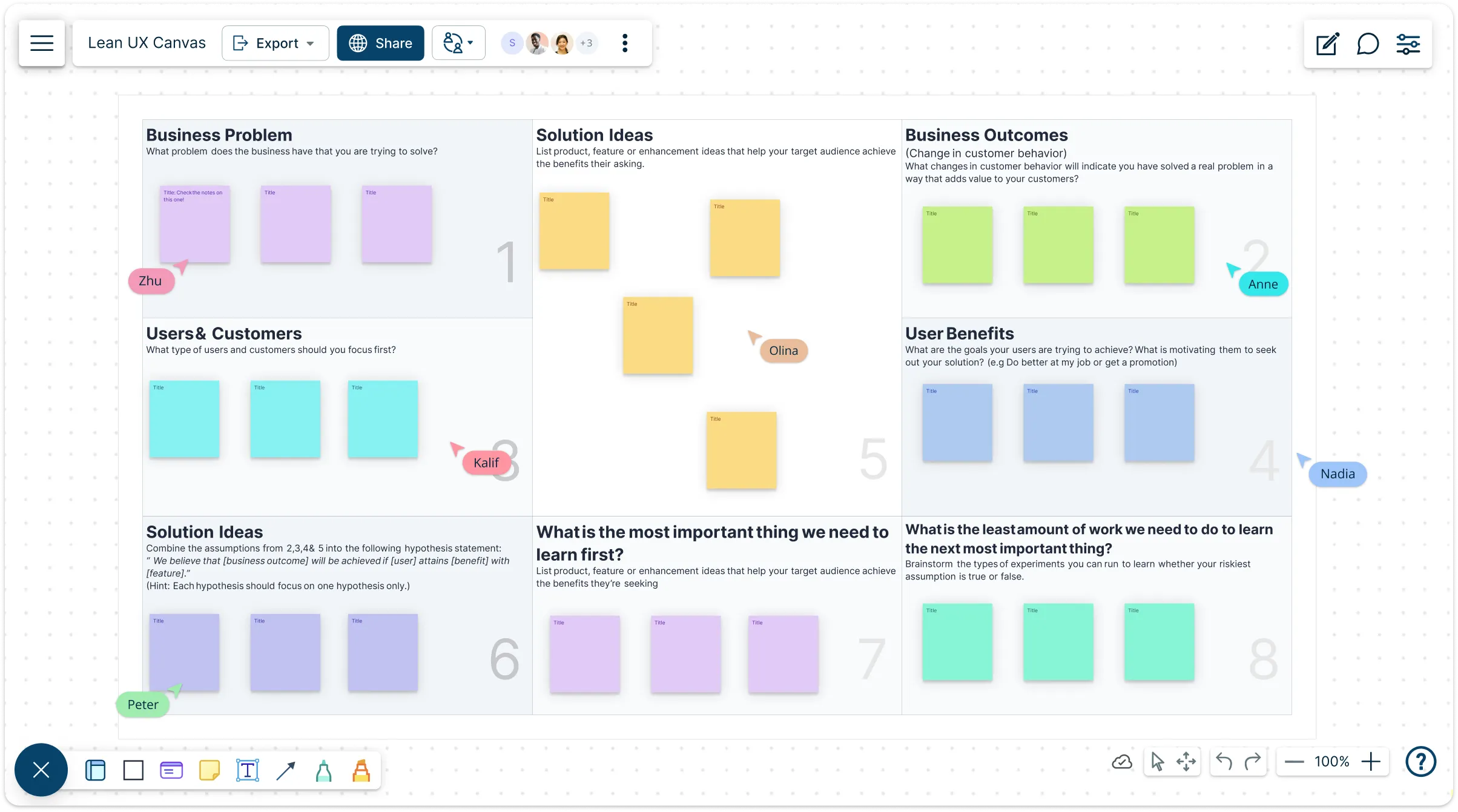
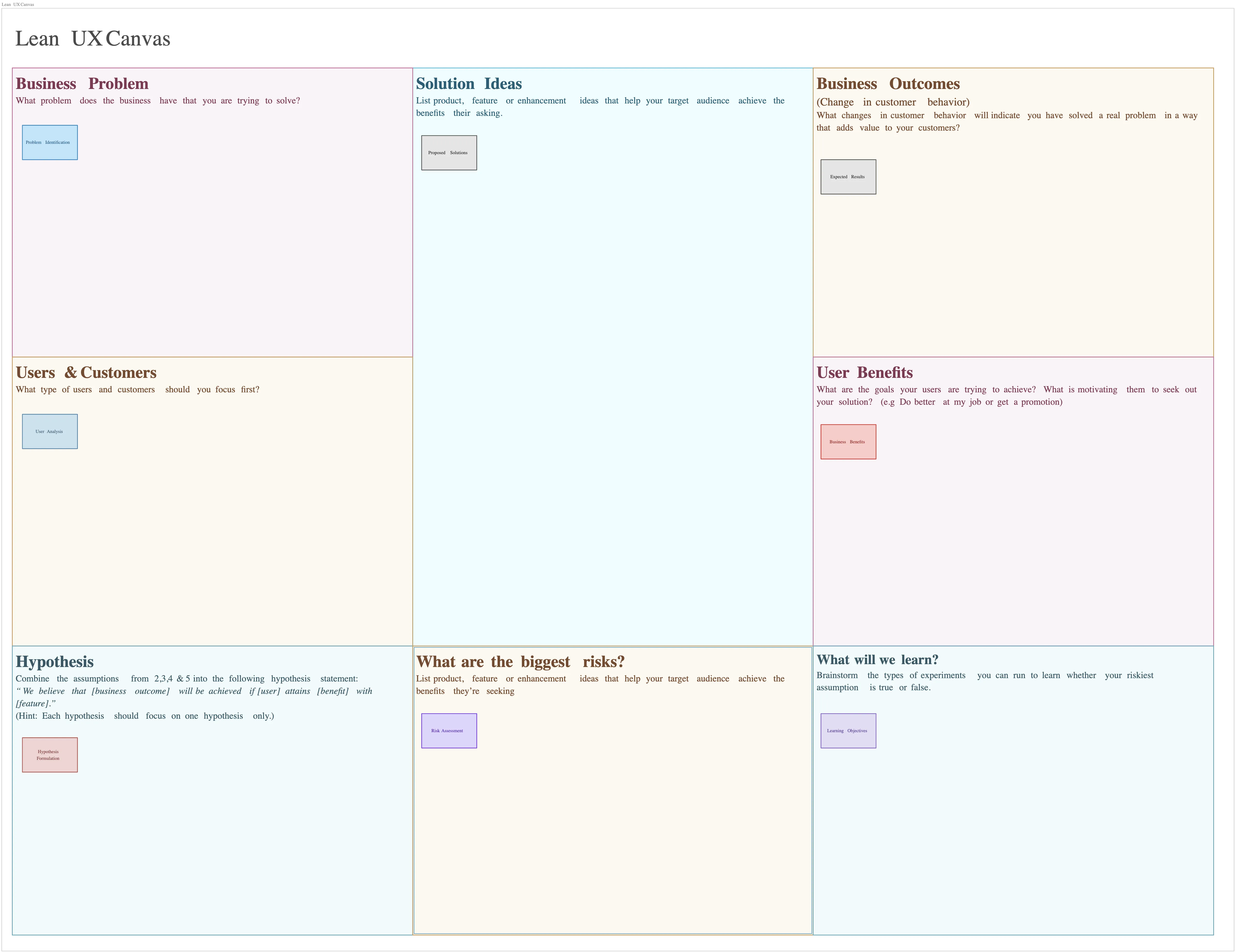
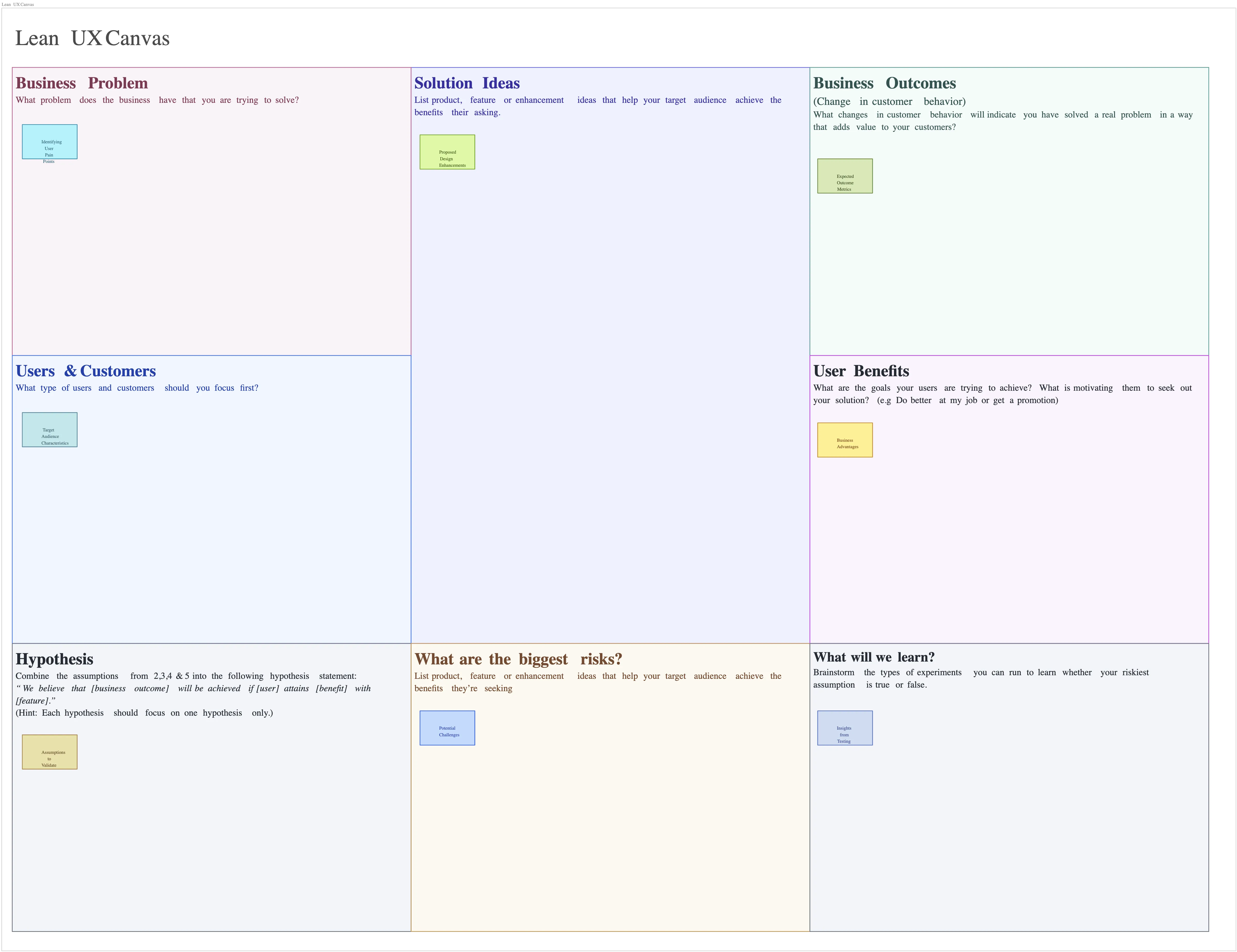
Build products that hit the mark. Use the Lean UX Canvas template to help teams align on real customer problems, validate ideas before coding, and turn insights into proven solutions—reducing wasted effort and accelerating product success.
- Start fast with ready-made Lean UX Canvas templates - customize instantly!
- Collaborate live to validate assumptions, refine experiments, and align faster
- Share, present, or export your canvas effortlessly to keep everyone in sync
Over 10 Million people and 1000s of teams already use Creately

Standard Lean UX Canvas Examples for Product Discovery
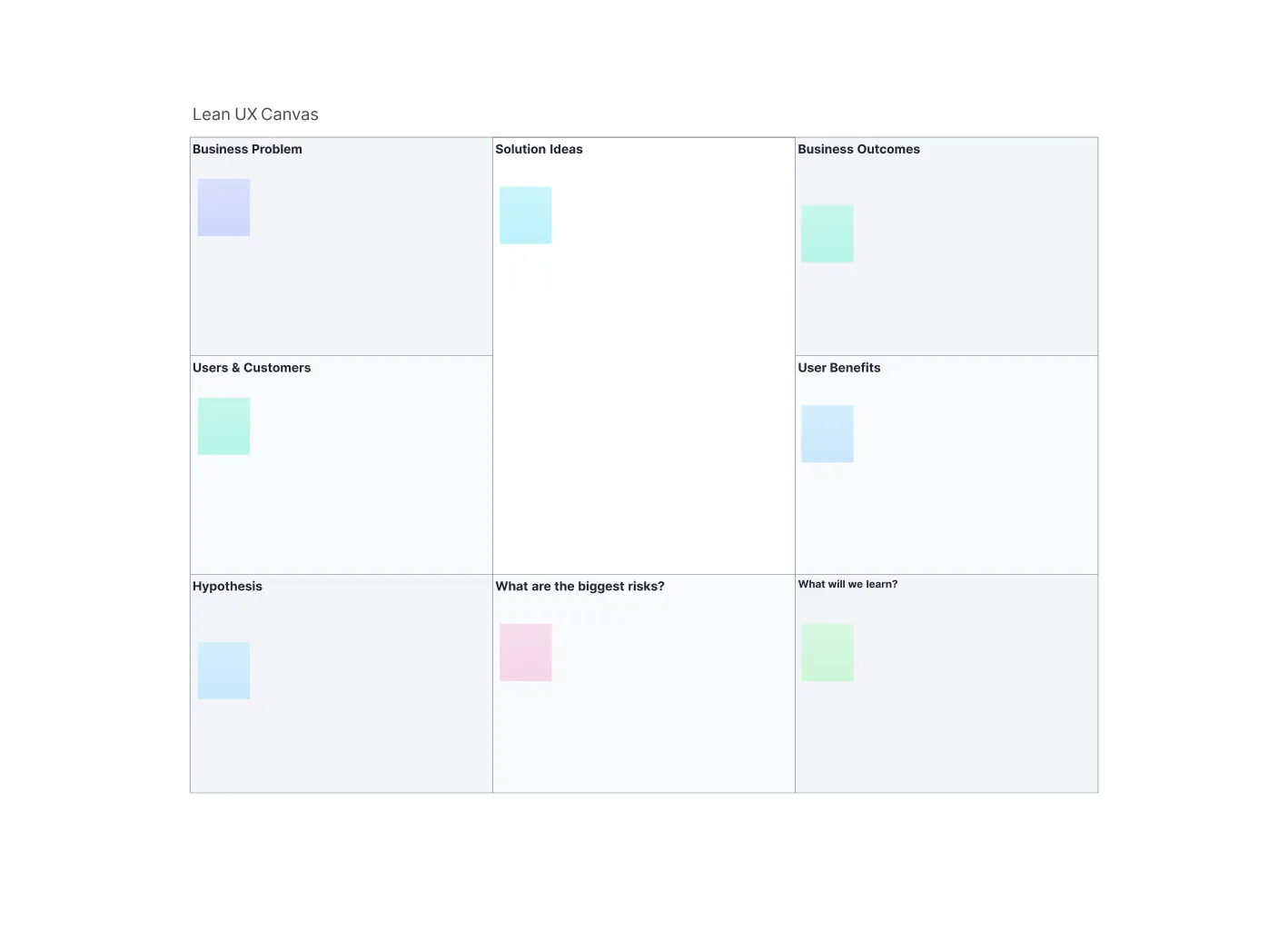
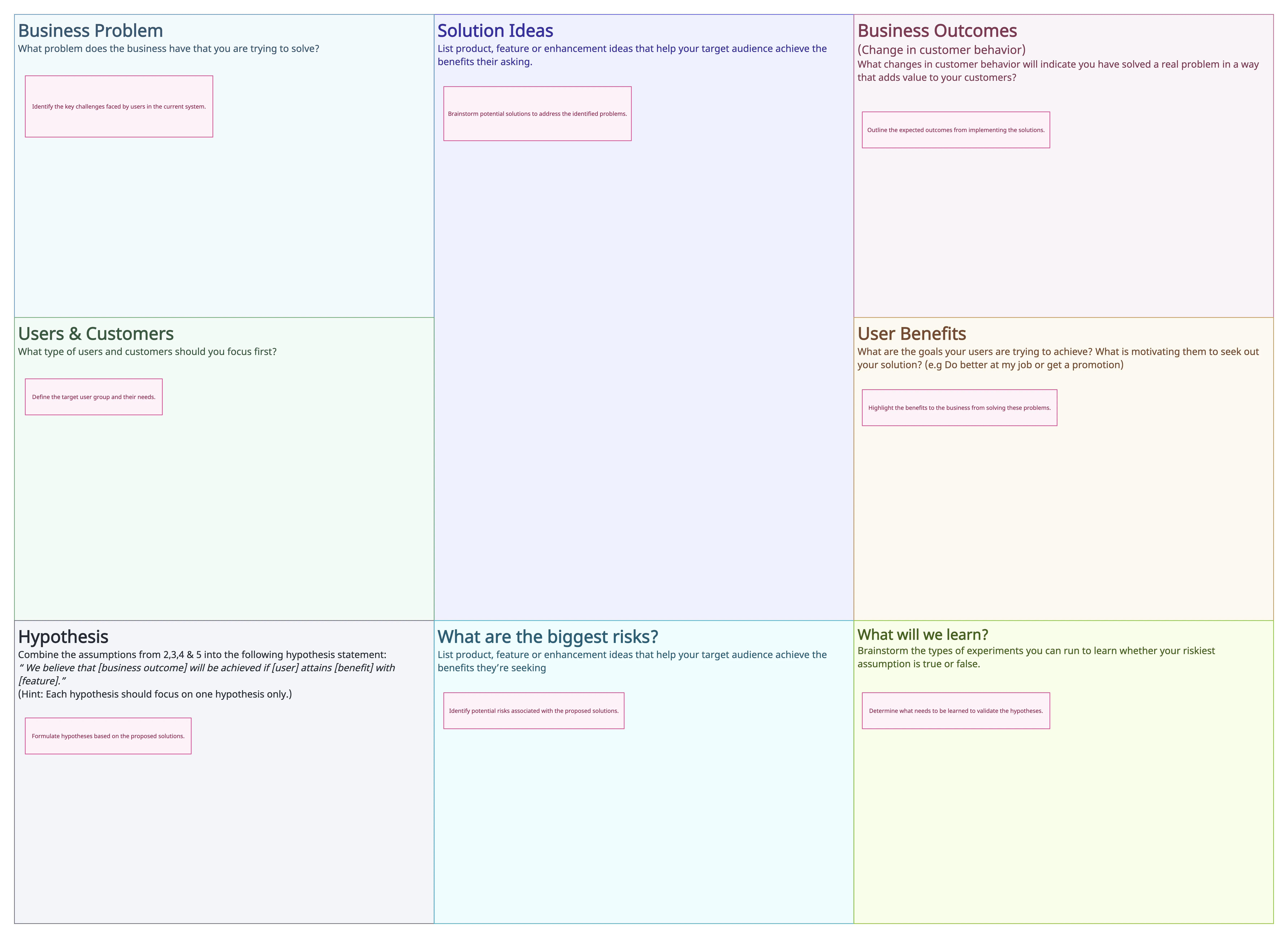
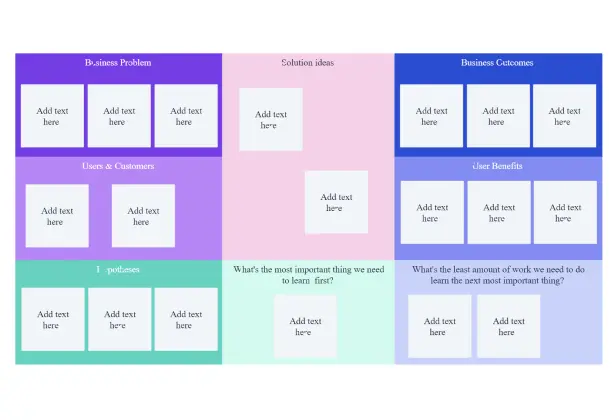
Turn User Problems into Testable Solutions
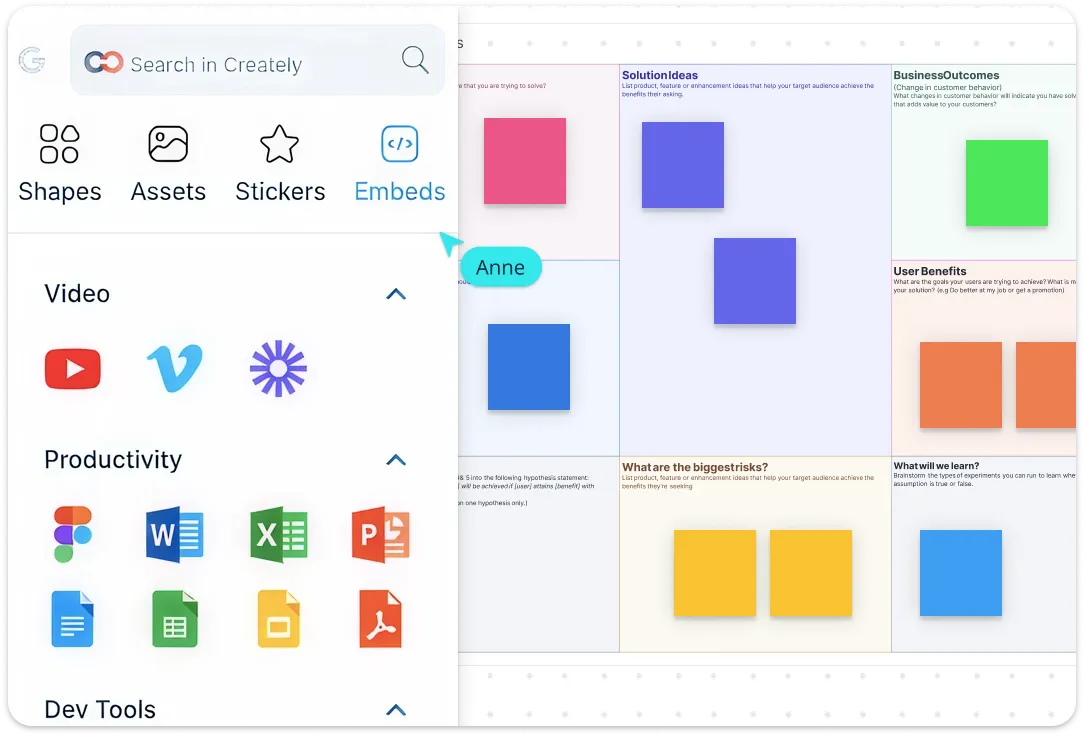
Use Creately’s Lean UX Canvas workspace to capture problems, assumptions, hypotheses, and experiments in one visual space. Add sticky notes, mind maps, links, annotations, and research files to explore ideas with your team, then use in-app AI assistance to expand or refine points where helpful.
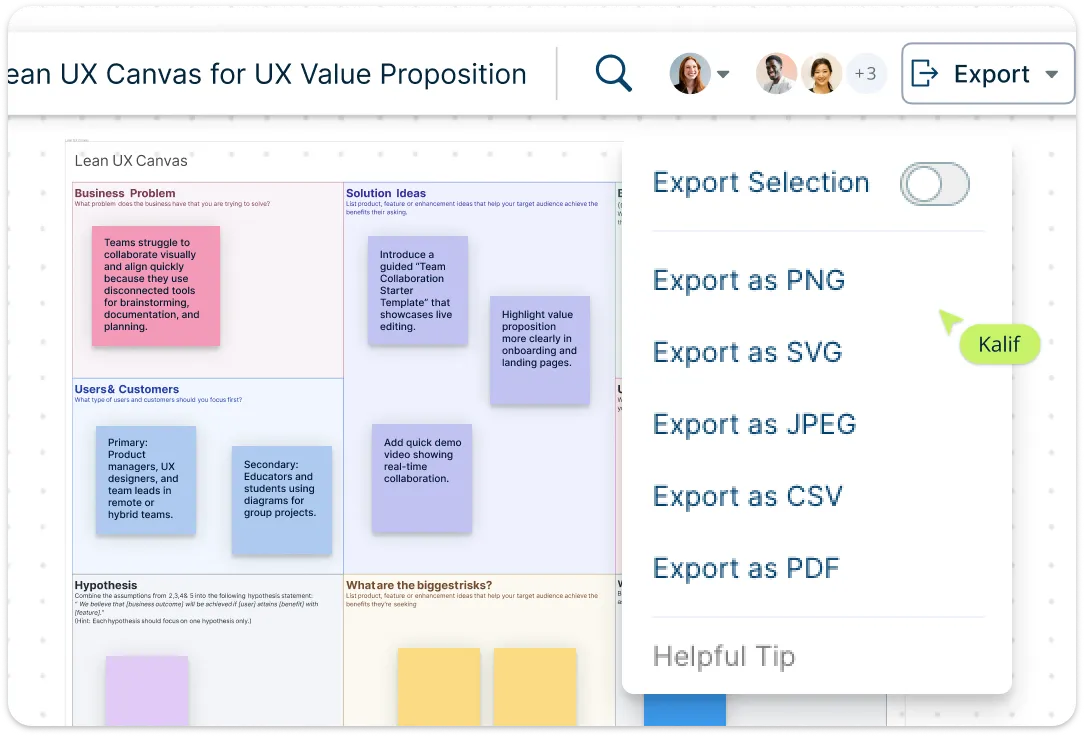
Keep Insights in One Place
Centralize research, user data, and context in a single canvas. Attach files, images, videos, and links, and embed personas to enrich understanding. Build interactive dashboards and presentations to share insights with stakeholders. Turn your research into living documentation- accessible, visual and always up to date. Control visibility and editing permissions with role-based access, and export or embed your canvas as PDF, PNG, JPEG, or SVG for seamless sharing.
Work Together in Real-Time, Anywhere
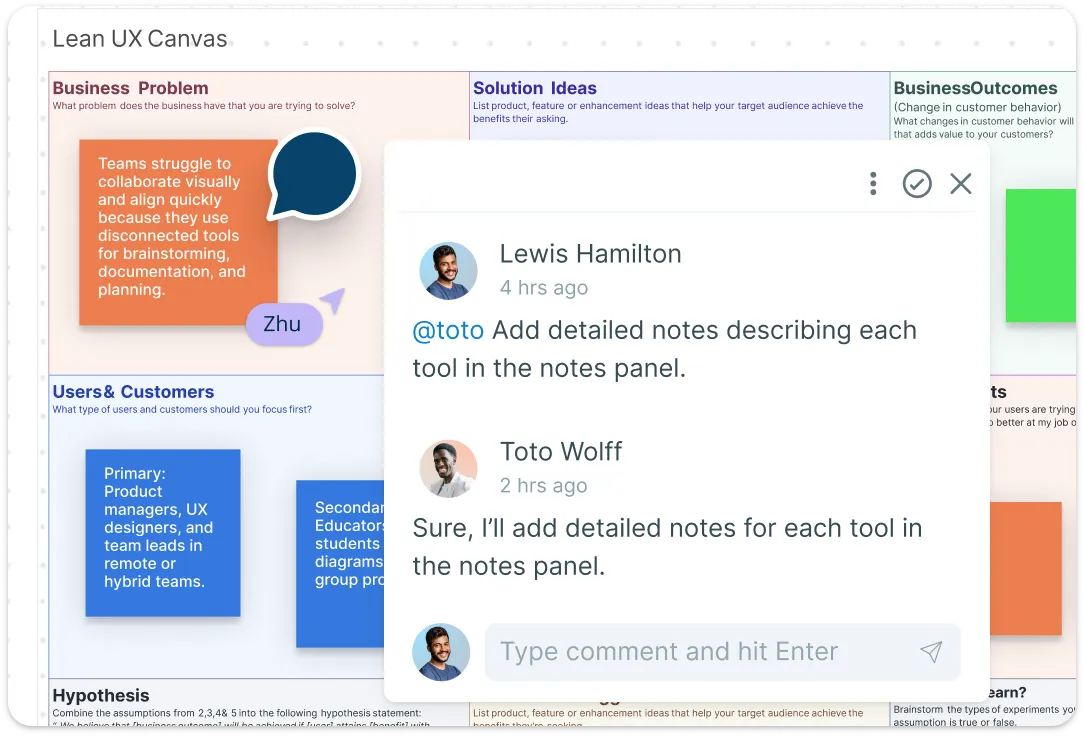
Co-create, iterate, and test ideas with real-time cursors, comments, version history, and branching -perfect for distributed UX and product teams. Assign tasks, leave contextual feedback, and track experiments directly on the canvas—whether your team is working live or asynchronously. Accelerate validation cycles and ensure every experiment leads to measurable learning.
Connect Your Workflow
Evolve your Lean UX canvas as your product grows: reuse, update, and version canvases for continuous iteration. Integrate seamlessly with Slack, GitHub, Confluence, Jira, and other tools to connect research, experiments, and outcomes across workflows. Keep product thinking consistent across sprints and teams, scale your Lean UX process, and ensure insights turn into validated decisions across projects.
What Is a Lean UX Canvas?
How to Create a Lean UX Canvas?
Start with a template:
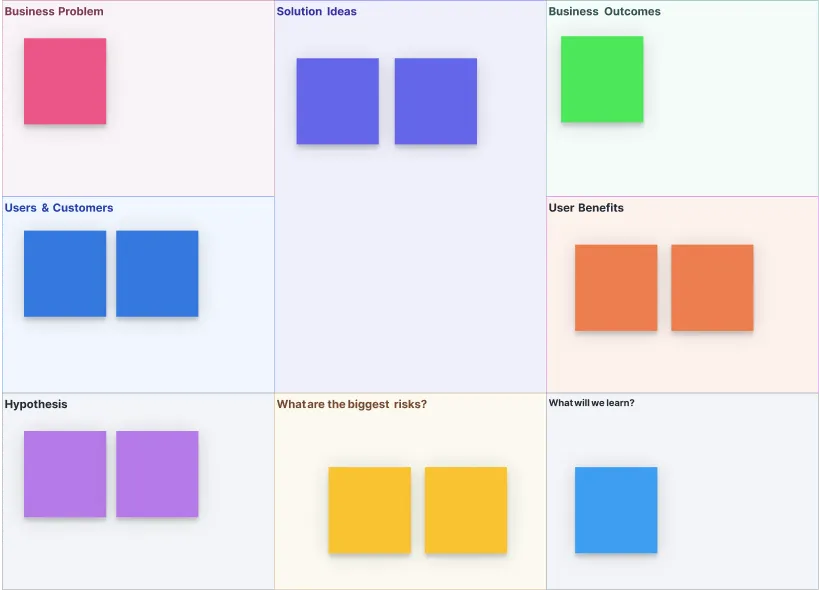
Select a Lean UX Canvas template in Creately to start with a clear structure for problems, outcomes, hypotheses, and experiments. Use in-app AI assistance to expand or refine ideas as your team builds the canvas.Define business problems and goals:
Fill in the problem statement, business objectives, and desired outcomes. Use sticky notes, shapes, and color coding to visually prioritize issues and opportunities that matter most to your product and users.Map users and value:
Identify your target users, their needs, and the value your product delivers. Add personas, attach research files, and link external data to the canvas to ensure everyone references the same user insights.Formulate hypotheses and experiments:
Document your assumptions and testable hypotheses. Use Creately’s Lean UX canvas creator to link tasks, define metrics, and plan experiments so your team knows exactly what to test and measure.Collaborate, iterate, and share:
Invite team members to edit in real-time, leave comments, and track version history as you refine ideas. When ready, export or embed your canvas to share with stakeholders or integrate with tools like Slack, Jira, and Confluence for continuous iteration.
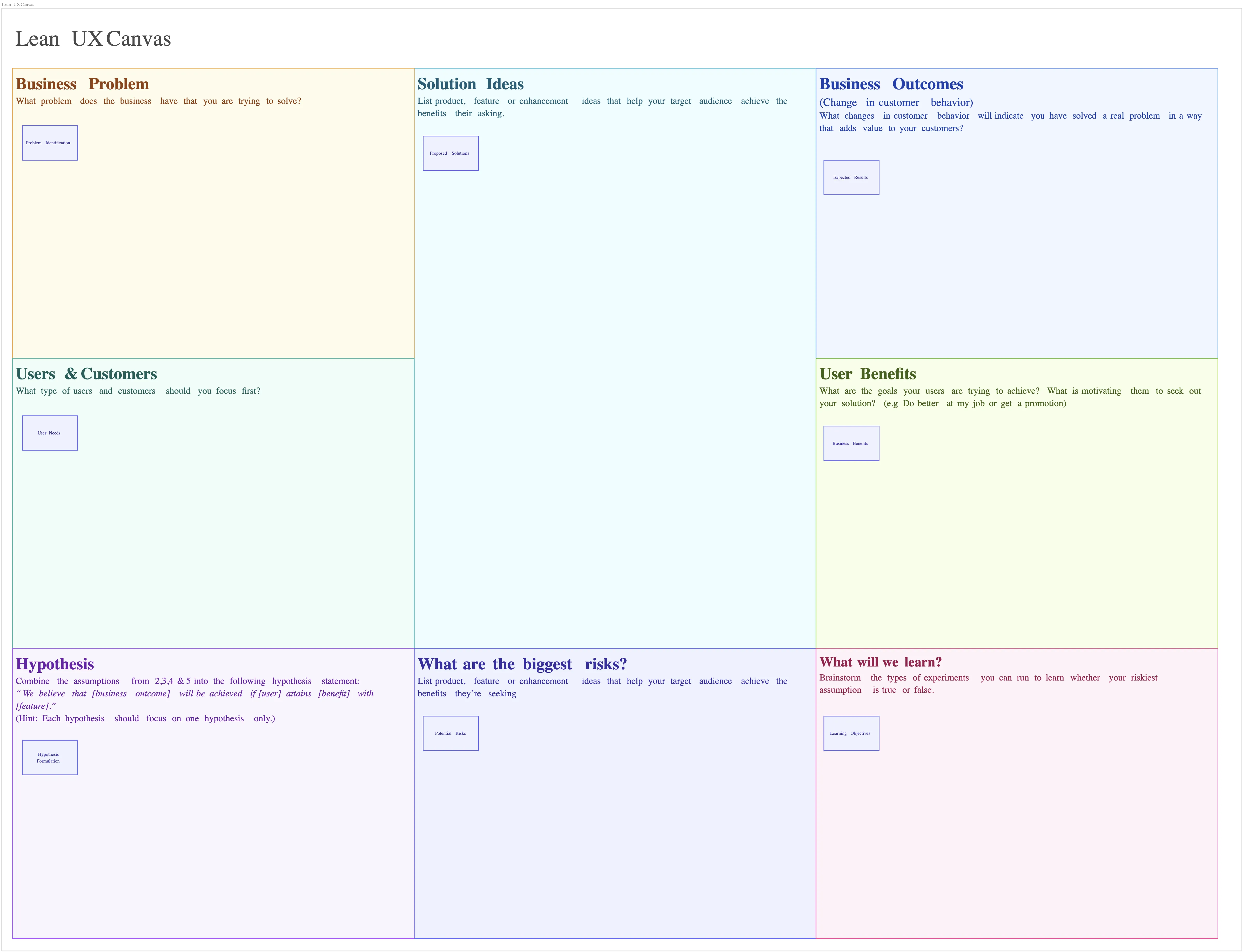
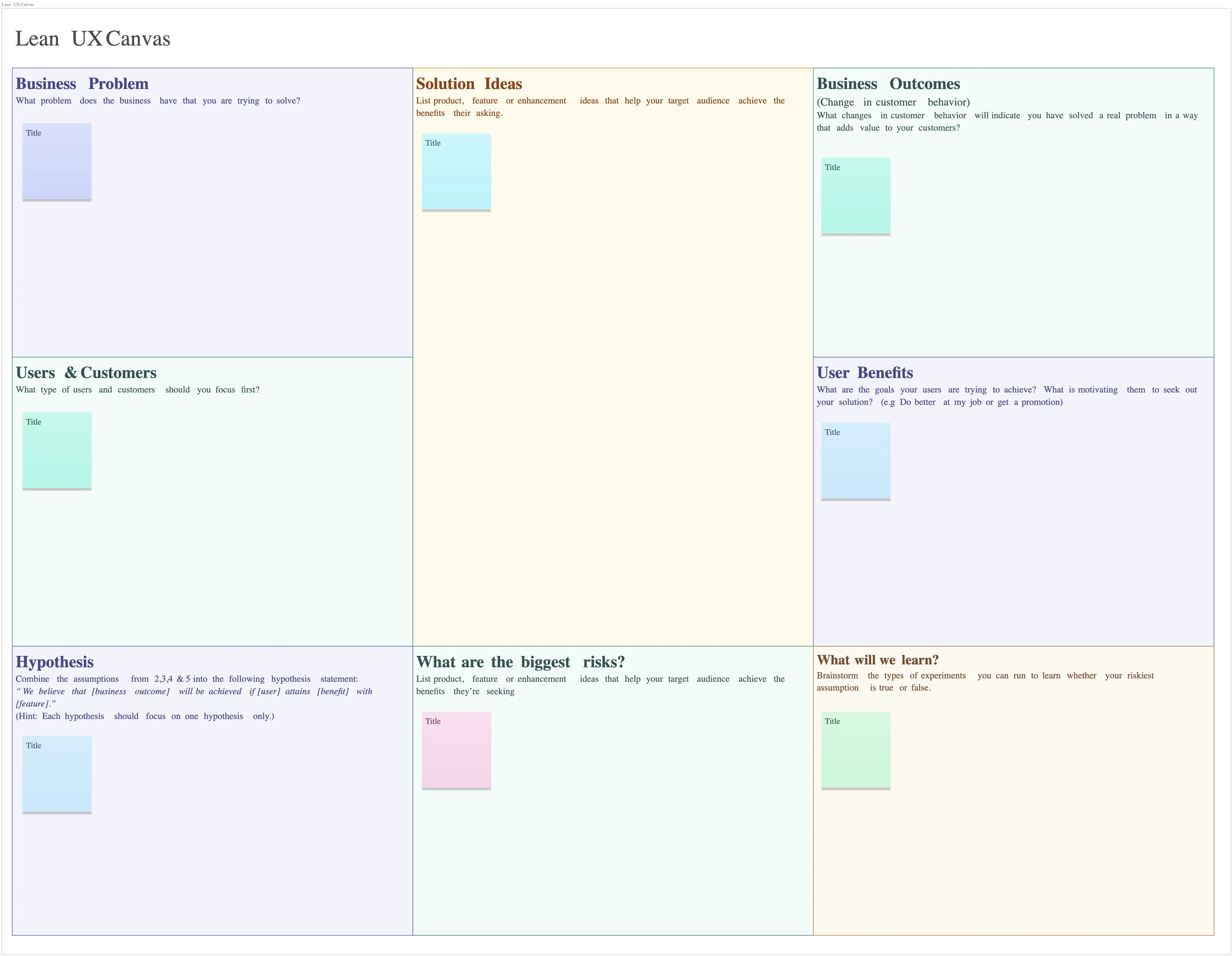
Map Your Business Ideas Instantly with Pre-Made Templates
FAQs About the Lean UX Canvas Template
What are Creately’s lean ux canvas template pricing plans?
- Free Plan — $0/month for basic lean ux canvas creation and collaboration
- Starter & Team Plans — $8/month or $5/month billed annually
- Business Plan — $149/month or $89/month billed annually
Annual billing helps you save more while unlocking advanced collaboration, workspace management, and enhanced lean ux canvas features. You can compare all available plans and features on the Creately Pricing Page.
How can you create lean UX canvases faster?
Are there templates for different lean UX canvas use cases?
Can teams collaborate on lean UX canvases?
Can I add notes, data, and files?
Can I share, present, or export lean UX canvases?






















