Swimlane Diagram Maker
Streamline Workflows with Professional Swimlane Diagrams
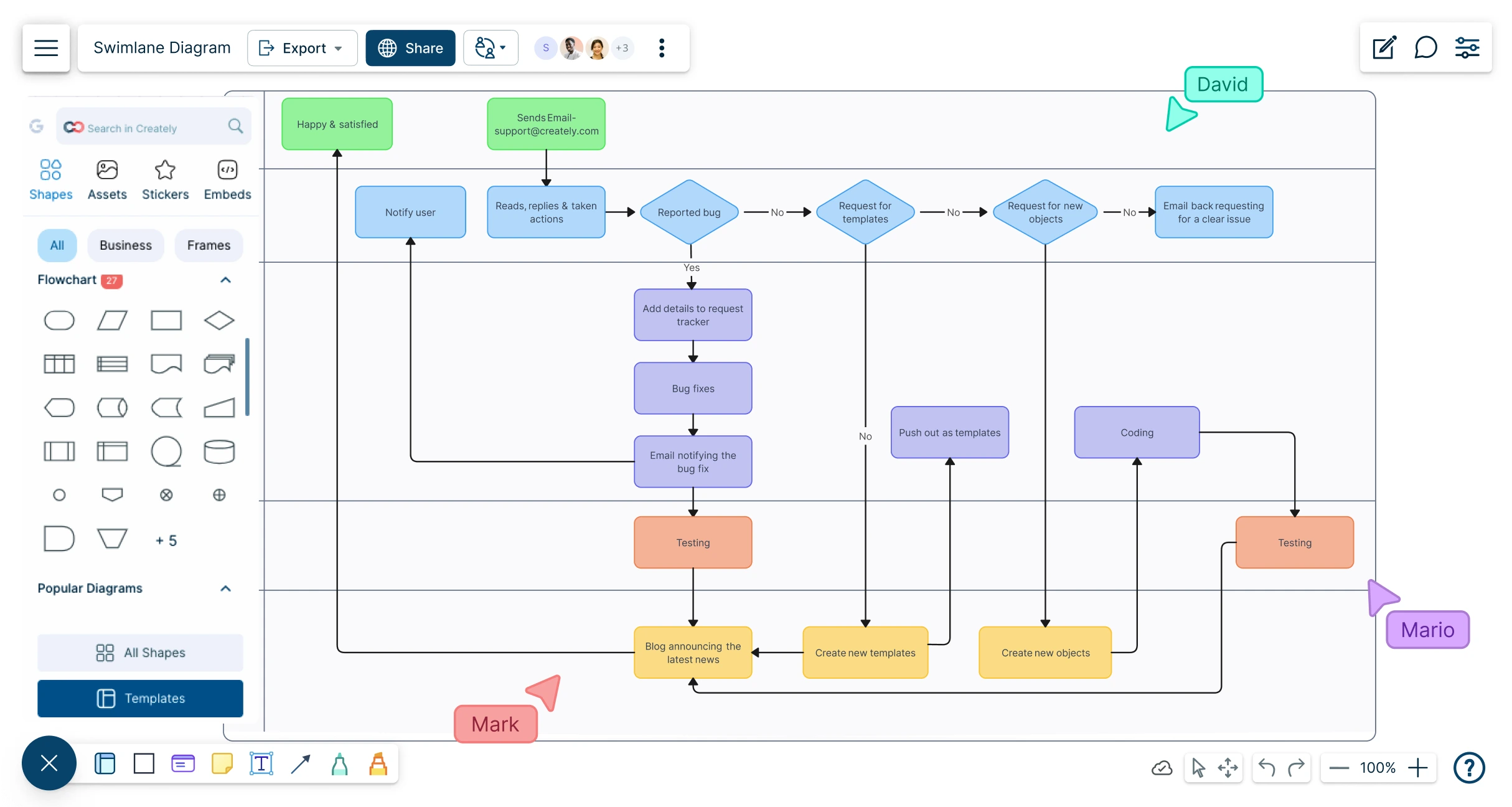
Quickly map, document, and streamline your business processes with our intuitive swimlane diagrams. Collaborate in real-time and bring clarity to complex workflows with powerful visualization tools.
- Collaborate in real-time on a shared swimlane diagram canvas
- Central hub to document workflows and business processes
- Drag-and-drop tools to visualize workflows effortlessly




 Diagramming Visual Collaboration Org Chart


Map Complex Processes Clearly with Our Swimlane Diagram Tool
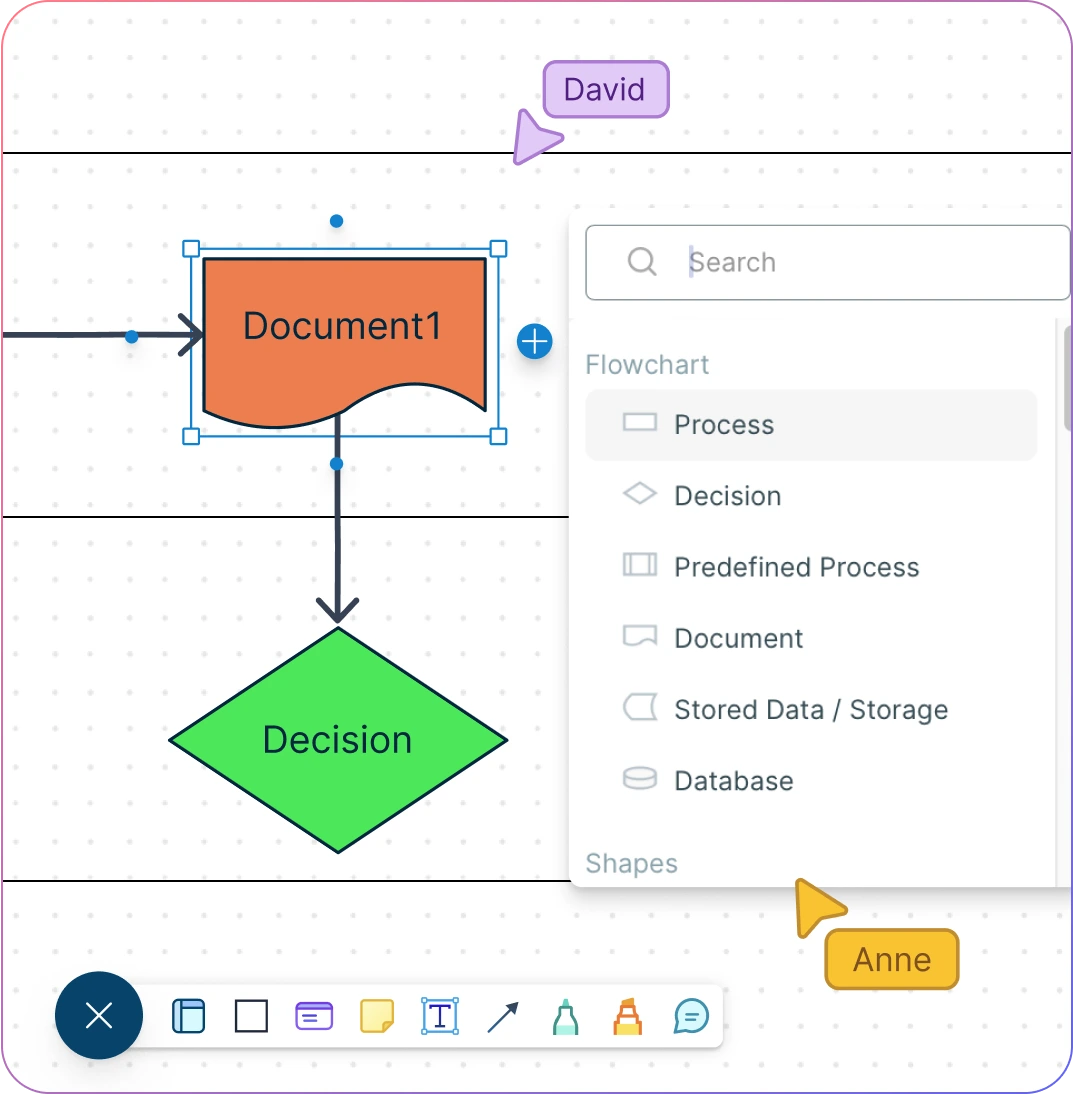
- Visually structure workflows with easy-to-use swimlane templates, eliminating time-consuming manual diagramming.
- Access standardized shape libraries for Flowcharts, BPMN diagrams, and Value Stream Maps to ensure professional, consistent process visuals.
- Create multi-level process maps with interlinking capabilities to navigate subprocesses without cluttering the main diagram.
- Conceptualize processes from end to end, assign roles and responsibilities to different departments, and achieve cross-functional clarity with streamlined flowcharts.
Centralize Process Documentation and Ensure Process Visibility
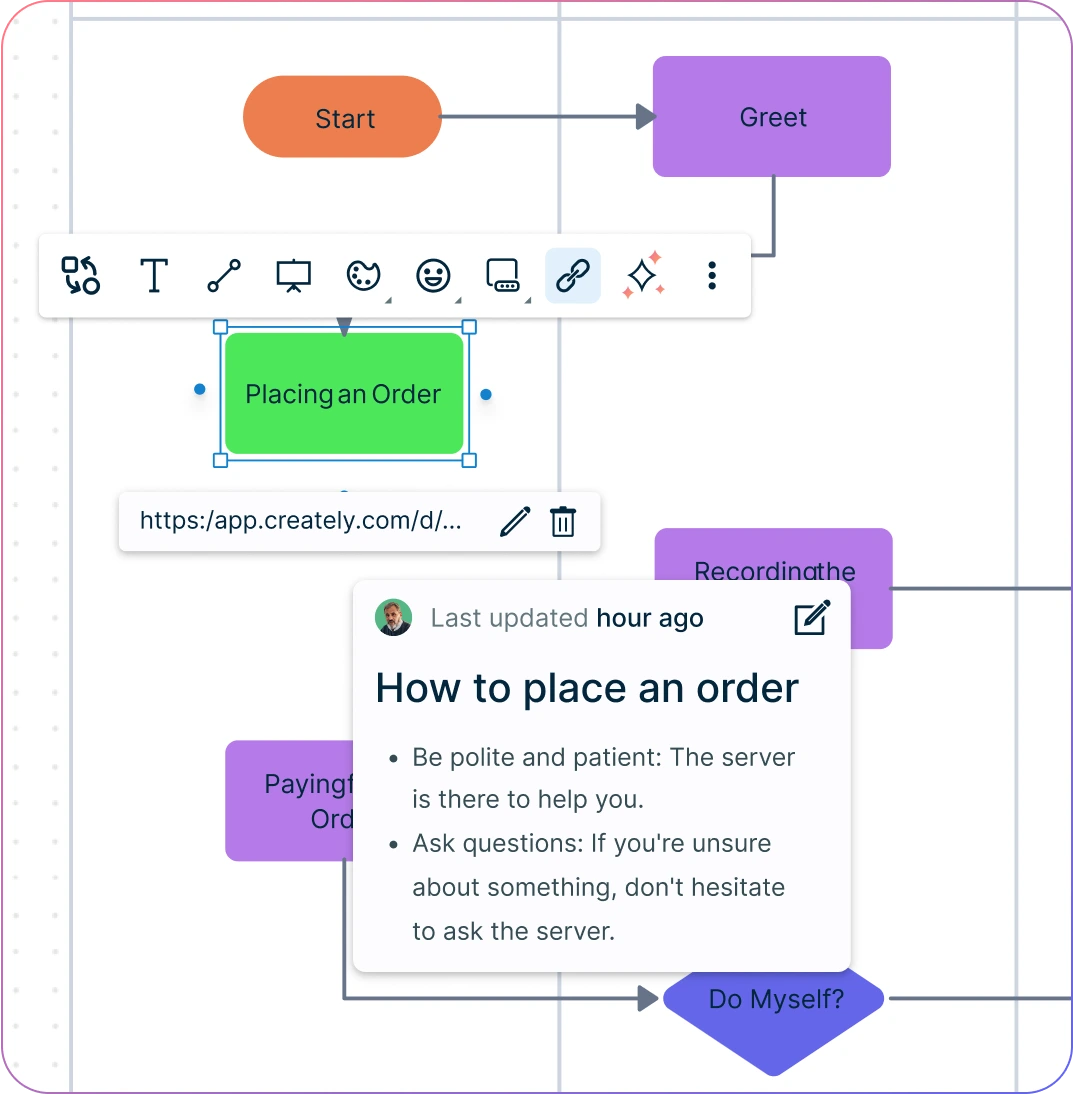
- Build intuitive navigation flows for complex swimlane diagrams with smart shape links, allowing quick access across process steps.
- Add detailed notes and contextual documentation to each step for convenient reference, creating a richer process map.
- Utilize versatile database features to visualize processes from multiple perspectives, offering a dynamic approach to your swimlane diagrams.
- Centralize information, group-related processes, and create an accessible repository for all your workflow documentation.
Bring All Stakeholders onto One Canvas for Seamless Process Mapping
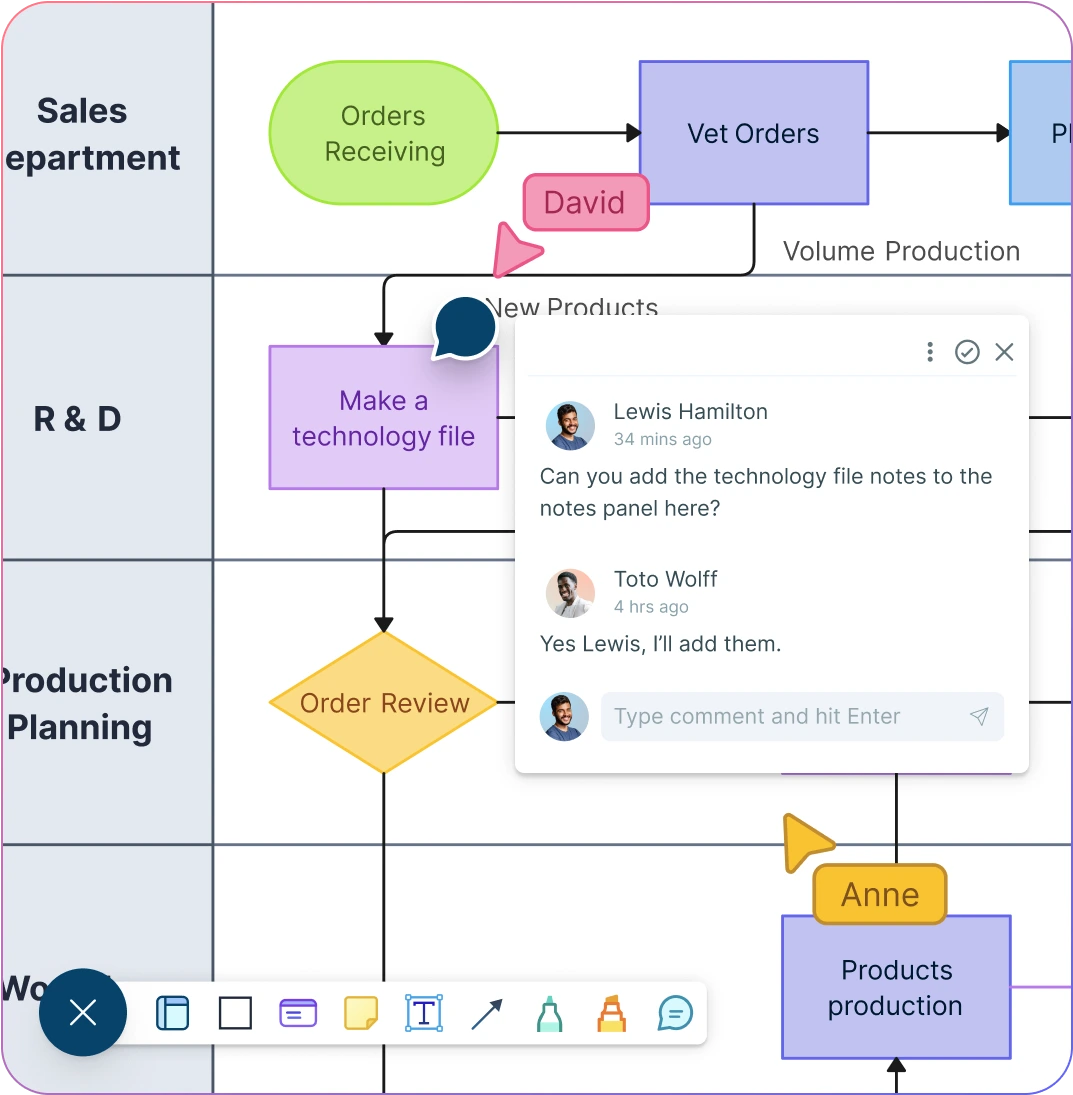
- Collaborate in real-time on a shared swimlane diagram to enhance departmental clarity and coordination.
- Add contextual comments, hold live discussions, and follow up directly on the same canvas to refine each swimlane process map effectively.
- Track every change with complete version history, making it easy to monitor progress, review feedback, or revert to previous diagram versions.
- Share diagrams securely with role-based access controls, ensuring the right people can view, edit, or comment on processes effortlessly.
- Protect sensitive workflows with password-secured workspaces, giving you full control over who can access critical process maps.
- Export your swimlane diagrams in multiple formats, including PNG, PDF, SVG, and JPEG.
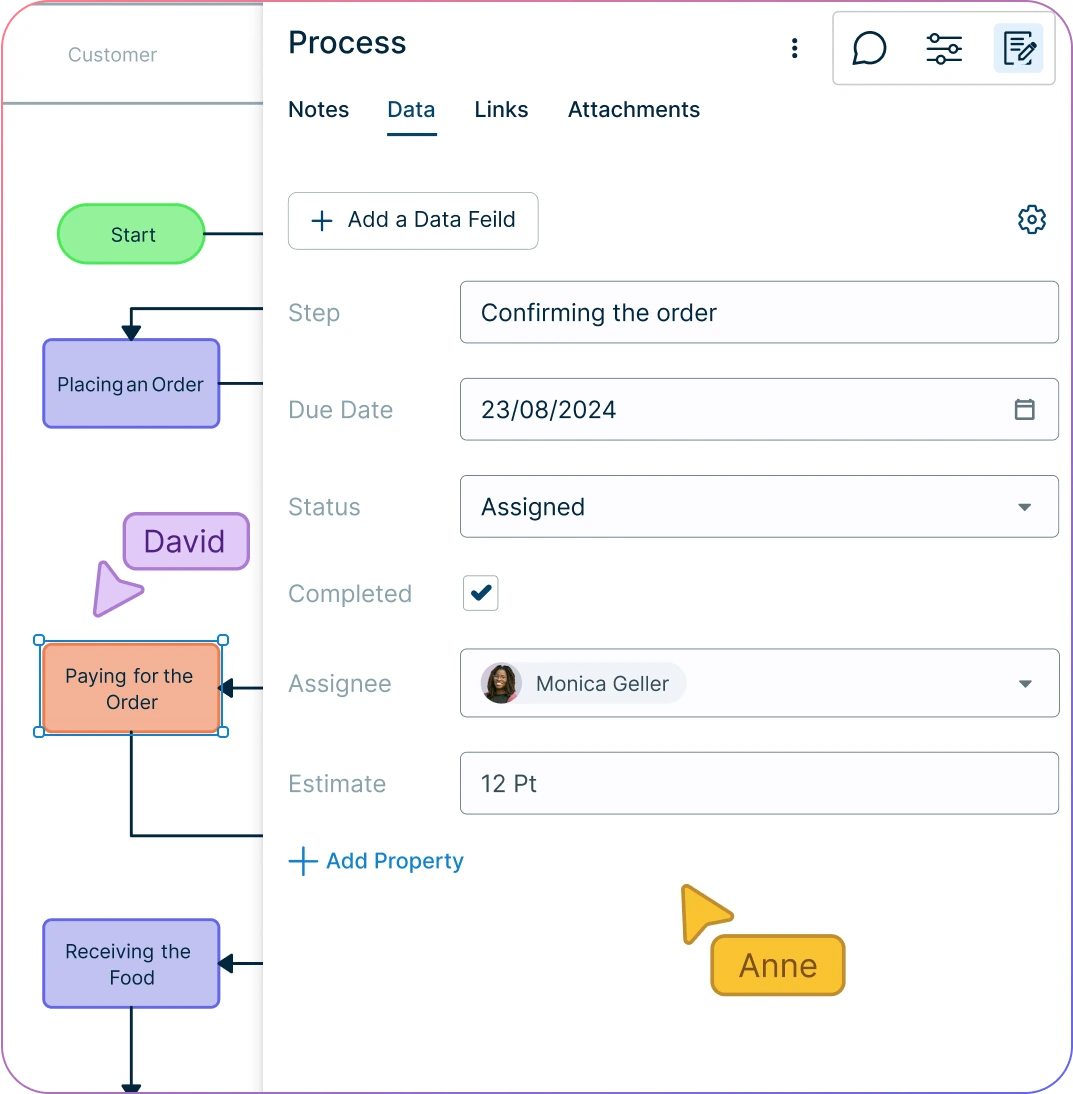
Streamline Workflows and Eliminate Process Redundancies
- Create context-rich swimlane diagrams that clarify responsibilities and expose avoidable handoffs
- Add owners, statuses, descriptions, durations, systems, and detailed notes to process steps so teams can understand the operating context
- Assign ownership and record process status in structured fields so responsibilities and review state remain visible
- Attach links and supporting references to process steps so teams can reach the systems and documentation involved
What Is a Swimlane Diagram?
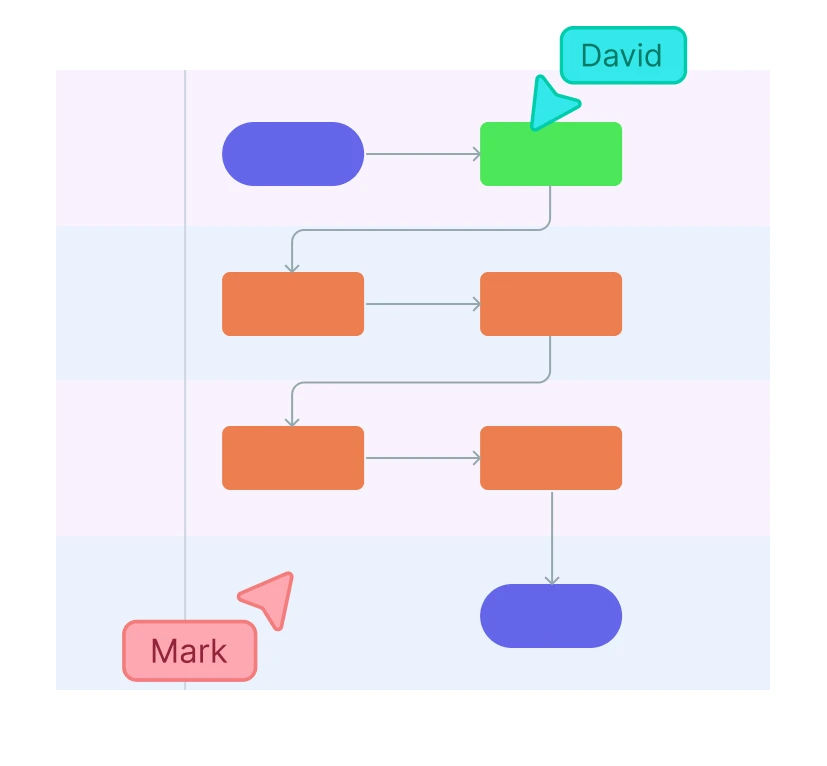
A swimlane diagram is a visual process map that shows who is responsible for each part of a workflow. Each lane represents a role, team, or department, making it easier to review handoffs, clarify ownership, and spot where work slows down between functions.
That is why swimlane diagrams are often used in process improvement, business analysis, onboarding, and operating reviews. In Creately, teams can build the swimlane view, attach process notes and files, and keep the map current as responsibilities or workflows change.
How to Create a Swimlane Diagram?
Create a Workspace for the Swimlane
Open a Creately workspace and invite your team to collaborate on creating the swimlane diagram. You can use real-time cursors and synced previews to easily track the changes other participants make in the diagram workspace.
Define Your Process Scope and Goals
Clearly outline the process you want to visualize. Use Creately’s pre-built swimlane diagram templates to jumpstart your mapping based on common business workflows.
Identify Swimlanes by Roles or Departments
Assign lanes to specific roles, teams, or departments involved in the process. Creately’s flexible shape library allows you to customize lanes easily to match your organization’s structure.
Break the Process into Steps
Map each step of the process sequentially, placing tasks in the correct swimlane. Use standard flowchart symbols from Creately’s library to represent actions, decisions, and events.
Add Contextual Details
Enrich your diagram by adding notes, metadata, and links to each process step using Creately’s data-linked side panel, ensuring your workflow map contains all relevant information.
Collaborate and Refine
Use built-in commenting and discussion features to gather feedback directly on the diagram. Version history helps you track changes and revert if necessary.
Share and Integrate
Export your finished swimlane diagram in SVG, PDF, PNG, or JPEG format, or share the workspace with stakeholders using the appropriate workspace permissions.
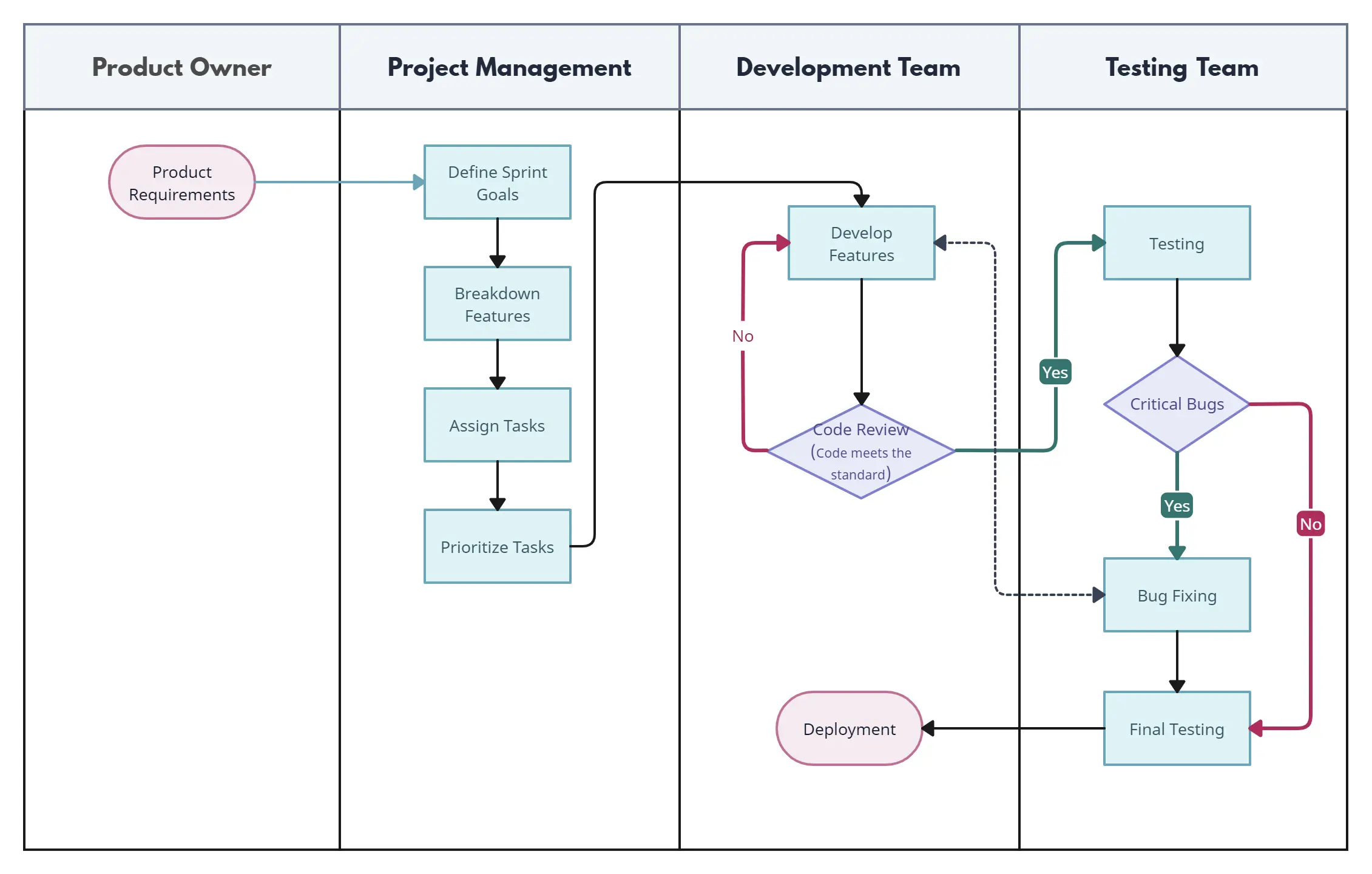
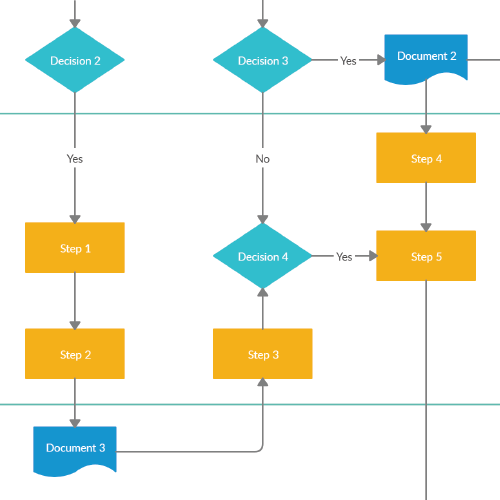
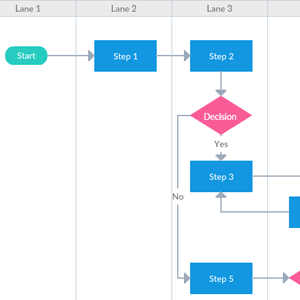
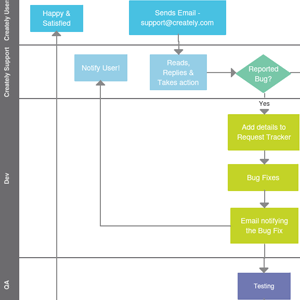
Create Your Swimlane Diagram Online with Editable Templates
FAQ about the Swimlane Diagram Software
What are Creately’s swimlane diagram maker pricing plans?
- Free Plan — $0/month for basic swimlane diagram creation and collaboration
- Starter & Team Plans — $8/month or $5/month billed annually
- Business Plan — $149/month or $89/month billed annually
Annual billing helps you save more while unlocking advanced collaboration, workspace management, and enhanced swimlane diagram features. You can compare all available plans and features on the Creately Pricing Page.
How can you create swimlane diagrams faster?
Are there templates for different swimlane diagram use cases?
Can teams collaborate on swimlane diagrams?
Can I add notes, data, and files?
Can I share, present, or export swimlane diagrams?






















