Pros and Cons List Maker
Quickly Weigh Pros & Cons for Smarter, Faster Decisions
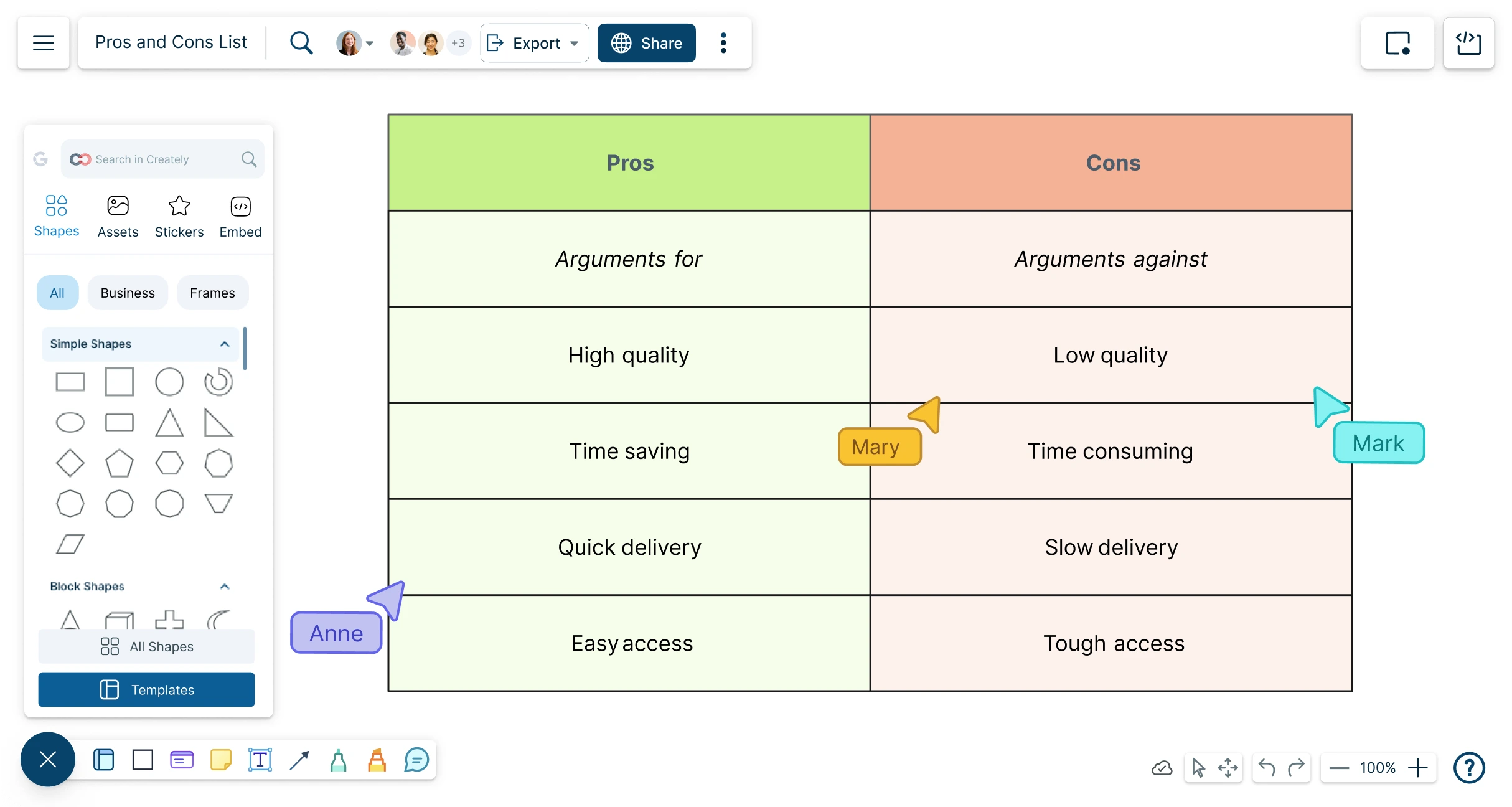
Easy-to-use pros and cons list maker app to maintain a visual repository of the most important factors that influence a decision.
Visual decision-making with real-time collaboration
An infinite canvas to gather multiple points of view
Built-in AI features to capture every perspective in one place




 Diagramming Visual Collaboration Org Chart


AI Pros and Cons Generator
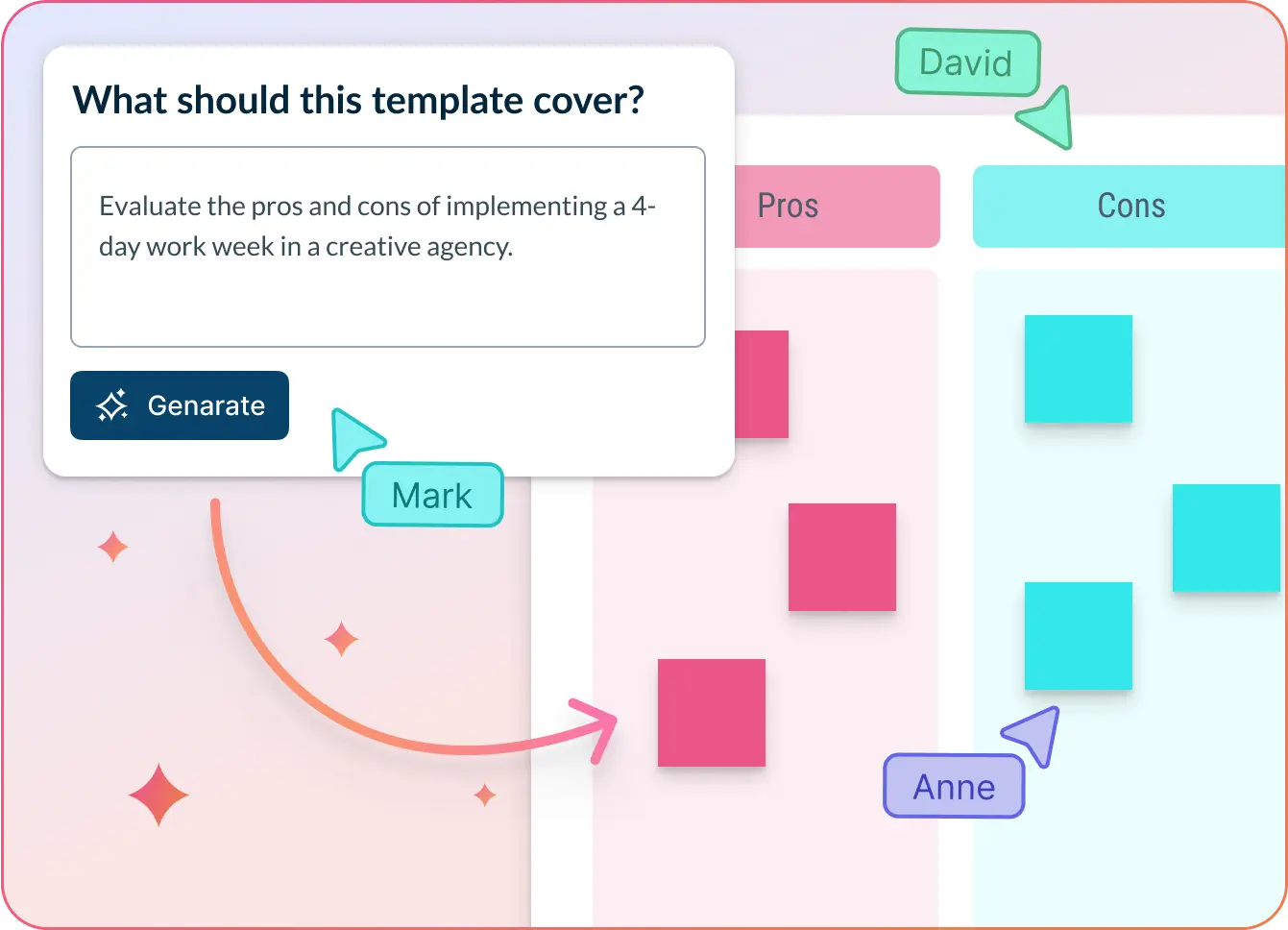
Generate decision-ready pros and cons lists instantly
- Paste your decision context, ideas, or raw notes.
- Click Generate with AI → Creately instantly sorts inputs into clear pros and cons.
- Refine, rearrange, or expand points—right on the infinite canvas.
Why teams love Creately’s AI Pros and Cons Generator
 Instant clarity – Skip the brainstorming chaos and get structured insights in seconds.
 Privacy-first – AI runs securely inside Creately—no external data exposure.
 Smarter decisions – AI highlights nuanced pros and cons even you may even overlook.
 Multilingual support – ideal for global teams.
 Zero bias – No influence from dominant voices; AI treats every input equally.






Visualize Every Option with a Smart Pros and Cons List
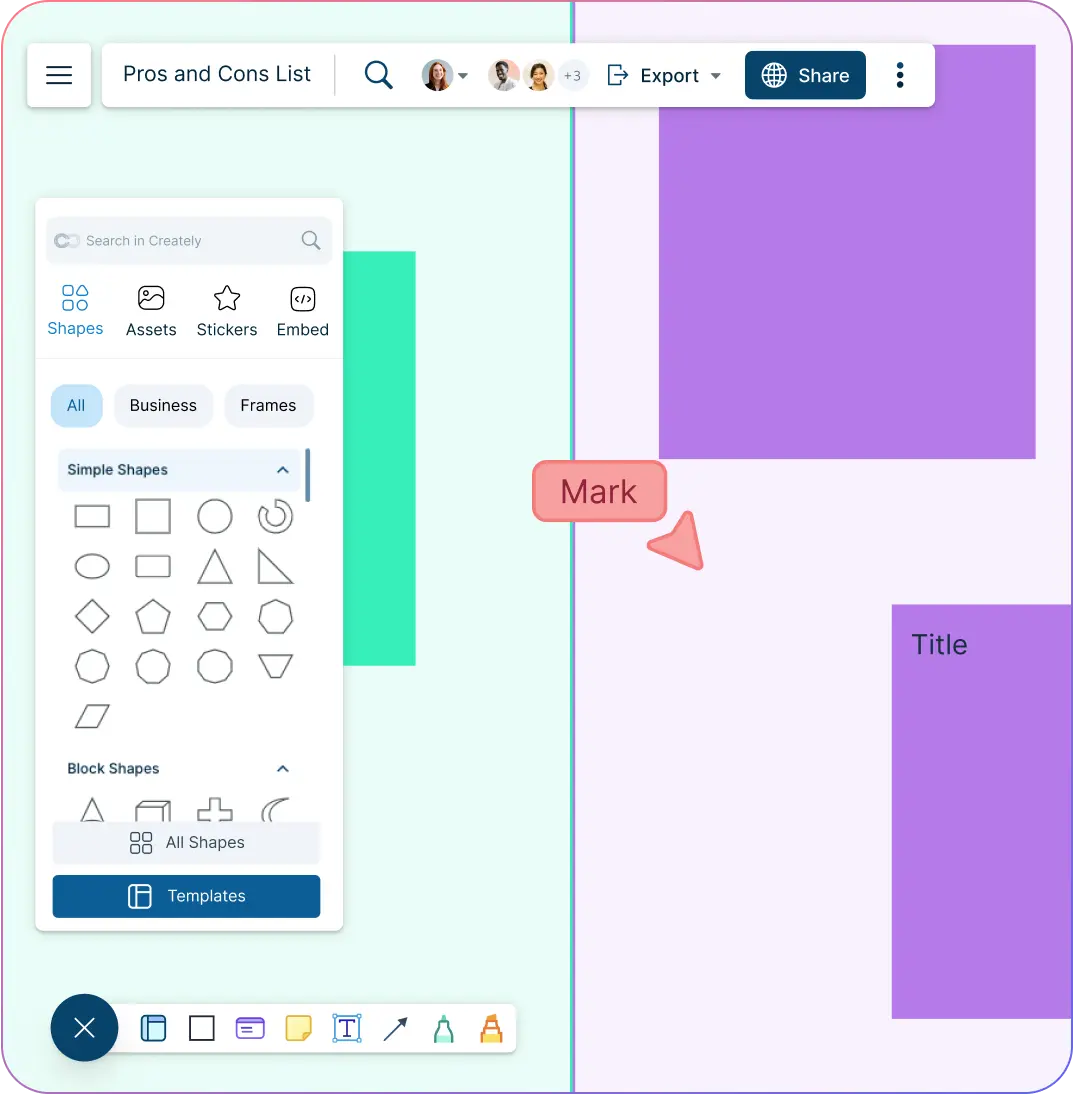
Drag-and-drop interface to enter options and arrange items according to categories.
Multiple frameworks to easily get started and create a pros and cons list in minutes.
Infinite canvas to add multiple inputs and create detailed lists to make informed decisions.
Data augmentation to add relevant information to the canvas, provide references, and frame things in context.
Collaborate with Your Team on a Shared Pros and Cons Table
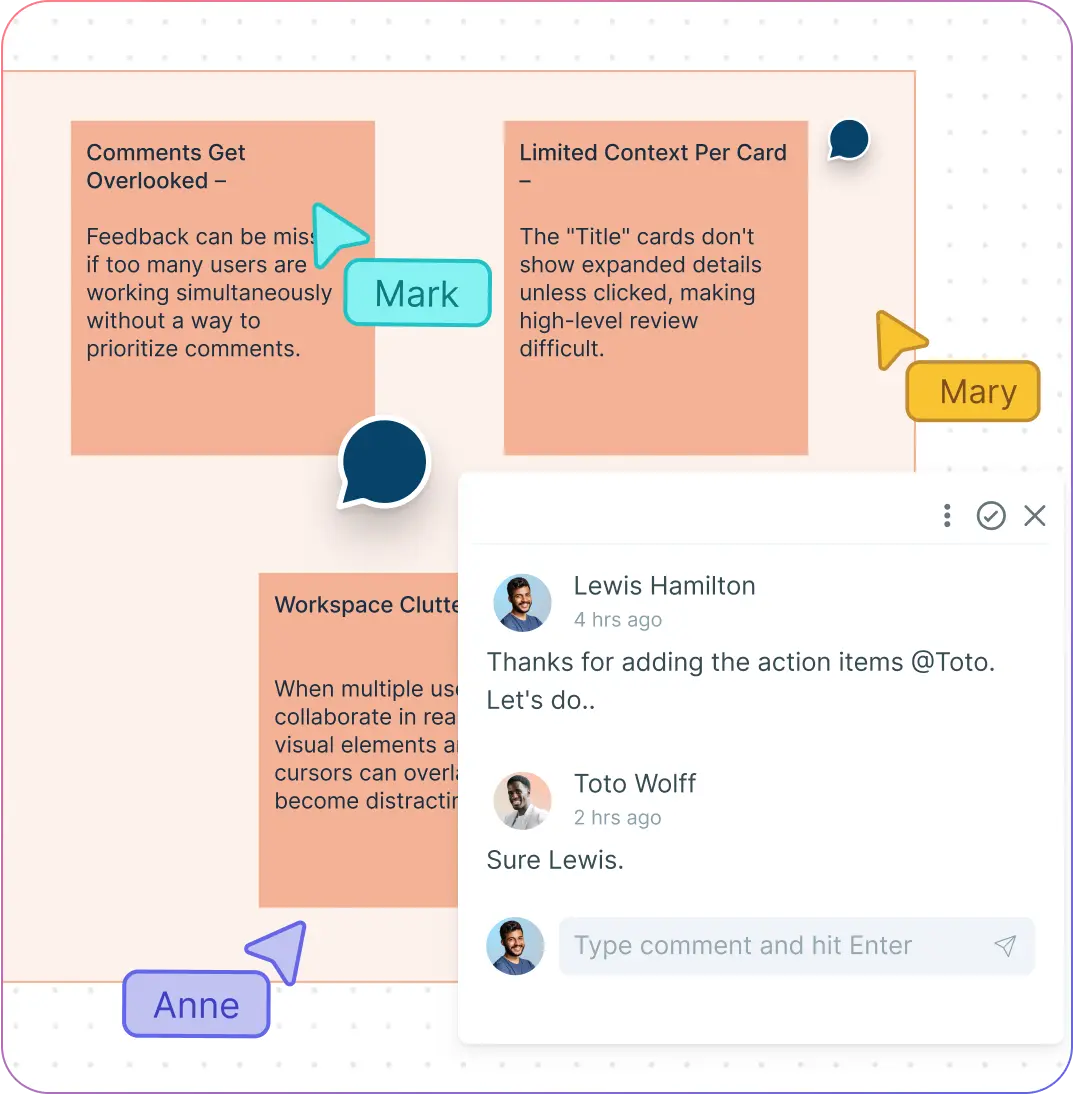
Real-time cursors for any number of participants. Collaborate with teams on a shared canvas and develop a complete understanding of any given topic.
Comment with context, have discussions, and follow-ups on the same canvas. Async!
Co-create using a visual pros and cons list maker that supports multiple viewpoints and deeper insights.
Analyze Pros and Cons with Context-Rich, Data-Driven Insights
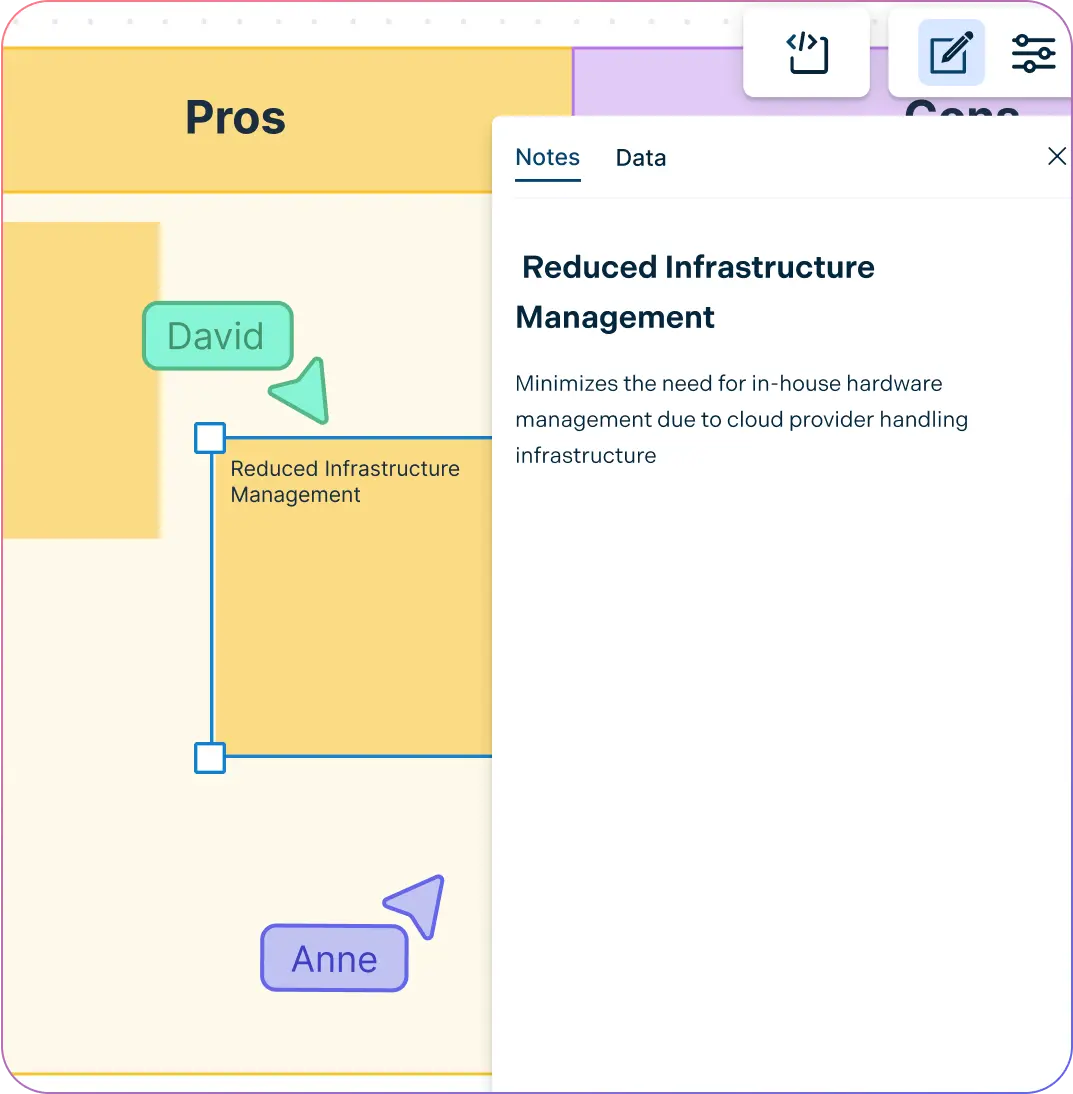
Data-enabled shapes to input additional fields to add context to points and provide a broader understanding.
Canvas links to other workspaces and external data to easily reference source data and understand how conclusions are made.
Interactive data visualization that pulls data from multiple sources. Arrange data into columns based on their effect and develop a more meaningful understanding of raw data.
What Is a Pros and Cons List Maker?
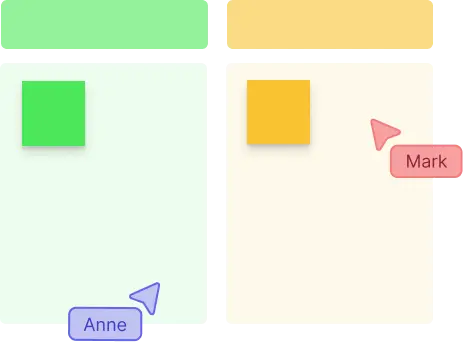
A Pros and Cons list maker is a very simple, effective decision-making tool used to evaluate the positive and negative factors of a particular choice or option. Pros include the positive factors, benefits, and reasons in favor of the decision in the pros and cons list. Cons include the negatives, drawbacks, and reasons against the decision.
A pro con list provides a structured approach to evaluating different sides of an issue or opinion. It helps individuals, employees, teams, or groups to make informed decisions by clearly visualizing the positive and negative elements.
How to Make a Pros and Cons List Using Creately’s Pros and Cons List Maker
Open a workspace and define your topic
Sign in to Creately’s pros and cons list creator and launch a new workspace in the pros and cons list maker. Add collaborators and set the context by defining the decision, issue, or idea you want to evaluate.
Generate or input pros and cons
Use the AI pros and cons generator by typing in your topic and clicking Generate with AI for an instant structured chart. Or, manually drag and drop shapes, sticky notes, or use a ready-made template to list items.
Organize and categorize points
Arrange your pros cons list with the drag-and-drop editor. Group items under tags like cost, benefits, risks, or effort to make the evaluation criteria clearer.
Add context and customize visuals
Attach data fields, notes, or links to each item for more detail. Use colors, icons, or priority tags to highlight key factors and customize the layout of your pros and cons template for clarity.
Collaborate and share your decision map
Work with your team in real time using comments and live cursors. Once finalized, export your pros and cons list as an image or PDF, or share it via link for quick reviews and decision-making.
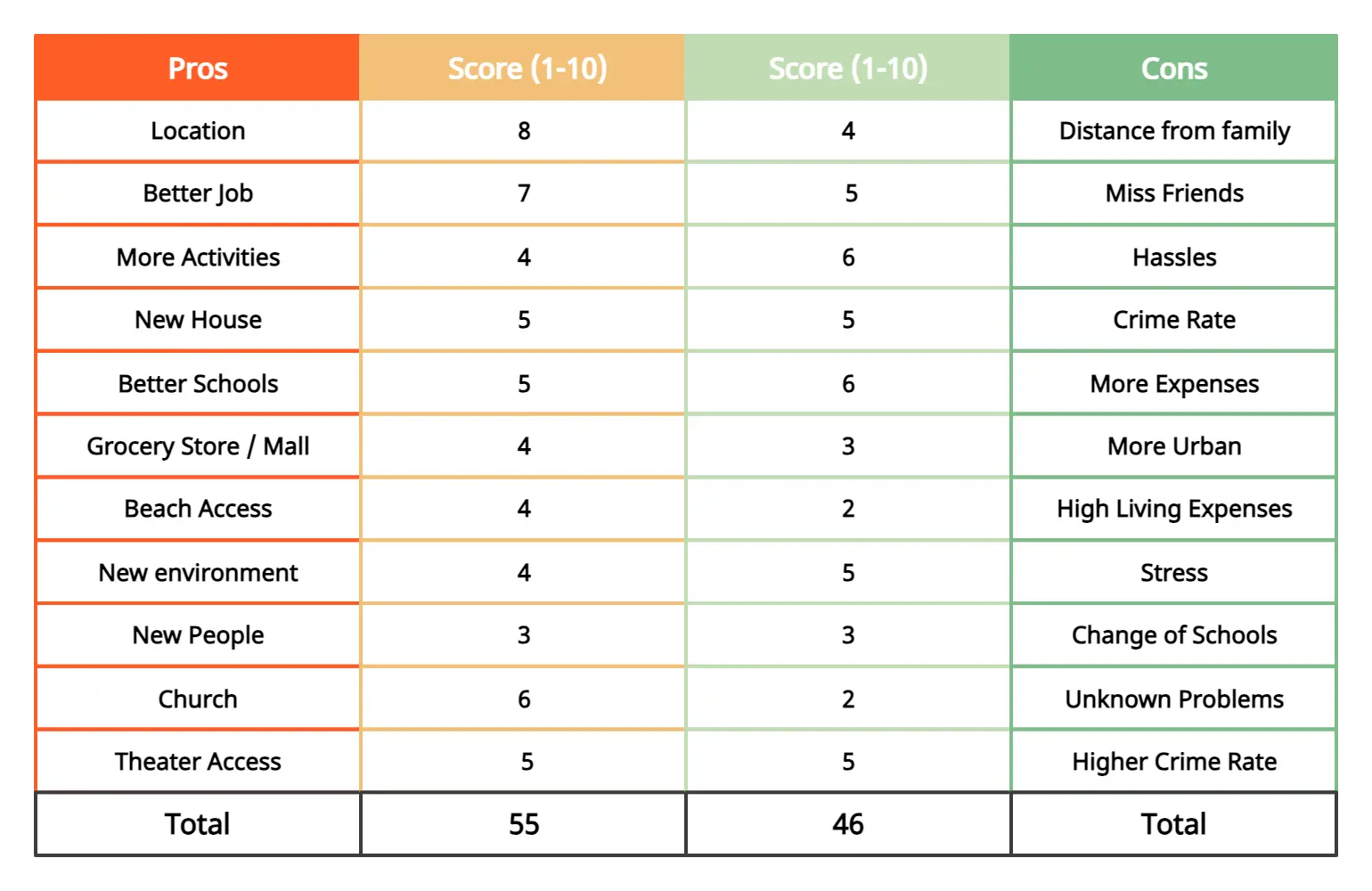
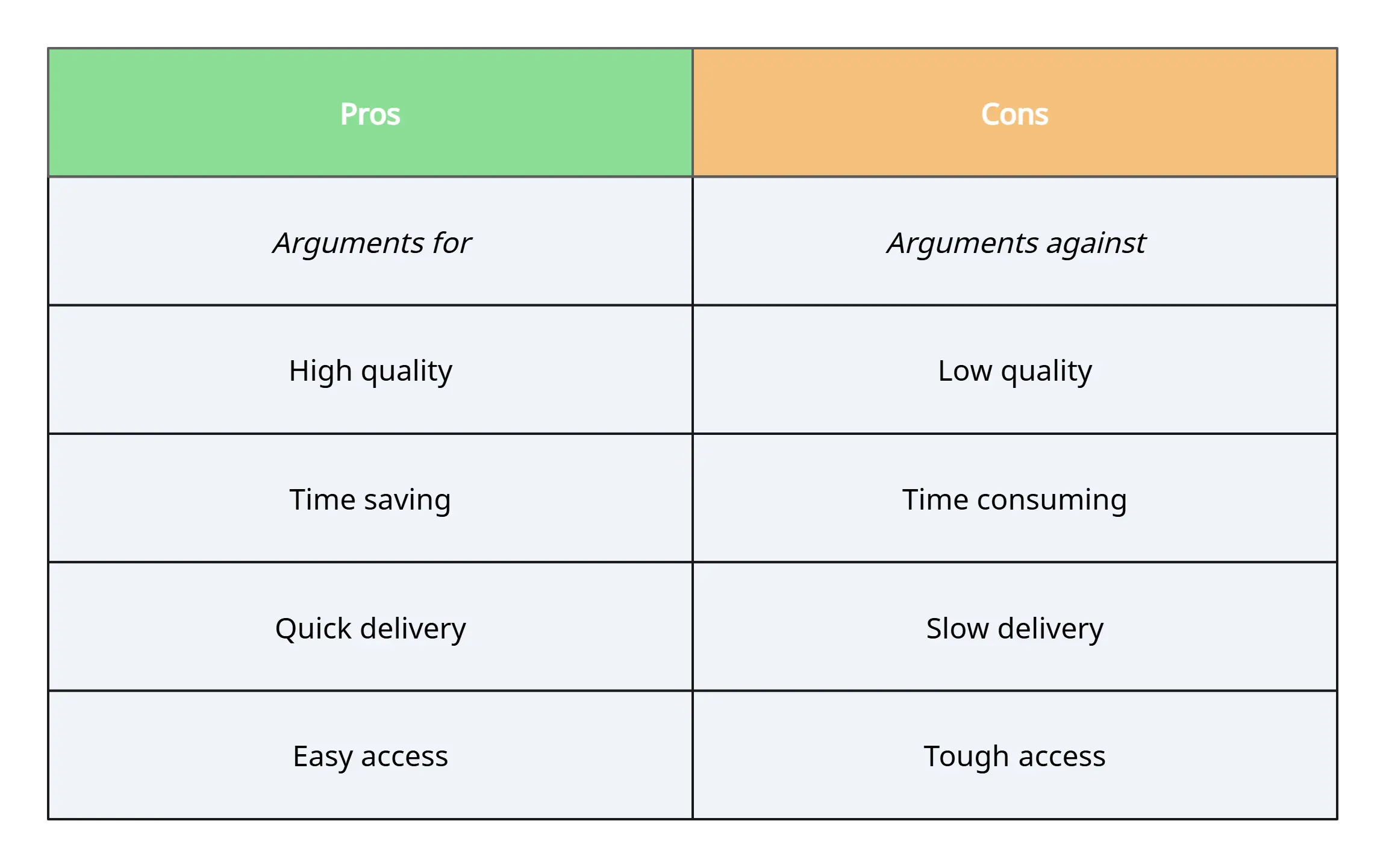
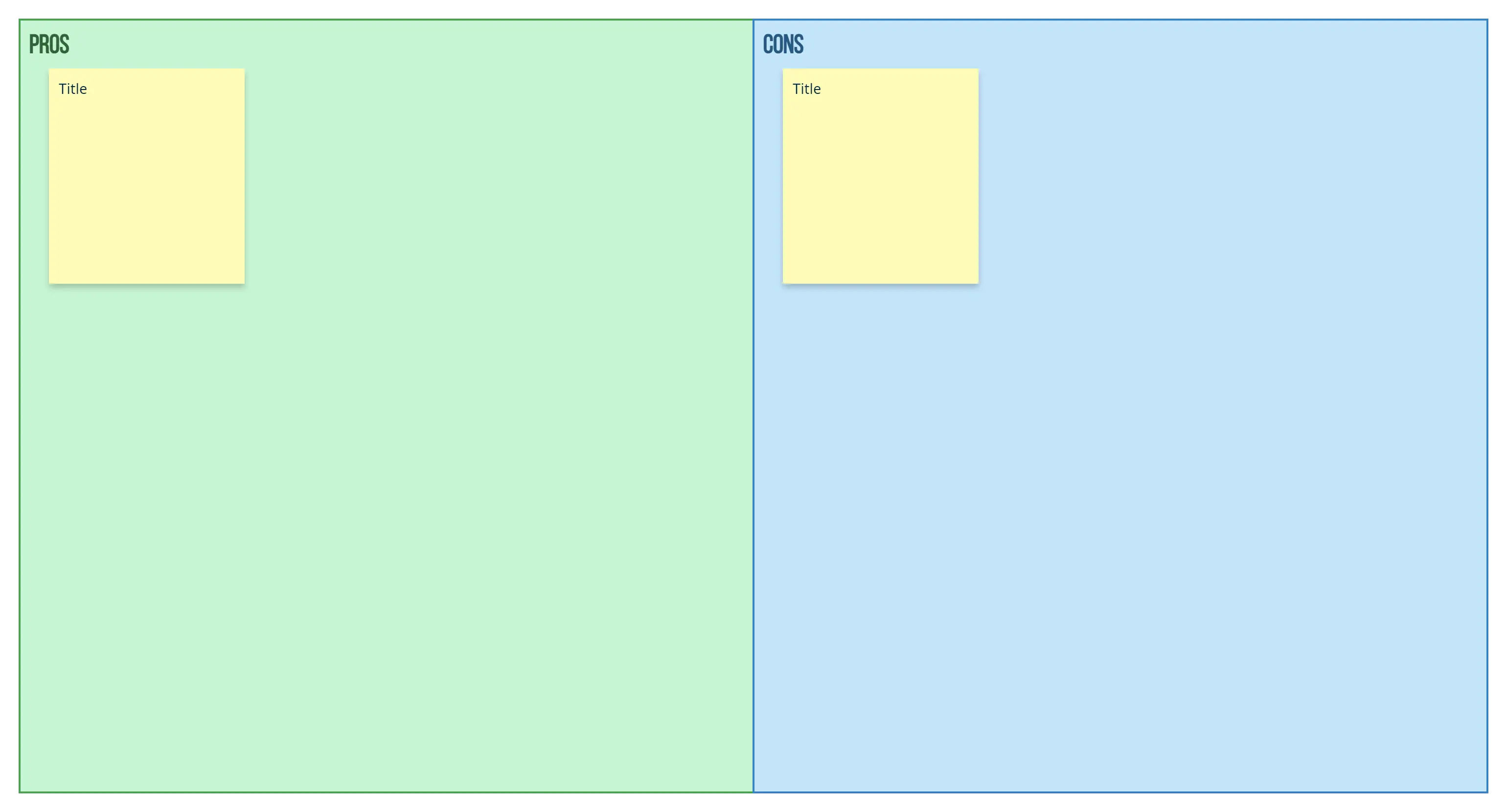
Create a Pros and Cons ListEasily Create Your Pros and Cons List with These Free Editable Templates

FAQs About Creately’s Pros and Cons List Maker
How does Creately’s AI Pros and Cons Generator work?
Can I add custom data or notes to my pros and cons list?
Is Creately’s pros and cons list maker free to use?
Are there ready-made templates for creating a pros and cons list?
Can I export my pros and cons list for presentations or reports?
Is the tool suitable for personal decision-making as well as team use?

























