Object Diagram Tool

Instantly Visualize UML Object Diagrams

Easily draw your system with Creately’s Object Diagram Tool. Create UML object diagrams in minutes by mapping object instances and relationships with intuitive drag-and-drop symbols and customizable connectors.

  • Extensive shape library supporting all 13 UML diagram types

  • Real-time visual collaboration for teams to work on system design together

  • Link object, class, and other model perspectives together
Over 10 Million people and 1000s of teams already use Creately
Diagramming Grid Leader 2025 Diagramming
Visual Collaboration Grid Leader 2025 Visual Collaboration
Org Chart Grid Leader 2025 Org Chart
Most Implementable 2025 Best Results 2025 Ease to Do Business With 2025
VISUALIZE

Easy Tools for Faster System Design

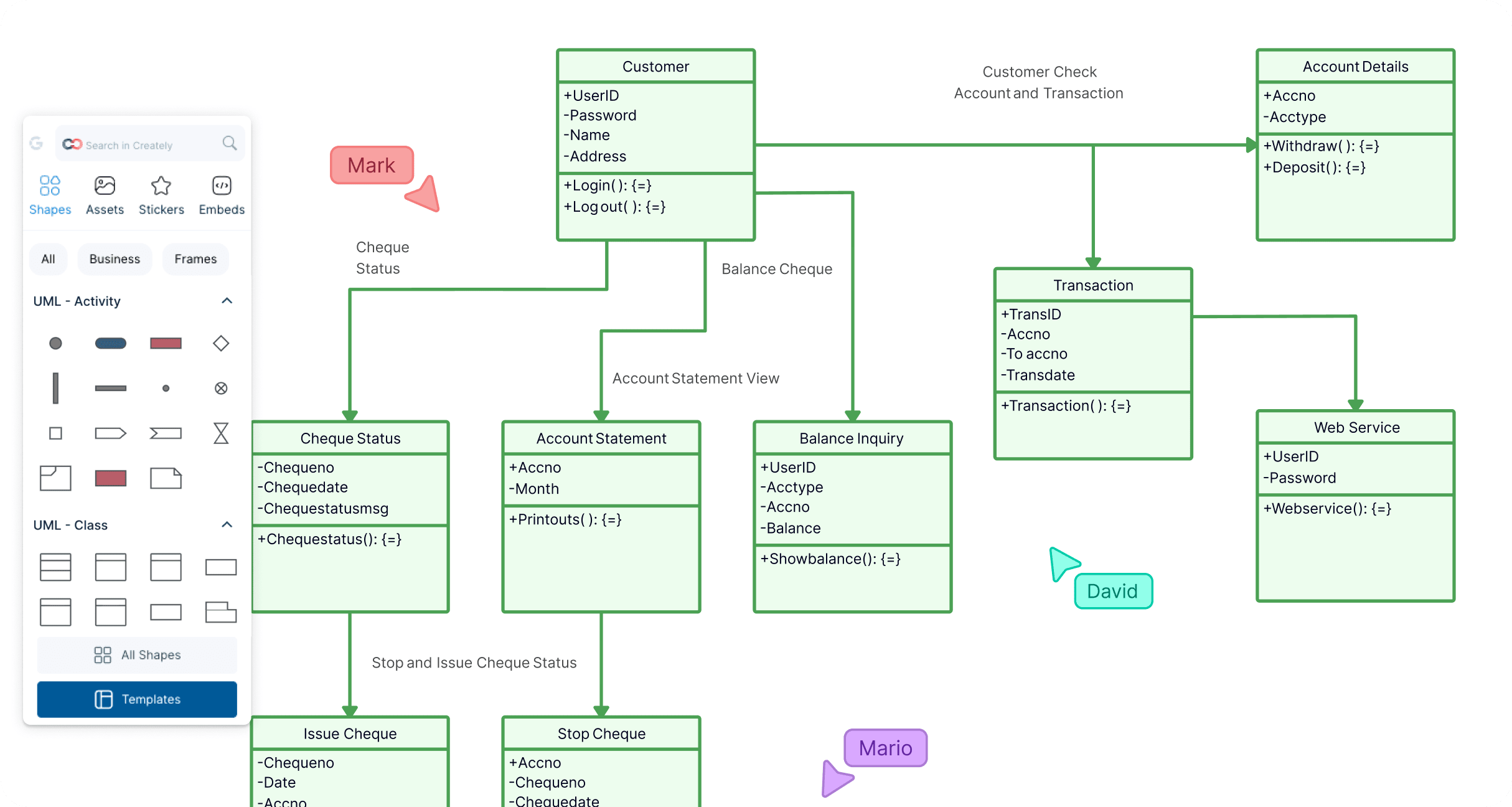
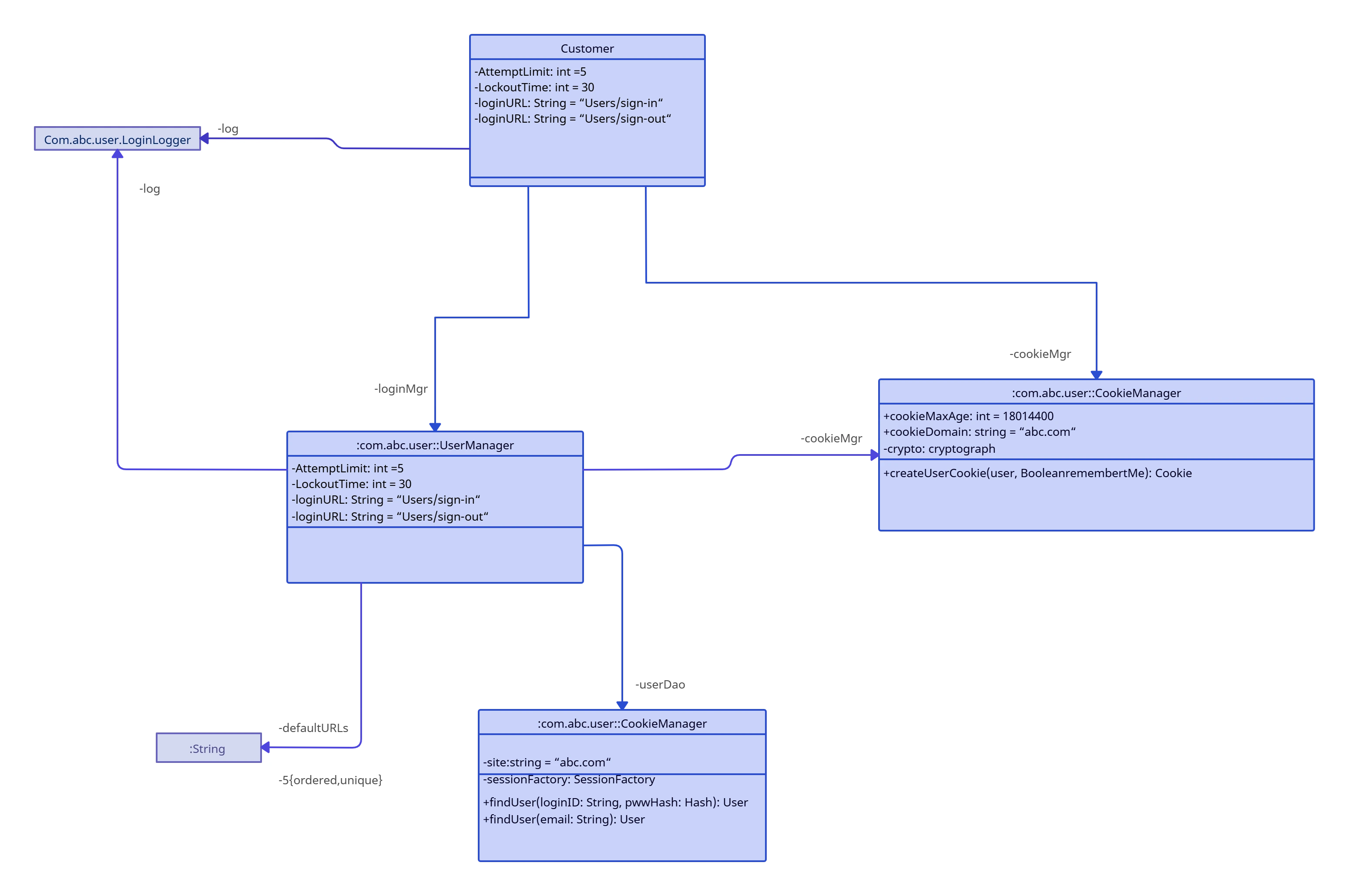
A screenshot of Creately's Object Diagram Tool being used to draw an object diagram with dynamic connectors
  • Multiple scenario-based object diagram templates to get a headstart.

  • Simple to use drag and drop tools to easily visualize the object behavior and their relationships.

  • Comprehensive industry-standard shape libraries for all UML diagram types.

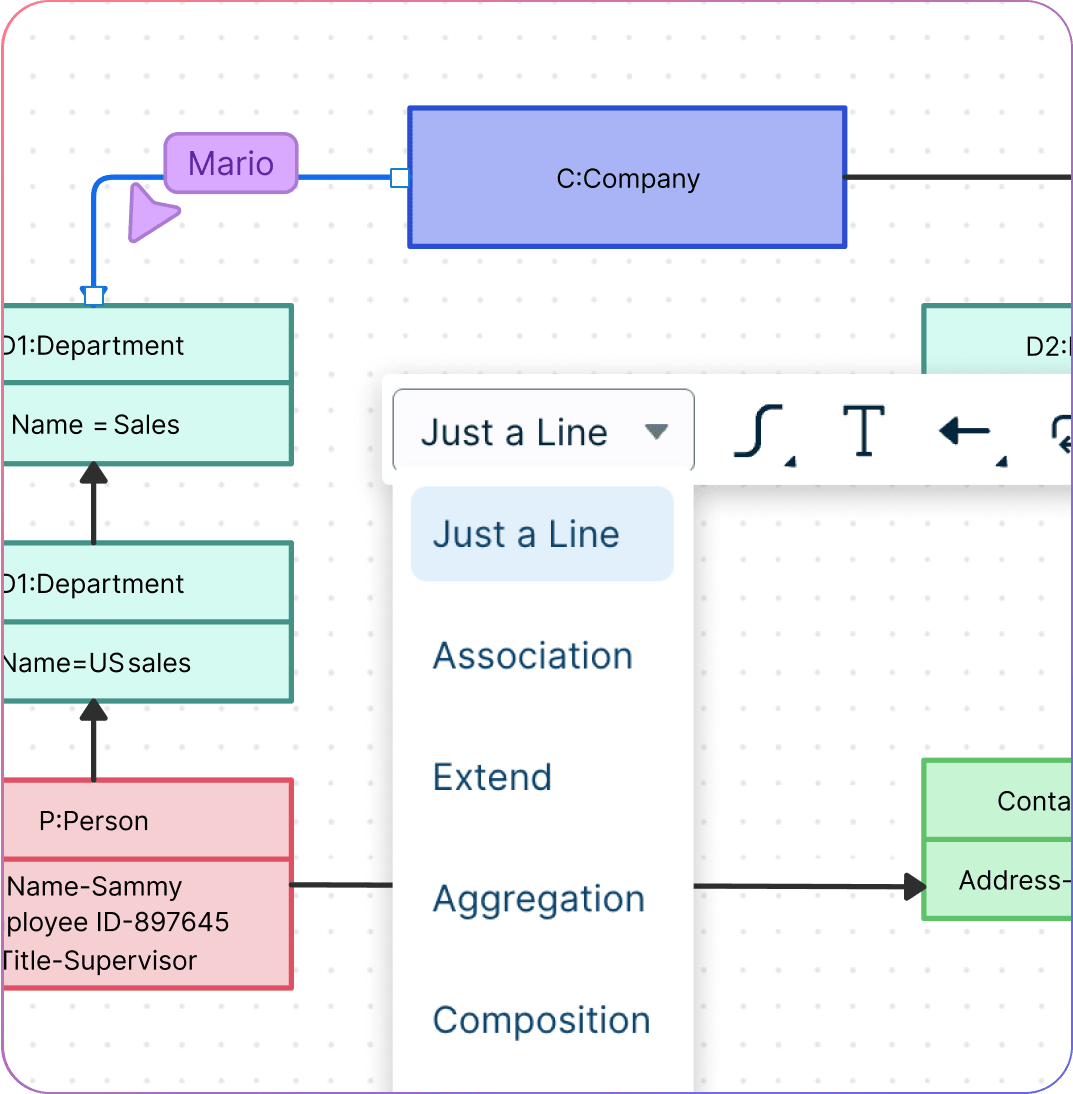
  • Dynamic connectors that arrange themselves automatically to rotate, expand, or resize your object diagrams.
A screenshot of Creately's Object Diagram Tool being used to draw an object diagram with dynamic connectors
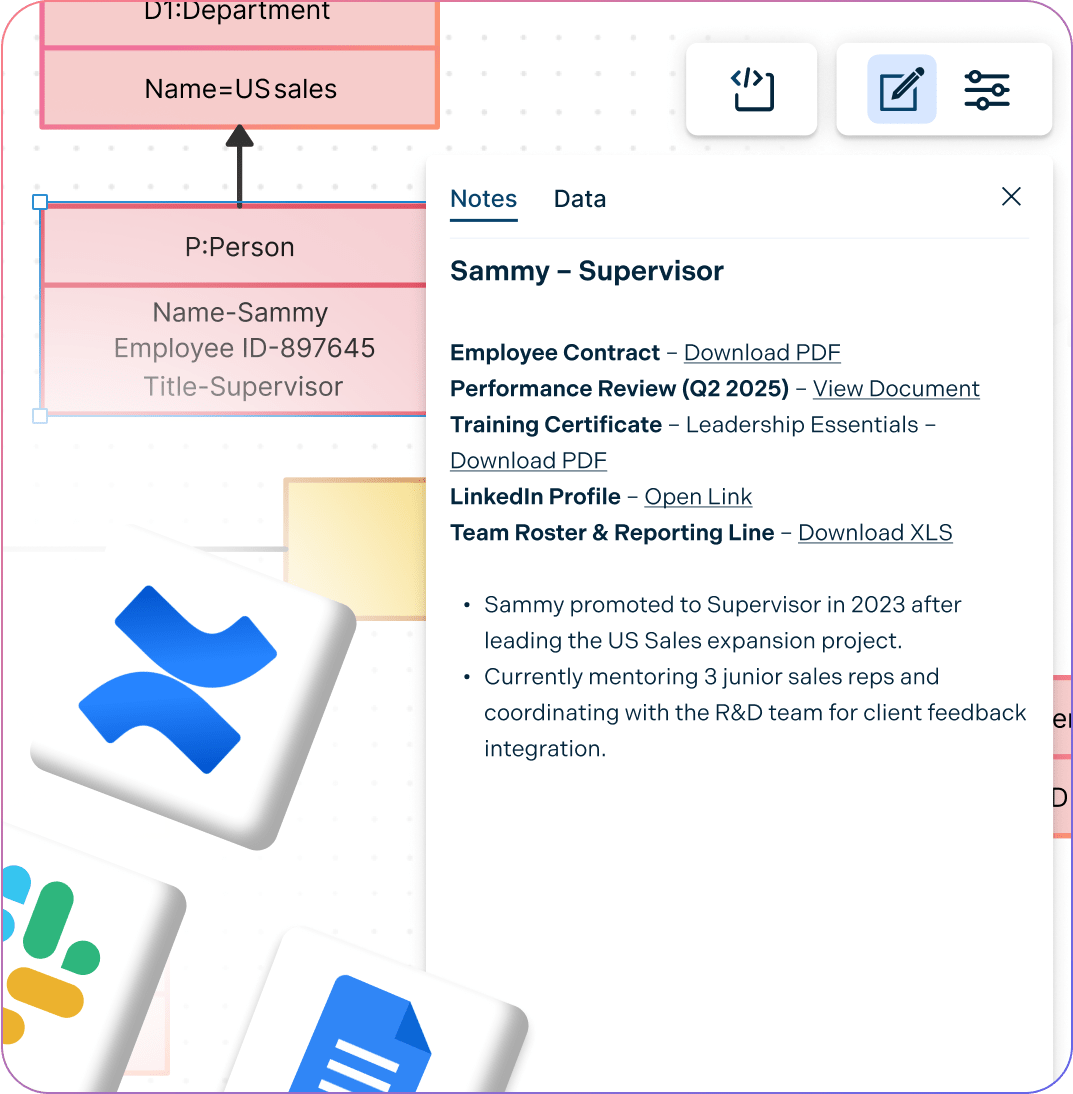
A screenshot of adding docs, attachments, and links to the Object Diagram notes panel in Creately
CONNECT & EXTEND

Understand System Functionality Better

A screenshot of adding docs, attachments, and links to the Object Diagram notes panel in Creately
  • Add detailed docs, attachments, links and more via the notes feature on each object for further reference during system design.

  • Multi-perspectives diagramming to generate multiple views of the same object diagram.

  • Powerful documentation capabilities to go deeper from the high-level visual view of your system.

  • Embed object diagrams on any site or use plugins for Confluence, Slack, Google Workspace, and more.

COLLABORATE

Work with Your Team, Anytime, Anywhere
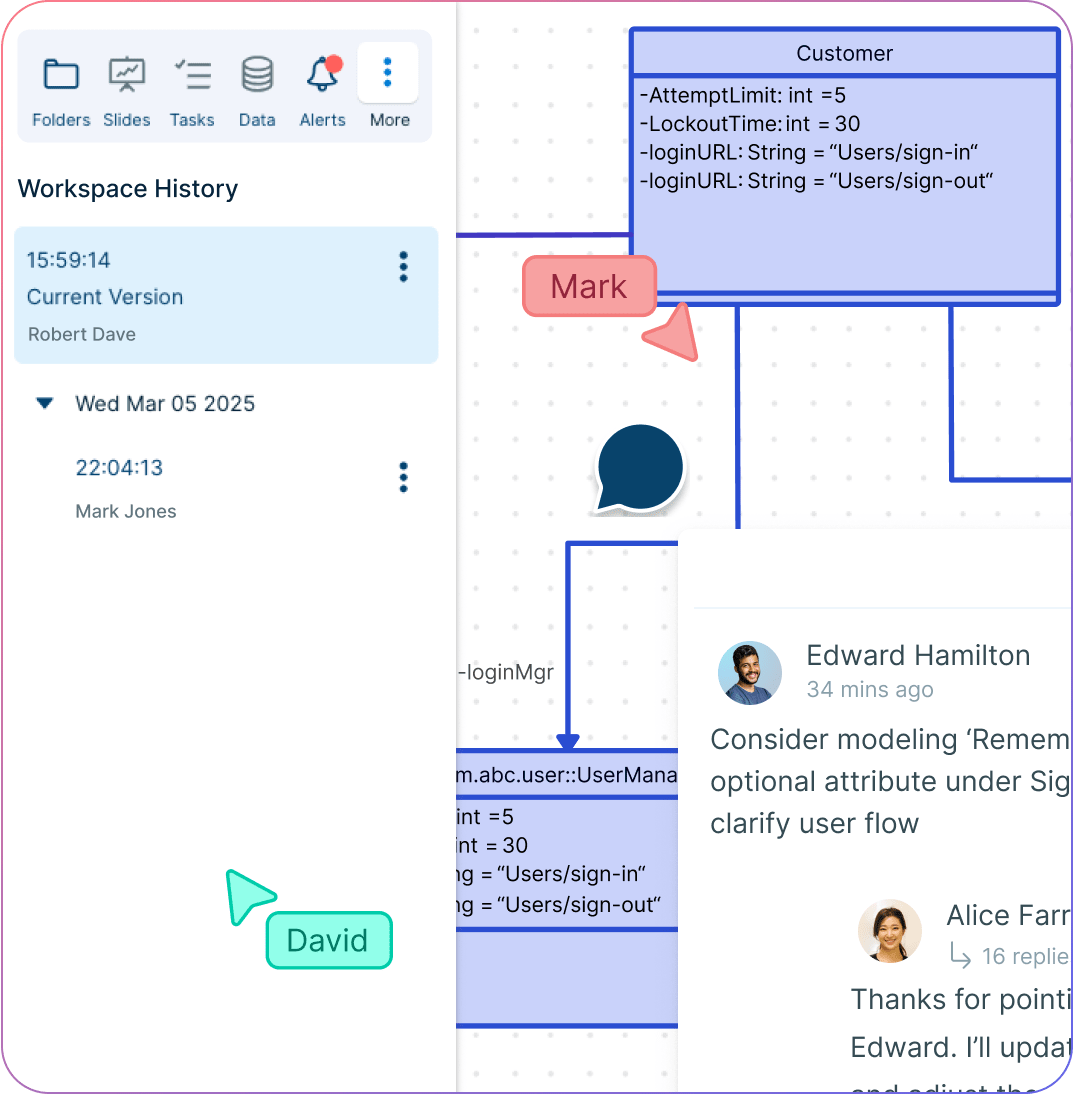
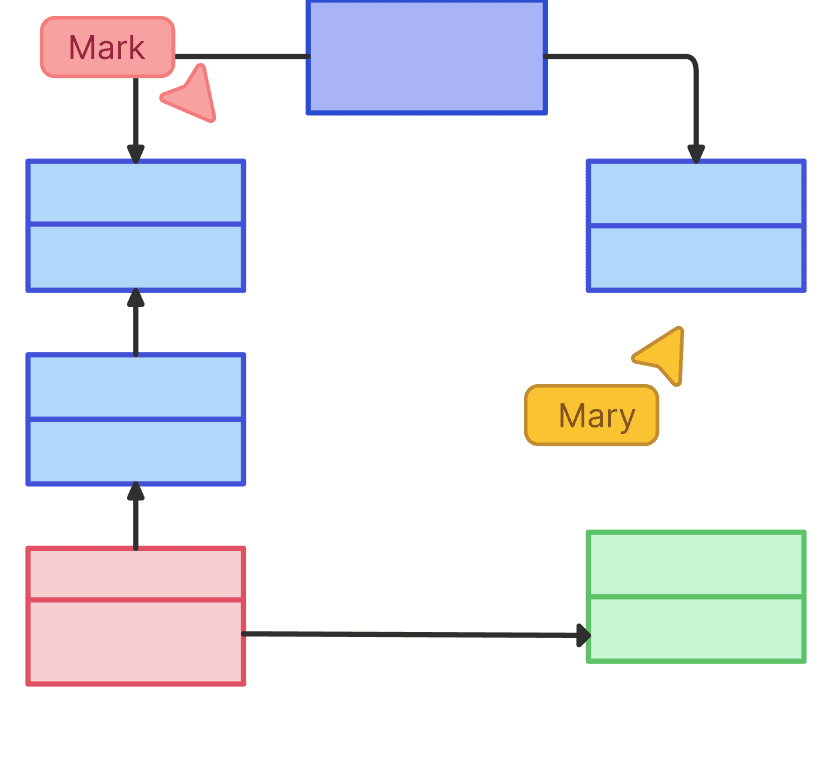
A screenshot of multiple users collaborating on an Object Diagram in Creately
  • Online whiteboard with built-in brainstorming tools to facilitate system design and planning meetings.

  • Multi user collaboration with concurrent editing to work in real-time with other system developers.

  • Use @mention comments to assign tasks, clarify things, and discuss on the same canvas.

  • Version history to save and revert back to streamline the reviewing and revising process.
A screenshot of multiple users collaborating on an Object Diagram in Creately
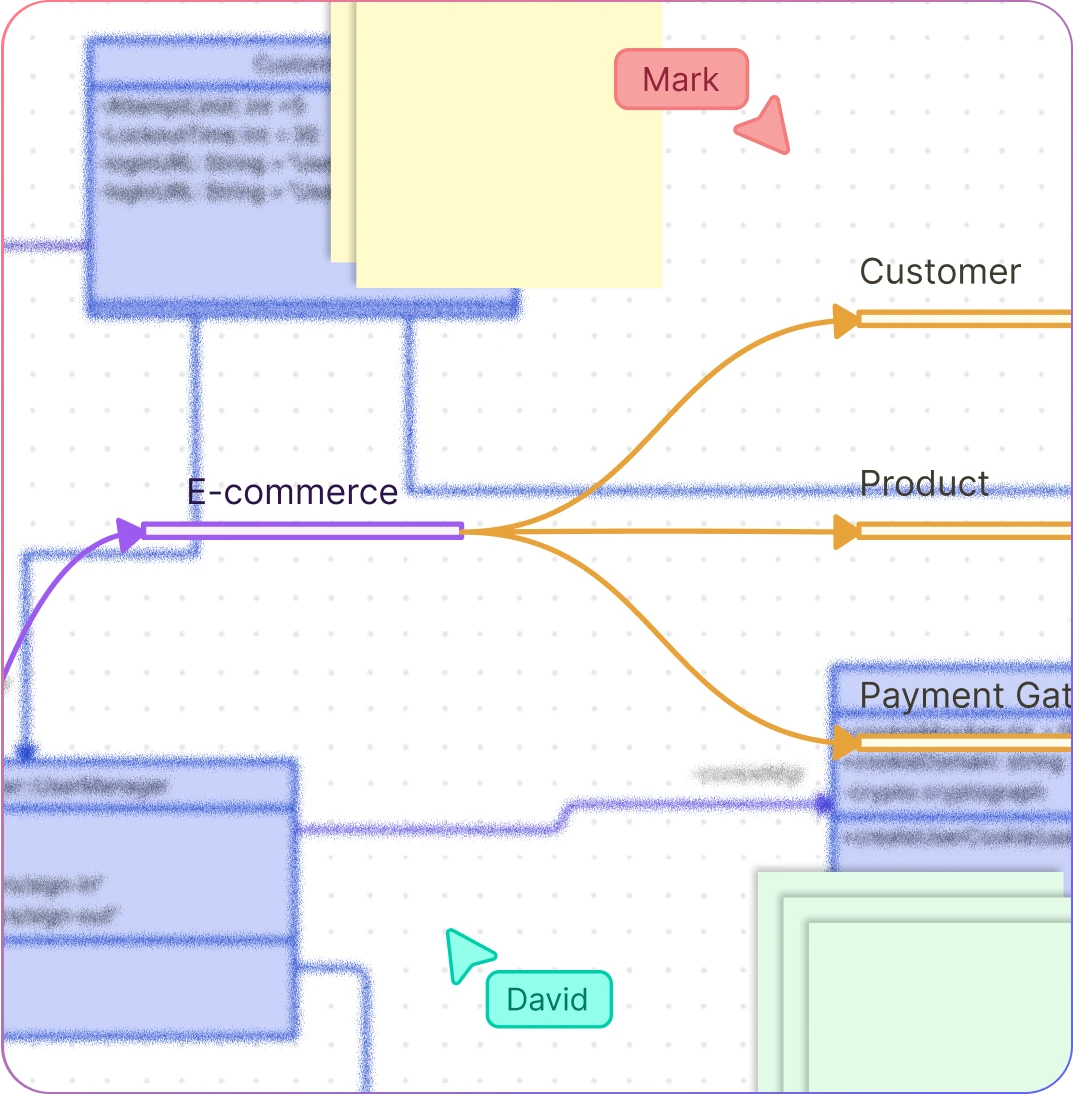
A screenshot of Creately's mindmaps being used to help draw an Object Diagram
SIMPLIFY & EXECUTE

A Better Way to Run Your Software Projects

A screenshot of Creately's mindmaps being used to help draw an Object Diagram
  • Brainstorming tools like mind maps or post-it notes to get the best ideas out.

  • Prioritization grids to visually rank ideas for effort and impact, and plan and assign tasks.

  • Model-based platform to design what-ifs and alternate viewpoints while keeping everything in sync.

  • Status flags on workspaces to identify versioned documents or reference points.

  • Enable role-based access to security-critical information.

Ideate, plan, and execute ideas better with Creately

What is an Object Diagram?

What is an Object Diagram?
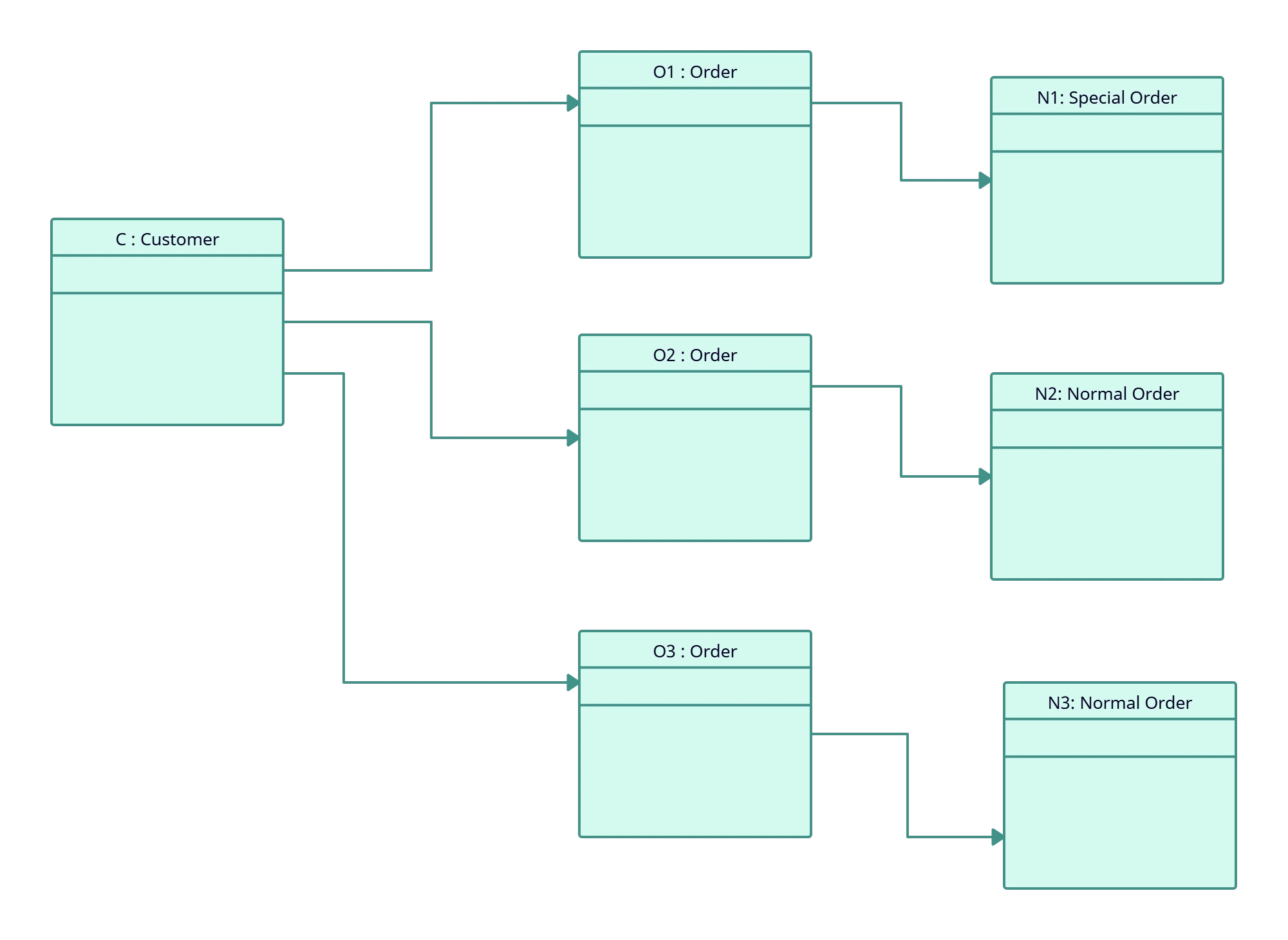
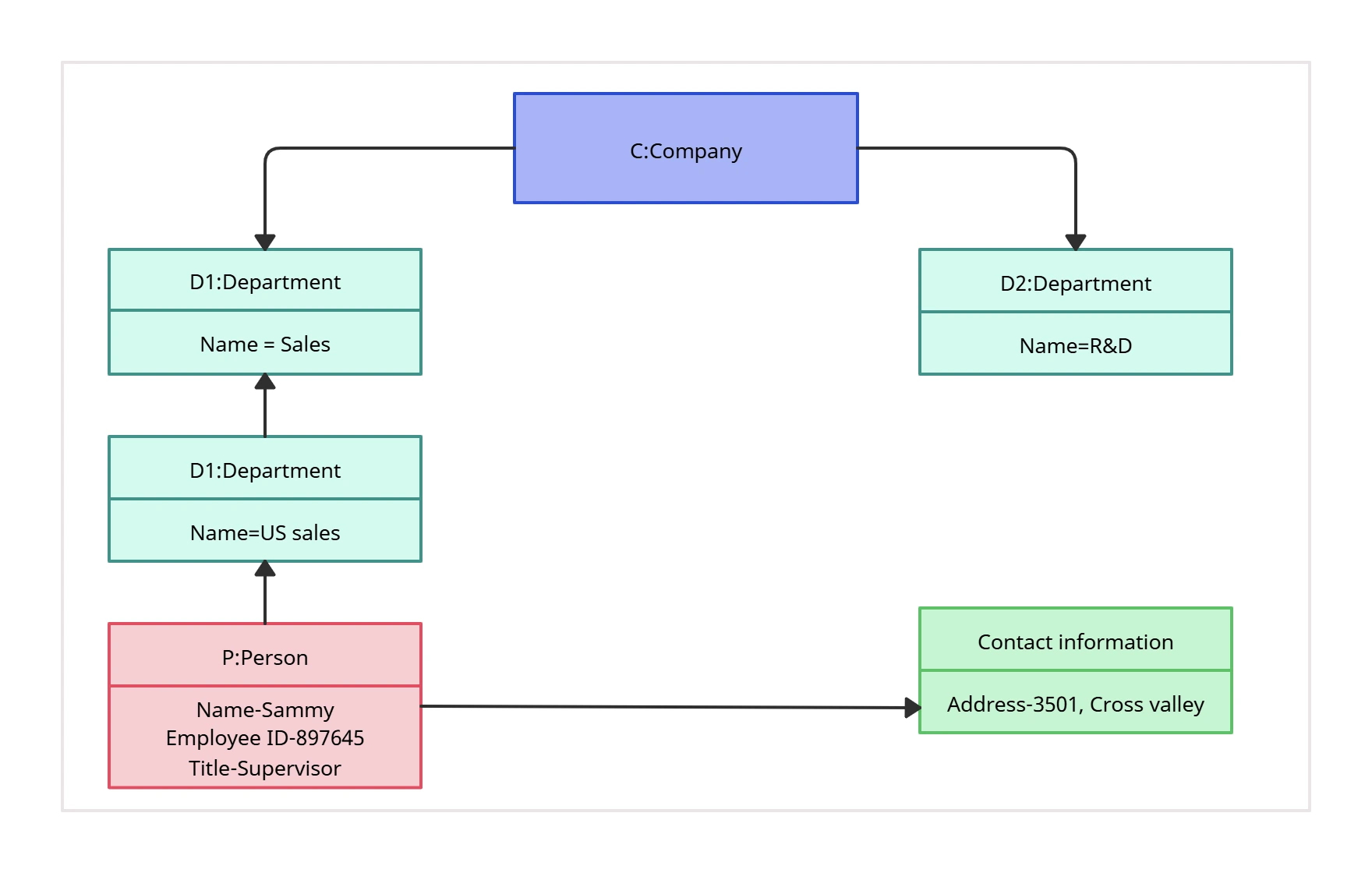
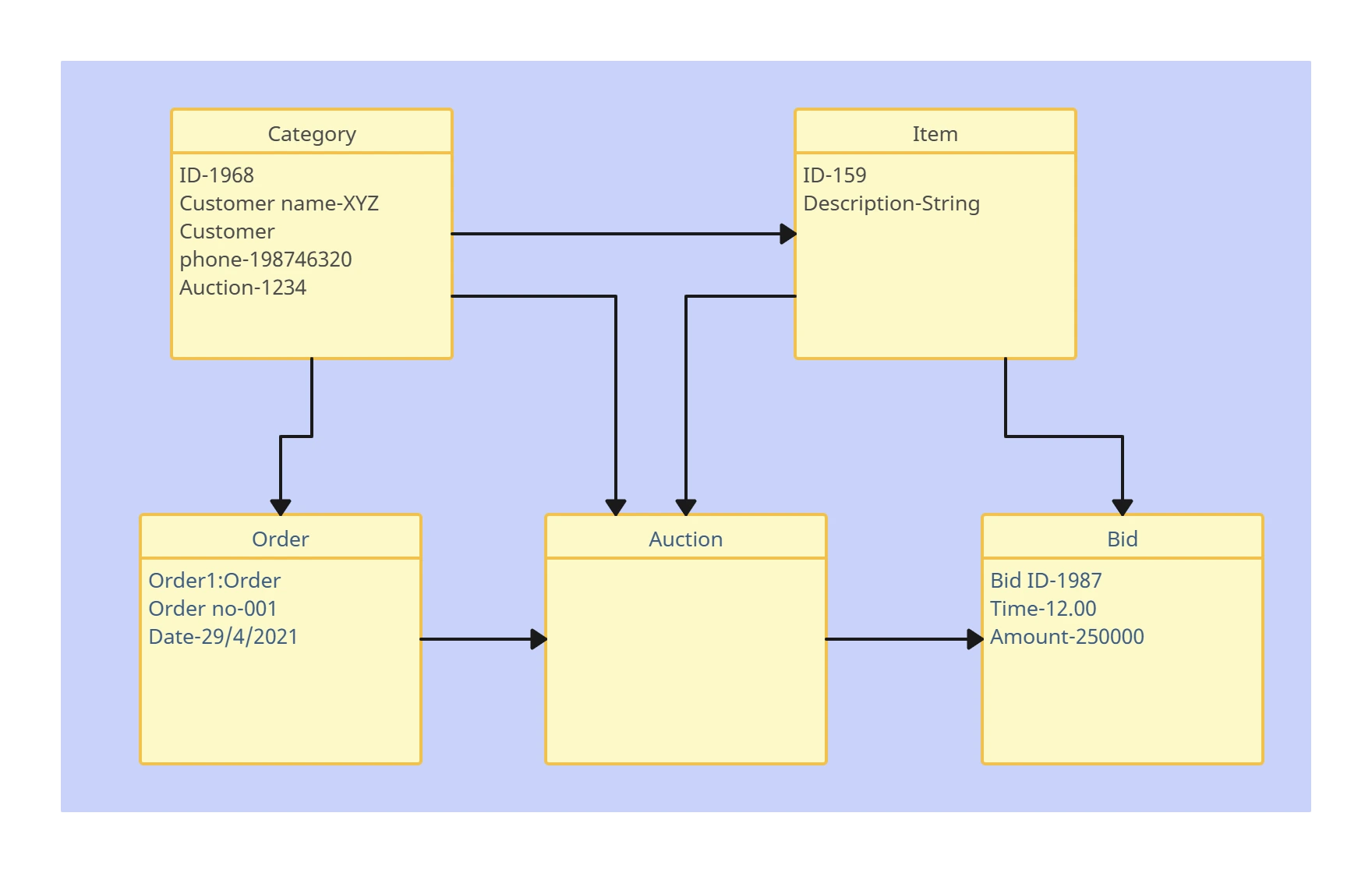
An object diagram is a type of UML diagram that represents a snapshot of system objects and their relationships at a specific point in time. It is essentially an instance of a class diagram and helps clarify classes, their attributes, and possible associations.

How to Create an UML Object Diagram with Your Team?

  1. Open an Object Diagram Template

Start by launching Creately, and opening an object diagram template from the library, or launch a blank workspace to build from scratch. Use the Notes Panel or sticky notes to capture the scope and purpose of the object diagram so the team stays aligned.

  1. Add Objects and Attributes

Customize the template to model your system objects. Drag and drop additional objects from the shapes library onto the canvas and define their attribute values (names, types, or states). Use sticky notes for extra details that provide more context.

  1. Connect Relationships

Link objects with relationships such as associations, aggregations, or compositions. Use clear labels to define the type of relationship and show how instances interact at a specific point in time.

  1. Customize for Clarity

Use the shape library, color themes, and icons to organize the layout. Apply formatting to highlight key objects and use @mentions or comments to clarify questions during collaboration with your team.

  1. Review, Update & Share

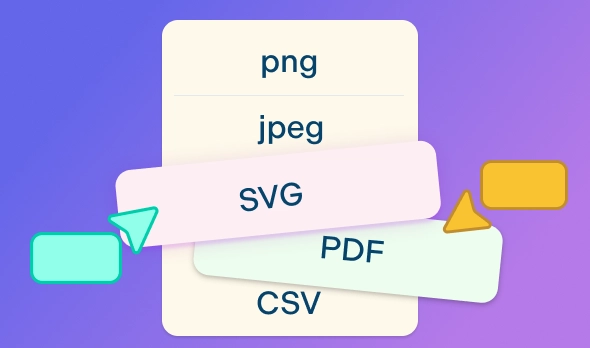
Invite other stakeholders from QA, development, and security teams via email or link for real-time editing. Gather feedback with inline comments, refine the diagram, and share securely or export as PDF, PNG, SVG, or JPEG.
What Our Customers Say About Us
A Comprehensive Tool for Visual Collaboration and Diagramming
it is ease of collaborative diagramming and real-time editing. This allows teams to brainstorm, create, and refine diagrams together in a way that feels intuitive and seamless, regardless of location.
Juan Leonardo G
Efficient and User-Friendly Diagramming Tool
I love how easy it is to create and collaborate on diagrams with Creately. The real-time collaboration feature is incredibly helpful for team projects, and the extensive library of templates and shapes saves a lot of time
Aymen G
Creately provides best diagram structure.
Creately has proven to be an incredibly creative tool, enhancing the visual appeal of our company tasks significantly. Additionally, its pricing is highly competitive, offering great value for the features it provides.
Ruchika N
Great AI features
AI Modelling capability. It gives Prompt examples so user can learn how to create effective prompts
Karma A.
User friendly and visually appealing!!
The interface is easy to use. The look is aesthetically pleasing as well. Love the functionality.
Chrisoula

FAQs about Creately's Object Diagram Tool

What are Creately’s object diagram tool pricing plans?

  • Free Plan — $0/month for basic object diagram creation and collaboration
  • Starter & Team Plans — $8/month or $5/month billed annually
  • Business Plan — $149/month or $89/month billed annually

Annual billing helps you save more while unlocking advanced collaboration, workspace management, and enhanced object diagram features. You can compare all available plans and features on the Creately Pricing Page.

How can you create object diagrams faster?

Creately helps you create object diagrams faster with an infinite canvas, drag-and-drop diagramming, smart connectors, and professionally designed templates. You can start with a ready-made layout or build from scratch, then collaborate and refine everything in one shared workspace.

Are there templates for different object diagram use cases?

Yes. Creately offers editable templates for different object diagram use cases, so you can start with a relevant structure and customize it to match your workflow, team, or project requirements.

Can teams collaborate on object diagrams?

Yes. Teams can work together on the same object diagram in real time using live cursors, comments, mentions, and shared workspaces. This makes reviews faster and keeps everyone aligned.

Can I add notes, data, and files?

Yes. Creately lets you enrich your work with notes, links, images, documents, and additional context attached directly to shapes and items on the canvas. This helps you keep supporting information connected to the visual.

Can I share, present, or export object diagrams?

Yes. You can share object diagrams with a link, present them directly from the workspace, or export them in formats like PDF, PNG, SVG, and JPEG. This makes it easy to use Creately in meetings, documentation, reviews, and presentations.
Streamline Your Workflows by Integrating with the Tools You Love
Creately integrates with the tools your teams use every day and supports your team’s workflow seamlessly.
Github
Microsoft
Google Drive
Google Sheets
Google Docs
Google Slides
Confluence
Why Creately is the Best UML Object Diagram Tool
Creately is the intelligent visual platform enabling visual collaboration, knowledge management and project execution.
Why Creately is the Best UML Object Diagram Tool
Infinite Visual Canvas
Real-Time Collaboration
Custom Databases
Data Driven Docs
Professional Diagramming
Enterprise Grade Security
Project & Task Management
Powerful Visual Modelling
G2
Atlassian
GetApp
Capterra
Software Advice
Trust Radius

24/7 Live Support

Live in-app chat support

Sign up for a Free Account Today
banner-img