Circular Flow Diagram Maker
Draw Economic Dynamics with Circular Flow Diagrams
Bring in data from any source to create a circular flow diagram to trace interconnections between various elements of an economy.
Multiple templates to visualize the circular flow model
Real-time collaboration to connect with multiple participants
Export in SVG, PNG, JPEG, or PDF formats




 Diagramming Visual Collaboration Org Chart


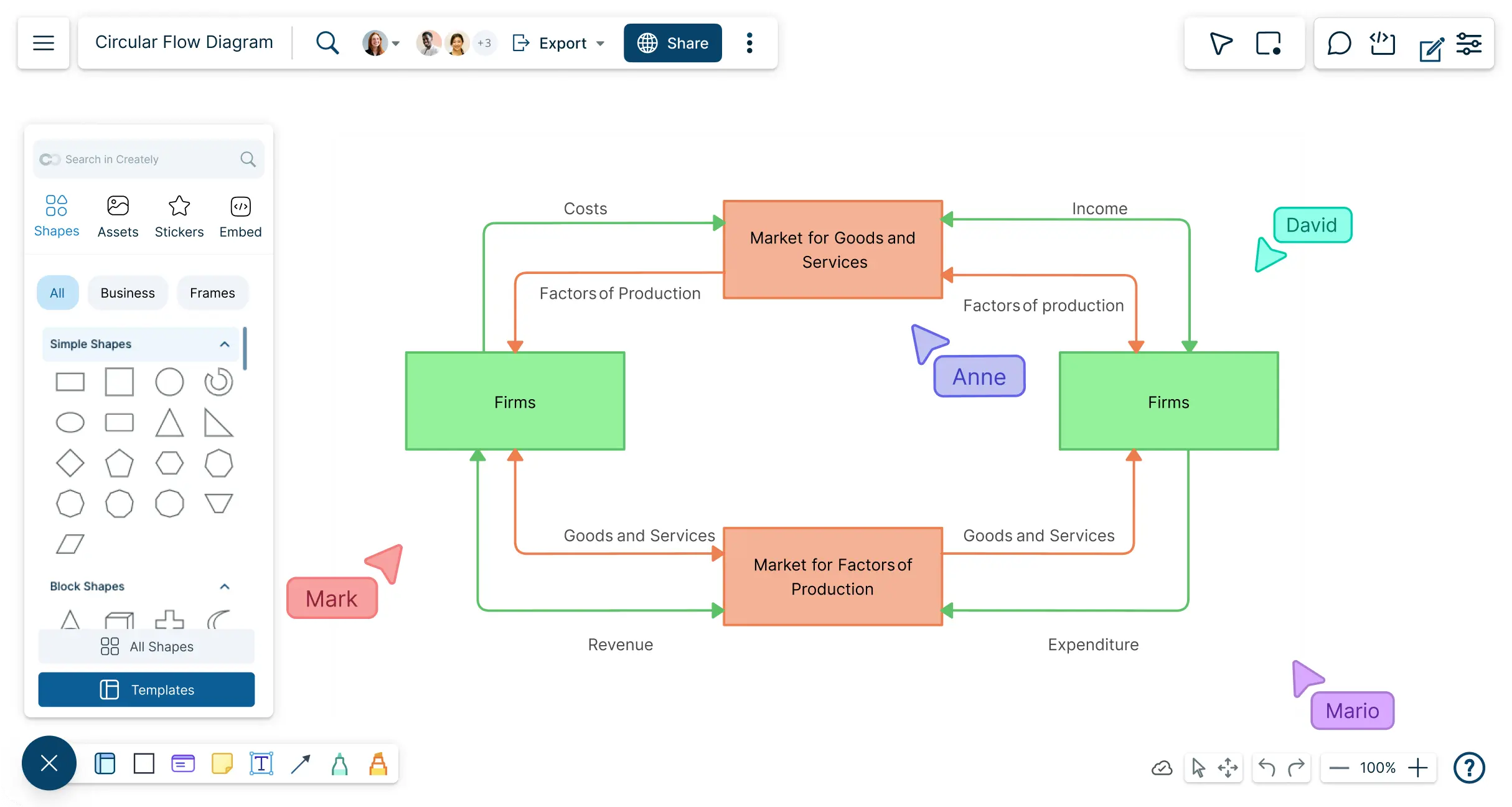
Accurately Visualize Your Circular Flow Model
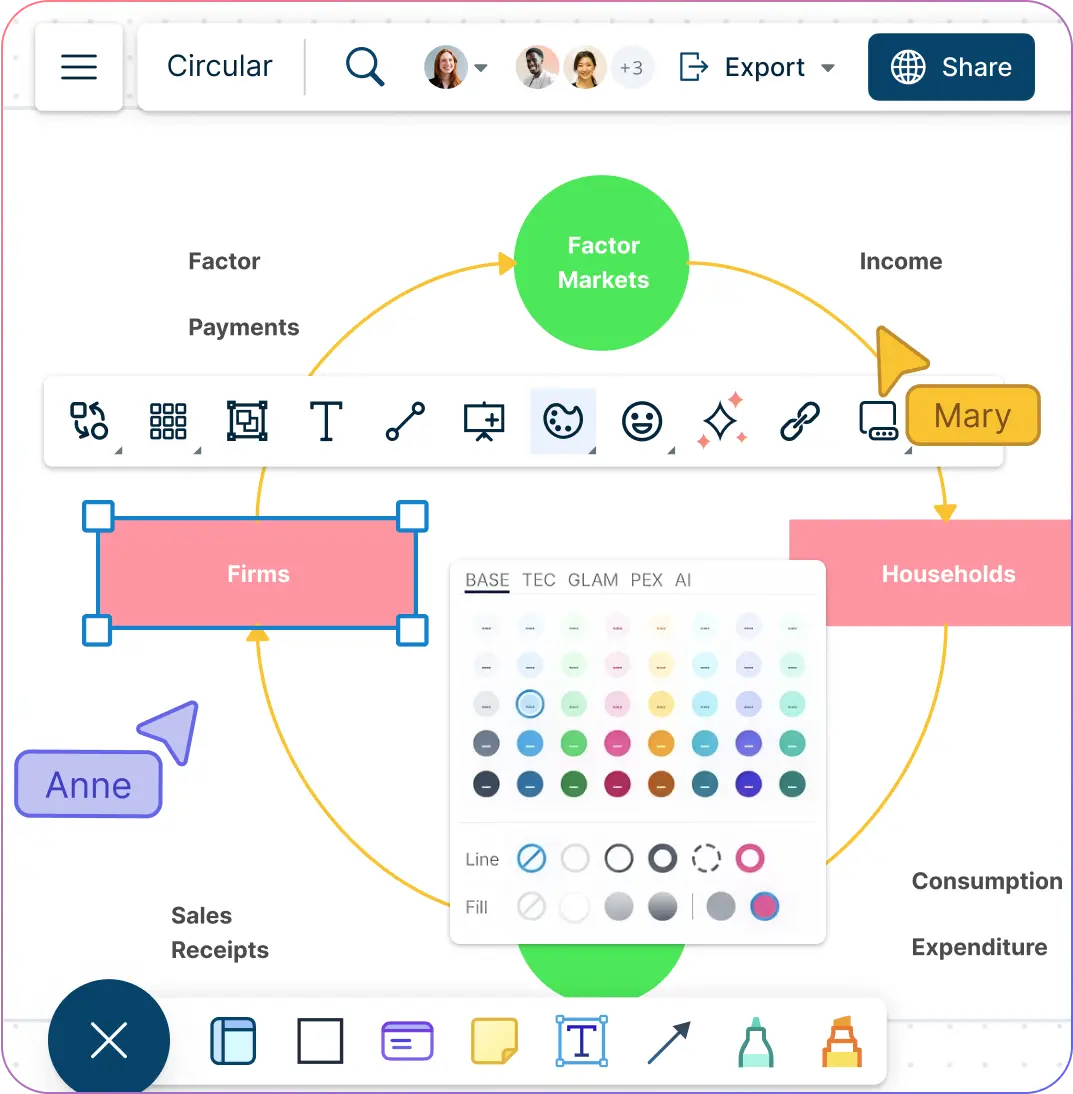
Professional templates to quickly get started with the circular flow model.
Advanced styling and color options to color-code and customize.
Draw anything you want based on your business and household relationships.
Dynamic connectors to trace the interconnections in the economy.
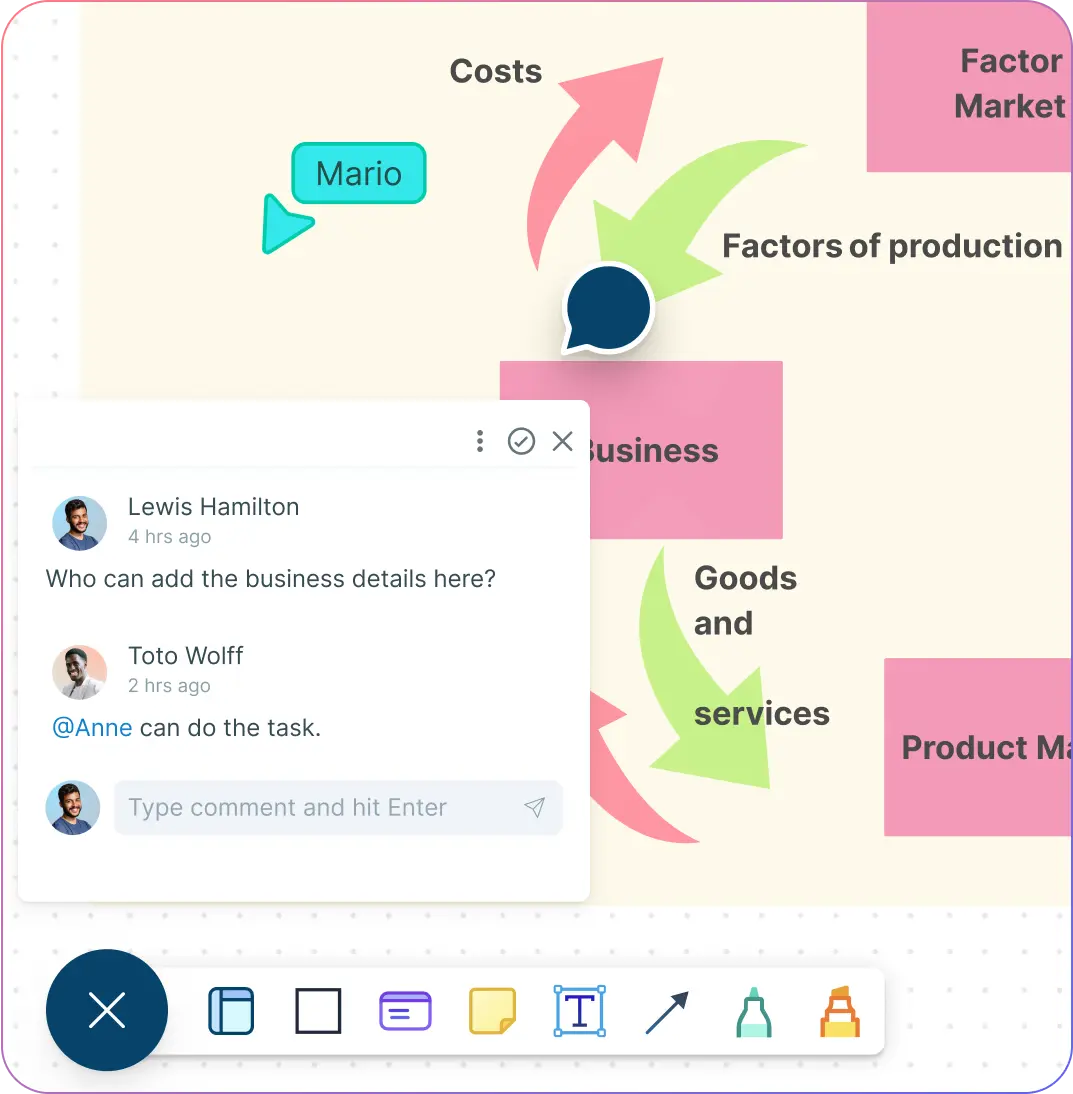
Work Together on Your Economic Models – Anywhere, Anytime
Workspace, folder, team, and organizational levels to customize and collaborate.
Centralize feedback with in-context comments, @mentions, discussions, and action items directly on your diagram.
Collaborate live or async with real-time cursors and instant updates.
Collaborate live or async with real-time cursors and instant updates.
Share securely via link or embed, with role-based permissions for full control.
Keep Your Circular Flowcharts and Data in One Organized Space
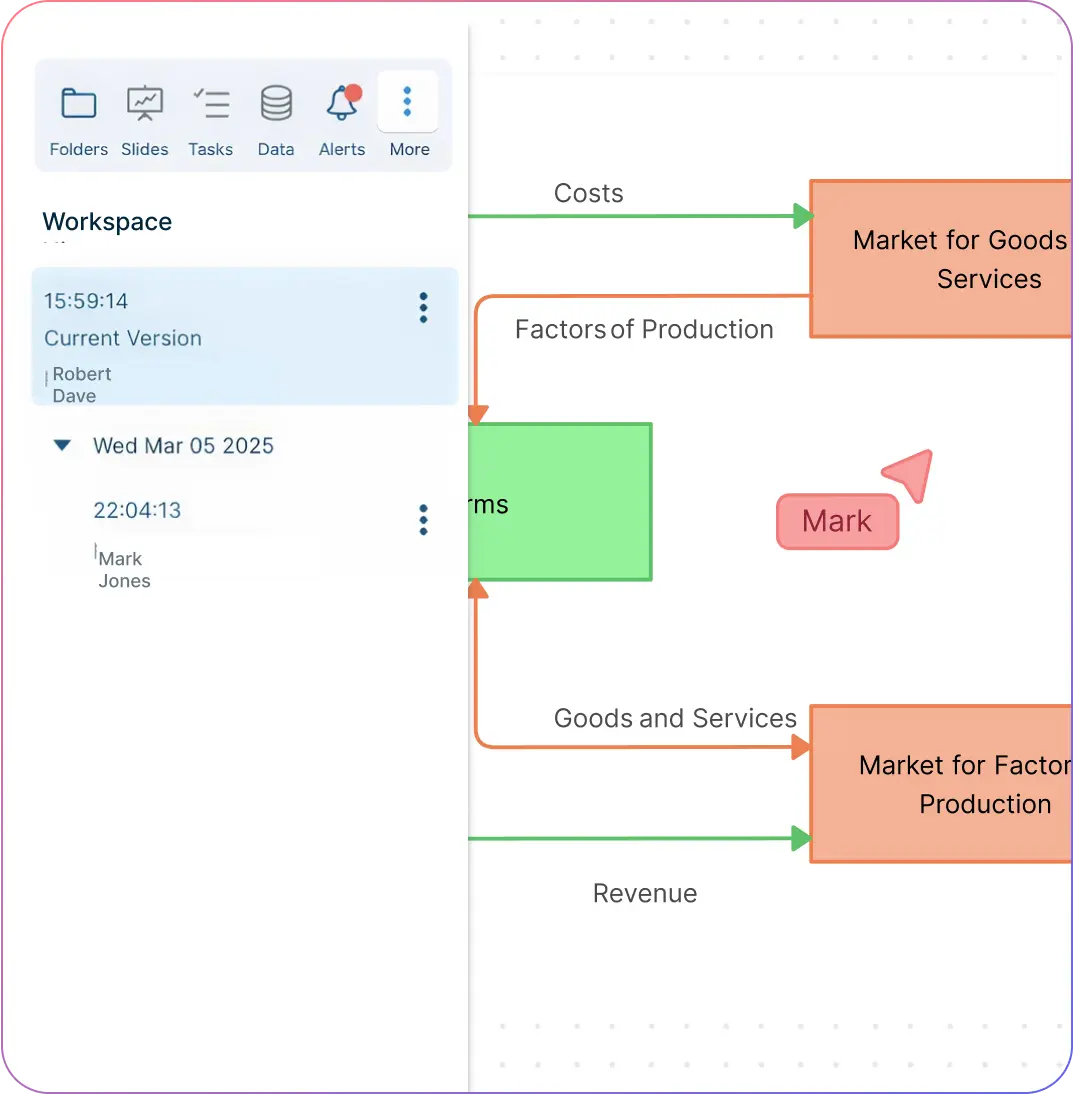
Folder structures to help organize diagrams in folders and provide access as required.
Track every change with full version history; name versions by date, meeting, or collaborator.
Import data with ease from CSV, Excel, or spreadsheets and visualize them as tables, grids, timelines, and more.
Extend to include additional contextual information with data fields and custom properties.
Attach supporting resources such as documents, links, and multimedia directly to your diagram for quick reference.
What Is a Circular Flow Diagram?
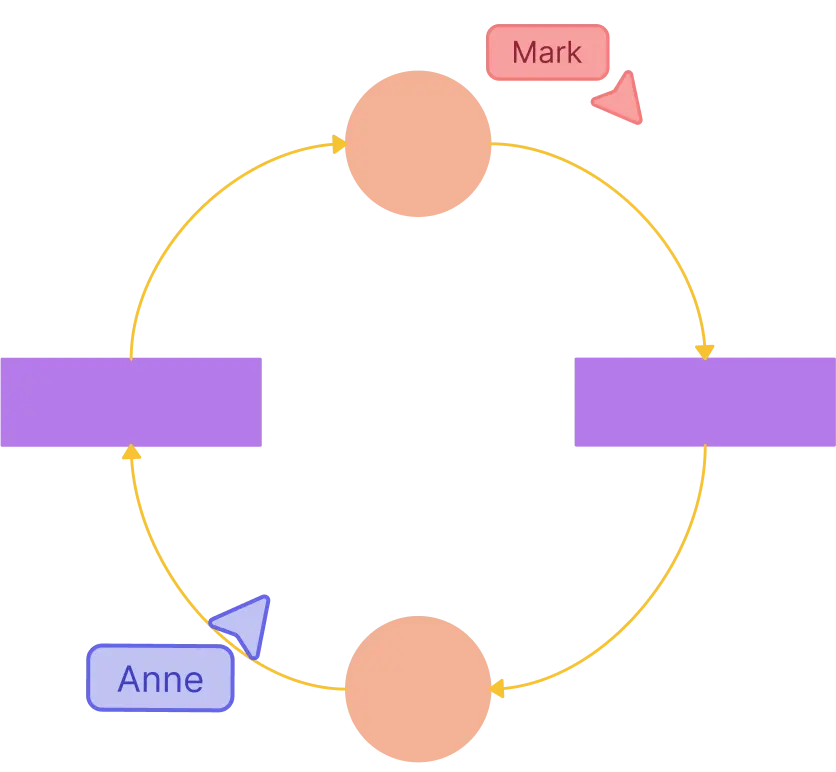
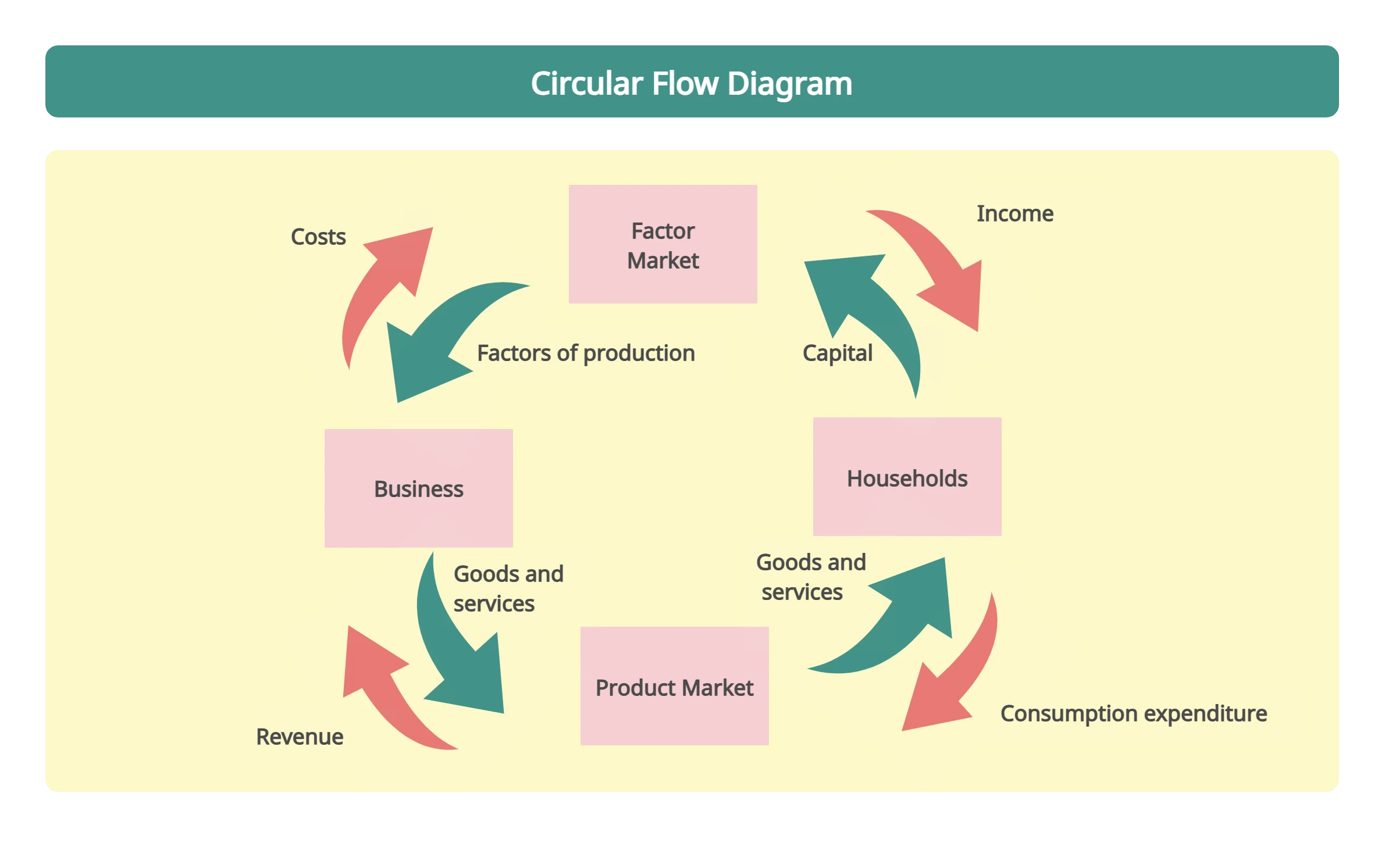
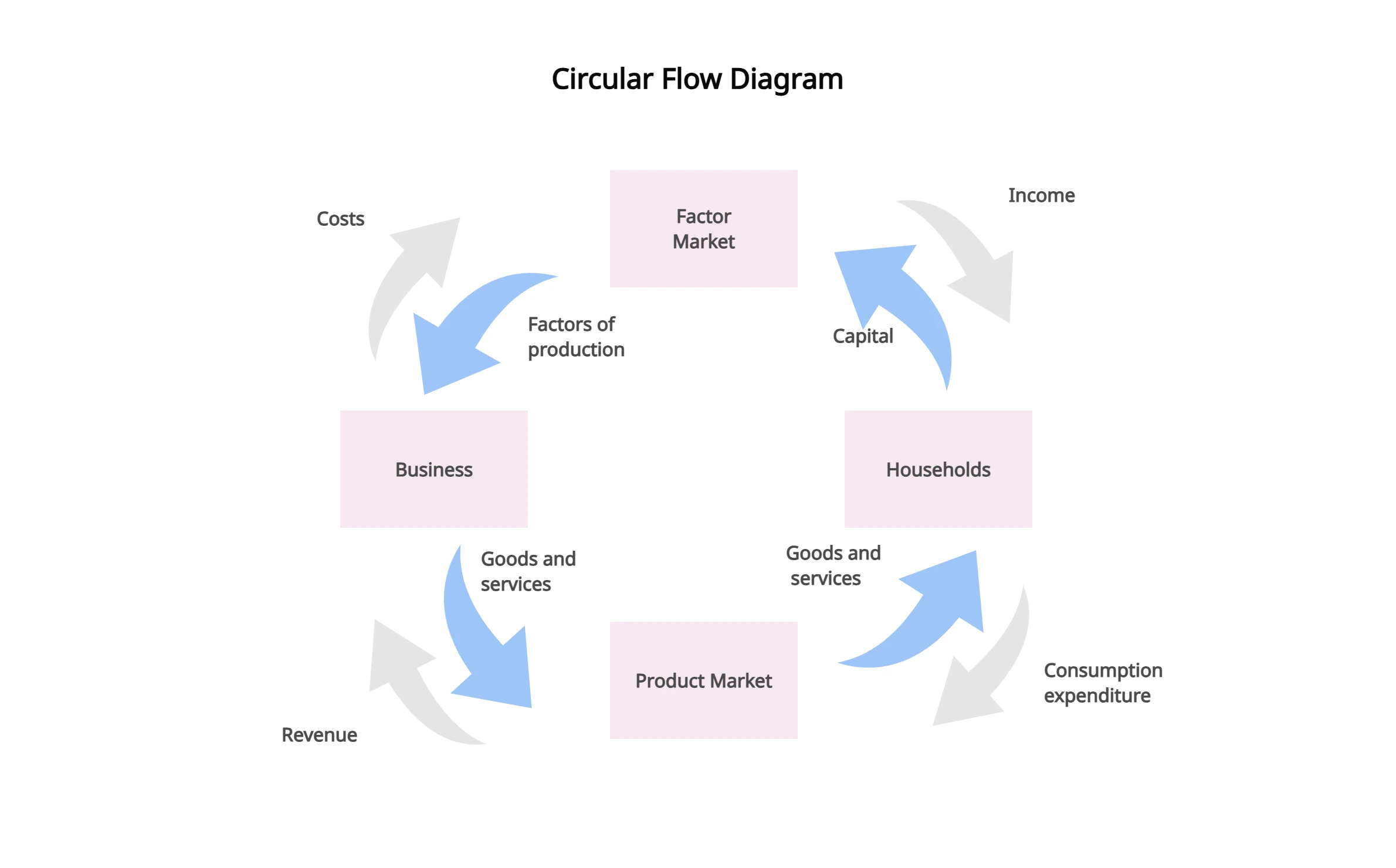
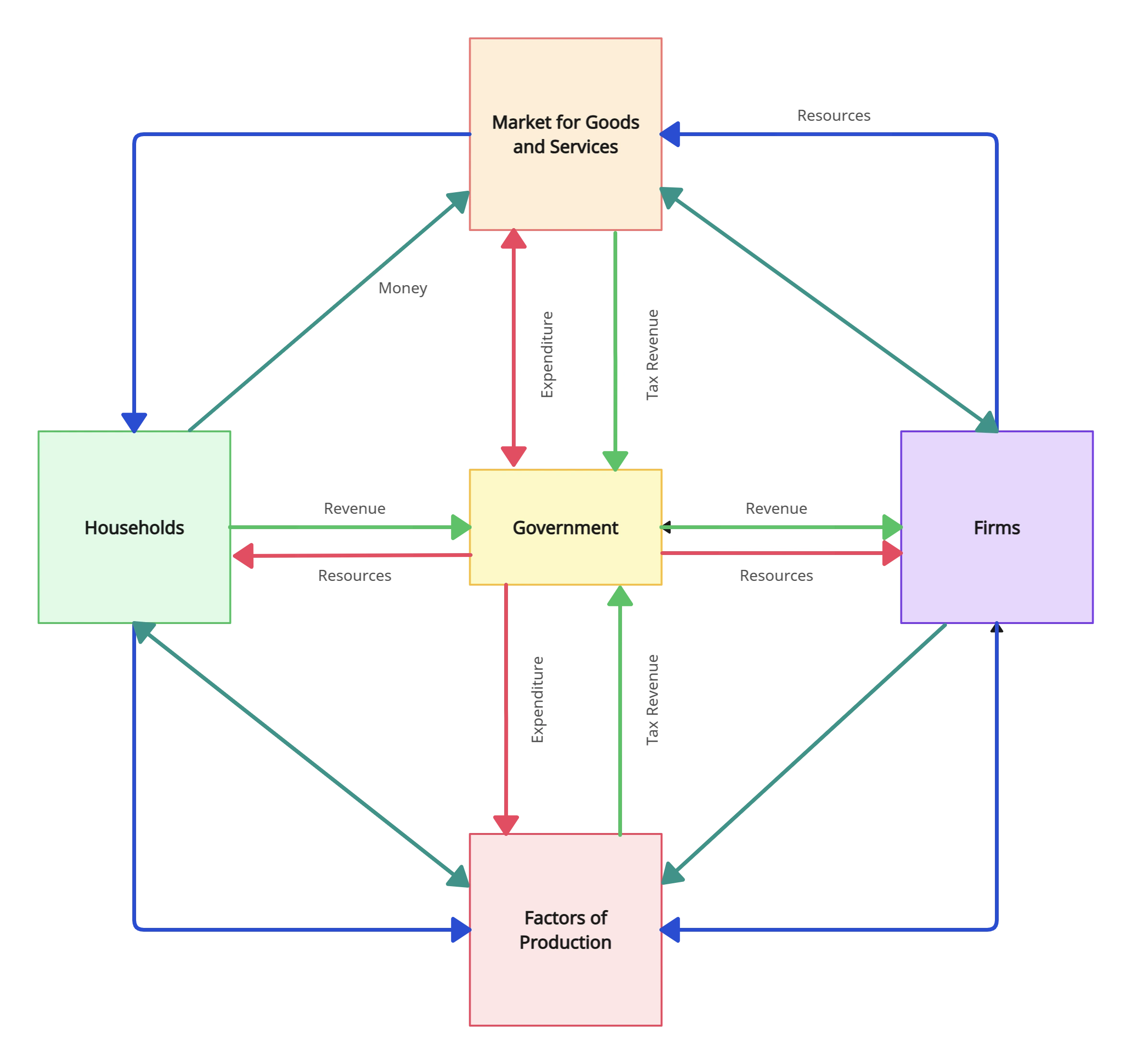
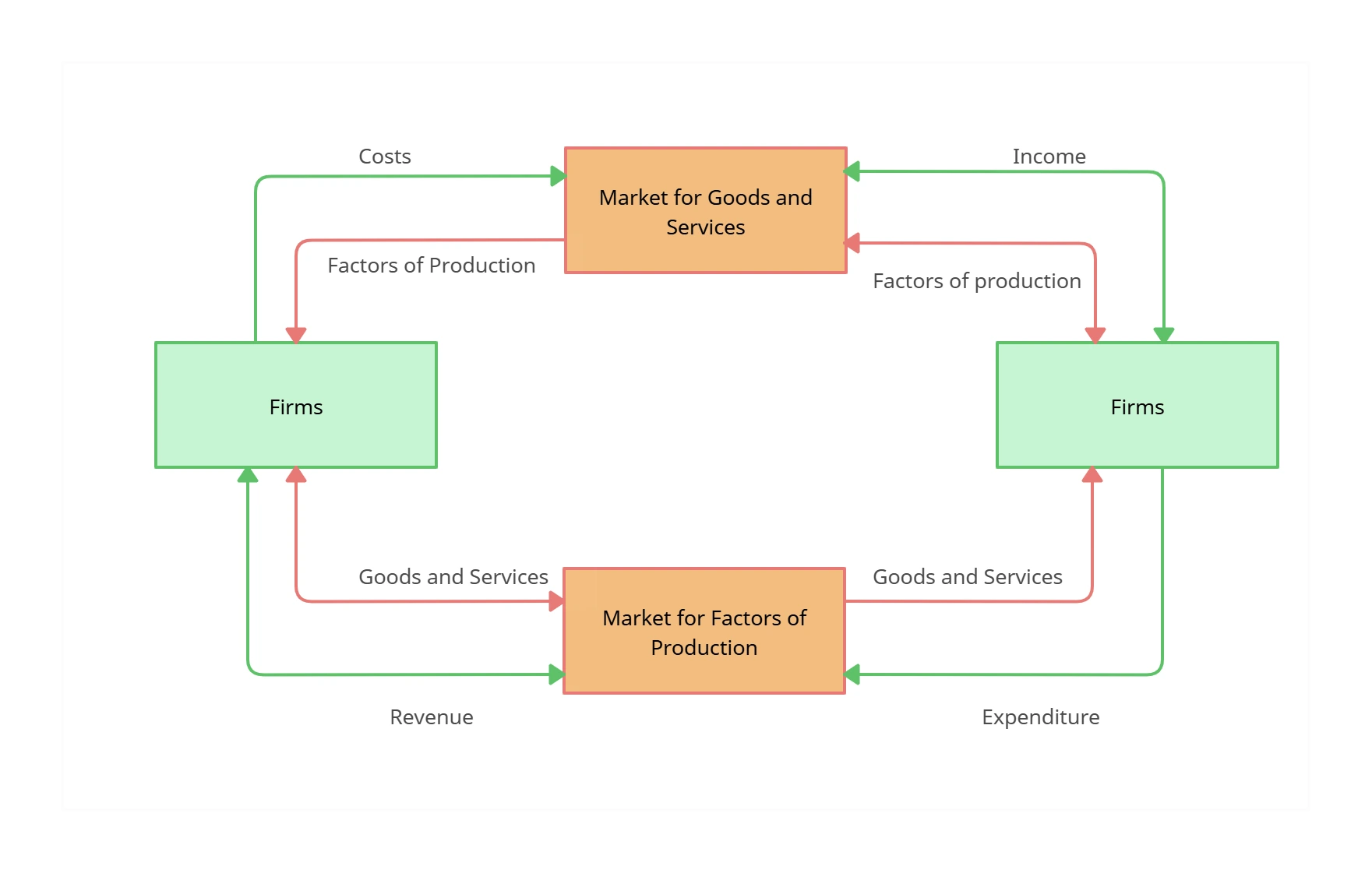
Circular flow diagram, also known as the circular flow of income, is an economic model in which the major exchanges are represented as flows of money, goods, and services. This model helps you determine the condition of the economy for maintaining stability.
A fundamental concept of macroeconomics, the main takeaway or lesson of the circular flow diagram is that it suggests that the economy can reproduce itself.
How to Make a Circular Flow Diagram?
Launch Creately
Sign in to your Creately account and open a new workspace. This is your collaborative canvas where you can create, edit, and share circular flow diagrams online.
Add a Circular Flow Diagram Template
Choose from a wide range of circular flow diagram templates to kickstart your model instantly. Templates give you a professional starting point that you can adapt for businesses, households, governments, or any sector.
Customize and Organize Your Diagram
Style your circular flow diagram with preset color themes, shapes, and icons. Use sticky notes and the notes panel to capture insights, add context, or highlight important details for your team.
Attach Data and Resources
Bring in data from CSV or Excel files, and extend your diagram with custom properties. Attach supporting documents, links, and multimedia so your diagram becomes a complete hub of information.
Review, Collaborate, and Share
Work with your team in real time using live cursors, contextual comments, and discussion threads. Share securely with role-based permissions or export your circular flow diagram as PNG, PDF, or SVG for presentations.
Create a Circular Flow DiagramExplore Circular Flow Diagram Templates to Simplify Complex Economic Flows
FAQs About the Circular Flow Diagram Software
What are Creately’s circular flow diagram maker pricing plans?
- Free Plan — $0/month for basic circular flow diagram creation and collaboration
- Starter & Team Plans — $8/month or $5/month billed annually
- Business Plan — $149/month or $89/month billed annually
Annual billing helps you save more while unlocking advanced collaboration, workspace management, and enhanced circular flow diagram features. You can compare all available plans and features on the Creately Pricing Page.
How can you create circular flow diagrams faster?
Are there templates for different circular flow diagram use cases?
Can teams collaborate on circular flow diagrams?
Can I add notes, data, and files?
Can I share, present, or export circular flow diagrams?