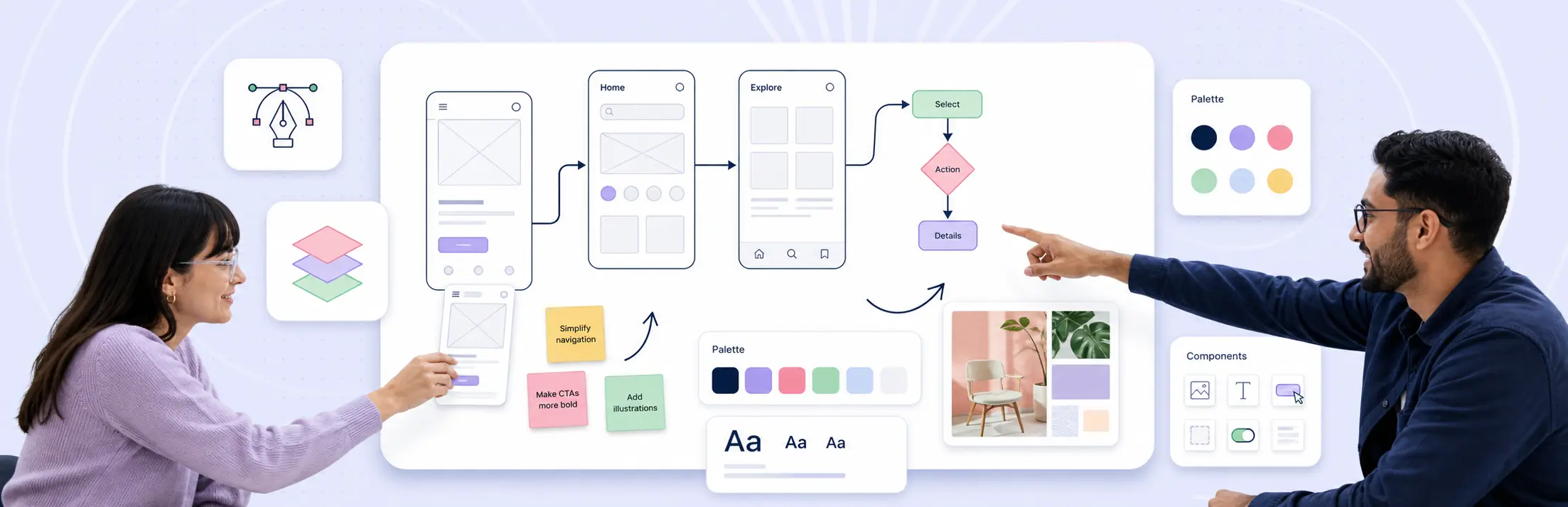
Designers can use Creately for client design work when workspace access, data handling, review ownership, and approval expectations are agreed up front. This guide answers the questions design teams are most likely to hear before inviting clients, product teams, executives, or procurement reviewers into a shared Creately workspace.
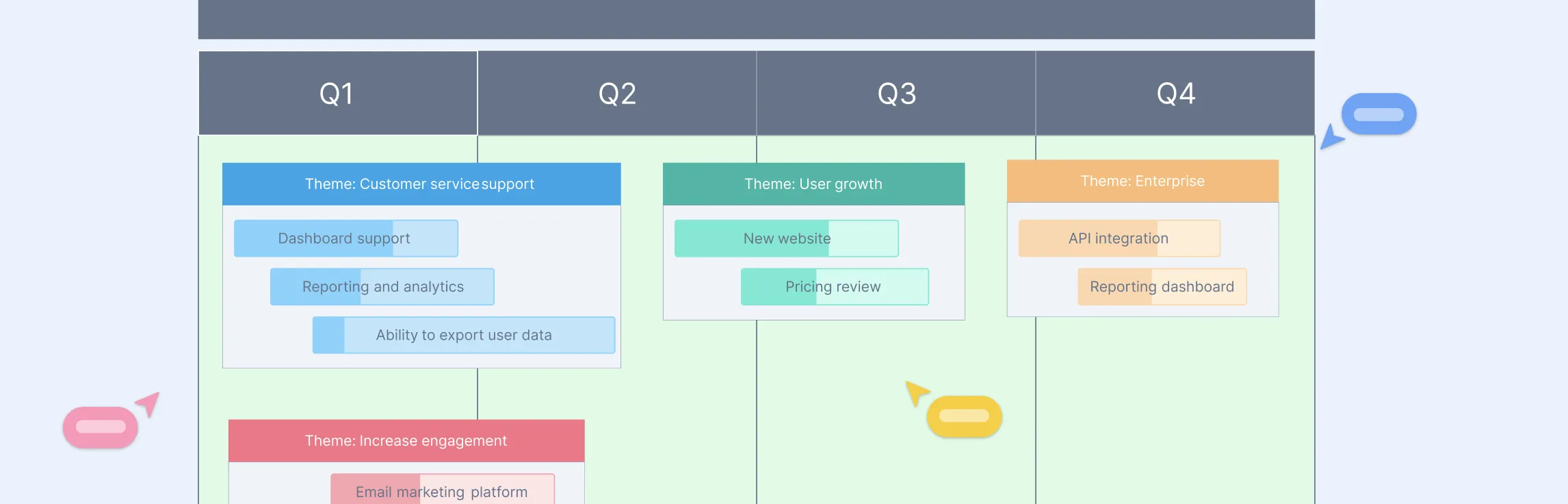
Not all product roadmaps are created equal, and picking the right type can make or break how your team plans, aligns, and delivers. From strategy-driven overviews to outcome-focused plans, the right roadmap helps you communicate clearly, prioritize effectively, and keep everyone moving in the same direction. In this guide, we’ll break down the top types of product roadmaps and show when and how to use each one.
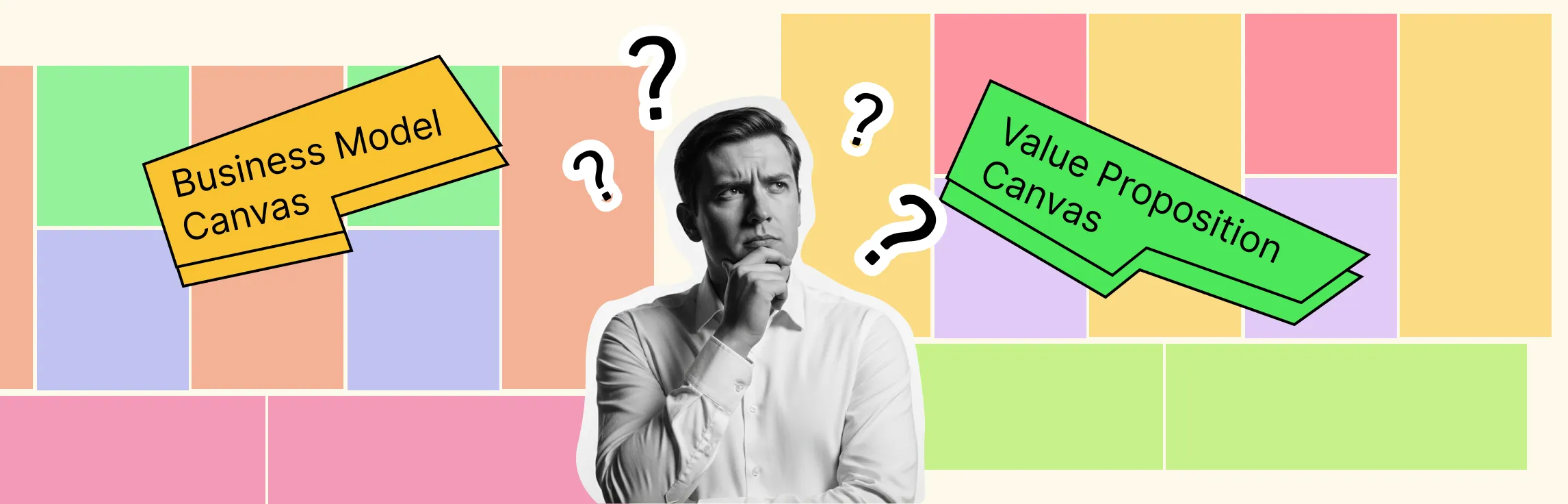
Every great business starts with a clear plan—and a clear plan starts with the right tools. The business model canvas and value proposition canvas are two of the most powerful frameworks to help you map your business, uncover opportunities, and understand what truly matters to your customers. In this guide, we’ll show you how to use both canvases to align your team, test ideas, and turn your vision into a practical plan—all in a simple, visual way.
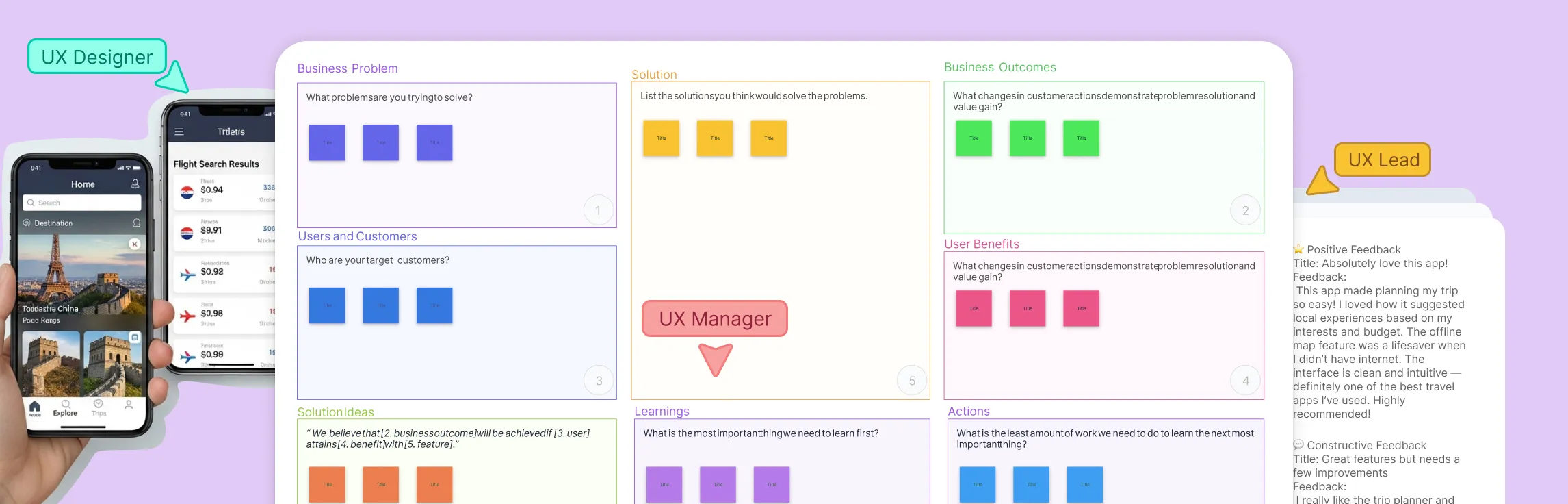
The Lean UX Canvas is a practical tool that guides teams through the Lean UX process — from framing problems and identifying assumptions to designing experiments that lead to real insights. It helps teams stay focused on outcomes, align around user needs, and make evidence-based decisions. In this guide, you’ll learn how to use the Lean UX Canvas step by step to validate ideas faster and build products that truly solve user problems.
Lean UX is a practical way to design and improve products faster. Instead of spending weeks creating detailed designs or long reports, it focuses on learning quickly through collaboration and small experiments. This guide will help you understand what Lean UX is, how it works, and how you can use it to build better experiences with your team. Whether you’re new to UX or just looking for a faster, more flexible approach, this is the perfect place to start.
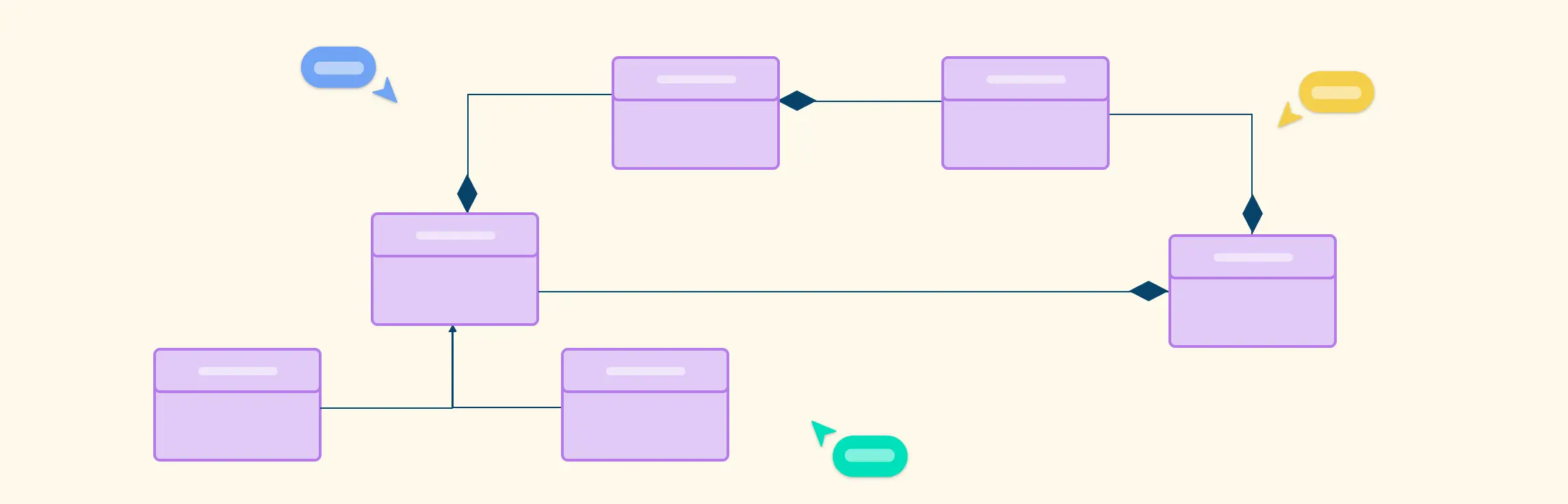
Composite structure diagrams are a UML tool used to model a system’s internal structure, showing how its parts, ports, and connectors interact at runtime. Unlike class diagrams, they focus on the internal composition and collaboration of components.
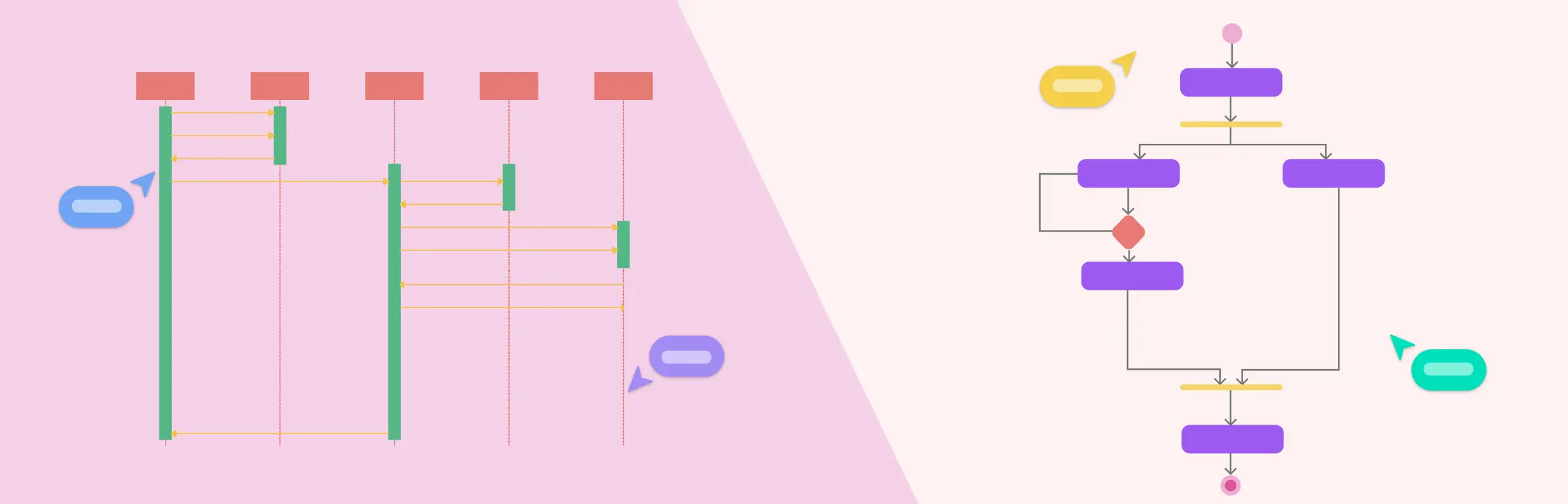
Visualizing how a system behaves is key to effective software design, and UML (Unified Modeling Language) makes this easy. Among its behavioral diagrams, the Sequence Diagram and Activity Diagram stand out for showing interactions and workflows. This guide explores Sequence vs Activity Diagram, highlighting their differences, components, and when to use each for clear, actionable system modeling.
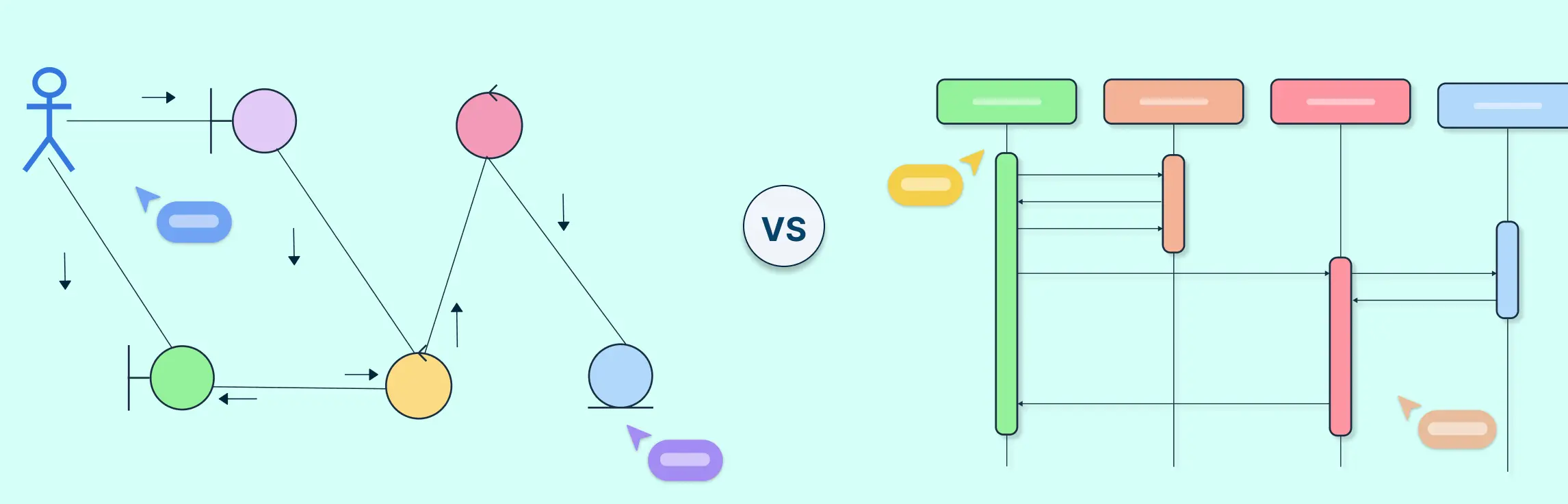
In UML, sequence and communication diagrams both show how objects interact within a system, but they do so from different perspectives. A sequence diagram focuses on the order of messages over time, while a communication diagram emphasizes the relationships and message flow between objects. This guide explains their key differences, when to use each, and how they work together to model system behavior effectively.
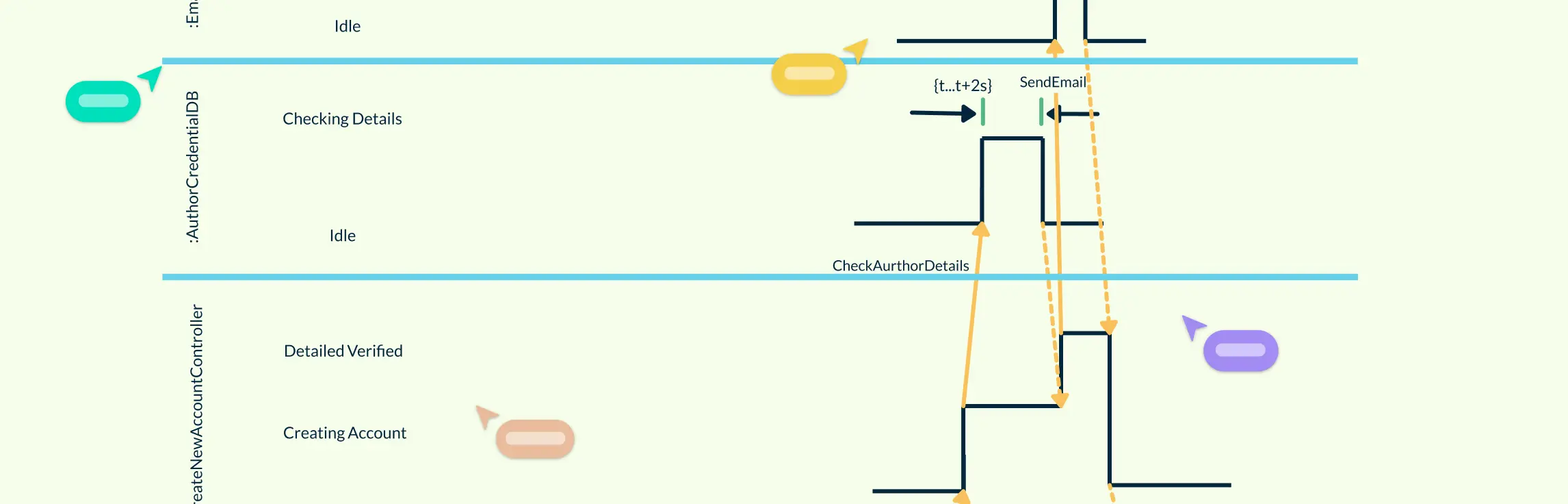
Ever wondered how complex systems keep everything running smoothly, on time, and in sync? Timing is everything, and understanding it can make the difference between a system that works and one that fails. In this guide, you’ll learn the key components, types, and step-by-step process for creating timing diagrams, along with best practices to make your diagrams clear, accurate, and easy to understand.
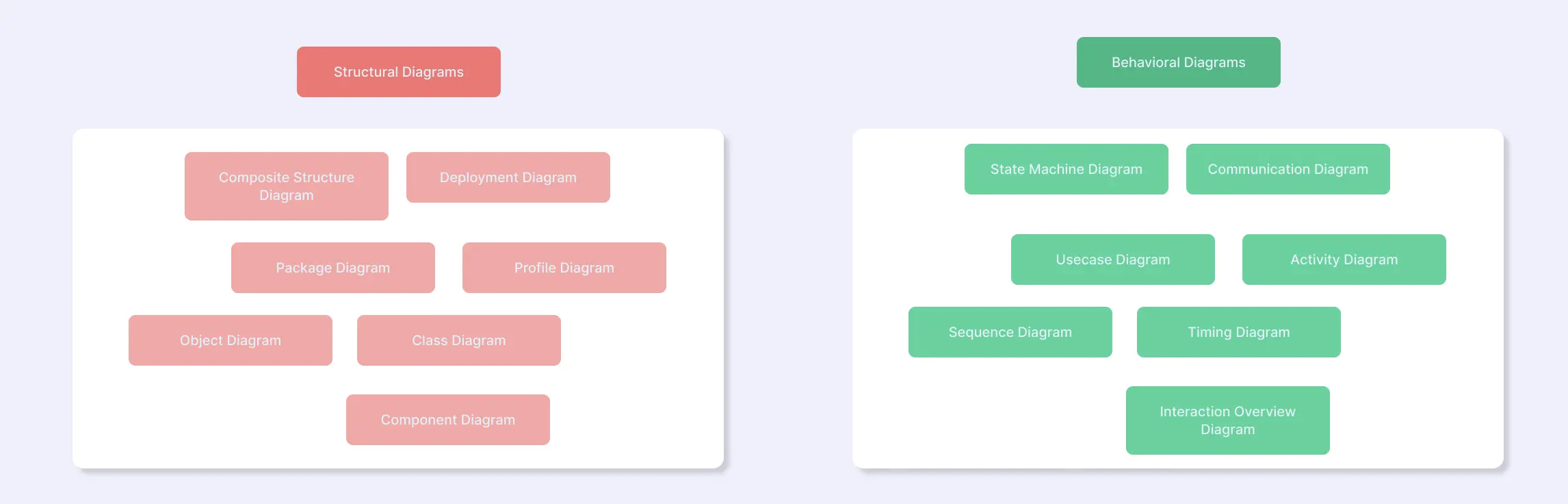
UML diagrams are visual tools that help software developers and designers understand and communicate how a system works. They provide a clear picture of both the structure of a system and how it behaves, making complex ideas easier to grasp. In this guide, we’ll explore the two main types of UML diagrams—structural and behavioral—compare their purposes, and show how they complement each other to give a complete view of any software system.
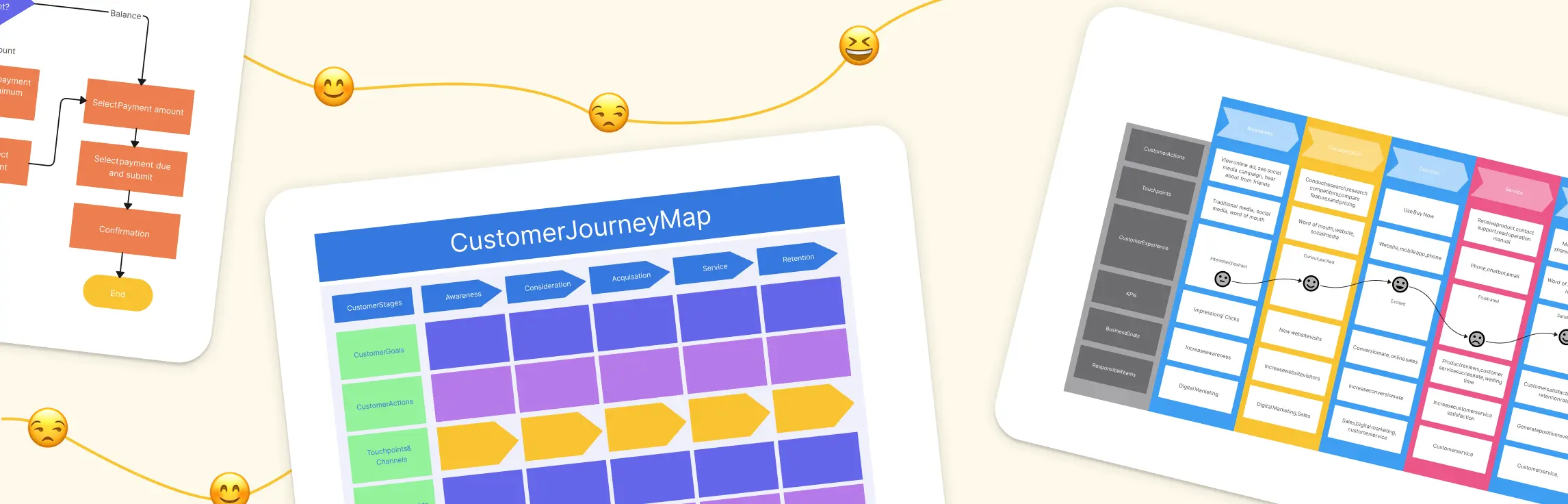
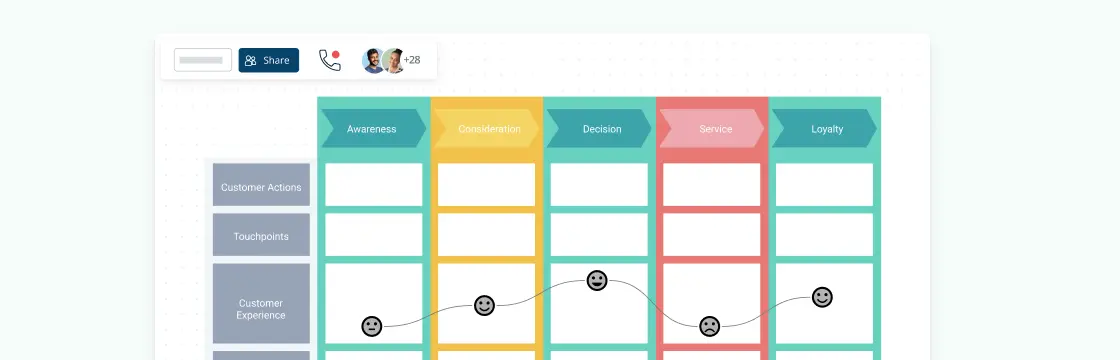
Creating a customer journey map helps you see your business through your customers’ eyes. It uncovers pain points, highlights opportunities, and shows exactly where improvements can make the biggest impact.
Ever wondered how great products—whether it’s your favorite app, a new tech gadget, or even a kitchen appliance—come to life? That’s where product management comes in. It’s the process of guiding a product from idea to launch (and beyond), ensuring it meets customer needs while also driving business success.
Product management is all about making the right decisions—what to build, when, and how to meet customer needs. With so many moving parts, frameworks help simplify the process by providing clear, structured approaches.
In today’s digital-first world, businesses rely on software, apps, and online platforms to deliver value to their customers. Digital product management is the strategic process of overseeing the lifecycle of these digital products—from ideation to launch and continuous improvement. It involves aligning business objectives, user needs, and technology to create products that drive growth, engagement, and customer satisfaction.
This guide is your roadmap to navigating the complexities of a digital project, with a focus on crafting a winning digital product strategy. Whether you’re launching a new digital product or optimizing an existing one, having a clear strategy is key to ensuring success. We’ll walk you through the essential steps, from setting objectives and understanding your target audience to using digital tools and agile methodologies for seamless execution. By the end of this guide, you’ll be equipped with practical insights to develop and implement a digital product strategy that drives your project forward and ensures lasting impact.
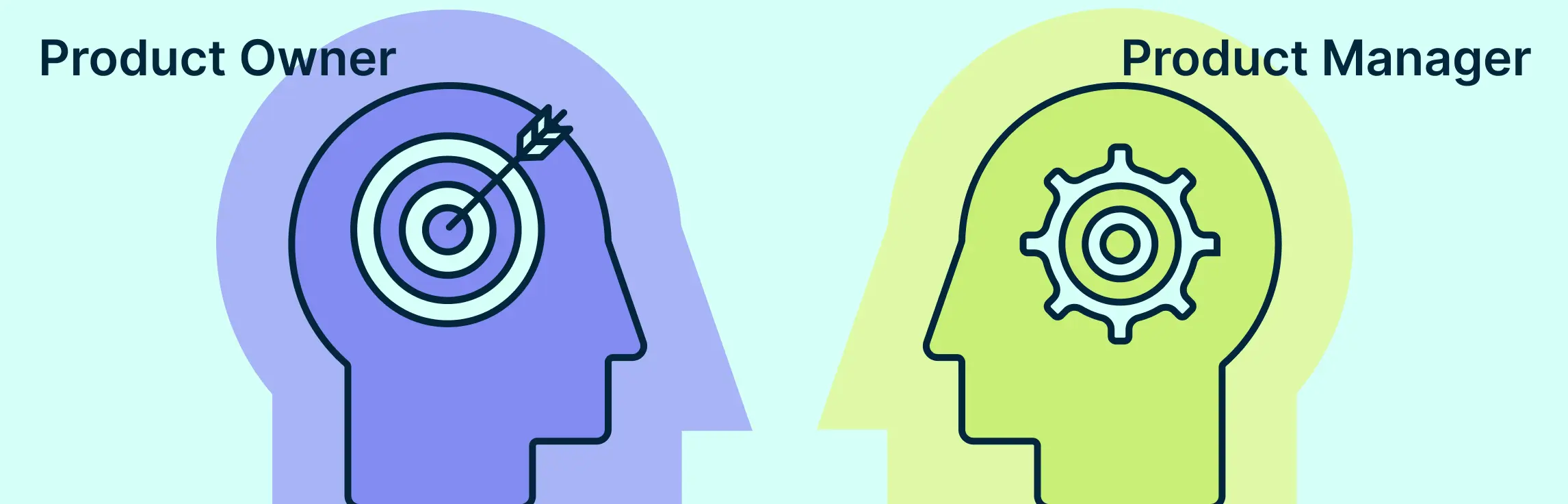
In the world of product development, the titles “Product Manager” and “Product Owner” are often used interchangeably, but they actually represent two distinct roles. While both are essential to the success of a product, they focus on different aspects of the product lifecycle. Understanding the differences between product manager vs product owner can help clarify responsibilities, improve teamwork, and ultimately lead to better products.
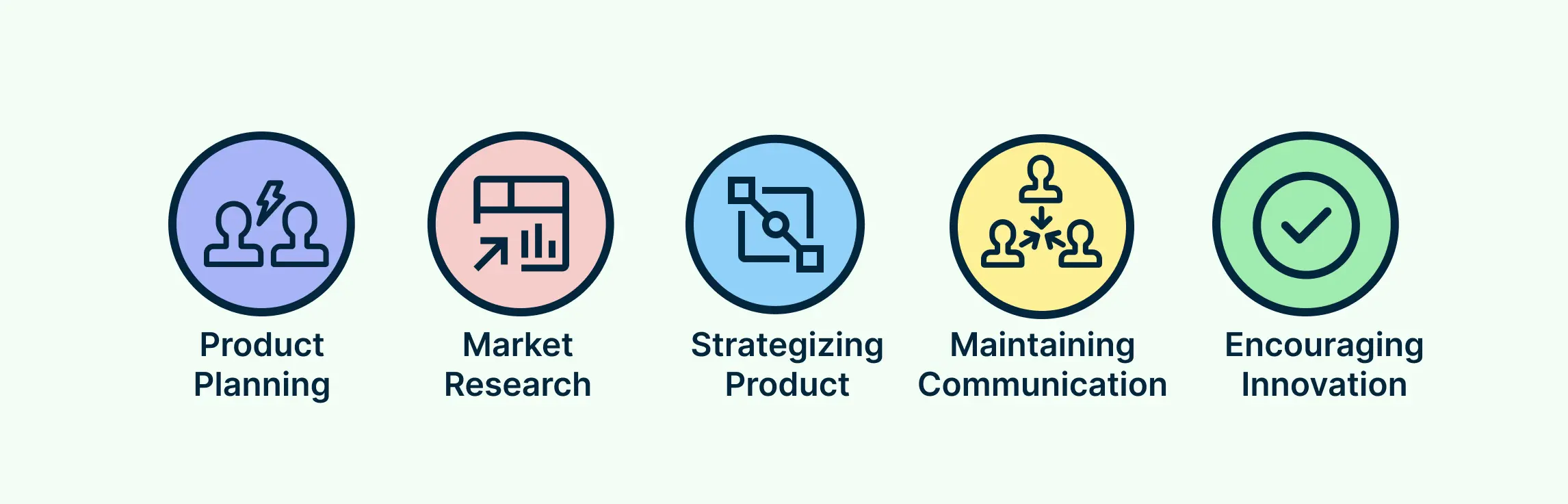
A product manager plays a crucial role in bringing great ideas to life. They are the bridge between customers, business goals, and development teams, ensuring that products are valuable, feasible, and marketable. But what exactly does a Product Manager do?
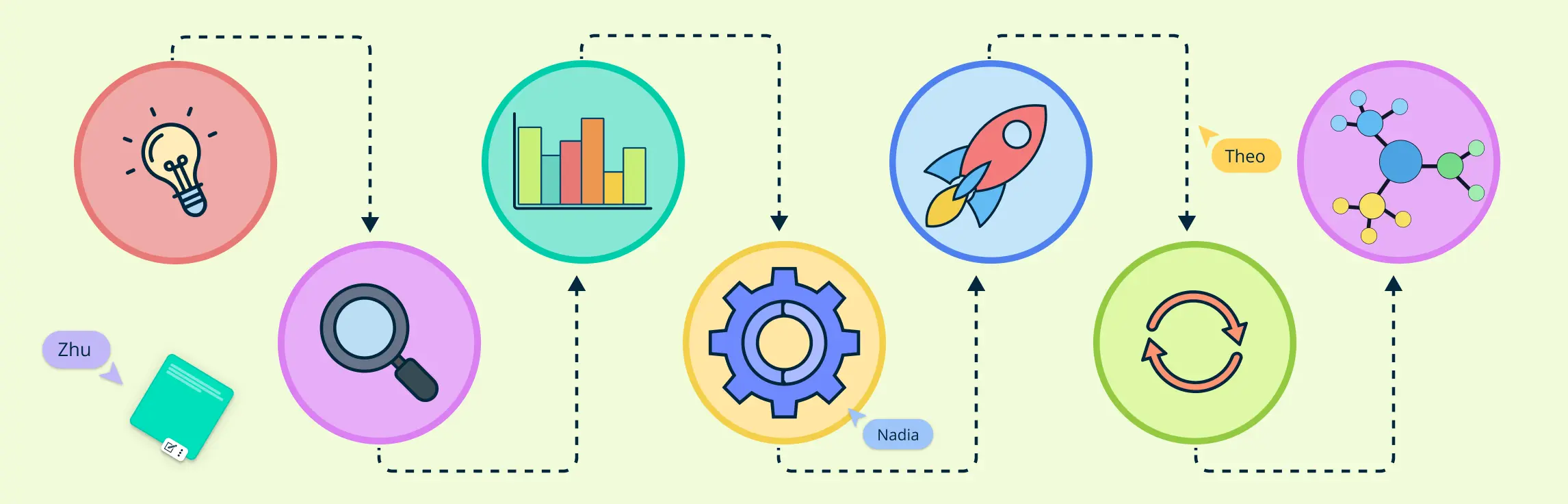
A product management process provides a repeatable path from identifying a customer problem to launching, measuring, and improving a product. It connects discovery, product vision, requirements, prioritization, delivery, and feedback so teams can make decisions with shared context.
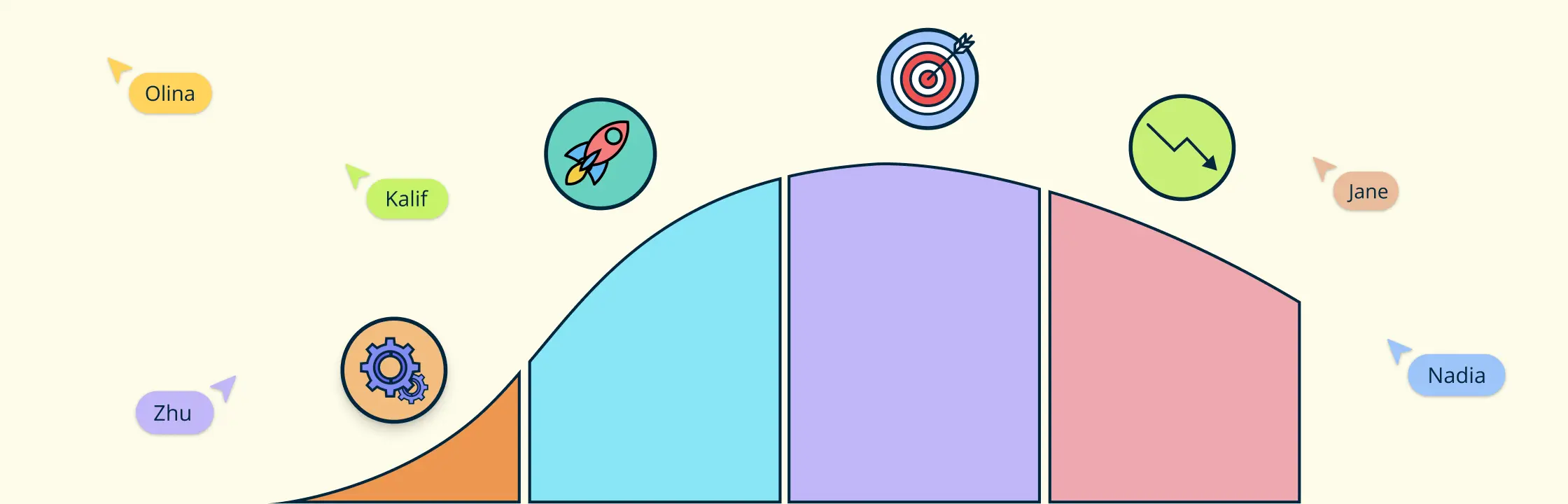
Every product goes through a natural journey from the moment it enters the market to when it eventually phases out. Understanding this journey can be the difference between a product thriving or fading away. In this guide, we’ll explore the stages of the product life cycle and how recognizing them can help you make strategic decisions, maximize your product’s potential, and stay competitive in the market. Whether you’re launching a new product or managing an existing one, knowing how to navigate these stages is key to long-term success.
Understanding what is the customer journey is important in today’s business landscape, where customer-centric strategies drive market success. A customer journey includes every interaction a customer has with a brand, from initial awareness to post-purchase behavior.
If you want to design smoother experiences and reduce friction across key user paths, this guide will help you understand what to map, how to structure a user flow diagram, and how to use it to make better product decisions with more confidence.
This guide explores what is a customer journey map and its key components, stages, and types, along with their benefits and real-world examples. It also highlights how journey mapping has evolved and clarifies how it differs from related tools, giving you a complete understanding of this essential business tool.