A cross-functional meeting earns its place on the calendar when it resolves something the teams cannot settle separately. That might be a launch date, a handoff between departments, or a tradeoff between speed and quality. Without a named decision owner and a record of what happens next, the same issue tends to return at the next meeting.
This guide uses an illustrative product-launch meeting involving product, engineering, marketing, and support. The teams need to decide whether a new feature can launch next month. The example shows how to prepare, facilitate, and follow through in a shared Creately workspace.
When to Hold a Cross-Functional Meeting
Bring teams together when a decision crosses functional boundaries or one team’s work depends on another’s. A meeting is useful if participants need to compare evidence, negotiate a handoff, or agree on a tradeoff in real time. If the update is purely informational, share it asynchronously and leave space for questions.
Start by writing the outcome as a question: “Can we launch on the proposed date, and what must be true for each team to support it?” That gives the facilitator a test for every agenda item. If a topic will not help answer the question, move it to prework or a separate conversation.
Prepare the Meeting Around a Decision
Name four roles before sending the invitation:
- Sponsor: Explains why the decision matters and what is in scope.
- Facilitator: Keeps the discussion focused and gives each function a chance to surface risks.
- Decision owner: Confirms the choice or names the escalation path when the group cannot decide.
- Recorder: Captures decisions, rationale, open questions, and follow-up actions.
These roles can be held by fewer than four people, but say who is doing each job. Invite the people who own a dependency or bring evidence needed for the decision; send the record to others who only need an update. A RACI matrix can make project responsibilities explicit, but it does not replace naming the person who can make this meeting’s decision.
For the launch example, product owns the release recommendation, engineering confirms technical readiness, marketing needs an approved date for the campaign, and support needs training material before customer announcements. The facilitator asks each team to bring its status, evidence, and unresolved dependency in advance.


Build a Question-Led Agenda
An effective meeting agenda tells participants what they must help decide, which material to review, and how much time each topic gets. Share it early enough for teams to check facts rather than give status updates from memory.
| Time | Question | Owner | Expected output |
|---|---|---|---|
| 0–5 min | What decision must we make today? | Facilitator | Scope and decision rule confirmed |
| 5–15 min | What is ready, and what evidence is missing? | Product and engineering | Readiness gaps listed |
| 15–25 min | Which launch dependencies could block another team? | Marketing and support | Handoffs and dates clarified |
| 25–35 min | What options can resolve the blockers? | All functions | Tradeoffs compared |
| 35–40 min | What is the decision, and who owns each next step? | Decision owner and recorder | Decision log and action list |
The facilitator should be ready to park unrelated issues. A team that only needs to report progress can add it to the shared agenda before the meeting. A team with a blocker should state the decision or help it needs from the group.

Make Dependencies Visible During the Meeting
Put the agenda, evidence, and open questions where everyone can see them. A shared whiteboard helps participants point to the same launch steps, add a note beside a blocker, and comment on an assumption that needs checking. Creately supports live editing and contextual comments, so people can add detail without waiting for a slide deck to be revised.
For a complicated handoff, draw a simple sequence: engineering finishes testing → product signs off → support receives the help article → marketing announces the release. Mark the owner and target date at each step. If the sequence is hard to explain, use a cross-functional flowchart to show work across swimlanes. The flowchart is evidence for the meeting, not the meeting plan itself.
When teams disagree, restate the decision and compare options against the agreed constraint. In the launch example, the group might choose between keeping the date with a smaller release, moving the date, or launching while an identified support gap remains. Ask what evidence would make each option acceptable. Give the decision owner space to make the final call and record any dissenting risk.
Record Decisions and Follow-Through
End each topic by saying the decision aloud and checking that the recorder captured it accurately. Keep the decision separate from the tasks needed to implement it. A decision log can be a small table in your meeting notes; no special software feature is required.
| Field | Launch meeting example |
|---|---|
| Decision | Launch the core feature next month; defer the optional export |
| Rationale | Core testing is complete; export still has an unresolved defect |
| Decision owner | Product lead |
| Action | Finish support article and review it with engineering |
| Action owner and due date | Support lead, by Friday |
| Open dependency | Marketing needs the approved release scope |
| Review point | Check the action list at the next launch-readiness meeting |
If the group cannot decide, record the missing evidence, who will provide it, and when the decision will be revisited. “Discuss later” leaves the dependency unresolved.
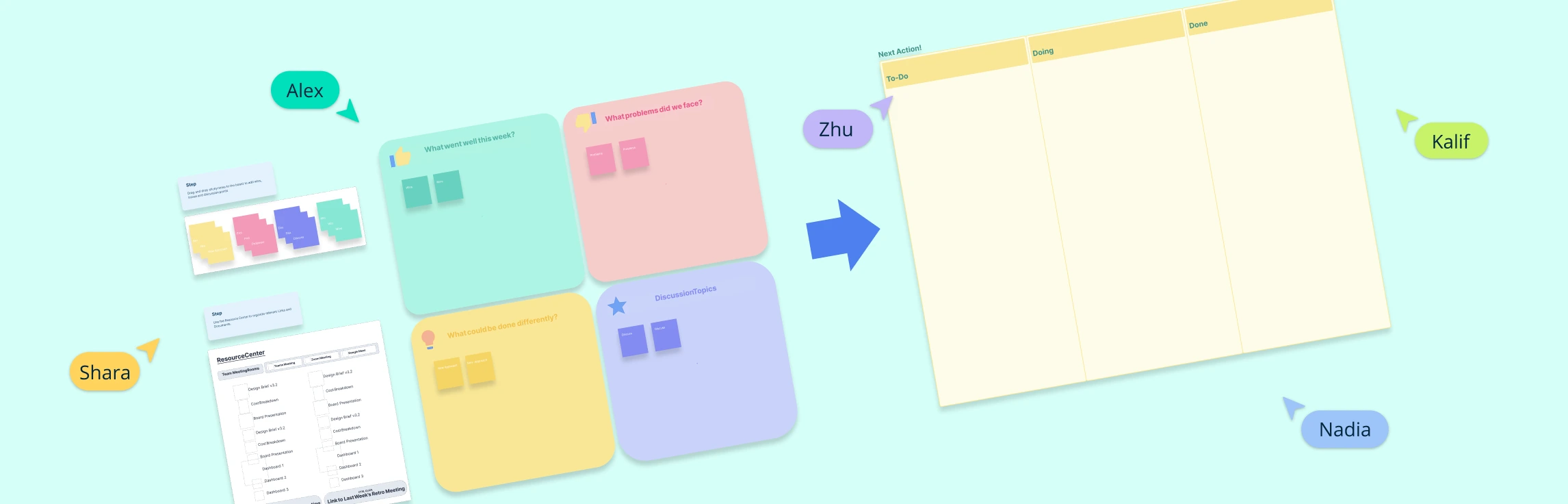
After the meeting, share the approved record with the teams affected. Keep actions in an action plan with one owner, a due date, and a visible status. At the next check-in, review exceptions and overdue dependencies rather than replaying the entire discussion. The meeting-notes template can hold the decision and its context; a huddle board or action-plan template can track the work that follows.
Use Creately to Keep the Work Connected
Use one workspace to collect prework, show the agenda, sketch handoffs, and capture decisions. Participants can edit the canvas together, leave comments beside a risk, and revisit the visuals after the meeting. Share the appropriate view with people who need the outcome but were not in the room. Creately’s online whiteboard is useful when the group needs to compare options visually; the meeting record should still name the final decision and action owners in plain text.
For a recurring cross-functional meeting, keep the same agenda structure and bring forward only open decisions, blocked dependencies, and overdue actions. This makes it easier to see whether the meeting is helping work move across teams.
Templates for Cross-Functional Meetings
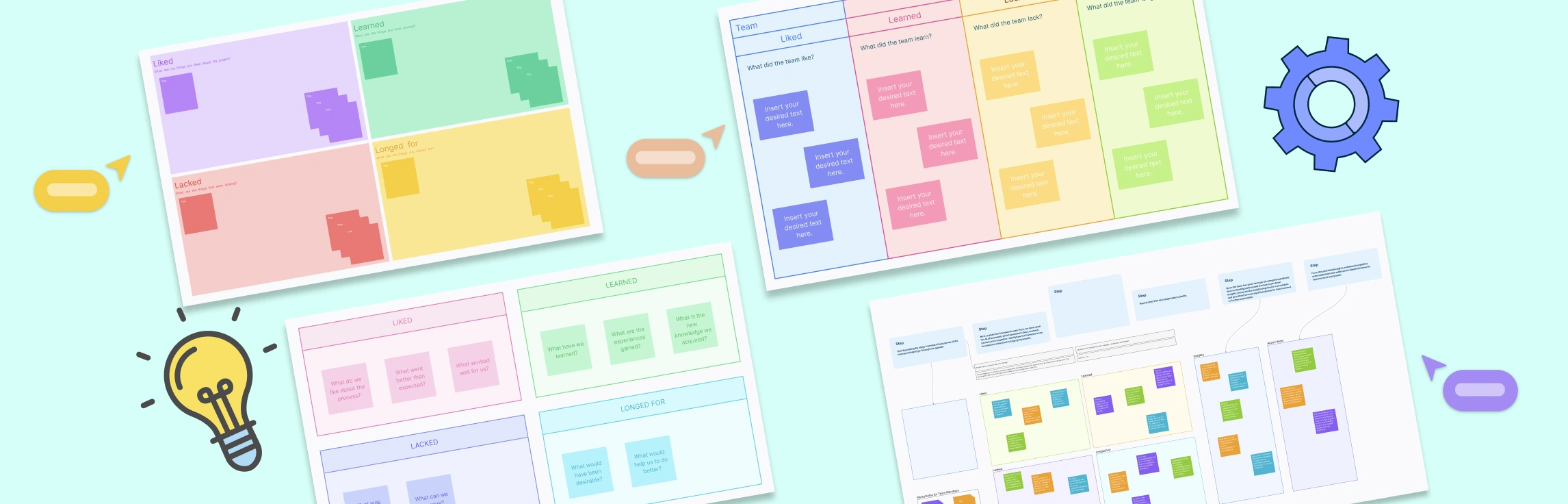
The agenda and RACI templates above prepare the conversation. These additional templates support the record and follow-through without repeating the same layouts.