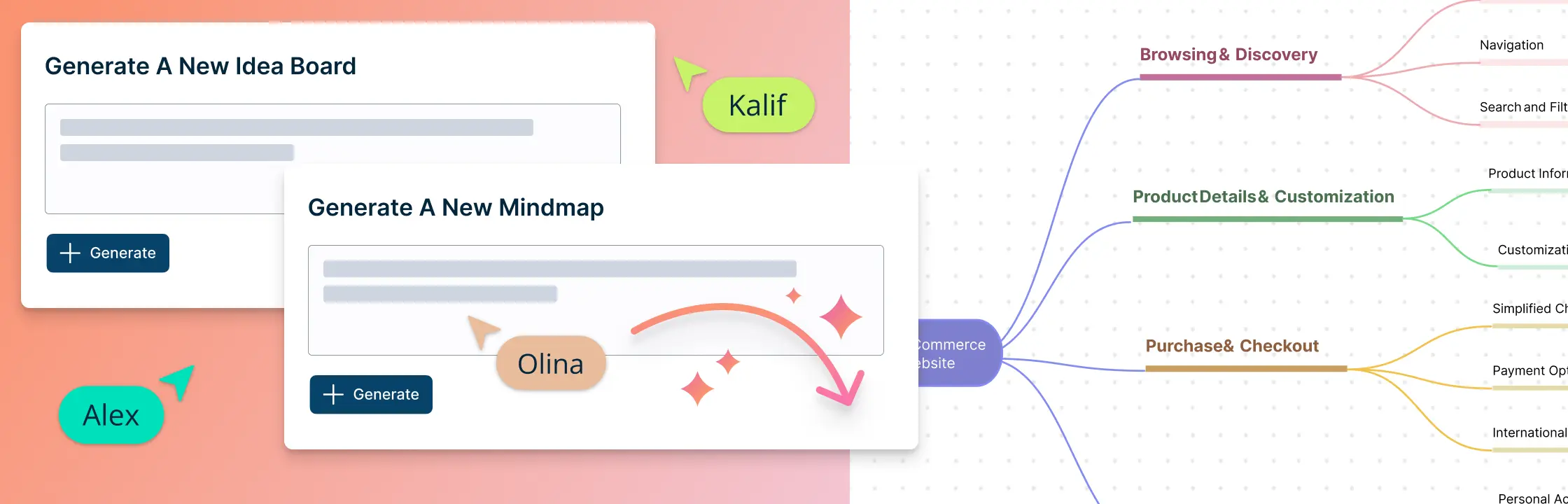
AI brainstorming uses artificial intelligence to generate, expand, group, and refine ideas around a clear goal. This guide explains how to combine AI suggestions with human judgment and collaborative visual tools to produce stronger, more useful concepts.
What Is AI Brainstorming
AI brainstorming refers to the use of artificial intelligence (AI) technologies to improve the process of generating creative ideas and solutions. While traditional brainstorming involves a group of individuals coming together to think creatively and generate multiple ideas on a particular topic or problem, AI can be integrated into this process to provide additional insights, suggestions, and creativity.
Here’s how AI is typically involved in the brainstorming process:
1. Data input
Users input a prompt, question, or context into the AI system. This serves as the starting point for generating ideas.
2. AI Model processing
The AI system, often powered by machine learning algorithms or natural language processing (NLP) models, processes the input and analyzes patterns and relationships within the data it has been trained on.
3. Idea Generation
Based on its analysis, the AI system generates creative suggestions, ideas, or solutions related to the input prompt. The output can vary from text-based responses to more complex suggestions.
4. Collaboration with humans
The generated ideas are presented to users who can evaluate, refine, and build upon them. The best ideas are selected based on human judgment and creativity.
5. Iteration and refinement
You may need to go through multiple iterations, tweak the input prompts, and generate more ideas until you get the right set of ideas.
It’s important to note that AI can speed up idea generation and provide new insights, but it’s not meant to replace creativity. AI and humans need to work together to brainstorm effectively, because human judgment, context understanding, and ethical considerations all play crucial roles in refining and implementing ideas.
How to Use Creately to Run an AI-Powered Brainstorming Session
Creately provides a shared visual workspace where teams can capture ideas, organize brainstorming inputs, and turn selected ideas into action. Built-in AI assistance can support the process by helping teams expand ideas, structure rough thoughts, explore counterpoints, group related themes, and clarify next steps.
With Creately, users can:
- Expand ideas by generating related points, counterpoints, or follow-up thoughts.
- Use custom prompts to explore a topic, clarify thinking, or add more detail to selected ideas.
- Organize and categorize elements in a diagram to identify patterns, trends, and relationships.
- Group brainstorming inputs by themes, sentiment, priority, or custom criteria.
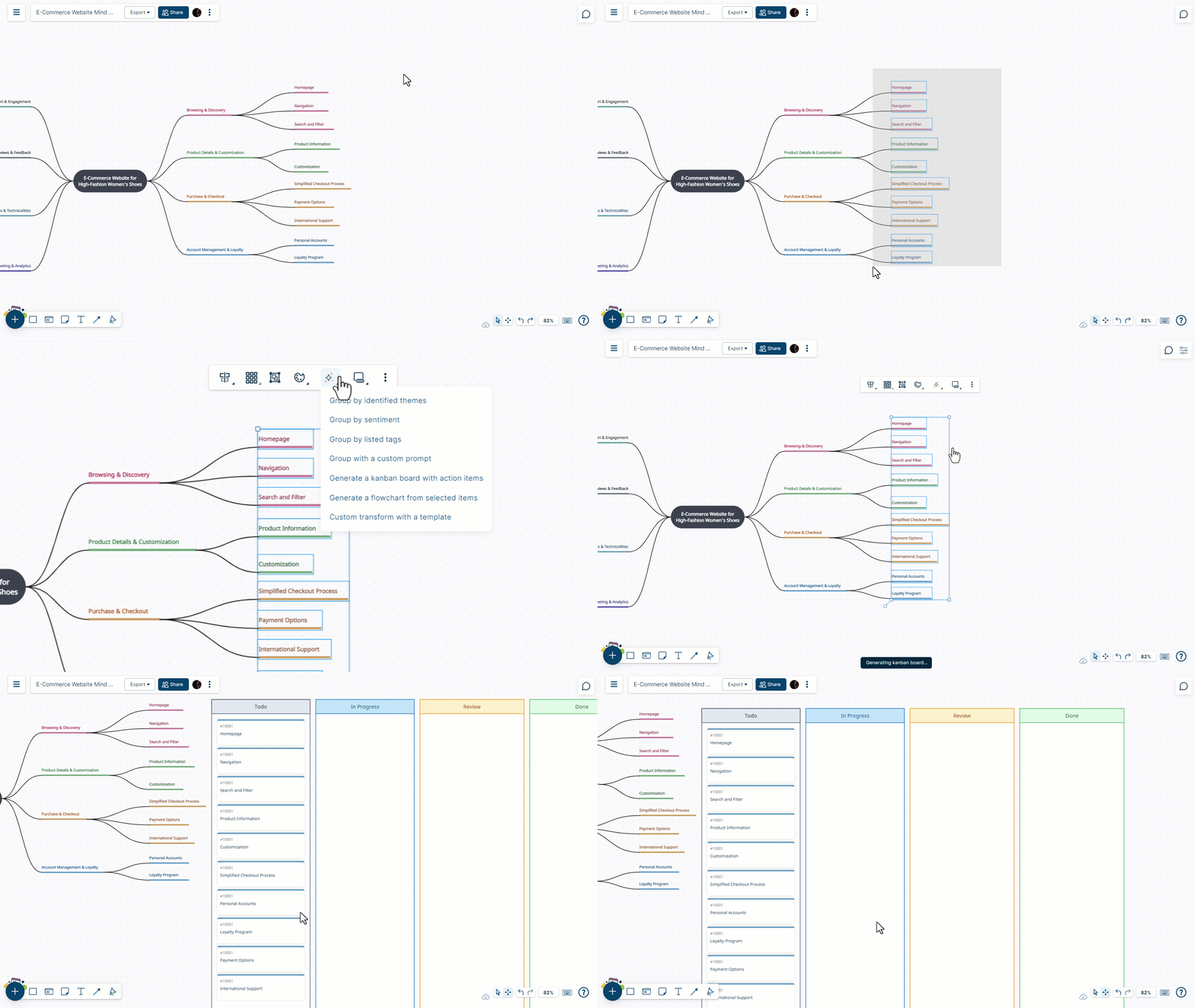
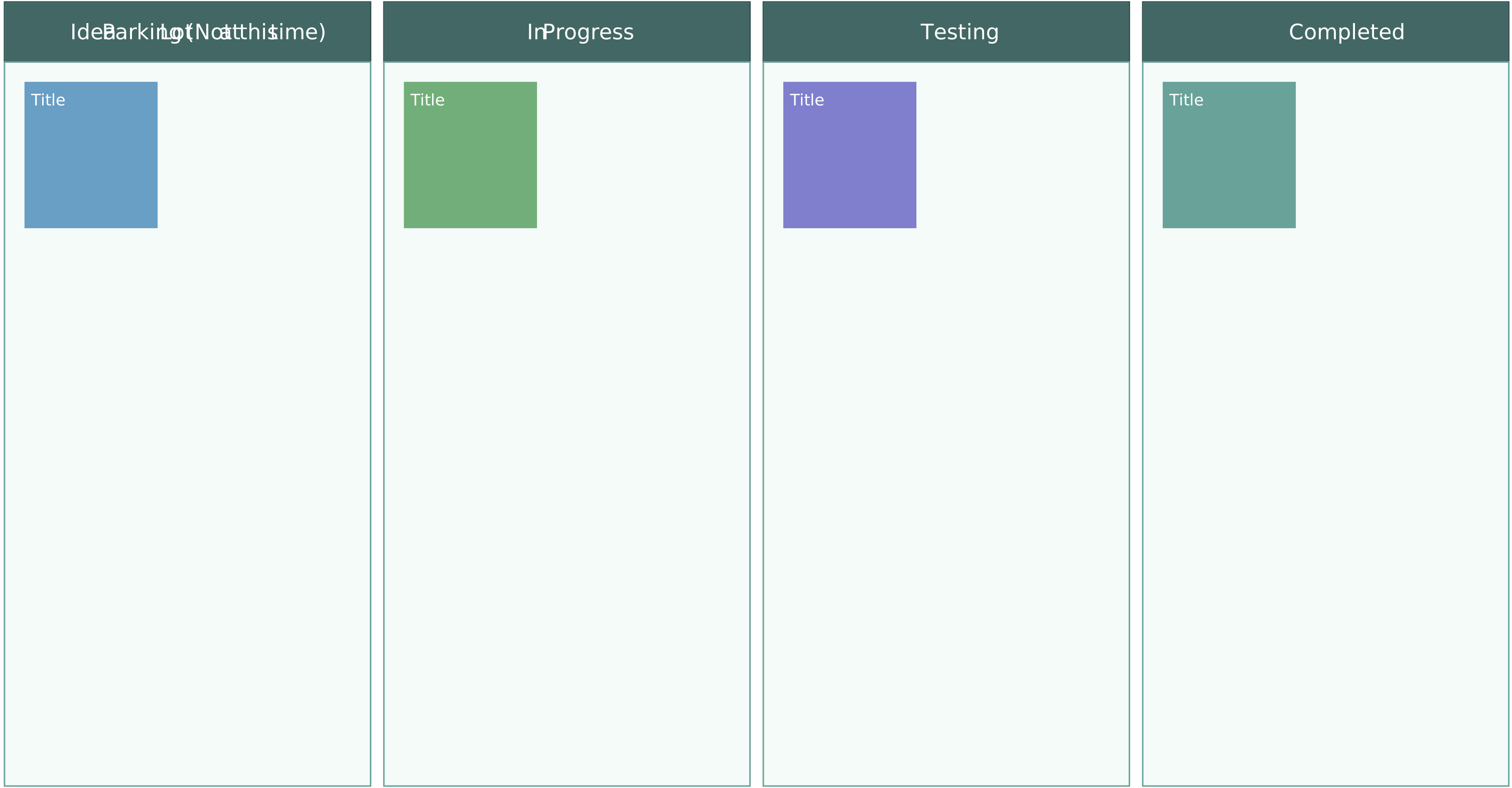
- Convert selected ideas into tasks or action items that can be tracked using Kanban boards.
- Start with ready-made brainstorming templates such as mind maps, affinity diagrams, reverse brainstorming boards, and prioritization frameworks.
Follow the steps below to streamline your brainstorming session with Creately.
1. Create a workspace and define objectives
Create a workspace and invite the people who need to take part in the brainstorming session. Add the session objective to the canvas so everyone knows what problem, challenge, or opportunity they are brainstorming around.
2. Add context for the session
Bring in any useful background information, such as customer feedback, market trends, user research, project requirements, screenshots, or supporting documents. This helps participants contribute ideas that are grounded in the right context.
3. Start with a template or blank canvas
Choose a ready-made brainstorming template, such as a mind map, affinity diagram, reverse brainstorming board, idea board, or prioritization framework. Or start from a blank canvas and use sticky notes, shapes, text blocks, and connectors to build your session freely.
4. Capture and expand ideas
Ask participants to add ideas directly to the canvas. Use Creately’s in-app AI assistance to expand selected ideas, explore counterpoints, add related points, structure rough thoughts, or clarify inputs where helpful.
5. Organize, evaluate, and select ideas
Group related ideas by theme, sentiment, priority, effort, impact, audience, or any criteria that fits the session. Use labels, colors, voting, and prioritization frameworks to compare ideas and select the strongest ones.
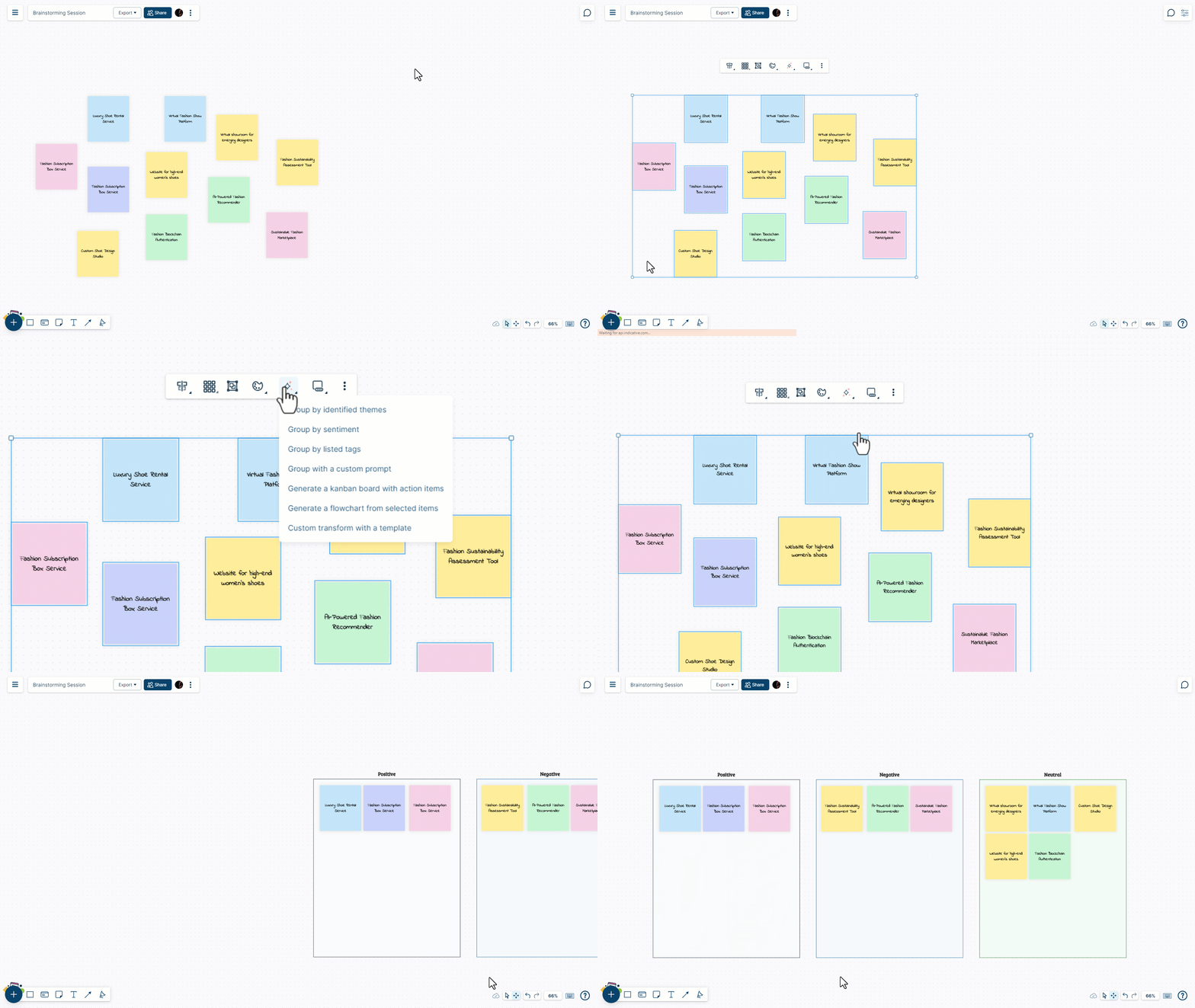
6. Turn selected ideas into action plans
Convert prioritized ideas into tasks or action items, add owners, due dates, priorities, and supporting notes, and track follow-up work using Kanban boards or connected project workflows.
Brainstorming Templates
Get a headstart on your brainstorming session with the following AI brainstorming templates from Creately.
Mind map
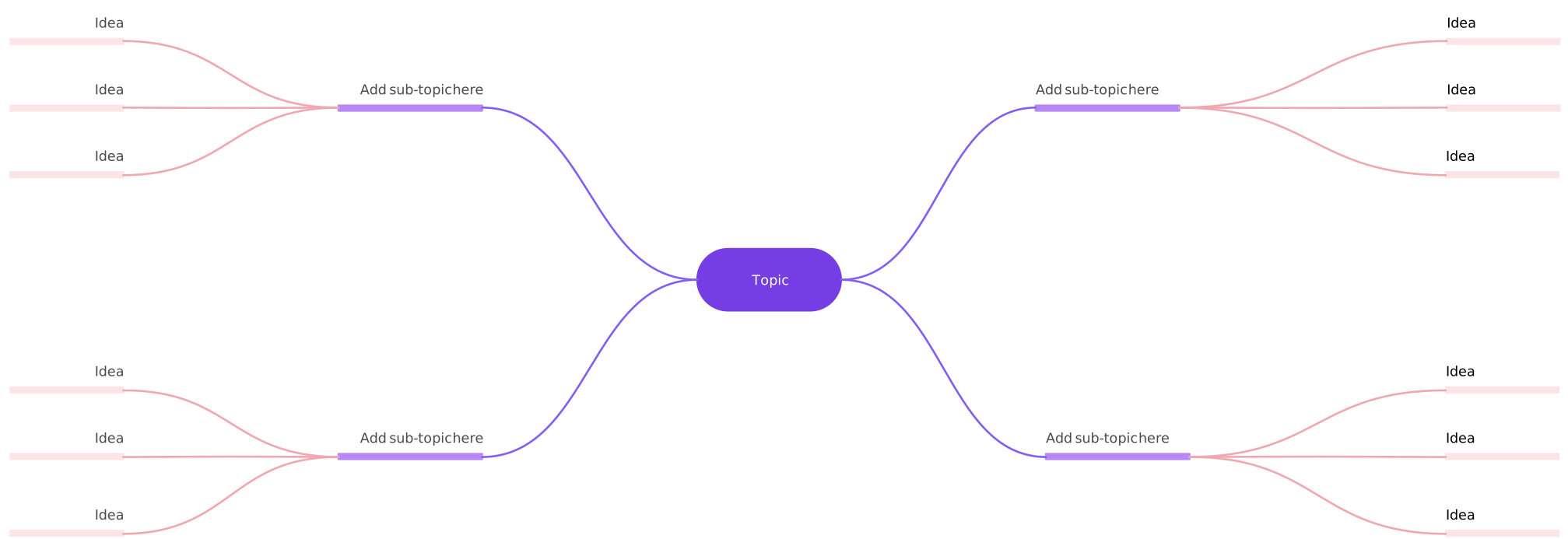

Idea board
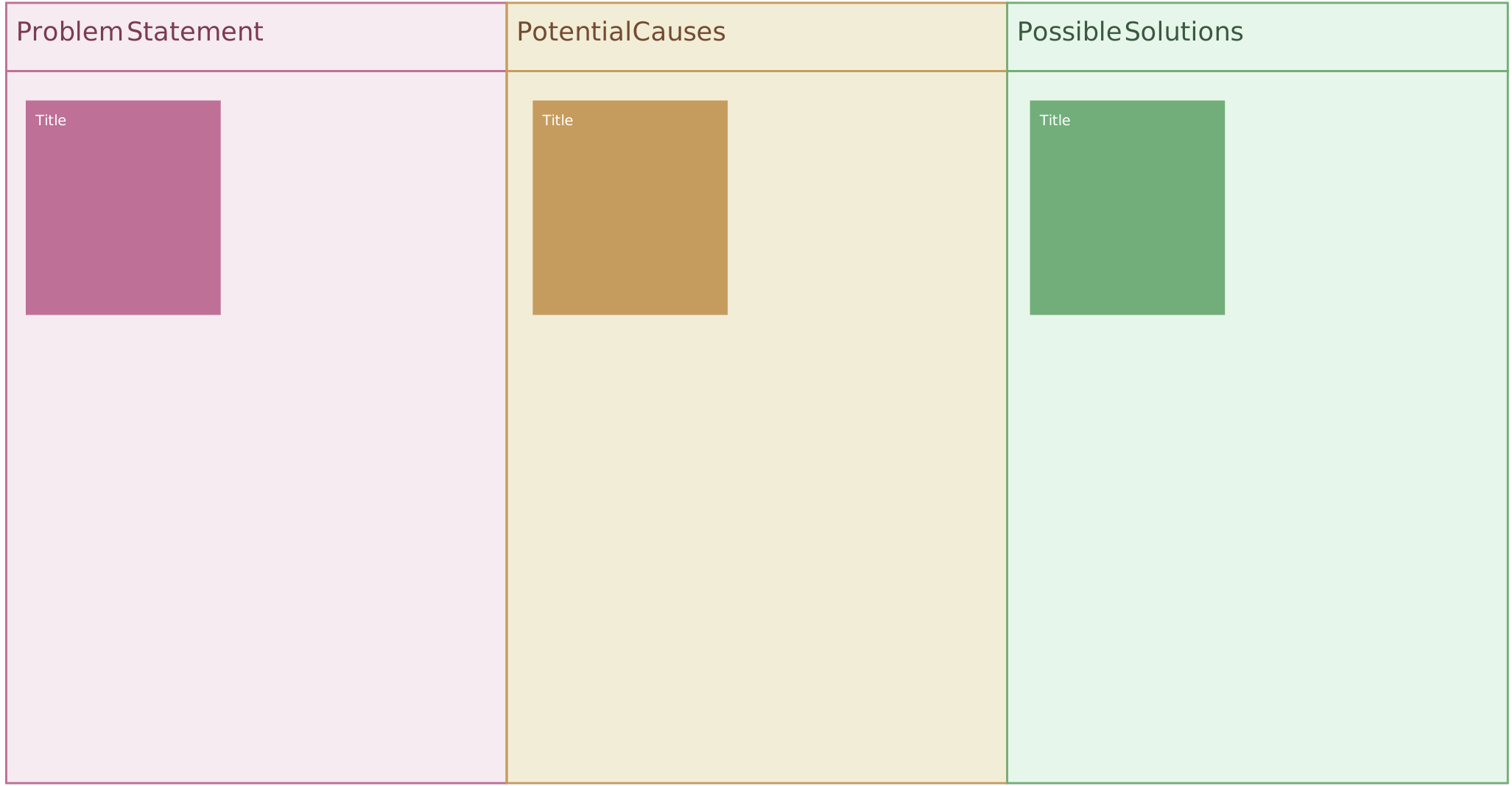
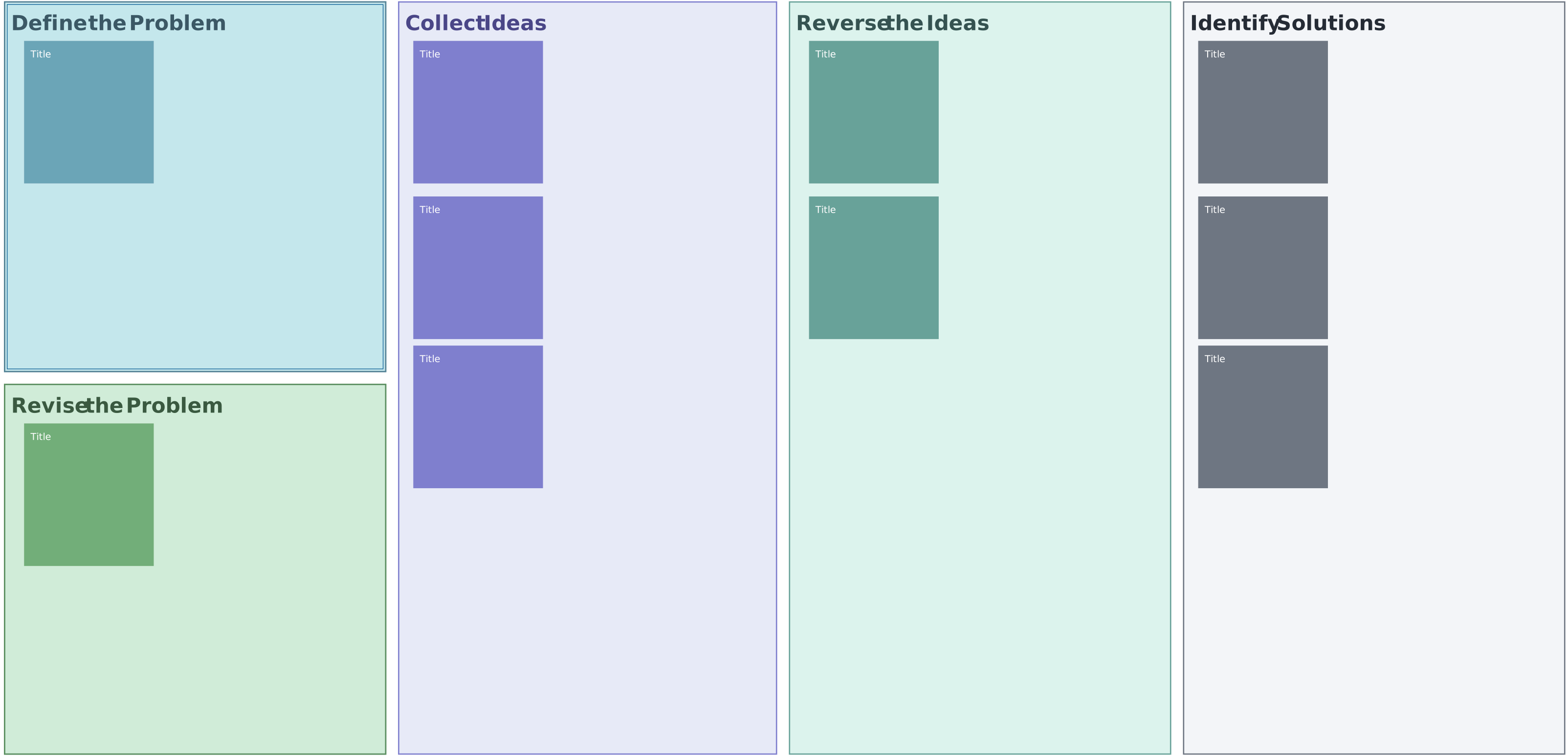
Reverse brainstorming template
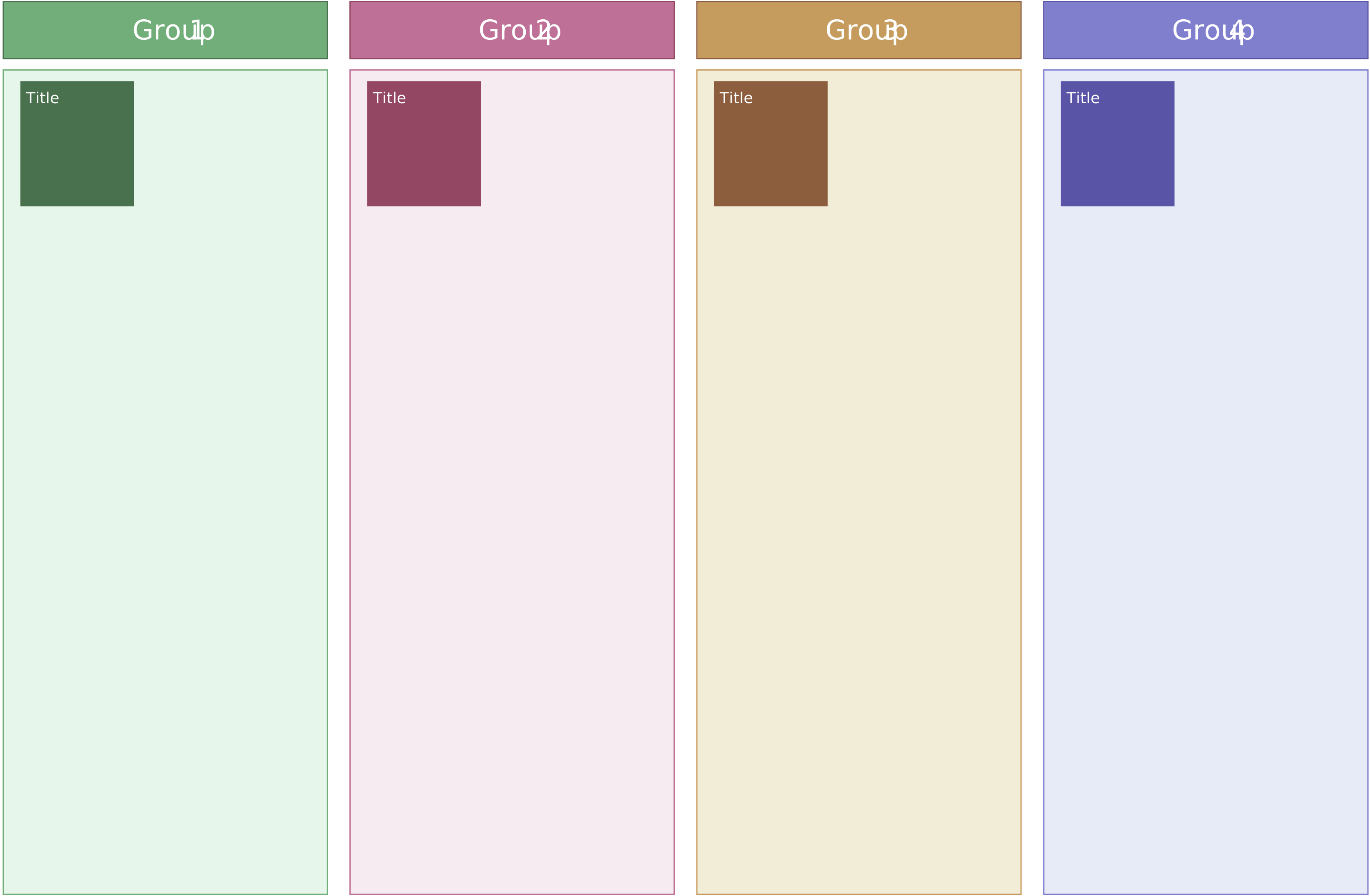
Affinity diagram
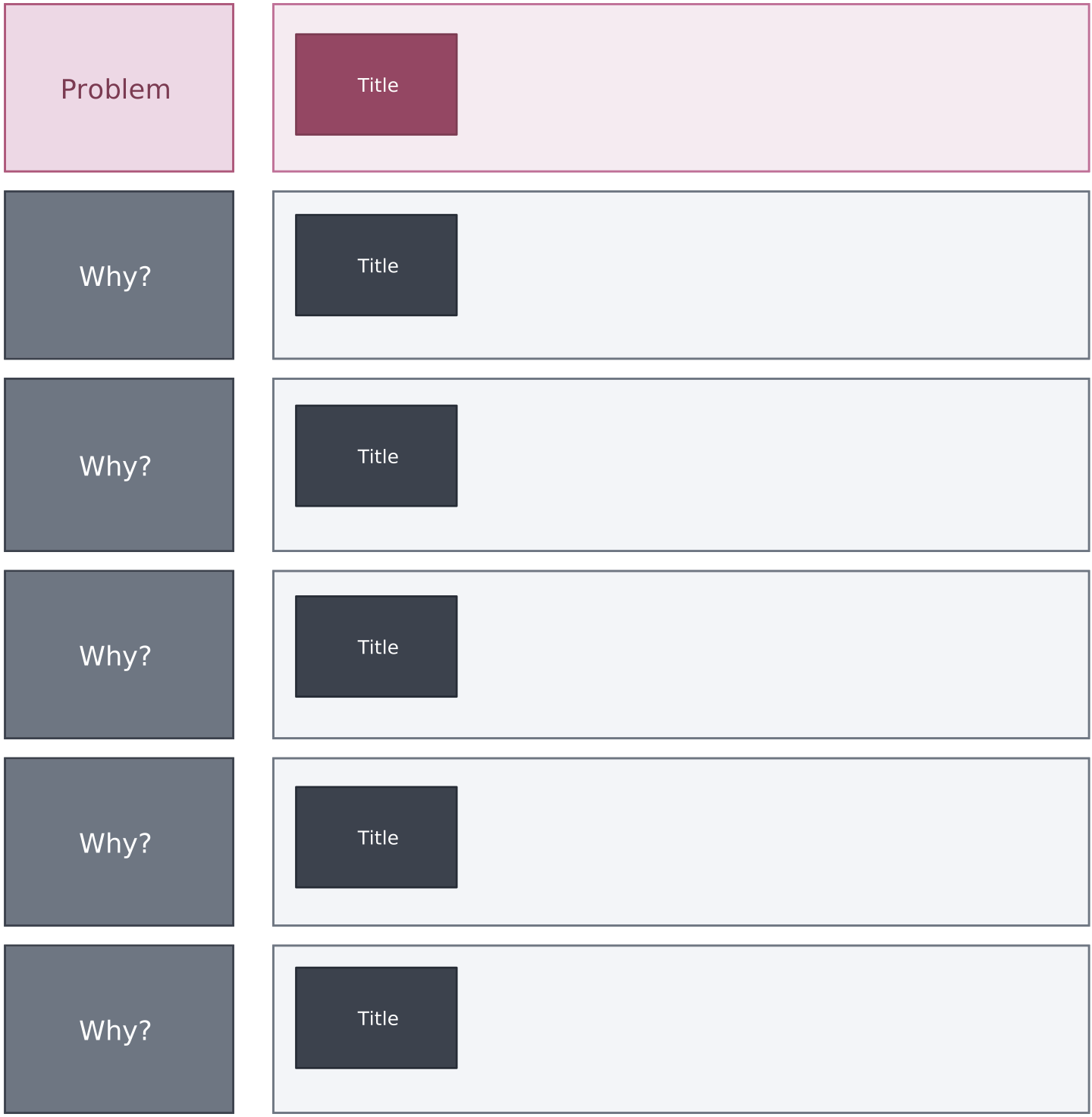
5 Whys template
2X2 prioritization matrix

Creative brainstorming template
Prompts for Better Brainstorming with AI
Tips for Writing Effective Prompts for Brainstorming AI
Prompts for creative brainstorming must be clear and stimulating in order to encourage participants to think freely and come up with innovative ideas. Here are some tips on how to create prompts for creative brainstorming:
Clear objective: Clearly define the brainstorming session’s goal or topic. This gives the AI model the context for responding in a relevant and creative way.
Use descriptive language: Incorporate vivid and descriptive language to set the tone and stimulate creative thinking. Paint a picture of the desired outcome.
Open-ended questions: Frame questions in a way that encourages open-ended responses. Avoid yes/no questions to allow for a broader range of creative ideas.
Specify format: Indicate the desired format for responses. For example, you might request the AI to generate a story, suggest solutions, or provide insights.
Consider context: Give the AI model relevant background or context to help it understand and respond more appropriately.
Incorporate constraints: If desired, introduce constraints or specific requirements to guide the AI’s creative output. It can add an interesting challenge to brainstorming.
Variety in prompts: Play around with different prompts, like scenario-based questions, creative challenges, or requests for innovative solutions.
Iterative prompts: You can build on the AI’s initial response with a series of prompts. With this iterative approach, you can come up with more detailed ideas.
AI Prompt Examples for Brainstorming
Alternative uses - “Think of five alternative uses for a paperclip.”
Problem-solving - “Generate innovative solutions for problem A. How can we address challenges in a way that’s both effective and user-friendly?”
Future trends - “Explore emerging trends in technology, lifestyle, or business. How can we capitalize on these trends to inspire and drive innovation in our products or services?”
Unmet needs - “Brainstorm ideas for identifying and addressing unmet needs or underserved markets. How can we develop products or services that cater to these specific gaps in the market?”
Improving processes - “Generate ideas for improving existing processes or workflows. How can we make them more efficient, cost-effective, or user-friendly using innovative approaches?” Cross-Industry Collaboration - “Imagine the possibilities of cross-industry collaboration. Generate ideas that involve bringing together concepts from different industries to create innovative solutions.”
Human-centric design - “Explore human-centric design principles. How can we design products or services with a strong focus on improving the user experience and meeting the needs of the end-user?”
Inspiration from nature - “Generate ideas inspired by nature. How can we draw from observations of natural systems to develop innovative solutions or design principles?”
Unexpected combinations - “Explore unexpected combinations of concepts, industries, or ideas. How can these combinations lead to unique and innovative outcomes in product or service development?”
Optimizing resources - “Brainstorm ideas for optimizing the use of resources—whether it’s time, energy, or materials—in our products or services to make them more sustainable and efficient.”
Cross-industry collaboration - “Imagine the possibilities of cross-industry collaboration. Generate ideas that involve bringing together concepts from different industries to create innovative solutions.”
Benefits of AI Brainstorming
Brainstorming AI can change the way we think creatively. It makes the process faster, brings in different ideas, and works well with human creativity. Some of the benefits of AI brainstorming includes;
- More ideas and different perspectives: AI can quickly come up with many different ideas, providing a variety of viewpoints that humans might miss.
- Faster idea generation: AI works fast, speeding up the process of thinking up new ideas. This is handy when time is a crucial factor.
- Helps human creativity: AI supports human creativity rather than replacing it. It can offer suggestions, sparking new ideas and inspiring innovative thinking.
- Access to insights from big data: With AI, you can dig through tons of databases and analyze big datasets to get useful insights. Big data can inspire brainstorming and provide a wealth of information.
- Finds solutions faster: AI can swiftly explore different solutions, saving time and helping teams focus on the best ideas.
- Supports idea prioritization: AI can help teams evaluate and prioritize ideas, so they can focus on the most practical ones.
Remember, the effectiveness of AI-powered brainstorming depends on the quality of input prompts and the refinement process. Even though AI can speed up idea generation, human creativity and judgment remain essential. Don’t forget to consider ethical considerations and biases when you use AI tools for creativity.