Comparison Chart Maker
Simplify Your Decision Making with Comparison Charts
Create professional, data-driven comparisons with Creately’s intuitive online comparison chart maker to analyze, organize, and align your team in real-time.
- Build comparison tables instantly with smart, ready-made templates
- Collaborate in real-time on an infinite canvas for seamless team alignment
- Centralized workspace with information, notes and attachments
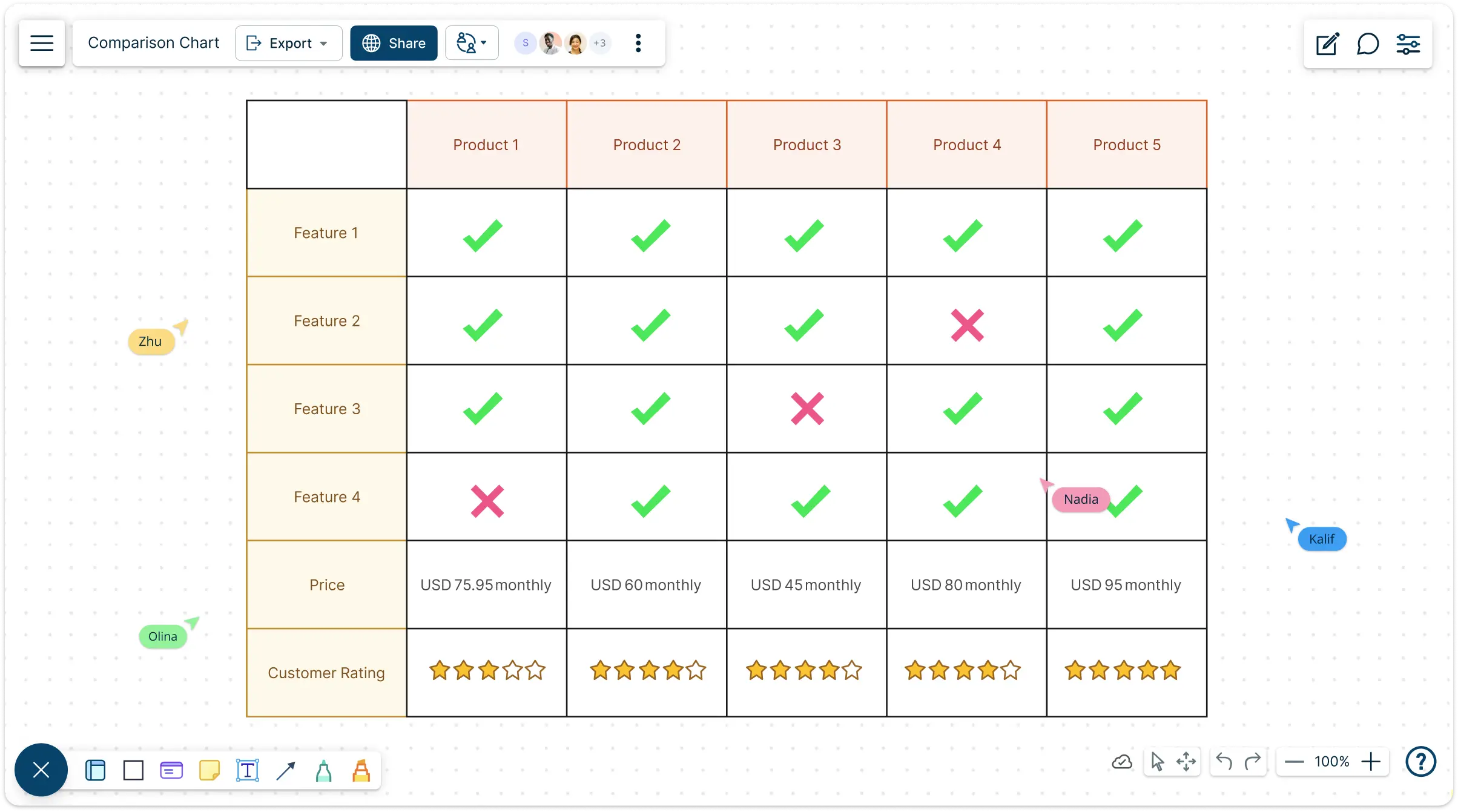
Free Comparison Chart Templates to Jumpstart Your Analysis
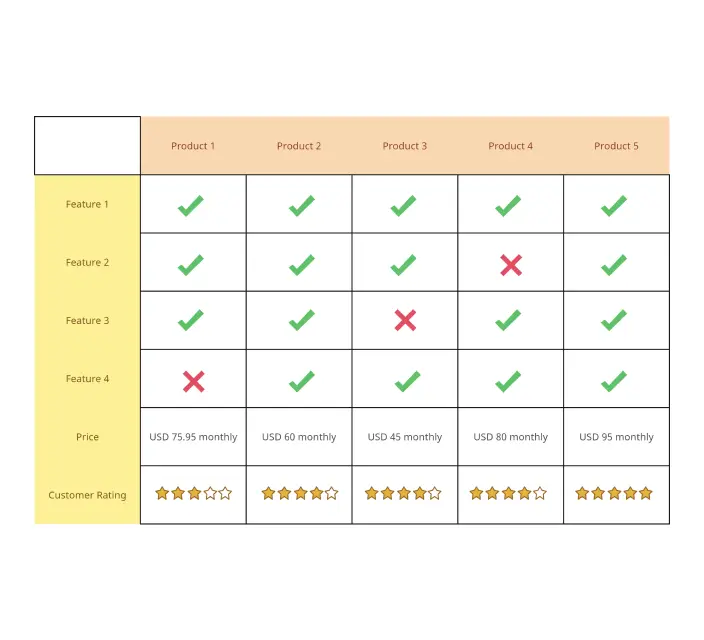
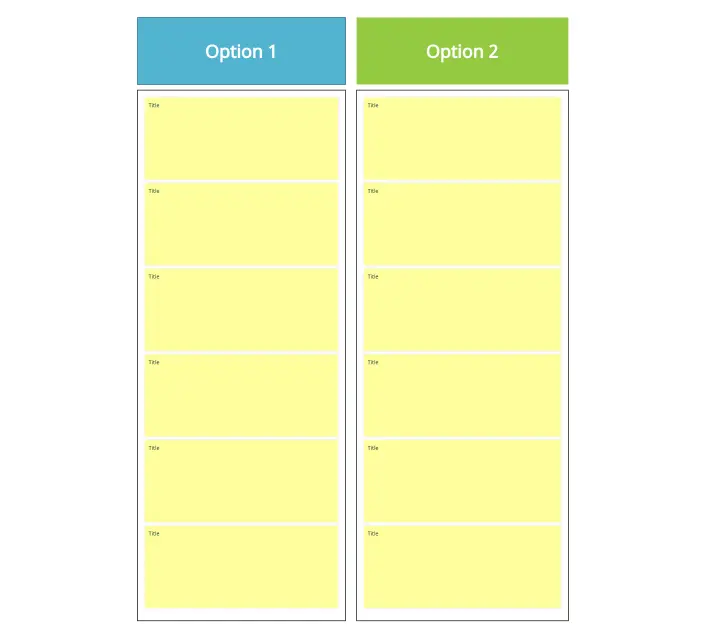
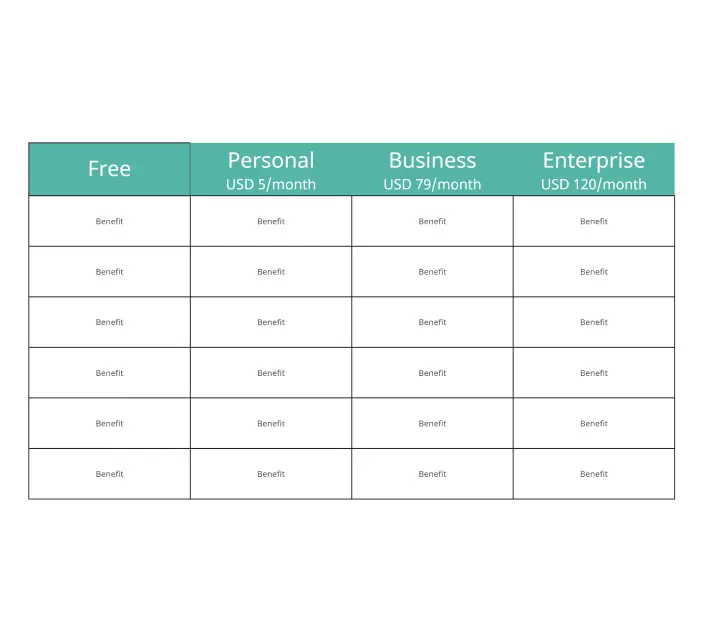
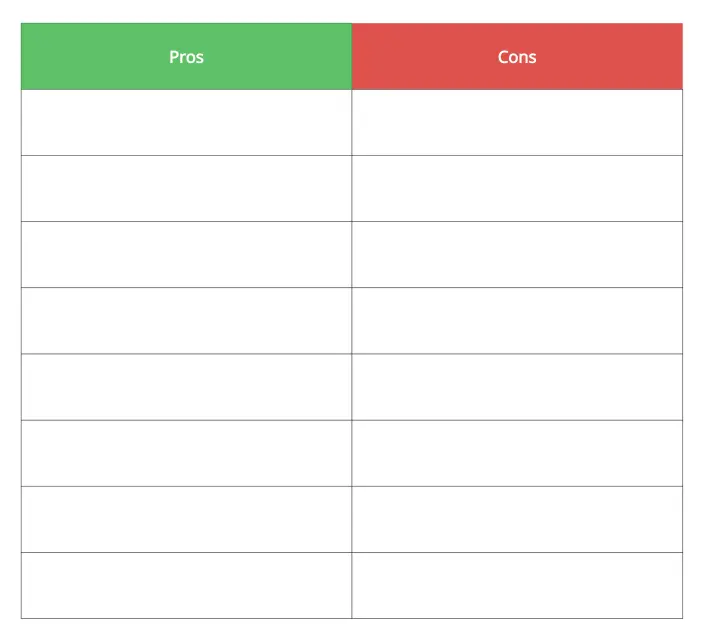
Brainstorm and Visualize with Intuitive Comparison Chart Tools
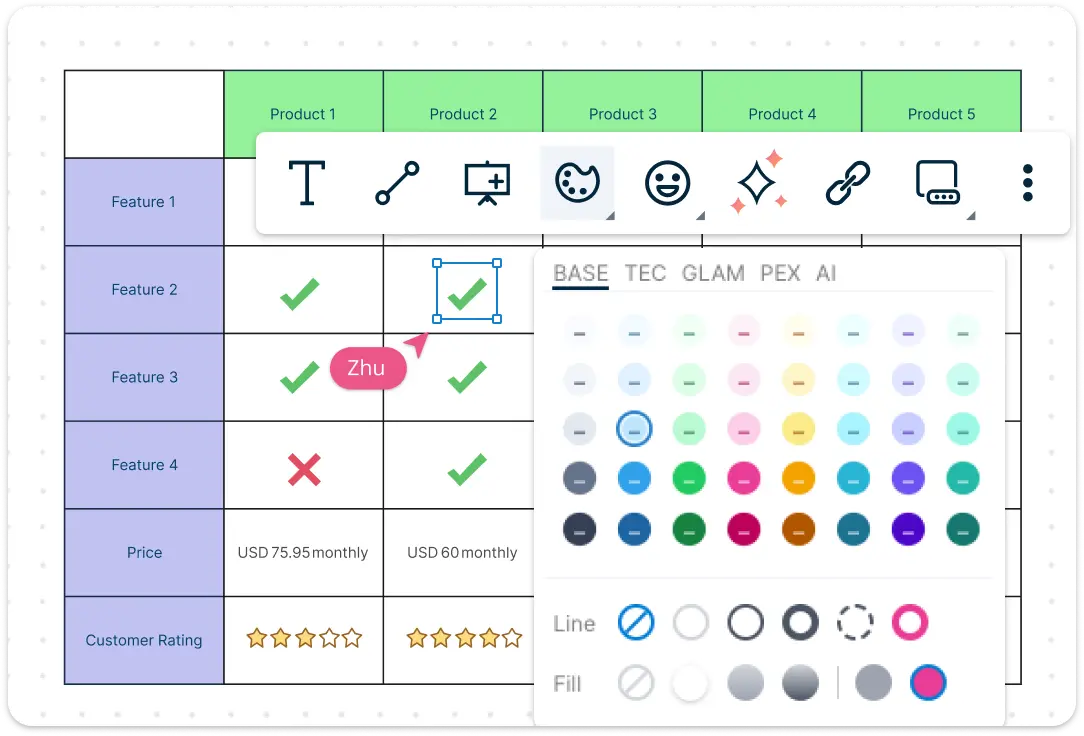
Start your comparison chart by brainstorming with sticky notes and mind maps. Creately’s intuitive diagramming tools and infinite canvas let you visualize concepts and organize ideas before creating your online comparison chart.
Use ready-made templates, drag-and-drop shapes, and color-coded layouts to turn raw ideas into a professional comparison chart. Whether it’s a simple comparison table or a detailed competitor comparison chart, your visualizations are clear, engaging, and presentation-ready.
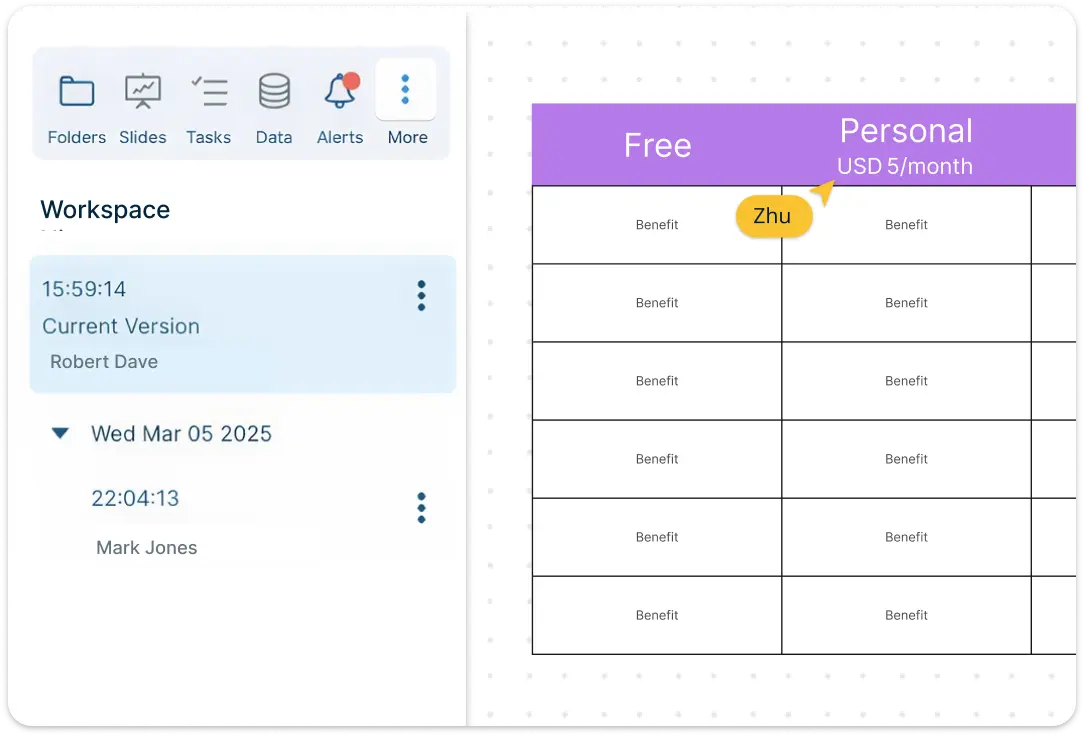
Turn Insights into Action with Centralized Comparative Charts
Consolidate all your information in one workspace for actionable insights. The integrated notes panel, version history, and comment threads allow you to analyze your data and gather input from your team.
Add attachments, annotations, or extra details to any shape in your comparative chart, ensuring nothing is overlooked. With Creately, your digital online comparison charts aren’t just visual; they’re strategic tools for planning, competitor analysis, and informed decision-making.
Organize and Enhance Your Comparisons with Ease
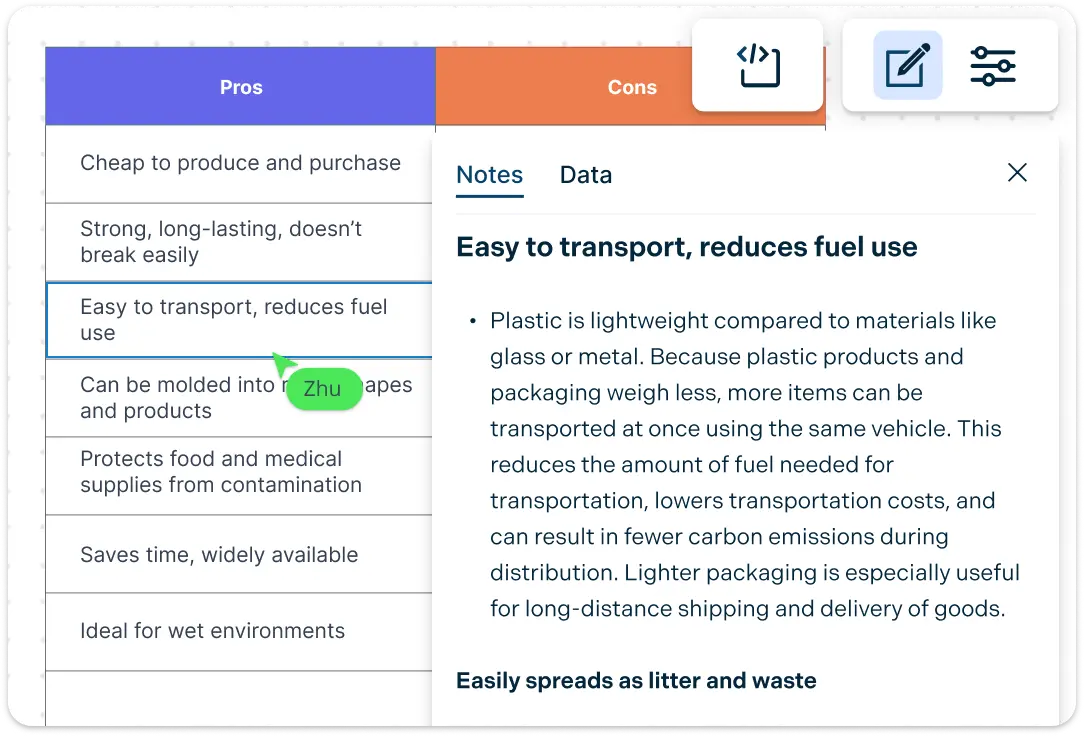
Elevate your online comparison chart by embedding live links, research docs, and multimedia directly onto the canvas. Use smart formatting tools like color-coding and custom tags to categorize features and details, ensuring your list is easy to scan at a glance.
Whether it’s a quick overview or building a deep dive, Creately keeps your data structured, accessible, and ready for high-level decision-making. This makes your comparative charts both informative and visually compelling.
Secure Collaboration with Your Team in Real-Time
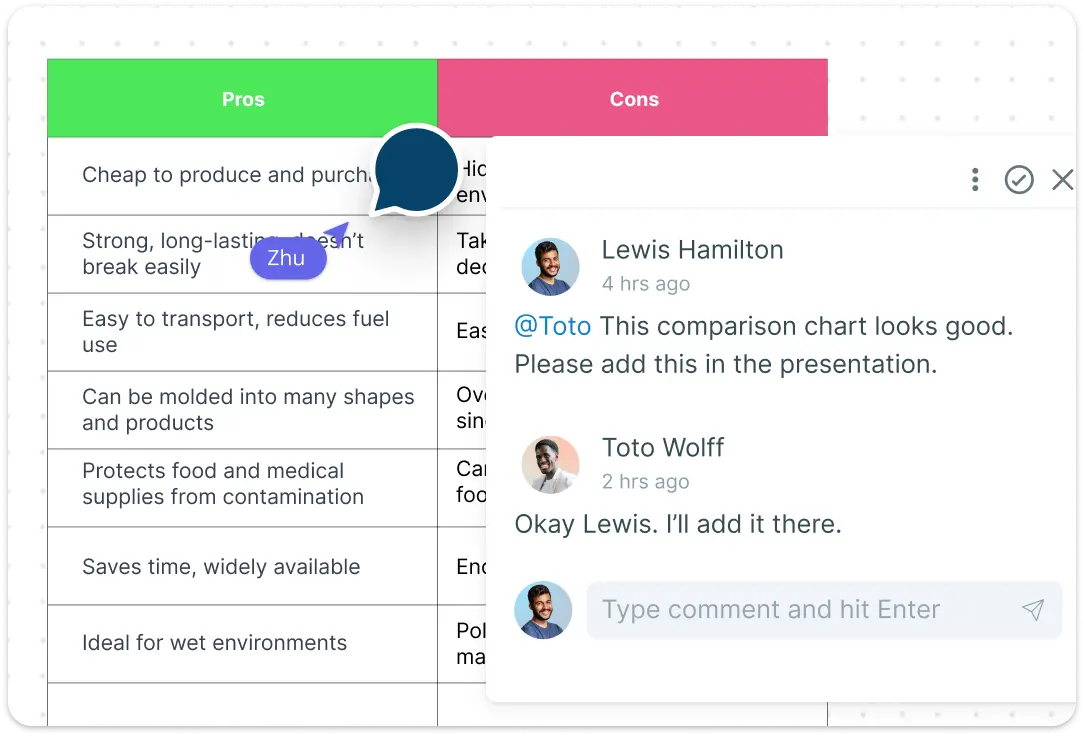
Work together seamlessly on any online comparison chart with @mentions, multiple cursors, and contextual comments. Secure sharing with access controls ensures sensitive data is protected while allowing everyone on your team to contribute. From brainstorming ideas to finalizing a comparison chart, Creately makes collaboration smooth, fast, and productive. It’s not just about working together; it’s about reaching consensus faster and moving projects forward with confidence.
What Is an Online Comparison Chart?
How to Make a Comparison Chart with Creately
Launch Creately and Open Your Workspace:
Sign in to Creately and open a new or existing workspace. Your infinite canvas gives you the flexibility to start a blank comparison chart or build from a ready-made template.
Choose a Template or Start from Scratch:
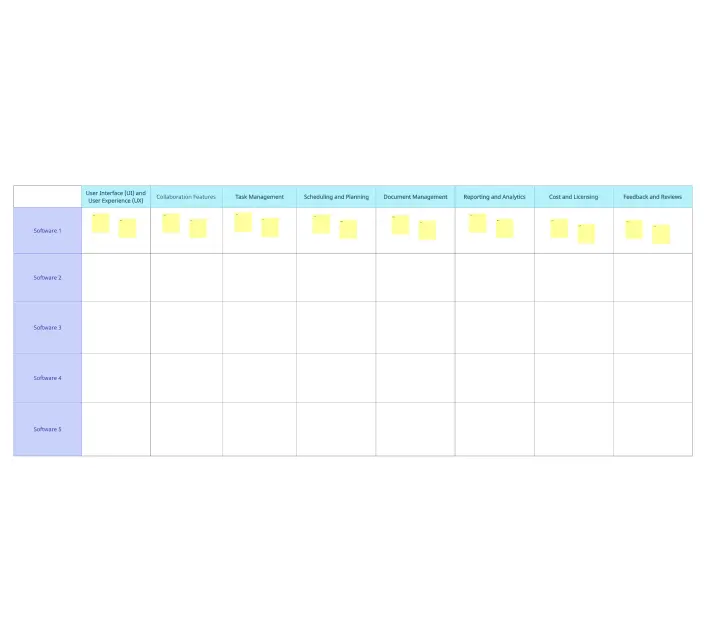
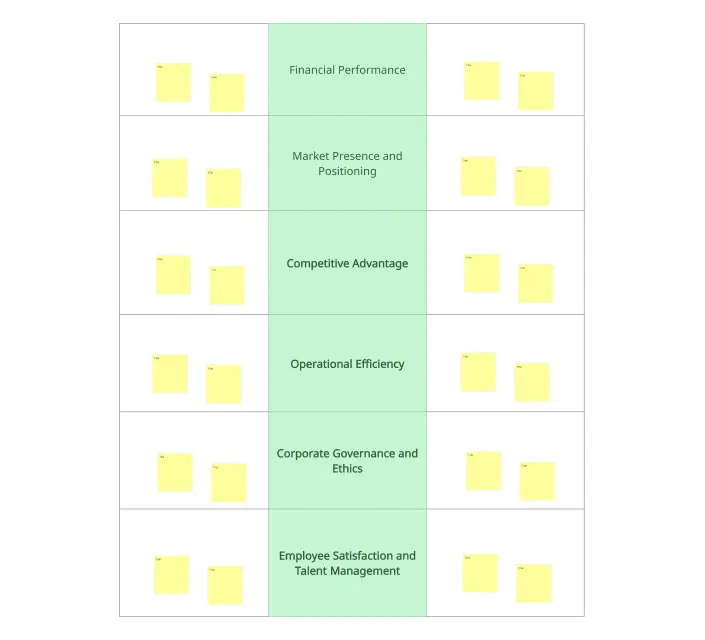
Select a comparison chart template or a comparative chart layout that fits your needs. From competitor comparison charts to simple comparison tables online, templates help you structure your data quickly.
Add and Customize Your Data:
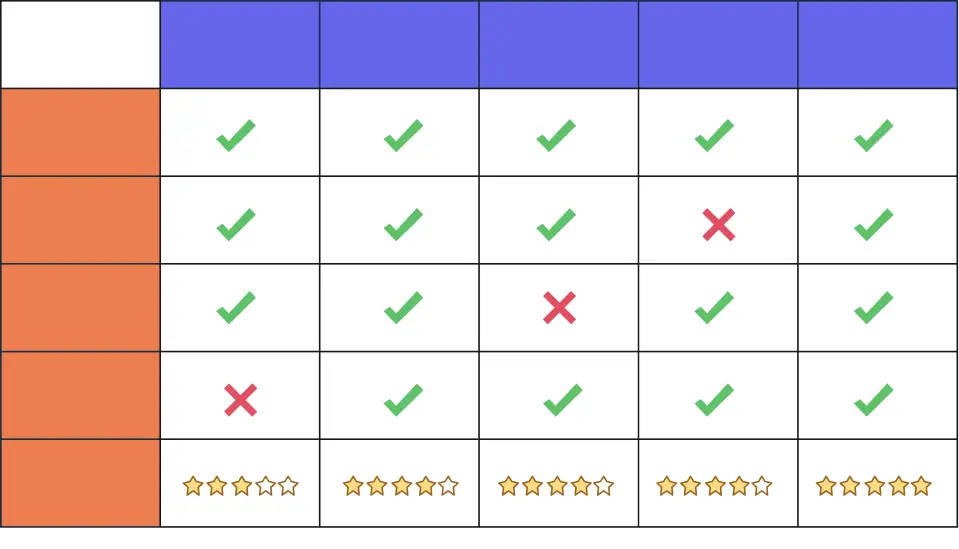
Drag-and-drop shapes, sticky notes, and text boxes to add items, features, or metrics. Use color codes, formatting, and icons to highlight key comparisons and make your comparison table or list visually appealing.
Annotate and Collaborate:
Use the notes panel to add context, attach files, or leave detailed explanations for any item in your chart. Collaborate with your team in real time using @mentions, comments, and multiple cursors to refine your comparison chart generator project.
Review, Update, and Share:
Double-check your comparative chart for accuracy and clarity. Update any information as needed, and share your online comparison chart securely with stakeholders or your team. Export, embed, or present directly from Creately for seamless use.
Discover More Free Comparison Chart Examples
FAQs On Comparison Charts
When to use online comparison charts?
Selecting Products - Create a comparison chart to list and compare features, specifications, pricing, and other relevant details when choosing between multiple products from different brands. You can even include charts and graphs to represent trends visually.
Market Analysis - Use online comparison charts for competitor analysis to understand the competitive landscape and identify opportunities. Develop a chart listing key attributes such as pricing strategies, customer reviews, market share, and unique selling points.
Evaluating Programs or Policies - Institutions can visually compare key performance indicators, outcomes, and impacts of different programs or policies to evaluate effectiveness.
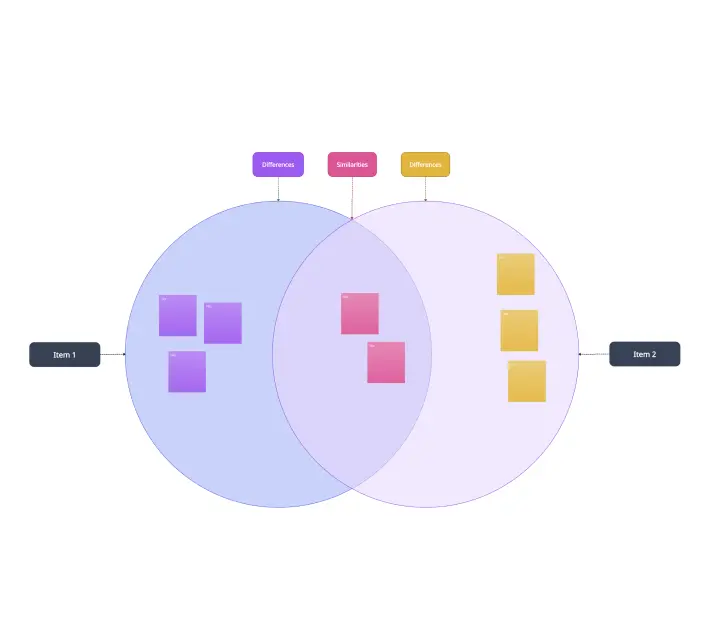
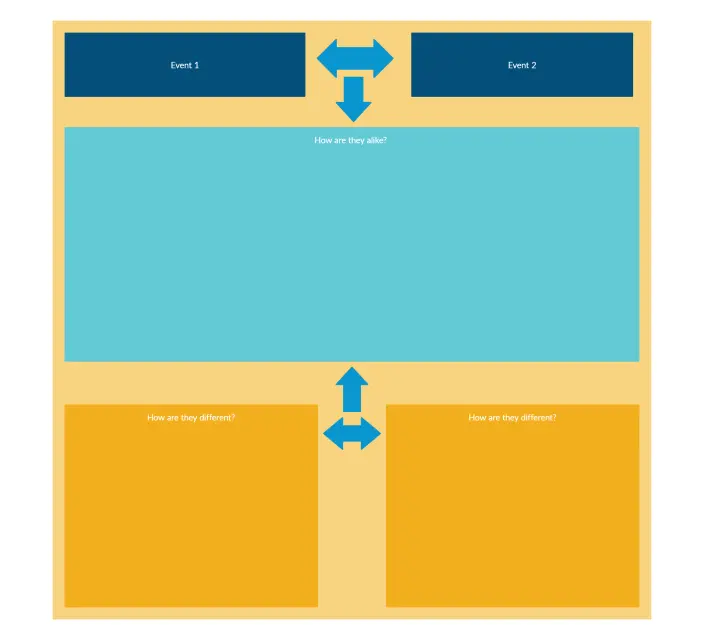
Preparing Educational Material - Comparison charts help students understand differences and similarities between concepts, such as scientific principles, historical events, theories, or other educational topics.
How do comparison charts help teams make decisions?
Provides Easy-to-Digest Information - Online comparison charts present information concisely, helping teams quickly grasp details and make informed decisions without lengthy discussions.
Makes Objective Evaluation Easy - Charts provide a structured way to list and compare features, advantages, and disadvantages, ensuring objective evaluation.
Encourages Collaboration - Comparison charts can serve as a shared reference for discussions, enabling team members to contribute collaboratively and consider diverse perspectives.
Visuals Are Easier to Understand - Charts are easier to interpret at a glance, helping teams quickly capture key information.
Effective for Client Presentations - Use comparison charts to convince clients by clearly showing how your solution compares to alternatives.
What are the elements of a good comparison chart?
Clear and Concise Design - A good comparison chart should be easy to understand at a glance. Clarity ensures teams absorb information quickly.
Include Relevant Criteria for Comparison - Include all meaningful criteria for your comparative chart. This ensures teams make decisions based on the most important factors.
Consistent Structure - Define rows and columns clearly to maintain uniformity, making the chart easy to follow and reference.
Visual Enhancements and Highlights - Use icons, colors, and formatting to emphasize key details. Visual highlights make your online comparison chart more engaging and readable.
What mistakes should you avoid when making comparison charts?
Overloading the Chart with Irrelevant Details - Avoid including information unrelated to the options being compared. Extra details can distract your team from critical insights.
Inconsistent Formatting - Charts without consistent columns, rows, or structure are harder to read and may lead to misinterpretation.
Biased Presentation - Do not favor one option over another. Biased charts compromise decision-making and accuracy.
Why should I use an online comparison chart instead of a written comparison?
What is the best comparison chart creator available today?
Creately is widely used as a comparison chart creator because it combines visual diagramming, real-time collaboration, and centralized documentation in one workspace. You can build everything from simple comparison tables online to detailed competitor comparison charts, add notes or attachments, and collaborate with your team in real time.
For users getting started, Creately also offers a free plan, allowing you to create and share comparison charts online before upgrading to advanced features. This makes it a practical option for individuals, teams, and organizations looking for a flexible comparison chart generator without an upfront commitment.































