Monthly Planner Online
Tackle Projects and Reach Monthly Goals
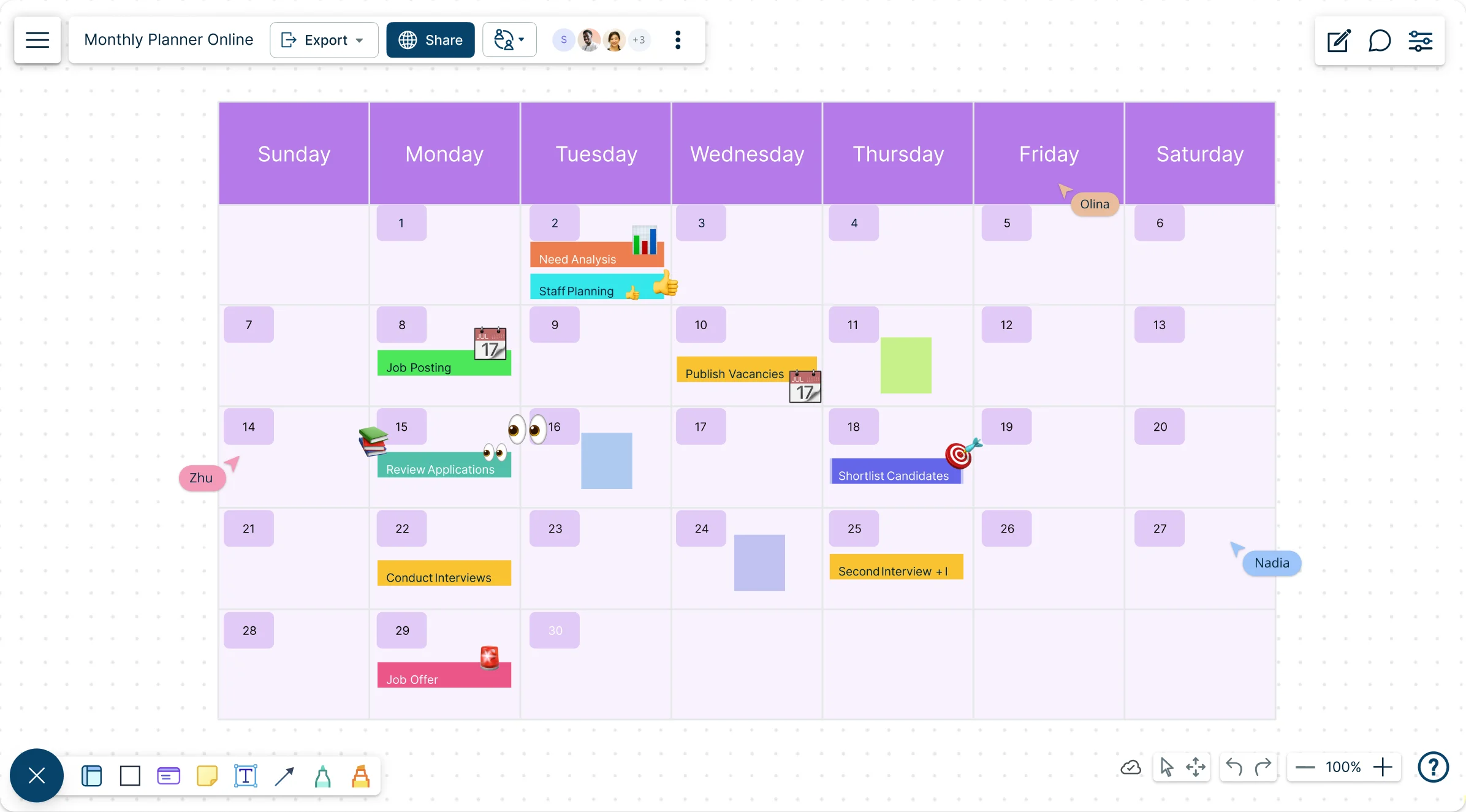
An interactive visual planner to easily organize, manage, and track your monthly tasks and project goals in a single place.
- Ready-to-use templates for weekly, monthly planners, & work plans
- Notes to record all information, reminders, to-dos, and deadlines
- Built-in agile project management tools for easy work planning
Over 10 Million people and 1000s of teams already use Creately

Free Monthly Planner Templates to Get Started
Easy-to-Use Tools for Planning
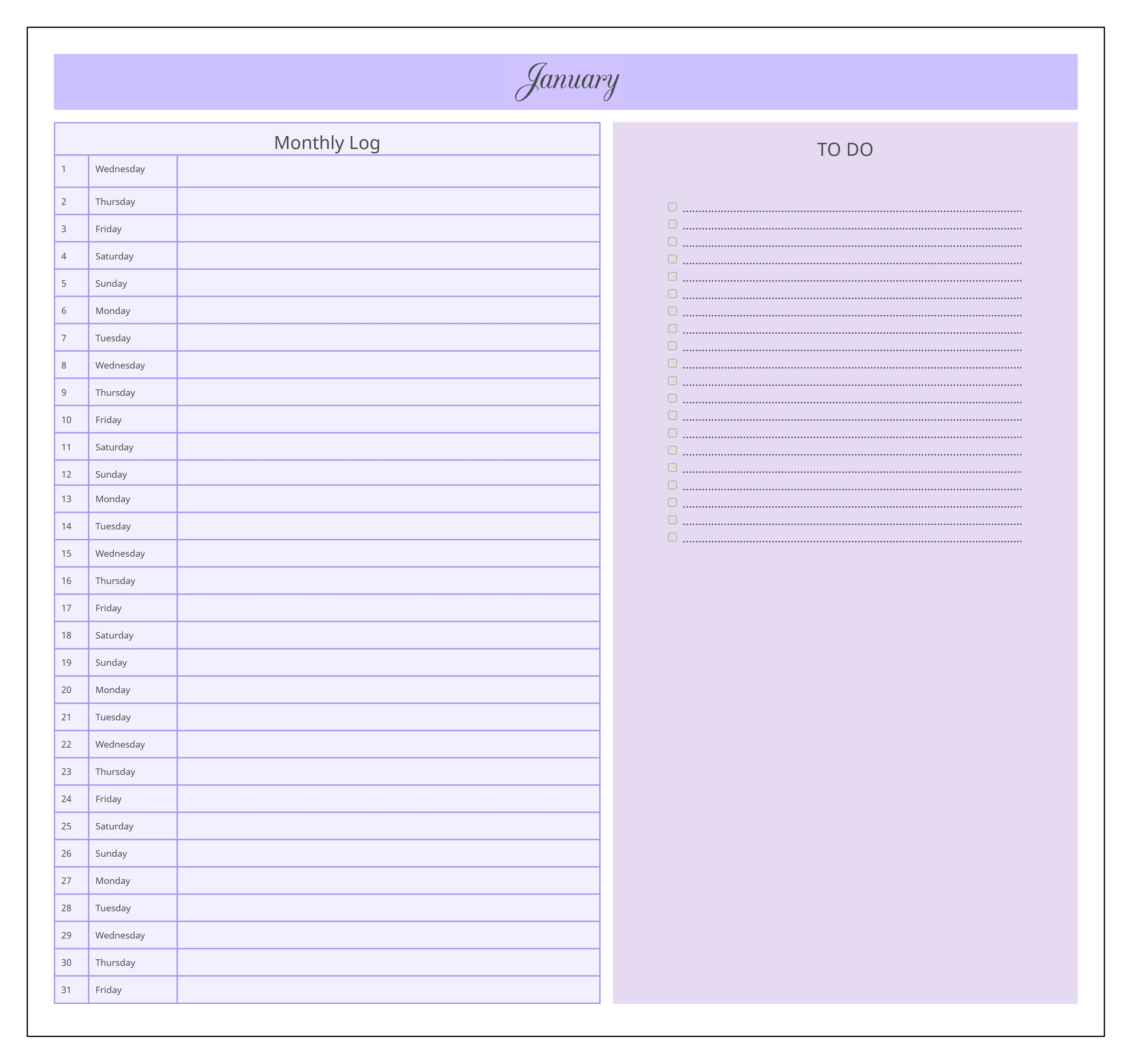
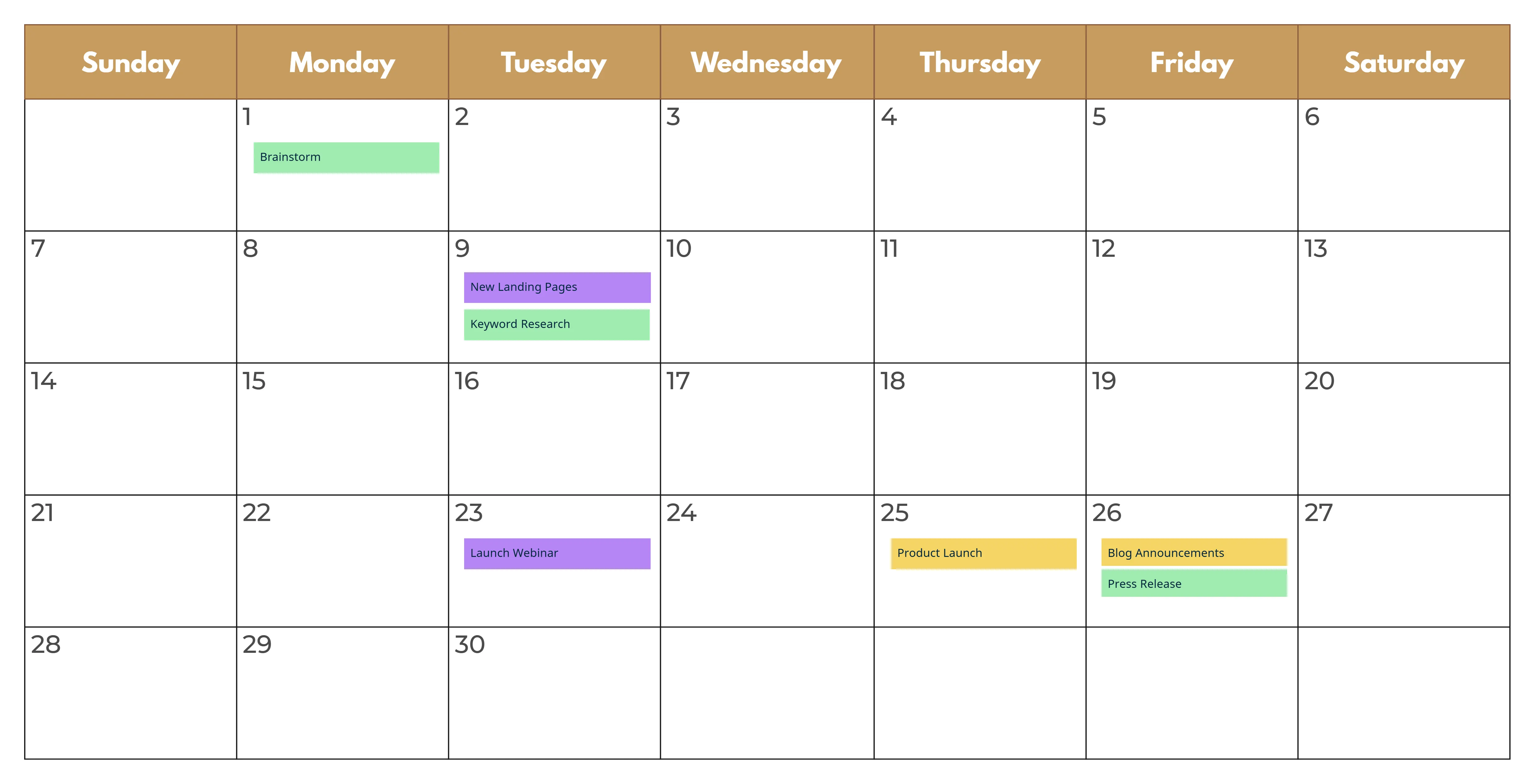
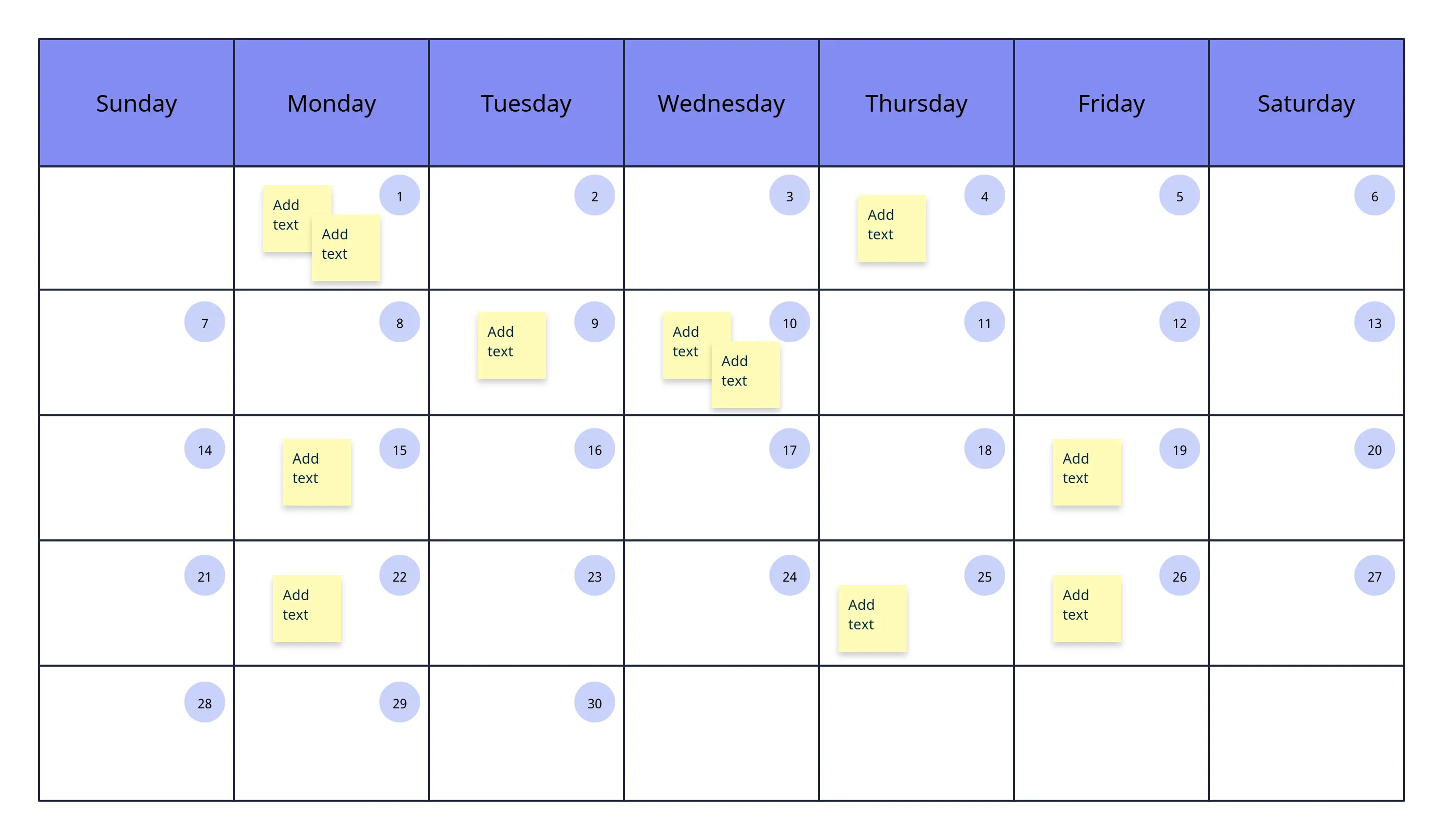
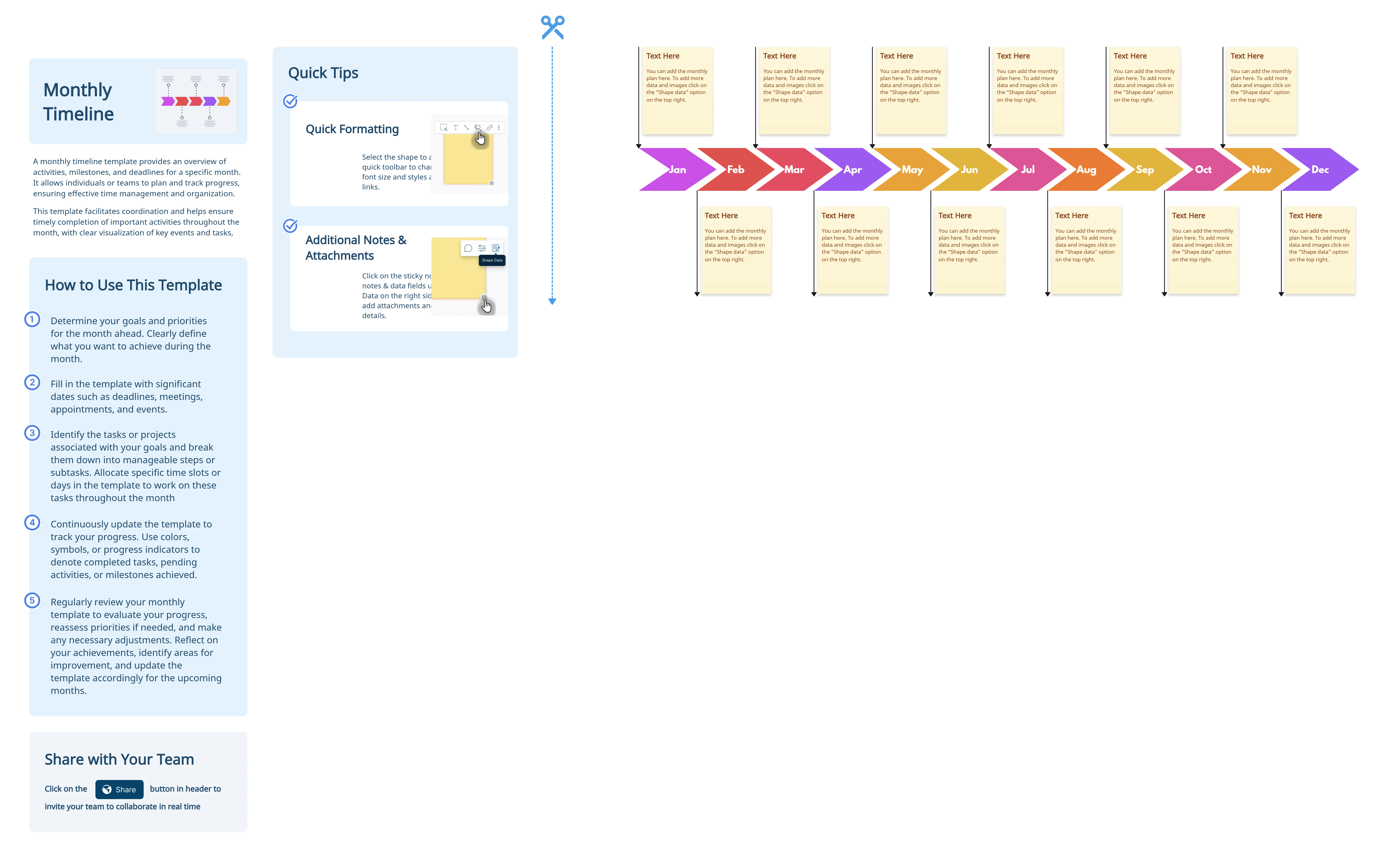
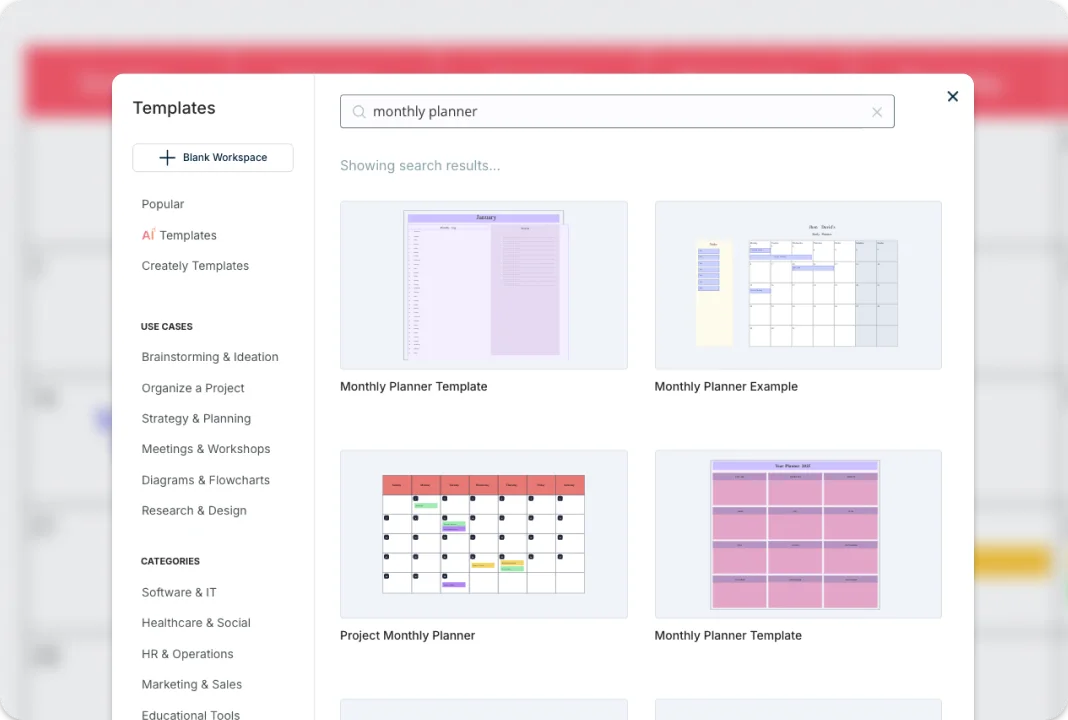
Use multiple pre-made monthly planner templates to plan, track, and manage your project activities, resources, and workflows with ease. Use frames for calendars, Kanban boards, timelines, grids, and more to visually arrange information based on your working style, right on the canvas. The infinite canvas helps you centralize all information and assets related to your monthly plans, making decision-making simpler and more clear. Brainstorming tools like mind maps and post-it note walls help you ideate, analyze, and plan around project initiatives in a more visual and collaborative way.
Generate Insight for Faster Decision-Making
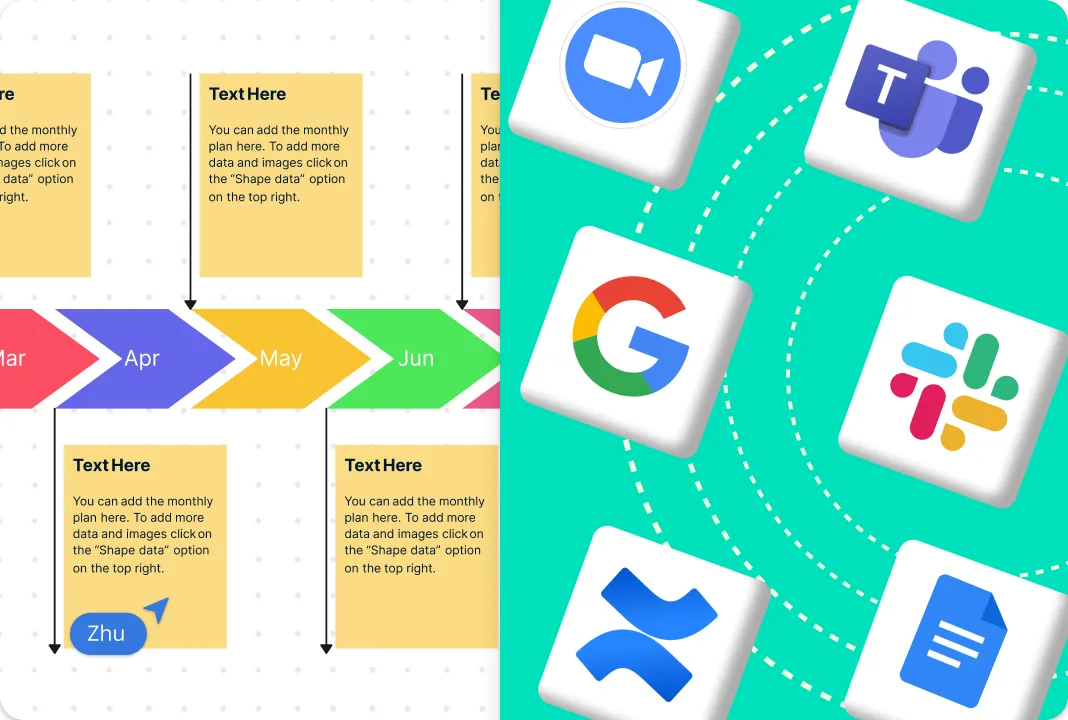
Connect your tools with multiple app integrations to import and export project data across teams and platforms. Create dynamic, interactive presentations, reports, and dashboards directly for stakeholders. Import images and vectors onto the canvas, and embed documents with in-app previews inside the digital monthly planner to add context and keep resources easy to access. Build custom databases to capture and manage any type of data, from team charters to project deliverables, all in one connected workspace.
Connect All Teams Across the Board
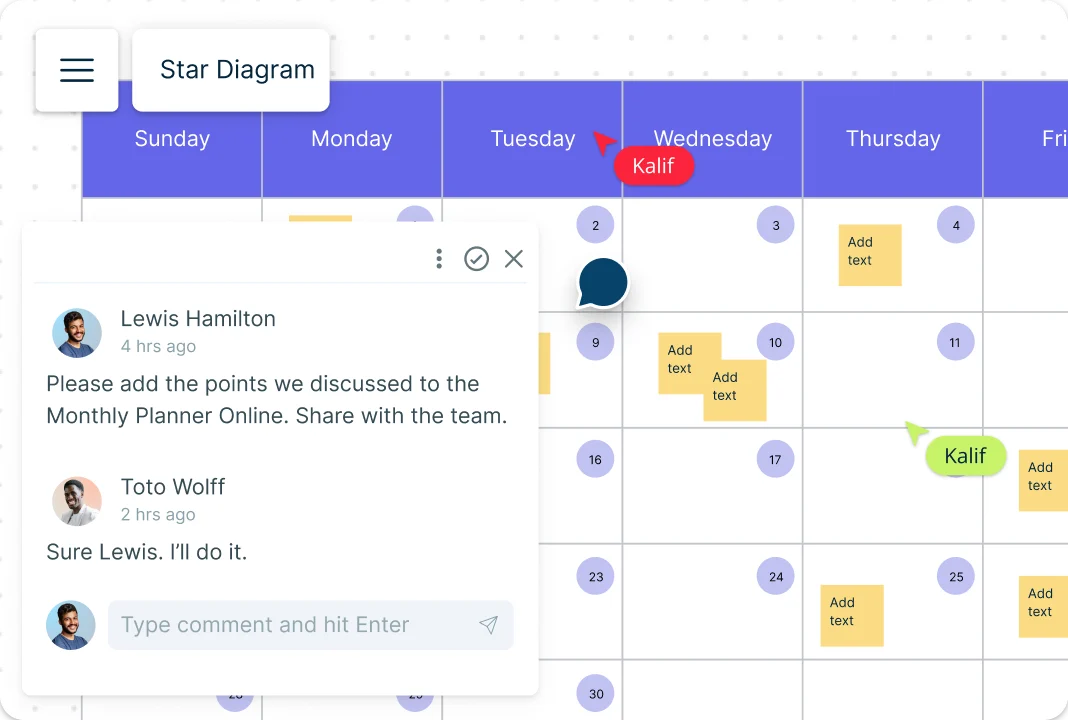
Work with your team using multi-user, asynchronous collaboration in an editable monthly planner online. Use @mentions to assign action items, clarify details, and move work forward, and rely on threaded comments to keep discussions and follow-ups organized on the same canvas. Control access with multiple roles and permission levels to manage sharing, editing, and reviews across your monthly plans, ideas, and strategies. Track progress at the workspace level by marking workspaces as Draft, In Progress, Final, or Archived to keep workflows clear. Stay in sync with smart notifications that alert you to updates and changes made by stakeholders.
A Better Way to Run Your Projects
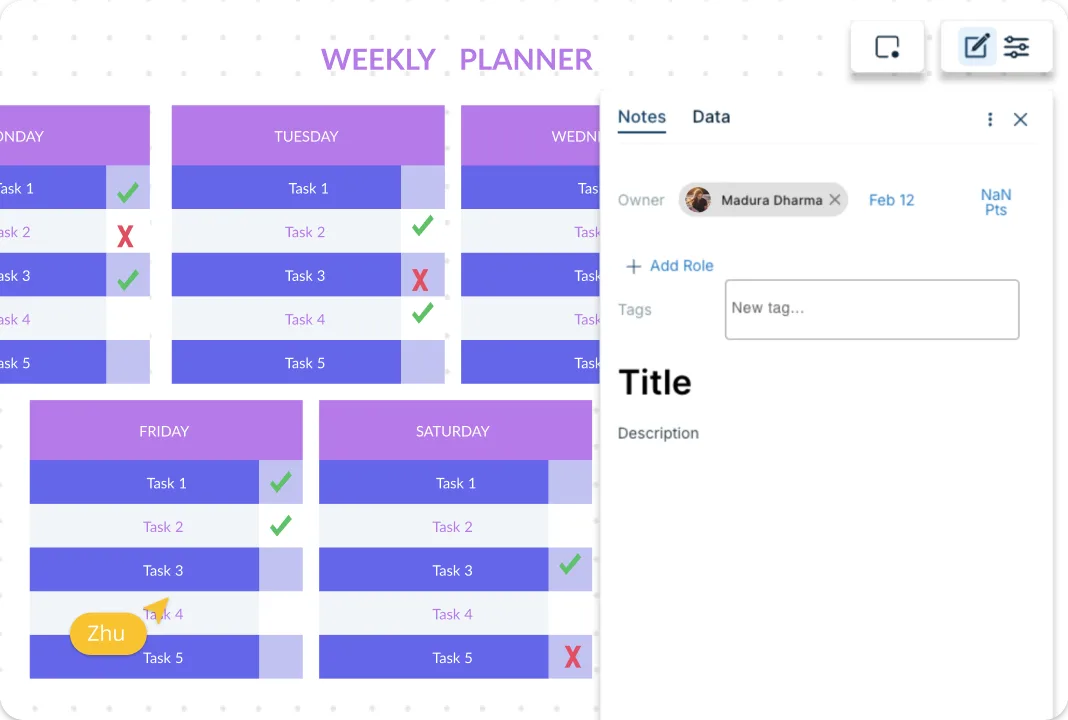
Add detailed documents, attachments, links, and notes to each task item in the monthly planner maker to capture both the big picture and the details in one place. Use prioritization grids to visually rank ideas by effort and impact before you move into execution. Assign tasks directly in context, link them to or from other project management tools, and keep work connected. Set estimated times, due dates, and allocate resources based on availability and skill sets to plan and execute more effectively.
What Is a Monthly Planner?
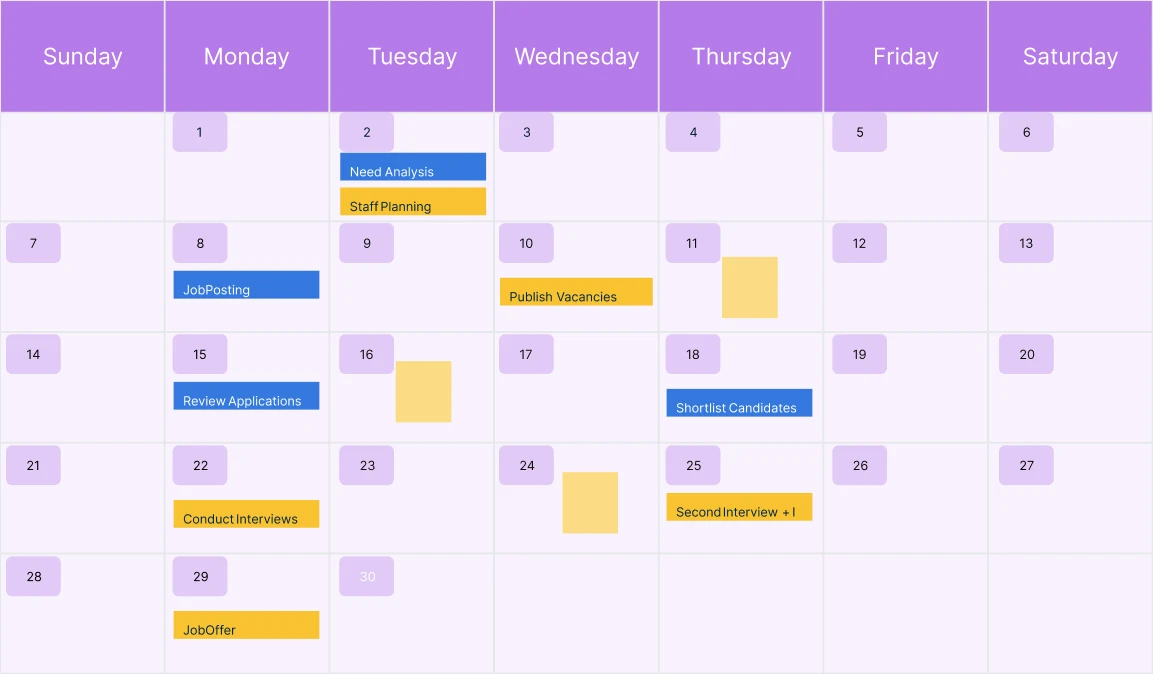
How to Make a Monthly Planner?
Open a Monthly Planner Template
Open a monthly planner template from Creately’s template library or create a new workspace to make a planner from scratch.Customize the Planner and Add Tasks
Identify your goals, and add them as tasks, to-dos, or events to the monthly planner using sticky notes, cards, or text boxes. Adjust the layout to match your planning style.Highlight Dates and Add Details
Highlight important dates and deadlines by color coding, using stickers, or adding visual cues. Use the notes panel to record additional details such as links to resources, task overviews, or bulleted lists directly on the planner.Assign Roles and Track Execution
Use shape data to assign roles, set due dates, and add time or effort estimates. This helps you track progress and manage monthly projects and tasks more effectively within the same planner.Review, Update, and Share
Review and update the online monthly planner as priorities change. Share it with collaborators using a secure share link, or embed the planner in your intranet, website, or app to keep everyone aligned.
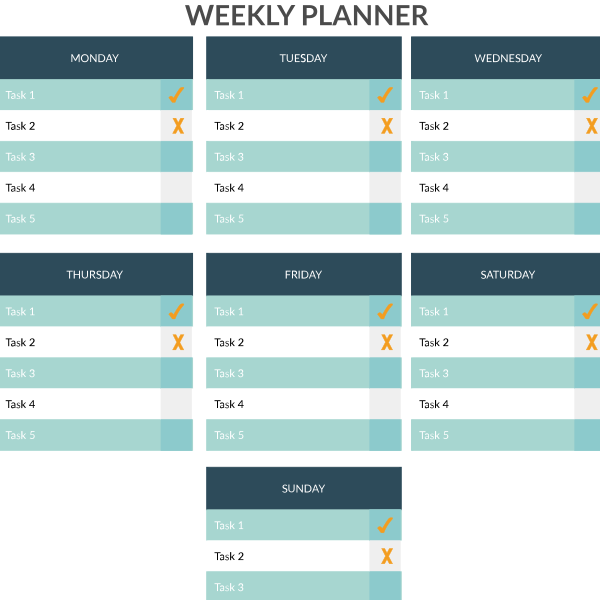
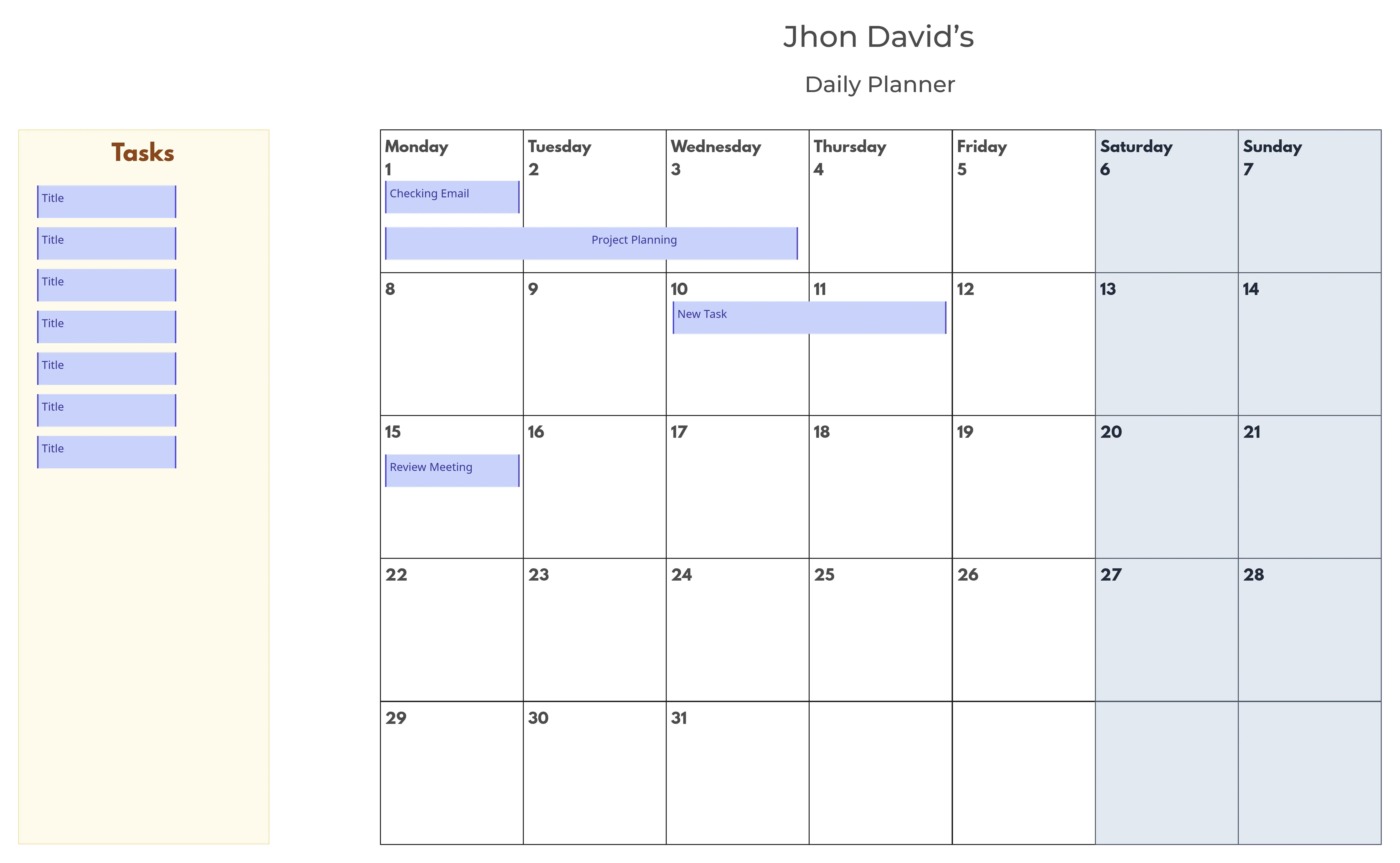
More Planning Examples for Tracking Projects and Milestones
FAQs about the Monthly Planner Template
Can I share or embed my monthly calendar planner online?
Does the monthly planner software support version history?
Can I reuse or duplicate a monthly planner for future months?
Why Use the Creately Monthly Planner?
Is the Creately Monthly Planner Template free to use?































