Decision Matrix Maker
Evaluate Your Options Visually with a Decision Matrix
List your options, weigh what matters, and see the best choice at a glance. Collaborate in real time, make high-quality decisions quickly with the Decision Matrix Software.
- Visualize multiple options and compare side-by-side without second-guessing.
- Start fast with ready-made decision matrix templates.
- Collaborate live, capture rationale and reach confident decisions faster as a team.
Over 10 Million people and 1000s of teams already use Creately

Free Decision Matrix Templates to Get Started
Get Organized and Stay Aligned
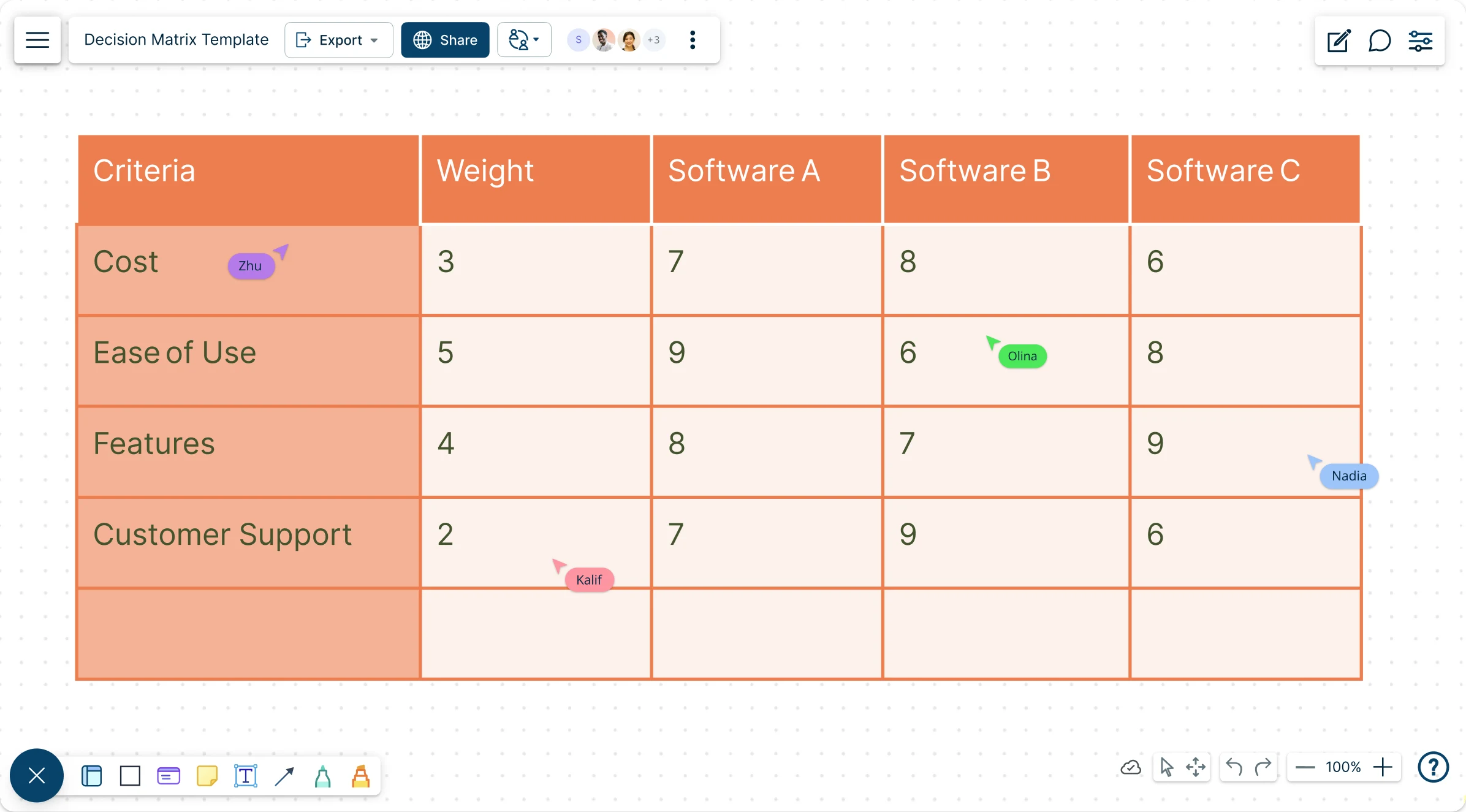
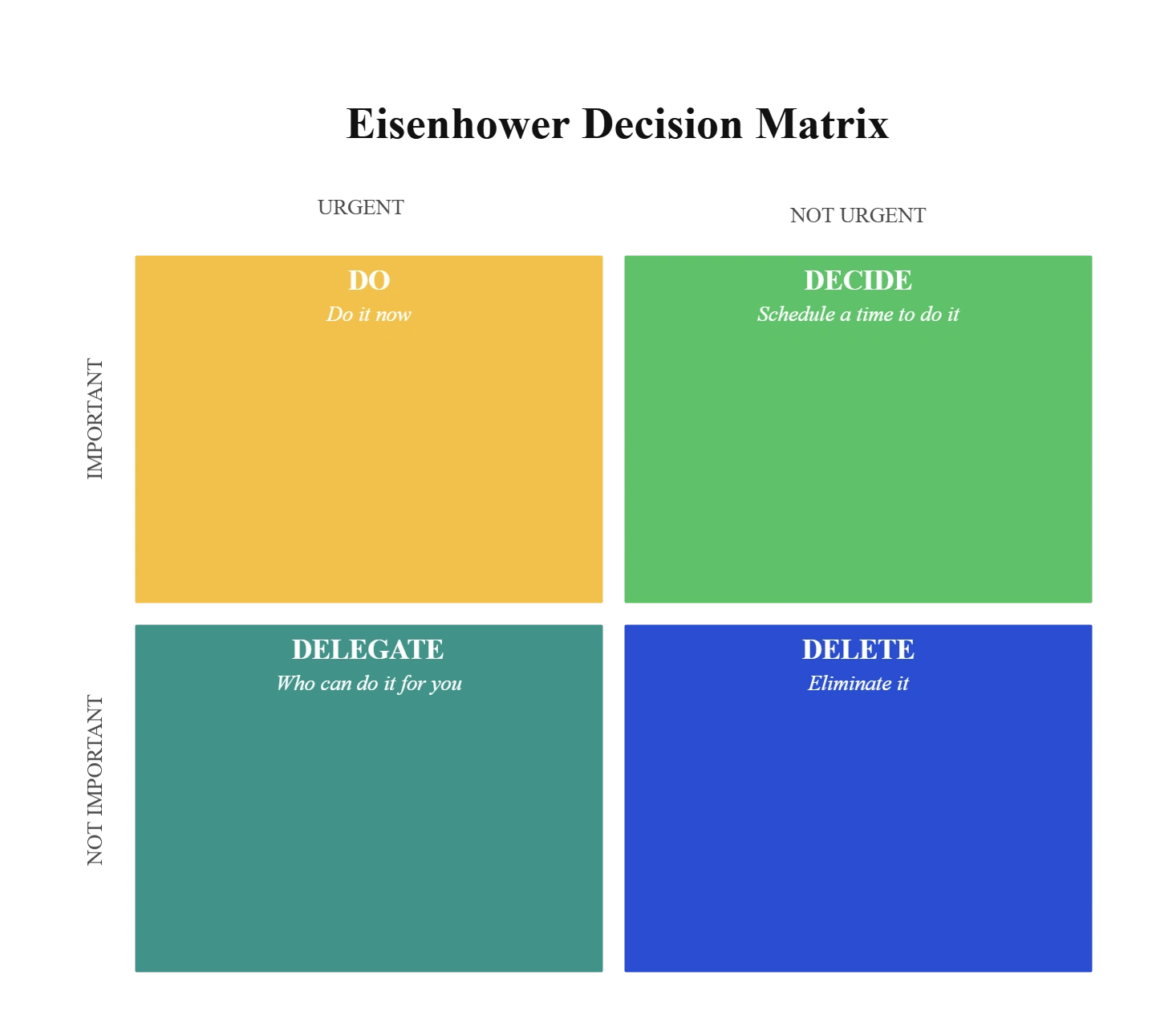
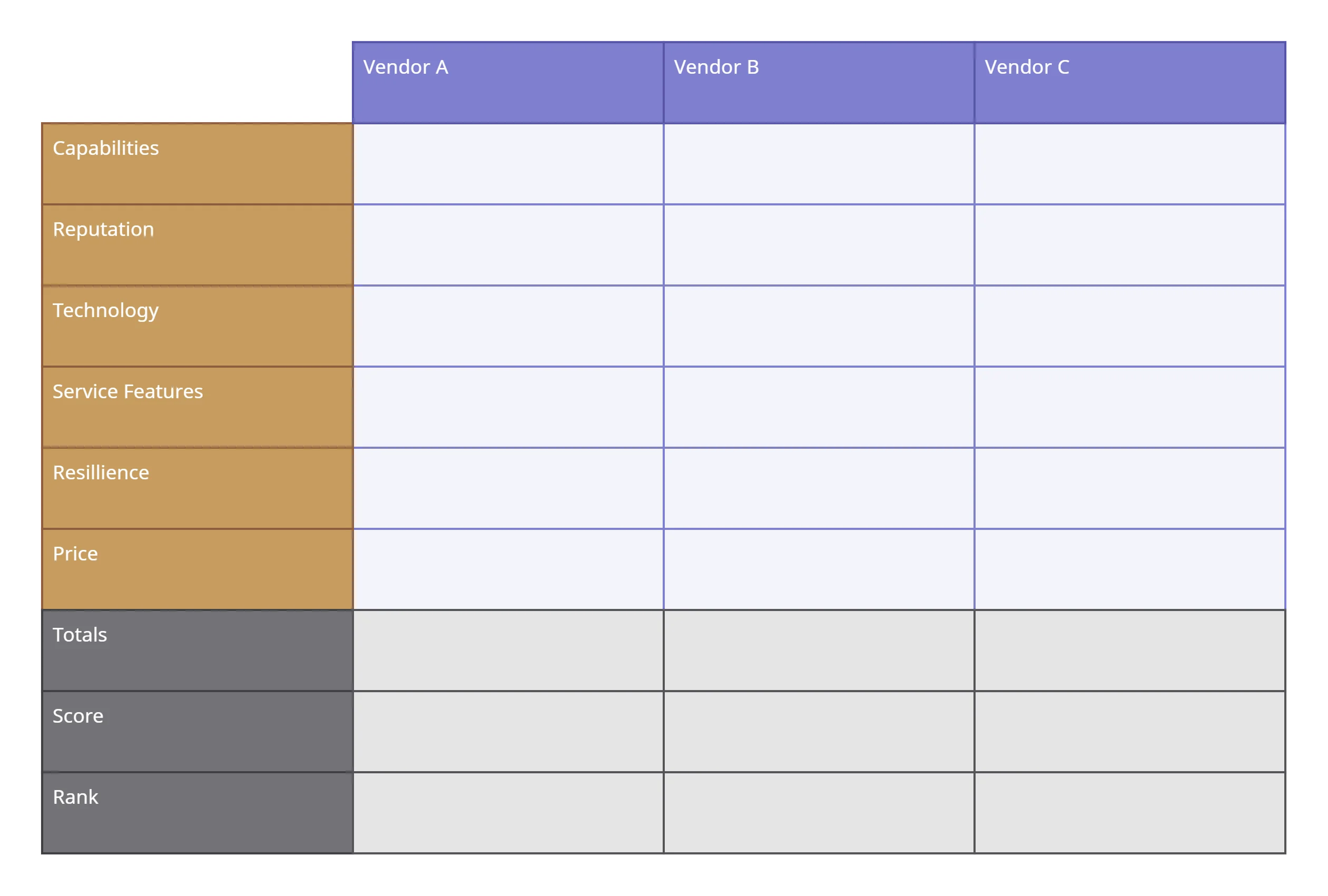
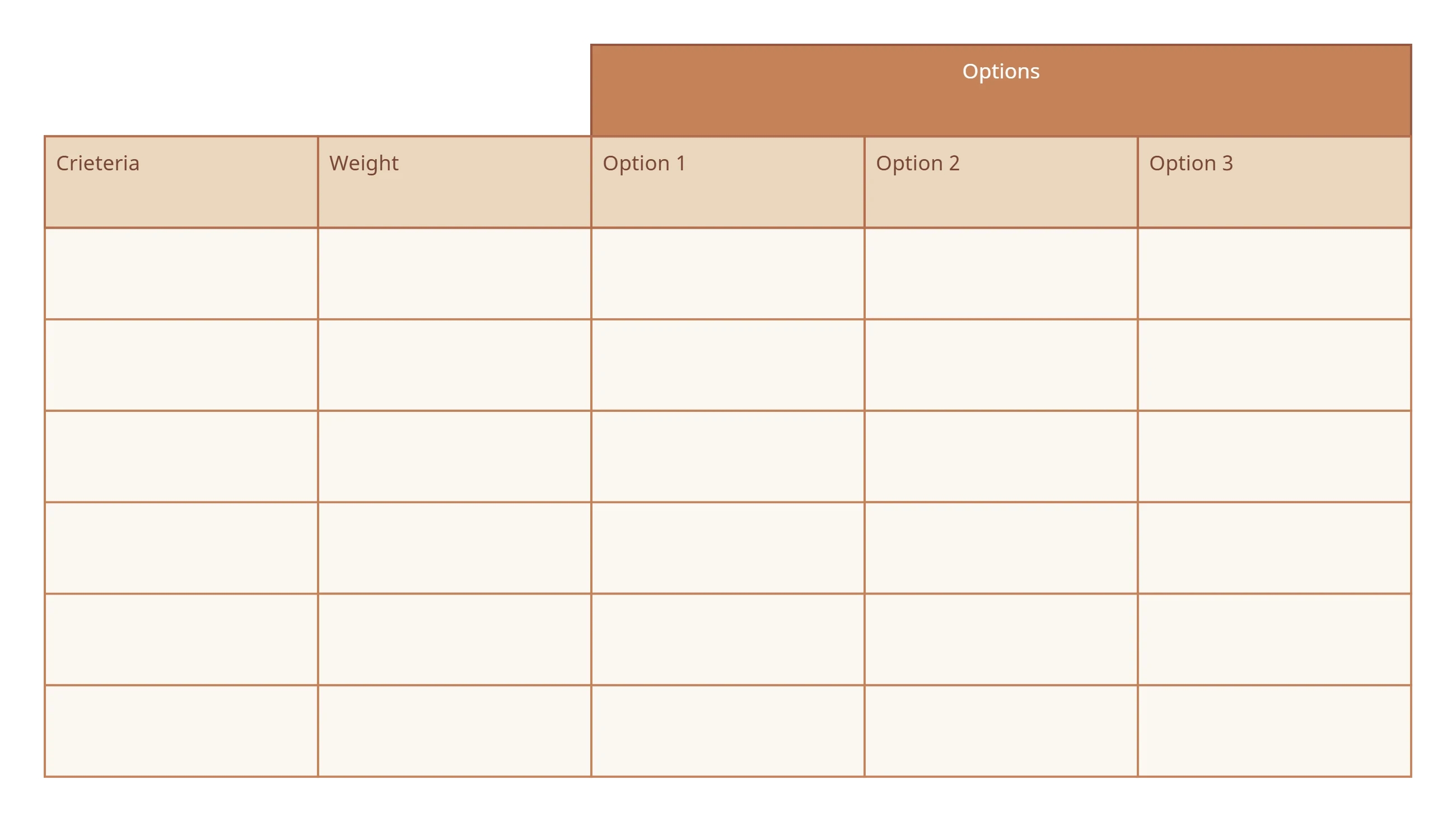
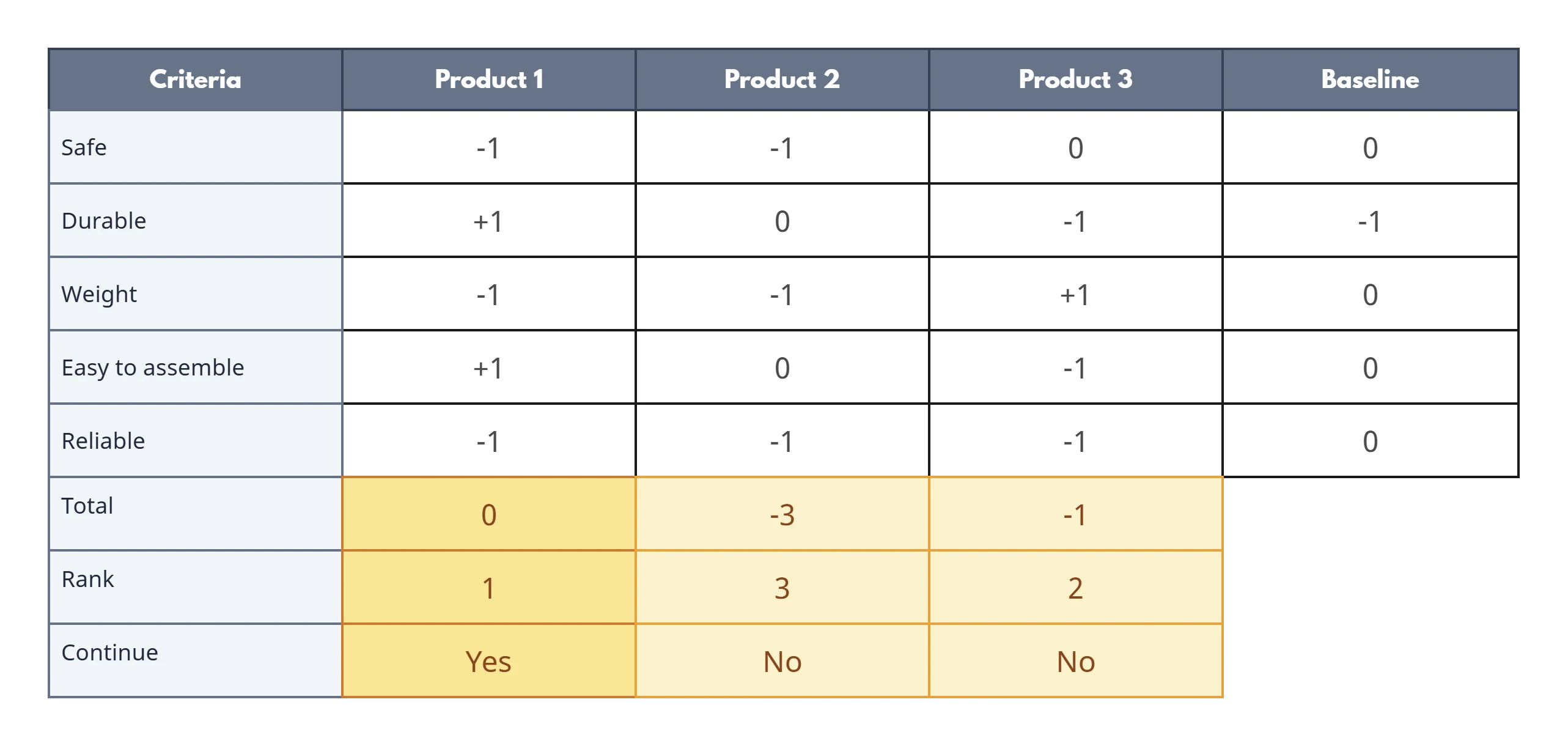
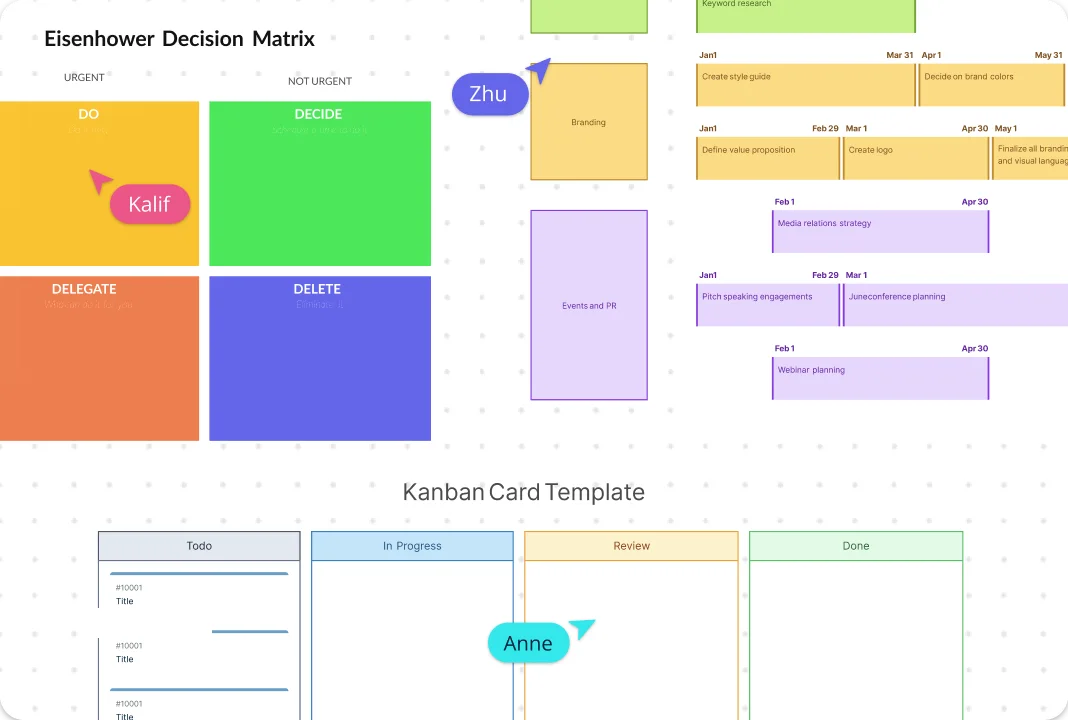
Choose from frameworks like the Decision Matrix, Weighted Decision Matrix, Eisenhower Matrix, Pugh Matrix and Decision Grids, and more to make sense of your options with clarity. Add tasks in seconds using simple drag-and-drop tools, then place them exactly where they belong on the matrix. Give every option real context with Owner, Due date, Confidence (0–100%), Risk (L/M/H), Cost, Effort, Feasibility and all the details your team needs to make choices that feel informed and confident. Standardize how decisions get made, so alignment is faster and repeatable.
Evaluate Options, Compare Variables, and Calculate Risk
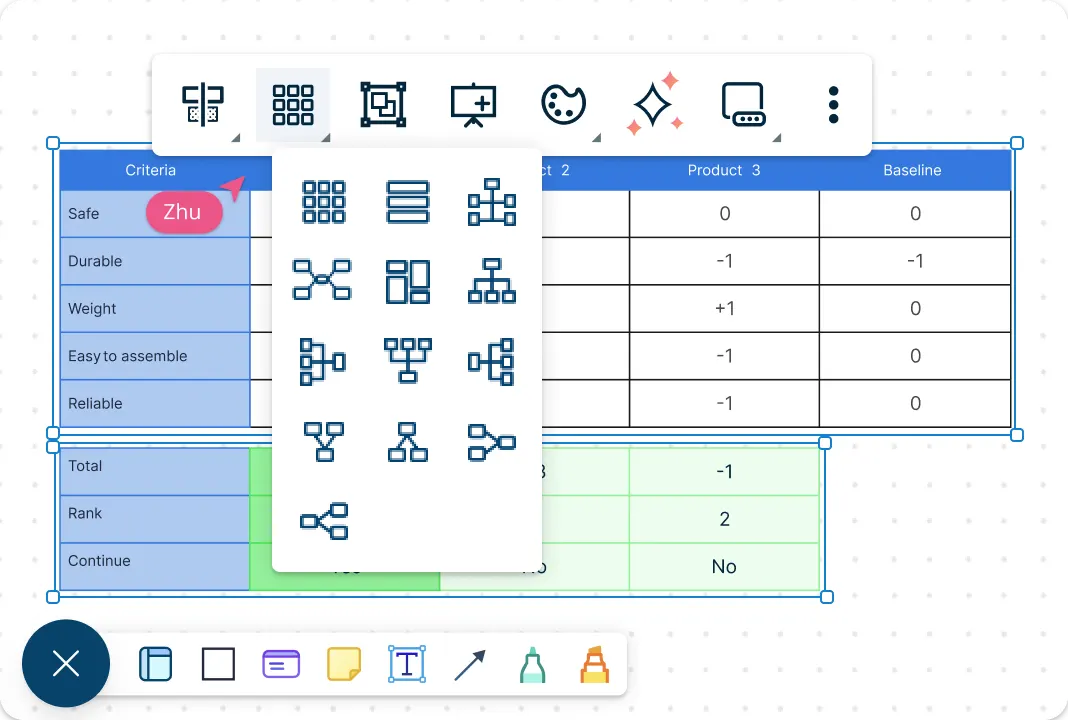
Bring all your data into the decision matrix generator with easy app integrations and two-way sync across your favorite project management and time-tracking tools. Explore your choices from every angle and assess risk as you switch between grids, Kanban boards, timelines, tree views, and more to see where your time and resources will make the biggest impact. And with an infinite canvas to map out multiple decision frameworks side by side, see the full picture and the impact of assumptions before you commit resources.
Keep Everyone & Everything in Sync
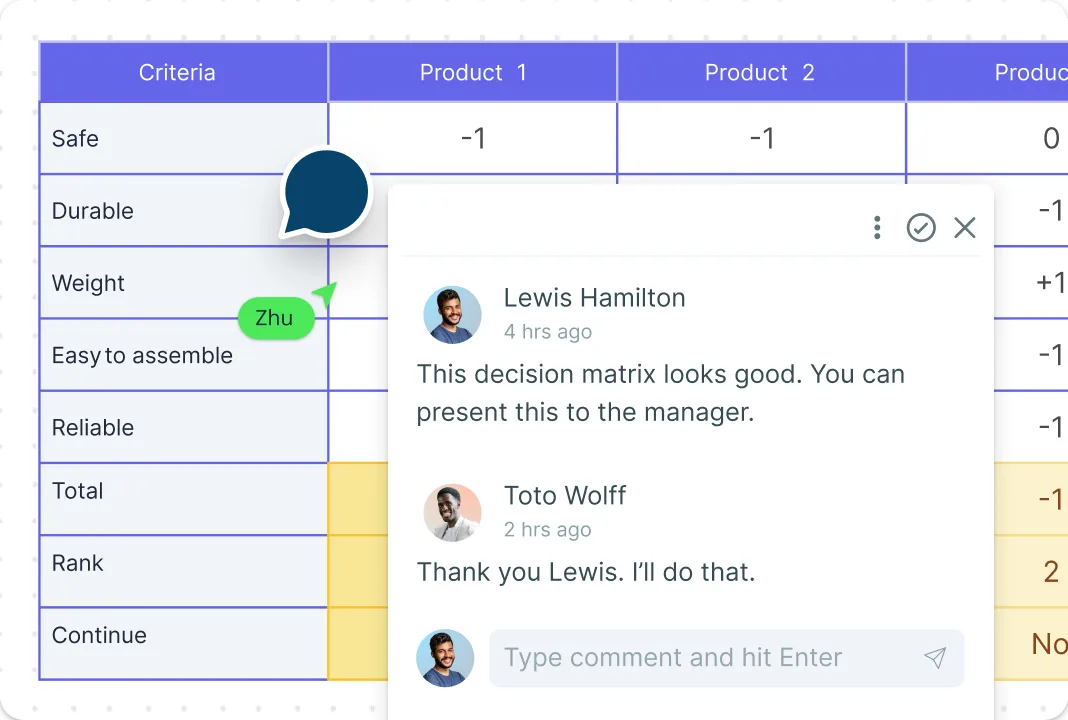
Work together in real time with live cursors that show exactly where your teammates are in the decision matrix builder. Collaborate as a group, weigh every consideration, and move toward decisions everyone understands and supports. Add comments with full context, keep discussions on the same canvas, and use @ mentions to loop in the right people for quick feedback or delegation. Add links, attach references, and keep all decision details in one one canvas for discussion, decision, and documentation.
What Is a Decision Matrix?
How to Create a Decision Matrix
Open a decision-making template:
Launch Creately and pick a template. The decision matrix software includes multiple templates from different frameworks such as a decision matrix, weighted decision matrix, Pugh matrix, and Eisenhower matrix to choose from.List your options and criteria:
Add sticky notes or text fields to capture all the options you’re considering and the criteria you want to evaluate. This step ensures you stay objective and compare every option against the same set of factors.Plot everything on the decision matrix:
Place your options and criteria into the decision matrix template layout. Use drag-and-drop tools to arrange them, and add context with the notes panel, links, or comments so your team can follow the thinking behind each choice.Plot everything on the decision matrix:
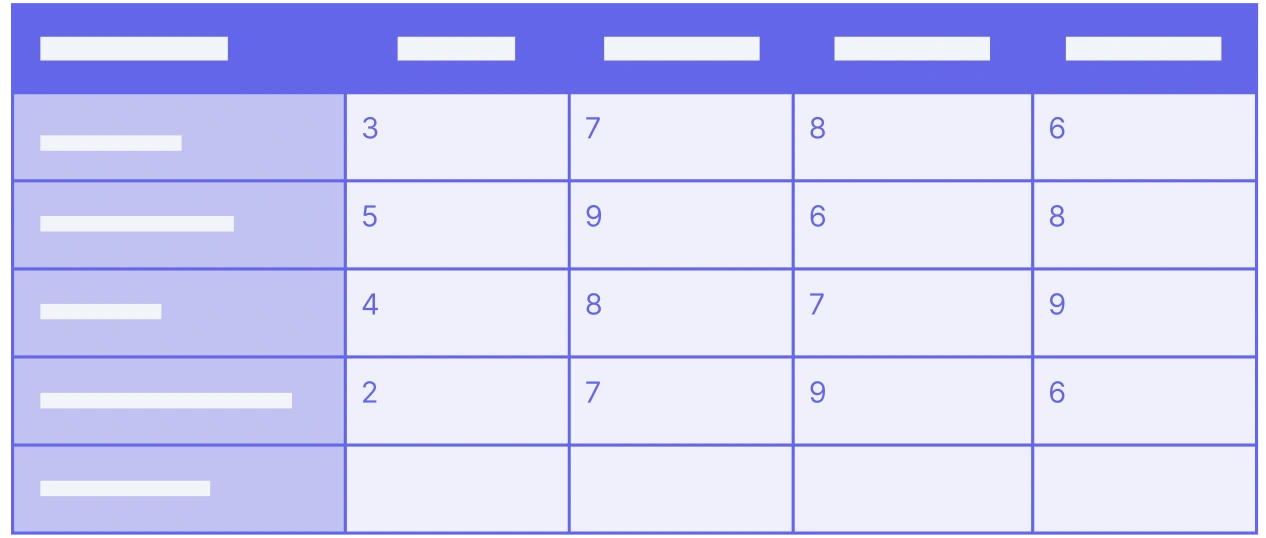
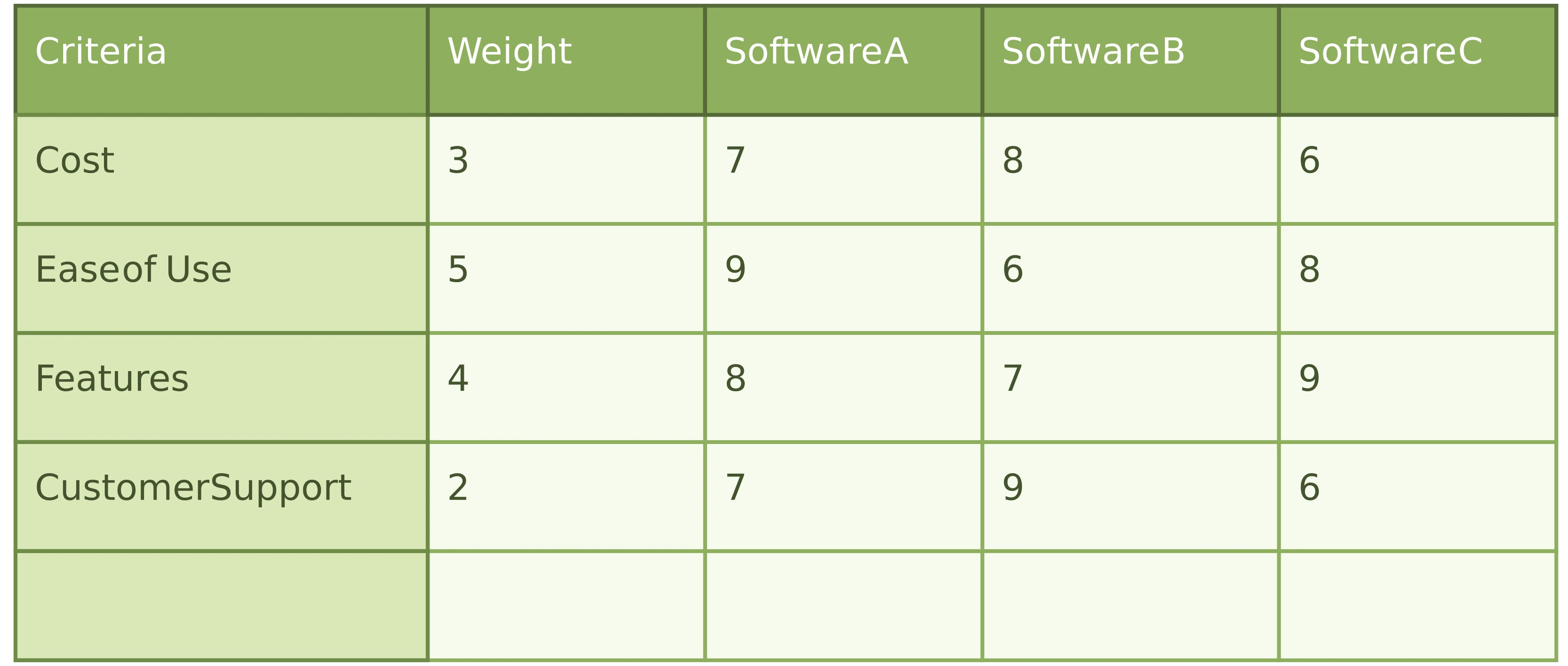
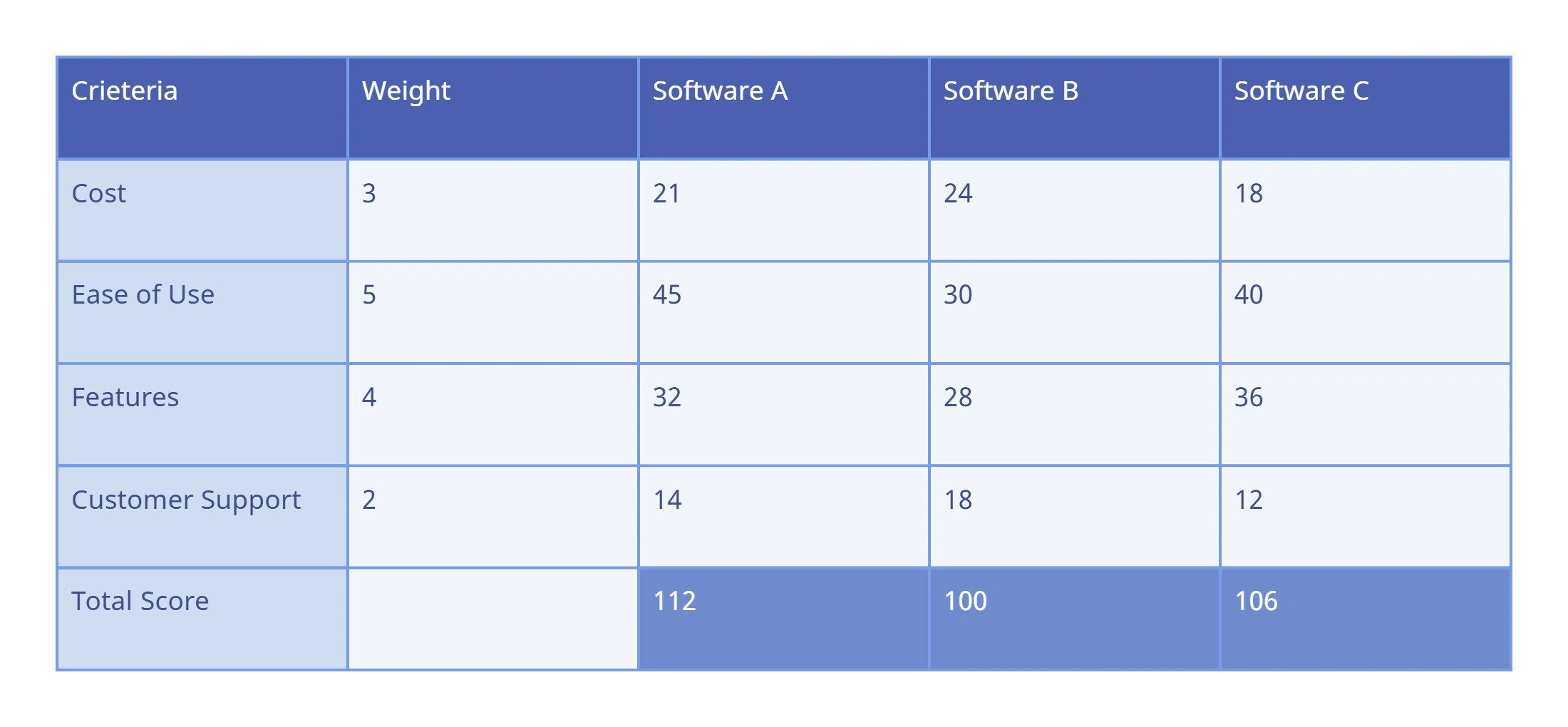
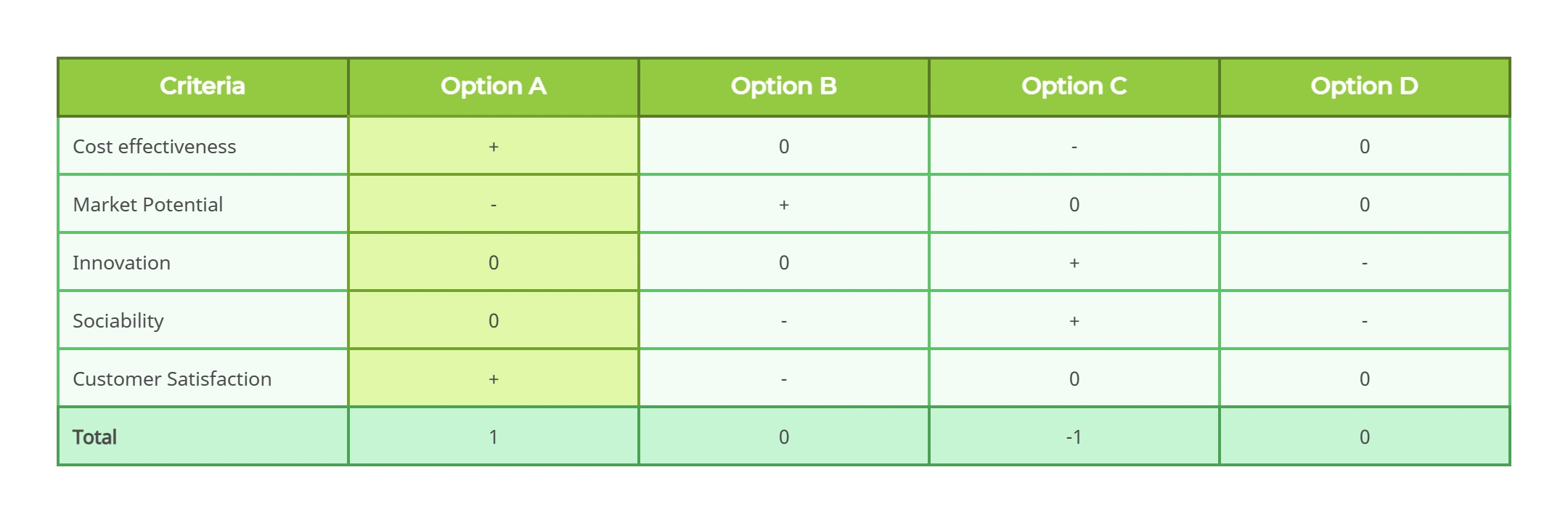
Rate every option using a consistent scale (1–3 for fewer variations or 1–5 for more detailed comparisons). If some criteria matter more, switch to a weighted decision matrix and assign weightages. Multiply scores by weights directly on the canvas to see which options carry the most impact.Review, refine, and share your decision matrix:
Add up the scores for each alternative to reveal the top choice. Use comments, @ mentions, and collaboration tools to review the results with your team. Update the decision matrix as new inputs come in, then share or export your final decision for alignment.
More Decision Matrix Examples to Get Started

FAQs About the Decision Matrix
Can I add custom criteria or scoring methods to the decision matrix?
Is Creately’s decision matrix software better than using spreadsheets?
Is Creately’s decision matrix creator free to use?