


The best concept map software helps you organize ideas, map relationships, collaborate with others, and turn complex information into a structure your team can use. This comparison focuses on concept mapping software, concept mapping programs, and visual collaboration tools for teams, educators, and individuals.
Below, we compare 9 concept map software options by templates, collaboration, exports, diagram support, pricing, and practical use cases. If you already know you want to start building a map, use Creately’s concept map maker to create one from a template.
The Best Concept Map Software
Here’s a quick overview of the 9 best concept map software options for 2026.
| Concept Map Shape Library | Easy Customization | Real-time Collaboration | Free Concept Map Templates | Support for Other Diagrams | PNG, SVG, & PDF Export | Pricing Monthly/ User | |
|---|---|---|---|---|---|---|---|
| Creately | ✔️ | ✔️ | ✔️ | ✔️ | ✔️ | ✔️ | $ 8 |
| Venngage | ❌ | ✔️ | ✔️ | Limited | ❌ | No SVG | $ 10 |
| GitMind | ❌ | ❌ | ✔️ | ✔️ | ❌ | No SVG | $ 19 |
| MindManager | ✔️ | ✔️ | ❌ | Limited | ✔️ | No SVG | $ 15 |
| EdrawMind | Limited | ✔️ | ✔️ | Limited | ✔️ | ✔️ | $ 15.9 |
| ClickUp | ❌ | ✔️ | ✔️ | Limited | ✔️ | ✔️ | $ 19 |
| Lucidchart | ✔️ | ✔️ | ✔️ | ✔️ | ✔️ | ✔️ | $ 9.95 |
| Smart Draw | ❌ | ✔️ | ✔️ | Limited | ✔️ | ✔️ | $ 9.95 |
| Canva | ❌ | ✔️ | ✔️ | Limited | ✔️ | ✔️ | $ 6.49 |
What Should You Look For in a Concept Mapping Software?
Good concept mapping software should help users create, organize, connect, and share ideas clearly. Look for these characteristics when comparing tools:
Ease of Use: The software should have an intuitive interface that makes it easy to create and adjust concepts and relationships.
Flexibility: Users should be able to create concept maps that suit their specific needs and preferences, including the ability to customize the appearance of nodes and connections.
Collaboration: Collaboration features enable multiple users to work on the same concept map simultaneously, facilitating teamwork and brainstorming sessions.
Export and Sharing Options: The ability to export concept maps in various formats (e.g., image files, PDF, or interactive formats) and share them easily with others enhances the software’s utility.
Integration: Integration with other software and platforms, such as productivity tools and learning management systems, can streamline workflows and enhance productivity.
Cross-Platform Compatibility: Support for multiple operating systems and devices ensures that users can access and work on their concept maps from different devices seamlessly.
Rich Media Support: The software should allow users to incorporate various types of media, such as images, videos, and hyperlinks, into their concept maps to enrich content and improve understanding.
Interactivity: Interactive features, such as the ability to add notes, comments, and hyperlinks to individual nodes, enhance the depth and interactivity of concept maps.
Search and Navigation: Robust search and navigation tools help users quickly locate specific concepts or relationships within large concept maps, improving usability and efficiency.
Performance and Stability: The software should stay stable and responsive, even when you are working with large or complex concept maps.
Creately
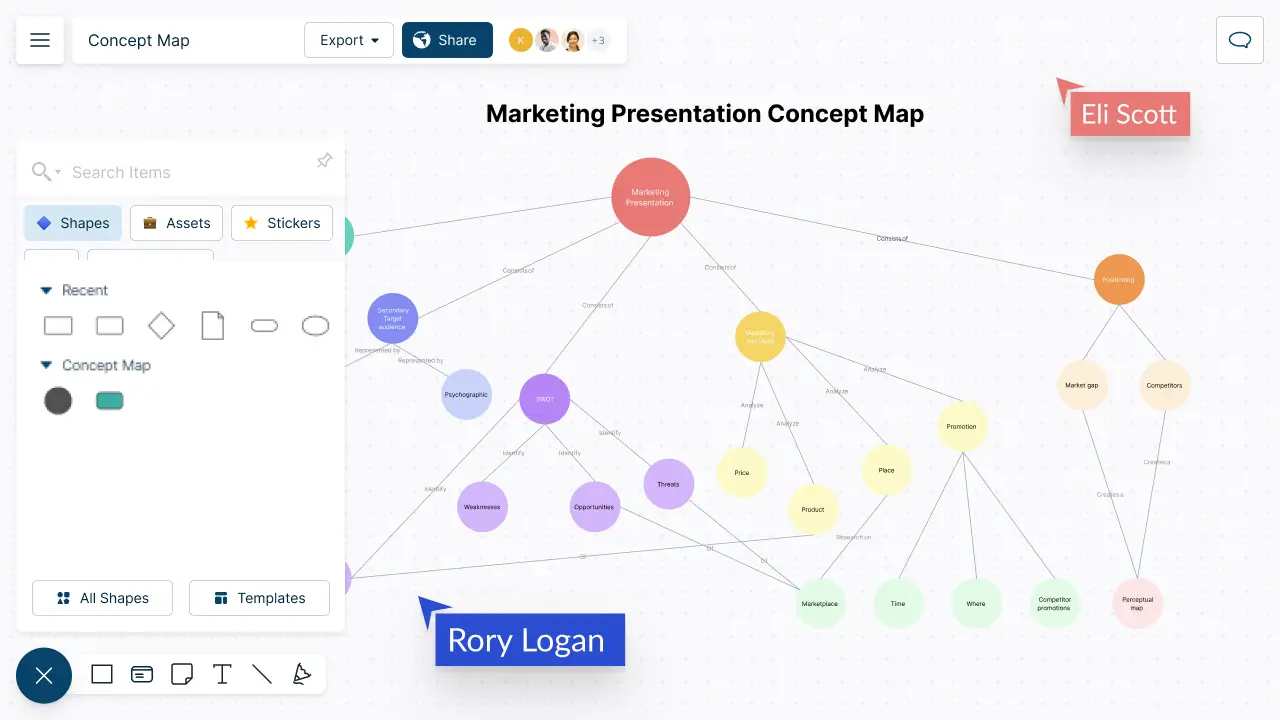
Creately is concept mapping software with a robust drag-and-drop interface for organizing information and creating detailed concept maps. It includes concept map shapes and templates, so you can create multiple branches and sub-branches and connect them clearly. You can adjust colors, sizes, and styles to group information effectively and make complex relationships easier to understand.
If you want to create a map right away, Creately’s concept map maker gives you a focused starting point with templates, smart connectors, and visual collaboration tools.
Creately is best for teams that want collaborative concept mapping software with templates, AI assistance, exports, and work management features in one visual workspace.
Features
- Simple drag-and-drop interface with quick formatting options
- Real-time collaboration to work with teammates
- Per item notes and data fields to add more context to concept maps
- Online sharing and embedding options
- Ability to add photos, links, and other rich media options.
- Diagram export options for multiple formats including PDF, JPEG, and PNG
- Role-based security and permissions
- Import images, files, CSV and more
Pros
- Easy to use. Little to no learning curve to get started creating concept maps
- Flexible and scalable. Can create large concept maps with unlimited users
- Easy customization options for styling concept maps
- Real-time collaboration for shared brainstorming and idea-generation sessions
- Keyboard shortcuts and Plus Create to develop concept maps quickly
- Integrates with other tools like G Suite and Slack
Cons
- Online tool, so it requires an internet connection
- Some advanced features only available with paid plans
- No mobile app version currently available
Pricing
- Free - $ 0
- Personal - $ 8 /month per user
- Business - $ 89 / month paid annually for unlimited users
- Enterprise - Custom pricing
Venngage
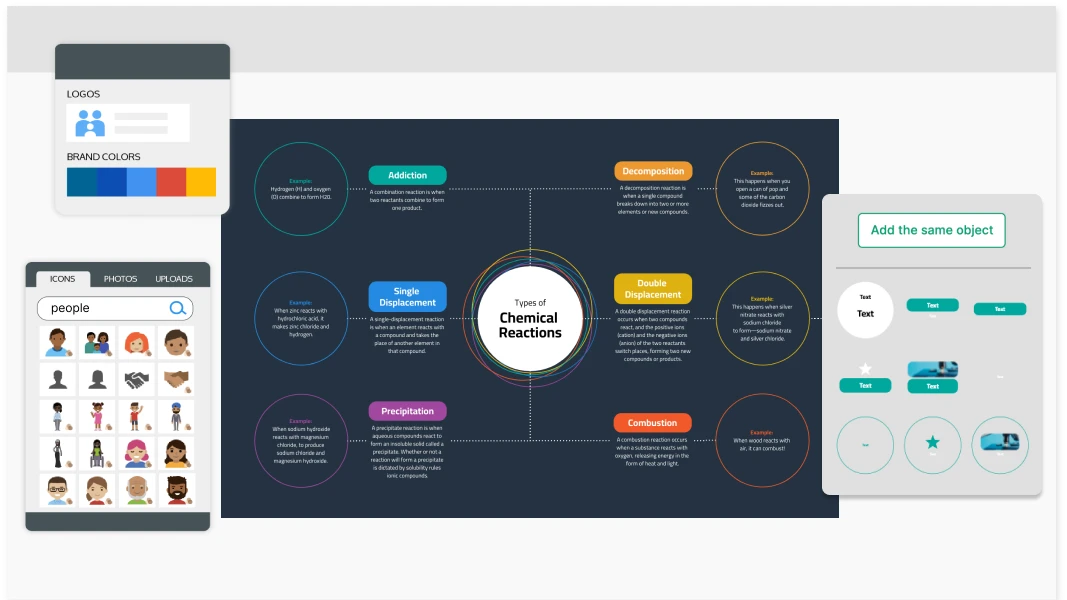
Venngage is a versatile online platform designed for creating visually appealing infographics and reports. It offers a wide range of customizable templates and tools to help users convey complex information effectively. It has a more specific focus on business diagrams and presentations.
Features
- Multiple styling and customization options
- Users can effortlessly create concept maps using Venngage’s user-friendly interface.
- Over 40,000 icons available
- Extensive list of business diagrams
- Custom brand kits with logos, colors and fonts easily available
Pros
- Simple and easy-to-understand interface
- Ability to upload images onto the canvas
- Robust diagramming tool to create professional-looking visuals
Cons
- No concept map-specific shapes
- More suited for creating presentations- doesn’t do so well in collaborative, interactive sessions
Pricing
- Basic - $ 10 / month
- Business - $ 24 / month
- Enterprise - Starts at $499/ 10 months
GitMind
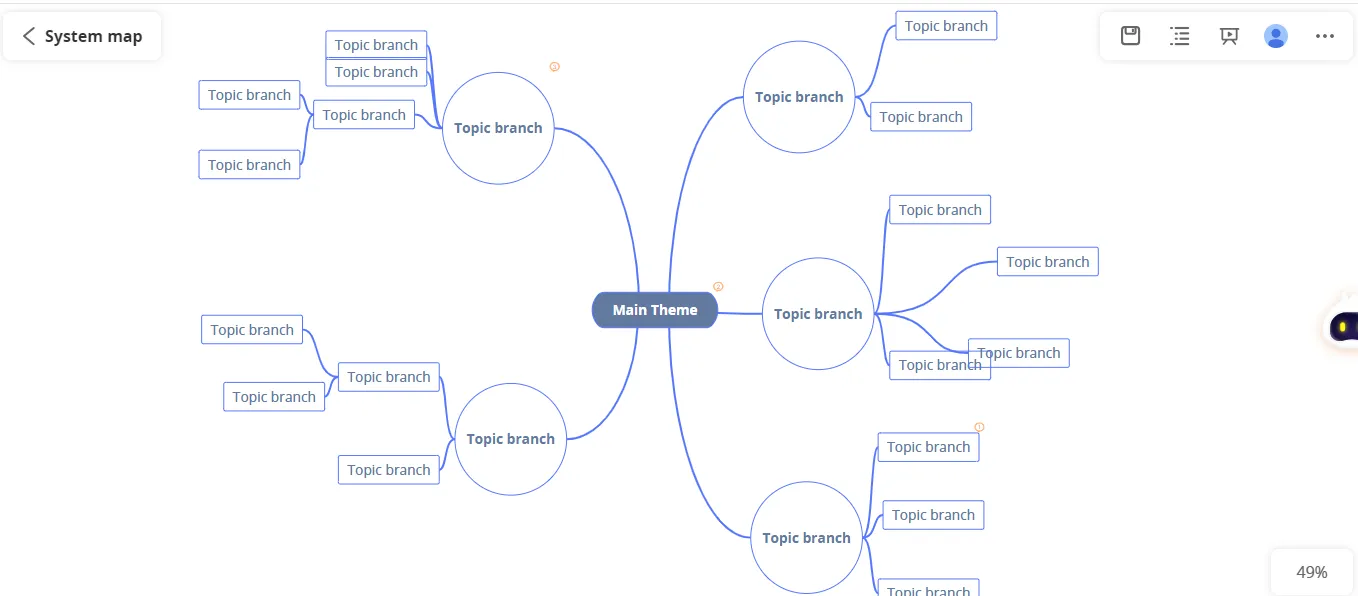
GitMind stands out as an intuitive tool for crafting insightful concept maps effortlessly. Utilizing its intuitive drag-and-drop interface, users can swiftly incorporate boxes, arrows, images, and text into Concept Maps. This software boasts advanced functionalities such as outlining, shape customization, shared editing, commenting, and exporting.
Features
- Format painter to standardize your concept maps
- Global search to find anything across concept maps
- The ability to showcase relationship lines between main branches and sub-branches
- AI functionality to create a concept map from prompts
- Template gallery to jumpstart new ideas
Pros
- Simple, canvas-based interface to create expansive concept maps
- Multiple customization options to add themes, icons, and images to concept maps
- Integrate with Slack and Google Drive and other tools
Cons
- Limited scalability for larger teams
- No project management tools
- Is an extension of its mind mapping software, hence doesn’t have shapes/functionalities specific to concept maps
- Limited templates
Pricing
- Basic - Free
- Annual - $5.75/month, billed annually
- Monthly Plan - $19/month, billed monthly
MindManager

MindManager is a tool specifically created to help teams generate and organize ideas. It has a special focus on collaboration and is meant to take the friction out of interactive sessions. The tool allows teams to create mind maps together and lets them create detailed concept maps with many levels of branches and sub-branches.
Features
- User-friendly interface that is intuitive and easy to learn
- Large image library—over 700 topic images to use within your concept maps
- Convenient and simple file management
- Topic styles and filters to aid in data categorization and sorting
- Powerful integrations with file storage apps like DropBox and OneDrive
- Google Docs integration via Zapier
- Built-in templates for different concept map styles and various use cases
Pros
- Intuitive and user-friendly
- Can create multi-level concept maps
- Real-time collaboration allows multiple users to work on the same concept maps
Cons
- Limited customization options compared to other concept map software
- No project management features
Pricing
- Essentials- $99 / year
- Professional- $ 179/ year
EdrawMind
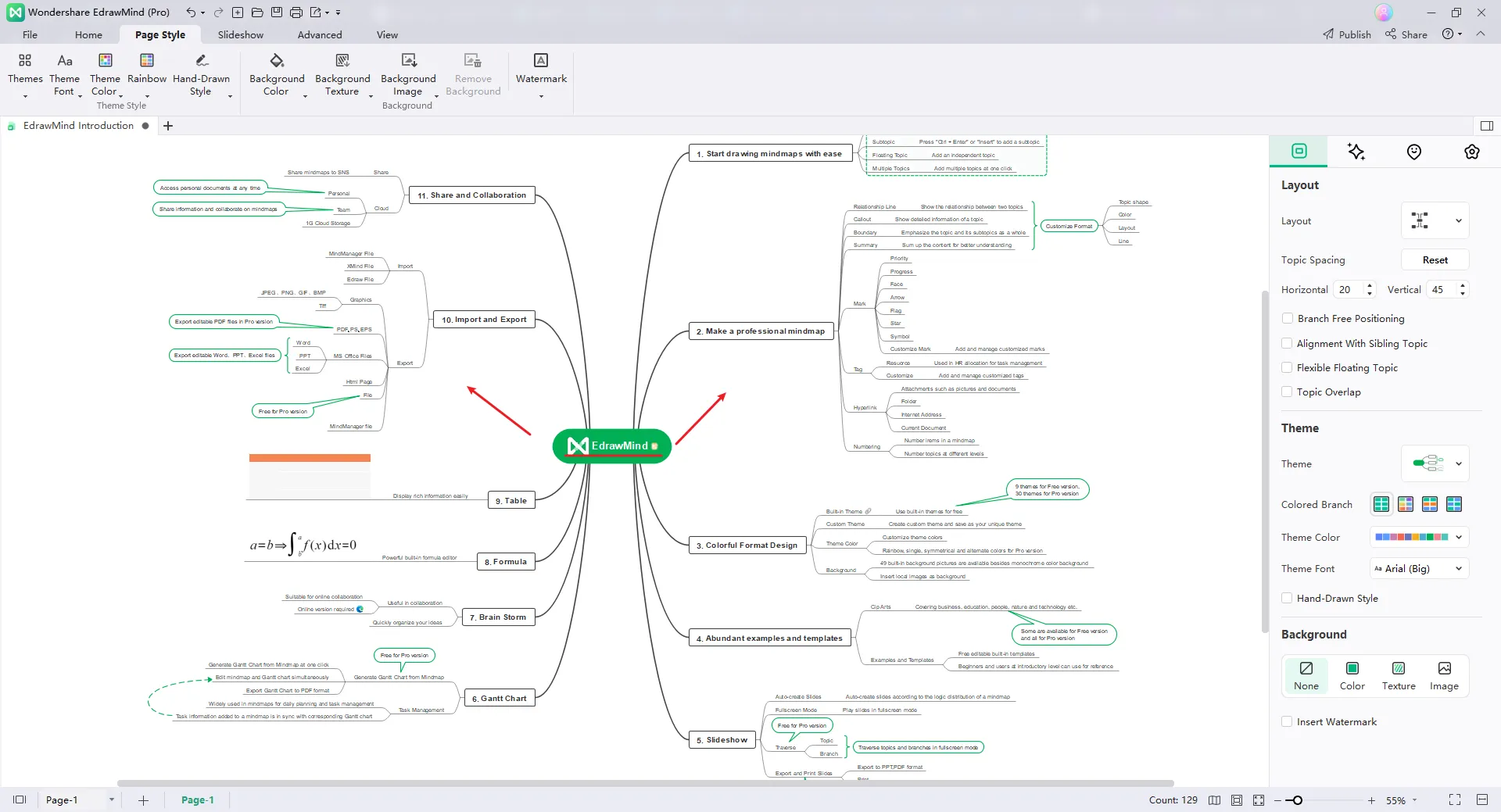
EdrawMind is concept mapping software with a user-friendly and customizable interface for creating professional-looking concept maps. With a collection of concept map templates and clip art, users can quickly start projects whether they need a mind map, flowchart, or timeline. EdrawMind also offers a built-in presentation mode that allows users to present concept maps directly within the software.
Features
- User-friendly Interface: EdrawMind offers an intuitive and easy-to-use interface for creating, editing, and navigating through mind maps efficiently.
- Real-time collaboration features enable multiple users to work on the same mind map simultaneously, fostering teamwork and communication.
- EdrawMind supports importing and exporting mind maps in various formats, enhancing compatibility with other software and facilitating seamless sharing.
- Customizable templates to quickly start concept mapping and maintain consistency in visual presentation.
- Attach files, hyperlinks, notes, and images to branches, providing additional context and supporting multimedia integration for a richer concept mapping experience
Pros
- The interface is clean and simple to navigate, even for non-technical users.
- Has multiple business diagrams on the platform
- Automated data sync
Cons
- Primarily a presentation tool- doesn’t support team collaboration very well
- Limited customization options
Pricing
- Team and Business - $ 335 / year (5 users)
- Education - $ 49/ year
- Individual- $ 59/ month
ClickUp
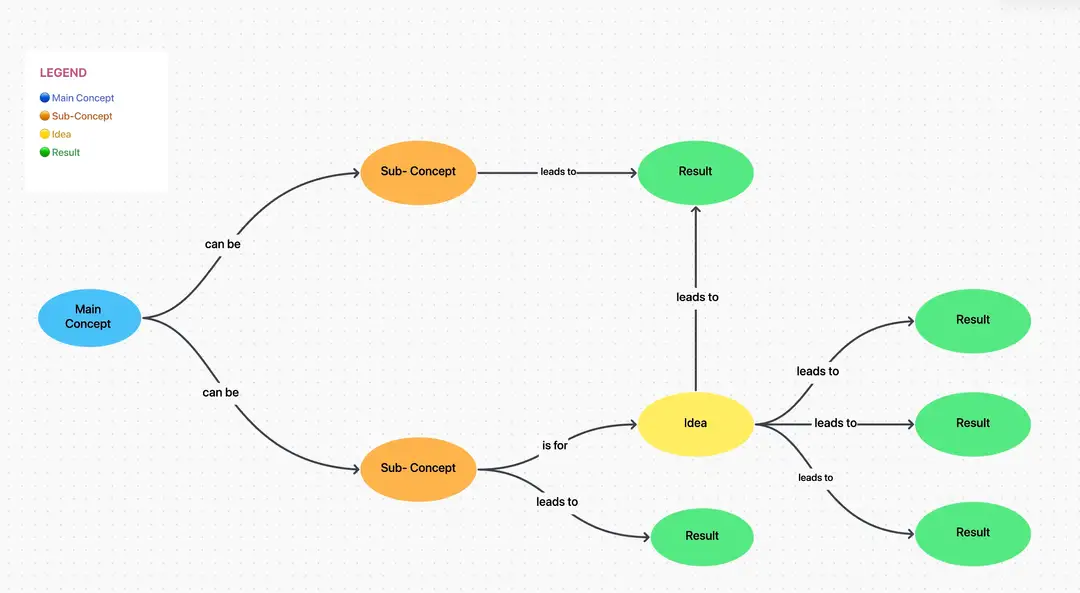
ClickUp is a project management tool that also provides a whiteboard for team brainstorming. Its concept mapping features are simple and easy to use, allowing teams to gather around a virtual whiteboard, generate ideas, group them, and organize them sensibly.
Features
- Robust tool for project management
- Wide range of templates and styles to choose from
- Intuitive real-time collaboration features
- 50+ task automations to streamline any project workflow
Pros
- Accessible across web, desktop, and mobile devices, enabling users to manage tasks and projects from anywhere.
- Intuitive interface accommodates users of all technical levels, ensuring ease of navigation and accessibility.
- With project management capabilities there is no need to switch between multiple tools
Cons
- Comparatively more expensive when compared to other concept mapping software
- Not suited for creating multi-level concept maps
Pricing
- Unlimited- $ 10
- Business - $ 19
Lucidchart
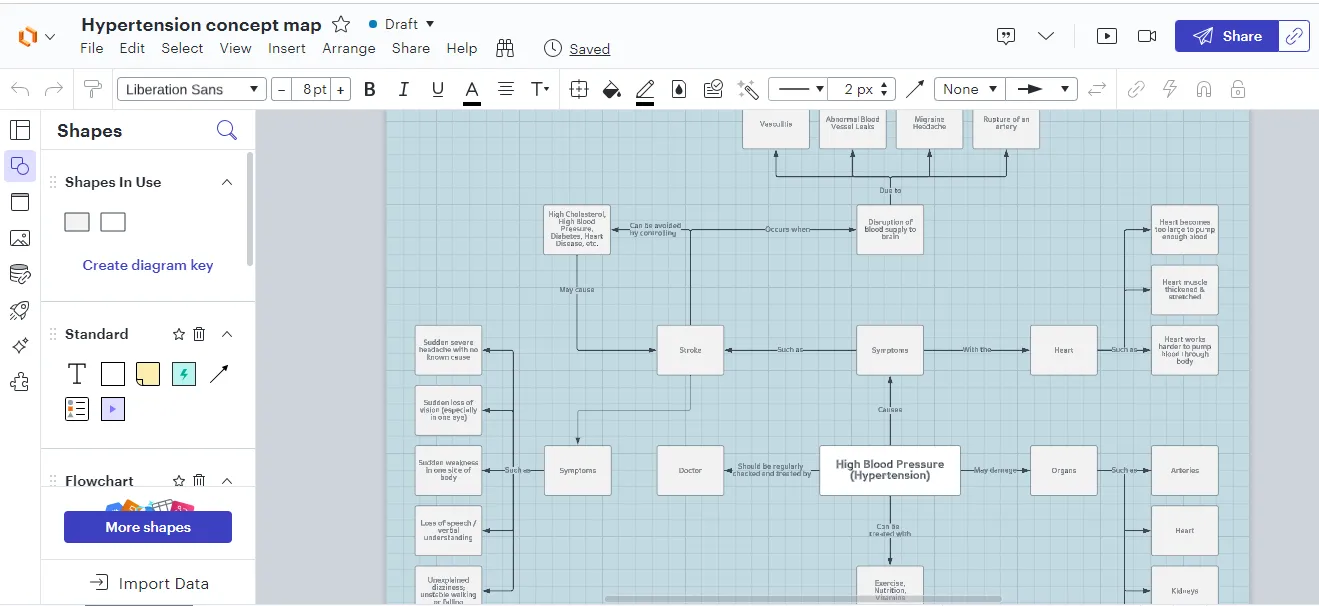
Lucidchart is a powerful visual workspace that lets you create large concept maps easily. You can customize shapes, add images, and adjust layouts. Lucidchart offers integrations with Google Workspace and Microsoft Office, making it useful for large organizations.
Features
- Drag and drop shapes, add sub-branches, and create faster concept maps
- Real-time collaboration to work with teammates and explore ideas together
- Export concept maps, image files, or PowerPoint for sharing.
- Add rich media like links, docs, videos and more
Pros
- Easy-to-use visual interface makes creating a concept map easy and intuitive
- Extensive list of templates to get started quickly
- Multiple customization options
- Cloud-based so you can access from any device
Cons
- Uses basic shapes and doesn’t have concept map specific shapes that automatically create branches and sub-branches.
- More suited for technical diagrams- hence has a steep learning curve for more casual users
- Limited collaboration features- not ideal for rapid idea-generation settings.
Pricing
- Free - $ 0
- Individual - $9.95
- Team - $ $33.00 / user
- Enterprise - $ 43.98
Smart Draw
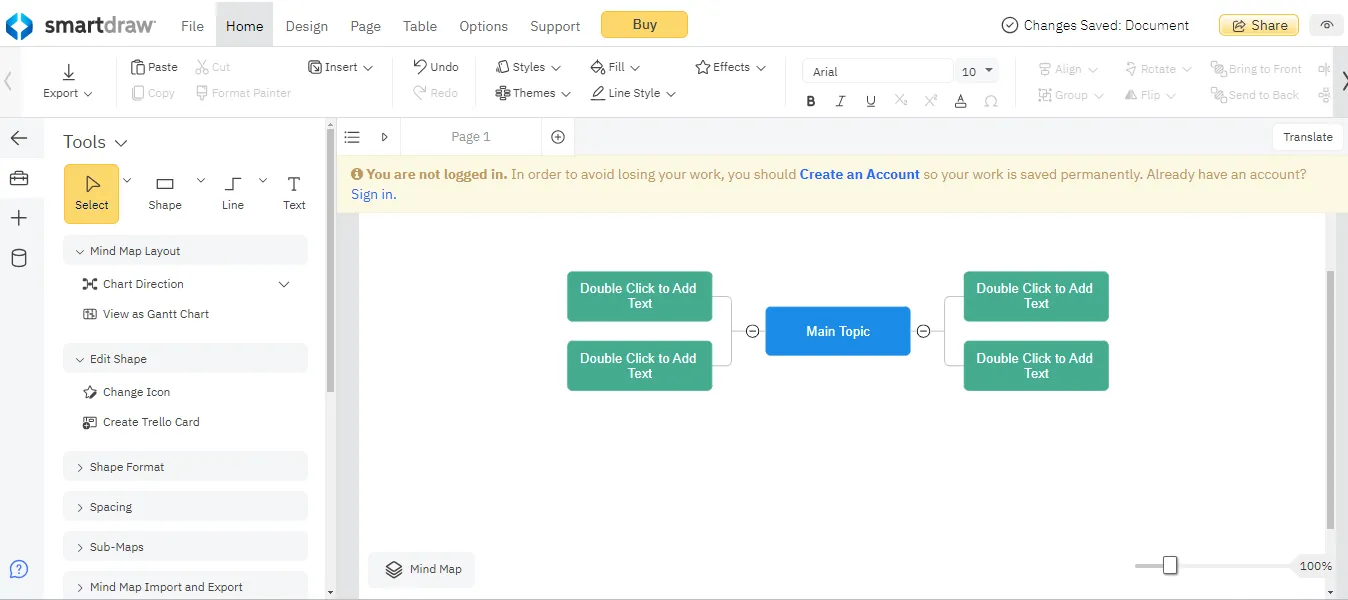
SmartDraw offers features to create professional-looking concept maps. It has options for customizing the layout, styles, colors and more. SmartDraw is best for teams that require minimal real-time collaboration and is a tool used to create presentation visuals.
Features
- Easy-to-use drag and drop interface
- Large library of templates and shapes
- Ability to create custom shapes
- Integration with Microsoft Office
- Compatibility with multiple file formats including PDF and image exports
Pros
- Intuitive and user-friendly
- Real-time collaboration allows multiple users to work on the same concept map
- Affordable pricing plans for individuals and businesses
Cons
- Not built to be a brainstorming platform
- Lacks advanced features
- Some advanced features require an upgrade to a premium plan
Pricing
- Single User - $ 9.95 / month
- Multiple Users- $ 8.25 / month (3 users)
Canva
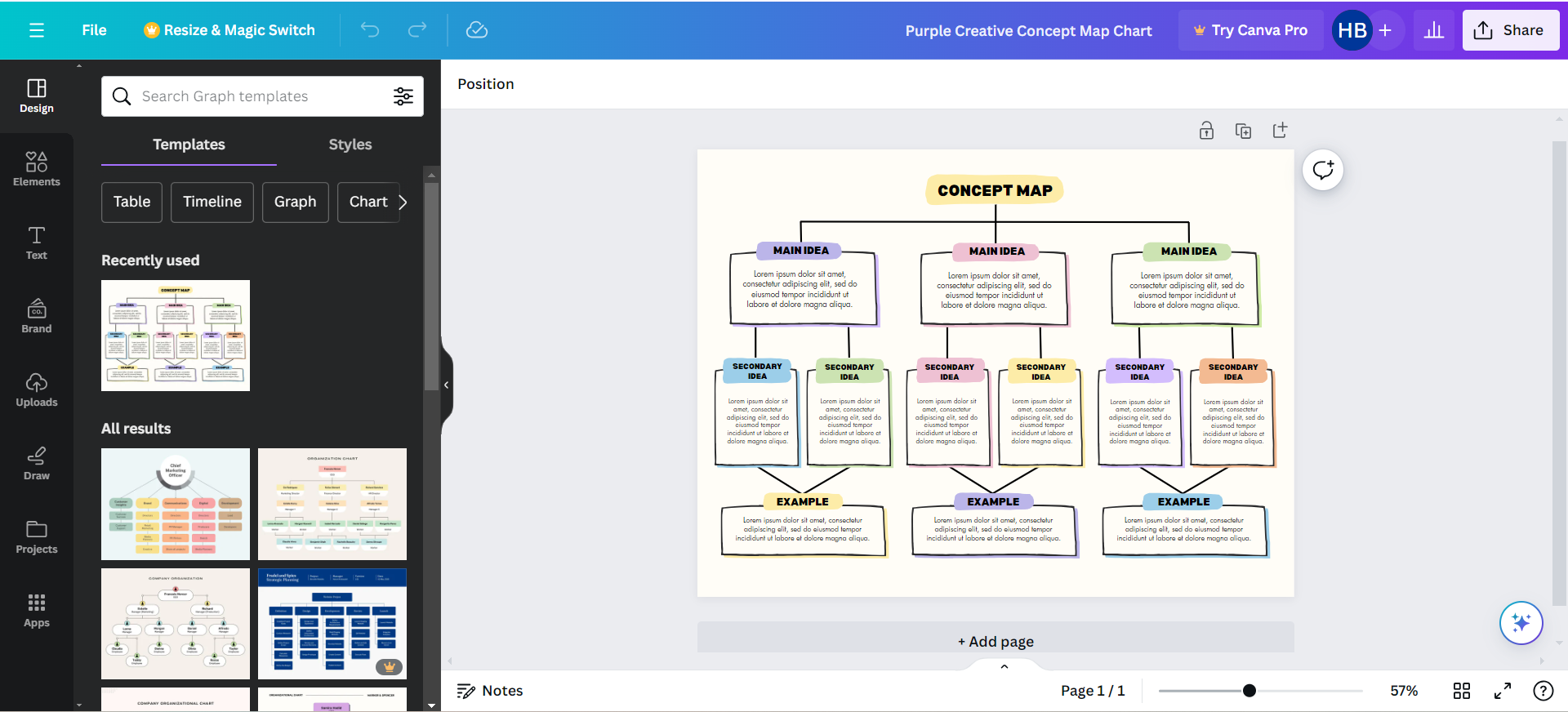
Canva is a popular online graphic design platform that enables users to create a wide range of visual content such as presentations, posters, social media graphics, infographics, flyers, and more. It offers a user-friendly interface with drag-and-drop functionality and a vast library of customizable templates, images, icons, and fonts that users can use to create concept maps.
Features
- Access to a variety of customizable templates tailored for concept mapping.
- A library of shapes and lines for representing concepts, ideas, and connections.
- Ability to add text boxes and labels for providing additional context.
- An extensive library of icons, illustrations, and graphics for visual enhancement.
- Tools for creating connectors and arrows to illustrate relationships.
- An intuitive interface allows easy rearrangement of elements.
- Real-time collaboration features for simultaneous work and feedback sharing.
- Ability to export concept maps in various formats for sharing and integration.
Pros
- Simple drag-and-drop interface that is intuitive
- Easy to use visual interface
- Specific focus on graphic design
- Easy collaboration
Cons
- Limited concept map templates
- Difficult to establish relationships and create sub-branches
- Not a concept map-specific tool
Pricing
- Canva Free- $0
- Canva Pro- $119.99/year
- Canva for Teams- $149.90/year ( 5 users)
Conclusion:
As you can see, there are plenty of concept mapping software options. Choosing the best one depends largely on your needs. Solutions like Venngage, EdrawMind, SmartDraw, and Canva take a diagramming-first approach to concept mapping, giving you multiple customization options and the ability to style your concept map in great detail. Some include collaboration, but they are less focused on carrying ideas from mapping into task ownership, milestones, and follow-up work on the same canvas.
Tools like GitMind and MindManager focus more on brainstorming using mind maps as a base. While they are useful for rapidly generating ideas, they do not have built-in project management tools, which means you still need to move your ideas into another platform to organize your work and coordinate with teammates.
Tools like Lucidchart and ClickUp try to bridge the gap with more extensive project and team management features, but they can feel rigid and require a steeper learning curve.
Creately stands apart for concept mapping because its canvas-first approach gives teams the freedom to move between brainstorming, mapping, planning, and execution. You can collaborate on concept maps, style them clearly, assign tasks, track milestones, and manage follow-up work on the same canvas.
It’s great for keeping everything together and is built for the complete cycle of work.


