Generate flowcharts, process maps, complex user flows, sequence flowcharts, and more in seconds with Creately AI. Transform ideas into clear, professional visuals instantly—no manual drawing required

 Simple SaaS Customer Support Ticket Workflow Diagram Customer Support Escalation Flowchart with SLA Timers Enterprise-Scale Incident Management Flowchart for SaaS Companies Basic Continuous Integration Pipeline Flow Diagram Containerised Continuous Delivery Flowchart with Staging Gate Blue-Green Kubernetes Deployment Workflow Diagram Warehouse Receiving to Put-Away Flow Diagram Order Picking Wave Planning Flowchart Returns Processing and Restocking Workflow Basic Recursive QuickSort Flow Diagram for Computer Science Students In-Place QuickSort Algorithm Flowchart with Complexity Counters Optimised QuickSort Flowchart Using Median-of-Three Pivot Selection Step-by-Step Birthday Party Planning Timeline Flowchart Budget-Friendly Birthday Party Planning Flow with Decision Points Outdoor Birthday Party Contingency Flowchart for Rainy Weather
AI Flowchart Maker
to Visualize Processes in Seconds
Generate flowcharts, process maps, complex user flows, sequence flowcharts, and more in seconds with Creately AI. Transform ideas into clear, professional visuals instantly—no manual drawing required.
Generate Flowcharts with AI-Powered Visual Intelligence

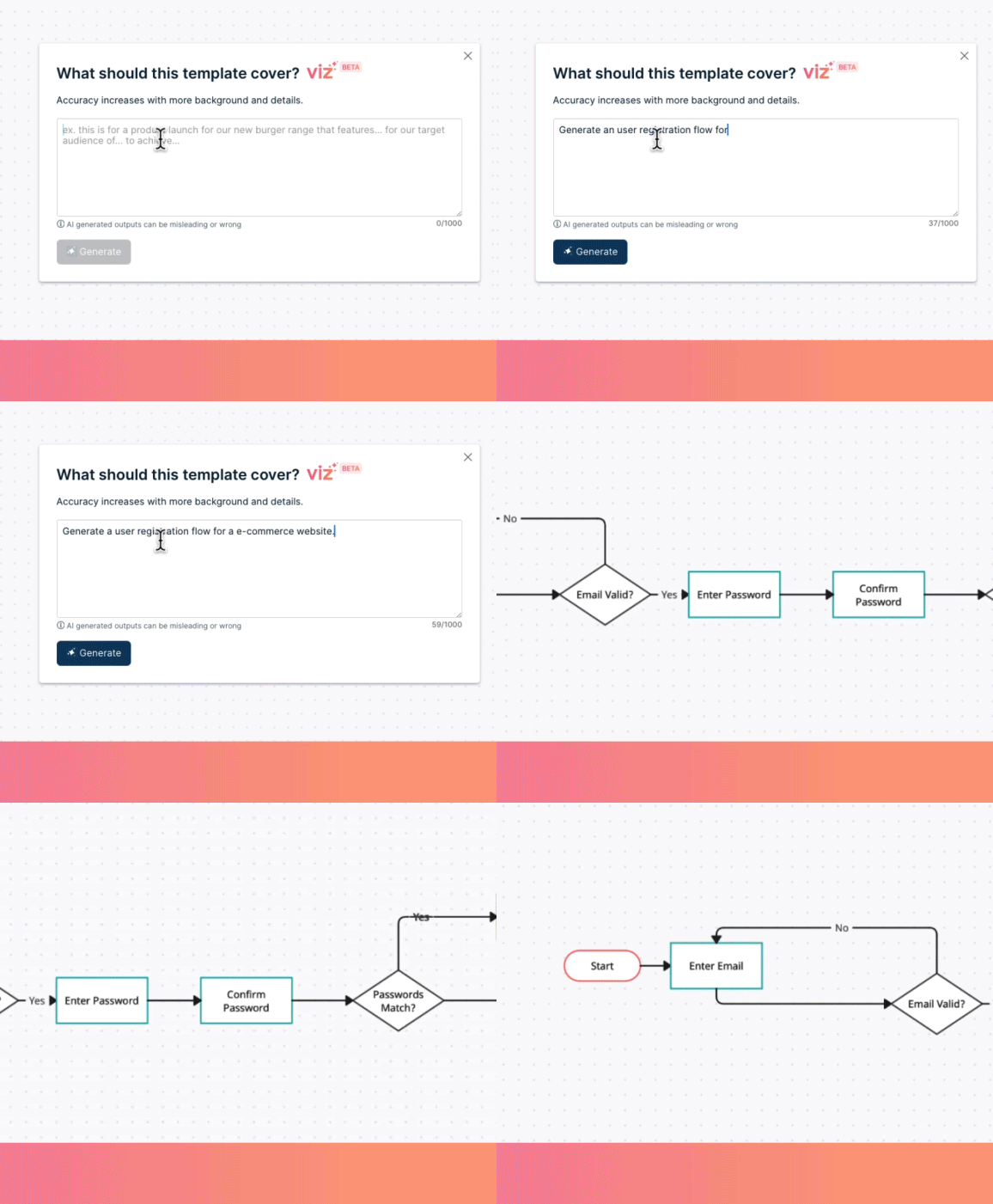
Create Complex Flowcharts Online with Just a Prompt
Visualize workflows faster effortlessly using our flow chart generator—simply list out the steps, and AI will create the structure for you.
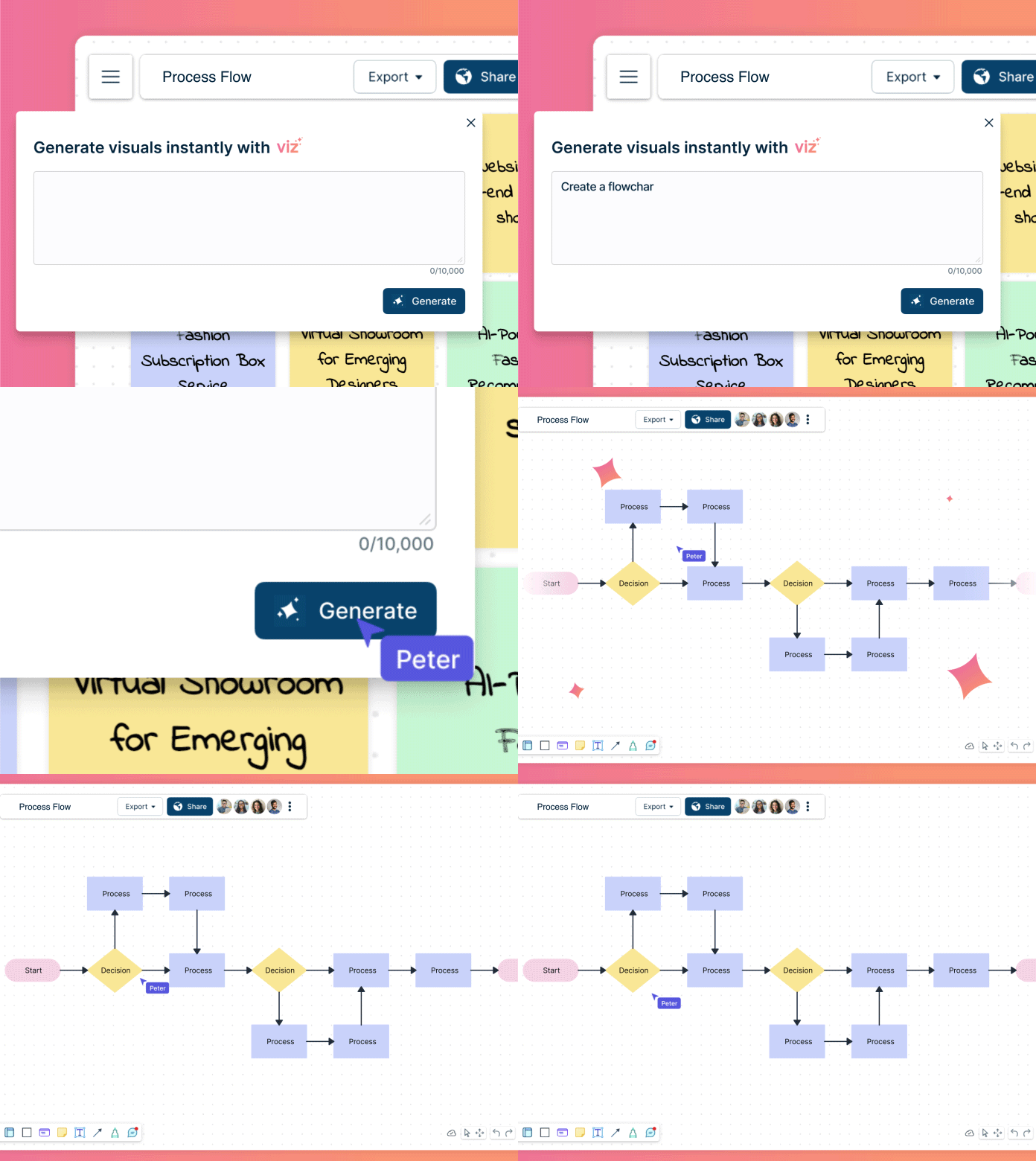

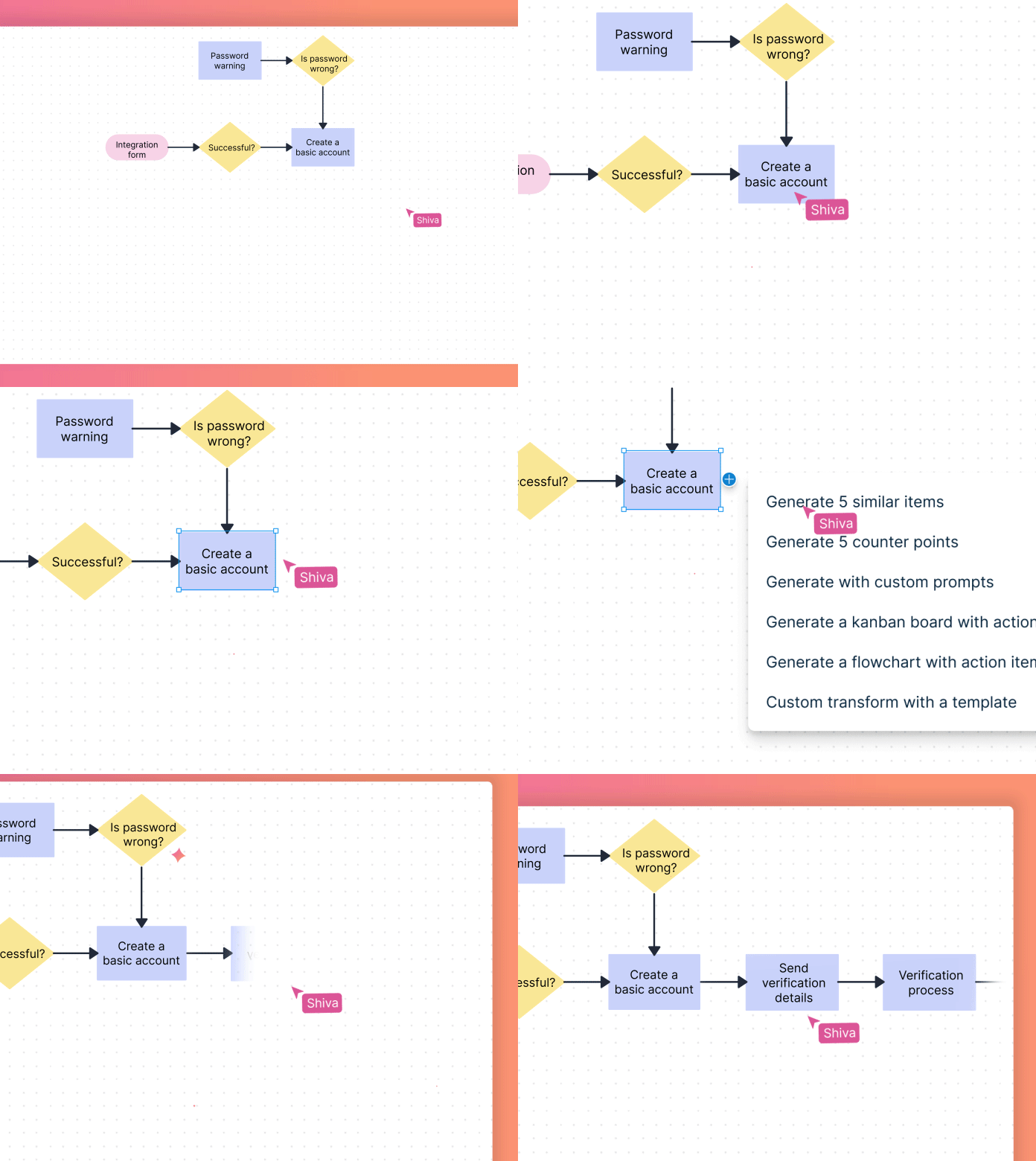
Expand As You Go
Develop detailed workflows by expanding on flowcharts with a click. No manual drawing required.

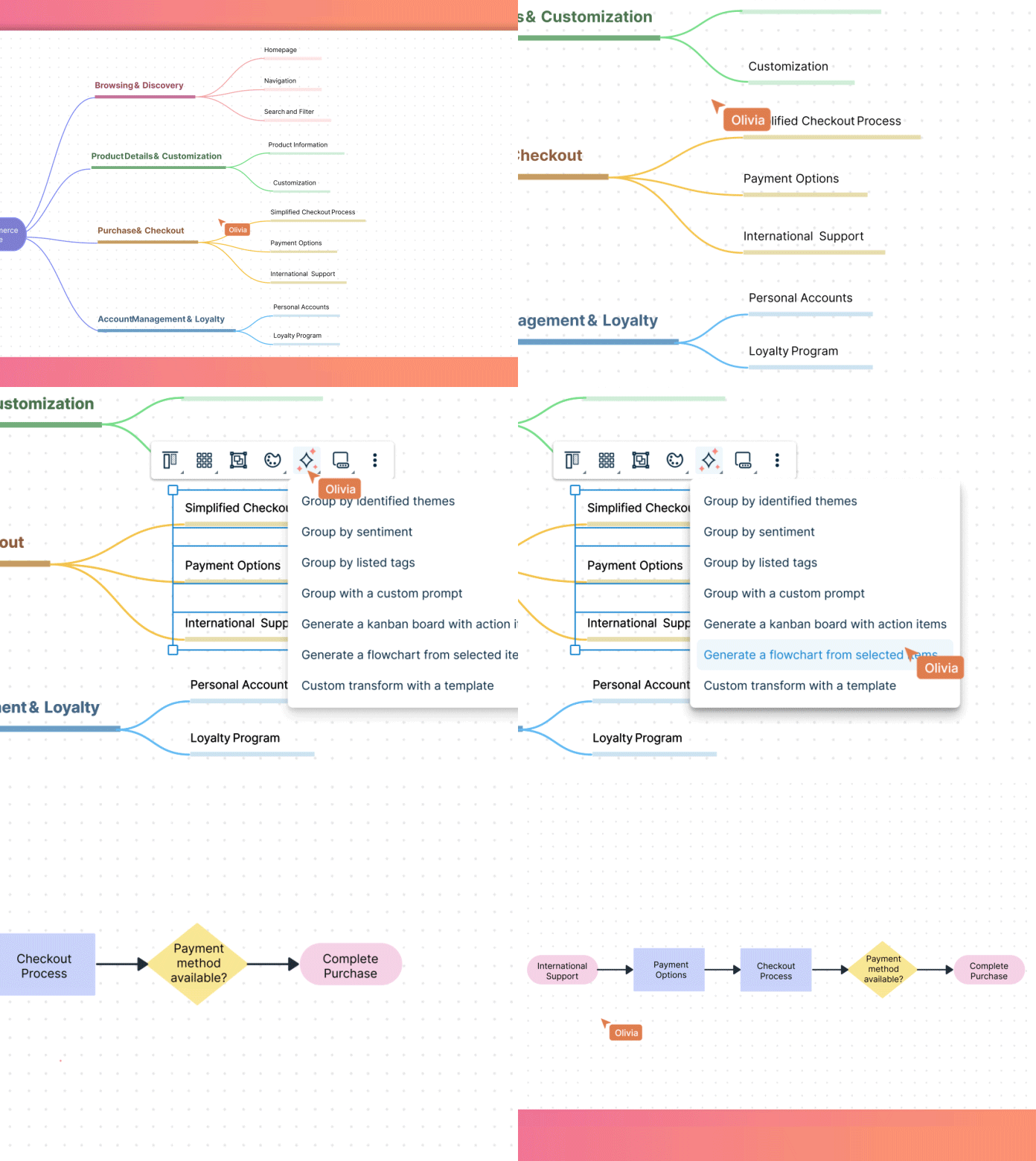
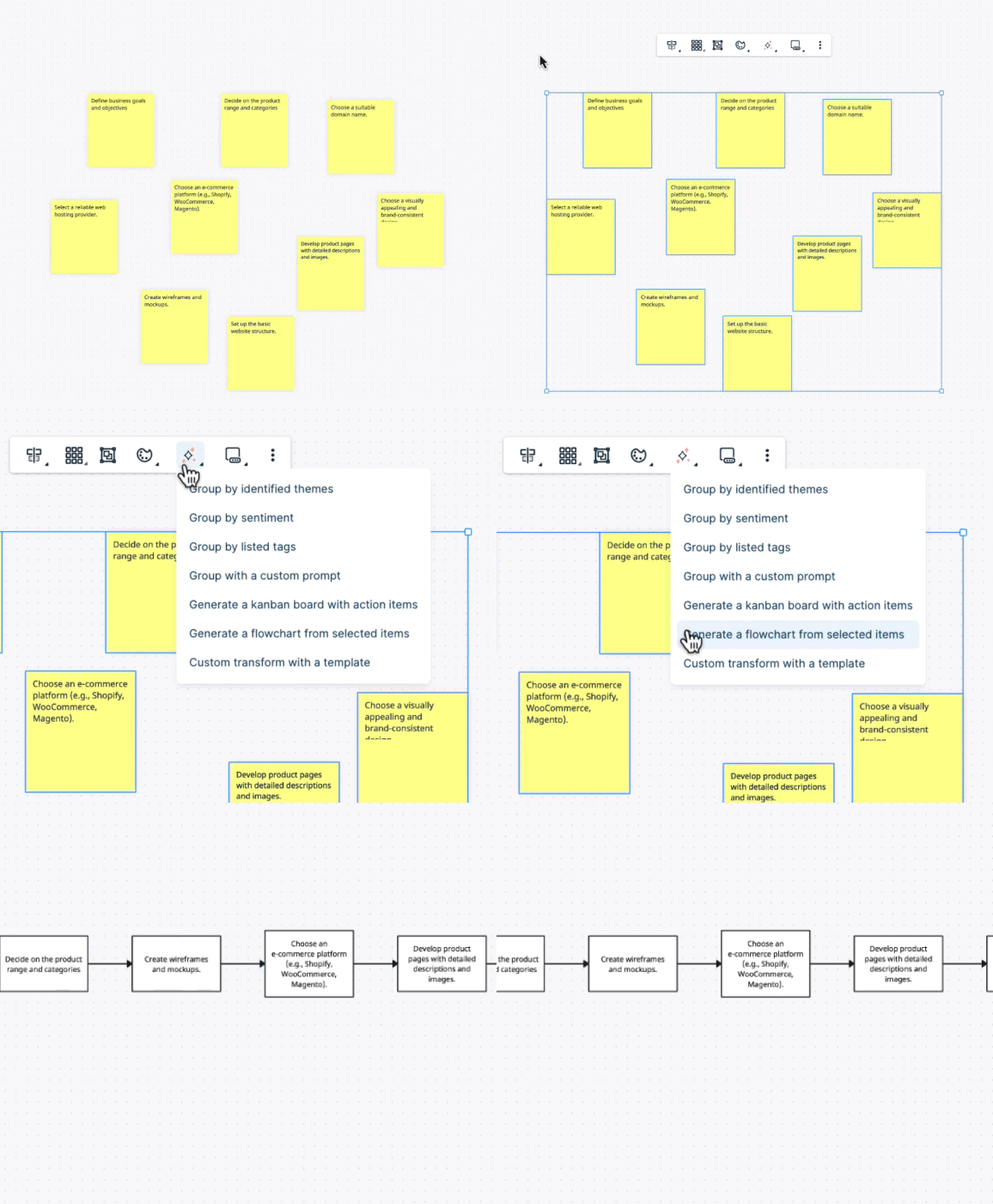
Transform Ideas to Workflows
Convert idea boards, discussion threads, and other professional diagrams into structured flowcharts using our AI flowchart builder.
AI Flowcharts to Transform the Way You Work
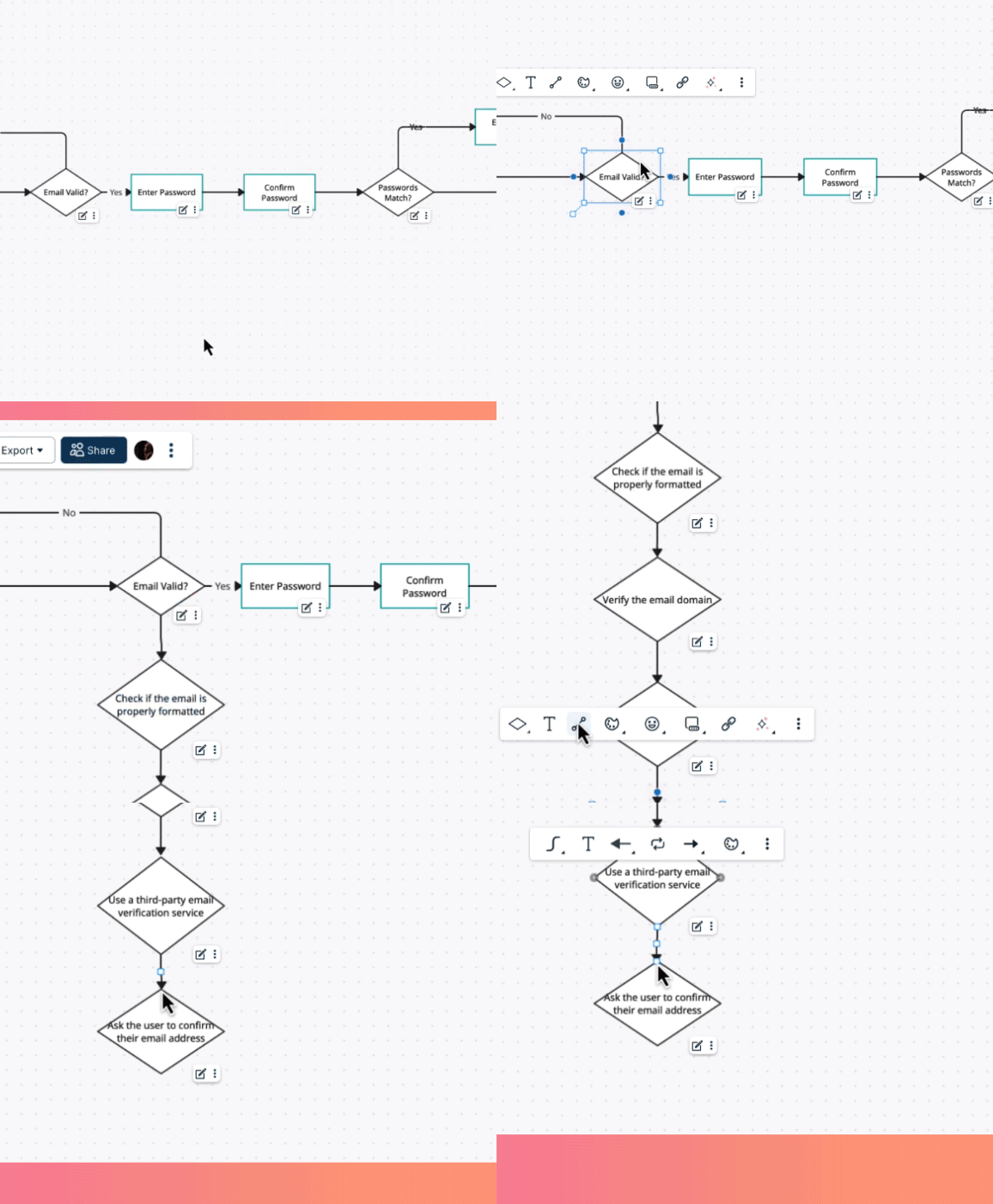
Explore Ideas with an AI Flowchart Generator Online
Use Creately’s AI flowchart maker as your collaborative partner. Ask it questions, generate counterpoints, and visualize options as you go.
Supercharge Productivity
Generate flowcharts with prompts, summarize key points, and assign tasks—all in one place with this AI flowchart maker.
Organize
Convert notes and diagrams into structured flowcharts for better understanding using our AI flow chart creator.
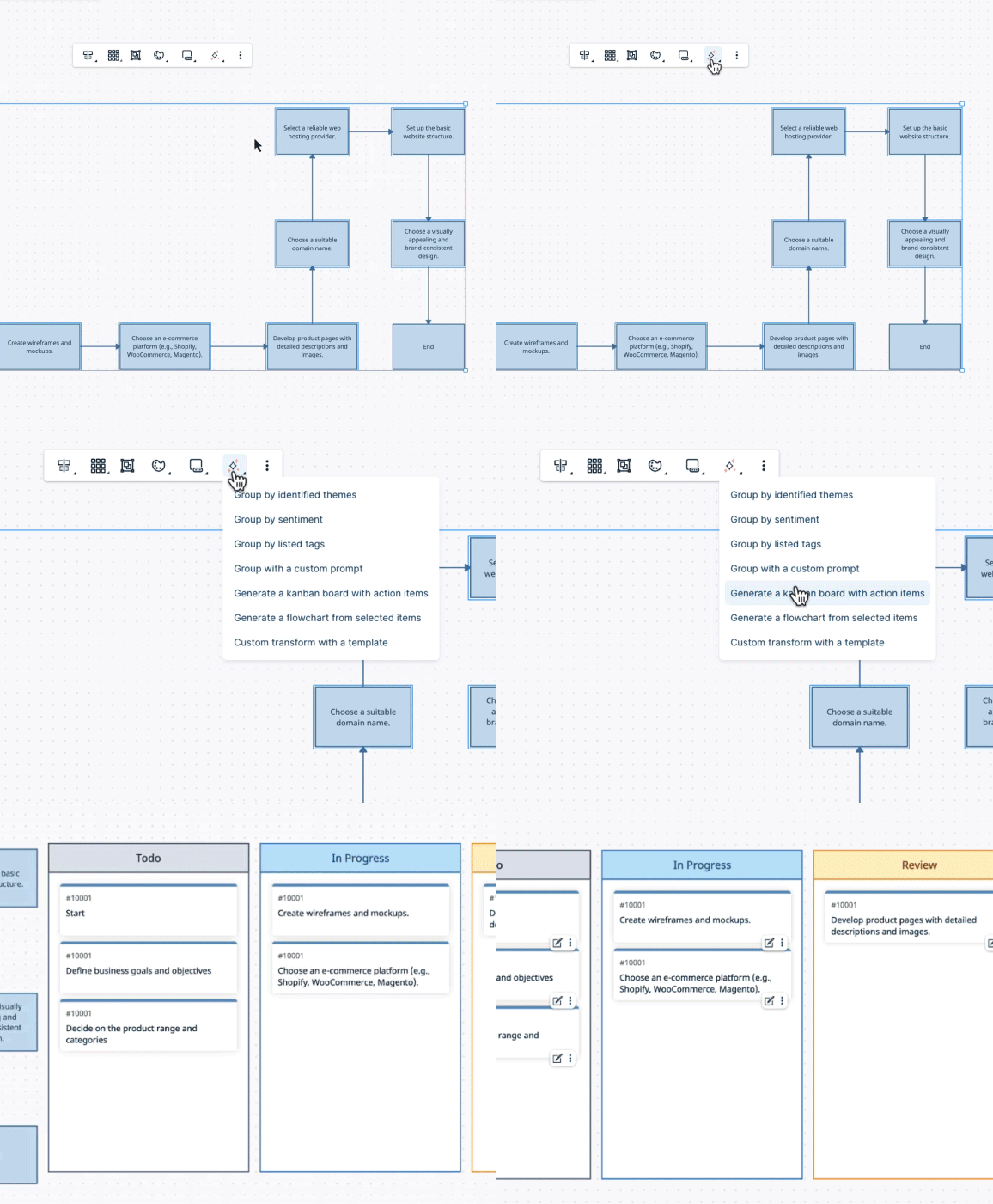
Manage Projects
Convert flowcharts into project trackers and better manage projects.
Why Use an AI Flowchart Generator?
Using an AI flowchart creator will transform how you approach project management and decision-making. With Creately’s text-to-flowchart converter, you can create and collaborate on AI-generated flowcharts. Unlock the power of AI to streamline your process, boost efficiency, and foster a more collaborative work environment.
- Rapidly generate process flows and reduce the time spent on manual drawing.
- Our AI-powered flow chart generator is context aware and offers intelligent suggestions to enhance the precision of your flowcharts. Seamlessly integrate data and processes, ensuring that your flowcharts are intricately connected to your specific requirements.
- Real-time collaboration for improved productivity.
- AI-powered insights from Creately help uncover intricate relationships between elements, bringing more depth and clarity to your flowcharts.
Sample Prompts to Try with the Creately AI Flowchart Generator
How to Generate a Flowchart with Creately AI
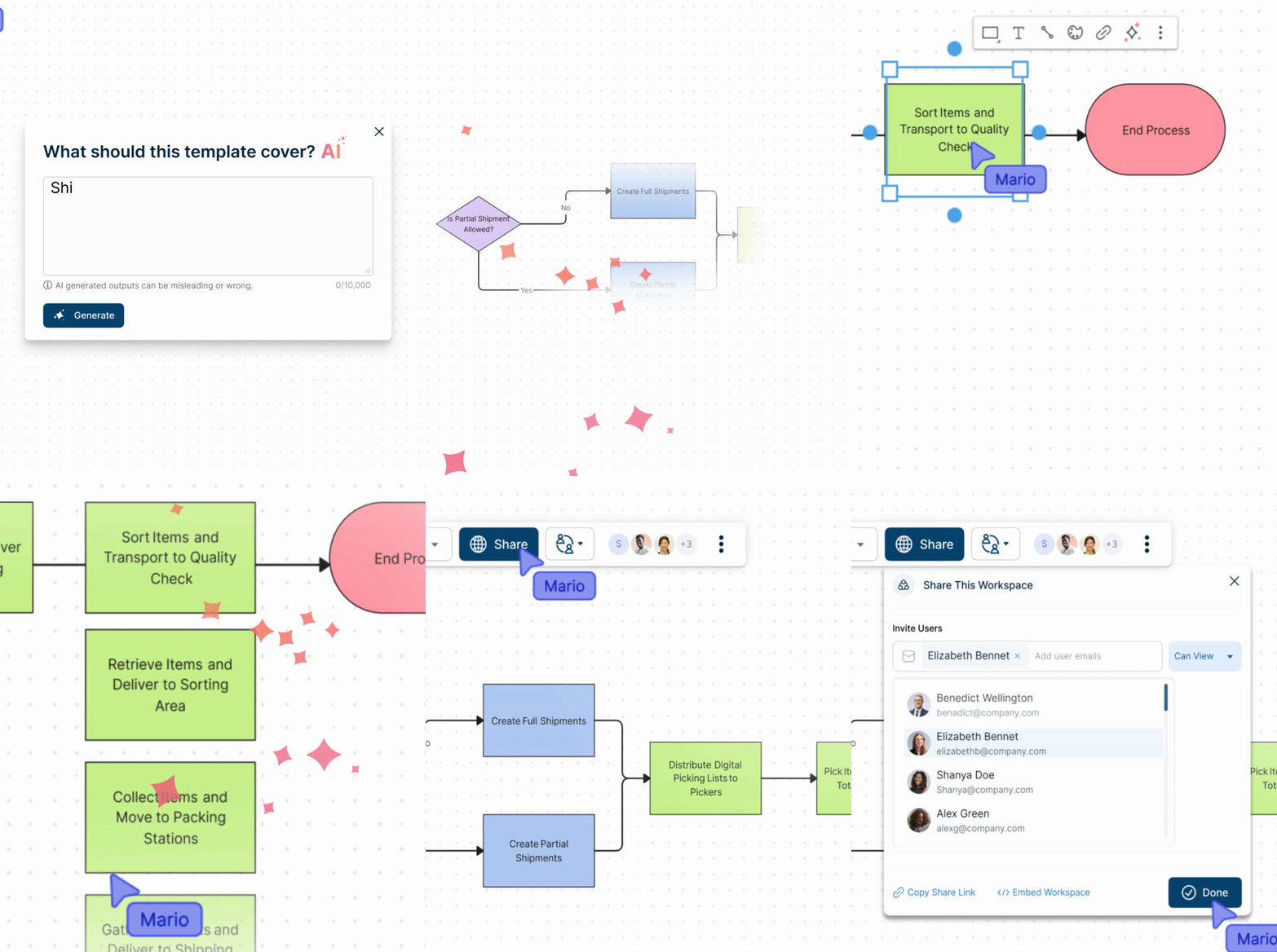
Open the AI Flowchart Generator
Launch Creately and select the AI Flowchart Template from the template library, Quick Toolbar, or Plus Create to start building your flowchart.
Enter your prompt
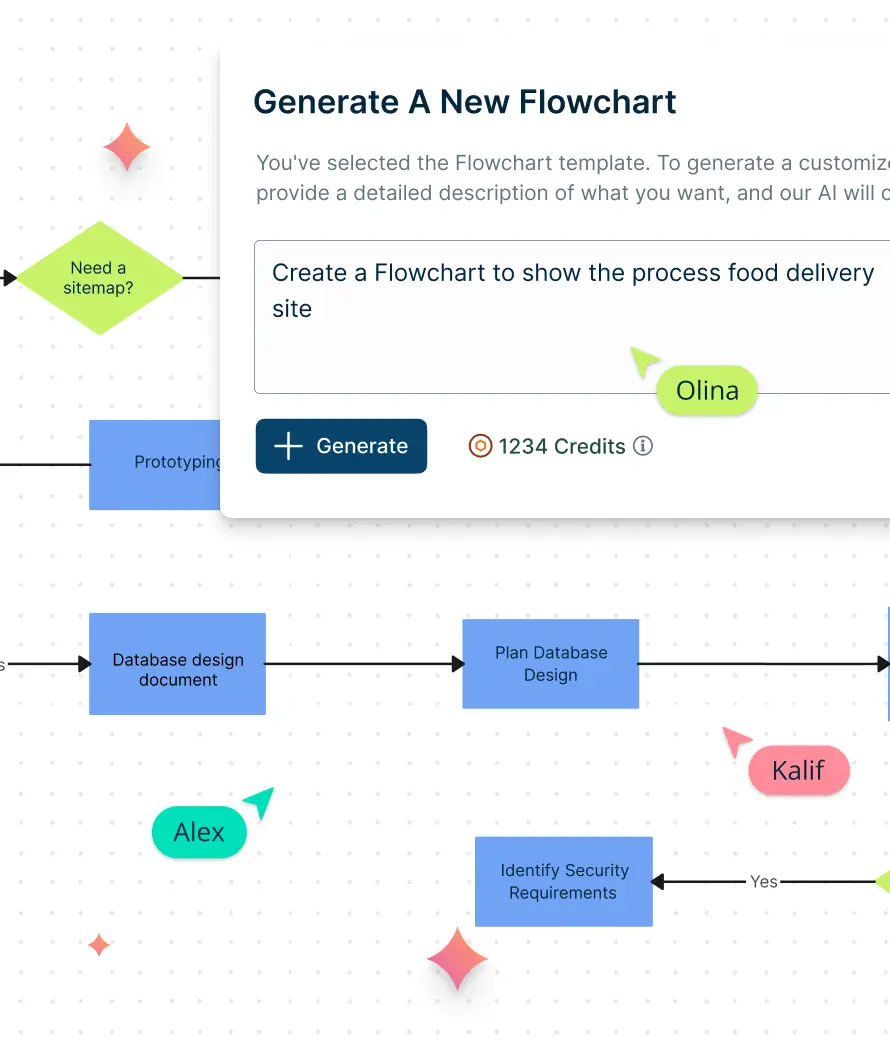
Describe the process you want to map. For example: “Customer onboarding workflow,” “Bug triage process,” or “Steps in an order fulfillment system.”
Generate the flowchart
Click “Generate” and let Creately AI instantly produce a clean, structured flowchart with the correct sequence of steps, decisions, and connectors.
Customize and refine
Rearrange nodes, change shapes, add colors, update step names, or ask the AI to expand sections, add missing steps, or reorganize the workflow for clarity.
Collaborate and share
Invite teammates to co-edit in real time, add comments, and export the flowchart as PNG, PDF, or SVG for documentation, presentations, SOPs, or training materials.
Get Started with

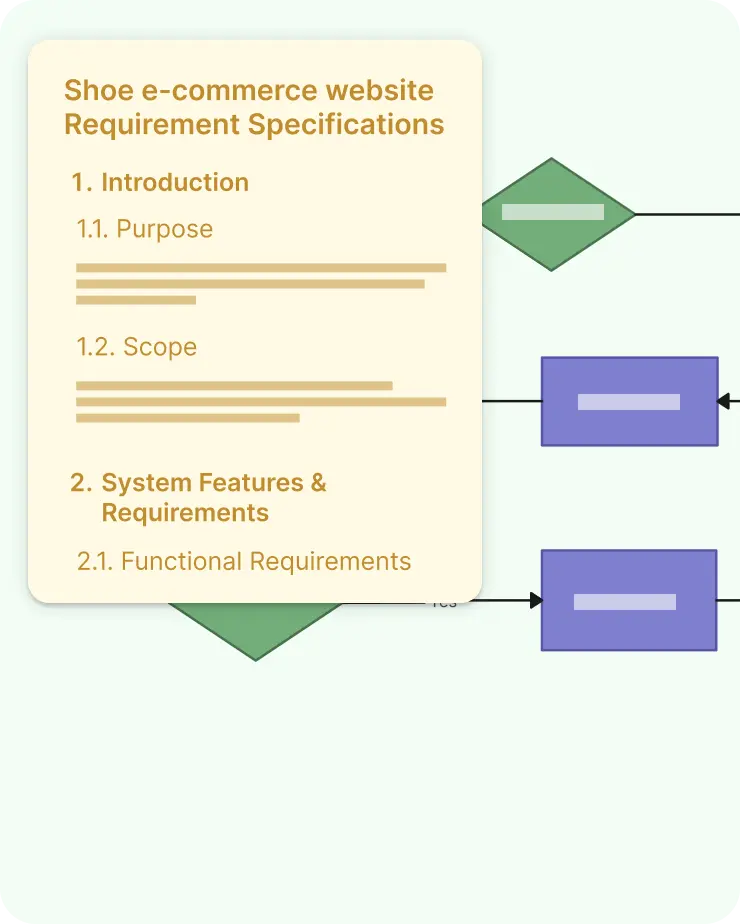
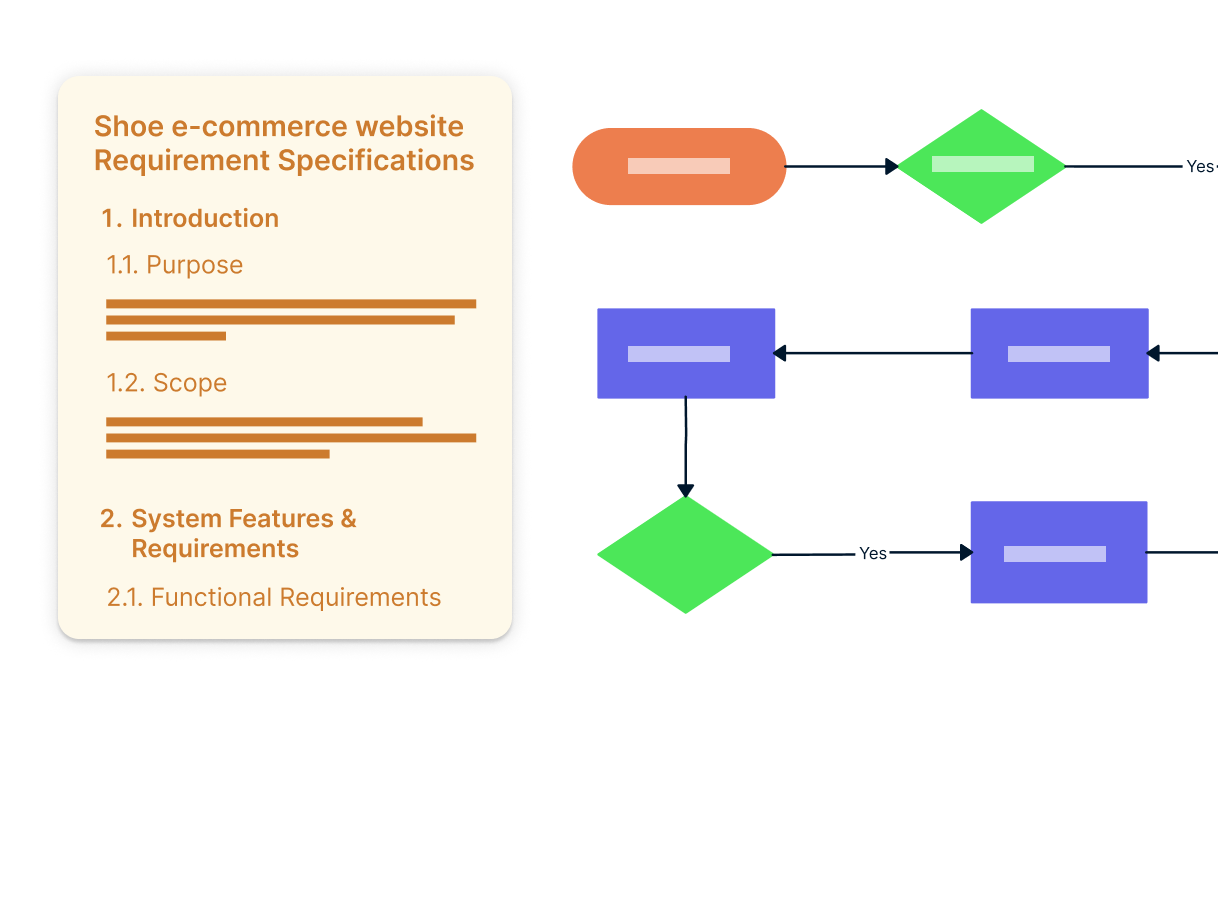
Generate flowcharts from a requirement specification
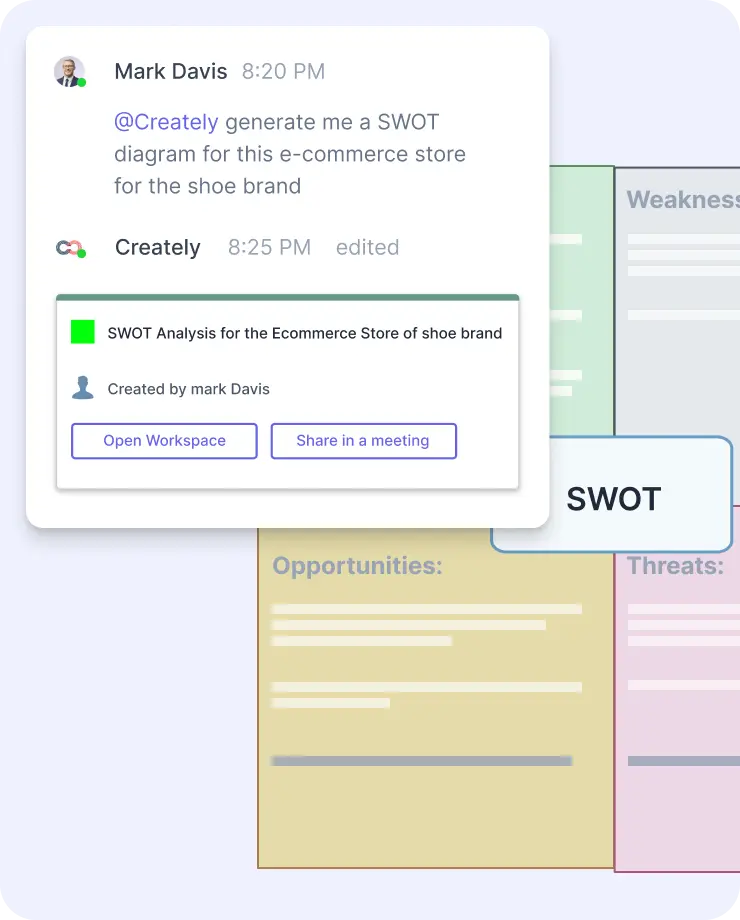
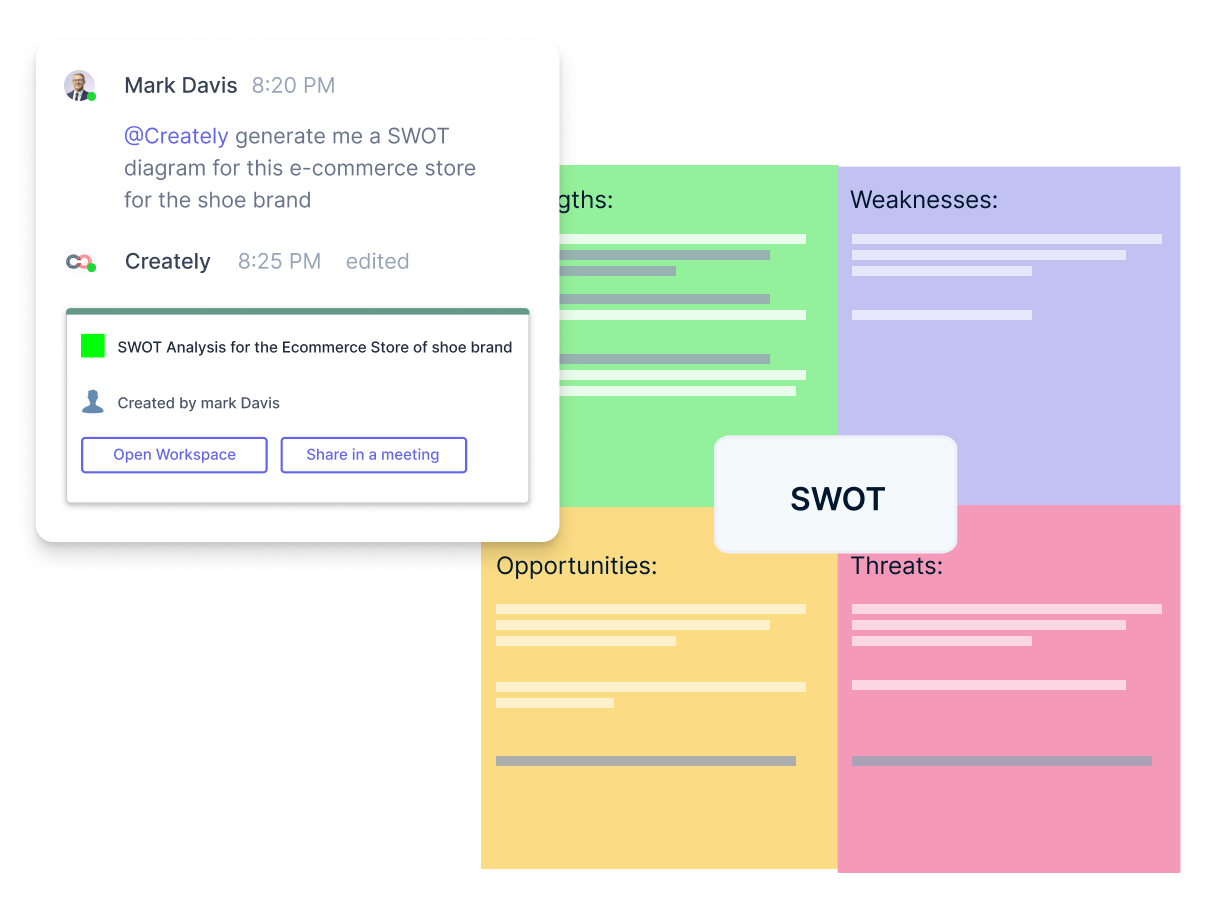
Generate a SWOT diagram from a business strategy discussion
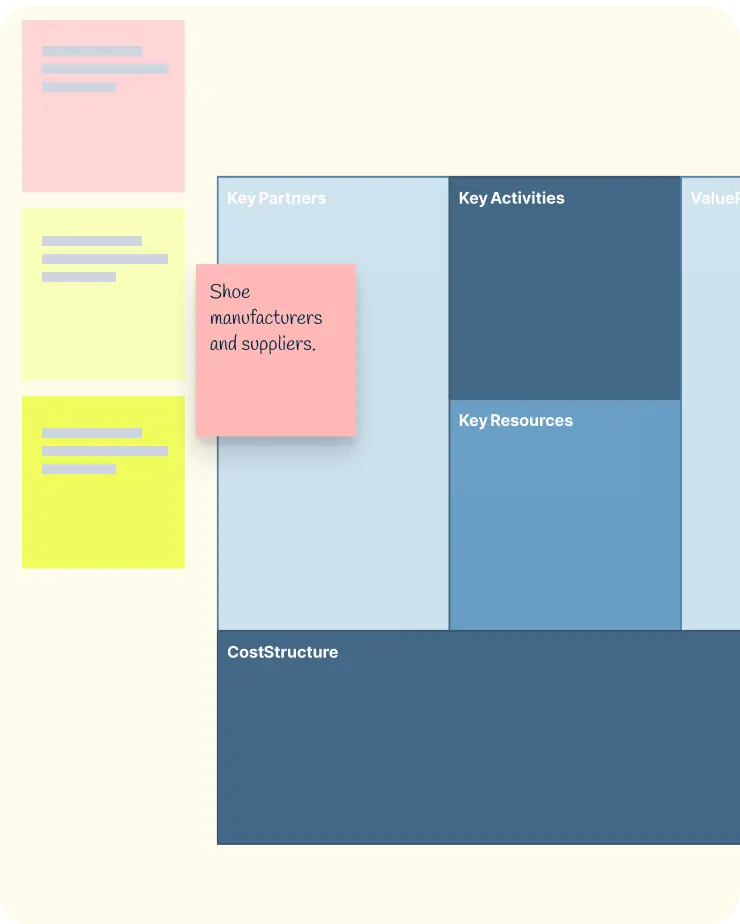
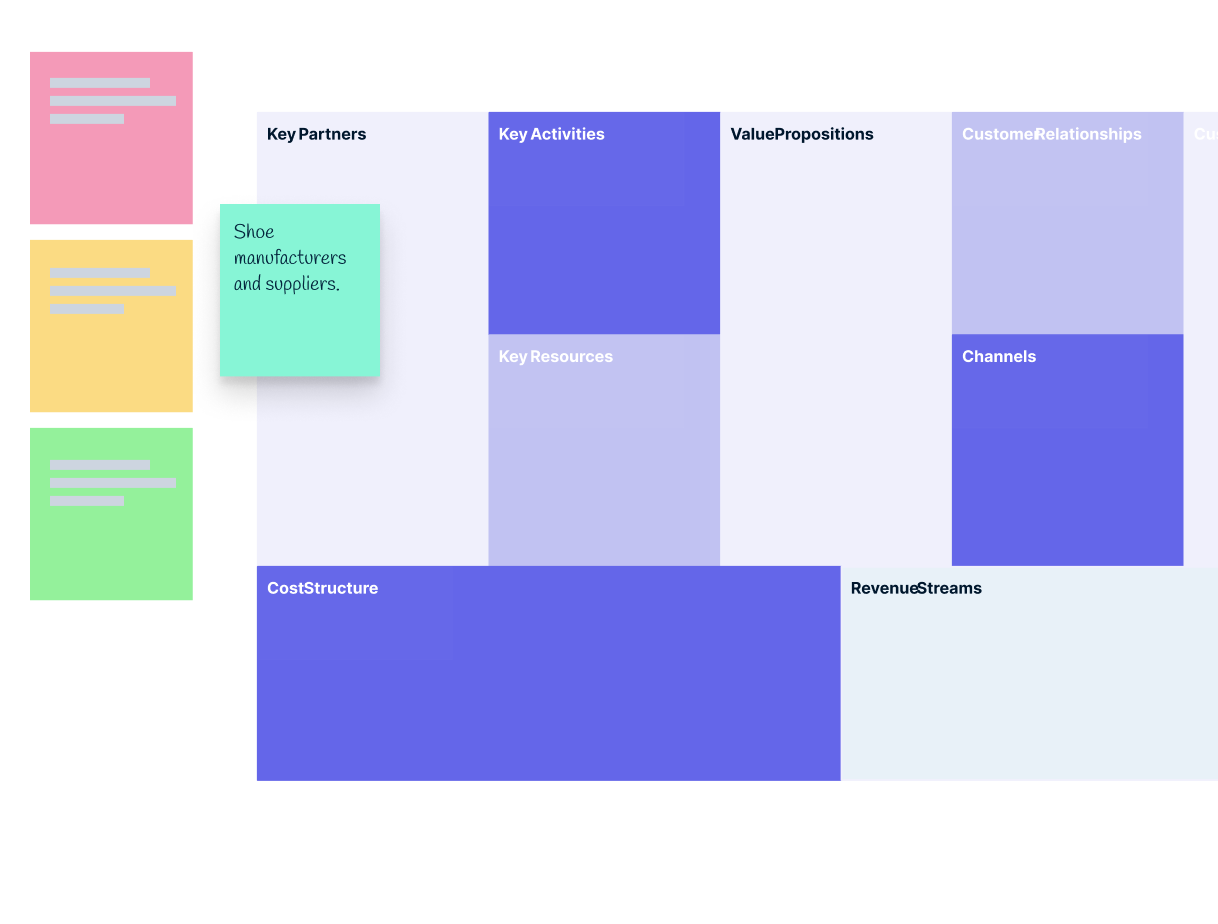
Generate a Business Model Canvas from a business idea
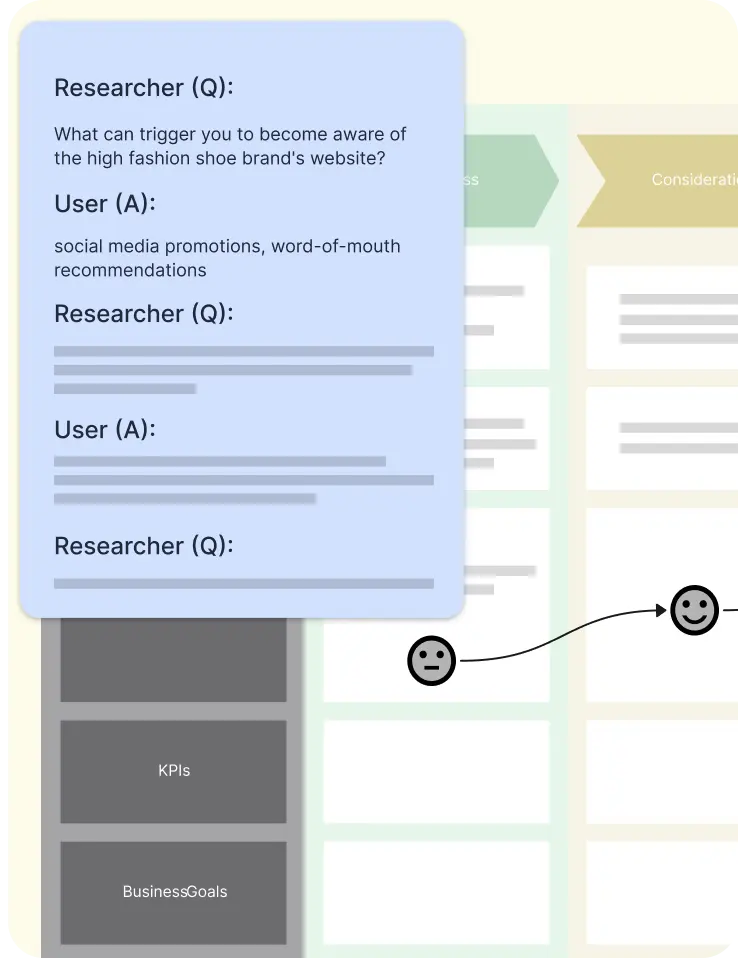
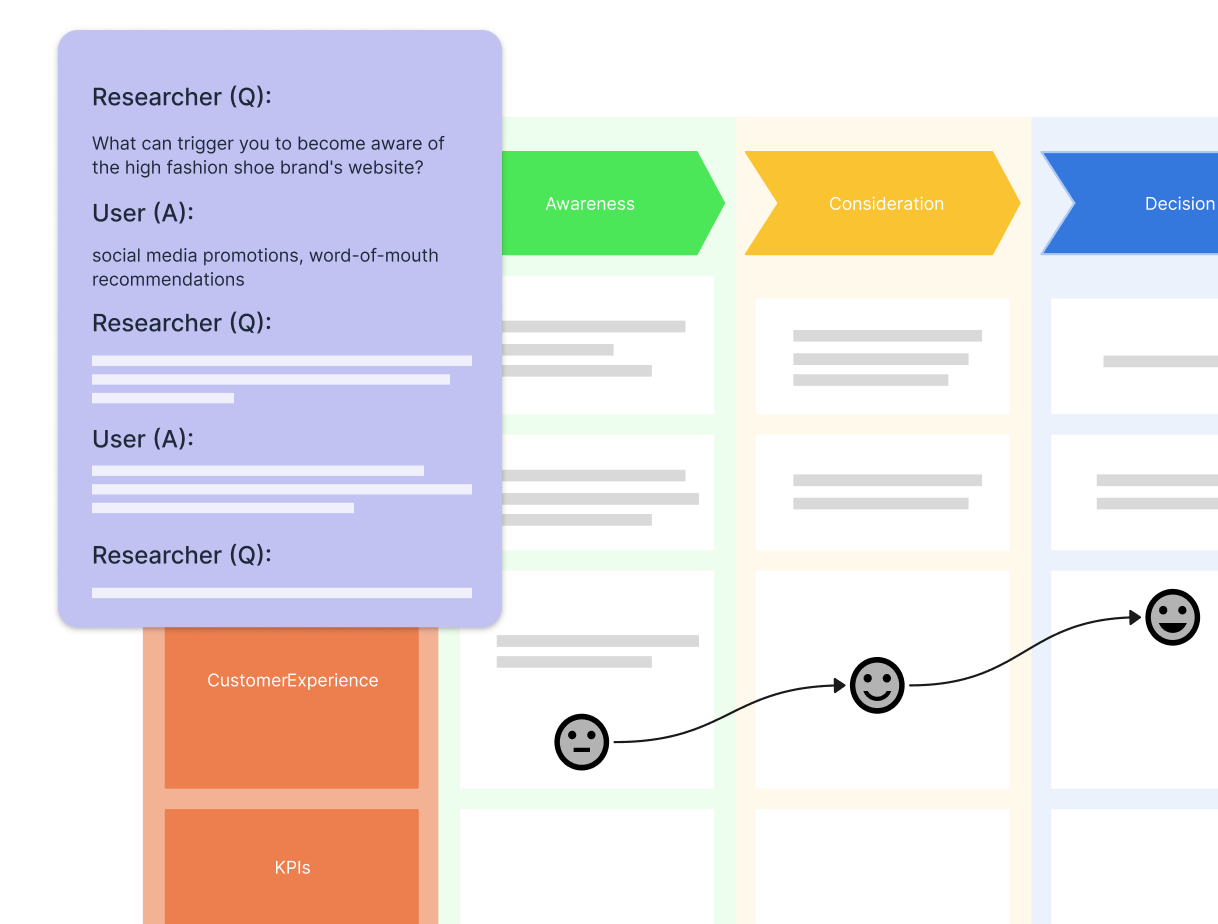
Generate a user journey map from a user interview transcript
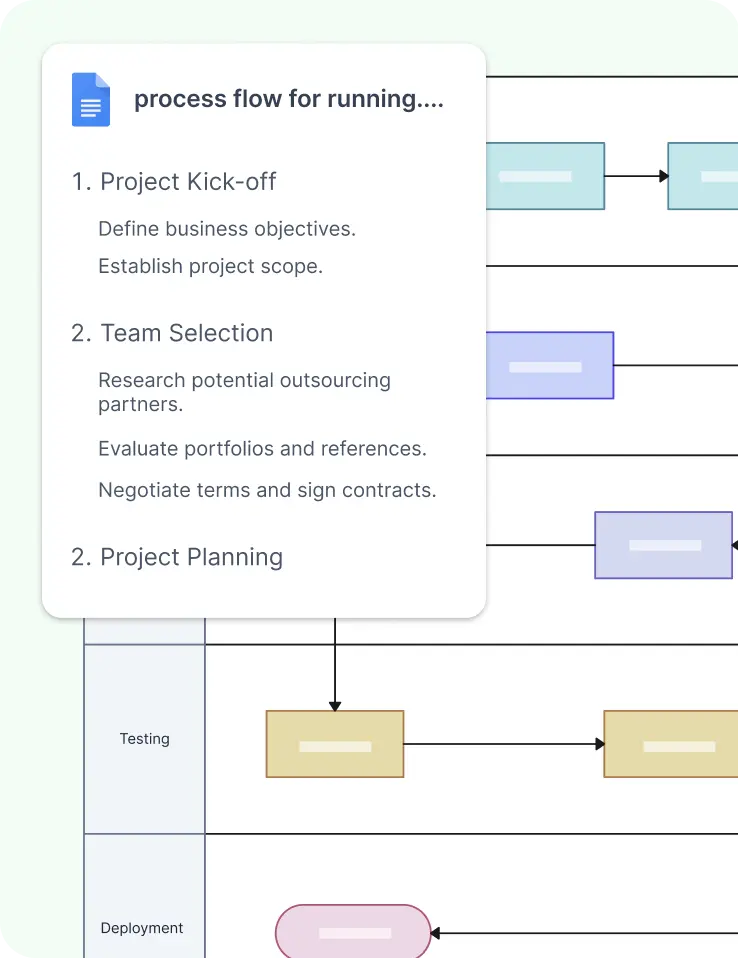
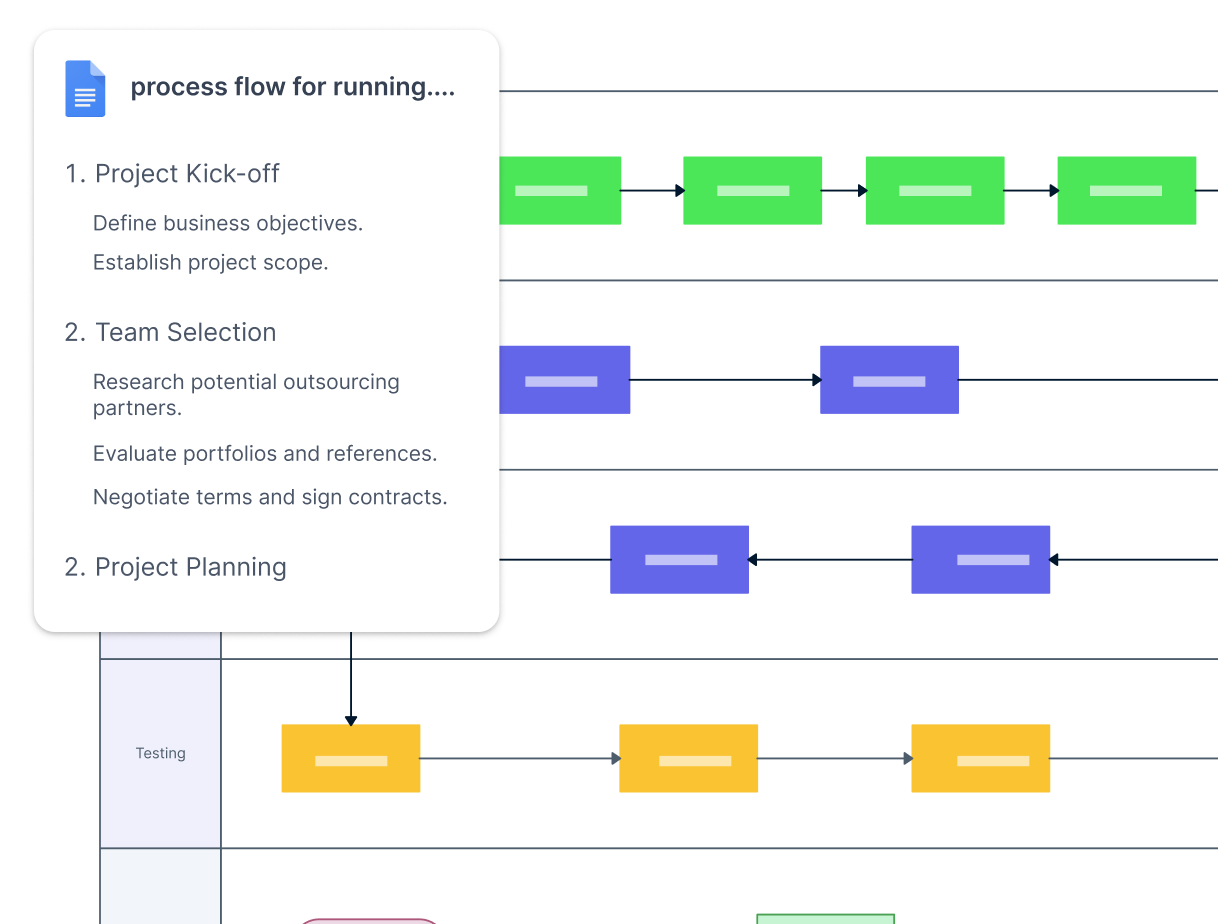
Create process maps from text documents
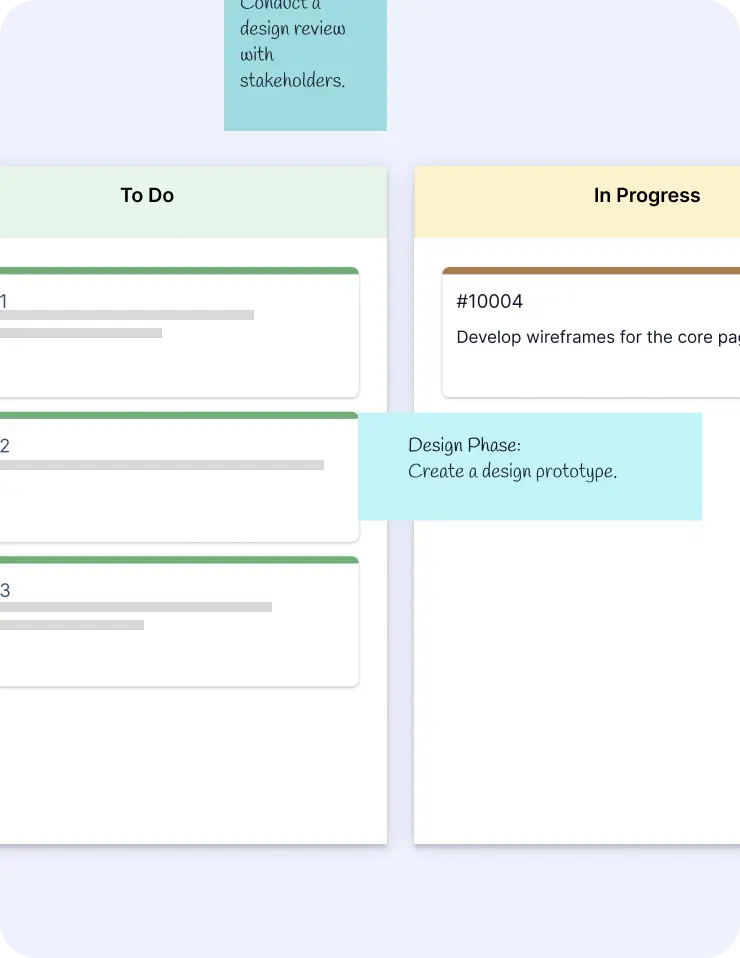
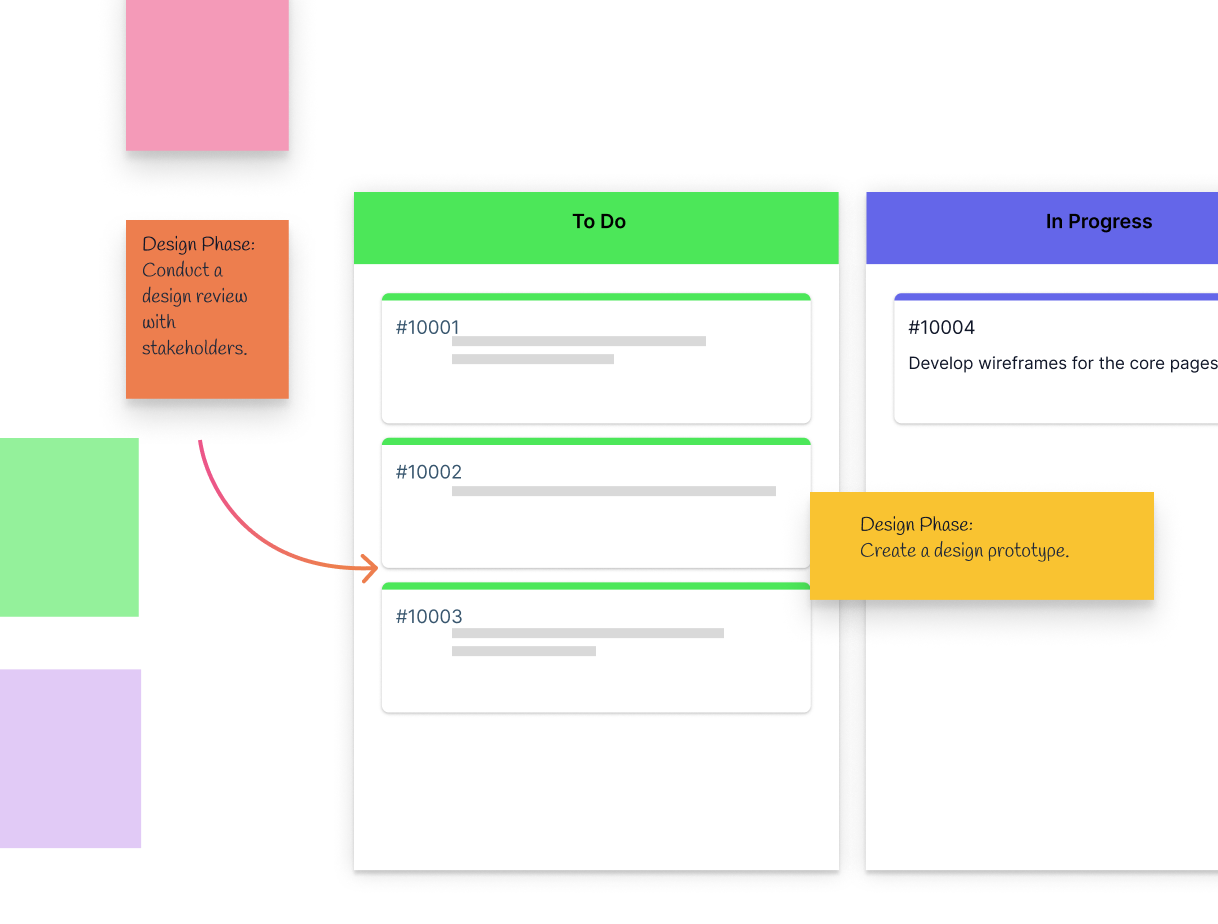
Transform brainstorming sticky notes into an actionable Kanban board


Now with Creately AI and Copilot
Accurately convert conversations from channels into visual insights with a single command.
Automatically capture action items and notes from meetings.
Auto-update workspaces from conversations.
Level up brainstorming and planning with AI-boosted templates.
Copilot integration to unlock your teams potential.
FAQs About Creately AI Flowcharts
Can I edit AI-generated flowcharts in Creately?
What types of flowcharts can I create with Creately AI?
Does Creately AI support collaboration on flowcharts?
Can I export AI-generated flowcharts?
Is the AI flowchart generator available in all Creately plans?
How accurate are AI-generated flowcharts?
Can I integrate AI-generated flowcharts with other tools?
Visualize workflows faster effortlessly using our flow chart generator—simply list out the steps, and AI will create the structure for you.
Develop detailed workflows by expanding on flowcharts with a click. No manual drawing required.
Convert idea boards, discussion threads, and other professional diagrams into structured flowcharts using our flowchart generator online.
Use Creately’s AI flowchart maker as your collaborative partner. Ask it questions, generate counterpoints, and visualize options as you go.
Generate flowcharts with prompts, summarize key points, and assign tasks—all in one place with this flowchart generator free.
Convert notes and diagrams into structured flowcharts for better understanding using our AI flow chart creator.
Convert flowcharts into project trackers and better manage projects.
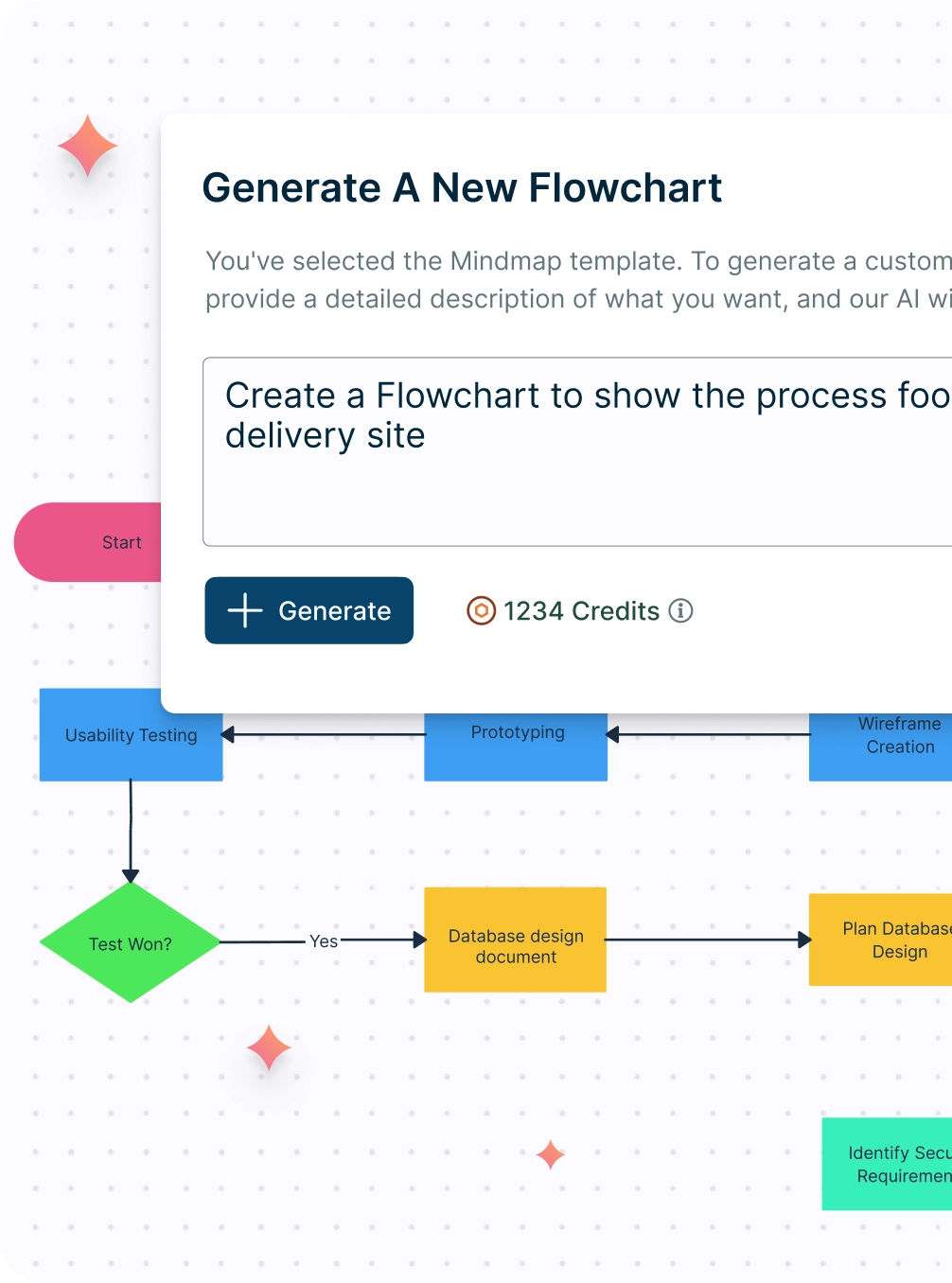
Using a flowchart generator online will transform how you approach project management and decision-making. With Creately’s text-to-flowchart converter, you can create and collaborate on AI-generated flowcharts. Unlock the power of AI to streamline your process, boost efficiency, and foster a more collaborative work environment.
- Rapidly generate process flows and reduce the time spent on manual drawing.
- Our AI-powered flow chart generator is context aware and offers intelligent suggestions to enhance the precision of your flowcharts. Seamlessly integrate data and processes, ensuring that your flowcharts are intricately connected to your specific requirements.
- Real-time collaboration for improved productivity.
- AI-powered insights from Creately help uncover intricate relationships between elements, bringing more depth and clarity to your flowcharts.


 Now with Creately AI and Copilot
Convert conversations from channels into visual insights with a single command.
Automatically capture action items and notes from meetings.
Auto-update workspaces from conversations.
Level up brainstorming and planning with AI-boosted templates.
Copilot integration to unlock your teams potential.