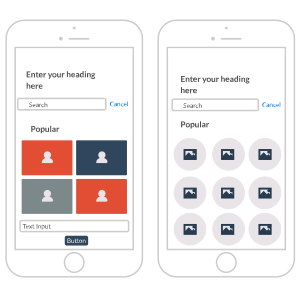
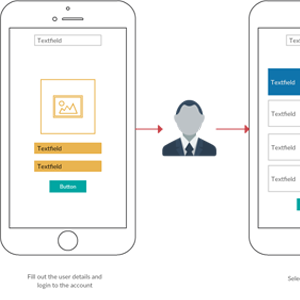
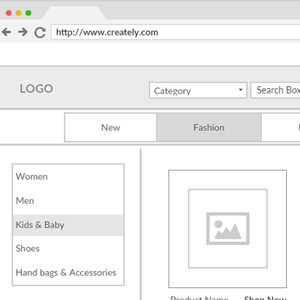
A UI mockup is a visual representation of how a user interface will look and function. It is typically created using a mockup tool or UI mockup generator, which allows the designer to experiment with different layouts, colors, and design elements to create a realistic representation of the final product. UI mockups are an important step in the design process, as they help designers and stakeholders visualize the user experience and identify potential issues before development begins. Mockups can also be used to gather feedback and make iterative improvements to the design. Overall, creating UI mockups is a crucial part of ensuring a successful and user-friendly final product.
How to Create UI Mockups with Creately
Launch Creately and start your workspace
Open Creately and create a new workspace. Choose a UI mockup template or a blank canvas to begin your design.
Define your layout and user flow
Decide the structure of your interface—headers, navigation, content areas, and buttons. Use shapes, frames, and connectors in Creately’s UI mockup creator to map the user journey.
Add UI elements and placeholders
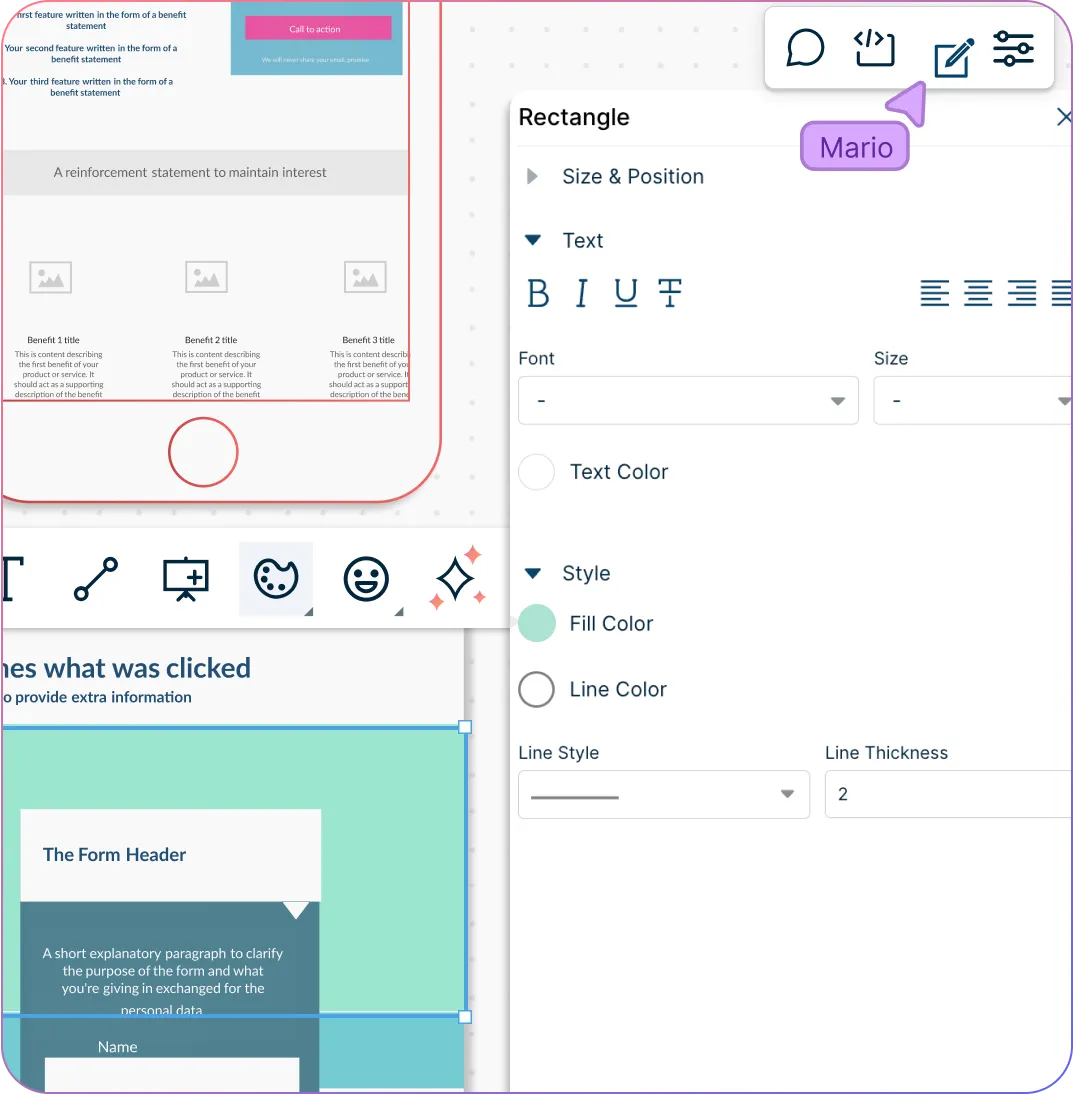
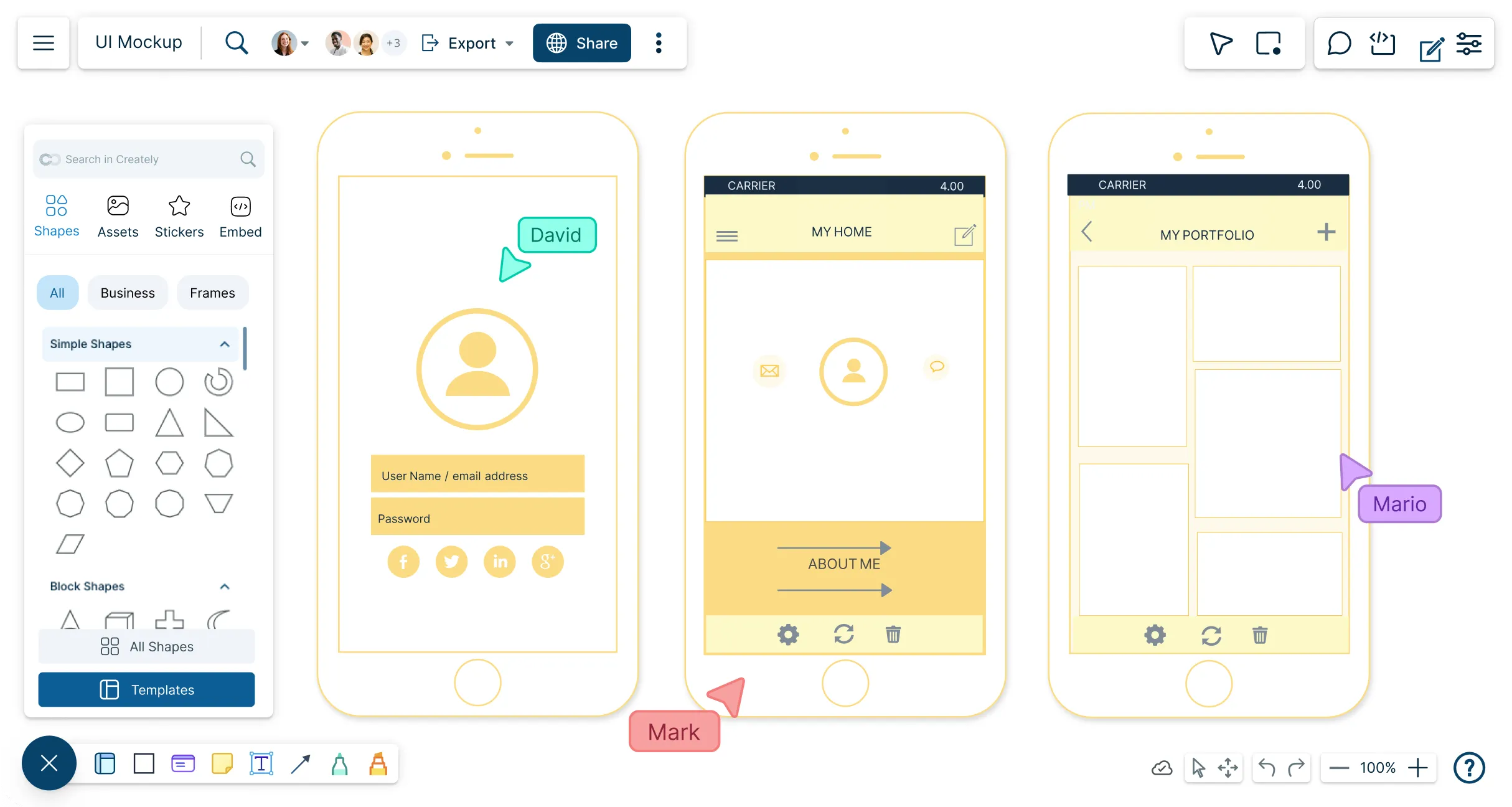
Drag and drop common UI components like buttons, forms, images, and menus from Creately’s shape library. Use text placeholders to indicate content and labels.
Customize and refine your design
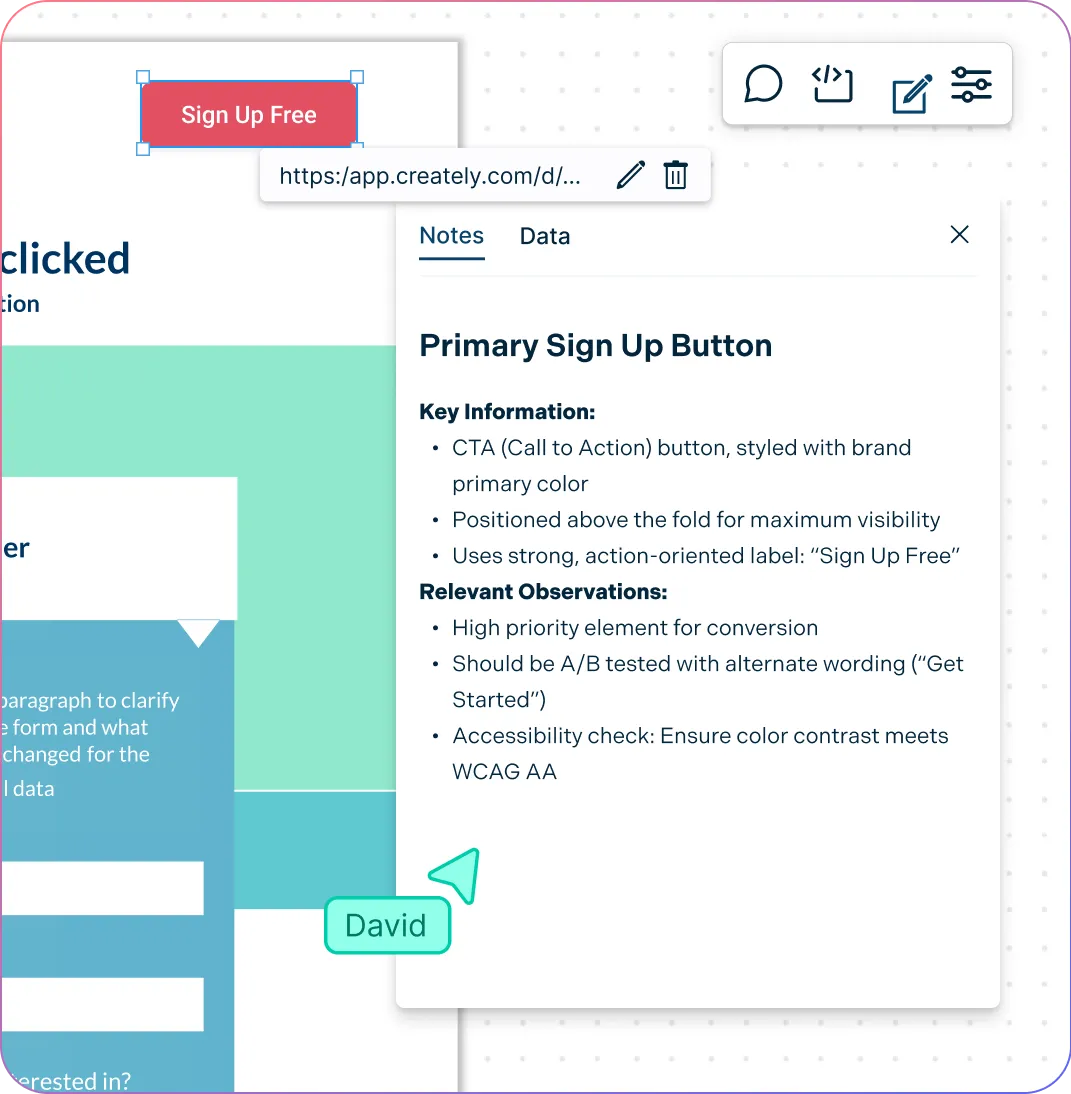
Style your mockup with colors, alignment, and spacing to match your brand or project needs. Use sticky notes and annotations for context or design notes.
Collaborate, test, and share
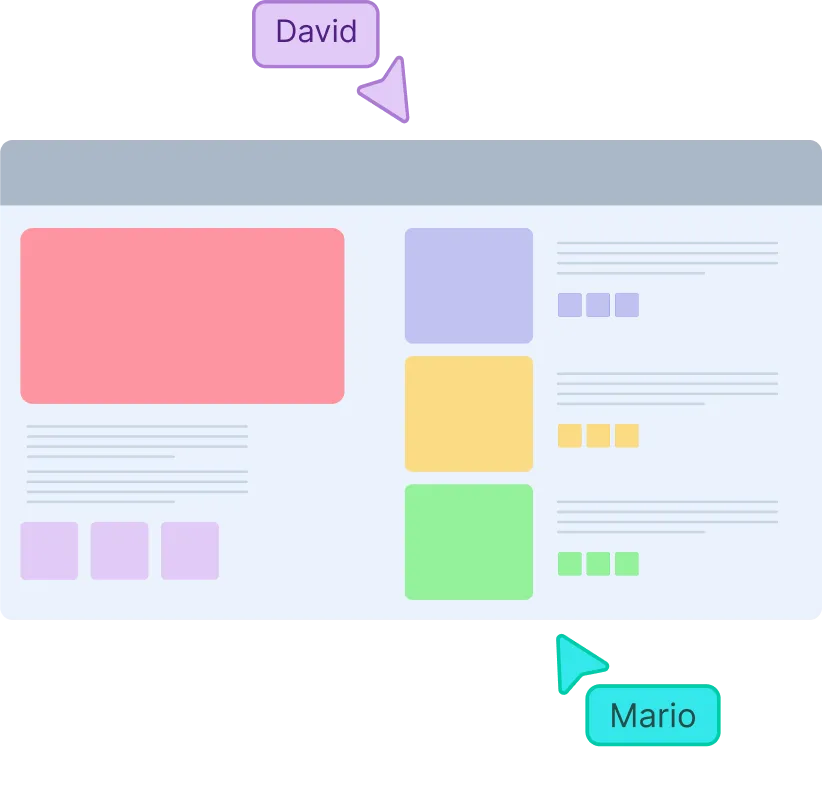
Invite teammates for real-time collaboration, feedback, and edits. Once finalized, export the mockup in PNG, JPEG, SVG, or PDF formats, or share it via a secure link.
A Comprehensive Tool for Visual Collaboration and Diagramming
it is ease of collaborative diagramming and real-time editing. This allows teams to brainstorm, create, and refine diagrams together in a way that feels intuitive and seamless, regardless of location.
Juan Leonardo G
Efficient and User-Friendly Diagramming Tool
I love how easy it is to create and collaborate on diagrams with Creately. The real-time collaboration feature is incredibly helpful for team projects, and the extensive library of templates and shapes saves a lot of time
Aymen G
Creately provides best diagram structure.
Creately has proven to be an incredibly creative tool, enhancing the visual appeal of our company tasks significantly. Additionally, its pricing is highly competitive, offering great value for the features it provides.
Ruchika N
Great AI features
AI Modelling capability. It gives Prompt examples so user can learn how to create effective prompts
Karma A.
User friendly and visually appealing!!
The interface is easy to use. The look is aesthetically pleasing as well. Love the functionality.
Chrisoula
FAQ on UI Mockup Tool
What are Creately’s UI mockup tool pricing plans?
Free Plan — $0/month for basic UI mockup creation and collaboration
Starter & Team Plans — $8/month or $5/month billed annually
Business Plan — $149/month or $89/month billed annually
Annual billing helps you save more while unlocking advanced collaboration, workspace management, and enhanced UI mockup features. You can compare all available plans and features on the Creately Pricing Page.
What are the benefits of using an online mockup builder?
As part of the design thinking process, mockups answer important visual questions (like layout, color, and hierarchy) and allow designers to prototype in high detail. Engineers can also use mockups to start the development phase with a visual reference.
Can I import and export my mockups to other design tools on Creately?
You can import images, references and other mockups onto the canvas using the import option. You can also export your completed mockups in multiple formats including JPEG, SVG, PDF and PNG. You can also embed designs into presentations.
Can I Collaborate on my mockup designs?
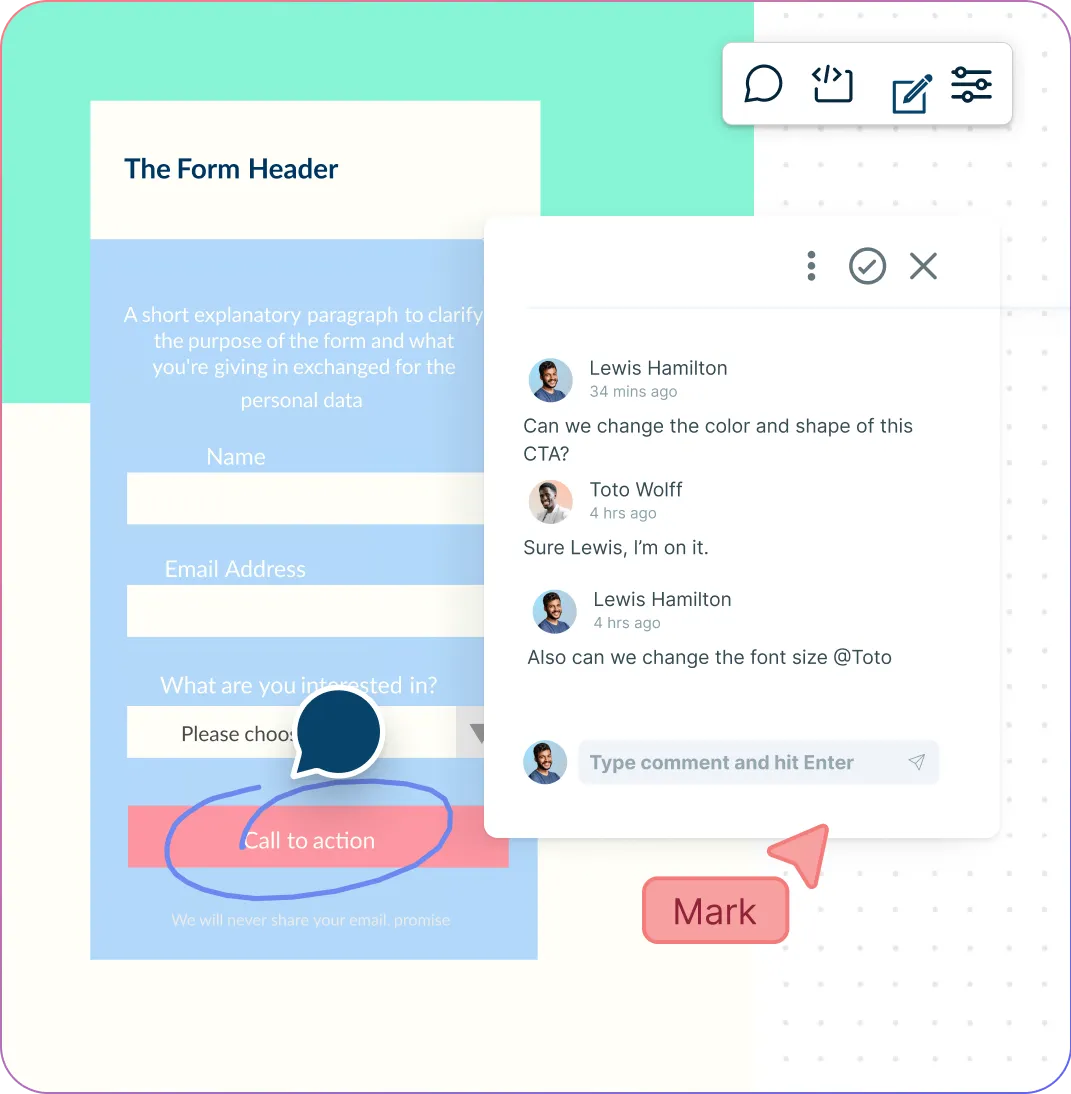
With Creately’s UI mockup software, you can connect with your team and create stunning mockups together. Invite memembers onto the canvas to create mockups in real time with mouse tracking. Video conferencing allows you to have face-to-face discussions in real time. You can leave comments and start discussion thread anywhere on the canvas.
Can I use the UI mockup generator for free?
Yes, Creately offers a UI mockup generator free version that allows users to create and design mockups without any cost. This is ideal for individuals or small teams looking to start their design projects without a significant investment.
Can I access the UI mockup tool online?
Yes. Creately is entirely browser-based, allowing you to create and collaborate on mockups online from anywhere, without downloading any software.
What are some examples of UI mockups I can create with Creately?
Creately’s online mockup builder enables you to create a wide range of UI mockup examples, including web page designs, mobile app interfaces, and dashboard layouts. Its extensive library of templates and elements makes it easy to customize your mockups to fit your project’s needs.
Streamline Your Workflows by Integrating with the Tools You Love
Creately integrates with the tools your teams use every day and supports your team’s workflow seamlessly.
Why Creately Is a Better UI Mockup Tool
Creately is the intelligent visual platform enabling visual collaboration, knowledge management and project execution.




 Diagramming