Semantic Map maker

Visualize Word Webs and Build Associations with a Semantic Web Maker

A visual tool to strengthen vocabulary, linguistic skills, and word associations

  • Collaborate in real-time on vocabulary-building sessions

  • Compare new words with known terms to create logical word associations

  • Create visual ready-reckoners to boost comprehension

Snapshot of Creately's Semantic Map Maker
Over 10 Million people and 1000s of teams already use Creately
Diagramming Grid Leader 2025 Diagramming
Visual Collaboration Grid Leader 2025 Visual Collaboration
Org Chart Grid Leader 2025 Org Chart
Most Implementable 2025 Best Results 2025 Ease to Do Business With 2025

Used by Over 10 Million people and 1000s of teams

A Comprehensive Tool for Visual Collaboration and Diagramming
it is ease of collaborative diagramming and real-time editing. This allows teams to brainstorm, create, and refine diagrams together in a way that feels intuitive and seamless, regardless of location.
JUAN LEONARDO G
Small-Business
Efficient and User-Friendly Diagramming Tool
I love how easy it is to create and collaborate on diagrams with Creately. The real-time collaboration feature is incredibly helpful for team projects, and the extensive library of templates and shapes saves a lot of time
Aymen G
Small-Business
Creately provides best diagram structure.
Creately has proven to be an incredibly creative tool, enhancing the visual appeal of our company tasks significantly. Additionally, its pricing is highly competitive, offering great value for the features it provides.
Ruchika N
Assistant Manager
Creately: Simple Diagram Tool
I like that Creately is easy to use. It helps me create diagrams quickly and easily.
Ananya G
Executive Committee Member
Creately: A smart choice for expressing ideas over diagrams
Creately is a simple and user-friendly application for creating diagrams to visualize complex technical ideas and data flow on wireframes, flow charts, and other visual options. The best part of this tool is its real-time collaboration features, which help us to enhance the workflows in the team.
Gulam M
Software Engineer
User friendly and visually appealing!!
The interface is easy to use. The look is aesthetically pleasing as well. Love the functionality.
Chrisoula
Small-Business
Intuitive Design and Effortless Creativity
What I like best about Creately is its intuitive design and the ease with which it allows me to create attractive designs. From the moment I started using it, I was impressed by how easy it was to navigate the platform and how quickly I could bring my ideas to life in visually appealing diagrams and charts.
DARWIN M.
Mid-Market
Creatly Awesome App
In creatly easy to use and easy to design our all network diagrams for the clients and easy to export and Creately offers a user-friendly interface that makes it easy for users to create various types of diagrams without extensive training or experience. We used creately on daily basis for making diagram.
Surya Prakash M
Tech Lead Security
Easy to use
Creately has better options than Canva. It has great templates. it is a great product to use for visual org charts.
Jennifer D.
Initial Implementation
Great AI features
AI Modelling capability. It gives Prompt examples so user can learn how to create effective prompts
Karma A.
Business Manager
G2
Atlassian
GetApp
Capterra
Software Advice
Trust Radius
VISUALIZE

Build Logical Word Associations Instantly
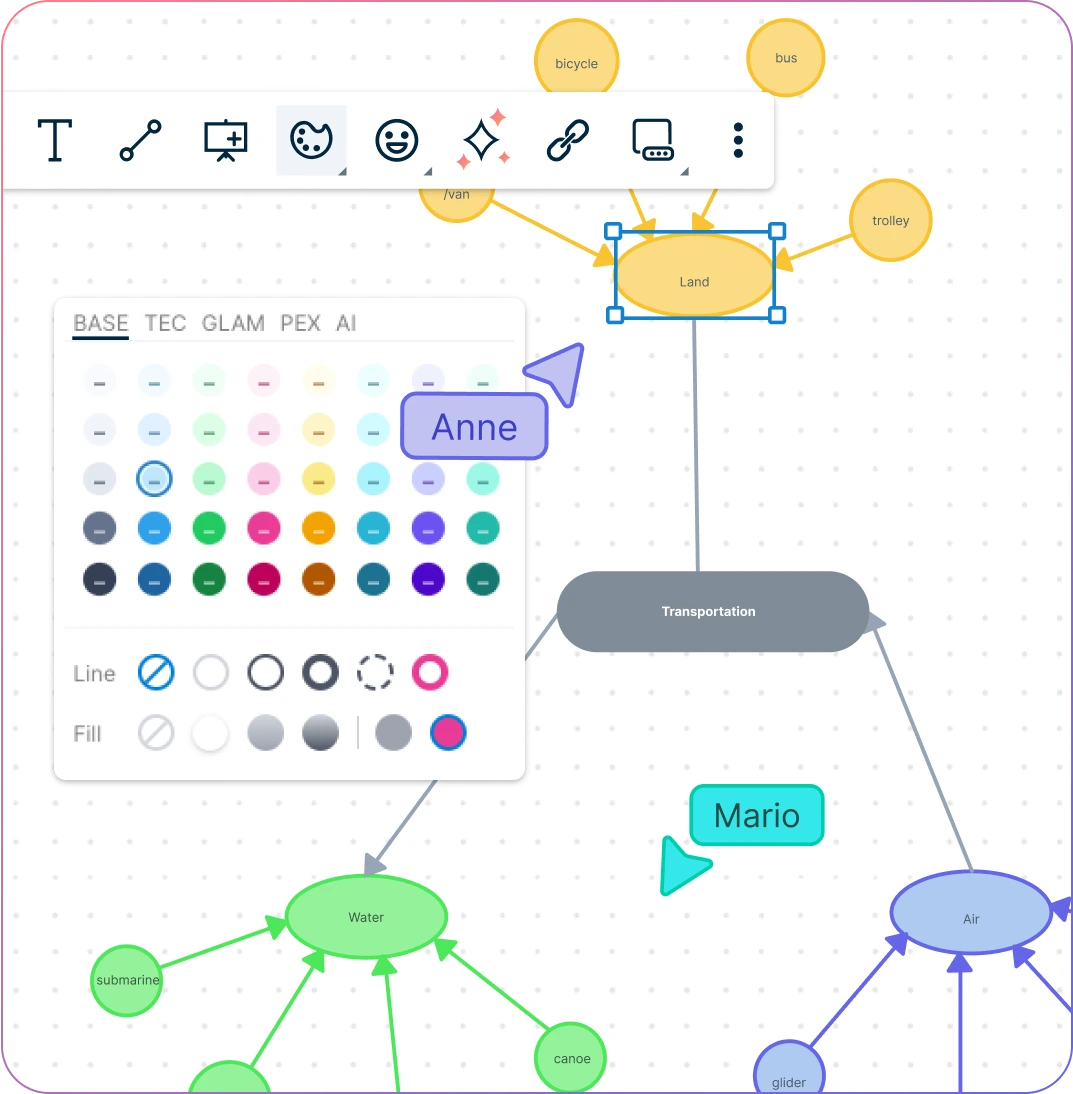
Snapshot of Creately's Semantic Map Maker workspace with toolbars
  • Drag and drop functionality to visualize word associations and patterns with ease.

  • Multiple styling options to color-code sections to build stronger word associations.

  • Add definitions, notes, or examples in the data panel to see word connections clearly.

  • Generate a complete semantic map to explore the relationships between words and concepts.
Snapshot of Creately's Semantic Map Maker workspace with toolbars
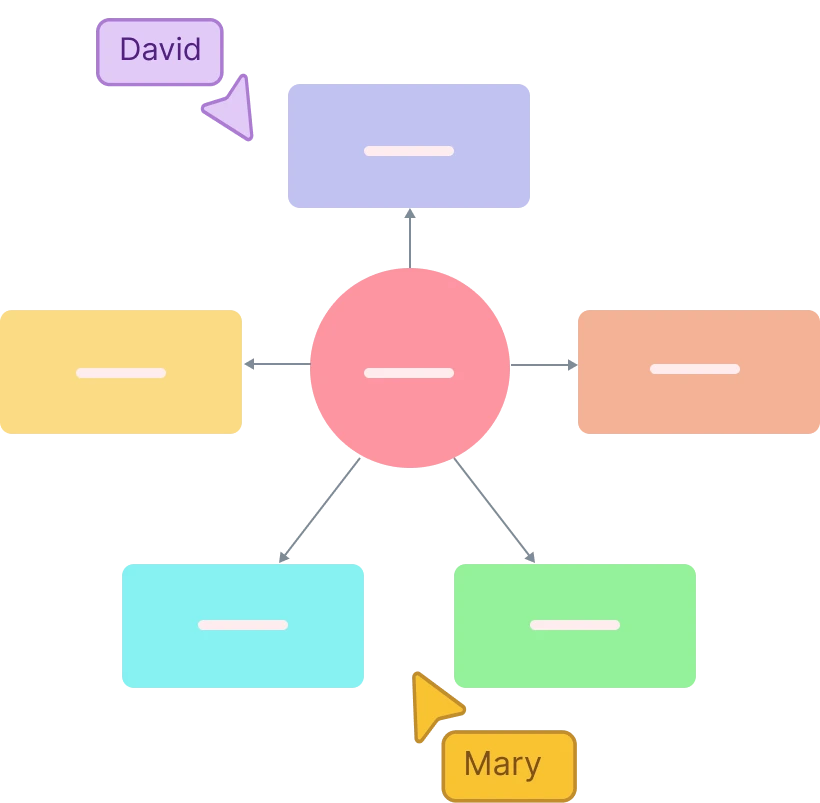
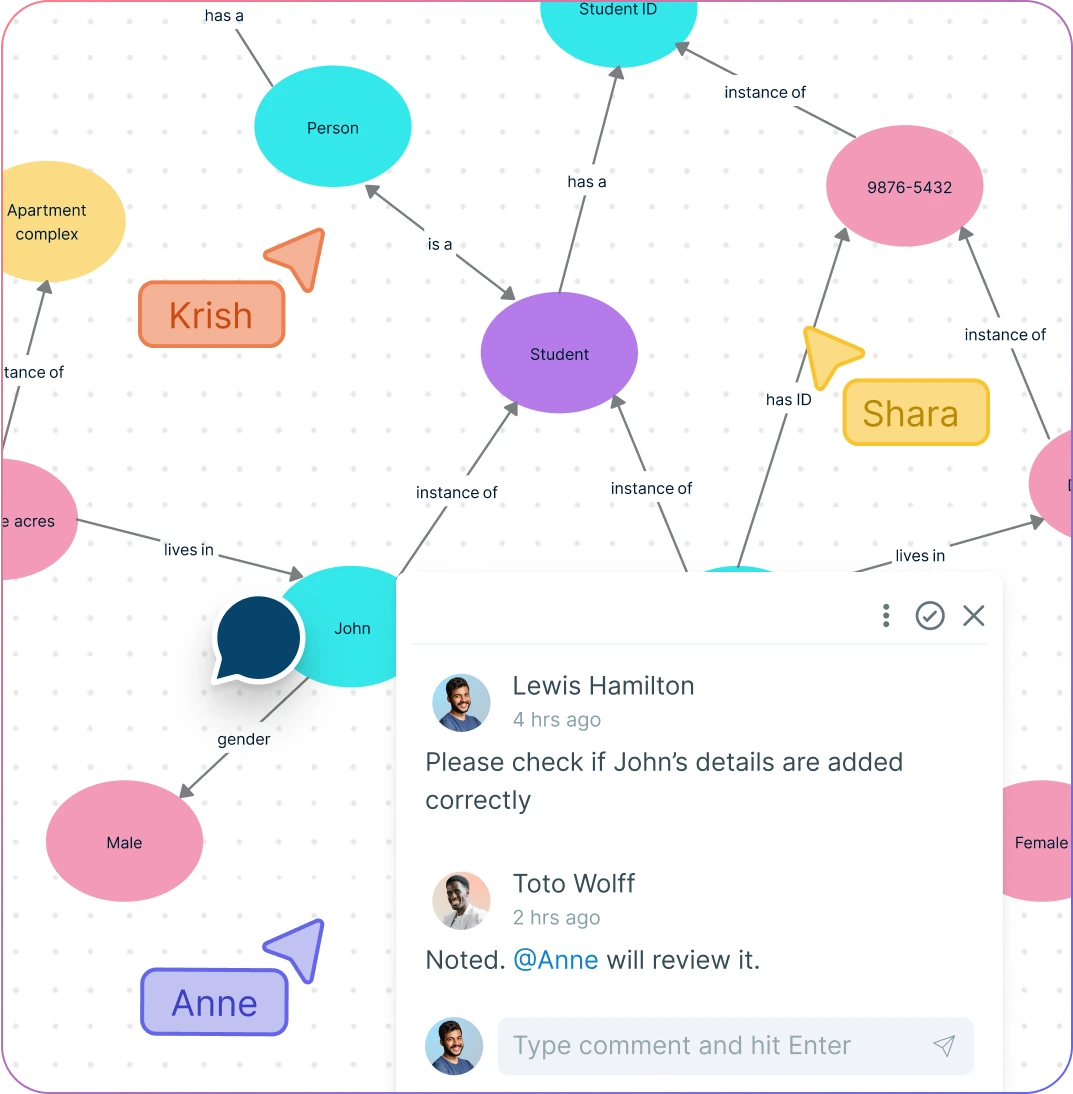
Illustration of users collaborating on Creately's Semantic Map Maker
COLLABORATE

Conduct Vocabulary Building Sessions

Illustration of users collaborating on Creately's Semantic Map Maker
  • Host real-time online sessions to collaboratively build semantic maps with students or peers.

  • Live mouse tracking to build semantic maps together.

  • Add comments, suggestions, and feedback directly on the semantic map for clear communication.

  • Share your word association maps instantly to foster group learning and discussion.

  • Collaborate seamlessly across devices with our cloud-based semantic web maker.

ANALYZE

Understand How Words and Concepts Are Related
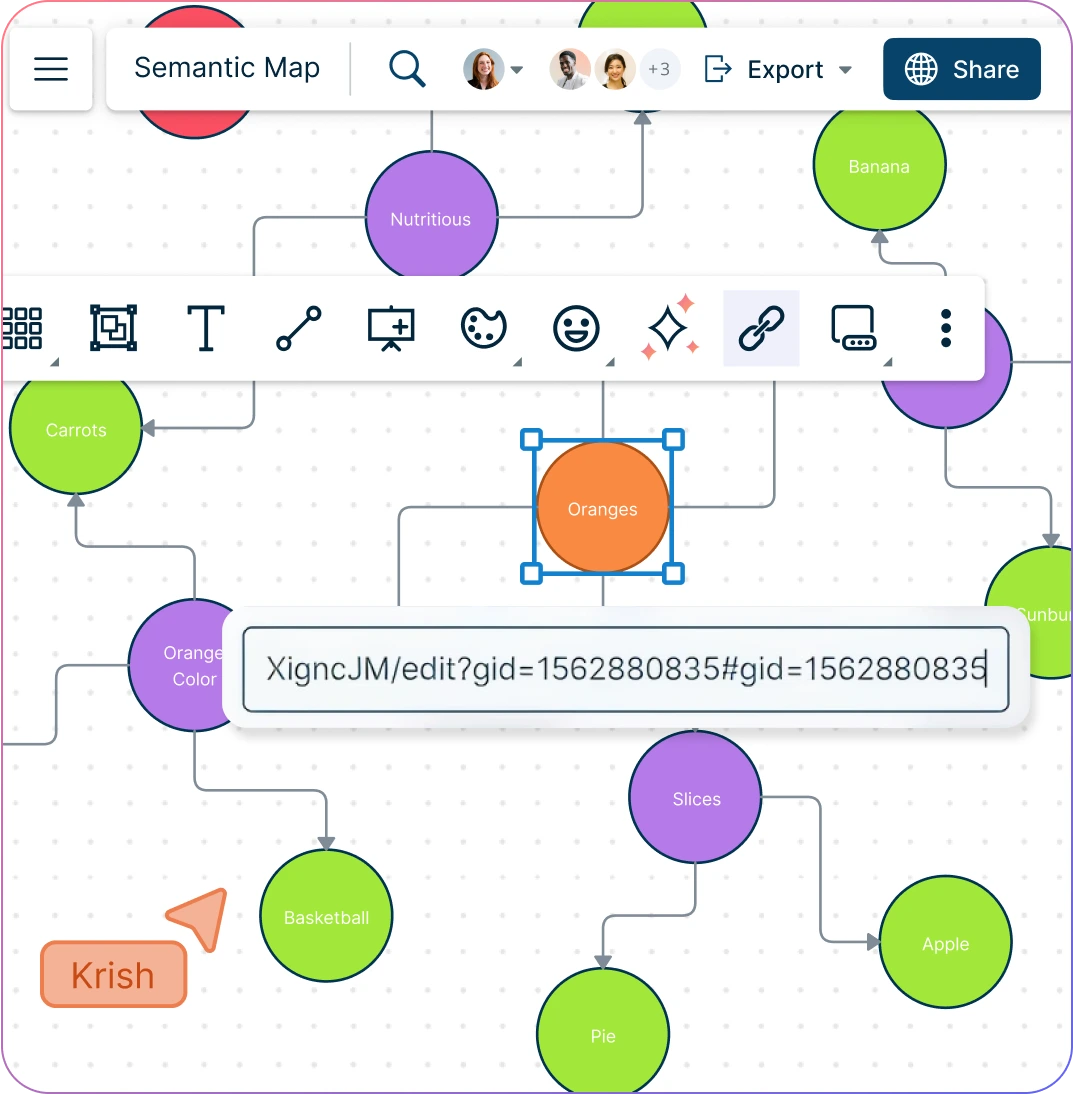
Snapshot of Creately's Semantic Map Maker with shape toolbars
  • Add references, docs, and links to better understand the etymology of words and explain connections to other concepts with ease.

  • Advanced linking capabilities to connect to multiple other semantic maps to create complex connections.

  • Universal search to easily locate words in large semantic maps and identify associations.

  • Visualize word networks to analyze patterns and discover hidden semantic relationships.

  • Generate insights from your word association maps to improve learning and comprehension.

Snapshot of Creately's Semantic Map Maker with shape toolbars
Ideate, plan, and execute ideas better with Creately

What Is a Semantic Map?

What Is a Semantic Map?
A semantic map is a visual tool that helps expand vocabulary and extend knowledge by organizing related words into clear categories. These graphic organizers make it easy for students to “web out” ideas, explore connections, and strengthen understanding through semantic mapping.

How to Create a Semantic Map

  1. Launch Creately

Begin by opening a Creately workspace and selecting a semantic map template to get started quickly.

  1. Choose Your Central Concept

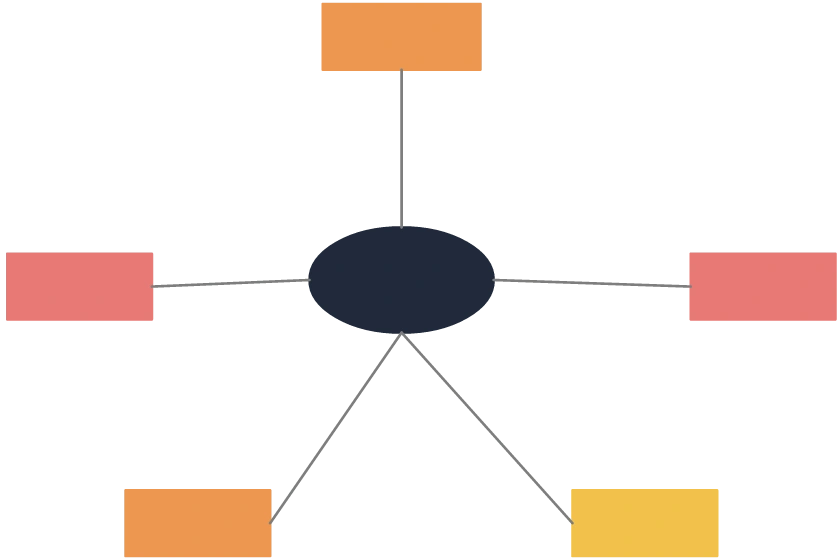
Decide on the concept you want to create your semantic map around, choose the word to begin with, and list it in the center of the semantic map.

  1. Branch Out Ideas

Create lines that branch off from the central concept to directly related ideas and add characteristics, notes, or sticky notes to enrich connections.

  1. Customize and Collaborate

Use color-coding, icons, and styling options to visually organize your map, and invite peers or students to contribute using real-time collaboration and the notes panel.

  1. Review, Update, and Share

Refine your word associations, link characteristics to additional concepts, and share the completed semantic map for learning, presentations, or brainstorming.

Create a Semantic Map

Quickly Create Semantic Maps with These Free Premade Templates
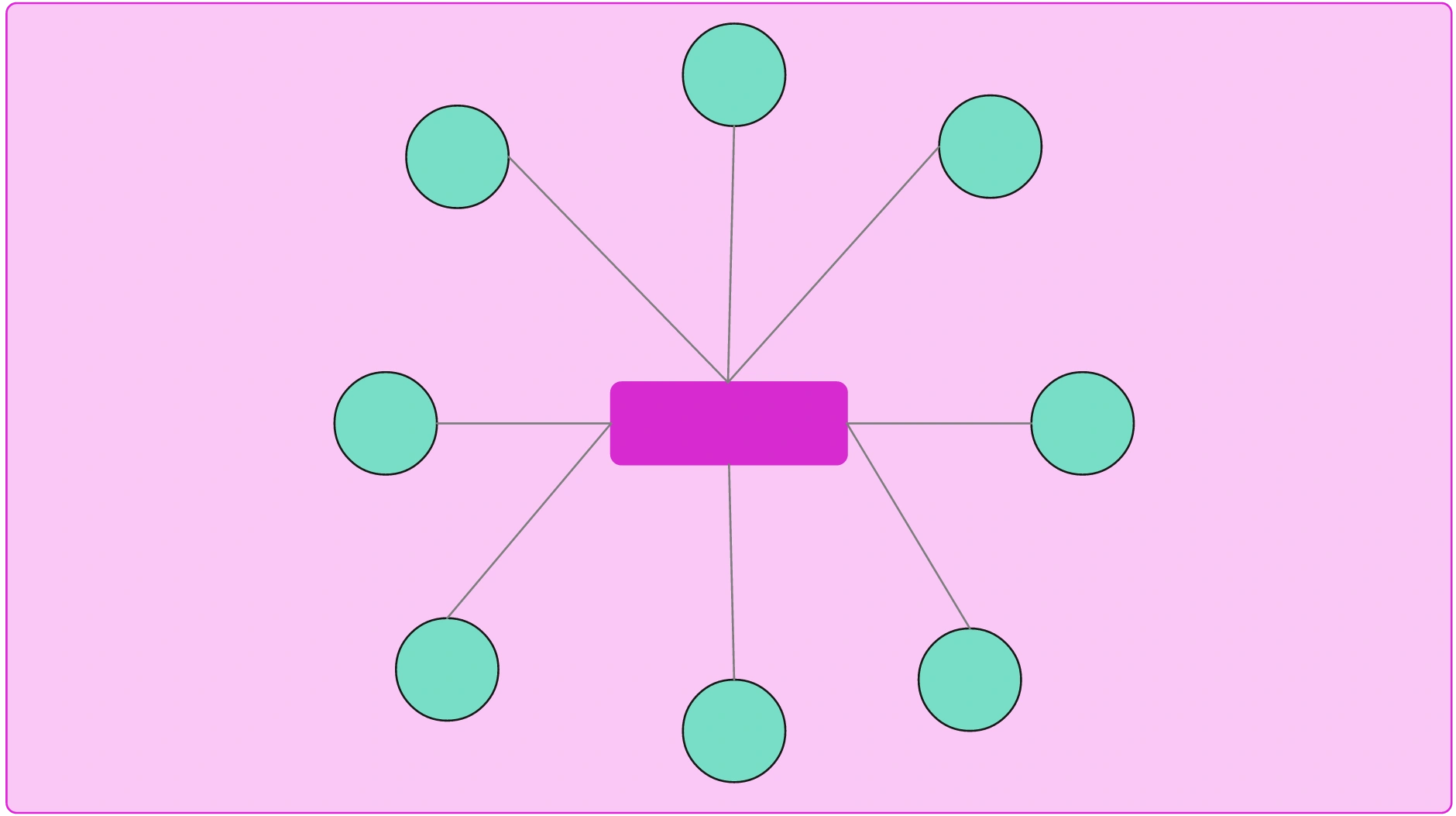
Semantic Map Example for Space

Semantic Map Example for Space

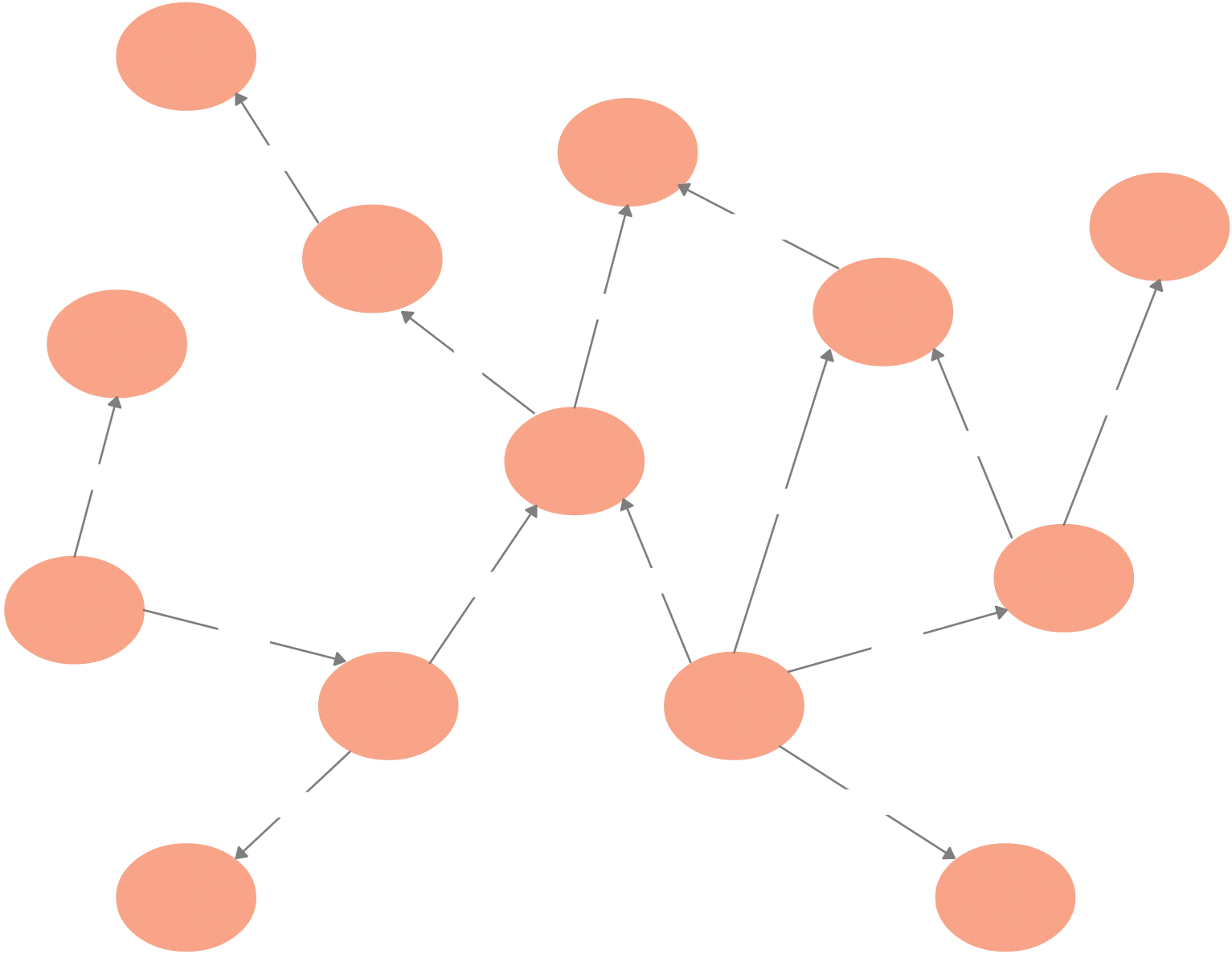
Semantic Network Example

Semantic Network Example

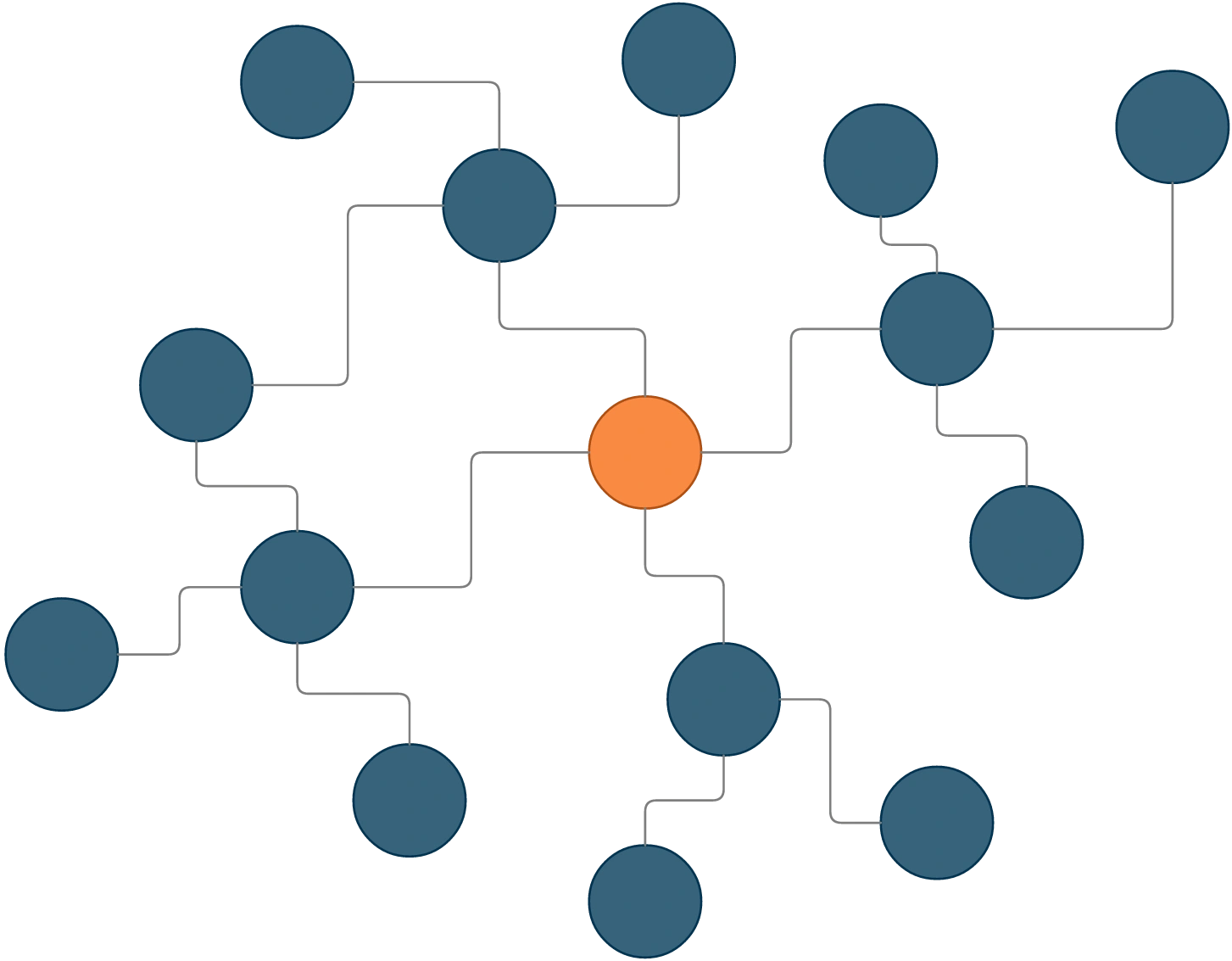
Semantic Map Example for Bees

Semantic Map Example for Bees

Basic Semantic Map Example for Oranges

Basic Semantic Map Example for Oranges

FAQs About Creately's Semantic Map Maker

Is the Creately Semantic Map Maker free to use?

Yes, Creately offers a free plan with core features such as access to semantic map templates, customization options, and the ability to share maps with others. This makes it easy to get started with vocabulary building or brainstorming right away. For teams or users who need more, Creately’s premium plans unlock advanced collaboration tools, integrations with apps like Microsoft Teams, unlimited shapes and objects, and powerful customization features for creating professional-grade semantic maps.

Can I use Creately’s Semantic Map Maker for language learning?

Yes. Creately’s Semantic Map Maker can be used in language learning to help students connect new vocabulary with familiar words, visualize synonyms and antonyms, and build thematic word clusters. The collaborative features also make it ideal for group language activities and interactive lessons.

Can semantic maps created in Creately be reused or repurposed?

Absolutely. Once you create a semantic map in Creately, you can save it as a reusable template, duplicate it for new projects, or edit it to suit different topics. This makes it simple for teachers to apply the same structure across multiple lessons or vocabulary sets, saving time and effort. Professionals can also repurpose semantic maps for brainstorming sessions, project planning, or knowledge management by adjusting the central idea and updating the branches. With Creately’s easy customization and drag-and-drop interface, repurposing an existing map takes just a few clicks.

Can semantic maps be used in business settings?

Yes. Semantic maps are highly effective in business settings as they help teams visualize customer journeys, brainstorm keywords for SEO, organize product ideas, and plan content strategies around core themes. They can also be used to analyze market research data or map customer needs against business goals for clearer decision-making. With Creately’s Semantic Map Maker, businesses can create these maps collaboratively in real time, use ready-made templates to save time, and export the final visuals into reports, presentations, or project documents for seamless integration into workflows.

What’s the difference between a semantic map and a concept map?

A semantic map focuses on words, meanings, and their connections, making it ideal for vocabulary building, language learning, or brainstorming around a specific theme. In contrast, a concept map is broader and typically shows hierarchical or cause-and-effect relationships between larger ideas or processes. Think of a semantic map as zooming in on language and word associations, while a concept map zooms out to capture overall structures and systems. With Creately’s flexible templates, you can easily build both, whether you need a simple web of related terms for a lesson or a detailed concept map to visualize a business process or research project.
Streamline Your Workflows by Integrating with the Tools You Love
Creately integrates with the tools your teams use every day and supports your team’s workflow seamlessly.
Github
Microsoft
Google Drive
Google Sheets
Google Docs
Google Slides
Confluence
Why Creately Is the Best Semantic Map Maker
Creately is the intelligent visual platform enabling visual collaboration, knowledge management and project execution.
Why Creately Is the Best Semantic Map Maker
Infinite Visual Canvas
Real-Time Collaboration
Custom Databases
Data Driven Docs
Professional Diagramming
Project & Task Management
Enterprise Grade Security
Powerful Visual Modelling

24/7 Live Support

Live in-app chat support

Sign up for a free account today.
banner-img