Org charts break when teams change - Keep your employee org chart accurate as people join, move, or leave — no manual rebuilds.
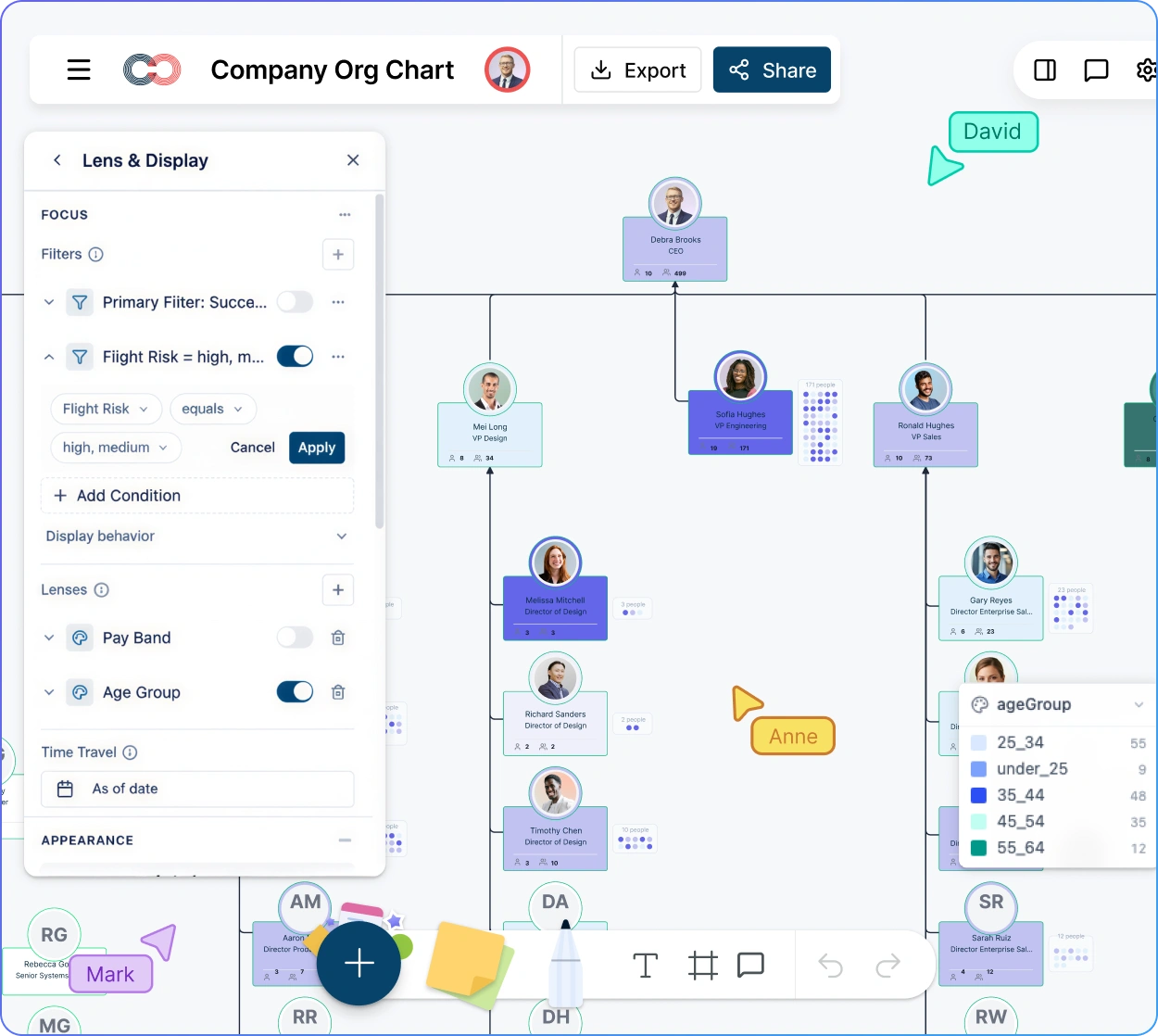
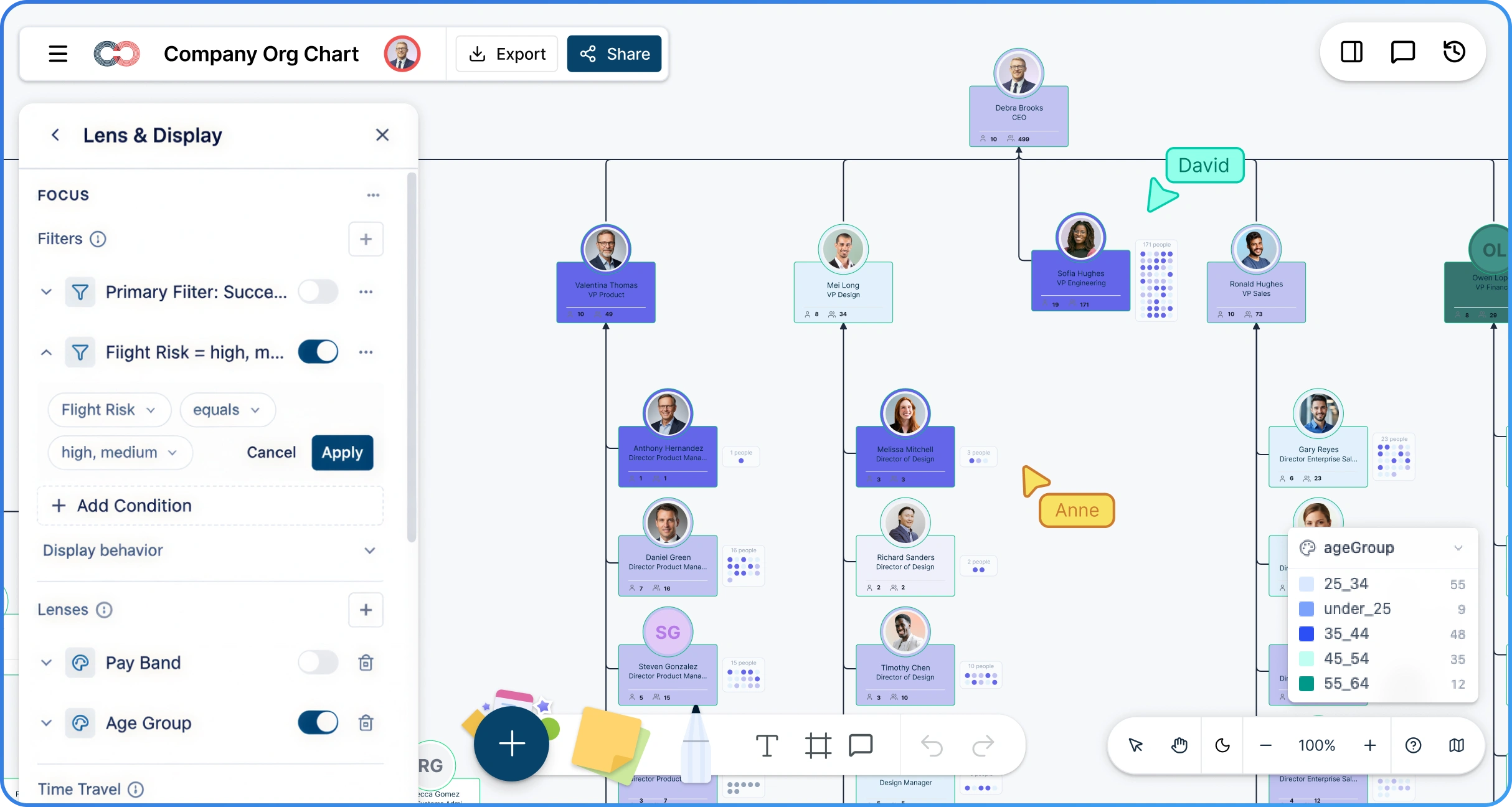
Traditional org charts lack HR context - Layer tenure, performance ratings, compensation bands, and flight risk directly onto every role in the chart.
Static diagrams slow HR decisions - Use a live org chart with scenario planning, analytics presets, and AI queries to support talent reviews and reorgs.
CERTIFIED




HR Org Chart Software
Best Live Org Charts for Modern HR Teams
Creately’s HR org chart software gives HR teams a single, reliable view of their organization — even as roles, teams, and structures shift. Build a live employee org chart that reflects real reporting relationships and stays accurate over time.
 Org charts break when teams change
Keep your employee org chart accurate as people join, move, or leave — no manual rebuilds.

 Traditional org charts lack HR context
Layer tenure, performance ratings, compensation bands, and flight risk directly onto every role in the chart.
 Static diagrams slow HR decisions
Use a live org chart with scenario planning, analytics presets, and AI queries to support talent reviews and reorgs.




 Diagramming Visual Collaboration Org Chart


Why Choose Creately for HR Org Charts
Built for HR, Not Just Reporting Lines
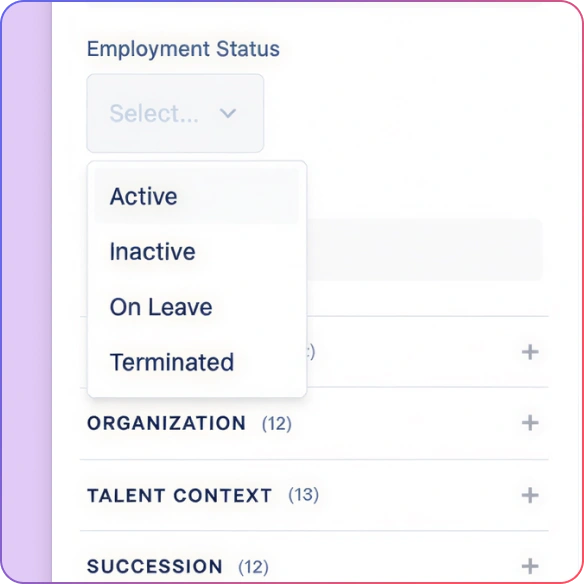
Creately org charts for HR are data‑rich workspaces. Every role, person, and relationship carries the context HR needs to make decisions.
Import from Any HR System
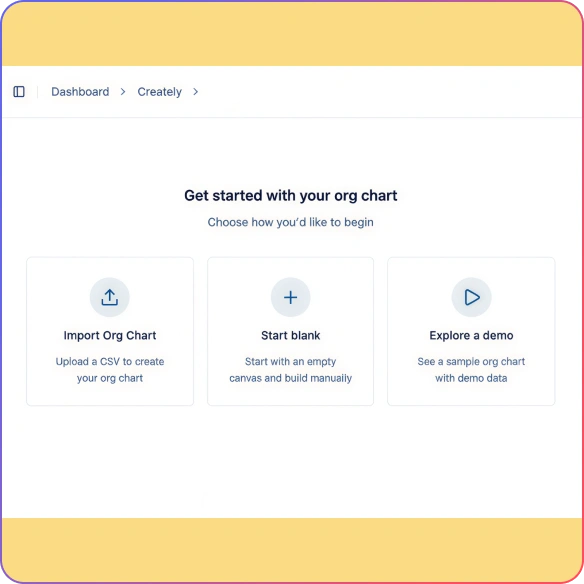
Connect CSV, Google Sheets, Excel, or sync directly with Azure Entra ID and HRIS platforms. AI-powered column mapping validates and generates a clean hierarchy in minutes.
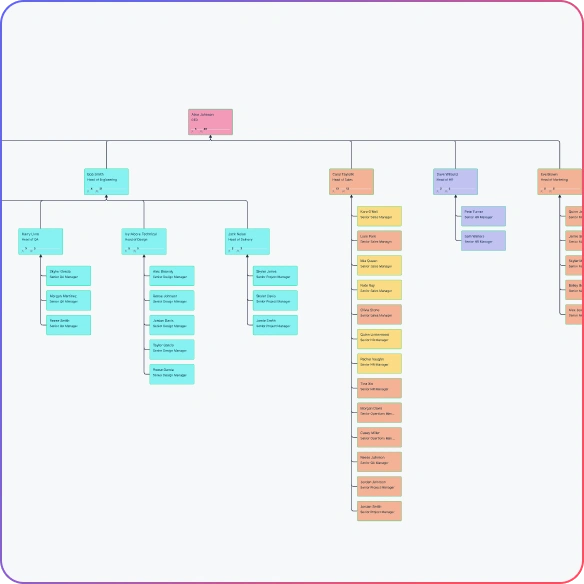
Always Clear, No Matter the Size
From 20 people to 2,000+, automatic layout keeps reporting lines readable as your organization grows or restructures.
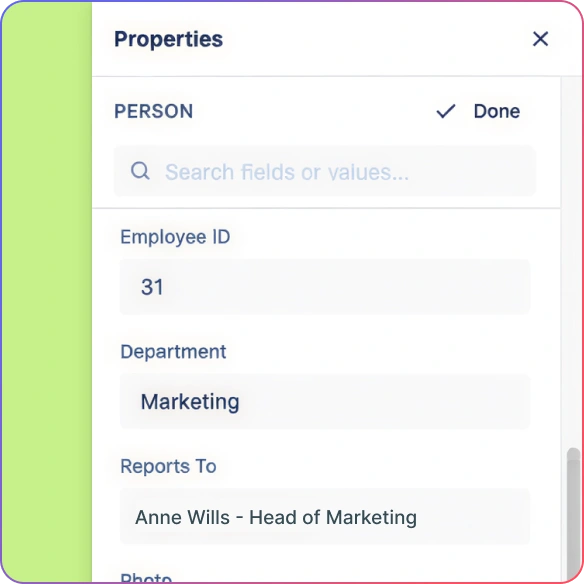
Easy to Edit, Safe to Change
The HR org chart builder lets you update names, titles, or reporting lines inline. Every change is undoable, so you can edit confidently.
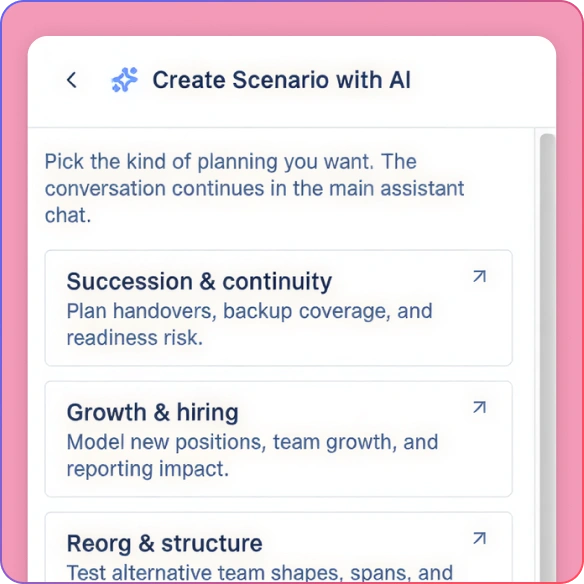
Plan Changes With Scenarios
Model reorgs, new roles, or reporting changes in scenarios. Explore options before anything goes live.
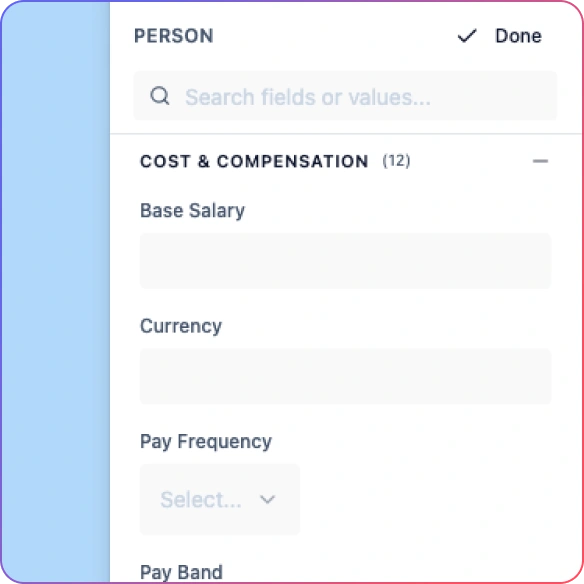
Sensitive Data Stays Protected
Compensation and succession data are visible only to the right HR leaders.
Create an Org Chart That Reflects Reality
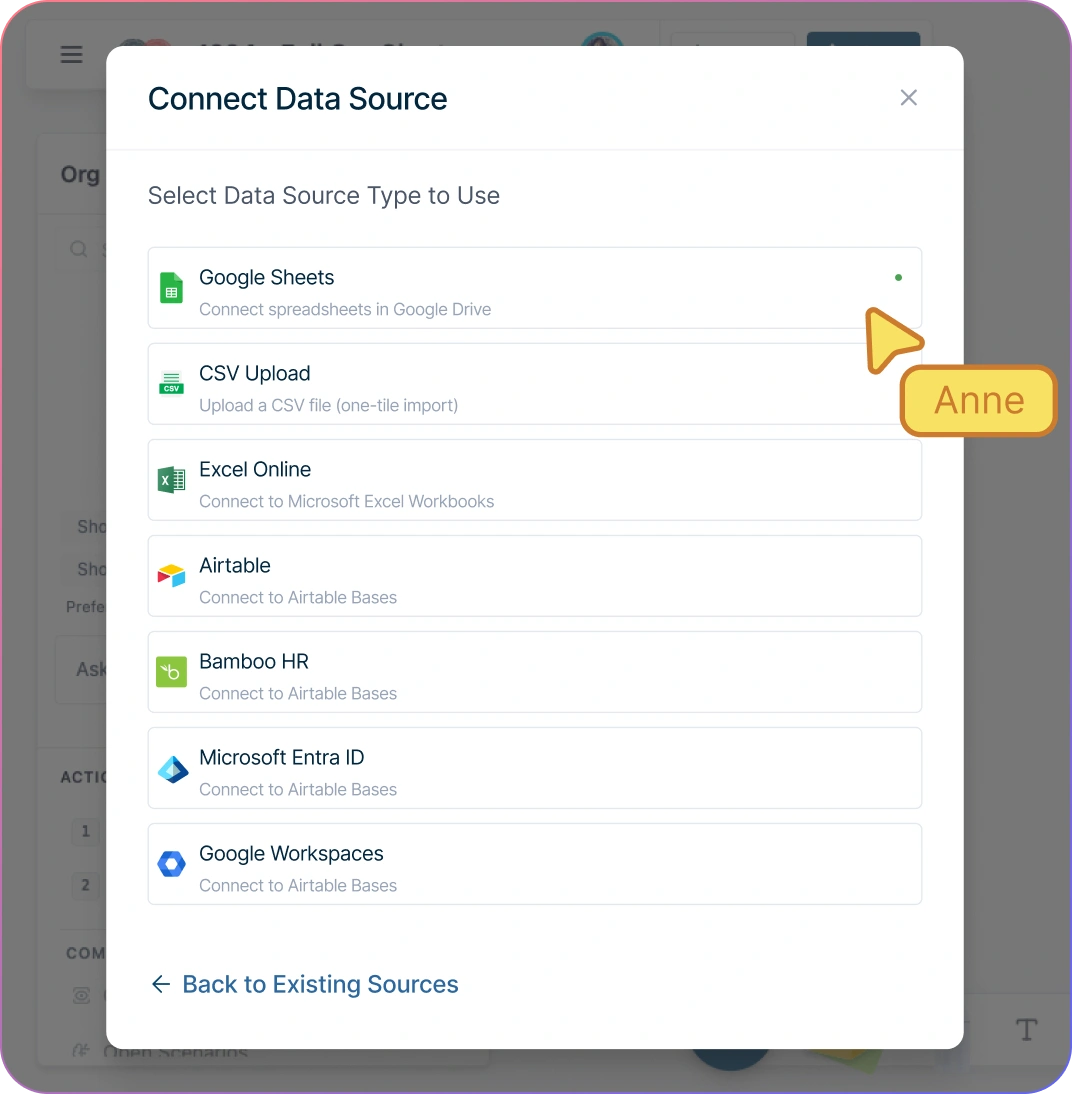
Import a CSV exported from your HRIS, Google Sheets, or Excel into Creately Atlas. Review AI column-mapping suggestions and correct missing IDs, unknown managers, or reporting cycles before import.
Add people, positions, and vacant roles in seconds — double-click a person card to edit the name or title, or use quick-add to create a direct report while keeping vacant positions separate from employees.
Define solid, dotted, or matrix reporting lines so the chart reflects how your org actually works, not just the official hierarchy.
Automatic layout keeps everything clean and readable as teams grow, restructure, or merge — no manual rearranging.
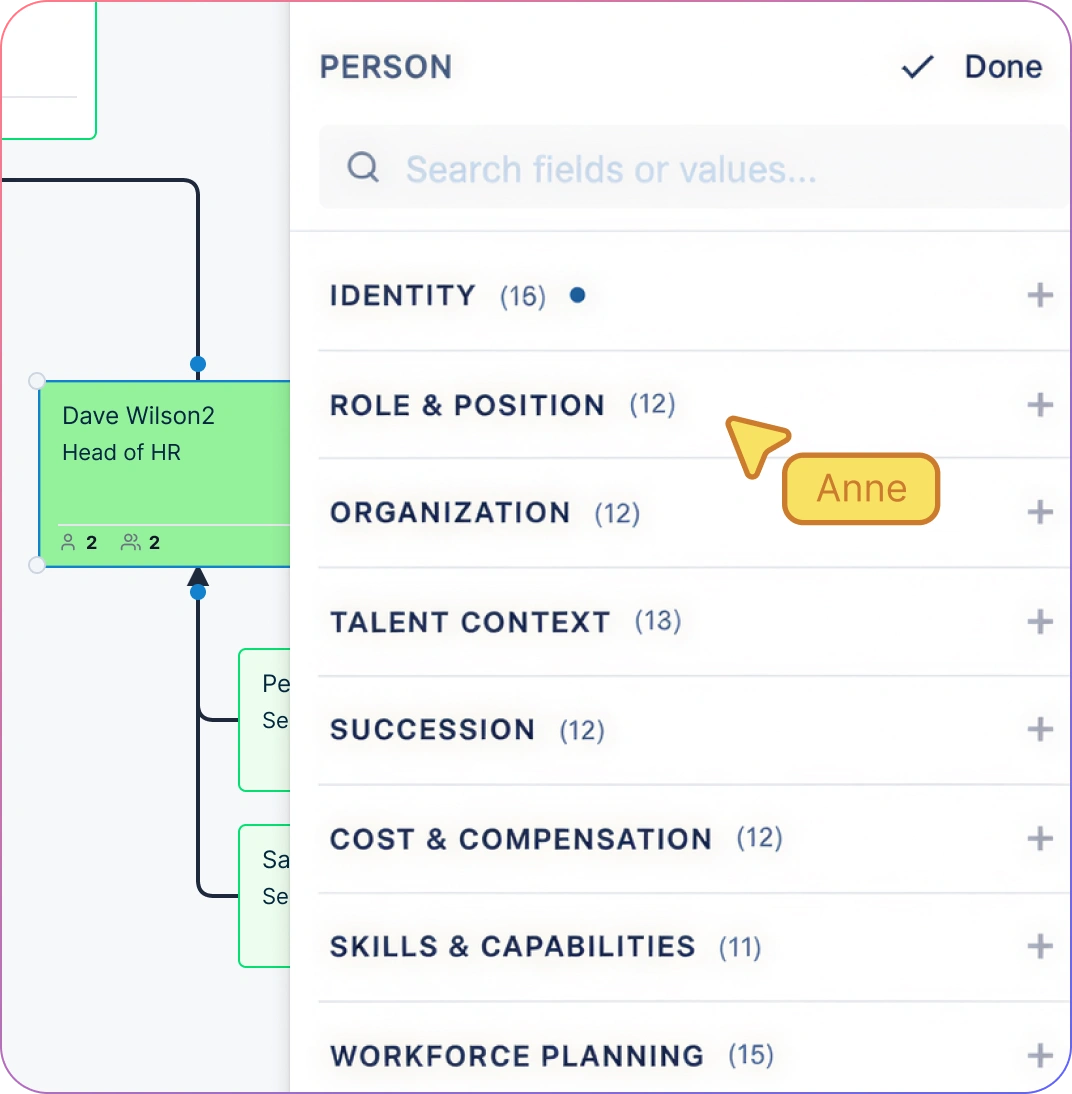
201 Data Fields Built for Every HR Role
Start with name, title, and department. Then activate field packs as your needs grow — Compensation, Talent, Engagement, Succession, Demographics, and other packs in the 15-pack model.
HR generalists can start with the basic org fields. HRBPs can activate relevant talent and engagement packs. Access to compensation, succession, and demographic fields depends on sensitivity permissions. A job title alone does not grant access.
Apply one-click analytics presets: Span of Control, Tenure Distribution, Compensation Bands, Performance Distribution, Flight Risk, Succession Readiness — 9 presets that turn the org chart into a visual HR dashboard.
Ask the AI assistant in plain English: “Who has the widest span of control in Engineering?” or “Show me everyone with high flight risk in Sales.” Results highlight directly on the chart.
Compliance-Ready Org Management
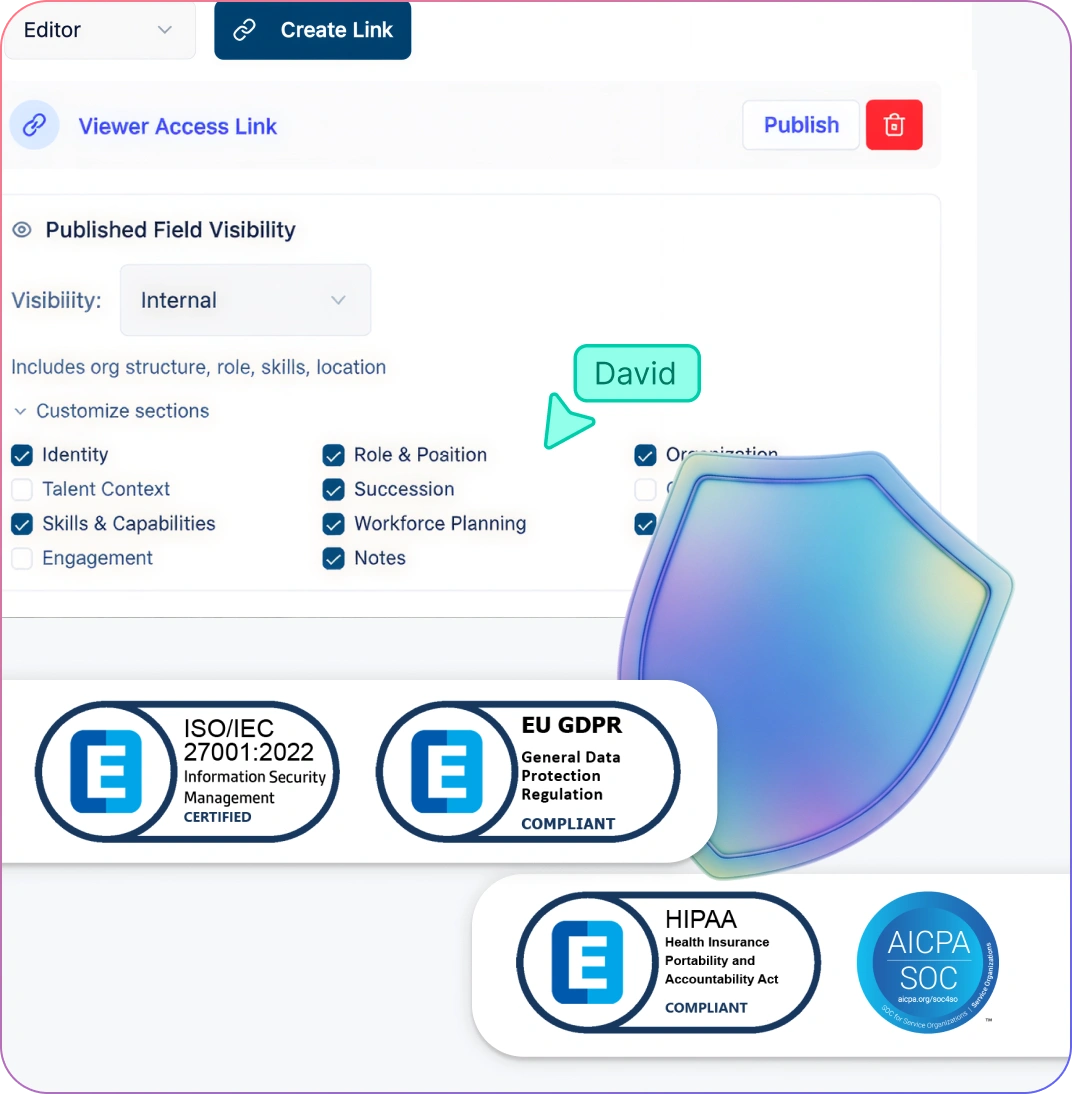
Protect sensitive data with a 6-tier sensitivity model — compensation, demographics, and succession fields are invisible to unauthorized users. No lock icons, no “access denied” — the fields simply don’t exist in their view.
Meet enterprise security standards: SOC 2 Type II, ISO 27001:2022, GDPR-ready, with encryption in transit and at rest.
Maintain one org chart for every audience. Department heads see name, title, and team. Authorized HR users see compensation and succession fields. Field sensitivity and diagram permissions control access independently.
Scenario deltas retain original and proposed values for moves, additions, removals, and updates. Confirm audit-log coverage and export requirements separately for compliance reviews.
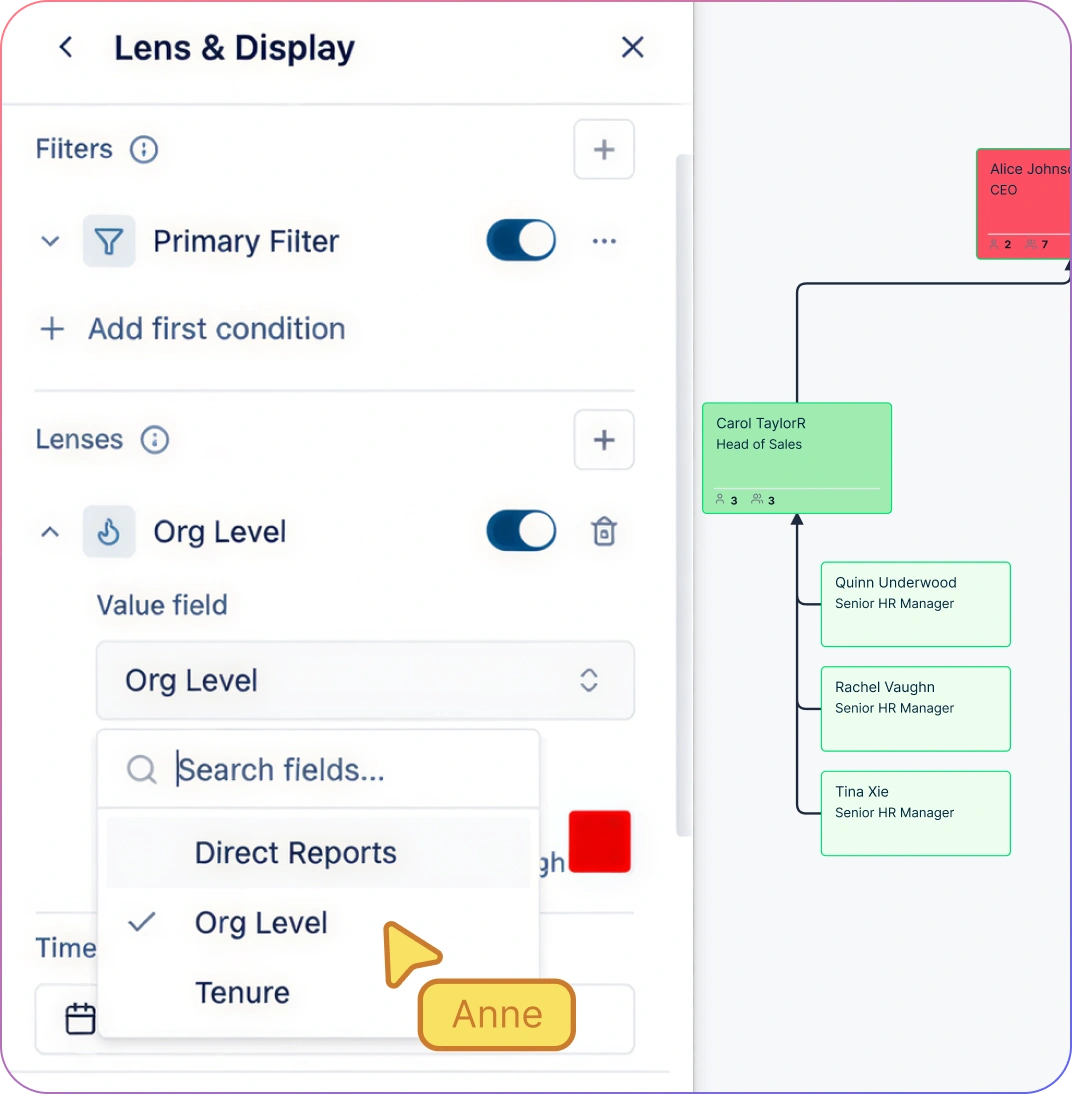
Turn Org Structure Into Insights
Apply one-click analytics presets to visualize spans of control, tenure distribution, compensation bands, performance ratings, flight risk, and succession readiness — 9 presets that turn your org chart into a visual HR dashboard.
Ask the AI assistant natural-language questions: “Who has >10 direct reports in Engineering?” or “Show me all high-potential employees without a succession plan.” Results highlight directly on the chart.
Heatmap by compa-ratio to identify pay outliers for review. Color by recorded 9-box placement during talent reviews. Filter by department and tenure to investigate patterns alongside other retention evidence.
Travel back in time: set an as-of date to reconstruct the org from dated relationships and employee join and departure dates. Compare current structure to last quarter’s for board reporting.
Align HR, Leaders, and Managers
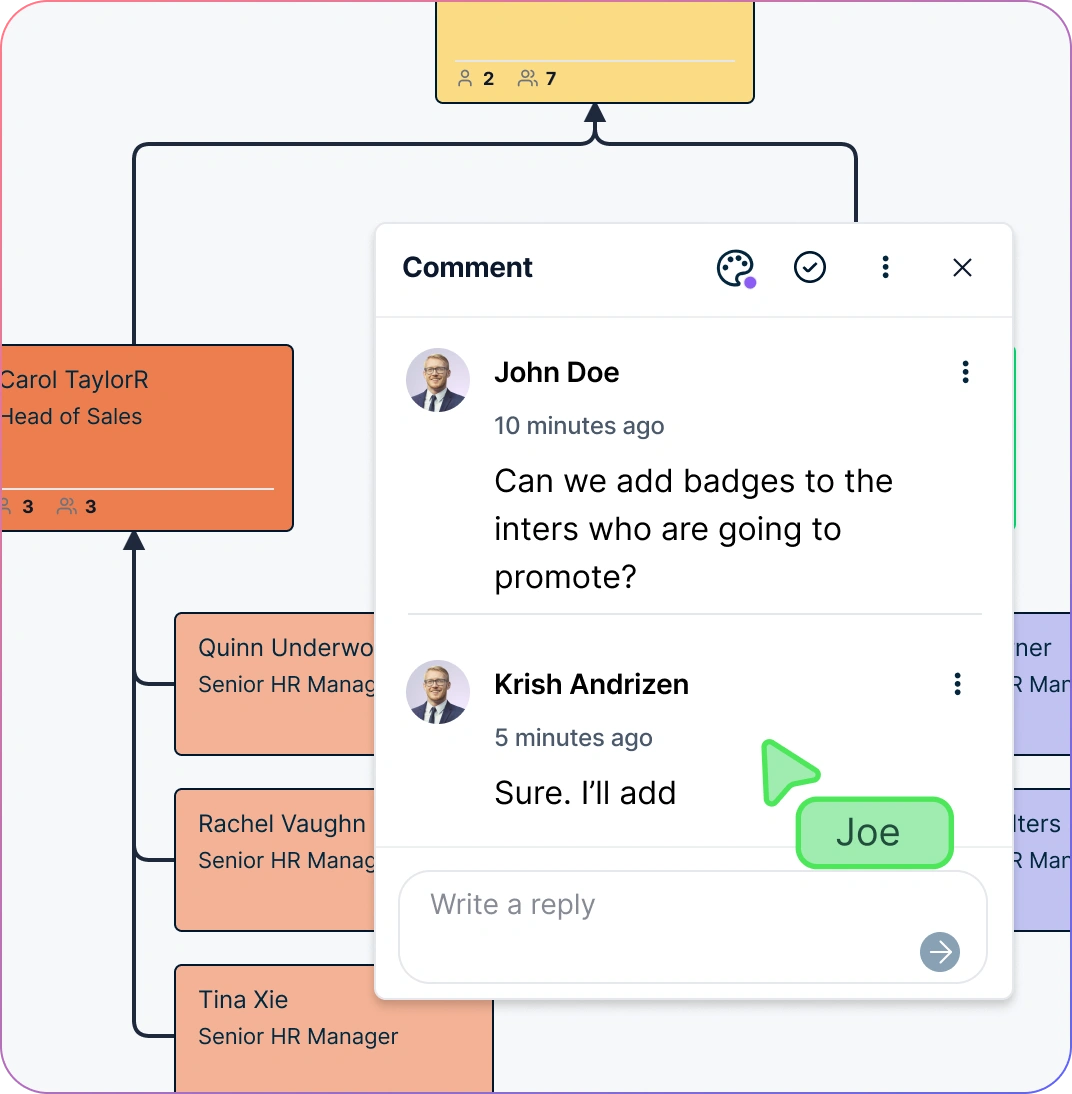
Run talent reviews in real time — HRBP and department head both see the same org chart with performance overlays, commenting on roles as they discuss development plans.
Share a department-scoped view with hiring managers showing only their team. Share the full picture with the CHRO. Same chart, different views.
Leave comments on specific roles to capture context: “Succession risk — no internal backup for this Director role. Discuss with talent team.”
Share read-only live links with executives for board prep. They see the current structure, not a stale export from last month.
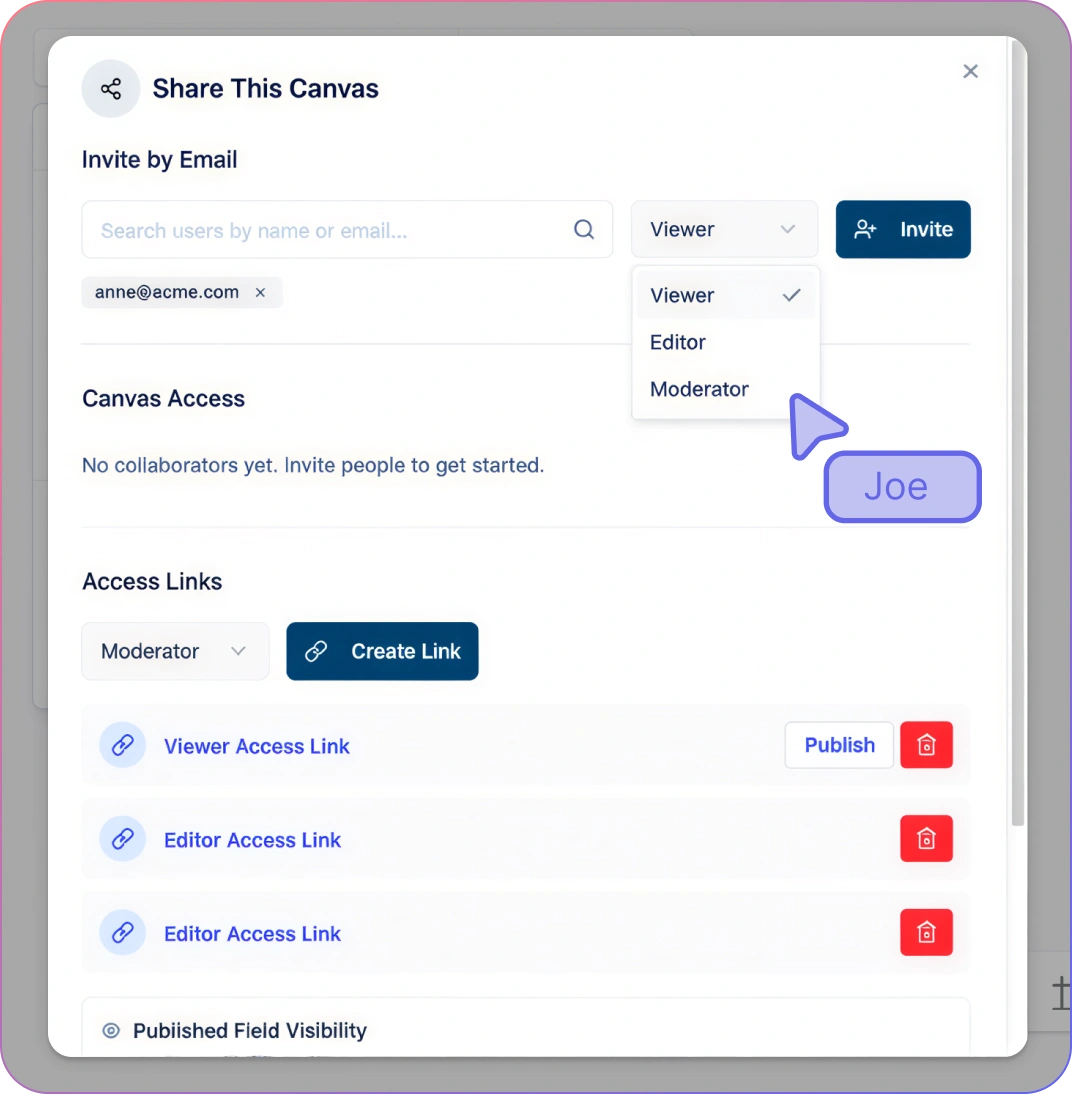
Secure Access Without Slowing HR Down
Control who can view, edit, or manage the org chart using role-based permissions (Viewer, Editor, Moderator, Owner) — without duplicating diagrams or managing exports.
Share the same org chart across the business with confidence. Grant edit access to HR, view-only access to executives, and scoped access to managers — all from one place.
Use restricted sharing and field sensitivity tiers for high‑stakes situations like M&A planning, executive succession, or board‑level restructuring discussions.
Collaborate with advisors, executives, or legal teams using assigned diagram permissions, restricted fields, and comments to capture review context.
How to Set Up an HR Org Chart with Creately
Import a CSV export from your HRIS or spreadsheet and review the AI field mappings
Activate field packs for your role — start with Base, Organization, and Role, adding Compensation and Succession as authorized
Apply analytics presets to visualize span of control, tenure, performance, or flight risk
Create scenarios to model reorgs, hiring plans, or succession changes before going live
Share role-appropriate views with leadership and export for board presentations or audits
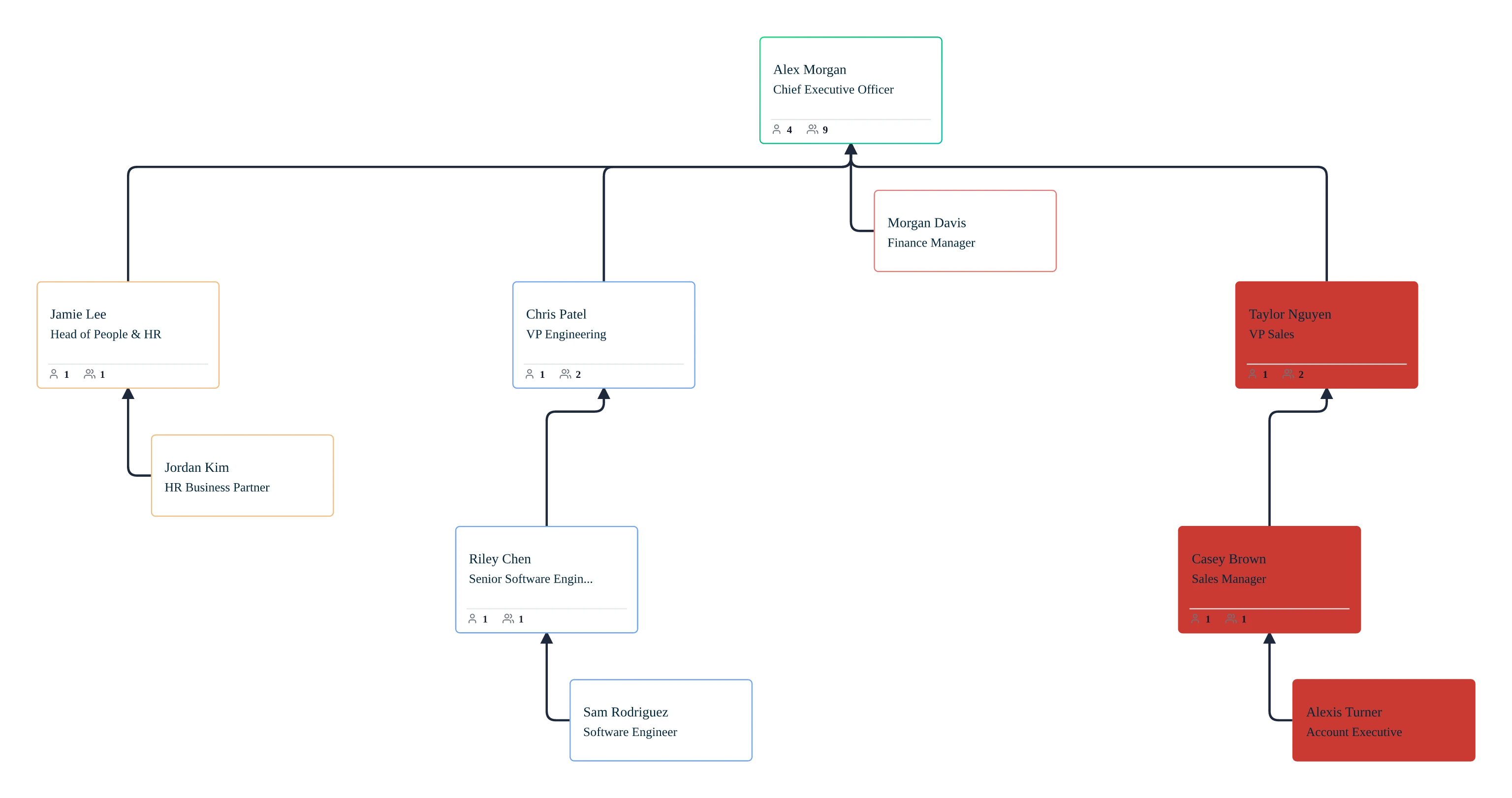
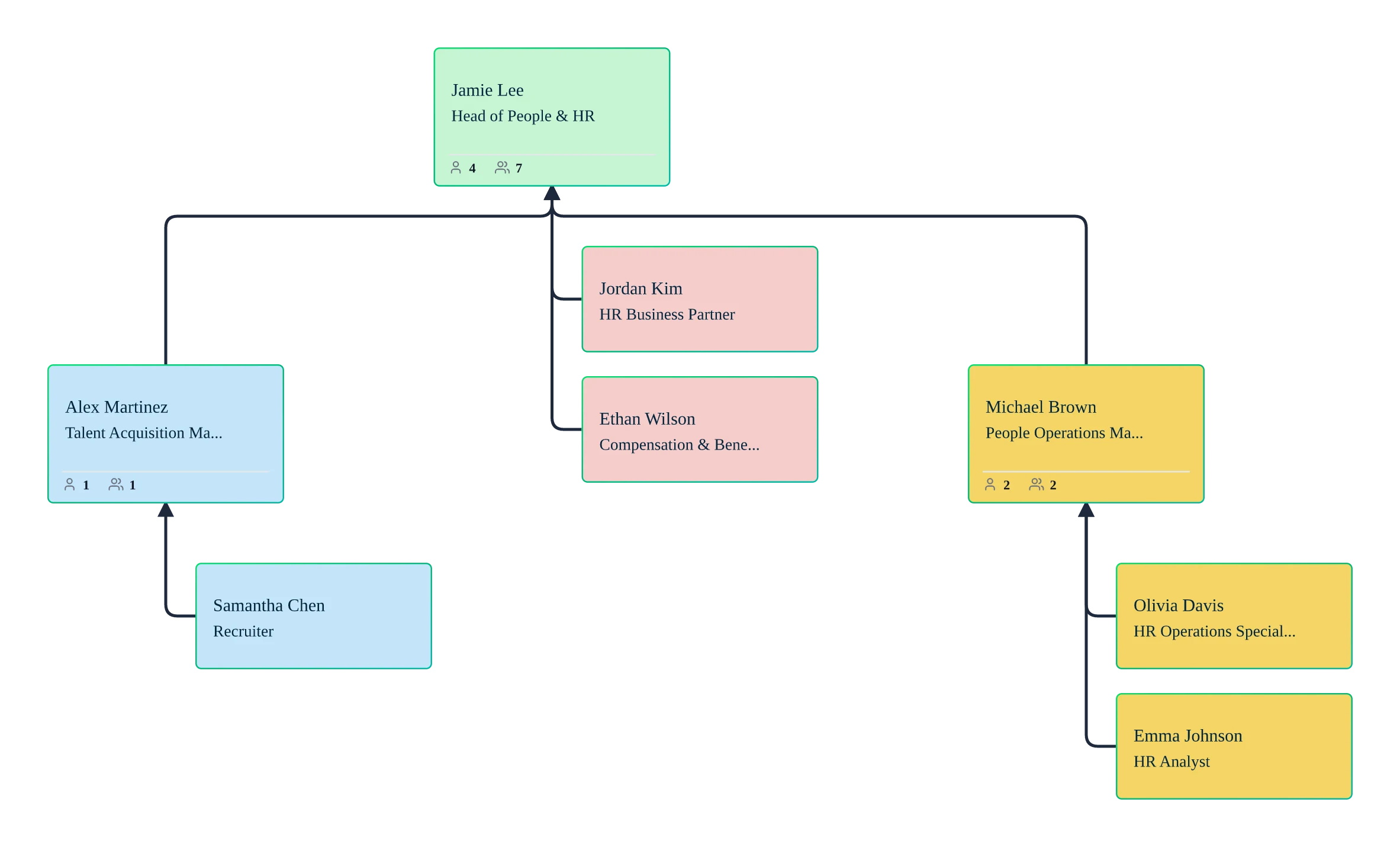
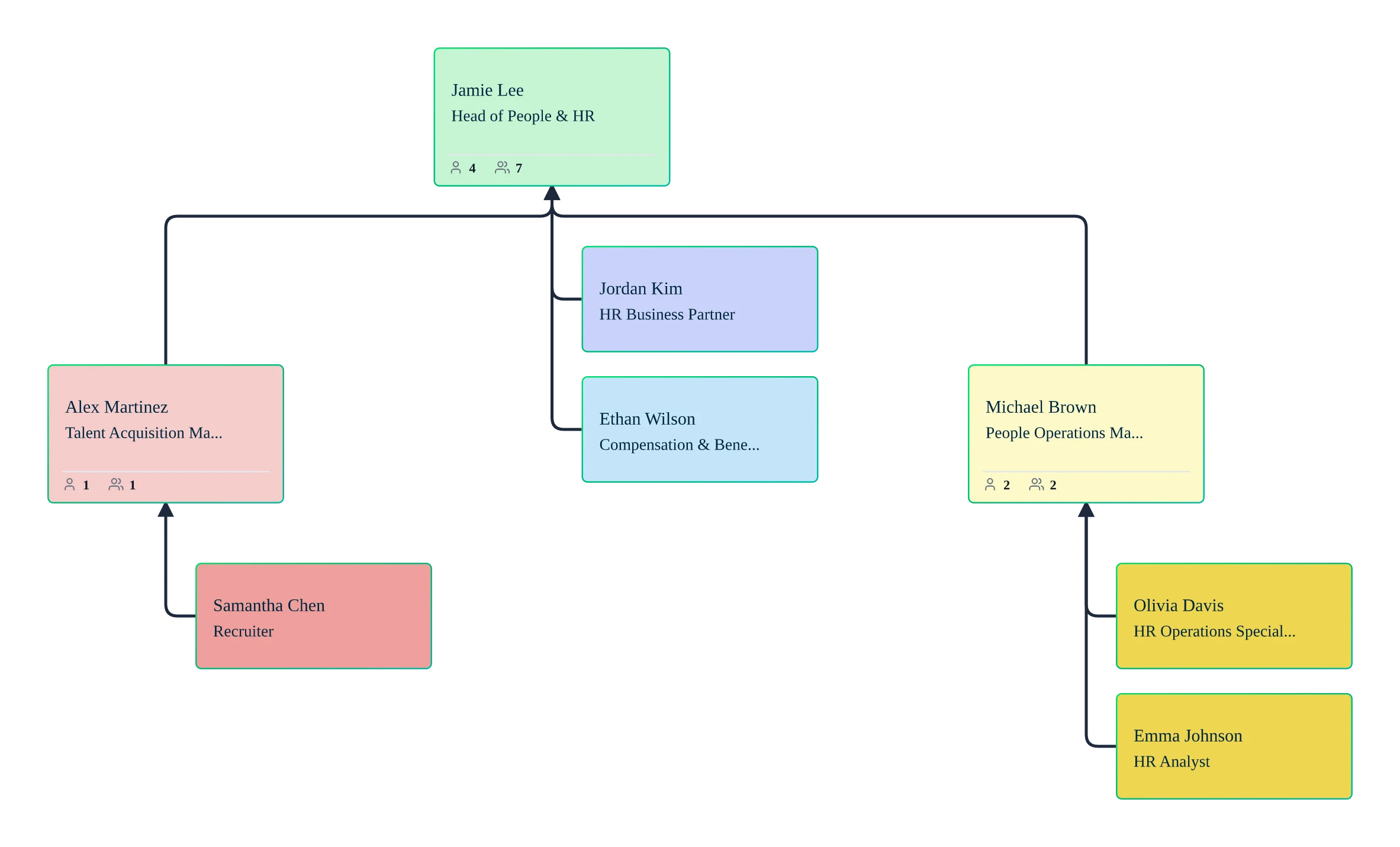
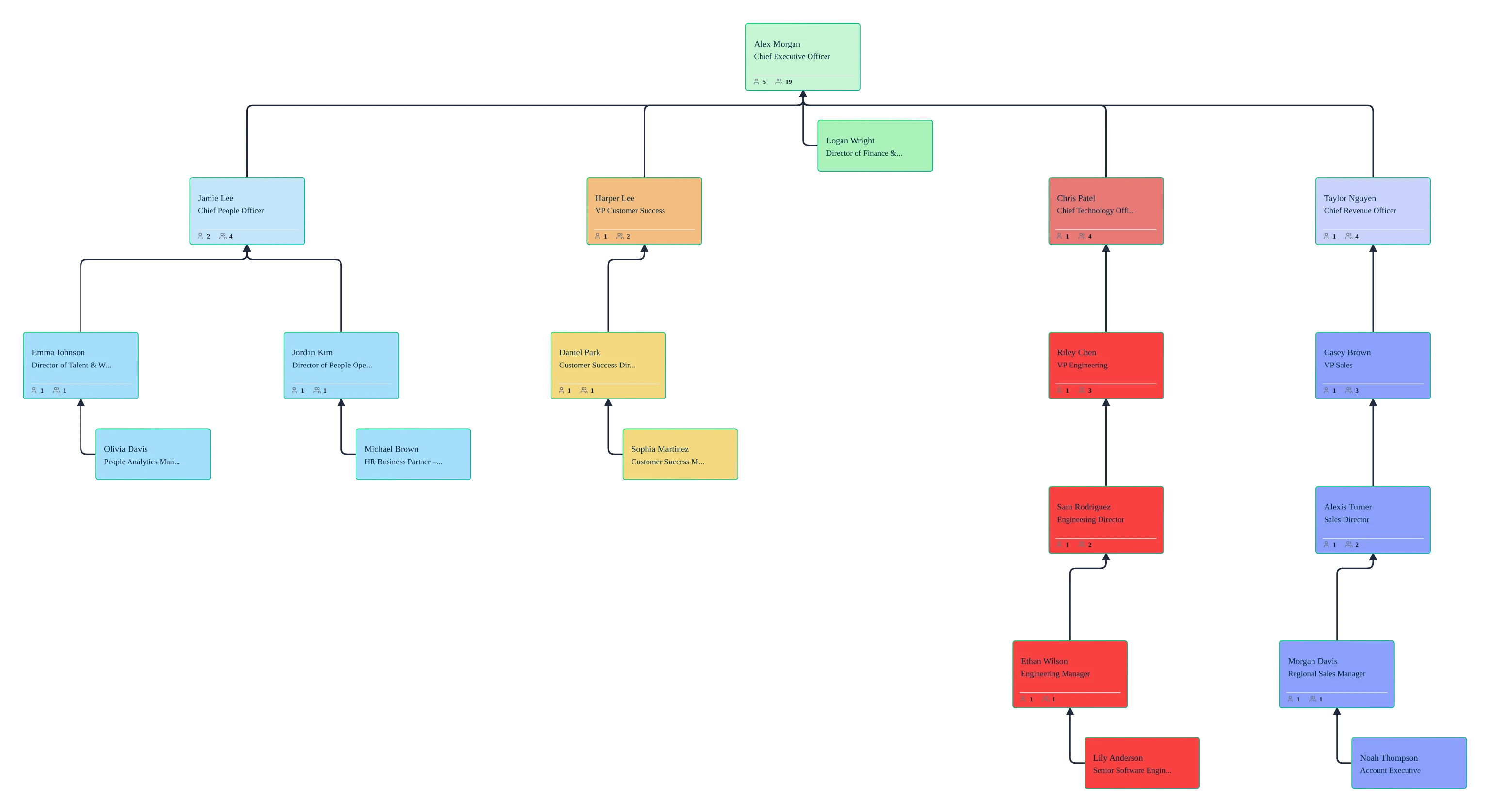
Use Cases
HR Operations & Org Maintenance
Keep the employee org chart accurate as people join, transfer, or leave — by importing reviewed HRIS exports and maintaining employee and reporting records.
Talent Reviews & Performance Planning
Overlay recorded 9-box placement, flight risk, and development plan status onto the org chart for data-driven talent conversations.
Visualize successor coverage, bench strength, and single points of failure across leadership positions.
Model restructures in isolated scenarios. Compare options. Apply the chosen design when leadership approves.
Compensation & Pay Equity Analysis
Heatmap by compa-ratio across the entire org. Filter by department and level, using demographic data only through authorized aggregate reporting.
Board & Leadership Reporting
Export clean, data-backed org visuals for board presentations, investor updates, and strategic planning sessions.
FAQs About Creately’s HR Org Chart Software
What are Creately’s HR org chart software pricing plans?
- Free Plan — $0/month for basic HR org chart creation and collaboration
- Starter & Team Plans — $8/month or $5/month billed annually
- Business Plan — $149/month or $89/month billed annually
Annual billing helps you save more while unlocking advanced collaboration, workspace management, and enhanced HR org chart features. You can compare all available plans and features on the Creately Pricing Page.
How can you create HR org charts faster?
Are there templates for different HR org chart use cases?
Can teams collaborate on HR org charts?
Can I add notes, data, and files?
Can I share, present, or export HR org charts?













Guides, best practices, and troubleshooting for maintaining accurate org charts across large and evolving organizations.
 Clear Answers
 Enterprise‑specific Guidance
 In‑depth Support Articles