Succession Planning Software
Succession Planning You Can Actually See
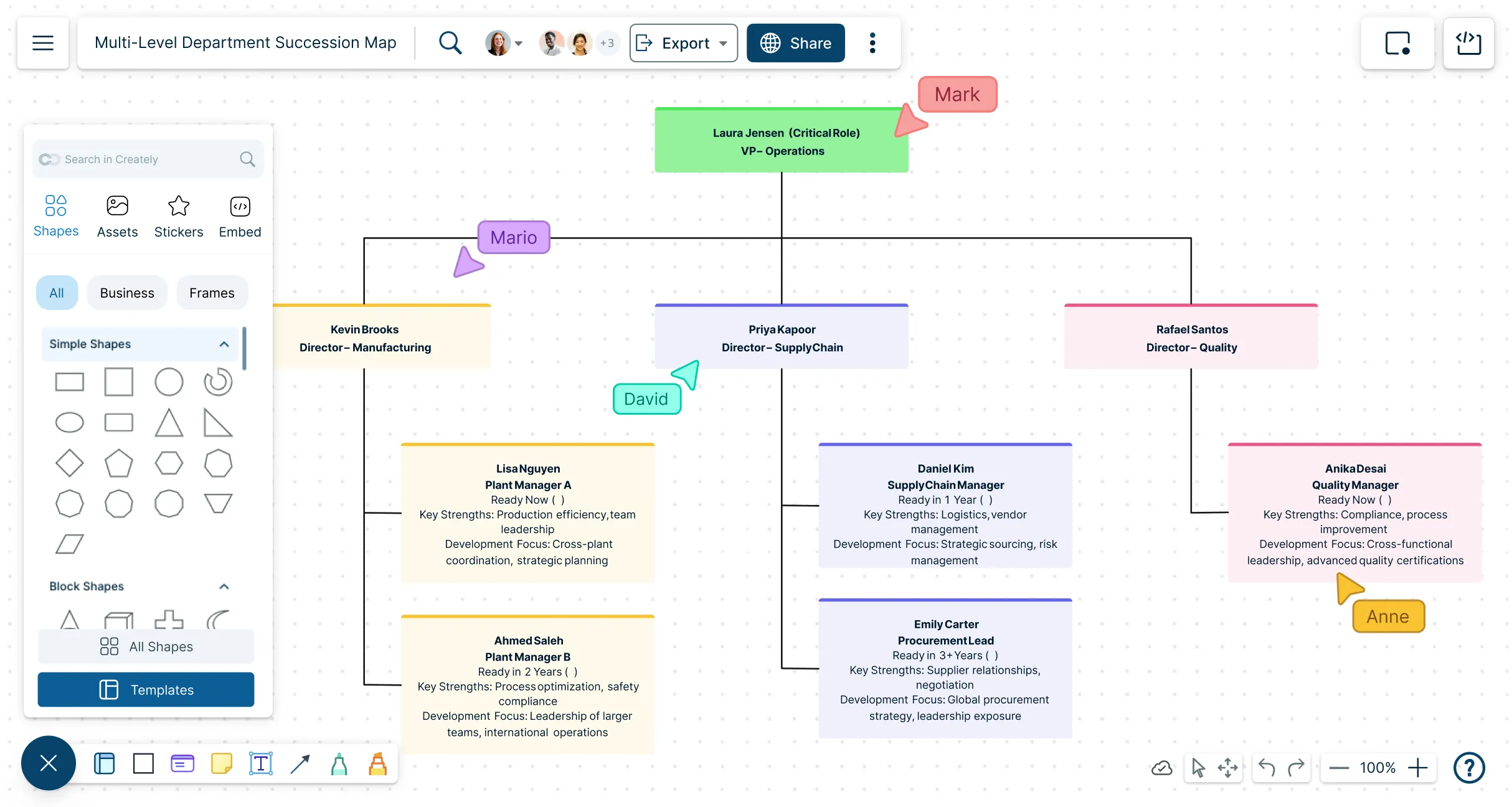
Map critical roles, identify successors, and track readiness in one visual workspace—then run “what-if” scenarios and review the impact across your live org structure without juggling disconnected spreadsheets and slides.
Visual talent mapping — view roles, successors, and bench strength at a glance
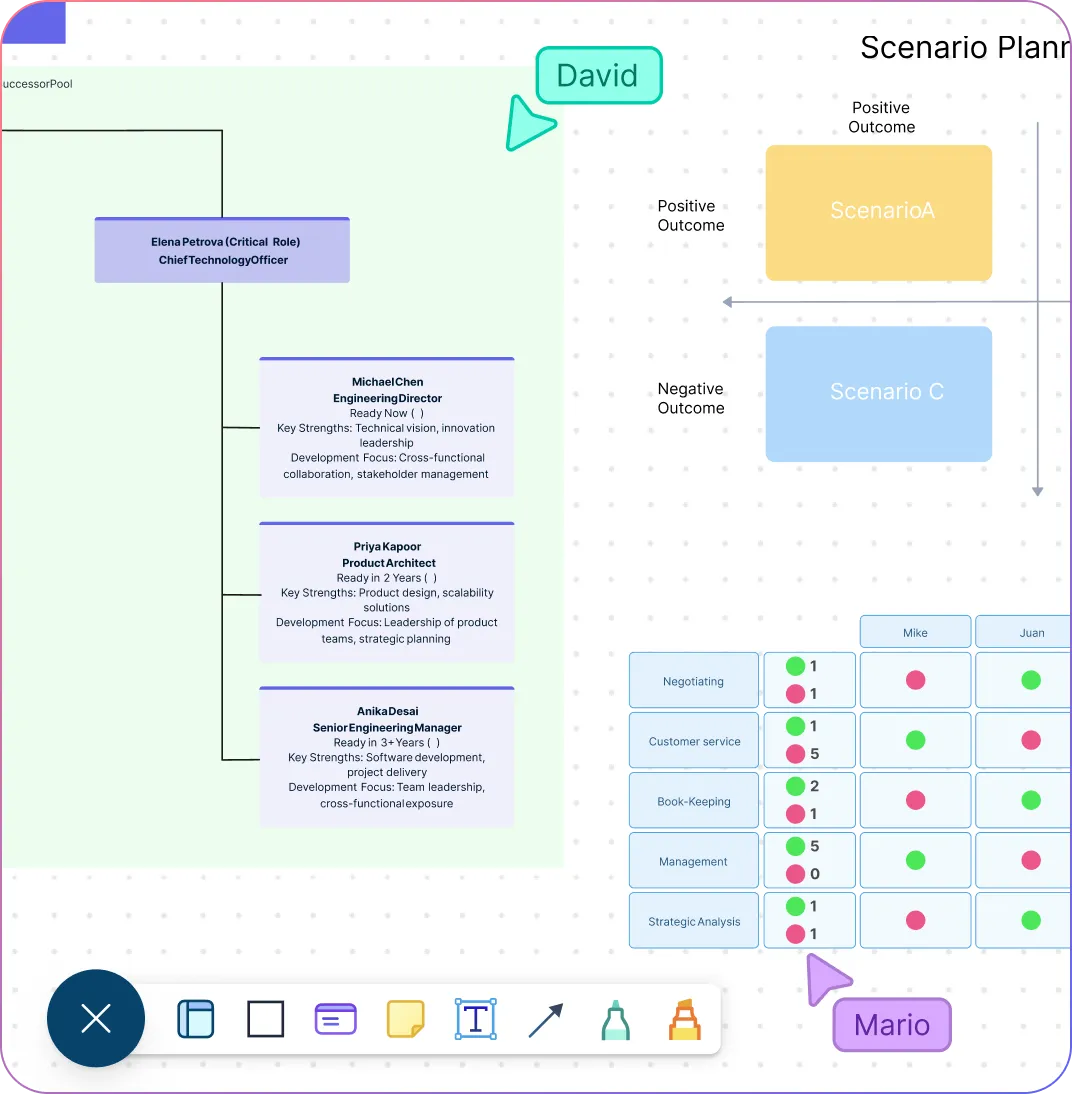
Scenario planning — model promotions, retirements, and unexpected exits
Real-time collaboration — align stakeholders in one shared plan




 Diagramming Visual Collaboration Org Chart


Build a Clear Leadership Pipeline
Use a live organizational chart as the backbone for succession planning so critical roles, reporting lines, and successor coverage stay easy to read.
Track successor readiness, bench strength, and development priorities in context instead of splitting decisions across separate files.
Run “what-if” scenarios for retirements, promotions, and unexpected departures to understand continuity risk before changes hit the live org.
Keep succession conversations grounded in one shared workspace that links roles, people, and planning decisions for faster reviews. That same workspace can source from HRIS exports or CSVs with AI-powered column mapping instead of forcing teams to rebuild the org from scratch.
Align HR, Managers, and Executives
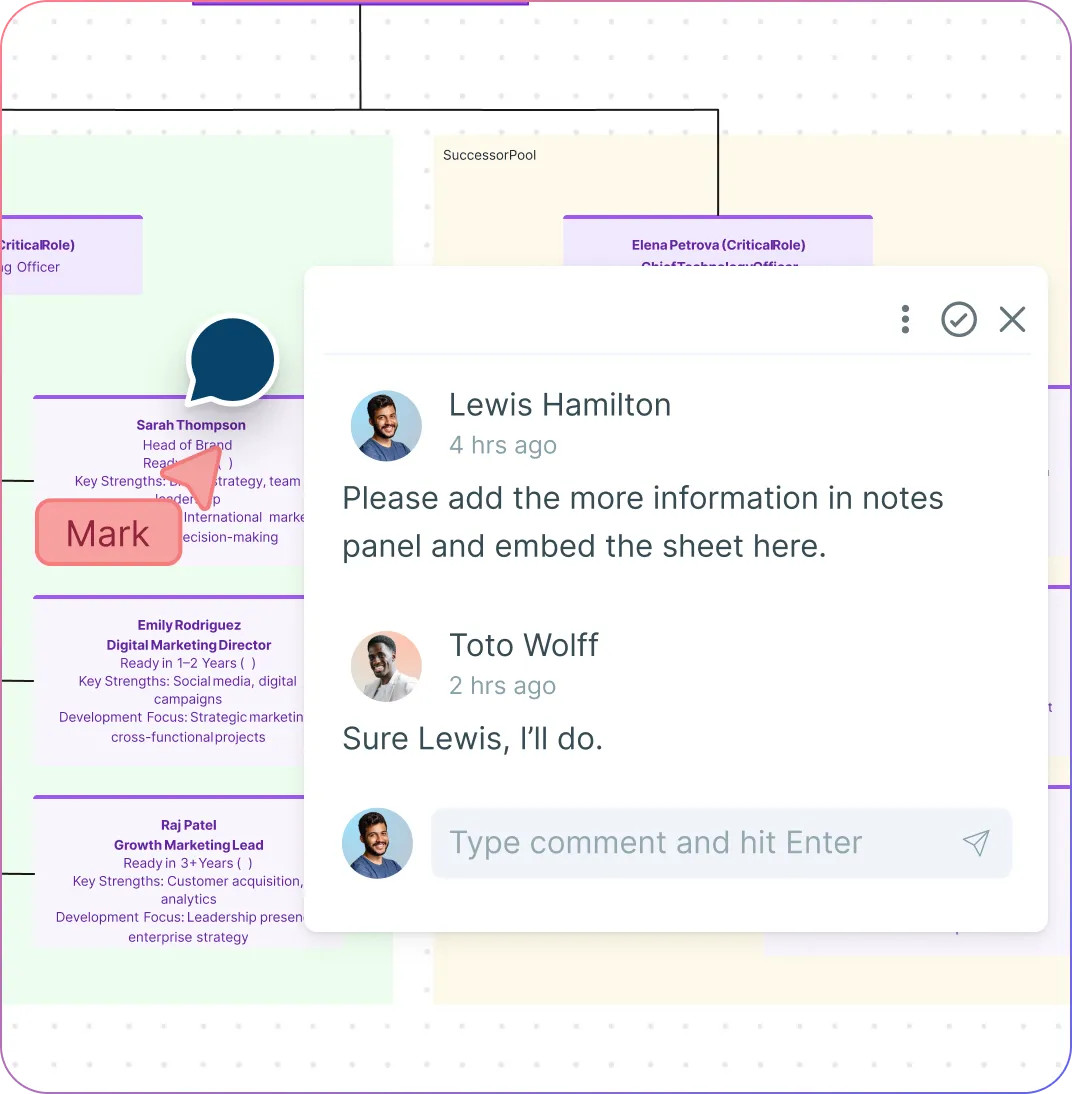
Bring HR, managers, and executives into one shared planning flow so org updates, successor discussions, and readiness decisions happen in the same place.
Share the right level of detail with the right stakeholders using workspace permissions, focused department views, and structured field visibility for leadership reviews.
Capture comments, context, and next steps directly on the workspace instead of chasing feedback across decks and email threads.
Start with succession templates, then extend them into broader succession and workforce planning workflows as needs grow. Focused department views can also stay linked to the parent org, so each reviewer sees the slice they need without breaking the underlying structure.
Turn Planning Into Action
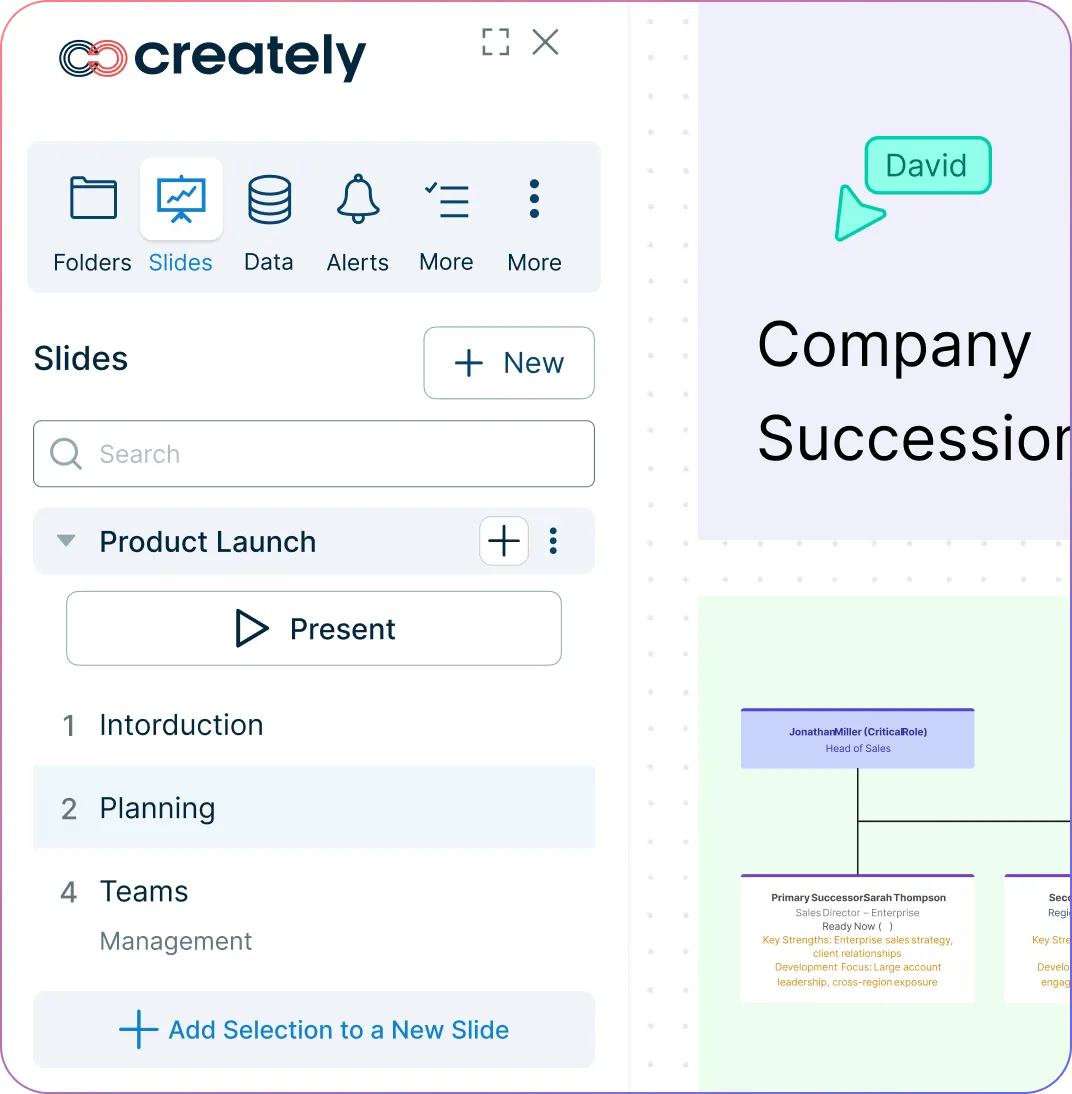
Review readiness, coverage gaps, and succession risk visually so development priorities are easier to explain and act on.
Compare current and future-state plans side by side when leadership wants to evaluate different transition paths.
Share plans in leadership reviews with live workspaces, exports, and presentation-ready views.
Keep succession planning tied to the org structure and people data that matter most, without rebuilding the story for every review cycle. Historical views show dated org relationships, while readiness and development assessments require their own review records and appropriate field-level access.
What Is Succession Planning?
How to Create a Succession Plan
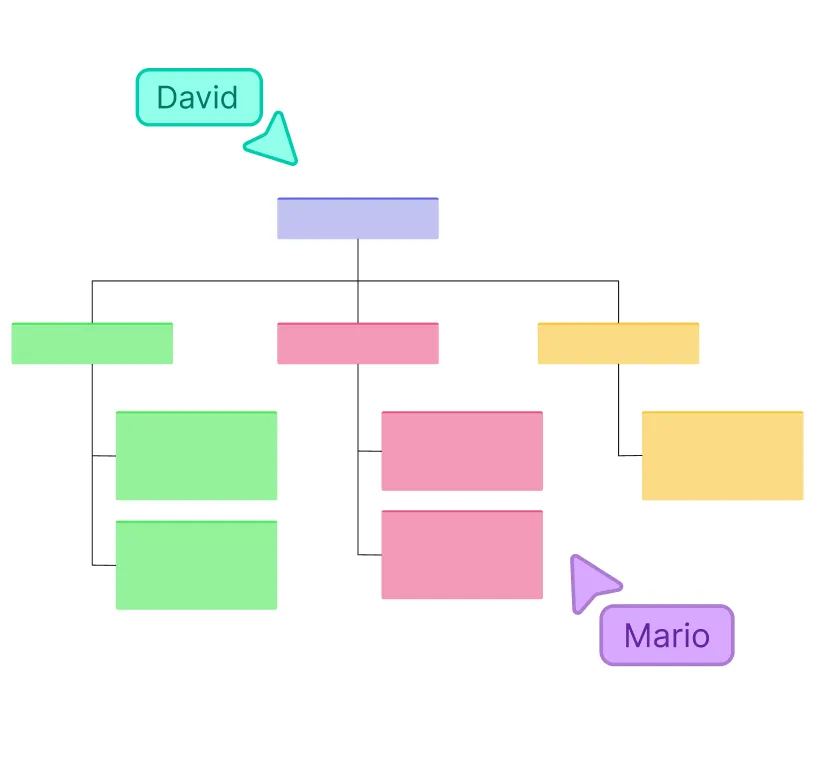
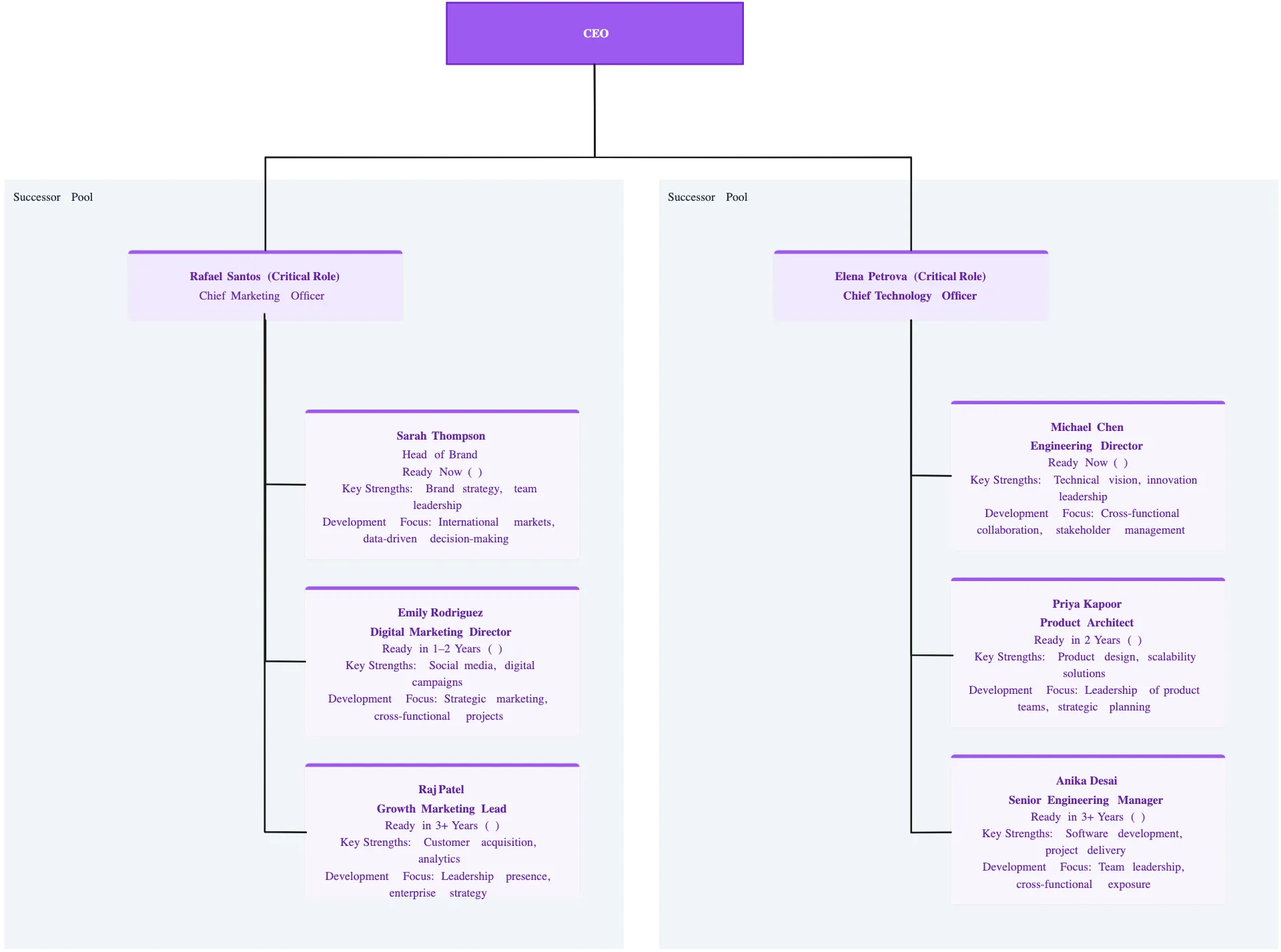
Start with a visual succession map
Use Creately’s drag-and-drop canvas to map out key roles, teams, and potential successors. Visualizing your talent pipeline helps you quickly identify gaps and plan for future leadership needs.
Assess skills and readiness
Track role-specific readiness, experience, and supporting context directly on your map so it is easier to see who is ready now, who needs development, and where coverage is thin. That context can stay connected across multiple field packs, keeping succession, workforce, and compensation signals aligned across 15 field packs when the review gets more complex.
Run scenarios
Plan for retirements, promotions, or unexpected departures by running “what if” scenarios. Atlas records proposed org changes separately so you can compare them and review successor coverage before applying or discarding a scenario.
Review with stakeholders
Invite HR, managers, and executives to co-edit the succession plan in real time. Gather comments, feedback, and insights directly on charts and dashboards for transparent, informed decisions.
Assign development action and track progress
Share or export your succession planning chart, dashboards, or reports for leadership reviews, board meetings, or team updates. Keep the plan aligned with your latest HRIS exports and planning files through repeatable imports so it stays accurate and actionable. Sensitivity controls also help board-ready views stay focused without exposing confidential planning data.
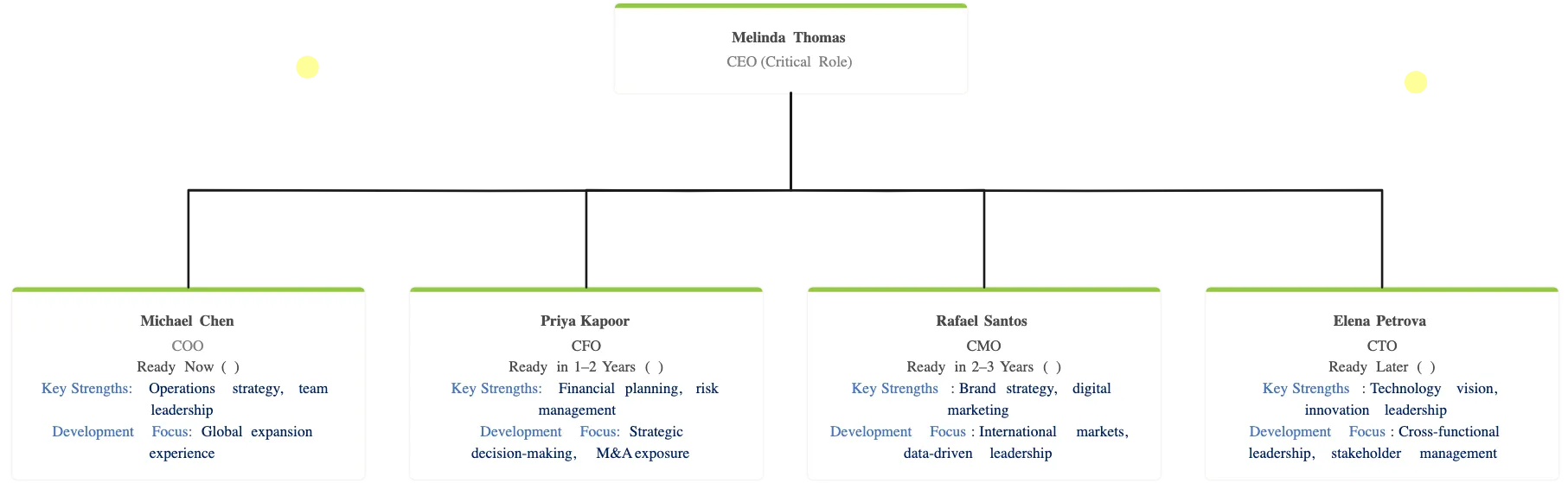
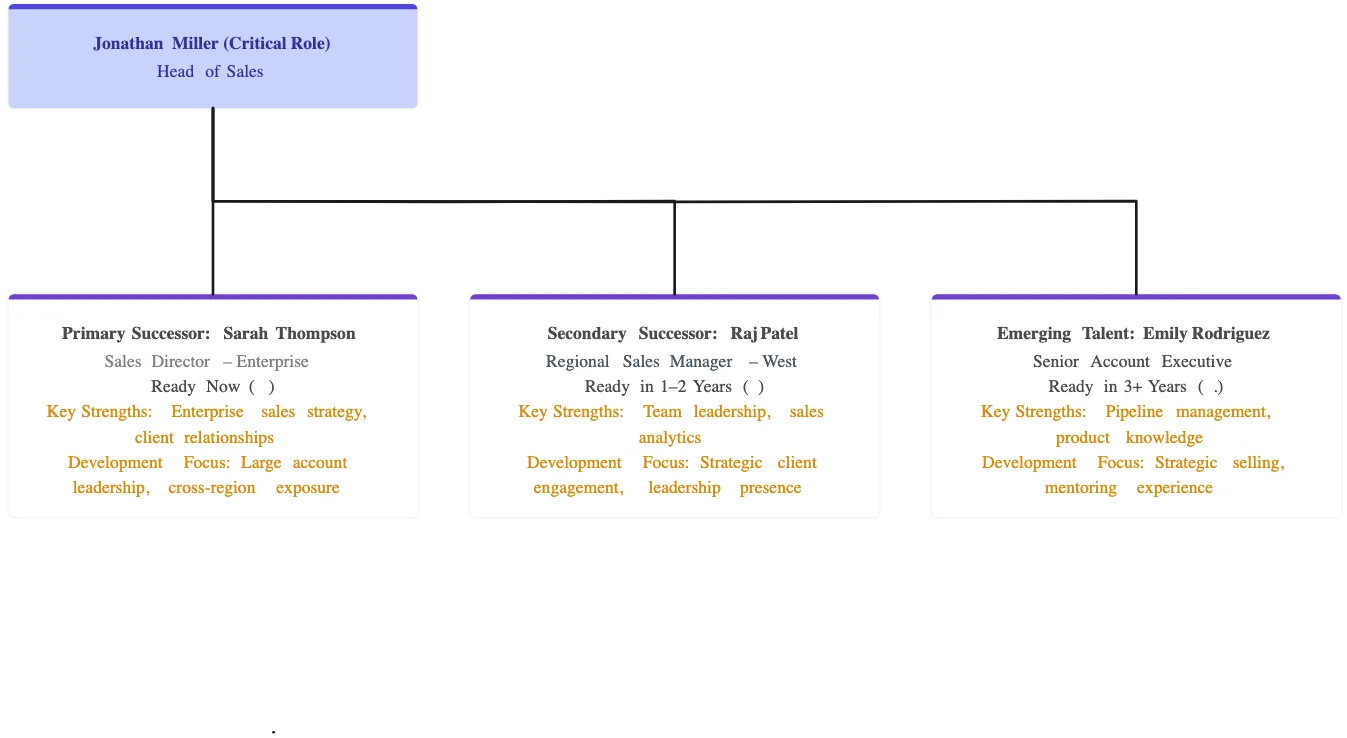
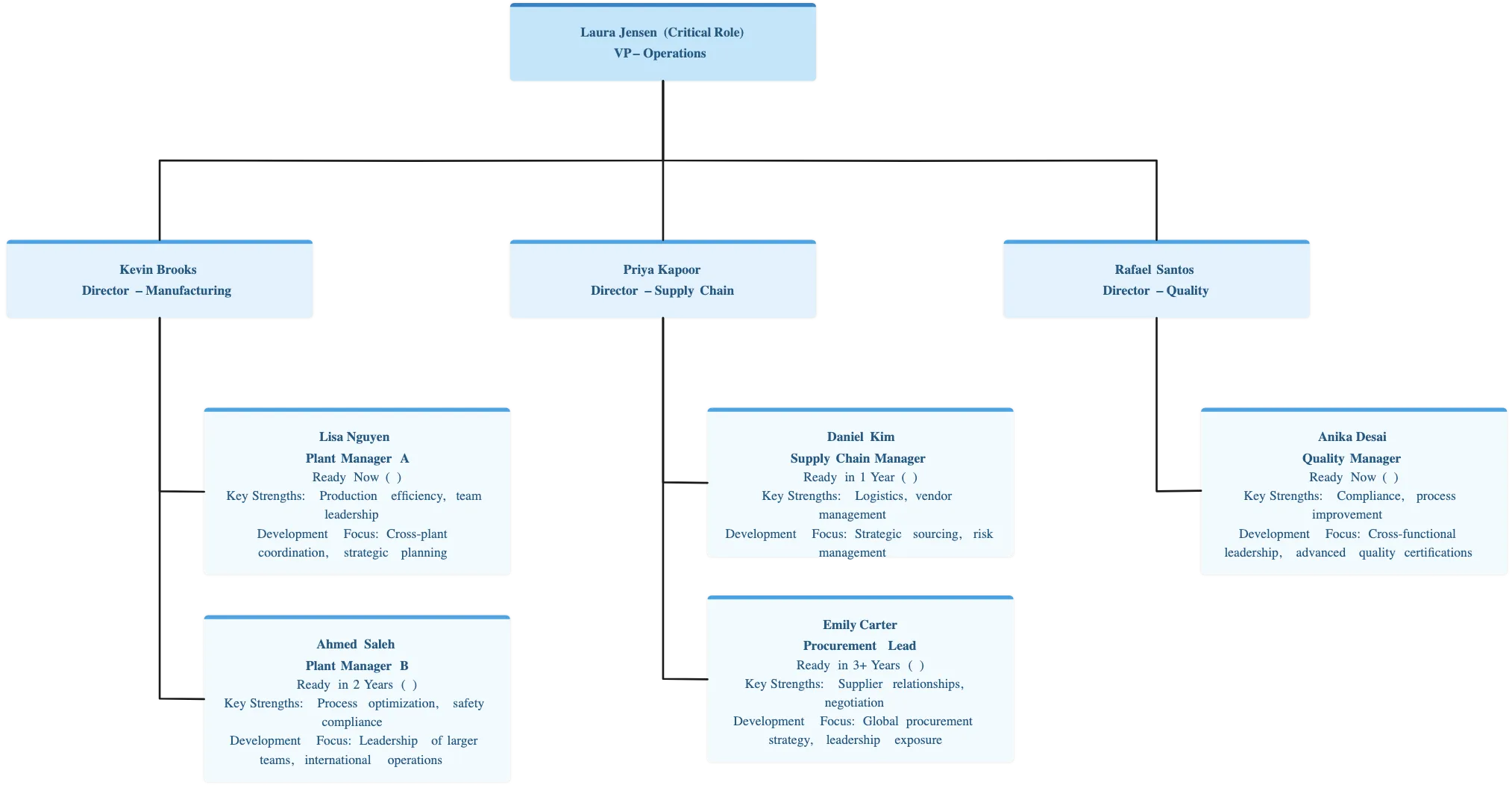
Create a Succession PlanFree Succession Planning Templates for Growth and Continuity
FAQs About Creately’s Online Succession Planning
What are Creately’s succession planning software pricing plans?
- Free Plan — $0/month for basic succession planning creation and collaboration
- Starter & Team Plans — $8/month or $5/month billed annually
- Business Plan — $149/month or $89/month billed annually
Annual billing helps you save more while unlocking advanced collaboration, workspace management, and enhanced succession planning features. You can compare all available plans and features on the Creately Pricing Page.
How can you create succession plans faster?
Are there templates for different succession planning use cases?
Can teams collaborate on succession plans?
Can I add notes, data, and files?
Can I share, present, or export succession plans?