Graphic Organizer Maker
Create Classroom-Ready Graphic Organizers Faster
Build, customize, and share visual organizers for lessons, reading activities, writing tasks, projects, and group work using editable templates and easy classroom collaboration tools.
- 100s of K-12 graphic organizer templates
- Drag-and-drop shapes, connectors, text, & images
- Real-time collaboration for class & group work




 Diagramming Visual Collaboration Org Chart


How to Make a Graphic Organizer in Creately
Set Up Your Workspace
Open Creately’s graphic organizer maker and create a workspace for your lesson, activity, assignment, or project. Invite students, teachers, or collaborators when you want them to view, edit, or review the organizer with you.
Choose the Right Graphic Organizer
Pick a format based on the learning goal. Use a concept map to connect ideas, a Venn diagram to compare topics, a story map to break down reading, a sequence chart to order events, or a KWL chart to guide discussion.
Add Your Lesson Content or Student Ideas
Add key concepts, reading notes, questions, examples, images, and supporting details to the canvas. Use shapes, text boxes, connectors, and labels to show how each idea relates to the others.
Customize the Organizer for the Activity
Adjust the layout, colors, headings, and sections to match the grade level, subject, or classroom task. Add notes, links, images, or files when students need extra context without crowding the organizer.
Review, Share, Present, or Export
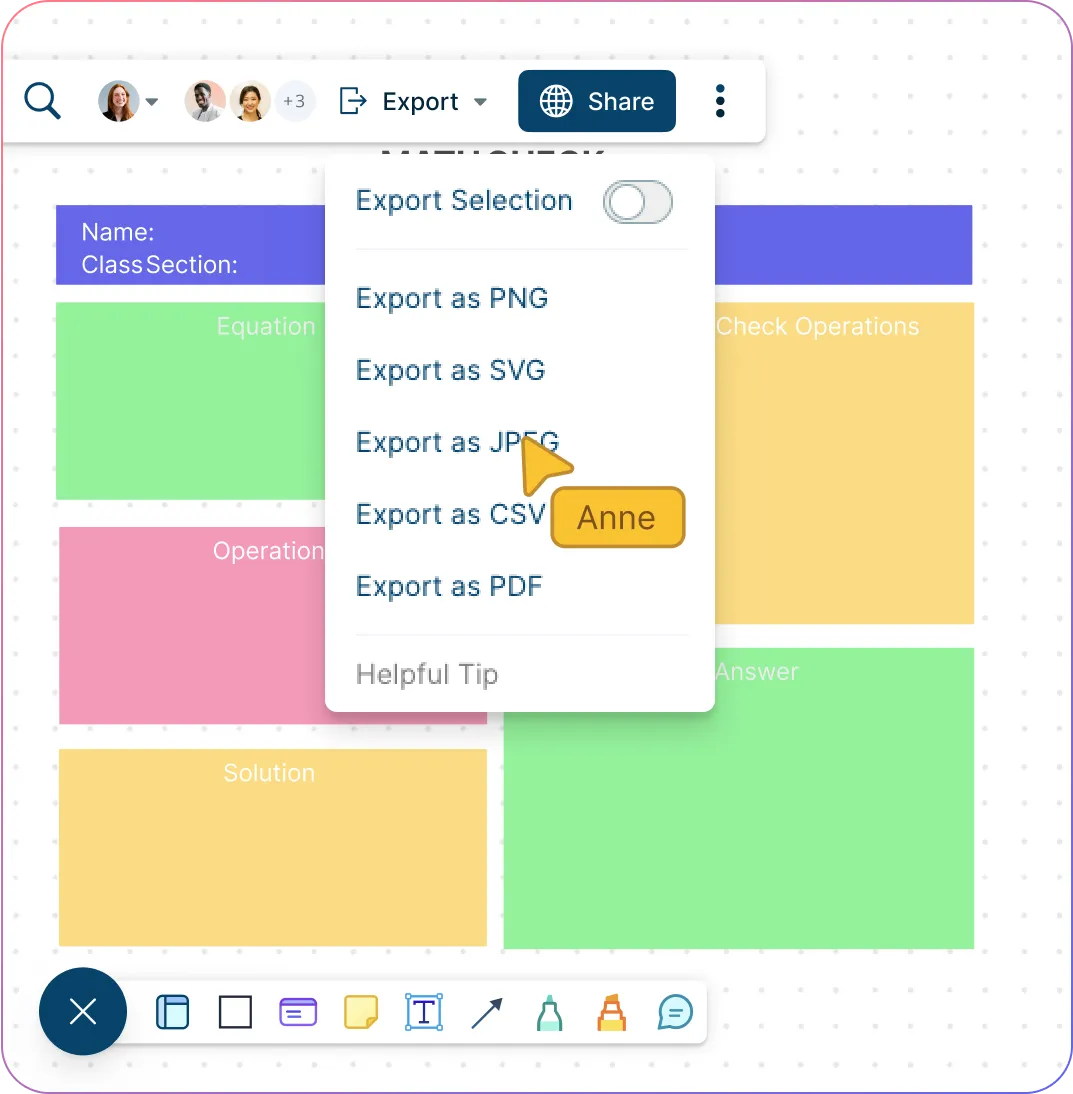
Use comments and @mentions to give feedback, guide revisions, or support group work. Share the organizer with the right access level, present it in class, or export it as a PDF, PNG, SVG, or JPEG for worksheets, handouts, slides, or submissions.
Turn Lesson Materials Into Reusable Organizers
Prepare visual activities faster without rebuilding the same organizer for every subject, class, or learning goal.
Start with editable graphic organizer templates for common K-12 learning activities.
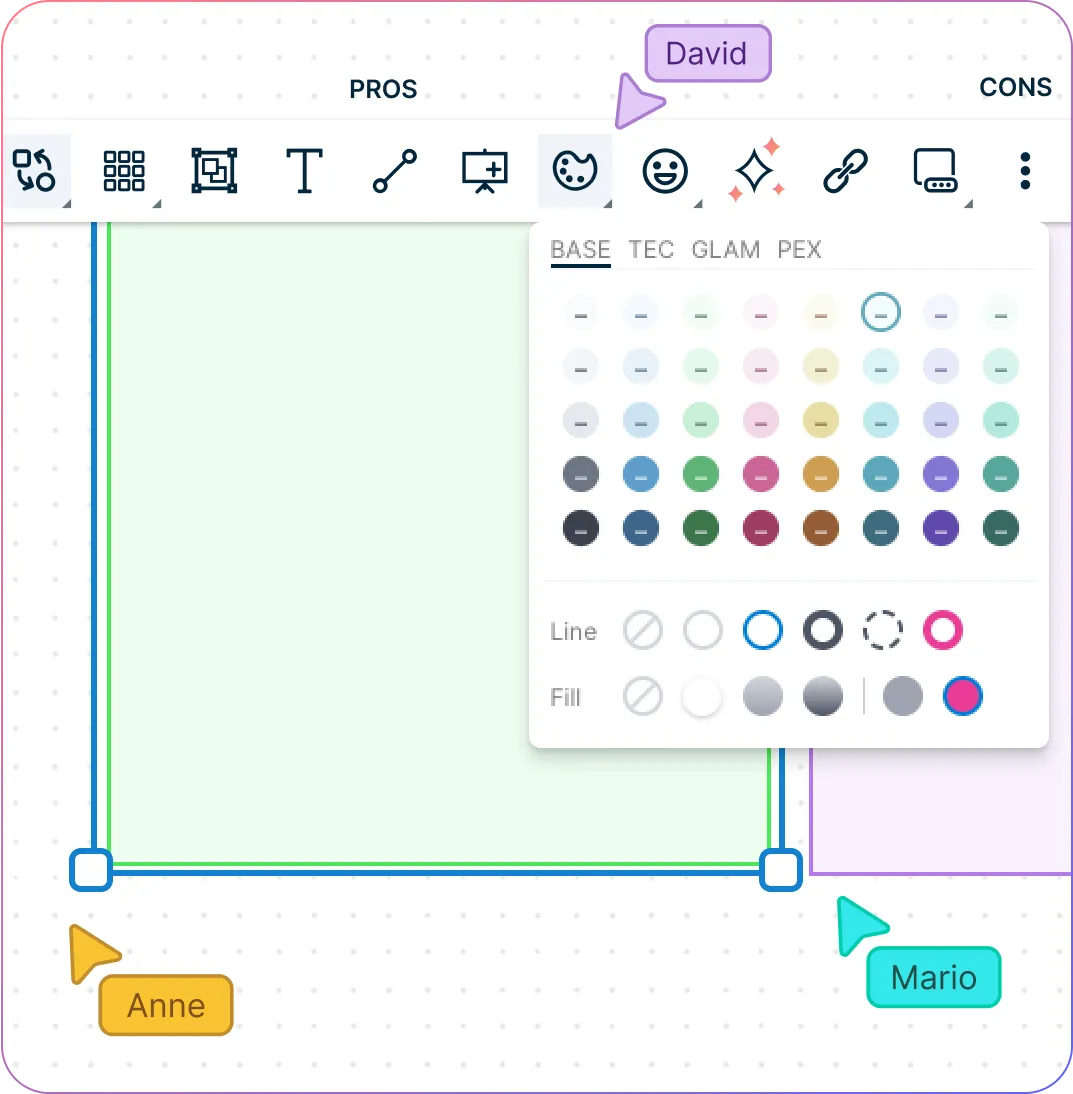
Customize headings, sections, colors, text, images, and connectors to fit the lesson.
Use the infinite canvas to plan simple activities or larger unit-level visual resources.
Add instructions, notes, links, files, and examples so students have the context they need.
Reuse and adapt organizers across classes, units, homeschool lessons, and student groups.
Turn Lesson Content Into Clear Visual Structures
Help students follow complex topics by turning scattered lesson ideas into organized visual structures.
Build organizers with drag-and-drop shapes, connectors, text, labels, and images.
Use freehand drawing to sketch quick ideas, annotate examples, or explain concepts live.
Add visuals, colors, and sections to make main ideas, details, steps, and relationships easier to follow.
Present organizers with frames to walk students through the lesson step by step.
Create lesson visuals, study aids, guided activities, reading maps, writing planners, and project boards.
Make Student Work Easier to Build, Review, and Share
Support active classroom participation, feedback, and sharing without moving work across separate tools.
Collaborate in real time during class discussions, group work, brainstorming, and remote learning.
Let students add ideas, complete organizers, connect concepts, and build on each other’s work.
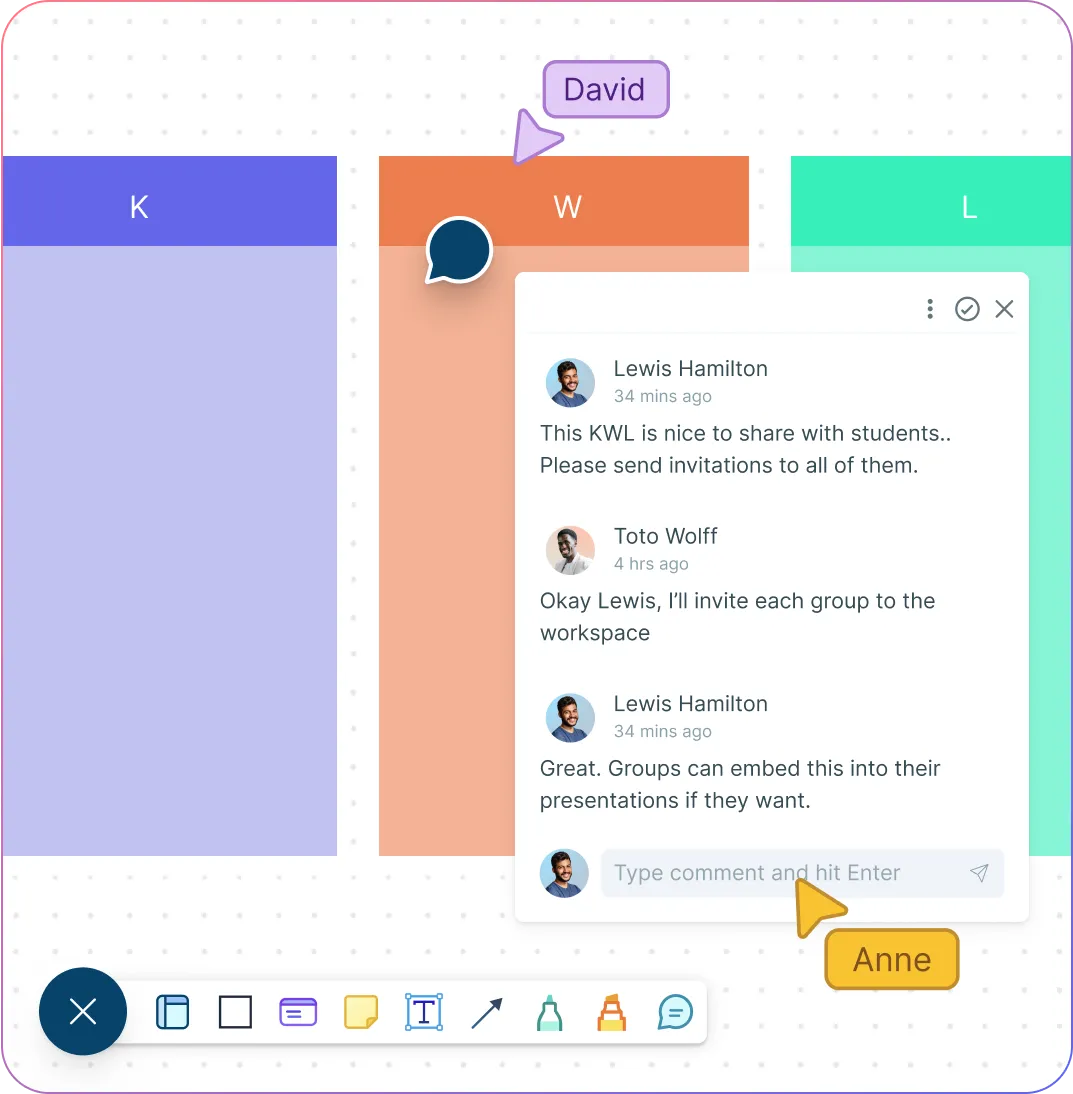
Use comments, @mentions, and access controls to give feedback and guide revisions.
Share organizers with view, edit, or review access based on the activity or assignment.
Export organizers as PNG, PDF, SVG, or JPEG for handouts, slides, LMS uploads, portfolios, and classroom displays.
What Can You Create With Creately’s Graphic Organizer Builder?
Concept Maps
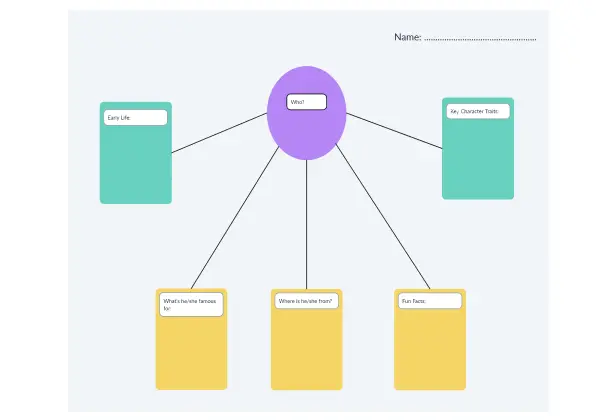
Help students connect main ideas, supporting details, examples, and related concepts across a topic or lesson.
Mind Maps
Capture ideas during brainstorming, prewriting, class discussions, research planning, or project work.
Venn Diagrams
Compare and contrast characters, texts, events, concepts, animals, historical periods, or scientific ideas.
Story Maps
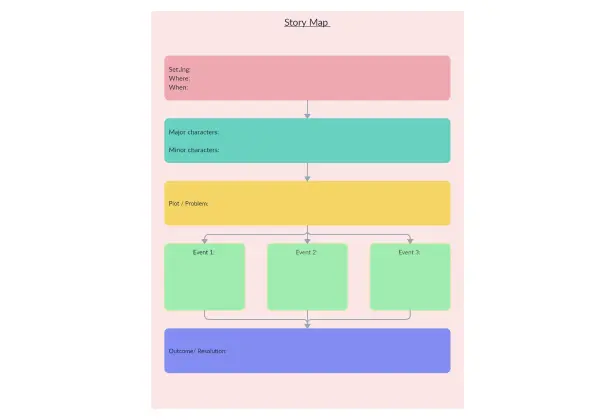
Break down setting, characters, conflict, plot, theme, and key events in a story or reading passage.
Sequence Charts
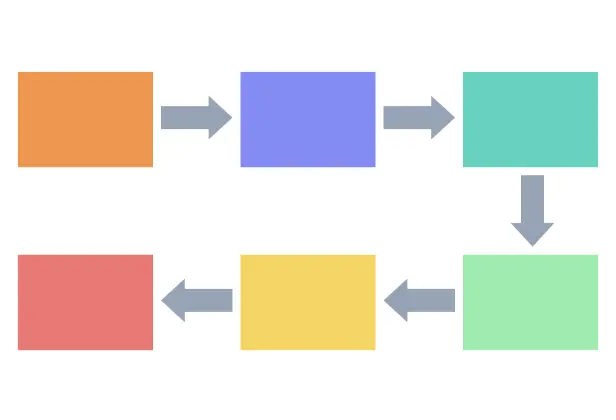
Show steps, timelines, life cycles, historical events, processes, procedures, or cause-and-effect chains.
KWL Charts
Guide students through what they know, what they want to know, and what they learned during a lesson or unit.
Cause-and-Effect Organizers
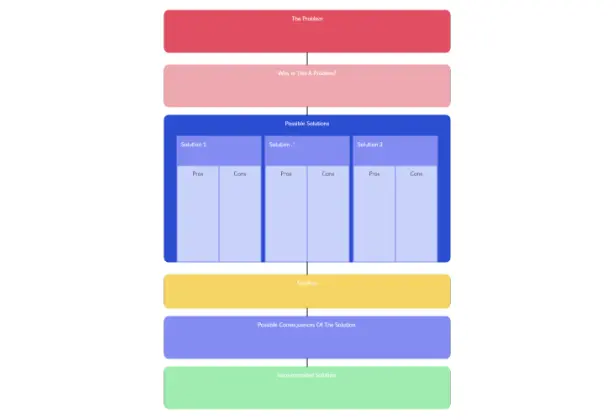
Help students explain why something happened, what changed, and how different events or ideas are connected.
Vocabulary Organizers
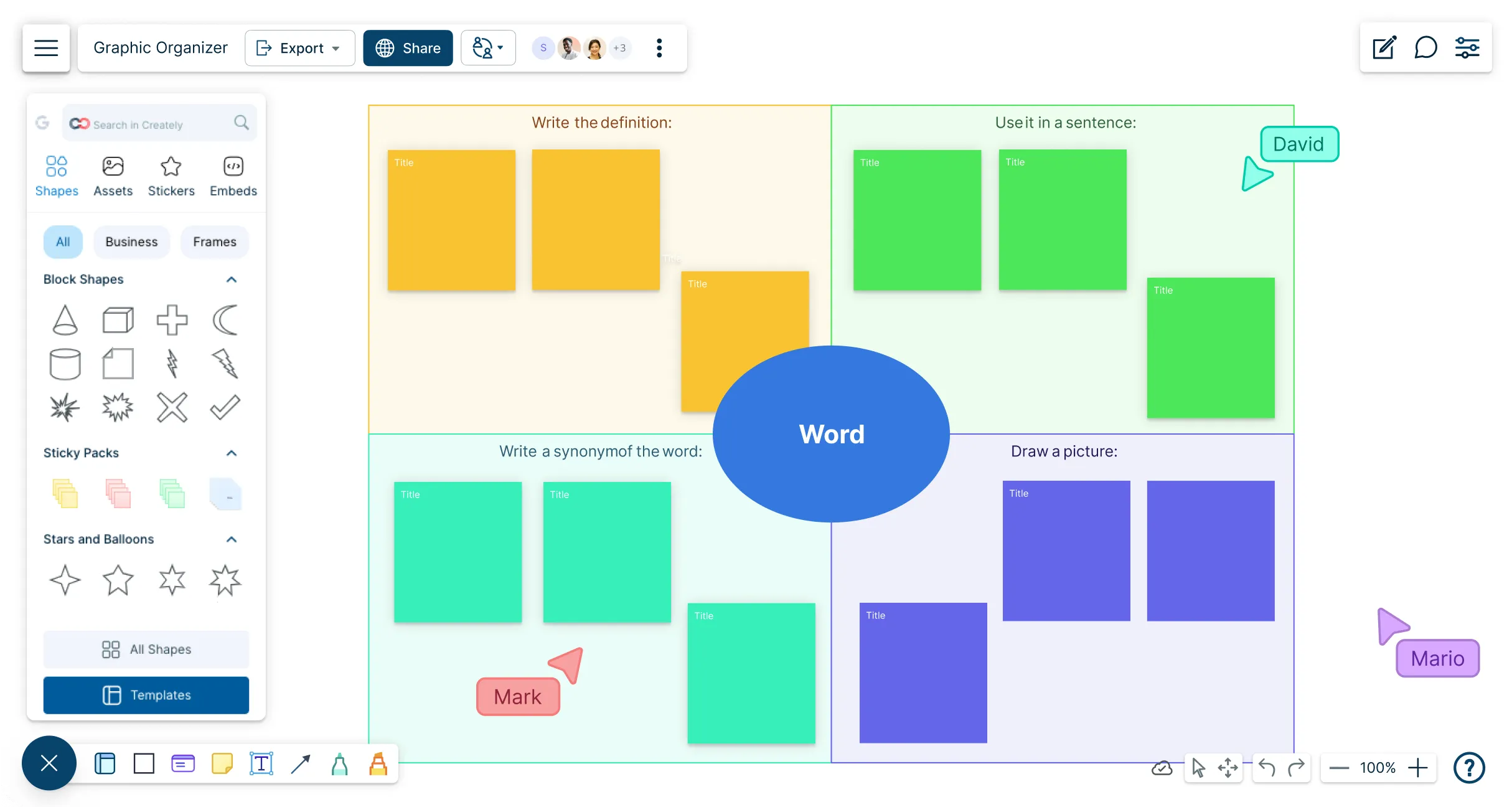
Build word meaning with definitions, examples, images, synonyms, antonyms, and sentence practice.
Writing Planners
Support essays, reports, stories, opinion writing, persuasive writing, and paragraph structure.
Project Planning Organizers
Help students plan research projects, group assignments, presentations, tasks, deadlines, and responsibilities.
Create Graphic Organizers in Minutes with These Free Editable Templates
FAQs about the Graphic Organizer Creator
What are Creately’s graphic organizer maker pricing plans?
- Free Plan — $0/month for basic graphic organizer creation and collaboration
- Starter & Team Plans — $8/month or $5/month billed annually
- Business Plan — $149/month or $89/month billed annually
Annual billing helps you save more while unlocking advanced collaboration, workspace management, and enhanced graphic organizer features. You can compare all available plans and features on the Creately Pricing Page.
How can you create graphic organizers faster?
Are there templates for different graphic organizer use cases?
Can teams collaborate on graphic organizers?
Can I add notes, data, and files?
Can I share, present, or export graphic organizers?
What is a graphic organizer?






















