Critical Path Software
Keep Projects on Track with the Critical Path Diagram Generator
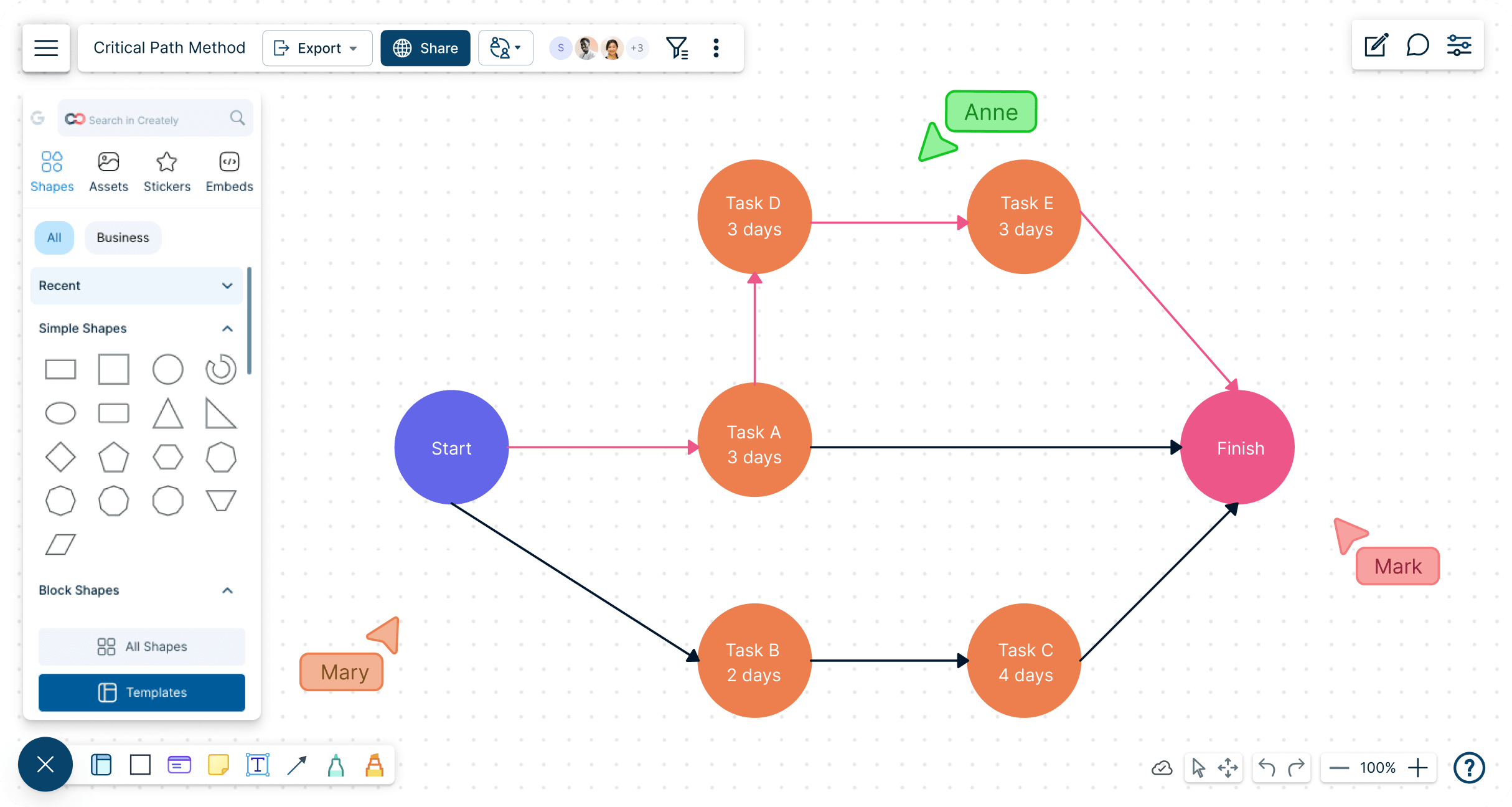
Go beyond basic Gantt charts with Creately’s CPM Maker to pinpoint key tasks and dependencies, ensuring projects stay on schedule.
Accurate path analysis for clearer timelines and resource allocation
Real-time collaboration for project managers, teams, and stakeholders
Flexible templates for technical, educational, and business project planning




 Diagramming Visual Collaboration Org Chart


Identify the Most Crucial Tasks in Your Project
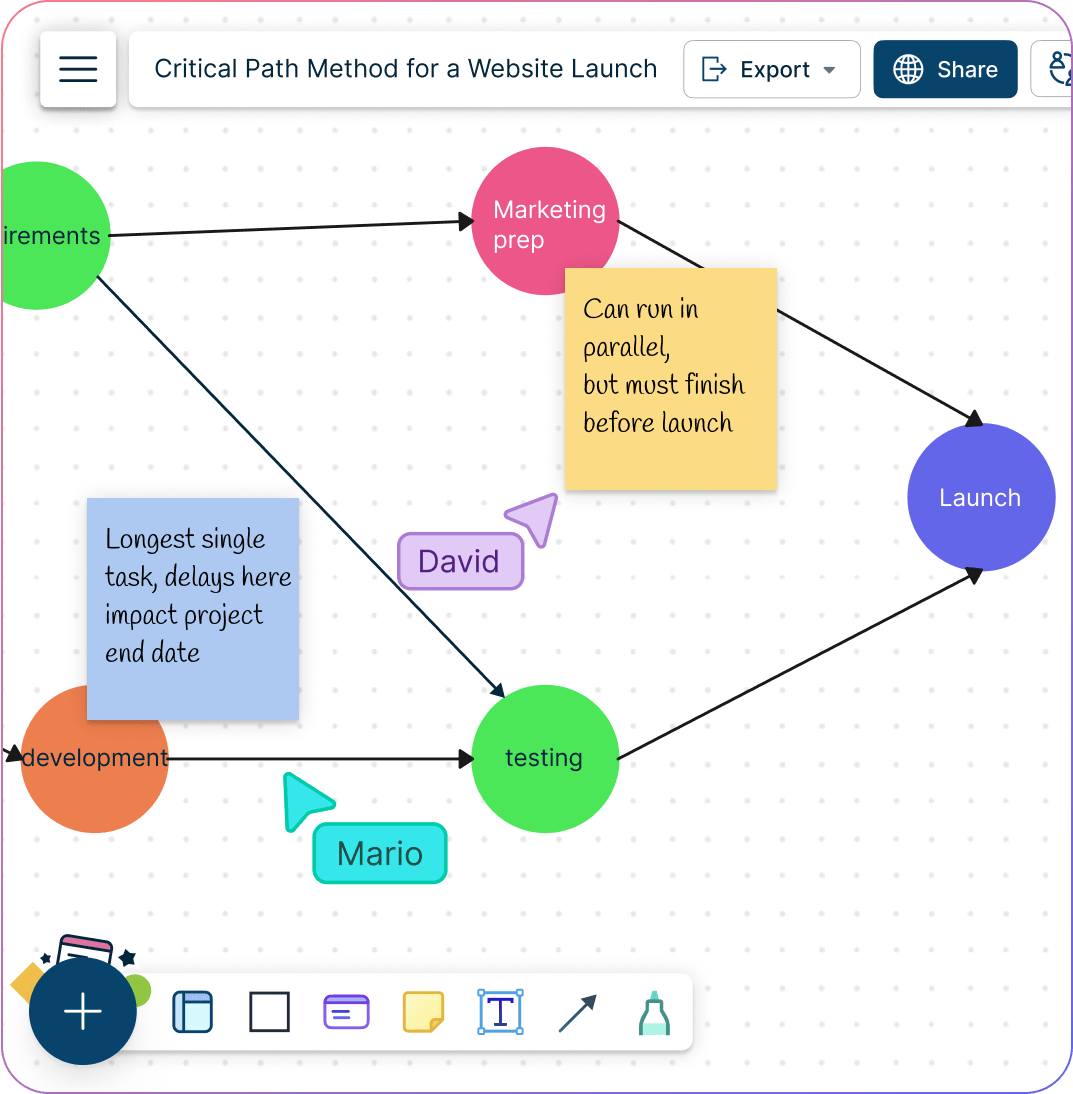
Visual tools to create critical path analysis charts, identify the critical path & tasks necessary to complete the project and the dependencies between them.
Multiple templates to easily add project details and generate your critical path.
Drag-drop functionality to identify essential & nonessential tasks & prioritize accordingly.
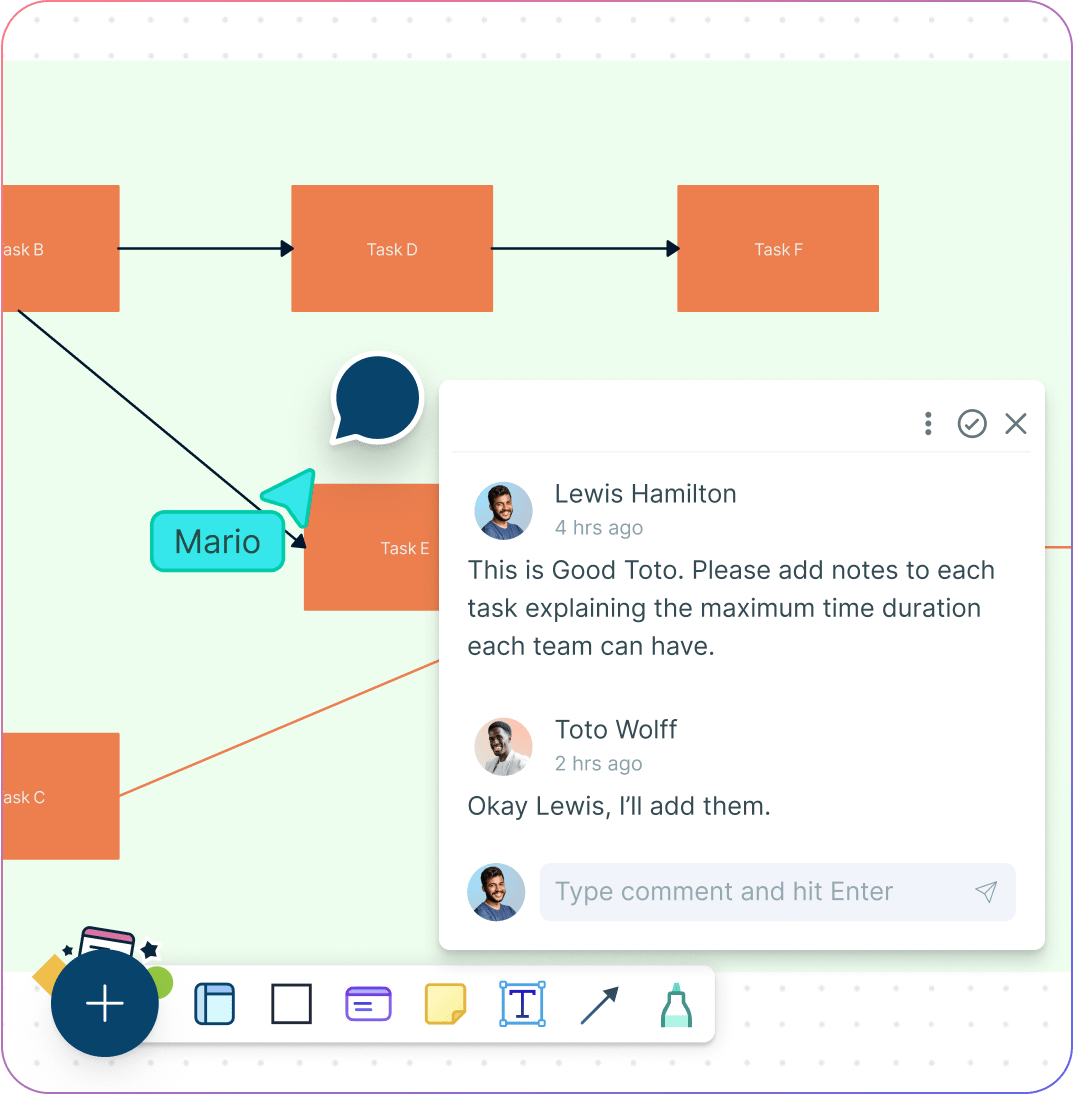
Create Project Schedules Together
Analyze current processes, breakdown tasks, set up timelines on a shared online canvas.
Contextual comments to have discussions and follow-ups on the same canvas.
Use @mention to assign people to tasks and add due dates.
A Better Way to Manage Complex Projects
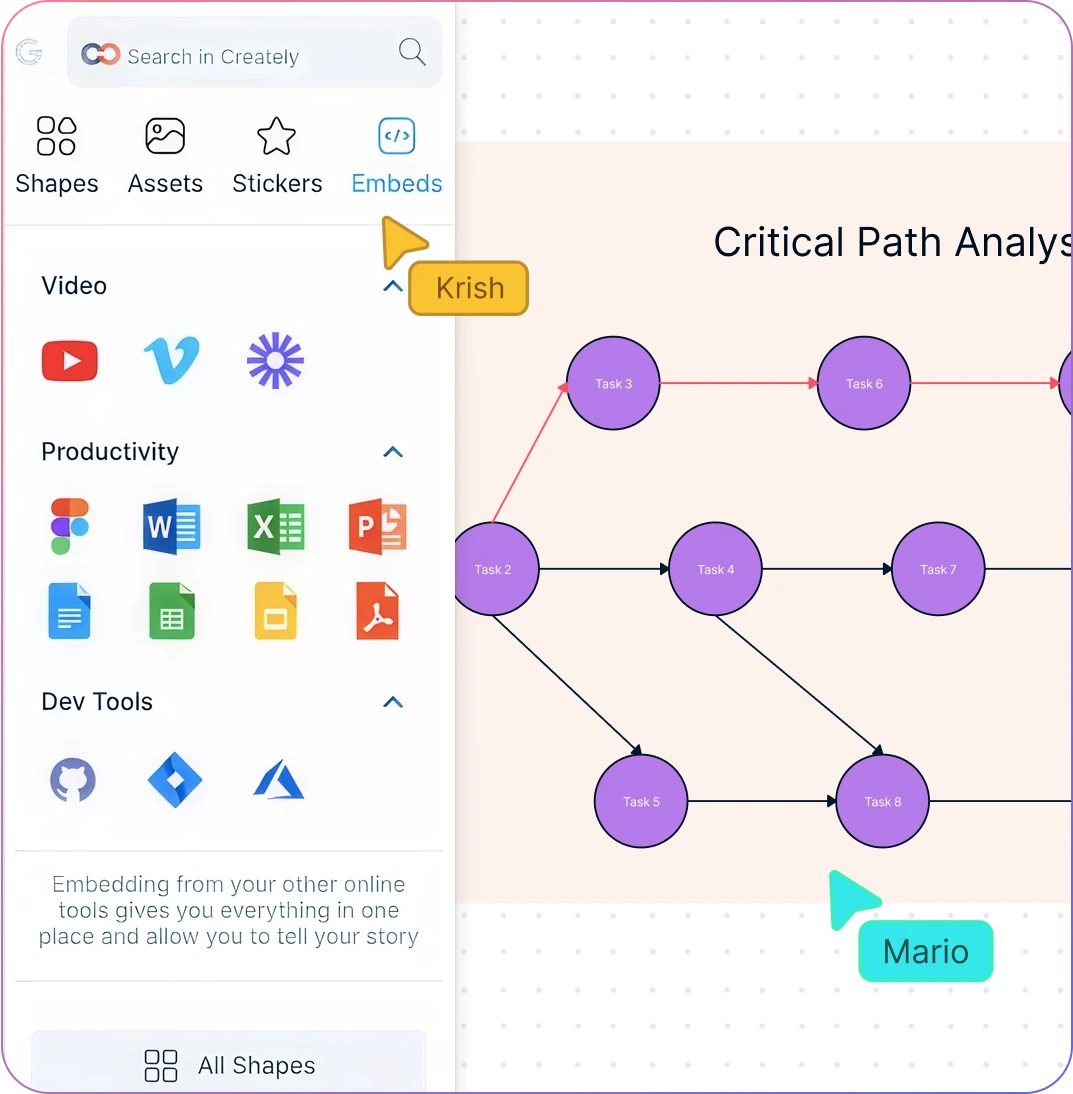
Import data from other project management tools with multiple integrations.
Attach additional information to each node with integrated notes.
Connect to roadmaps, kanbans and more to begin executing your project.
What is a Critical Path Analysis?
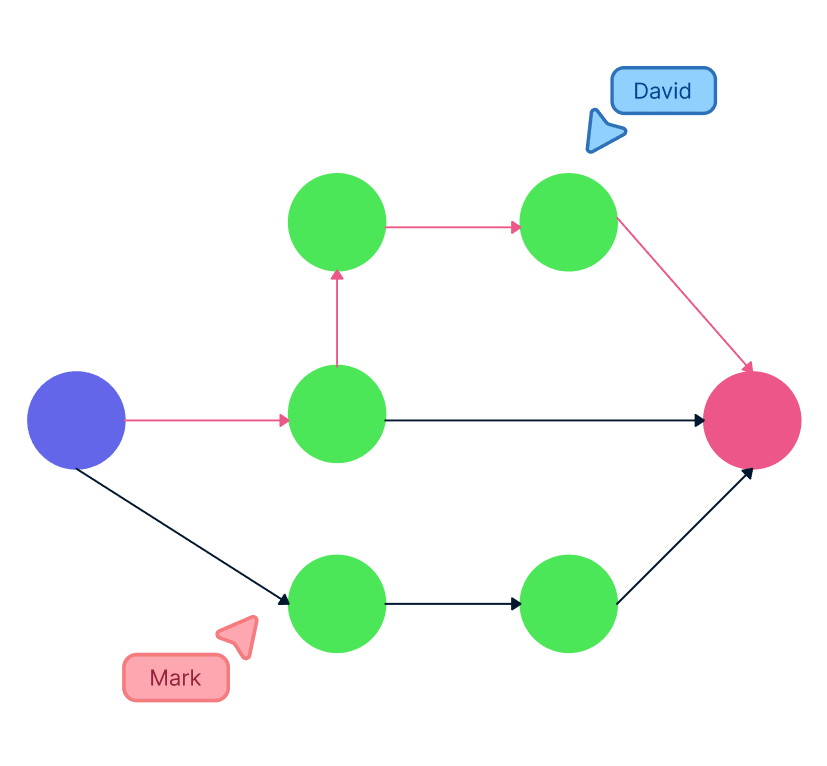
How to Create a Critical Path Method?
Open a Critical Path Template
Launch Creately, open a new workspace, and choose a Critical Path Method (CPM) template from the library. Add collaborators as editors so everyone can contribute in real time. Use the Notes Panel to record project objectives and scope for shared context.
Add Project Tasks
Start by entering all the key activities required to complete your project. Break them down into manageable tasks and make sure to give descriptive names to each. Group tasks into a Work Breakdown Structure (WBS) to visualize hierarchy and scope. Add sticky notes for brainstorming, and make sure every activity needed for completion is captured.
Define Dependencies and Time Estimates
Connect tasks using Creately’s drag-and-drop connectors to map dependencies. Add estimated durations directly in the shapes or notes. This creates a clear project network diagram with both sequencing and timelines.
Identify the Critical Path
Analyze your network to find the longest sequence of dependent tasks—the critical path. Use color coding or shape styles to highlight it clearly so the team can easily identify the tasks that must stay on schedule.
Review, Collaborate & Share
Track progress with real-time collaboration and built-in commenting. Use version history to monitor changes, update the diagram as the project evolves, and share the final chart by exporting it as a PDF/PNG or embedding it in reports and presentations.
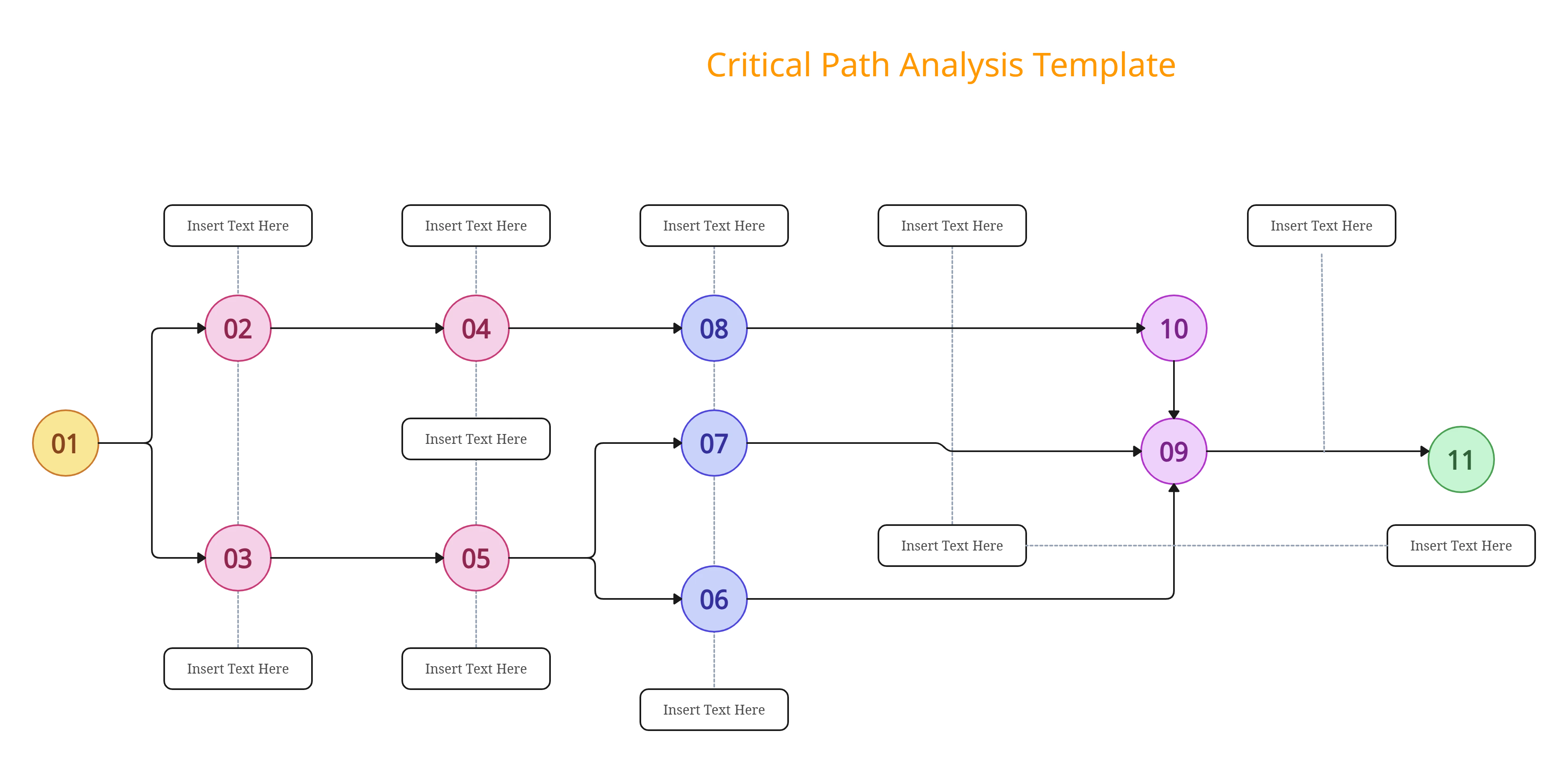
Identify Your Project Tasks Effectively with Critical Path Method Templates
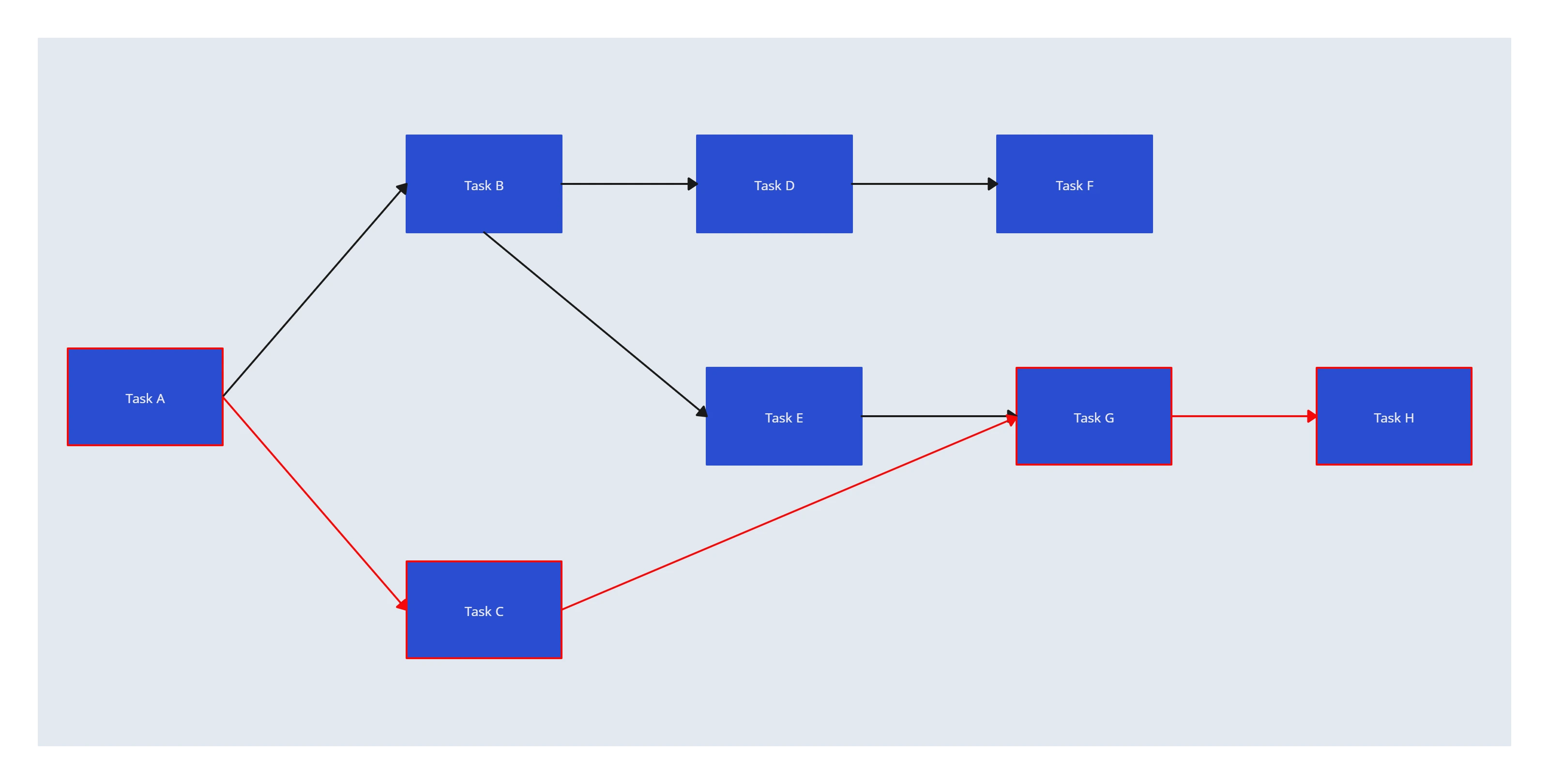
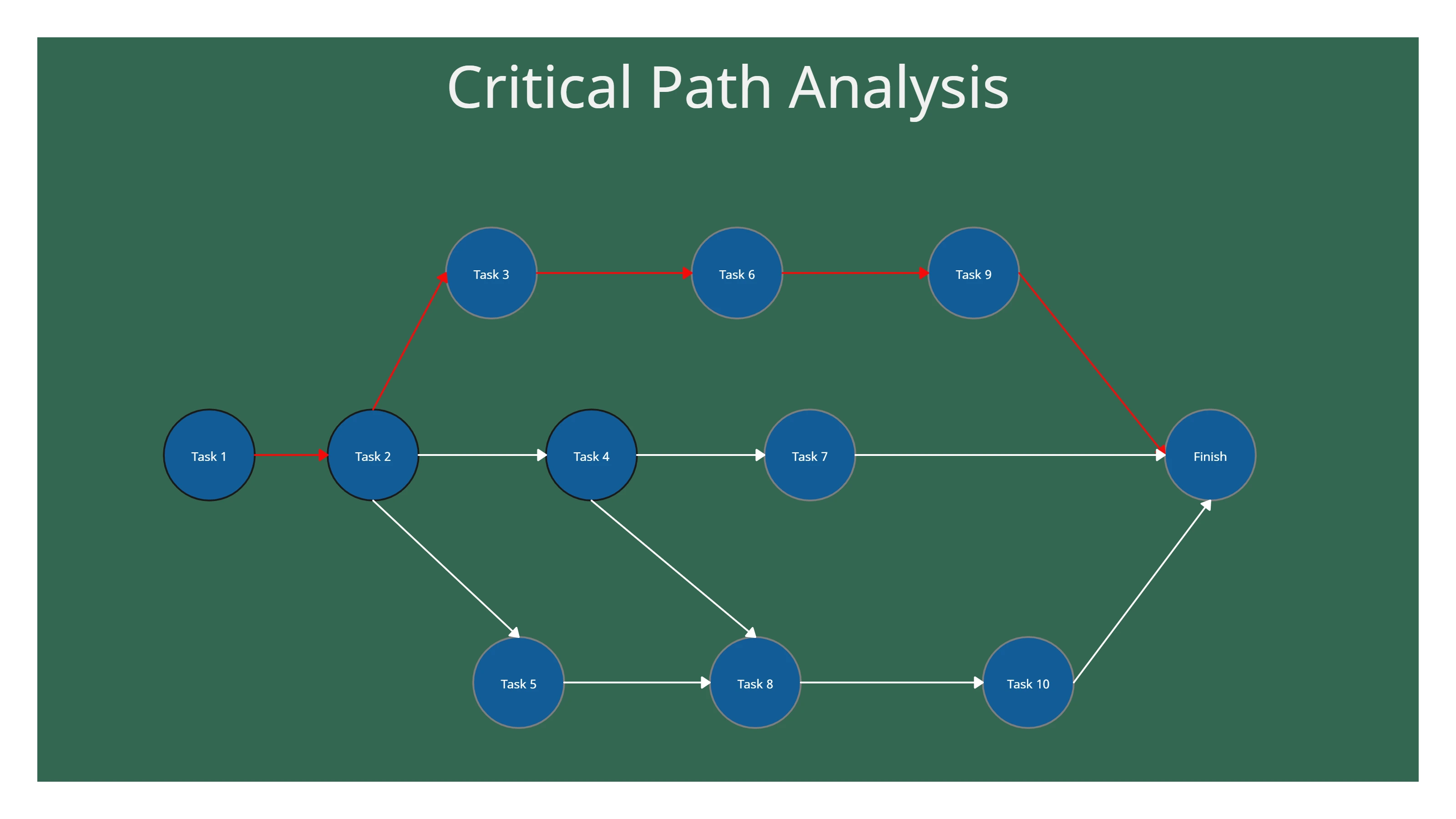
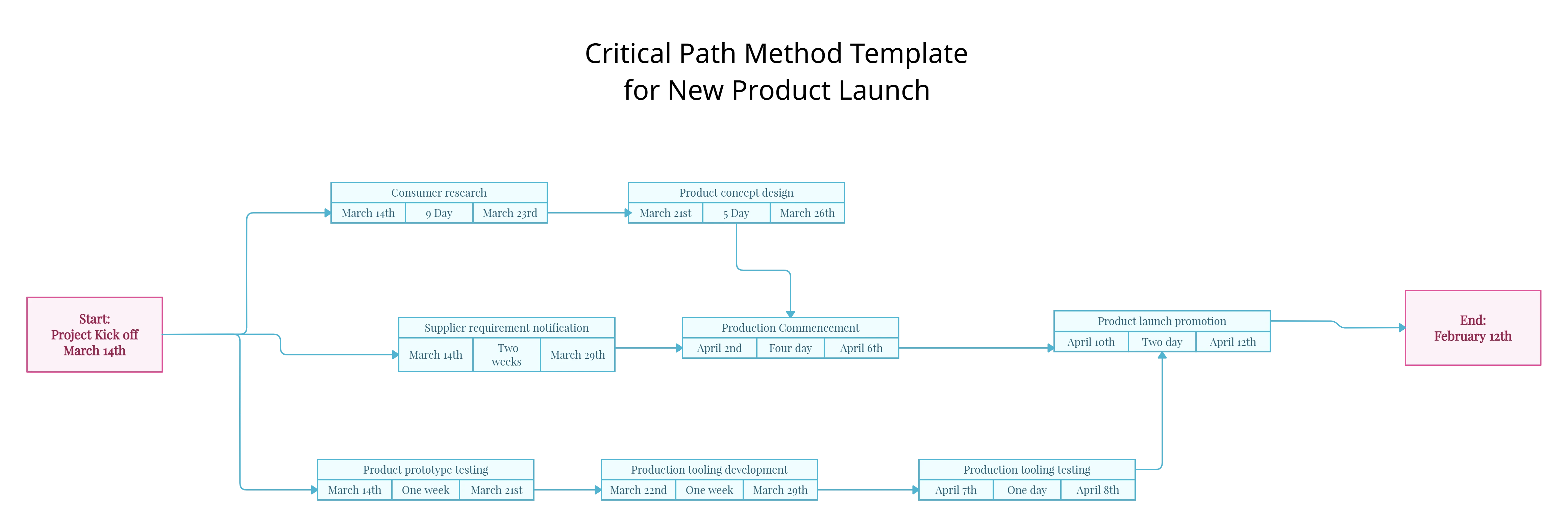
FAQs about the Critical Path Software
What are Creately’s critical path software pricing plans?
- Free Plan — $0/month for basic critical path creation and collaboration
- Starter & Team Plans — $8/month or $5/month billed annually
- Business Plan — $149/month or $89/month billed annually
Annual billing helps you save more while unlocking advanced collaboration, workspace management, and enhanced critical path features. You can compare all available plans and features on the Creately Pricing Page.
How can you create critical paths faster?
Are there templates for different critical path use cases?
Can teams collaborate on critical paths?
Can I add notes, data, and files?
Can I share, present, or export critical paths?






















