UML Diagram Online
Create Clear UML Diagrams for Software Design and Documentation
Creately is an online UML diagram tool for building class, sequence, use case, activity, and other UML diagrams. Start from a template or blank canvas, use standard UML shapes, and review the design with your team in one shared workspace.
- Create UML diagrams fast with templates and standard UML shapes
- Link notes, files, requirements, and decisions to diagram elements
- Review and update diagrams together with comments and sharing



 Diagramming Visual Collaboration Org Chart


Comparing modeling workflows before you standardize? Use our evaluation of the best UML tools for software teams to compare collaborative visual modeling, formal model engineering, offline drawing, and diagram-as-code.
How to Create a UML Diagram Online in Creately
Start with the right UML diagram type
Choose the UML diagram that matches what you need to explain, such as a class diagram for system structure, a sequence diagram for interactions, a use case diagram for user goals, or an activity diagram for workflow logic.
Open a template or blank workspace
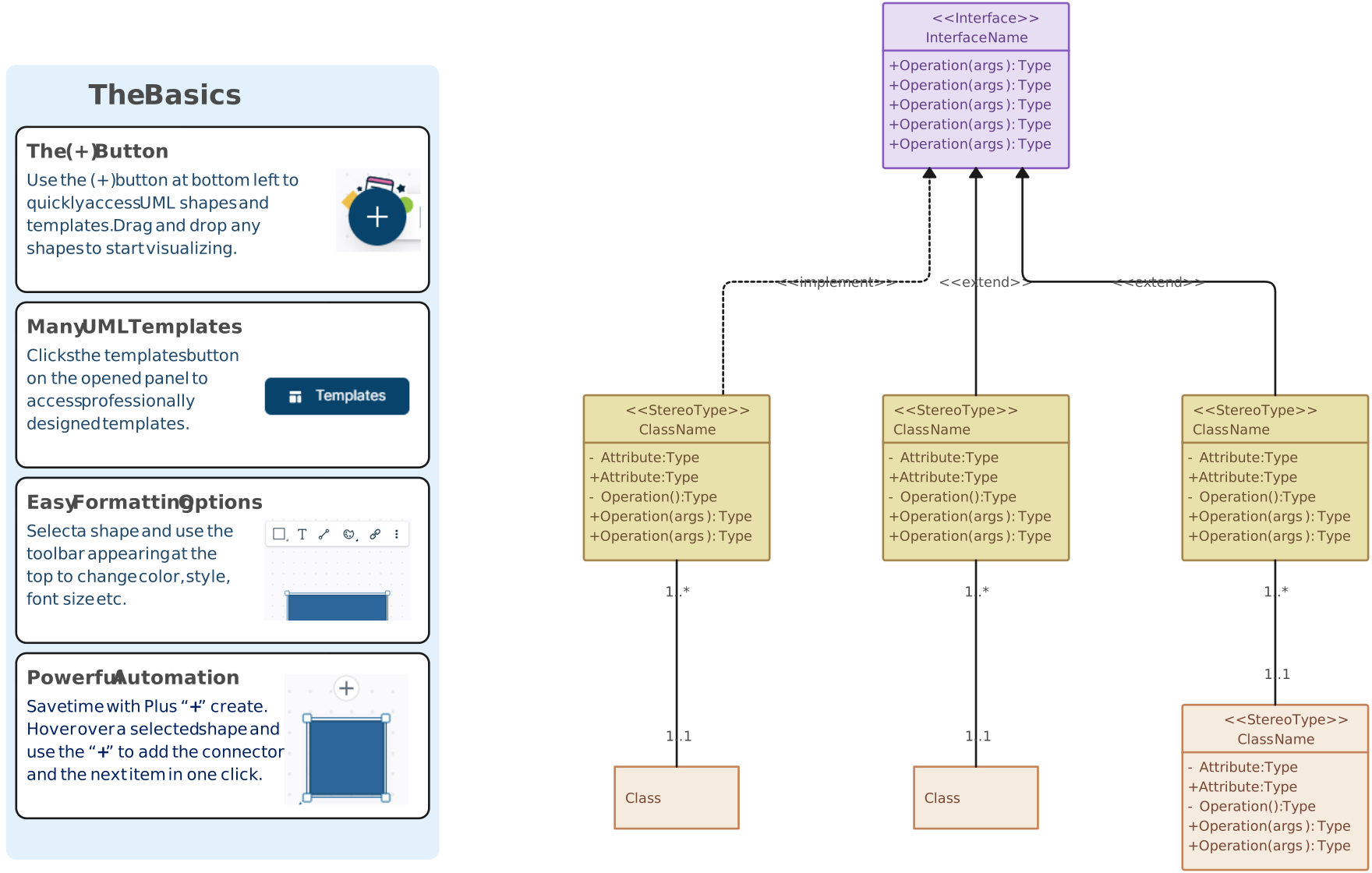
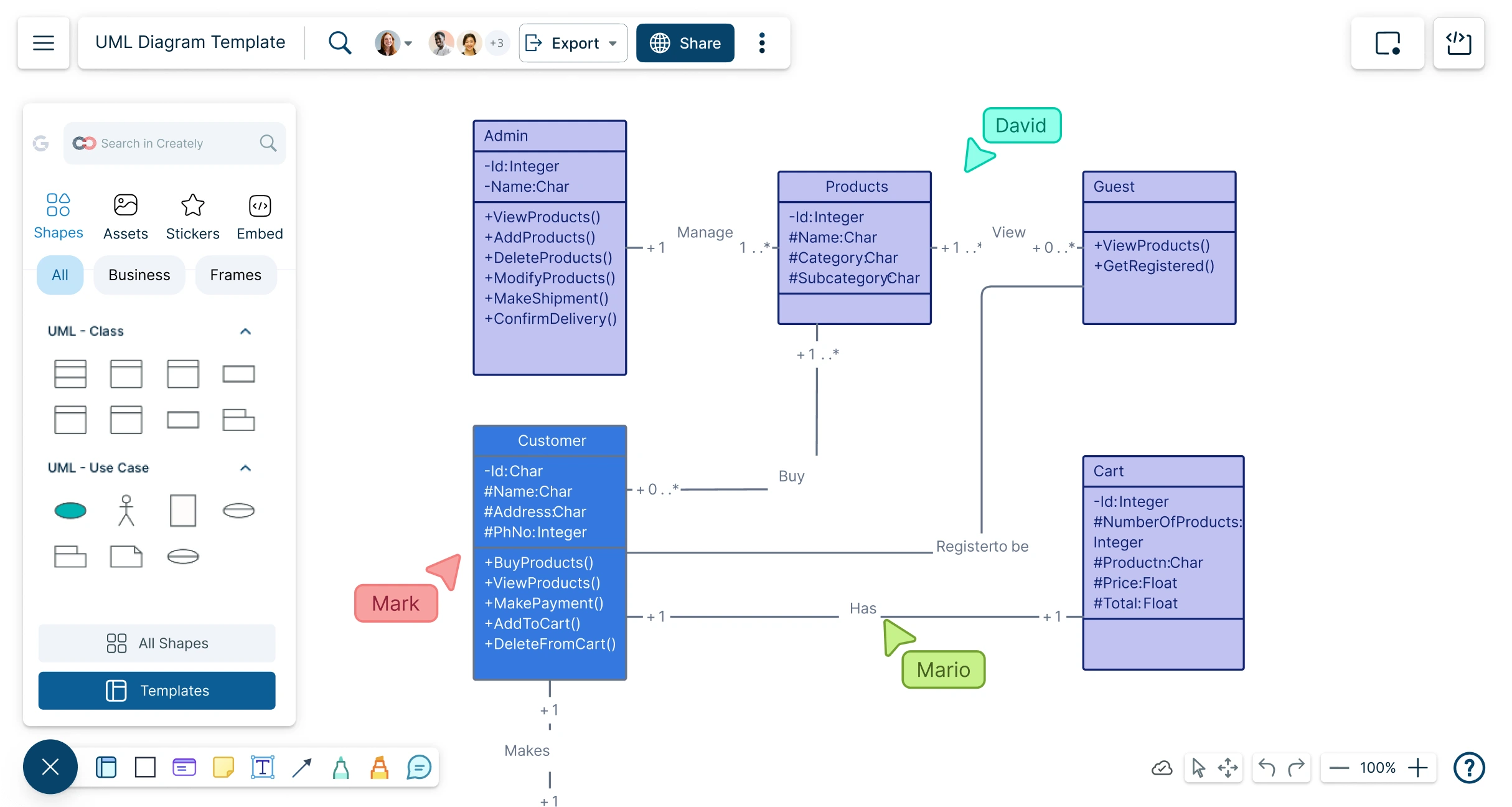
Start with a ready-made UML template or open a blank Creately workspace and use the UML shape library to build your diagram from scratch.
Add the main elements first
Place the key classes, actors, objects, components, activities, states, or nodes before adding detailed relationships so the diagram has a clear structure from the beginning.
Connect elements with UML relationships
Use UML connectors to show associations, dependencies, inheritance, messages, transitions, or flows between diagram elements.
Add supporting details without cluttering the canvas
Use notes, links, files, and custom fields to keep requirements, assumptions, API details, or design decisions connected to the right diagram elements.
Review, share, and export the diagram
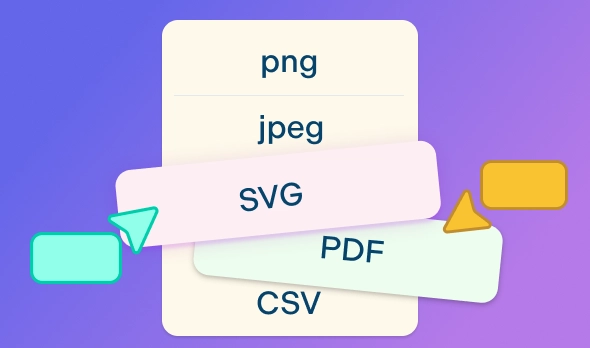
Invite teammates to comment, use version history to track changes, and export the final UML diagram as a PDF, PNG, SVG, or JPEG for documentation, reports, or presentations.
Watch this quick walkthrough to see how to create a UML diagram in Creately, use UML shapes and connectors, organize your diagram, and share it with your team.
Turn Requirements into Clear UML Models

Software requirements often live across tickets, meeting notes, documents, and technical discussions. Bring them into one visual workspace and turn them into UML diagrams that show system structure, behavior, interactions, and deployment clearly.
Start from editable UML templates or a blank canvas.
Use standard UML shapes for classes, actors, objects, components, states, activities, and interactions.
Create class, use case, sequence, activity, component, deployment, state machine, package, and other UML diagrams.
Keep related UML views close together so teams can understand how different parts of the system connect.
Make Complex UML Diagrams Easier to Follow
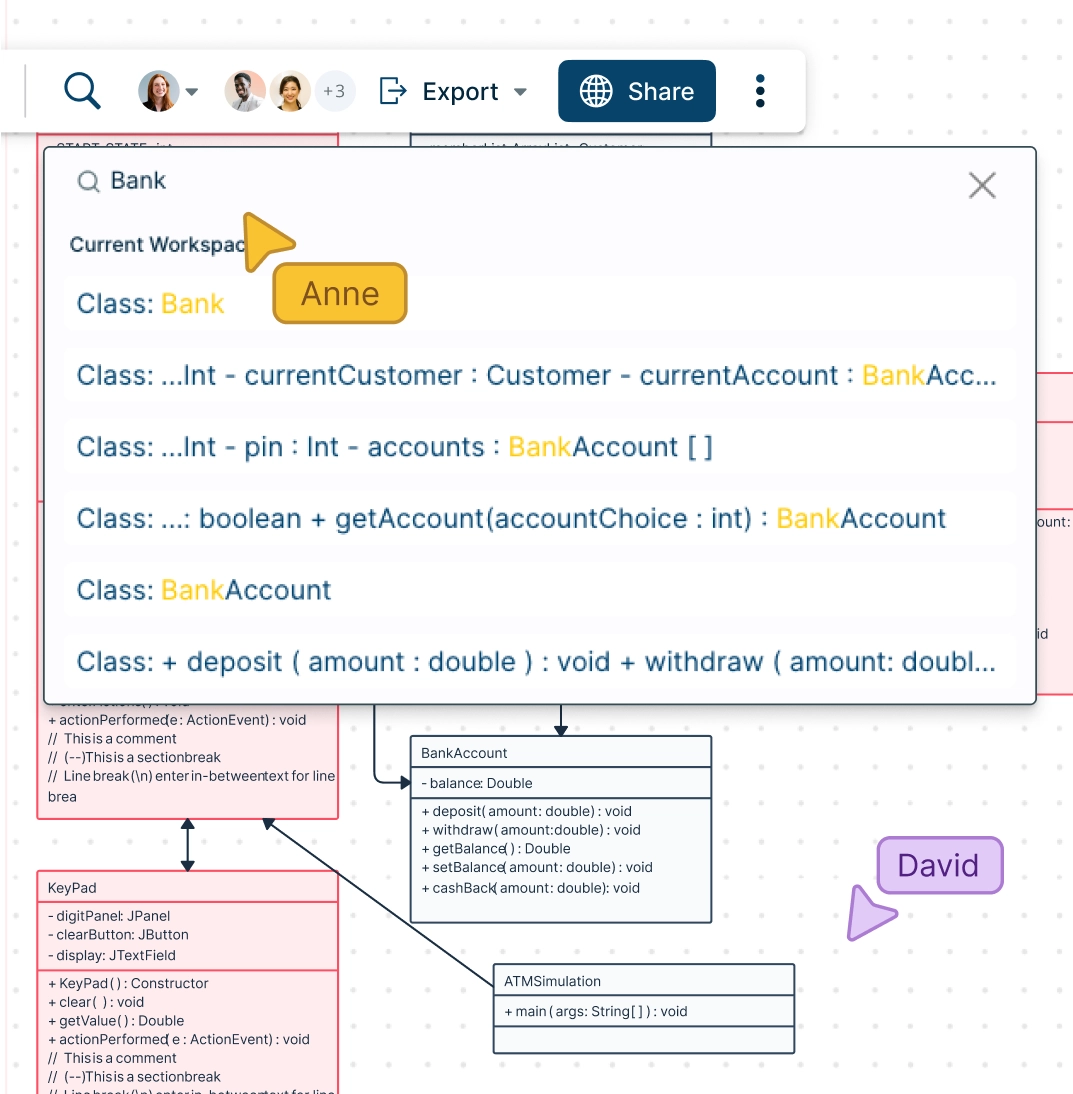
Large UML diagrams can quickly become hard to read when too many classes, flows, dependencies, or interactions are shown at once. Organize complex models into clear sections so each audience can focus on the details that matter.
Use frames to separate different UML views or parts of a large system.
Group related elements to organize classes, components, services, or workflows.
Use shape links to connect related diagrams and move between system views.
Keep long explanations in notes instead of crowding the canvas.
Review Designs with the People Who Know the System Best

UML diagrams are more useful when developers, architects, analysts, product managers, and stakeholders can review them together. Keep feedback directly on the diagram instead of collecting edits through screenshots, emails, or separate documents.
Invite teammates to edit, review, or comment in the same workspace.
Use comments and @mentions to discuss specific classes, flows, interactions, or dependencies.
Use version history to track changes as the design evolves.
Set sharing permissions so the right people can view, comment, or edit.

Keep UML Diagrams Connected to Project Context
A UML diagram should not become a static image that gets outdated after one review. Keep supporting details, references, and documentation connected to the diagram so teams can return to the latest version when the system changes.
Add notes, links, and custom fields to capture requirements, assumptions, ownership, or review status.
Attach related files or reference documents to keep supporting material close to the model.
Embed or share diagrams so teams can access the latest version.
Export diagrams as PDF, PNG, SVG, or JPEG for technical documentation, reports, and presentations.
What You Can Do With Creately’s UML Diagram Maker
Plan System Requirements
Clarify what users, roles, and external systems need to do before development starts. Draw use case diagrams to define system boundaries, actors, and expected functionality, then connect supporting notes or requirements to the relevant parts of the diagram.
Design Software Structure
Map how the system is organized before writing or updating code. Design class diagrams, object diagrams, package diagrams, and composite structure diagrams to model classes, attributes, methods, interfaces, objects, namespaces, and relationships.
Model System Behavior
Show how a system, feature, or process behaves under different conditions. Build activity diagrams, state machine diagrams, interaction overview diagrams, and timing diagrams to map workflows, decisions, state changes, event timing, and process logic.
Map Interactions Between Components
Explain how users, objects, services, or system components communicate over time. Create sequence diagrams and communication diagrams to show message order, service calls, API interactions, user flows, and object relationships.
Document System Architecture
Show how software components, modules, services, and deployment environments fit together. Make component diagrams, deployment diagrams, and package diagrams to document dependencies, infrastructure, execution environments, and high-level architecture.
Review and Share Technical Designs
Draw UML diagrams to align developers, architects, product managers, analysts, and stakeholders before implementation. Create different UML views in the same workspace, add comments for review, and export or share diagrams for technical documentation, planning, and handoff.
Visualize UML Diagrams with Ease
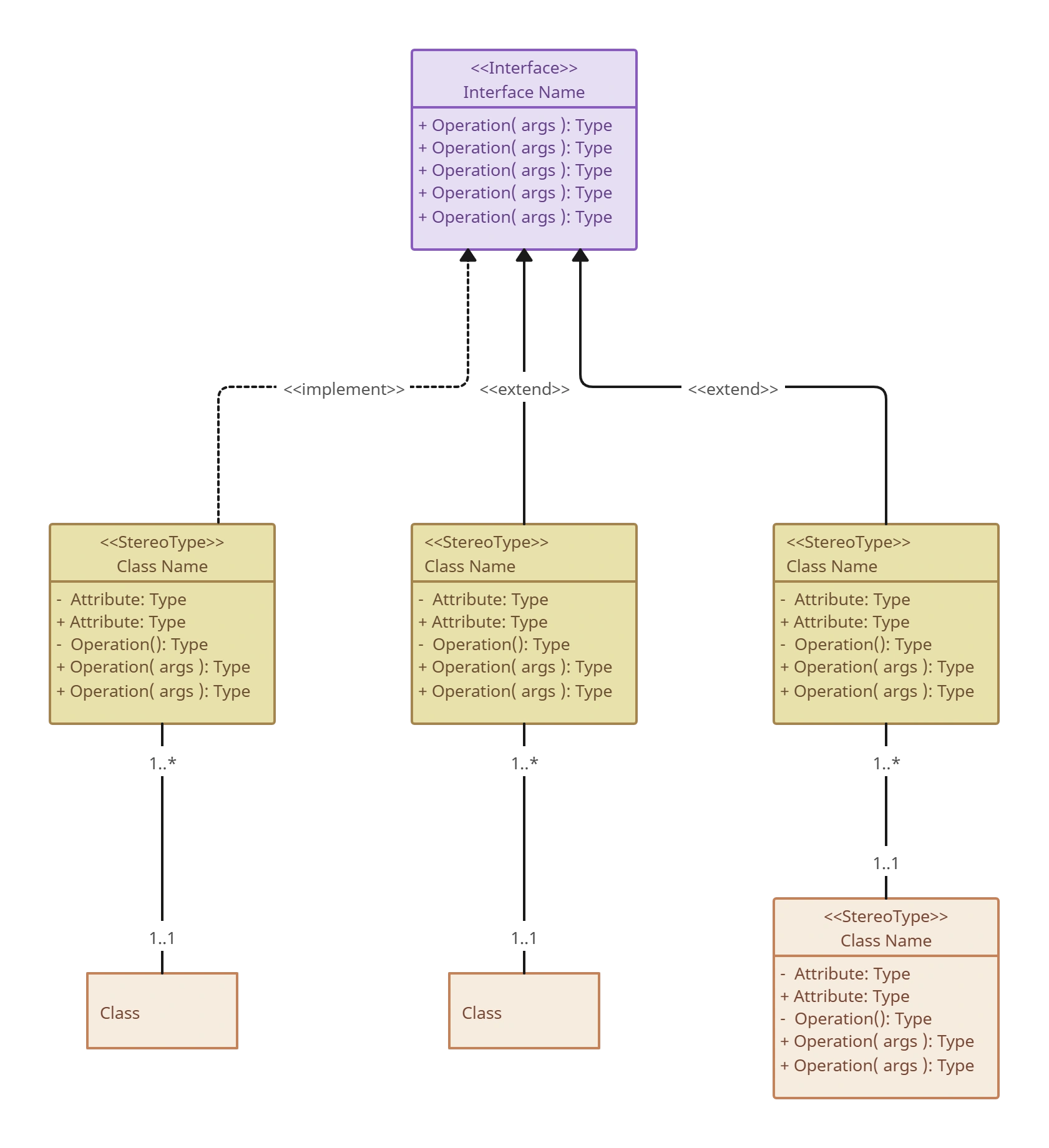
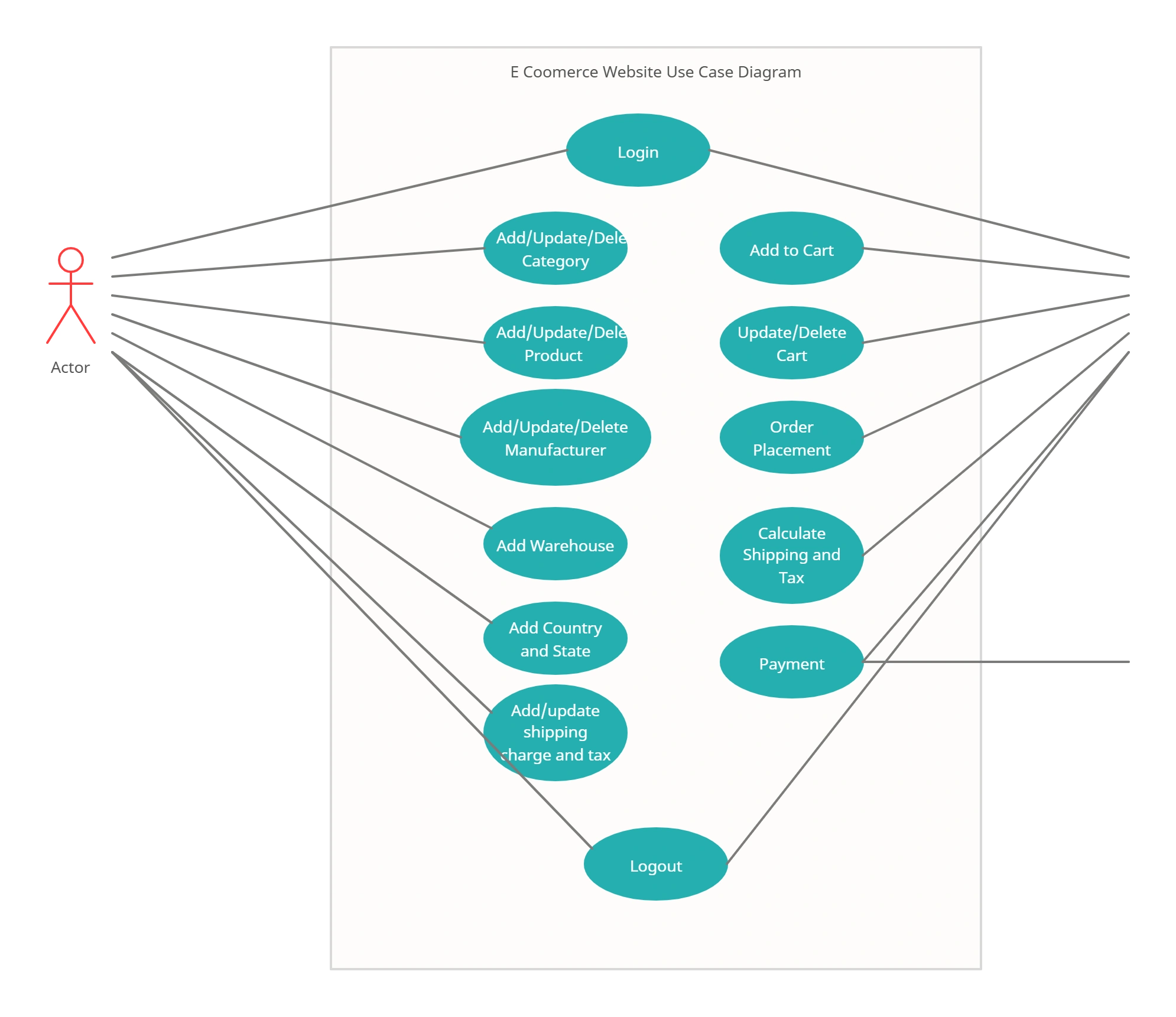
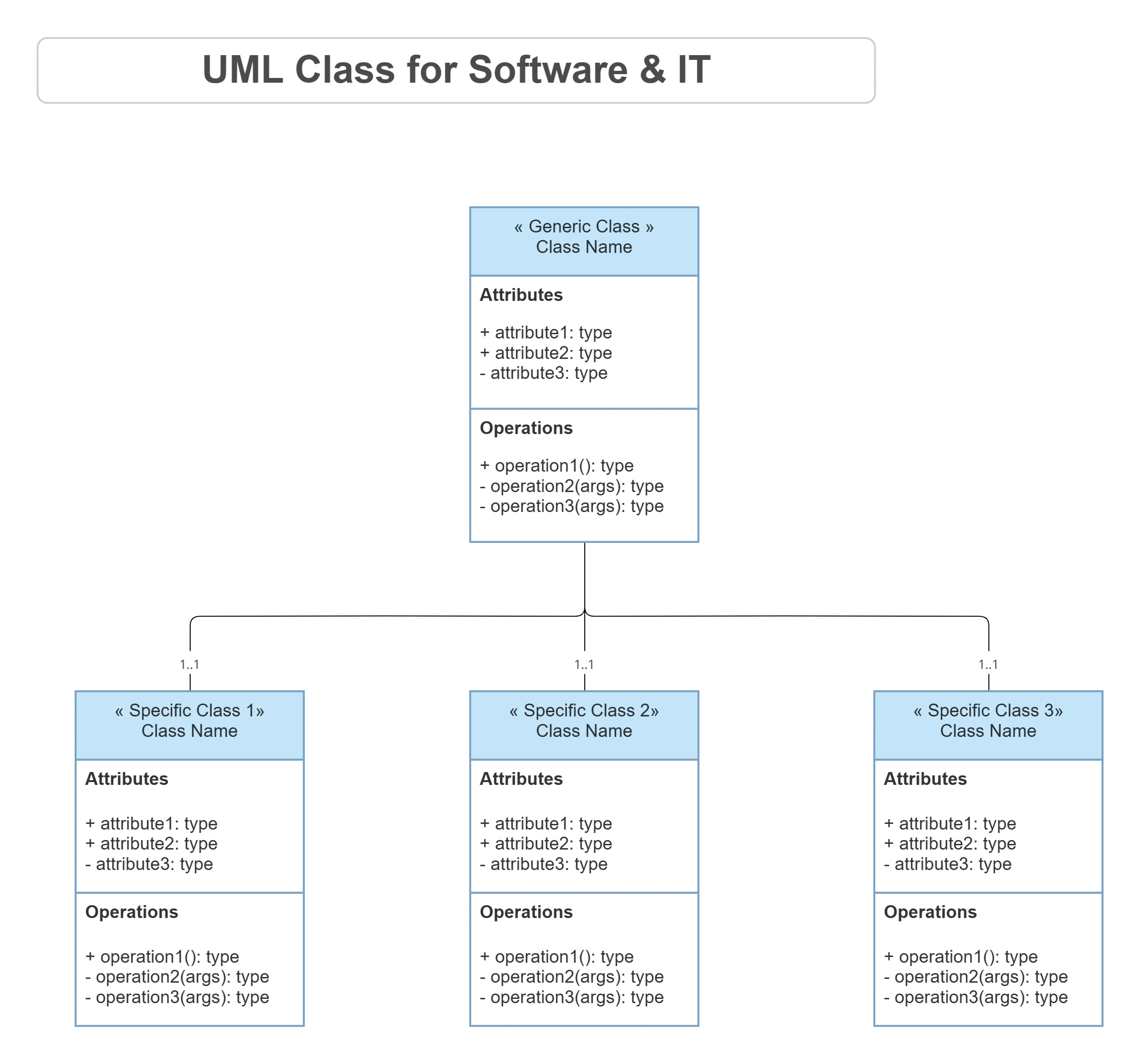
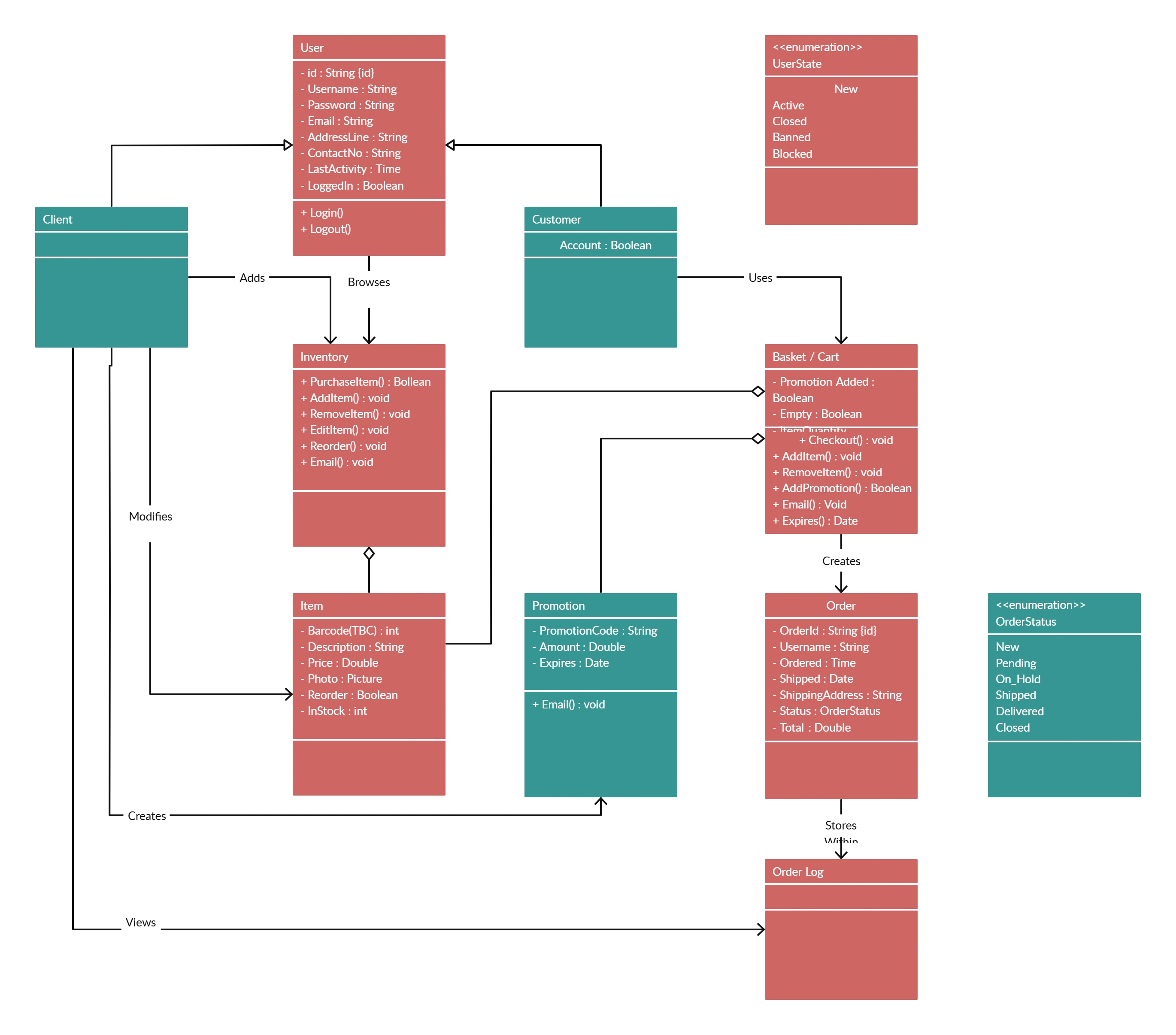
FAQs About the UML Diagram Maker
What are Creately’s UML diagram online pricing plans?
- Free Plan — $0/month for basic UML diagram creation and collaboration
- Starter & Team Plans — $8/month or $5/month billed annually
- Business Plan — $149/month or $89/month billed annually
Annual billing helps you save more while unlocking advanced collaboration, workspace management, and enhanced UML diagram features. You can compare all available plans and features on the Creately Pricing Page.
How can you create UML diagrams faster?
Are there templates for different UML diagram use cases?
Can teams collaborate on UML diagrams?
Can I add notes, data, and files?
Can I share, present, or export UML diagrams?
What are UML diagrams?