An architecture decision record (ADR) is a short, durable record of one significant software architecture decision. It states the context, decision drivers, options considered, chosen direction, and consequences. A useful ADR review workflow is equally simple: draft the decision, review it with the people affected, record the outcome, and link the accepted record to the diagrams, code, and work it governs.
Use ADRs for decisions that would be expensive, risky, or confusing to reverse without knowing why they were made. Do not use them to document every implementation detail.
What Is an Architecture Decision Record?
An ADR explains why an architecture decision was made, not just what the final design looks like. That distinction matters when a new engineer questions an old constraint, an incident exposes an assumption, or a platform change makes a previous trade-off obsolete.
MMichael Nygard’s original ADR proposal recommends one record for each architecturally significant decision and identifies five core sections: Title, Status, Context, Decision, and Consequences. The original 2011 proposal defines significant decisions as those affecting structure, non-functional characteristics, dependencies, interfaces, or construction techniques.
AWS Prescriptive Guidance uses the same basic model. It states that an ADR should, at minimum, define the context, decision, and consequences, with emphasis on the reason for the choice rather than its implementation. AWS also recommends preserving accepted ADRs and creating a new record when a later decision supersedes one.
An ADR is not:
- A meeting transcript
- A complete system specification
- A diagram without decision rationale
- A permanent rule that can never be challenged
- A substitute for code, tests, threat models, or operational evidence
The record is small by design. It should give a future reader enough evidence to understand the trade-off without reconstructing an old discussion from chat messages and tickets.
When Should You Write an ADR?
Write an ADR when a choice has a meaningful effect on the system and would be difficult to revisit casually. Common triggers include:
- Selecting a service boundary, deployment model, or architectural pattern
- Choosing a database, messaging system, framework, or external dependency
- Defining an API contract or integration approach
- Accepting a security, privacy, reliability, performance, or cost trade-off
- Establishing a data ownership or consistency model
- Introducing a constraint that several teams must follow
- Making an intentional exception to an architecture standard
- Replacing or superseding an earlier architecture decision
Skip the ADR when the choice is local, inexpensive to reverse, and already clear from the code. The goal is a trustworthy decision log, not a larger documentation queue.
Use this test:
If the person changing this decision in six months would need to know the original constraints and rejected options, write an ADR.
A Practical ADR Template
The following template is detailed enough for review but short enough to maintain.
# ADR-[number]: [Decision stated as a short noun phrase]

- Status: Proposed
- Date: YYYY-MM-DD
- Decision owner: [Name or role]
- Reviewers: [Names or roles]
- Related: [Diagram, issue, pull request, code, prior ADR]

## Context

What problem must be solved? Describe the current system, constraints,
assumptions, and the forces creating this decision.

## Decision drivers

- The quality attributes or outcomes that matter
- Constraints that cannot be ignored
- Evidence used to compare the options

## Options considered

### Option A: [Name]

Summarize the approach, strengths, weaknesses, risks, and cost.

### Option B: [Name]

Summarize the approach, strengths, weaknesses, risks, and cost.

## Decision

State the chosen option and the reasoning that separates it from the
alternatives.

## Consequences

### Positive

- Benefits the team expects

### Negative

- Costs, limitations, and risks the team accepts

### Follow-up

- Work, validation, or review dates created by the decision
Keep facts separate from preferences. Link to benchmarks, incident evidence, prototypes, threat models, or cost estimates where they influenced the choice. If evidence has an expiry date, record it.
A Lightweight ADR Template
Use a shorter format when the decision is important but narrow:
# ADR-[number]: [Decision]

Status: Proposed
Date: YYYY-MM-DD
Owner: [Name or role]

## Context
[What changed or must be decided?]

## Decision
[What will we do, and why?]

## Consequences
[What becomes easier, harder, possible, or constrained?]
The compact template works when the options are already well understood. If reviewers keep asking what was compared or how the team reached the conclusion, use the full template.
Worked ADR Example: Choosing an Event Delivery Model
# ADR-014: Use at-least-once delivery for order events

Status: Accepted
Date: 2026-07-24
Owner: Order Platform Lead

## Context

Order events must reach fulfillment and analytics consumers. The
platform can retry failed deliveries, but it cannot guarantee that a
consumer receives each event exactly once across every failure mode.

## Decision drivers

- No accepted order may be silently lost
- Consumers must recover independently
- The delivery mechanism must support replay
- Operational behavior must be observable

## Options considered

1. At-most-once delivery, which reduces duplicates but can lose events
2. At-least-once delivery with idempotent consumers
3. An exactly-once claim implemented across broker and consumer state

## Decision

Use at-least-once delivery. Every event receives a stable identifier.
Consumers persist processed identifiers or use idempotency keys before
applying side effects.

## Consequences

Consumers must handle duplicates. The platform must monitor retries,
dead-letter queues, and replay operations. In return, transient failures
do not silently discard accepted order events.
The decision is useful because it names the rejected alternatives and the obligation created for consumers. A diagram can show publishers, topics, retry paths, and consumers, while the ADR preserves why those elements exist.
How to Run an ADR Review
1. Name the decision and its owner
Write the decision as a specific choice, not a broad topic. “Choose the persistence model for the audit log” is reviewable. “Improve the data architecture” is not. Assign one owner to move the record through review.
2. Draft the context before defending an option
Describe the current system, constraints, decision drivers, and evidence. A review stalls when people debate solutions to different versions of the problem.
3. Compare credible options
Include the status quo when it is a real option. Compare each alternative against the same drivers. Record costs and risks directly; avoid a table where the preferred option wins every row.
4. Review asynchronously first
Share the proposed ADR and linked architecture view before a meeting. Ask reviewers to flag missing constraints, unsupported claims, affected owners, and failure modes.
AWS’s ADR process recommends a dedicated 10 to 15 minutes of reading time at the start of a review meeting before the owner discusses each comment. That is a useful fallback when reviewers cannot read asynchronously.
5. Use the visual model to test consequences
Put the proposed change next to the current architecture. Trace the components, data flows, trust boundaries, owners, and operational responsibilities that change under each option. Capture questions on the affected elements so the ADR and the diagram remain connected.
6. Record a clear outcome
Use a small status set:
| Status | Meaning |
|---|---|
| Proposed | Ready for review |
| Accepted | Approved for implementation |
| Rejected | Considered and not selected |
| Superseded | Replaced by a later ADR |
| Deprecated | No longer applicable, without a direct replacement |
If the record needs substantial rework, keep it Proposed and name the missing evidence. Do not mark it Accepted simply because the meeting ended.
7. Link the decision to delivery
Connect the accepted ADR to relevant code, pull requests, diagrams, epics, runbooks, and controls. Add follow-up work for every consequence that requires implementation or validation.
8. Supersede; do not rewrite history
When the context changes, create a new ADR and link it to the old one. AWS Prescriptive Guidance explicitly treats an accepted ADR as immutable and uses a new accepted ADR to supersede it. This preserves the reasoning available at each point in time.
ADR Review Checklist
- The title names one concrete decision
- The owner and affected reviewers are identified
- The context explains why the decision is needed now
- Decision drivers are explicit
- The status quo and credible alternatives are compared
- Claims link to current evidence
- Security, reliability, performance, cost, and operability effects are considered where relevant
- Positive and negative consequences are recorded
- The decision and its rationale are unambiguous
- Follow-up work has owners
- Related diagrams, code, tickets, and ADRs are linked
- A later reversal will supersede rather than overwrite the record
How ADRs and Architecture Diagrams Work Together
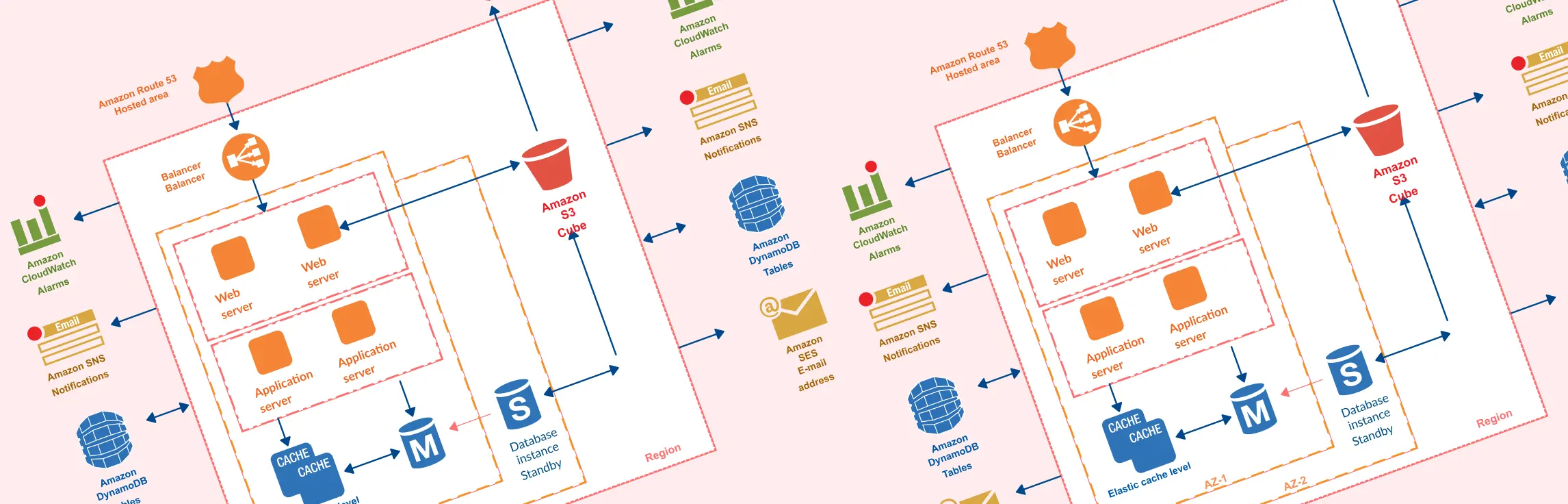
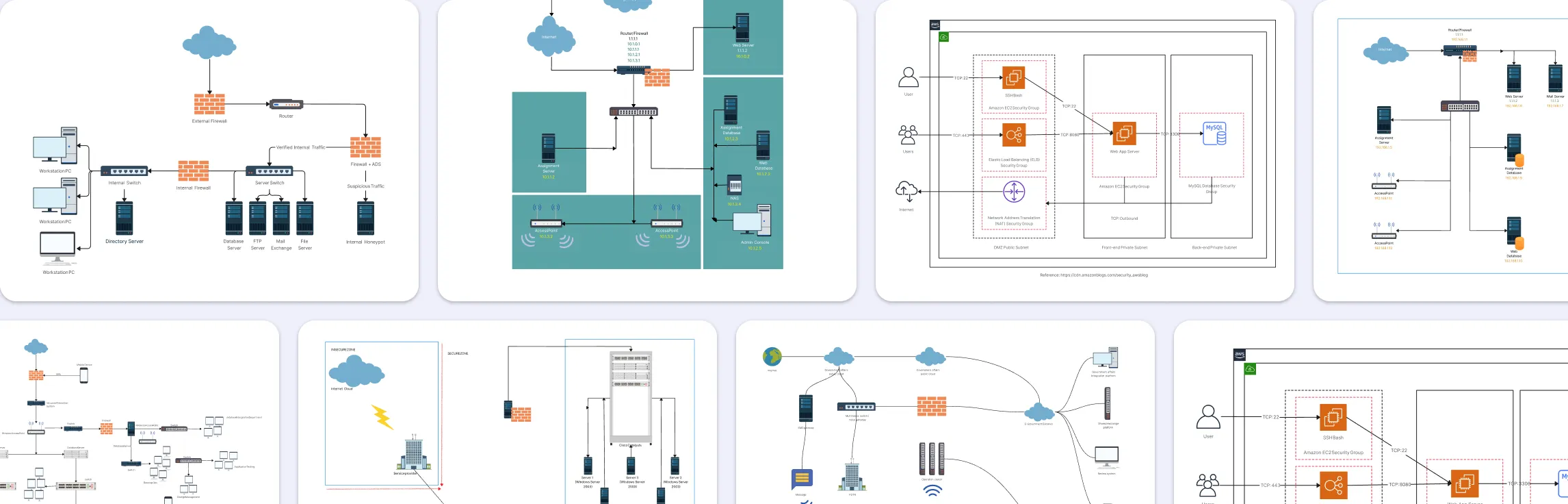
An architecture diagram answers what connects to what. An ADR answers why the system took this shape. Teams need both when a decision crosses service, data, security, or ownership boundaries. A UML diagram can describe structural or behavioral views, while an ER diagram makes the data model affected by a decision explicit.
Creately Workspace can serve as the shared visual surface for an ADR review today. Teams can map the current and proposed architecture, attach decision context, and discuss affected components in one workspace. Keep the accepted ADR close to the implementation source of truth and link it to the visual model.
Creately System Design is the committed engineering design system of record for staff and principal engineers and architecture teams. Its direction connects ADRs, architecture views, ERDs, and behavioral diagrams with codebase and database sources. That bridge is additive: the ADR remains the durable decision record, while the visual model makes its system impact easier to review.
For the current diagramming workflow, use Creately’s UML diagram tool to map the components and relationships affected by a decision.
FAQs About Architecture Decision Records
What is the difference between an ADR and an architecture document?
What should an ADR template include?
Who should approve an ADR?
Where should ADRs be stored?
How long should an ADR be?
Can an accepted ADR be changed?