Succession Planning Template
Build a Bench of Ready Leaders - Without Messy Spreadsheets
Use Creately’s editable succession planning template to map key roles, assess readiness, and align stakeholders on development plans—all in one secure, visual workspace that evolves with your organization.
- Map roles, successors, and readiness in one view
- Spot leadership gaps early and plan development actions
- Collaborate securely with managers and executives
Over 10 Million people and 1000s of teams already use Creately

Free Succession Planning Templates for Leadership Development
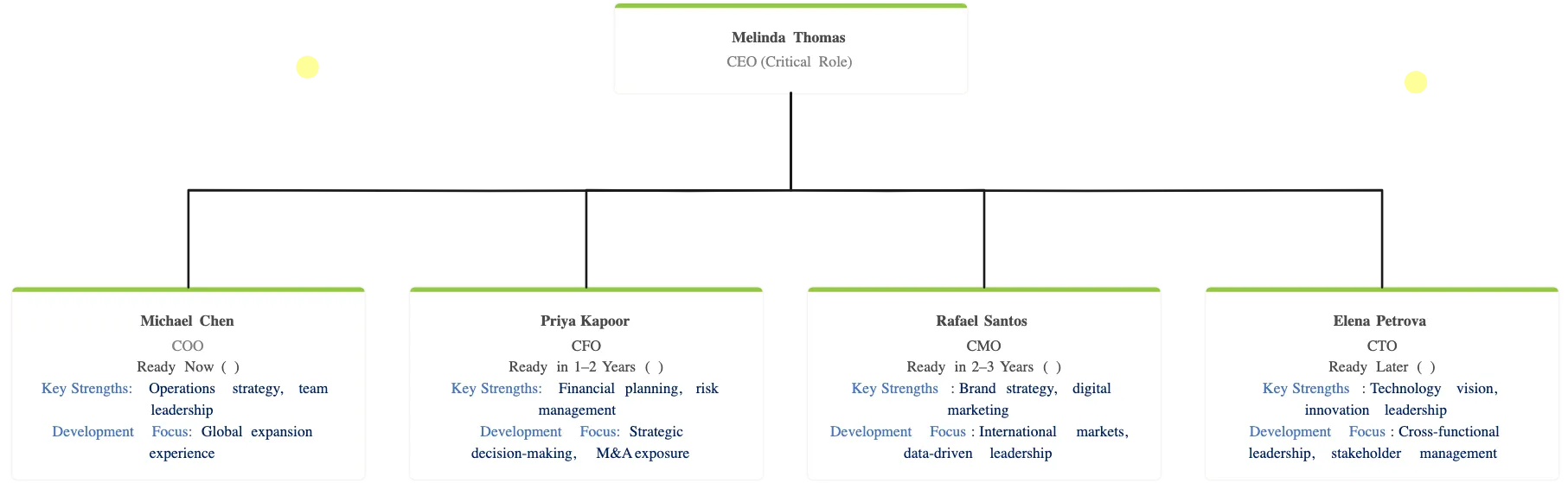
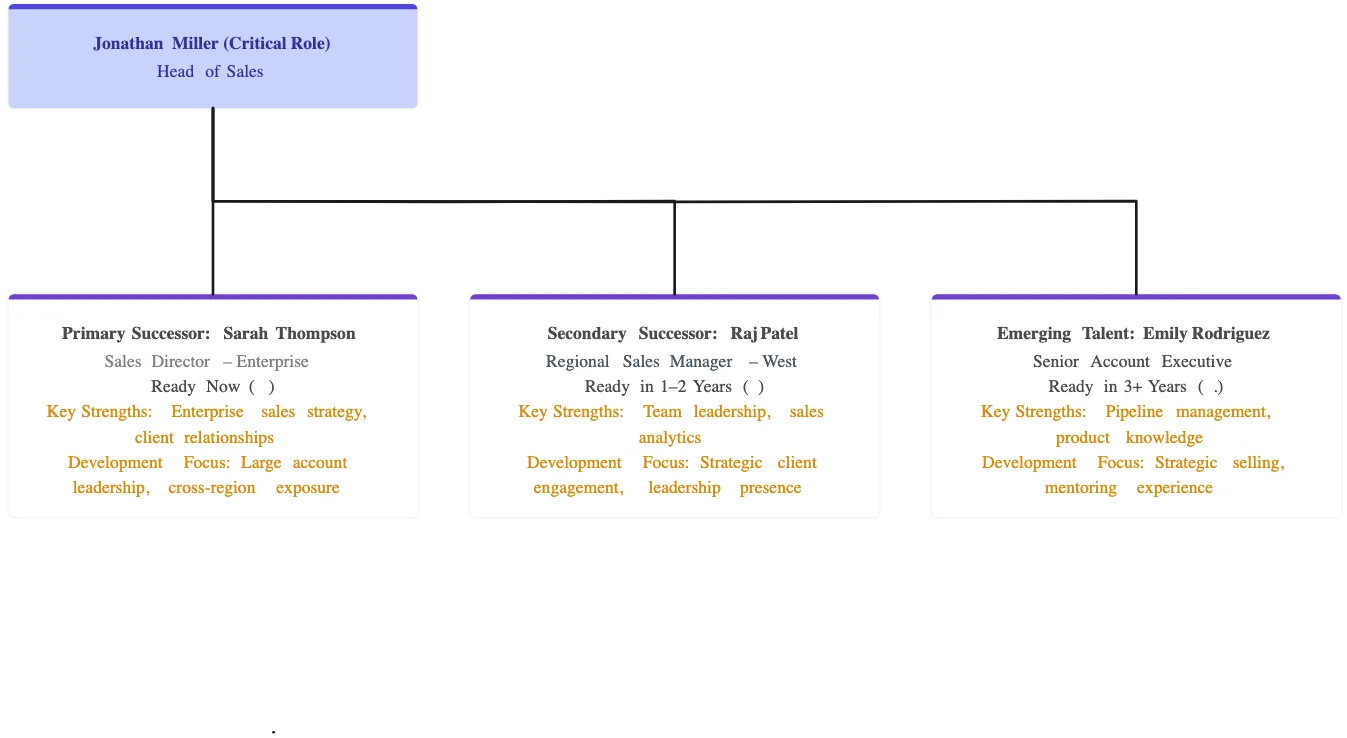
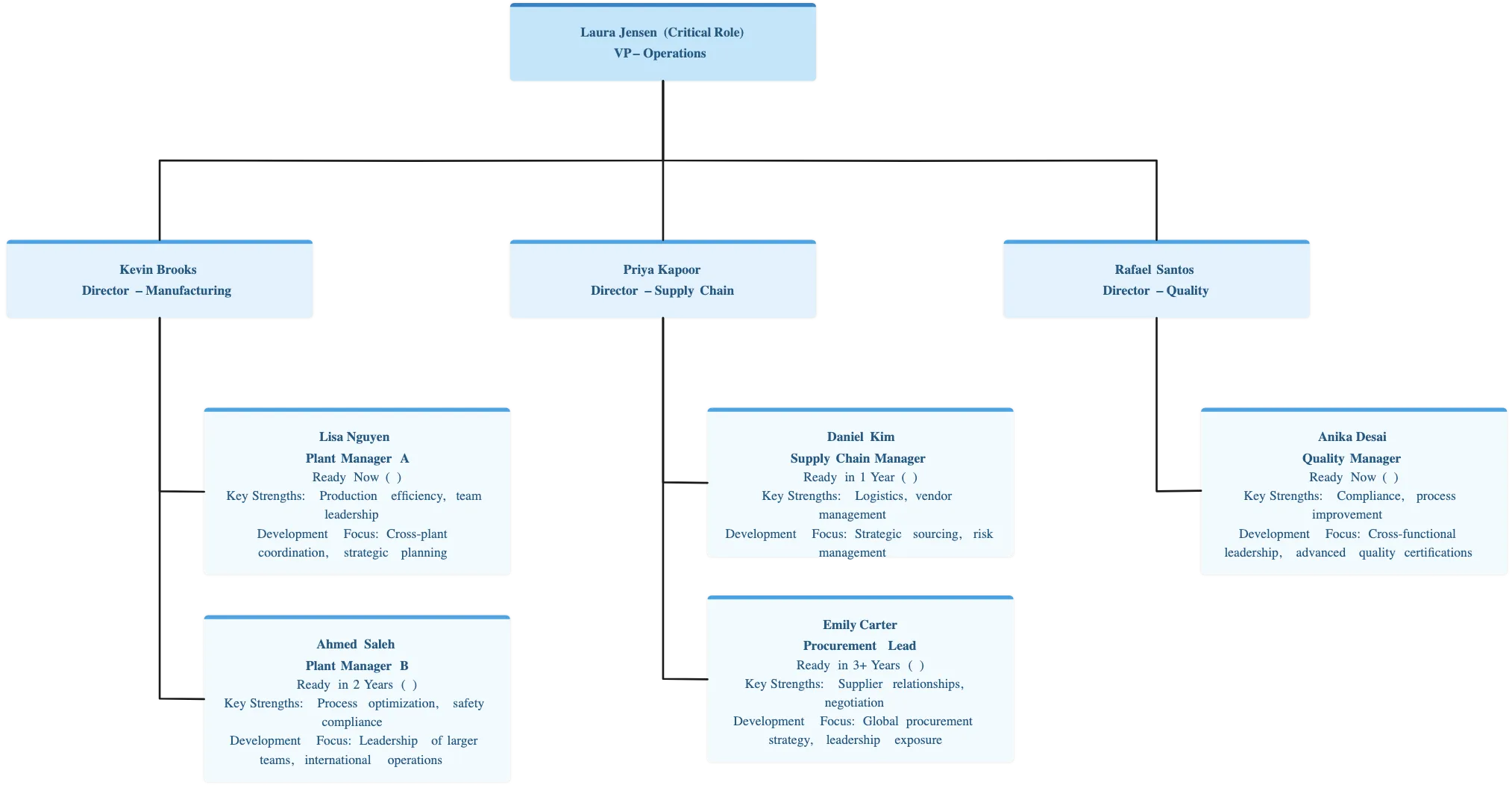
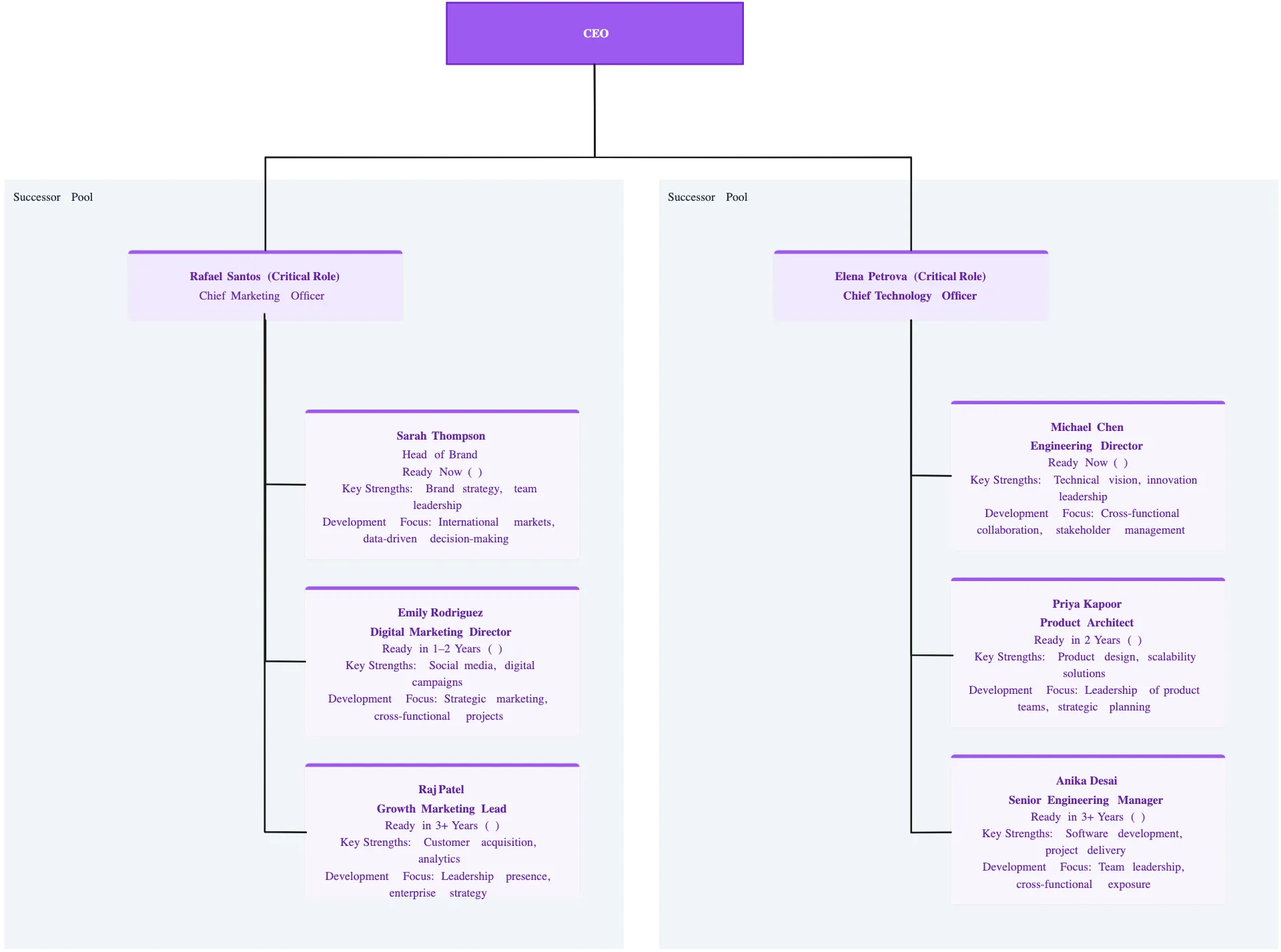
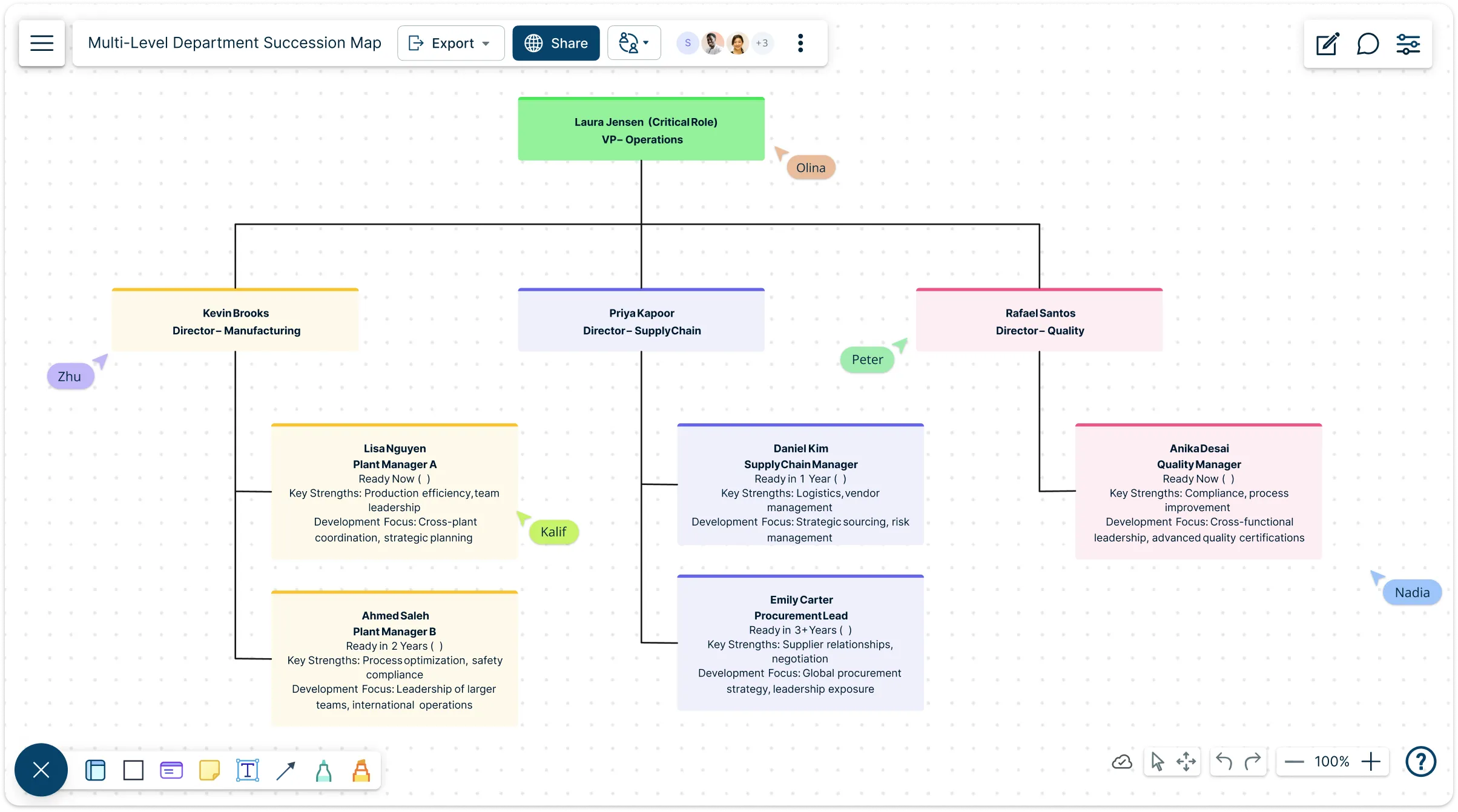
See Leadership Risk Before It Becomes a Crisis
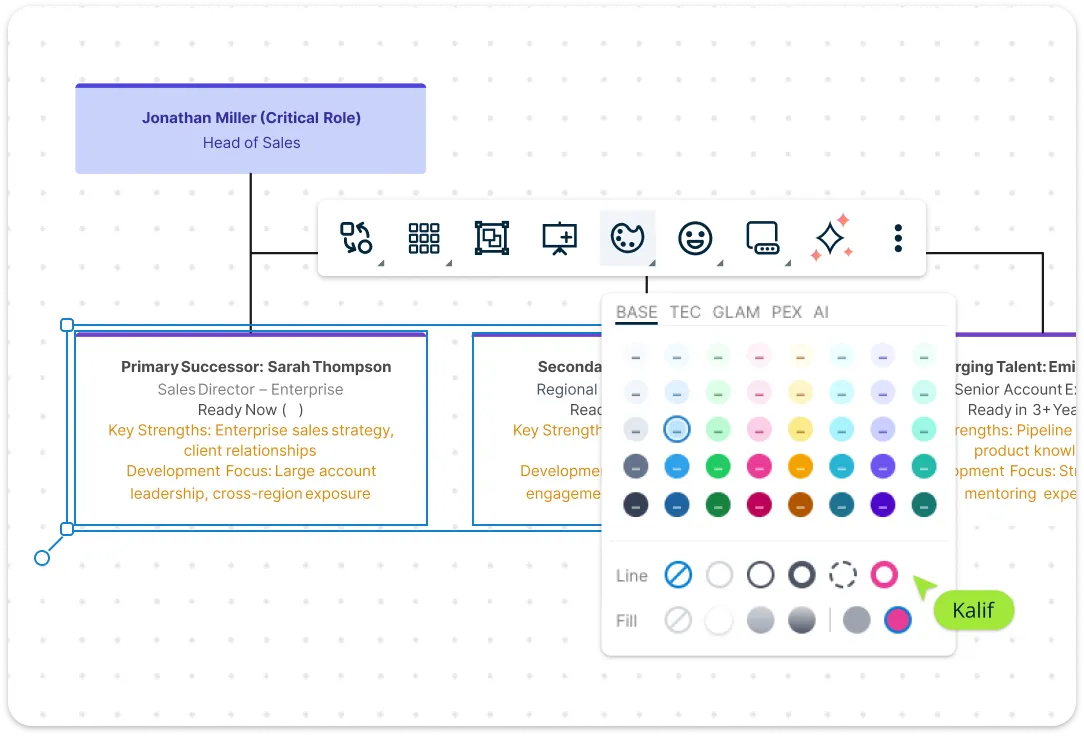
Start with ready-made succession planning templates and organizational charts to clearly map current roles and potential successors. Customize the layout to match your company structure using simple drag-and-drop editing—add, remove, or rearrange roles as your team evolves. In Creately Atlas, connect potential successors to critical positions and use recorded readiness and bench strength fields to review coverage, including vacant roles. Great for quarterly talent reviews and leadership calibration meetings.
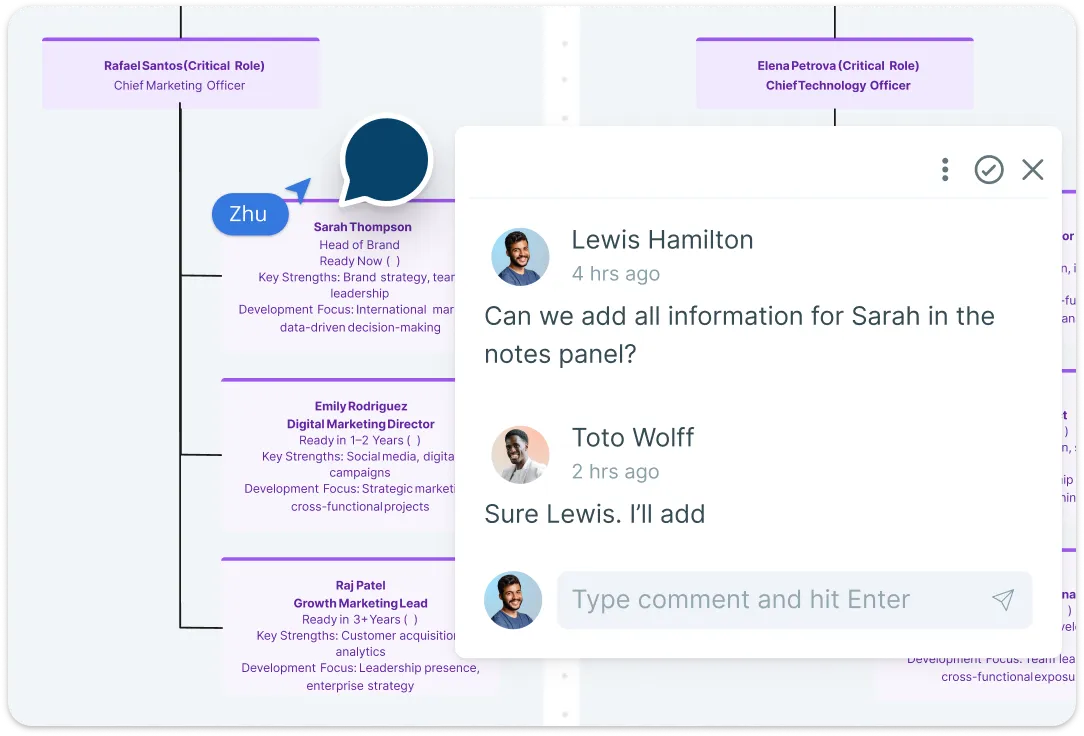
Align Stakeholders Faster - Without Endless Versions
Align HR and executives without the chaos of scattered emails or conflicting slide decks. Teams can co-edit plans and leave comments to discuss proposed changes and record decision context. Atlas controls access to sensitive succession fields separately from chart-editing roles, so sharing a chart does not automatically expose readiness or flight risk data.
Keep Plans, Notes, and Evidence in One Place
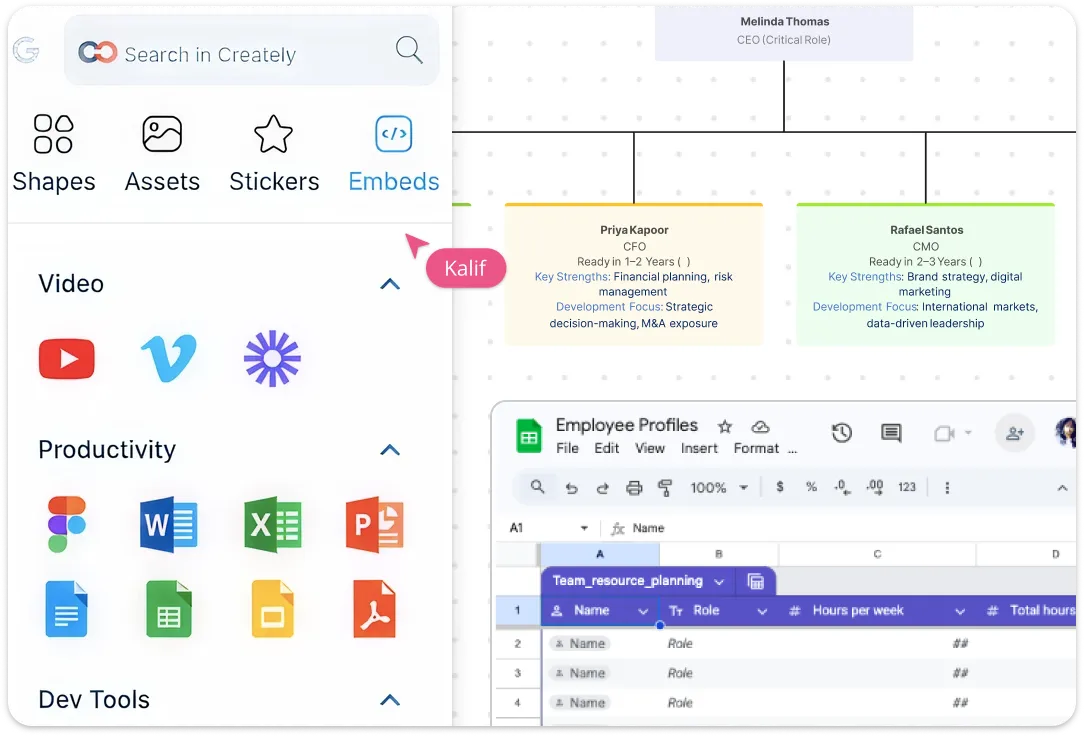
Stop juggling spreadsheets and scattered documents. With Creately, store succession plans, performance notes, development actions, and role requirements all in one secure workspace. Attach files, links, certificates, or role-specific resources, and use custom fields for readiness, risk level, tenure, or critical skills. This makes your succession data complete, searchable, and easy to review — so leadership decisions are faster and more informed.
Turn “Potential” into a Real Development Plan
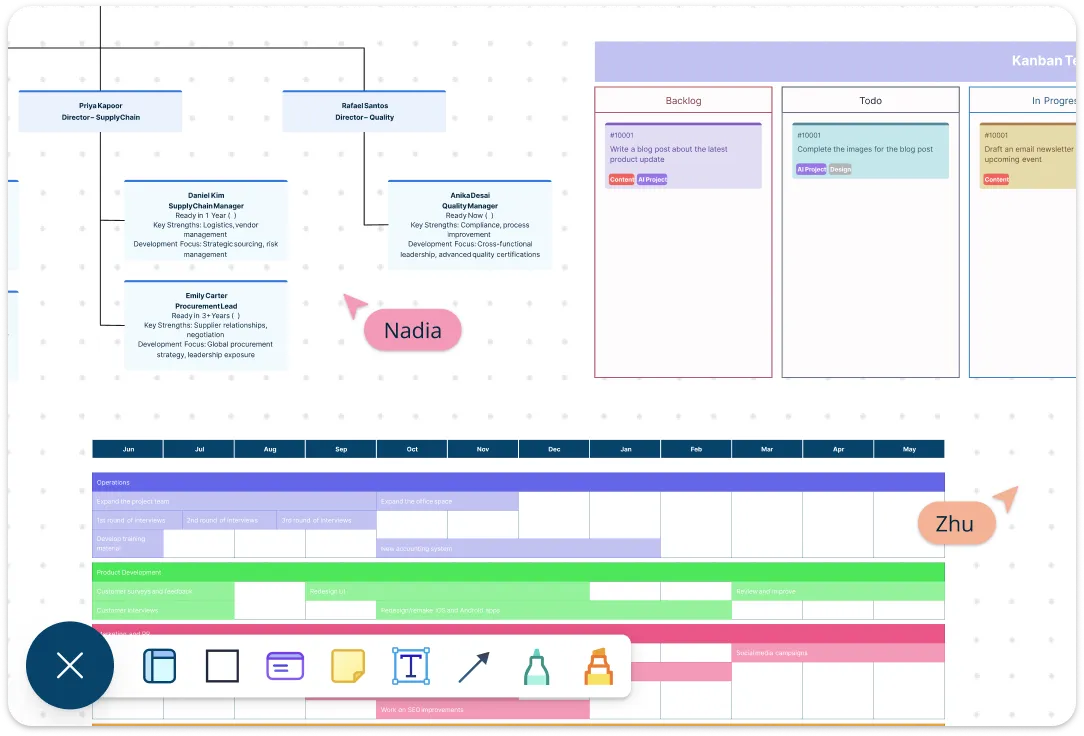
Build individual development plans packed with mentoring, training, certifications, and stretch assignments. Track progress visually with timelines, Kanban boards, and dashboards, and attach performance notes or documents directly to each successor. Use progress reviews to assess readiness against each target role, rather than treating completion of a development plan as a guarantee of readiness.
Plan for Departures, Promotions, and Reorganizations
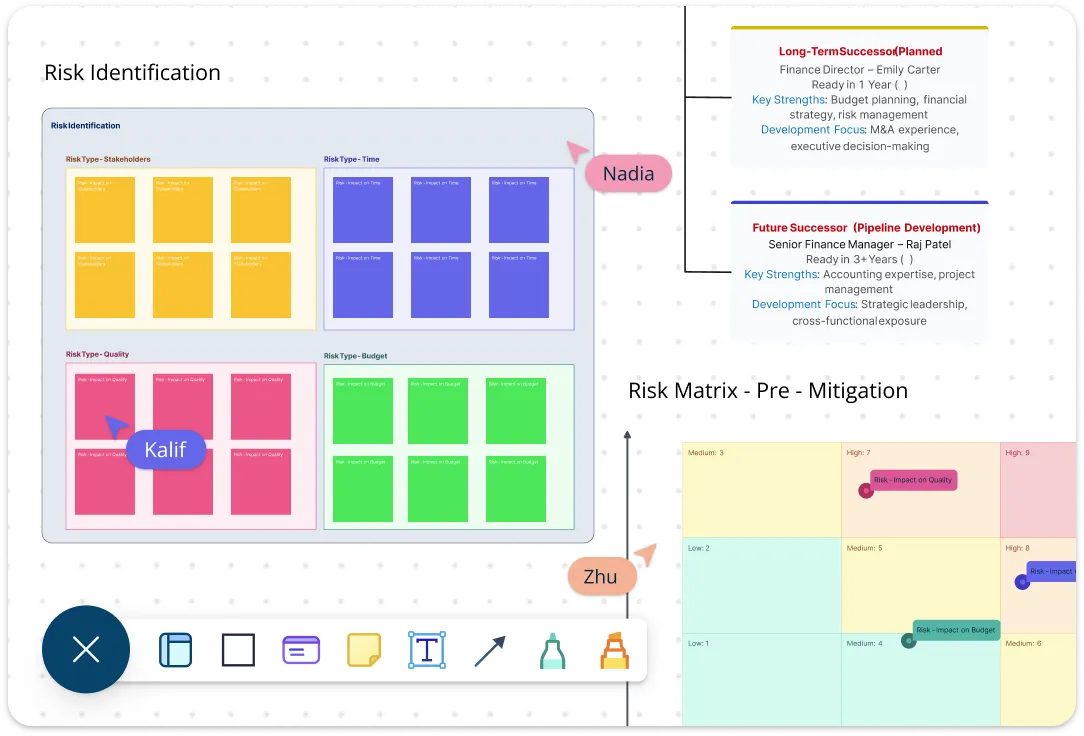
Use Atlas scenarios to model proposed position and reporting-line changes without changing the live org. Compare options and discuss their impact before applying or discarding the proposed changes. Use recorded readiness and bench strength alongside those scenarios to review successor coverage and agree on development priorities.
What Is a Succession Planning Template?
How to Use Creately’s Succession Planning Template
Choose a template that matches your org structure:
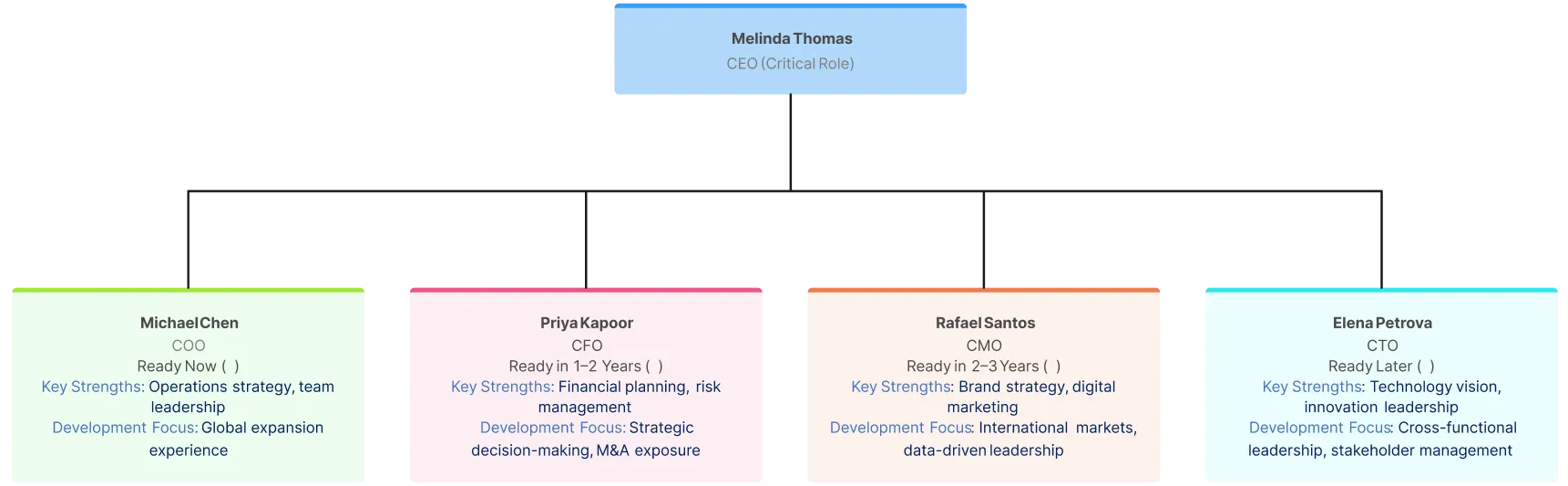
Start by selecting the free succession planning template inside Creately. Choose a layout that fits your organization—departmental, role-based, or leadership-focused—and customize the succession planning diagram with drag-and-drop editing. Adjust reporting lines, rename roles, and expand sections to reflect your real-world structure.Identify and map critical roles:
Add the key roles that are essential to business continuity and long-term growth. Use an organizational chart view to clearly visualize reporting relationships and highlight positions that would create risk if left vacant.Add potential successors and assess readiness:
Assign one or more potential successors to each critical role. Use color-coding, labels, and custom data fields to indicate readiness levels such as “ready now,” “ready in 1–2 years,” or “needs development.” Attach performance notes or evaluation details directly to each candidate for context.Create and track development plans:
Turn insight into action by outlining training programs, mentoring, certifications, or stretch assignments for each successor. Use built-in task tracking, timelines, or Kanban boards to assign responsibilities and monitor progress toward readiness.Collaborate, review, and keep it current:
Invite HR, managers, and executives to co-edit the succession plan example in real time. Gather feedback through comments, record agreed updates, and revisit the plan quarterly to adjust for promotions, role changes, or shifting business priorities.
Benefits of Creately’s Succession Planning Template
Save time on reviews with one clear, visual plan:
Bring roles, successors, and readiness levels into a single workspace everyone understands—so leadership reviews are faster and more productive.Spot talent gaps instantly:
See role coverage and successor readiness at a glance, making it easy to identify risks and prioritize development.Increase accountability with action tracking:
Assign clear development actions, set timelines, and track progress so successors are actively prepared—not just listed.Protect sensitive plans with secure collaboration:
Set chart-sharing permissions and the appropriate Atlas field-level access so sensitive succession data is visible only to authorized users.Stay agile as your organization grows:
Quickly update roles, adjust timelines, and reuse templates as your teams evolve—so your succession plan always reflects reality.
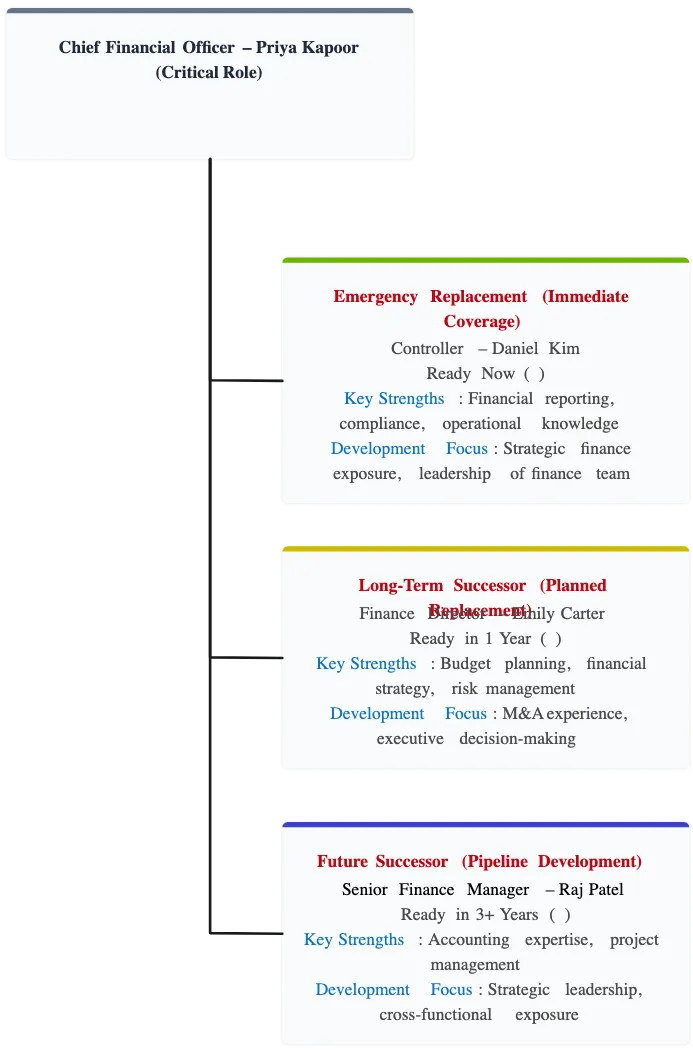
More Ready-Made Succession Planning Examples
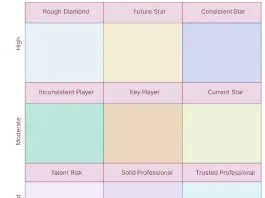
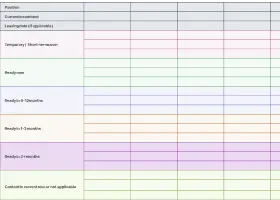
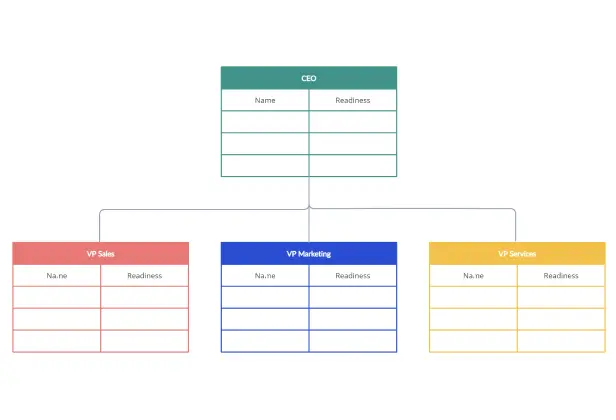
FAQs about the Succession Planning Templates
What are Creately’s succession planning template pricing plans?
- Free Plan — $0/month for basic succession planning creation and collaboration
- Starter & Team Plans — $8/month or $5/month billed annually
- Business Plan — $149/month or $89/month billed annually
Annual billing helps you save more while unlocking advanced collaboration, workspace management, and enhanced succession planning features. You can compare all available plans and features on the Creately Pricing Page.
How can you create succession plans faster?
Are there templates for different succession planning use cases?
Can teams collaborate on succession plans?
Can I add notes, data, and files?
Can I share, present, or export succession plans?






















