Screen Flow Template
Create Seamless User Flows with Ease
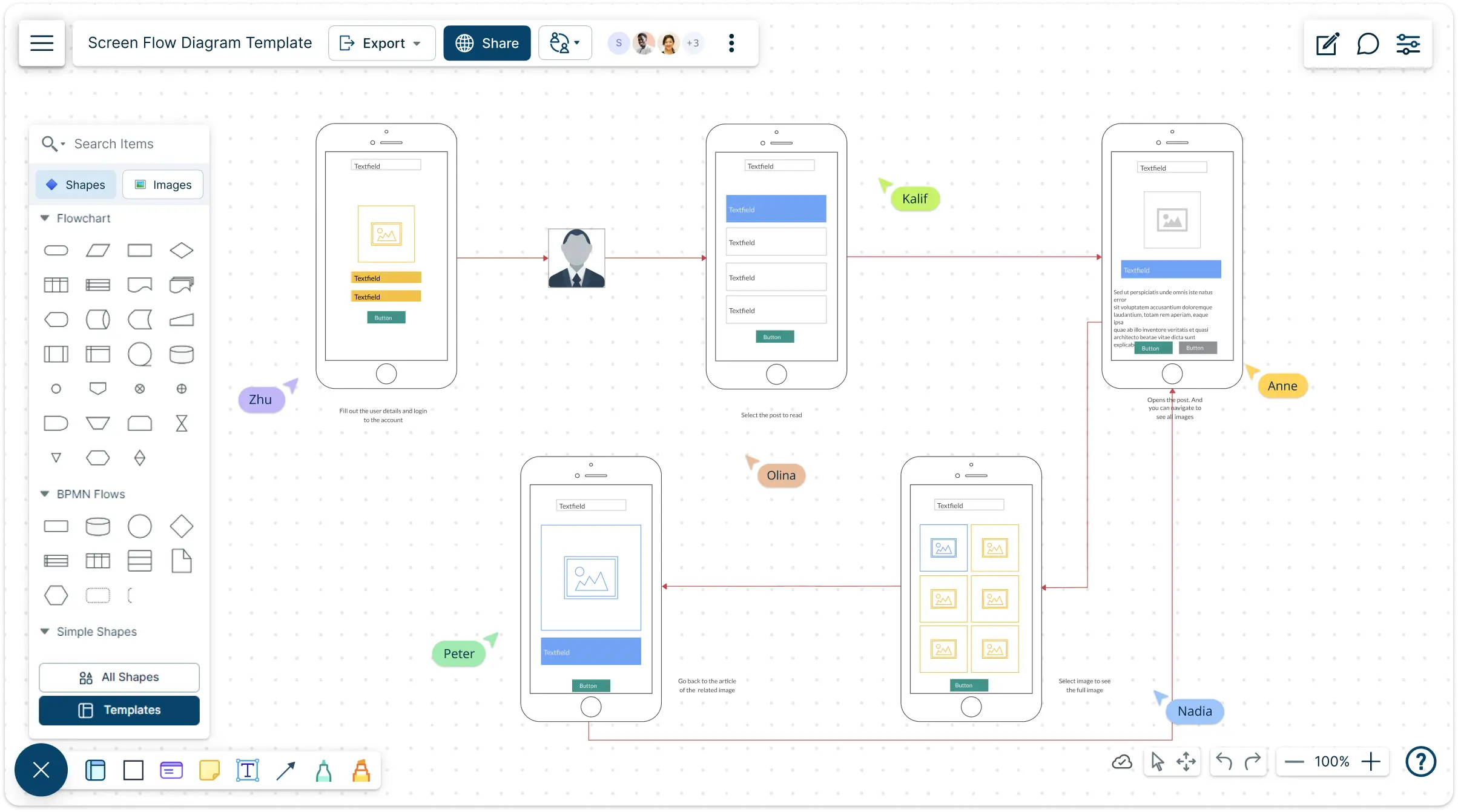
Gain insights into user interactions by mapping out screen flows visually. Identify bottlenecks, improve navigation, and create seamless experiences across platforms with Creately’s screen flow template.
- Smart navigation and interactive linking for seamless user flows
- Drag-and-drop UI components to build realistic screen layouts
- Real-time collaboration for faster decision-making and feedback
Over 10 Million people and 1000s of teams already use Creately

Validate and Improve User Journeys with Screen Flow Templates
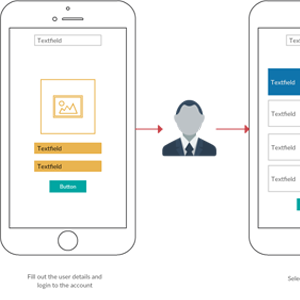
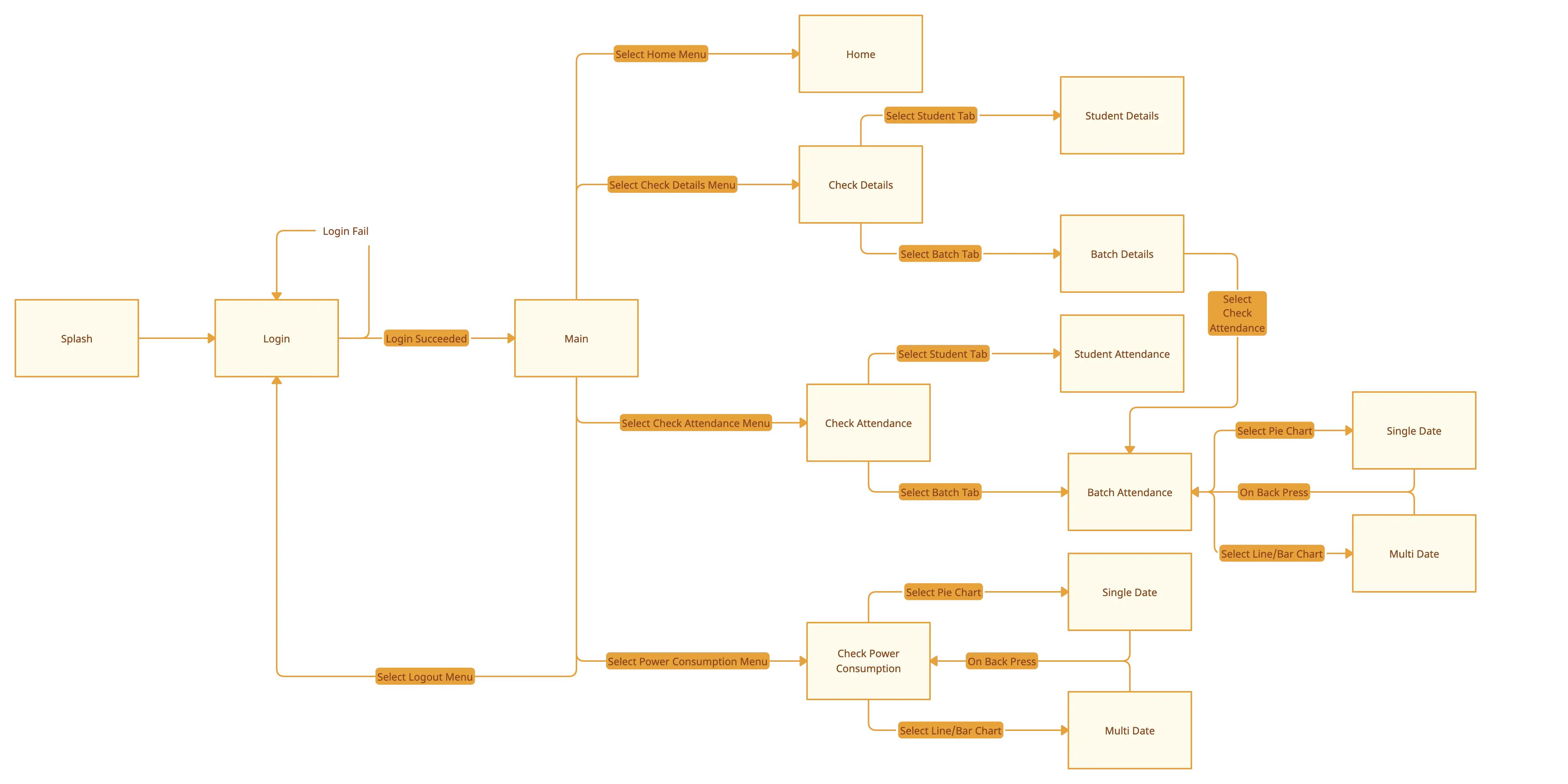
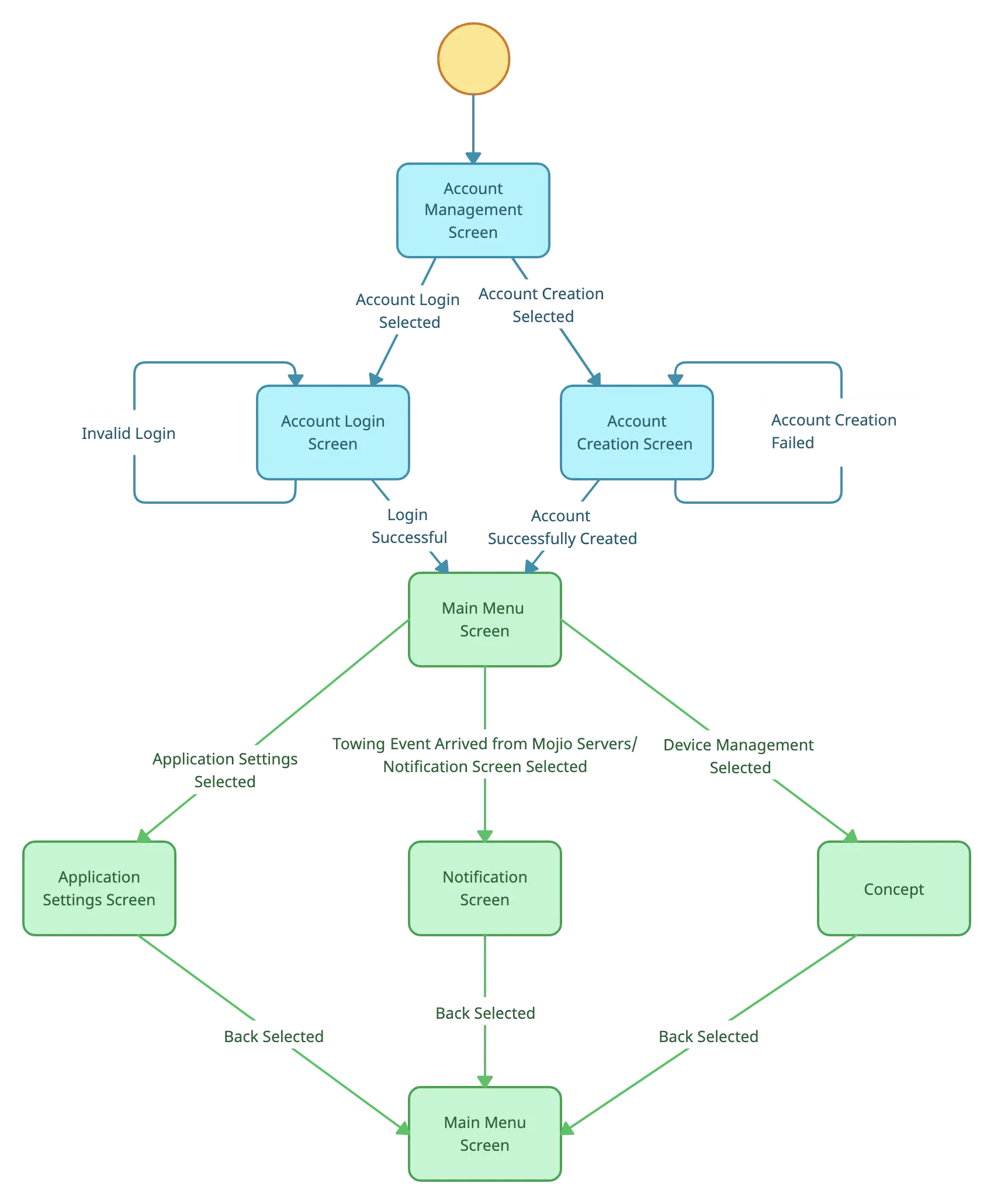
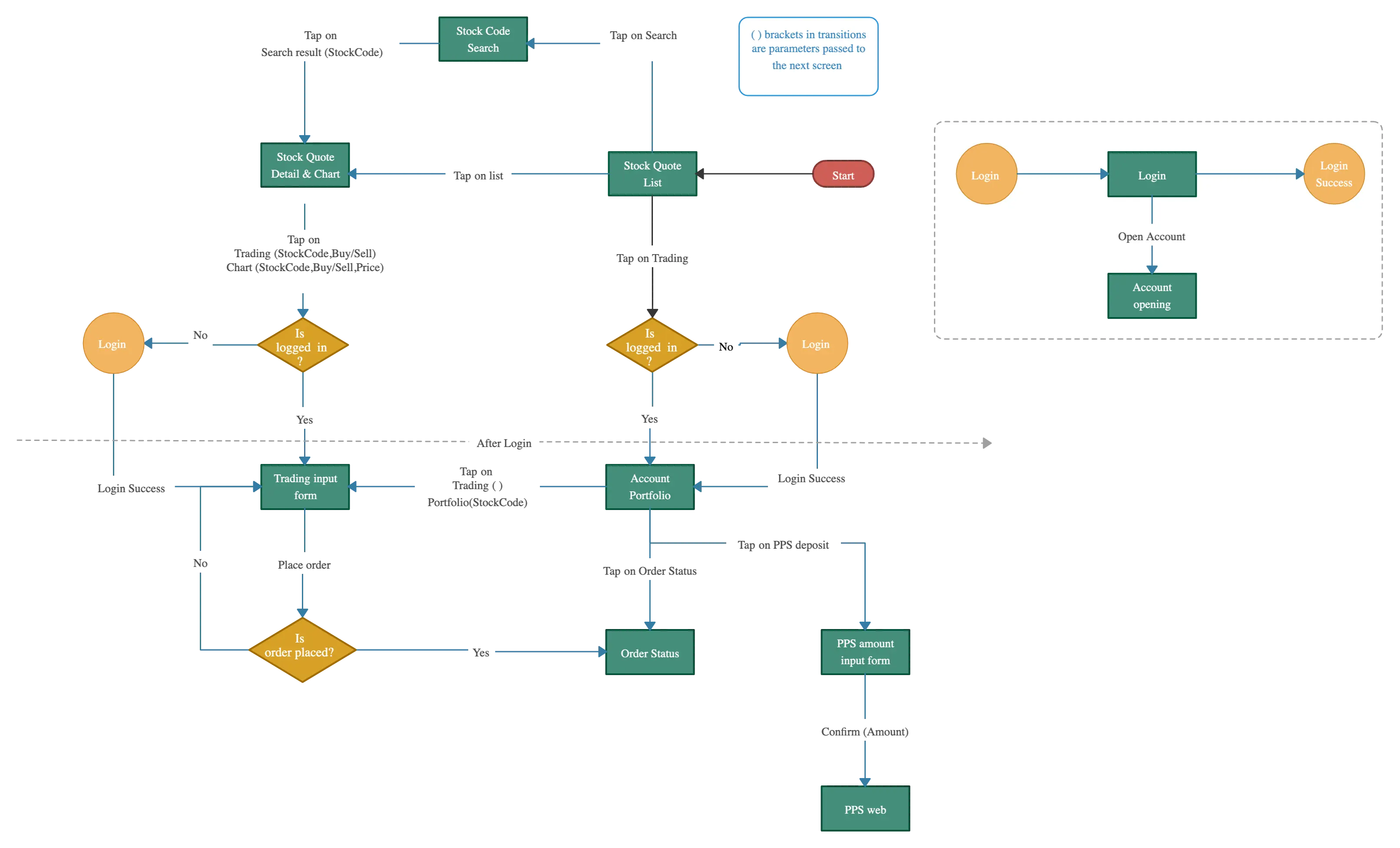
Design User Flows Faster with the Screen Flow Digram Template
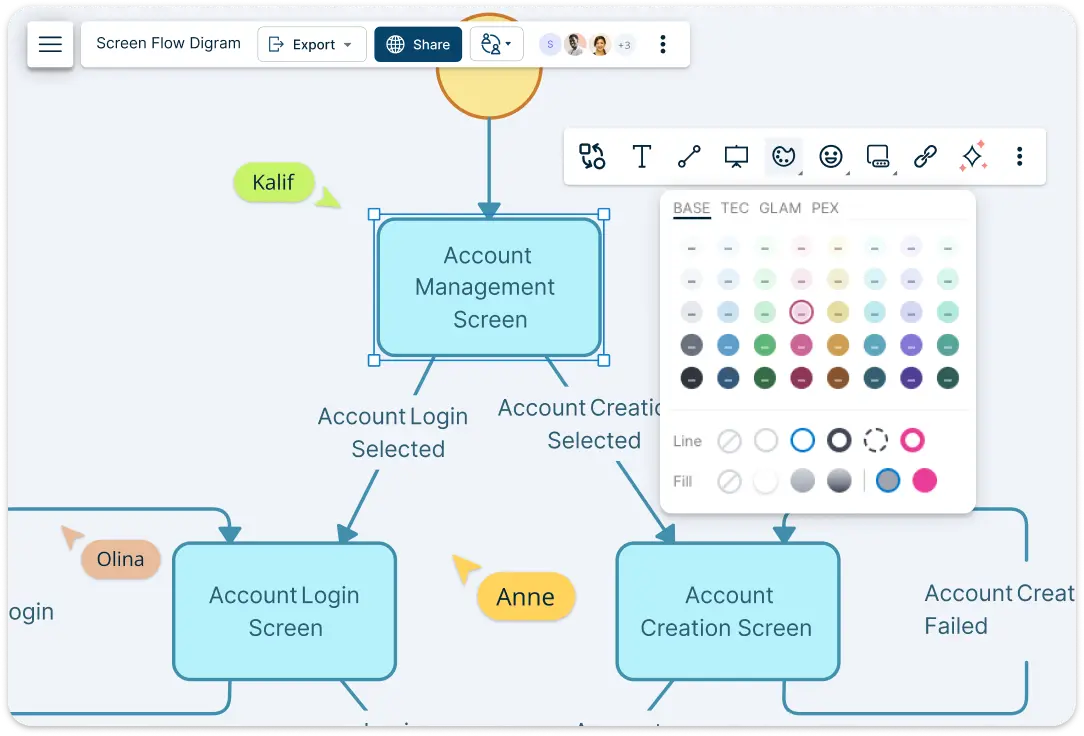
Jumpstart your workflow with pre-built screen flow templates that set the foundation for structured screen flows. As you design, auto-adjusting connectors keep everything aligned and organized, so you don’t have to reposition elements manually. The drag-and-drop UI component library lets you quickly add buttons, menus, and screens, creating realistic screen flows in minutes. With one-click linking, effortlessly connect screens to ensure smooth and logical navigation.
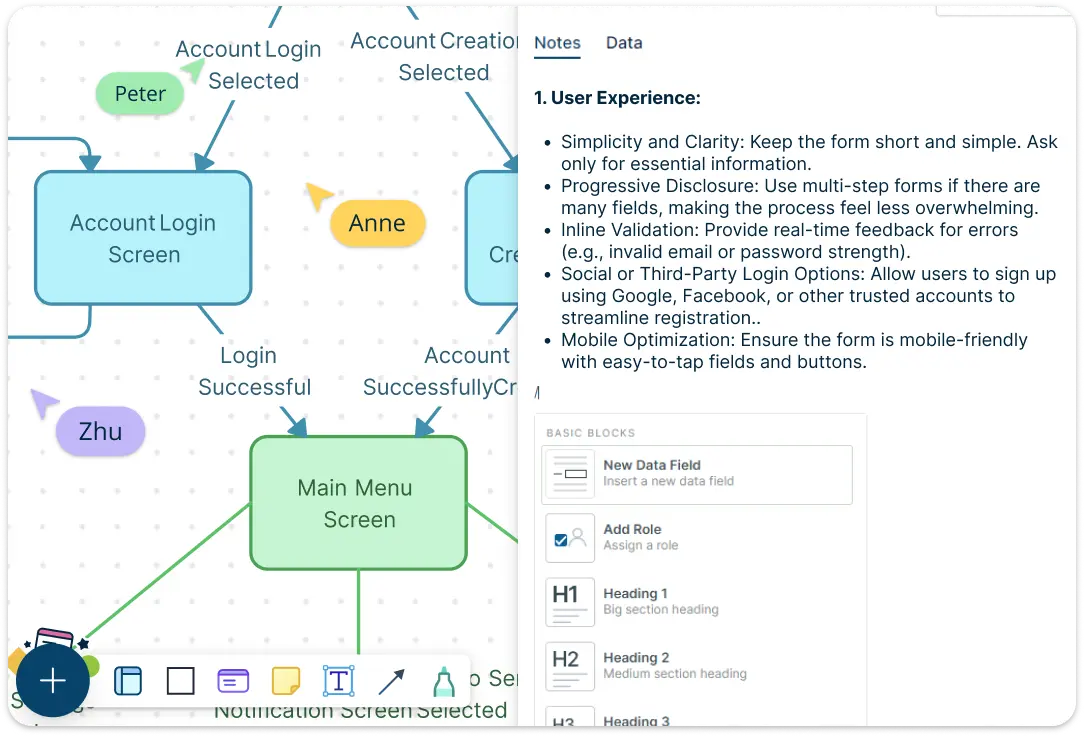
Enhance Clarity with Real UI Elements & Notes
Make your screen flow template more realistic by importing wireframes, mockups, or UI screenshots directly onto the canvas. Use the notes panel to document key details, add references, or link to supporting resources without cluttering the screen flow template. Easily hyperlink screens to connect related flows and streamline navigation. Plus, annotations and tooltips help highlight interactions and clarify important steps.
Seamlessly Collaborate on & Share the Screen Flow Template
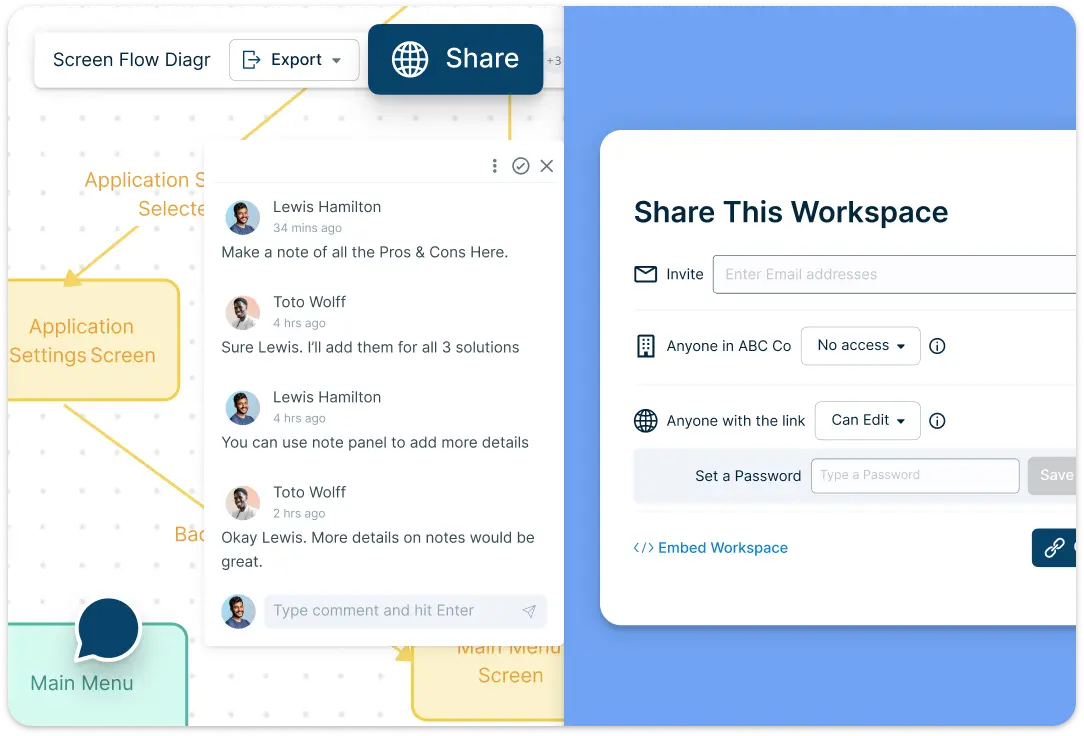
Work in sync with your team using real-time multi-user editing, so everyone stays on the same page. Collect instant feedback with built-in comments and discussion tools, eliminating lengthy email chains. Track every change with version history, ensuring no progress is lost. When your screen flow template is ready, export it or present it with one click, making it easy to share with stakeholders and developers.
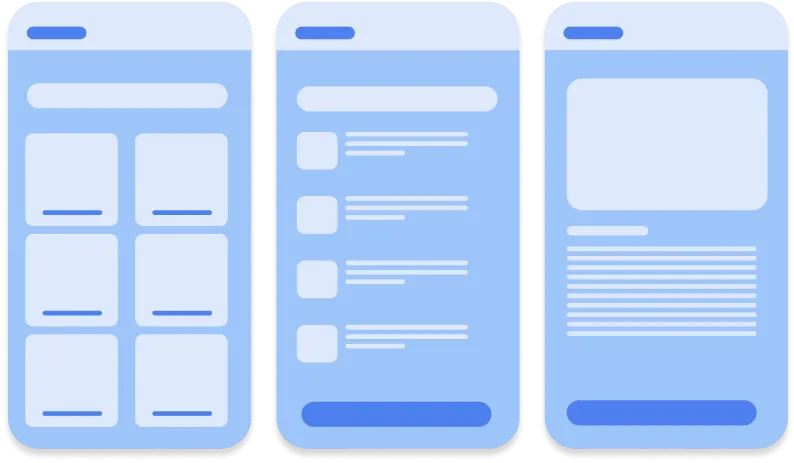
What Is a Screen Flow Template
How to Use Creately’s Screen Flow Diagram Template
Choose a screen flow template:
Select a pre-built screen flow template from Creately’s library based on your project needs, whether it’s for a mobile app, website, or software interface.Customize the screens:
Drag and drop UI elements like buttons, forms, and menus onto the canvas to represent different screens. You can also import wireframes or mockups for a more realistic design.Define navigation paths:
Use smart connectors to link screens and show how users navigate through the interface. Auto-adjusting connectors help keep everything organized as you edit.Add notes and annotations:
Use the notes panel to document details, hyperlink screens for deeper context, and add tooltips to highlight key interactions.Collaborate in real-time:
Invite team members to edit, comment, and refine the flow together. Use version history to track changes and ensure smooth collaboration.Present or export your diagram:
Once the screen flow template is finalized, showcase your screen flow directly in Creately’s presentation mode or export it in various formats to share with stakeholders and developers.
When to Use Creately’s Screen Flow Template
Designing a new app or website:
Map out screen transitions and user journeys to ensure a smooth and intuitive experience before development begins.Optimizing an existing interface:
Identify navigation bottlenecks and improve user flow by visualizing how users interact with different screens.Collaborating with teams and stakeholders:
Share interactive screen flows with designers, developers, and decision-makers to align on project goals and requirements.User testing and feedback analysis:
Use screen flows to analyze user behavior and refine the interface based on usability testing results.Documenting user journeys for future reference:
Maintain a clear record of user flows to guide development updates and onboarding for new team members.
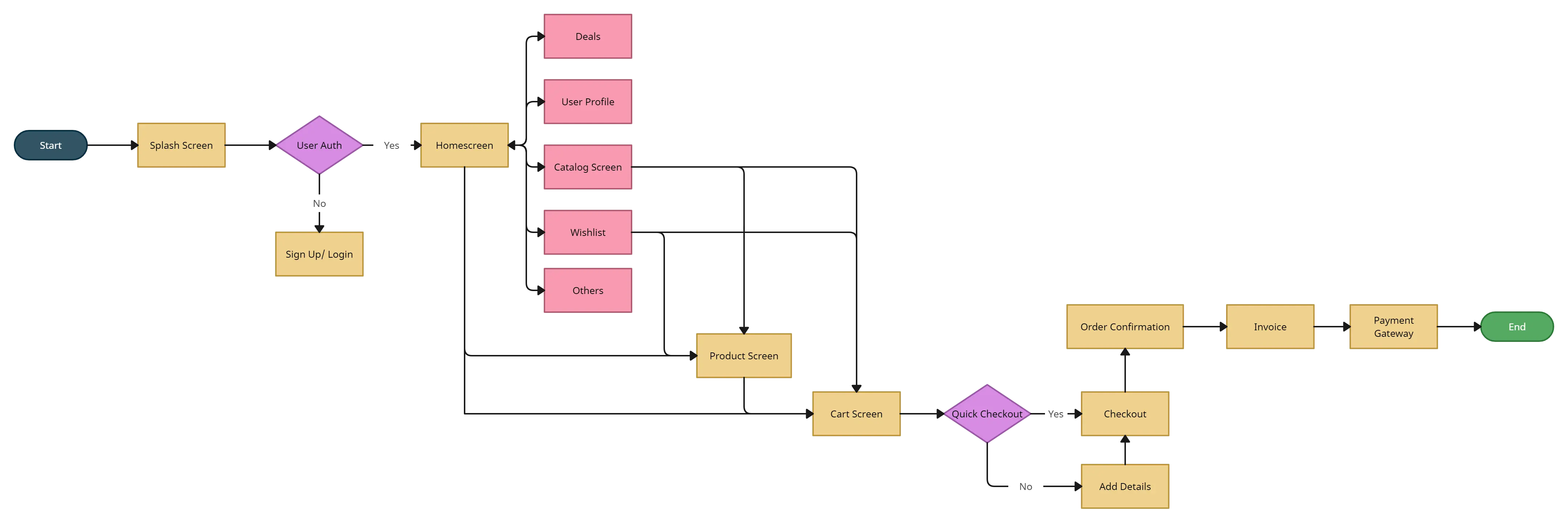
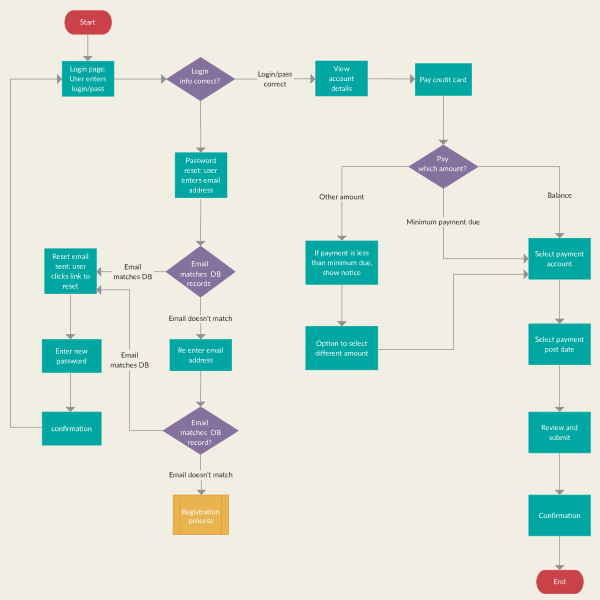
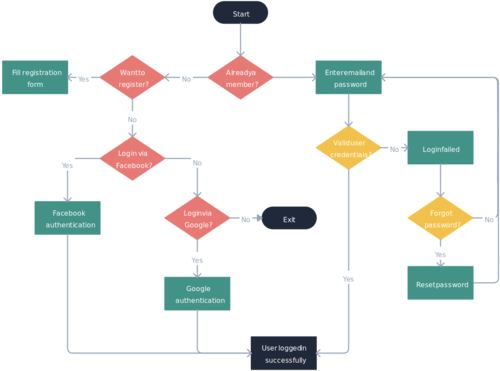
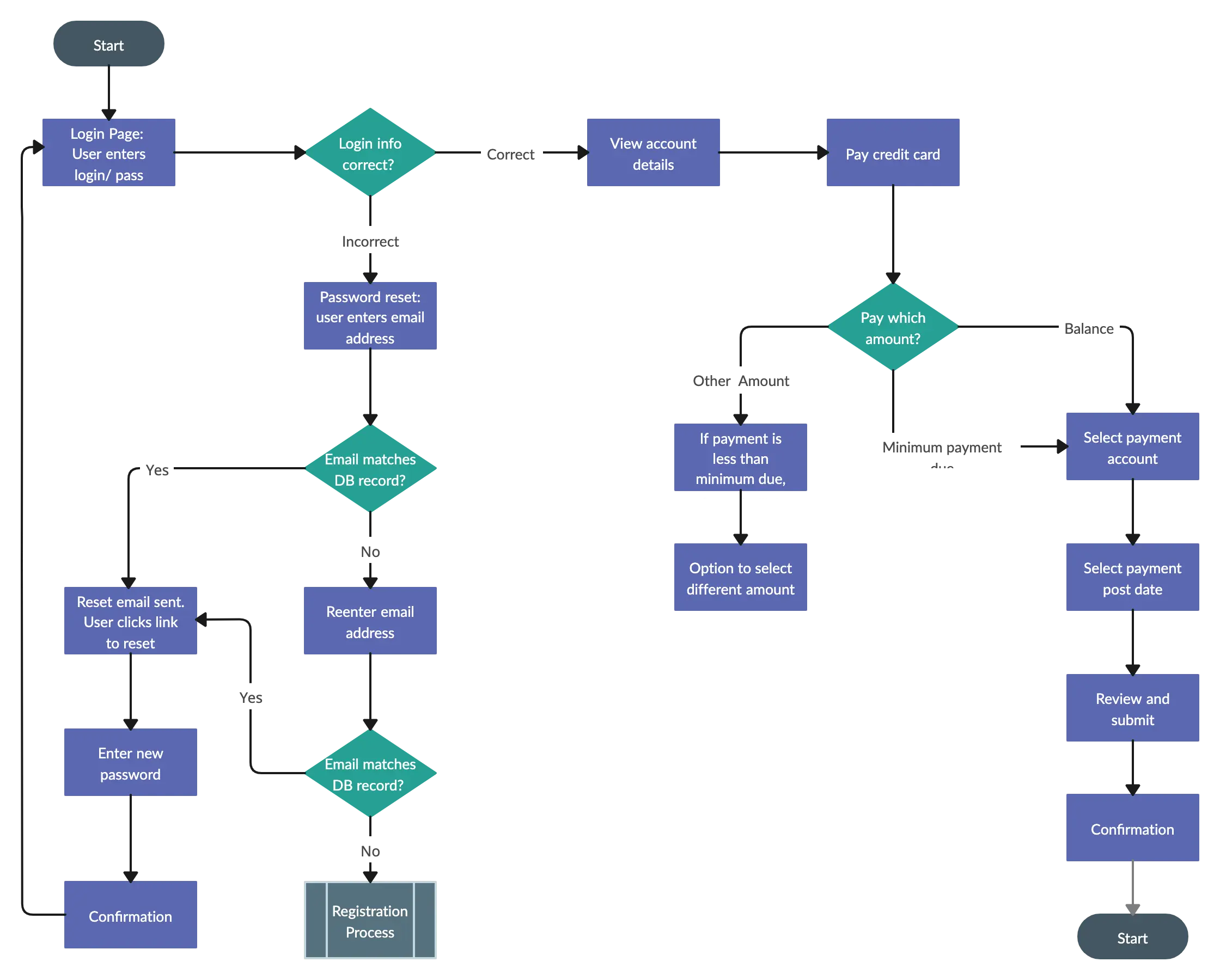
Gain Clear Insights into User Interactions with These Pre-Made Templates
FAQs About the Screen Flow Template
What are Creately’s screen flow template pricing plans?
- Free Plan — $0/month for basic screen flow creation and collaboration
- Starter & Team Plans — $8/month or $5/month billed annually
- Business Plan — $149/month or $89/month billed annually
Annual billing helps you save more while unlocking advanced collaboration, workspace management, and enhanced screen flow features. You can compare all available plans and features on the Creately Pricing Page.
How can you create screen flows faster?
Are there templates for different screen flow use cases?
Can teams collaborate on screen flows?
Can I add notes, data, and files?
Can I share, present, or export screen flows?






















