Process Mapping Template
Optimize Your Workflows with a Comprehensive Process Mapping Template
Visualize, analyze, and enhance workflows effortlessly with our Process Mapping Template, designed to optimize operational efficiency and clarity.
- Pre-built process mapping templates for quick and accurate workflow mapping
- Automatic database updates for consistent, real-time process mapping
- Collaborative features for seamless real-time team alignment on process maps
Over 10 Million people and 1000s of teams already use Creately

Get Started Quickly with Ready-Made Process Mapping Templates
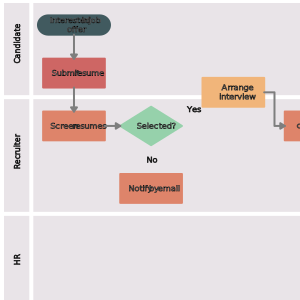
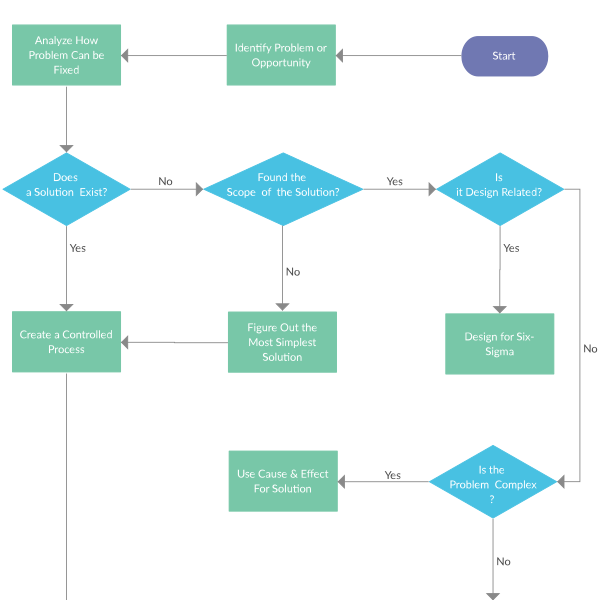
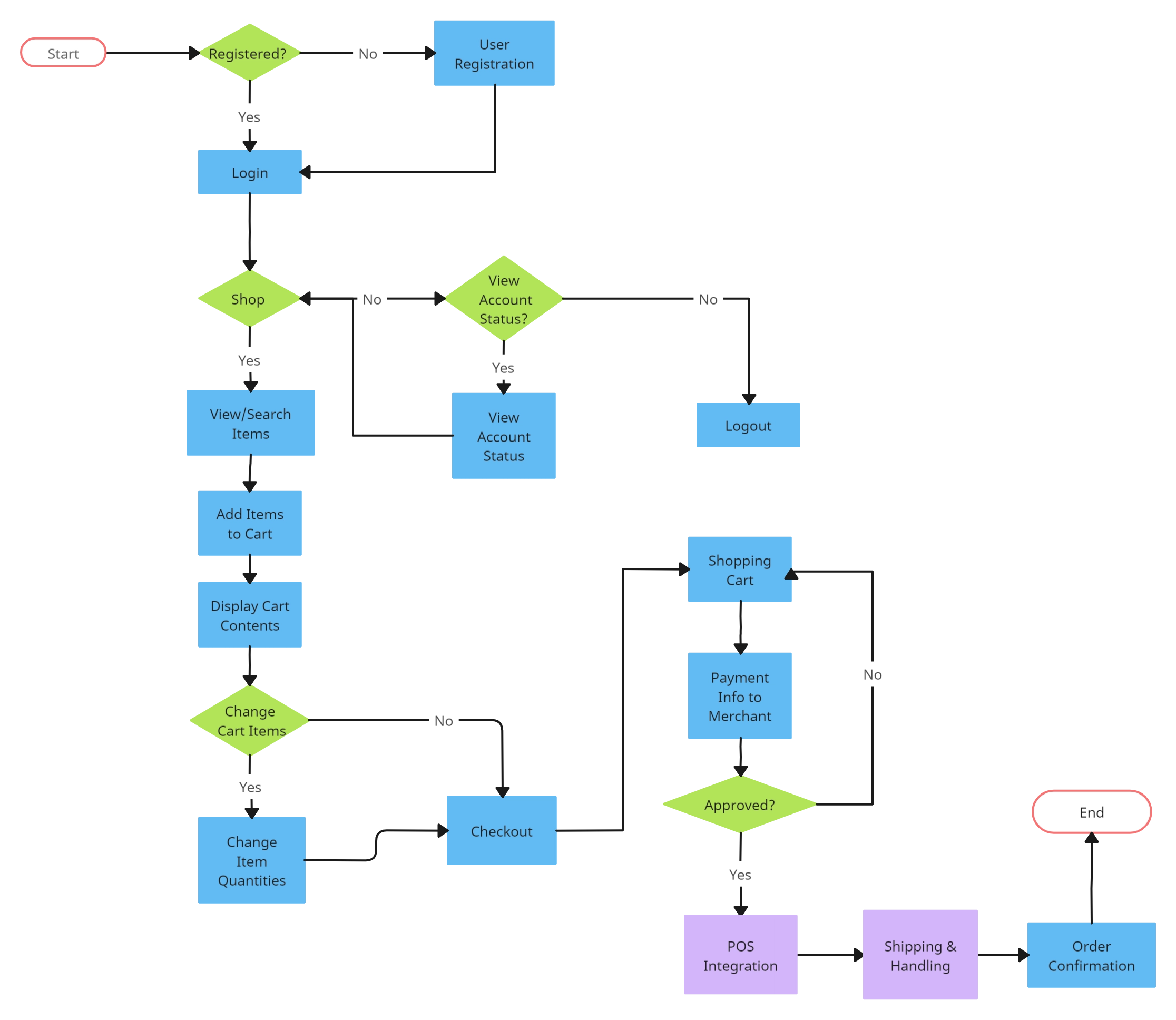
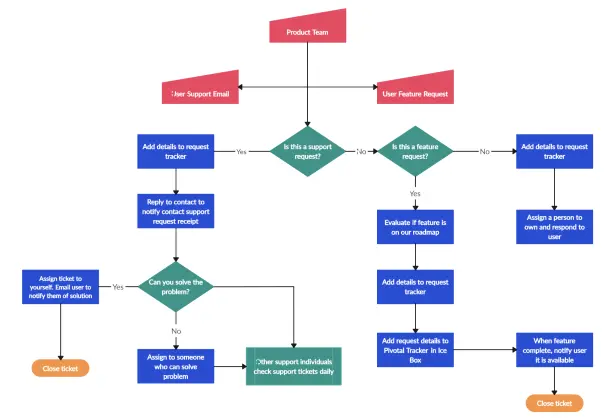
Transform Complex Processes with a Process Mapping Template
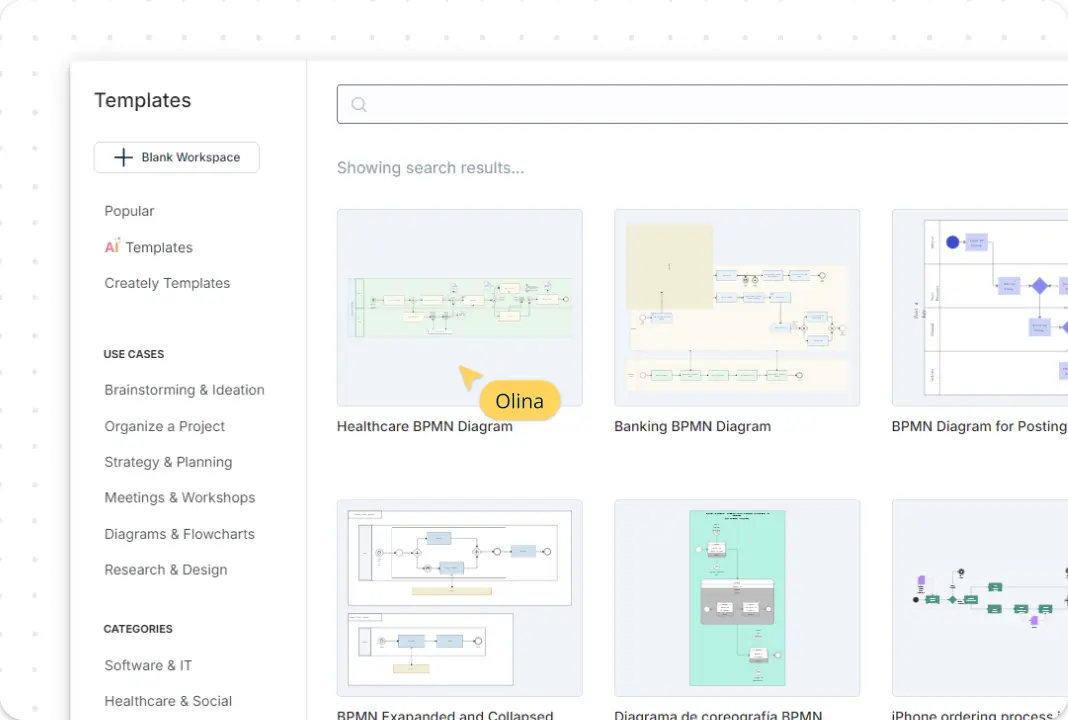
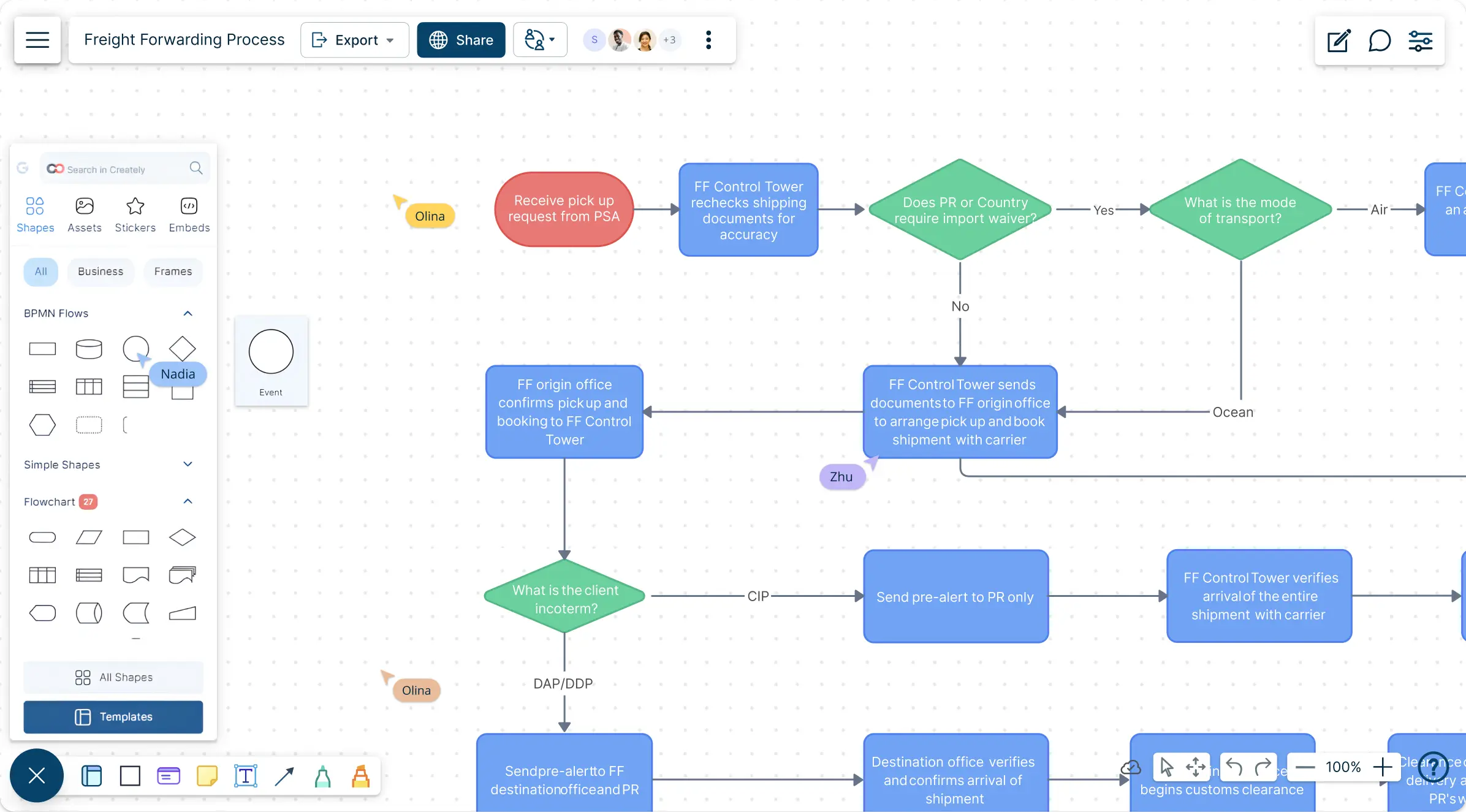
Transform complex processes into clear, easy-to-understand visuals with intuitive, pre-designed process map templates. Creately’s infinite canvas lets you capture every aspect of your workflows from start to finish, all in one comprehensive view, using a process mapping template. Attach essential documents, resources, and links to each stage, keeping critical information readily accessible. Use color codes, shapes, and icons to highlight and categorize steps, making each part of the process visually distinct and simple to follow.
Enable Real-Time Team Collaboration on Process Maps
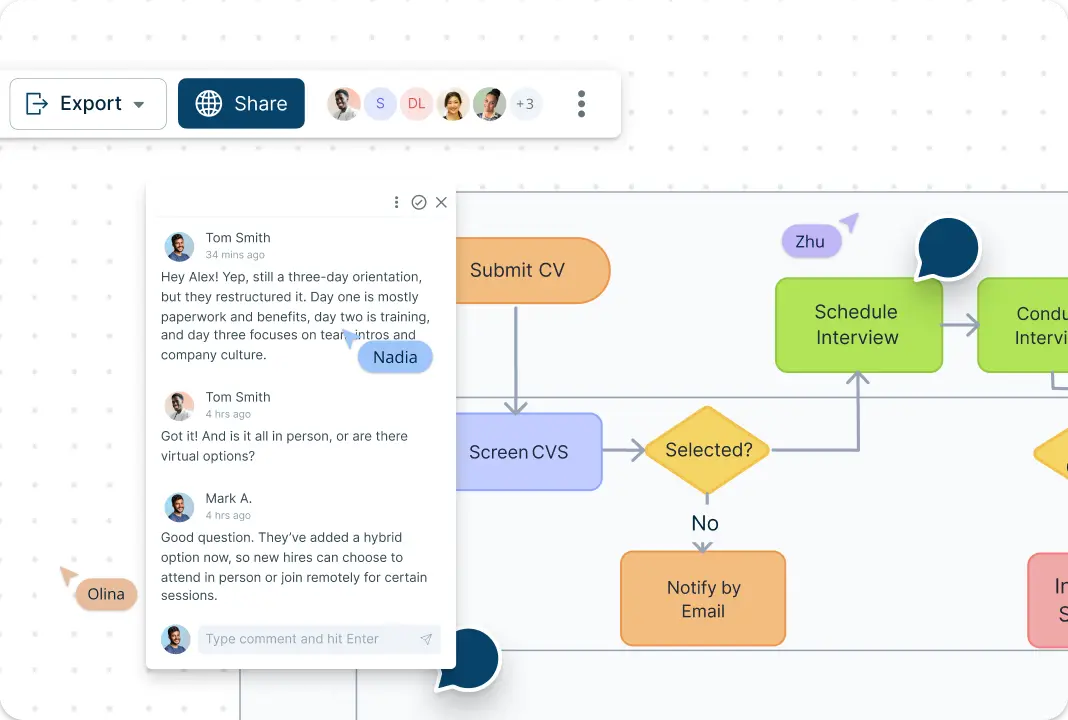
Collaborate in real-time with your team on a shared canvas, making it easy to add input and streamline processes together using process map templates. Share process maps securely with stakeholders, so everyone has up-to-date access. Tag teammates or departments in specific steps of the process map, clarifying roles and responsibilities while fostering accountability across the team. With direct commenting and feedback on the map, alignment is effortless, ensuring clarity and fast iteration.
Centralize Information with Creately’s Database Feature
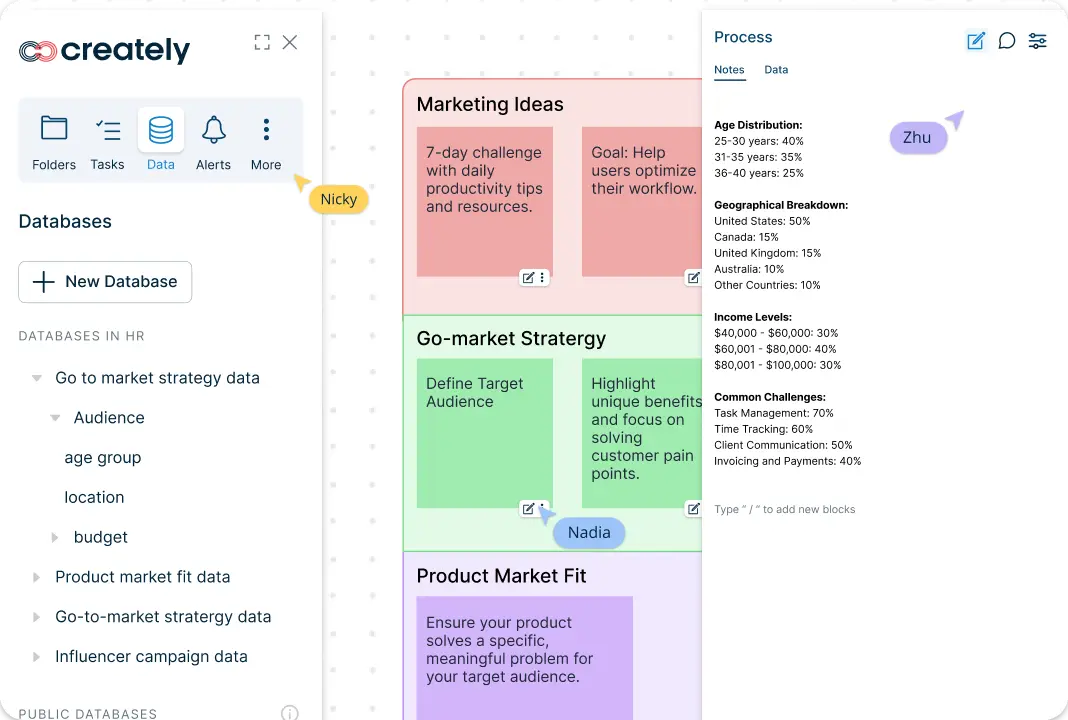
With Creately’s Process Mapping Templates and exclusive database capability, keep your entire organization connected and up-to-date without manual updates. As you drag and drop shapes and symbols onto the canvas, a central database is automatically generated, tracking each entity across multiple views and process maps. This means a single change in the database will reflect instantly across every location and workspace where that entity appears, eliminating the need for repetitive updates and keeping everyone aligned with the latest information.
What Is a Process Mapping Template?
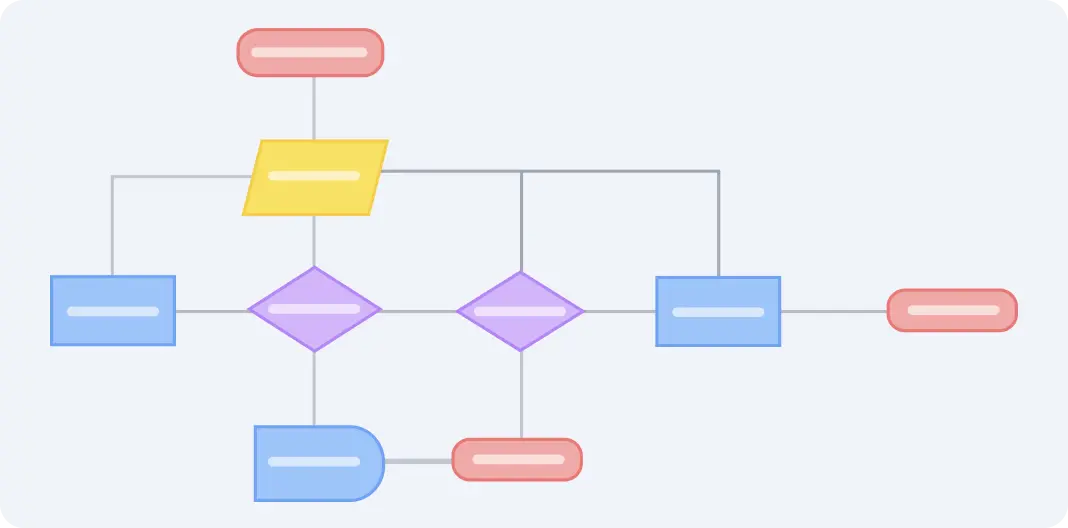
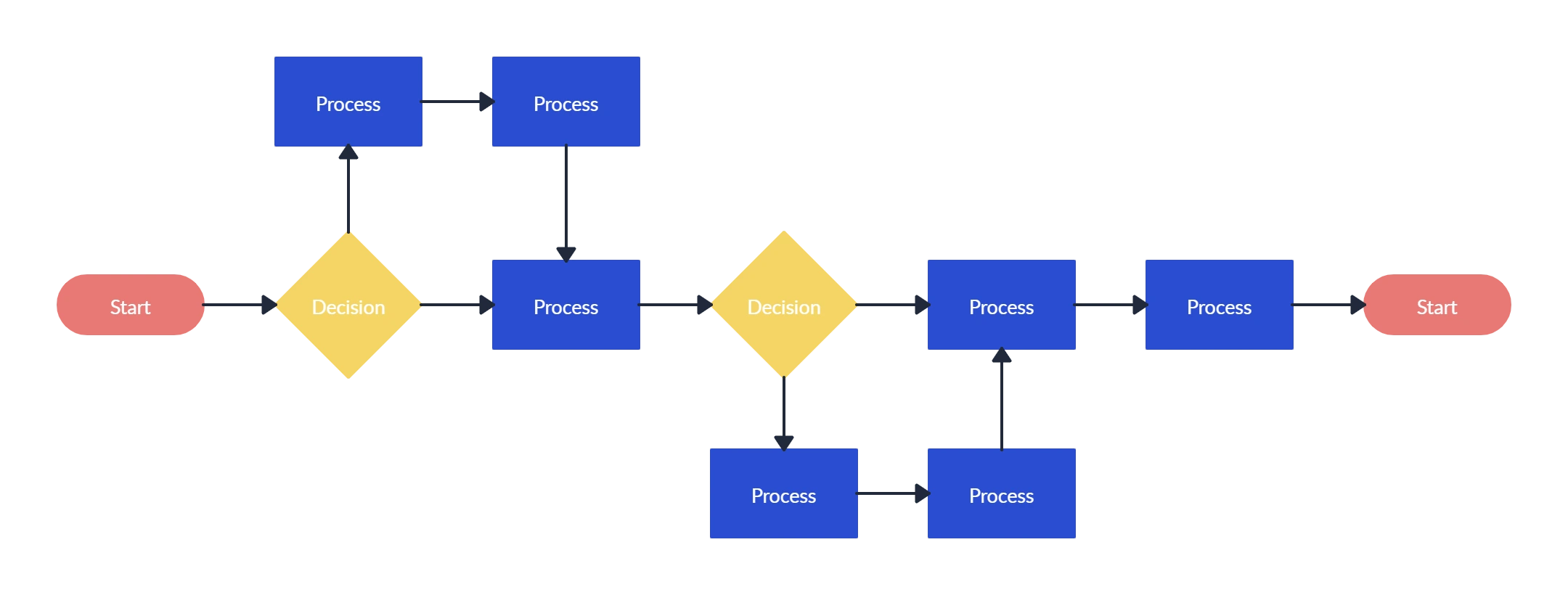
A process mapping template is a visual tool that breaks down a workflow or process into individual steps, providing a clear outline of how tasks progress from start to finish. The central aim of a process map is to show each phase and participant in a process, highlighting how they contribute to achieving an end goal. By organizing processes visually, process mapping templates help teams see the structure and flow of their work, enabling better analysis and potential improvement.
This diagram-based approach makes it easier to identify bottlenecks, streamline operations, and communicate processes across departments. Whether you’re using a process map template, a process mapping tool, or a sample process map, it is ideal for simplifying complex workflows, whether for project planning, training, or performance optimization. It allows teams to optimize processes and enhance collaboration across departments with visual clarity and structured insights.
How to Use Creately’s Process Mapping Template?
Create a New Workspace:
Start by opening Creately and setting up a new workspace. Choose the Process Mapping Template from the available options, giving you a ready-made structure to begin mapping out your workflow.Add Key Steps and Phases:
Identify the main stages of your process and place them on the canvas. Use Creately’s shapes and text tools to clearly label each step. Begin with the starting point of the process and work towards the final outcome, ensuring that each phase flows logically.Define Roles and Responsibilities:
Assign each process step to the relevant team members or departments. Use color coding, shapes, or icons to represent different roles or responsibilities, providing clarity on who handles each stage of the workflow.Integrate Database for Seamless Updates:
As you build your process mapping template, Creately’s database feature automatically tracks and organizes each process element. When you drag and drop shapes onto the canvas, each step is added to a central database. This means any updates made to an entity in the database instantly reflect across all relevant steps and views within your workspace. This dynamic updating eliminates the need for manual adjustments, ensuring accuracy and consistency in long-term workflows.Include Supporting Details:
For each step, add relevant documents, links, or notes to provide more information. Creately’s attachment and notes features allow you to connect all necessary resources directly to the map, making it easy for team members to access essential details without leaving the workspace.Customize and Organize:
Personalize the look of your process map by adjusting colors, fonts, and shapes. This helps emphasize key points, distinguish between phases, and enhance overall readability. Rearrange elements to create a clear, visually appealing layout.Collaborate with Your Team:
Share the process map with your team to collaborate in real time. Team members can view, edit, or comment on the diagram, adding insights and adjustments to refine the workflow. Use @mentions to direct comments or requests to specific colleagues.Save and Export:
Once your process map is complete, save your work within Creately. You can also export the diagram as a PDF, PNG, or SVG file, making it easy to incorporate into presentations, reports, or training materials.
Unlock Your Full Creative Potential with These Templates
FAQs About the Process Mapping Template
What are Creately’s process mapping template pricing plans?
- Free Plan — $0/month for basic process mapping creation and collaboration
- Starter & Team Plans — $8/month or $5/month billed annually
- Business Plan — $149/month or $89/month billed annually
Annual billing helps you save more while unlocking advanced collaboration, workspace management, and enhanced process mapping features. You can compare all available plans and features on the Creately Pricing Page.
How can you create process mappings faster?
Are there templates for different process mapping use cases?
Can teams collaborate on process mappings?
Can I add notes, data, and files?
Can I share, present, or export process mappings?






















