Prioritization Matrix Template
Make Smarter Decisions with a Visual Priority Matrix
Categorize issues by importance and urgency to identify the priority to focus your efforts where they matter most
- Plan tasks by urgency and impact to focus on what matters.
- Collaborate in real time on a shared prioritization matrix.
- Export your matrix as PNG, PDF, SVG, or JPEG for easy sharing.
Over 10 Million people and 1000s of teams already use Creately
Get Started with Ready-to-Use Prioritization Matrix Templates
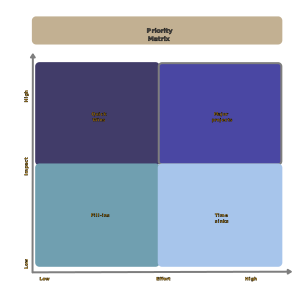

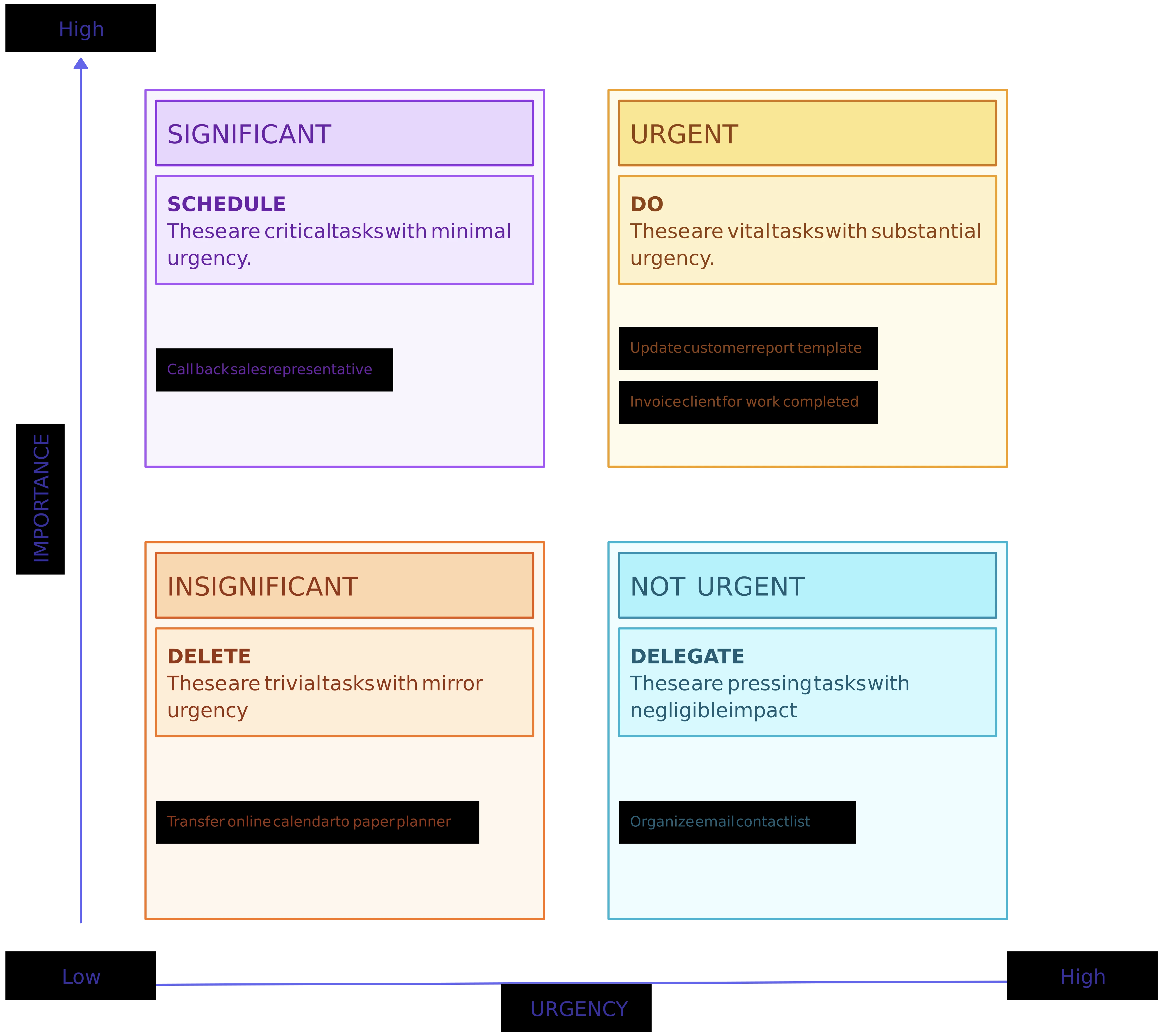
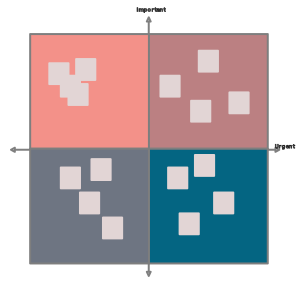
Generate and Organize Ideas in a Prioritization Matrix
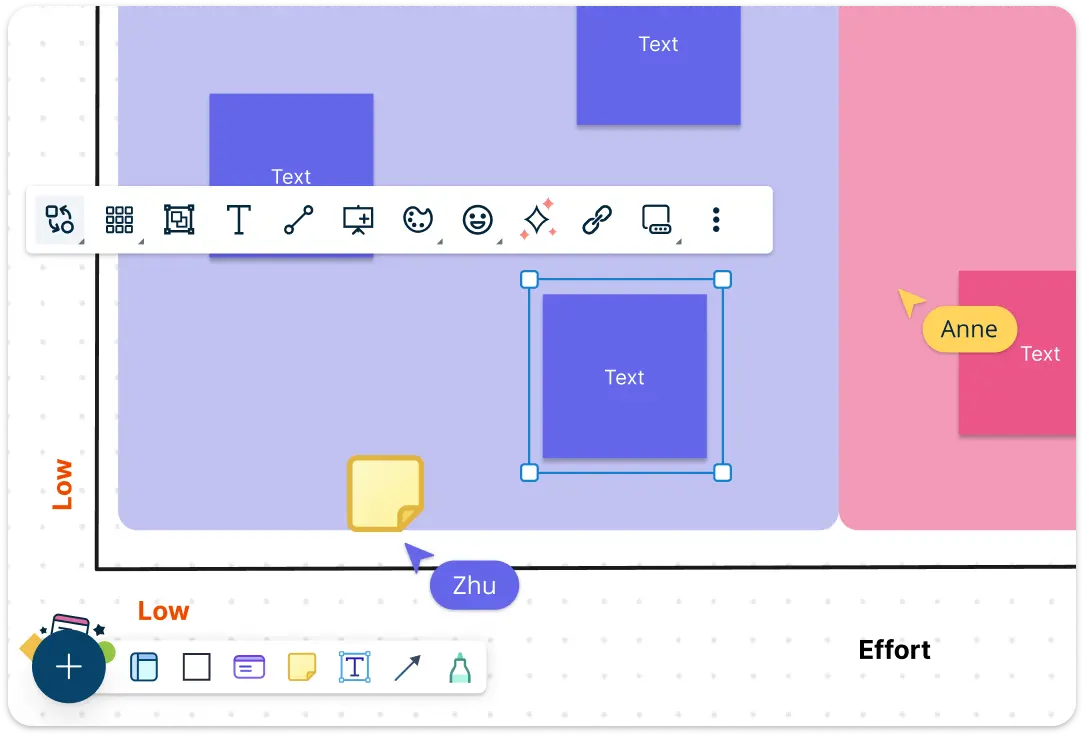
Kick off your decision-making process by capturing ideas and initiatives in a flexible brainstorming space. Drop sticky notes, tasks, or feature requests onto the infinite canvas and group them by priority level or category. Use the prioritization matrix template to structure thoughts early on, helping you move from chaos to clarity fast.
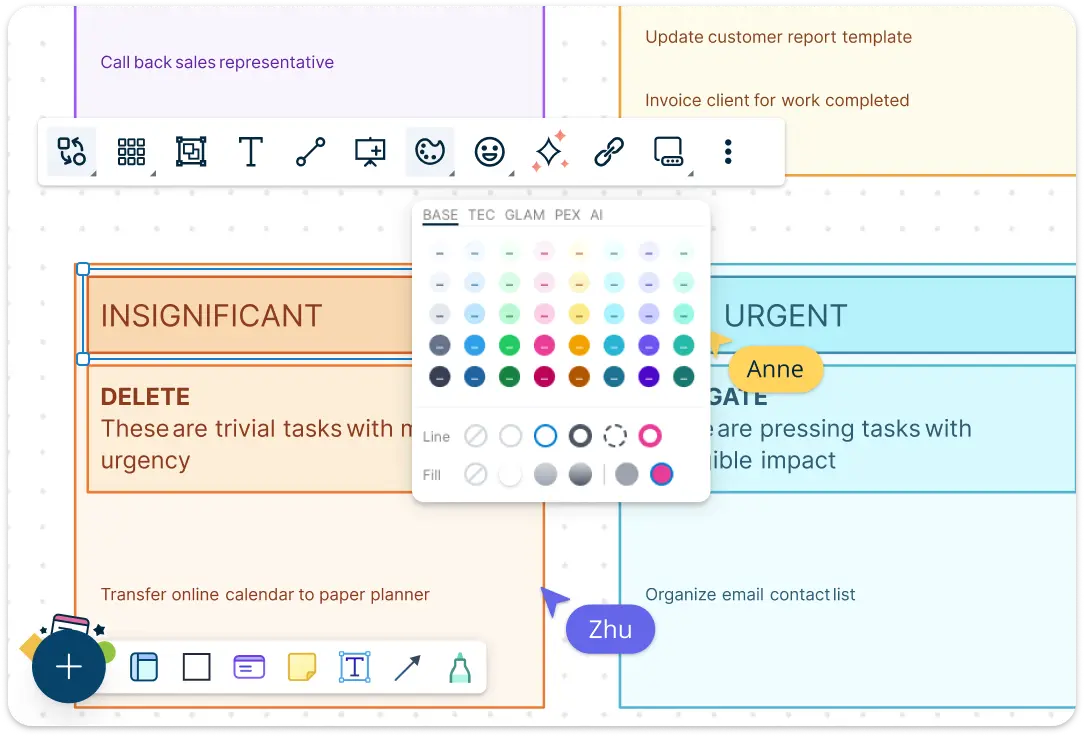
Turn Priorities into Clear, Actionable Visuals on a Prioritization Matrix Template
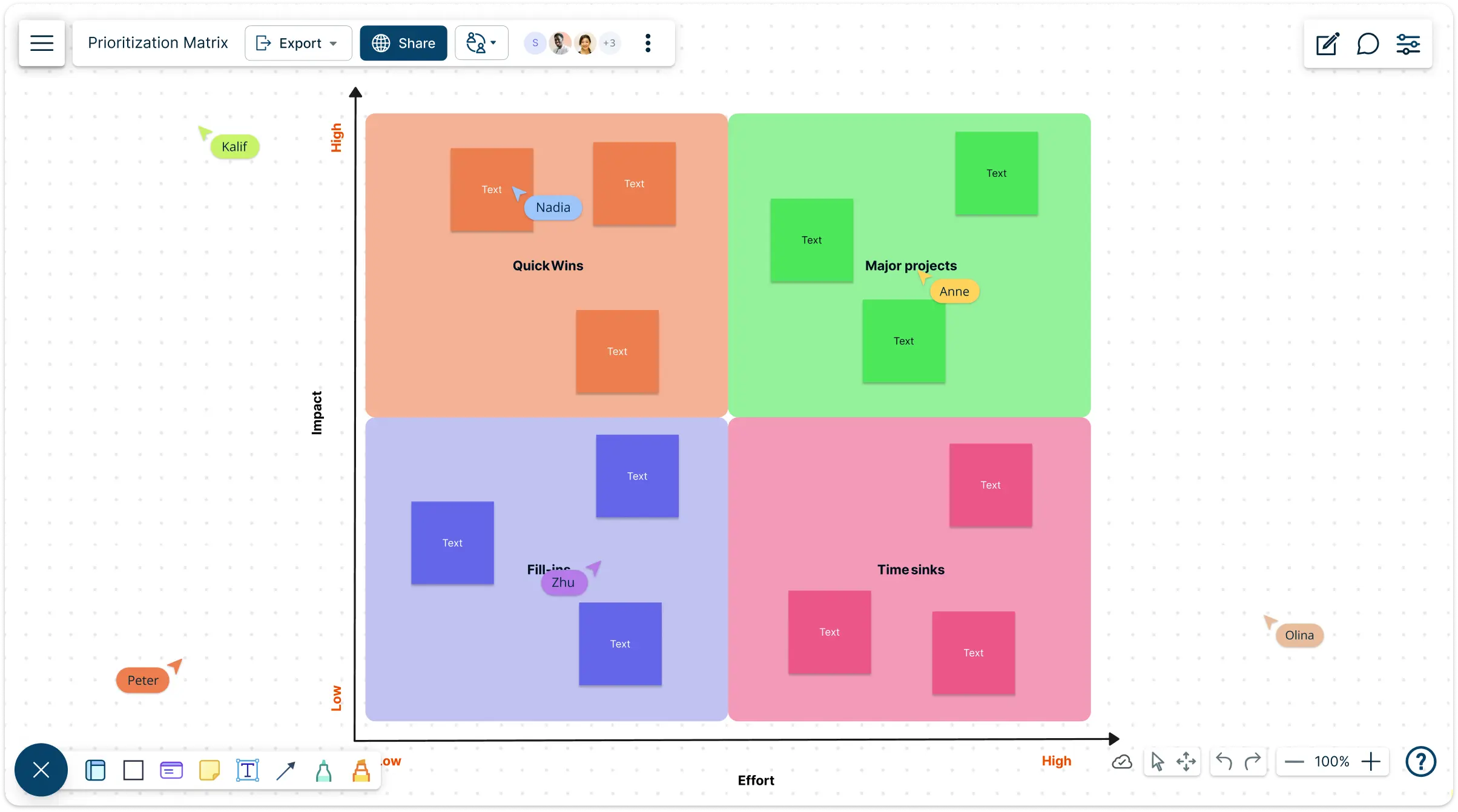
Use Creately’s intuitive prioritization matrix canvas to map tasks based on urgency and importance. Drag and drop items into quadrants, apply color codes, and add notes or tags for context. With templates for various matrix models, including the Eisenhower Matrix and Impact/Effort, you can visualize project priorities at a glance.
Analyze and Make Impactful Decisions with a Priority Matrix
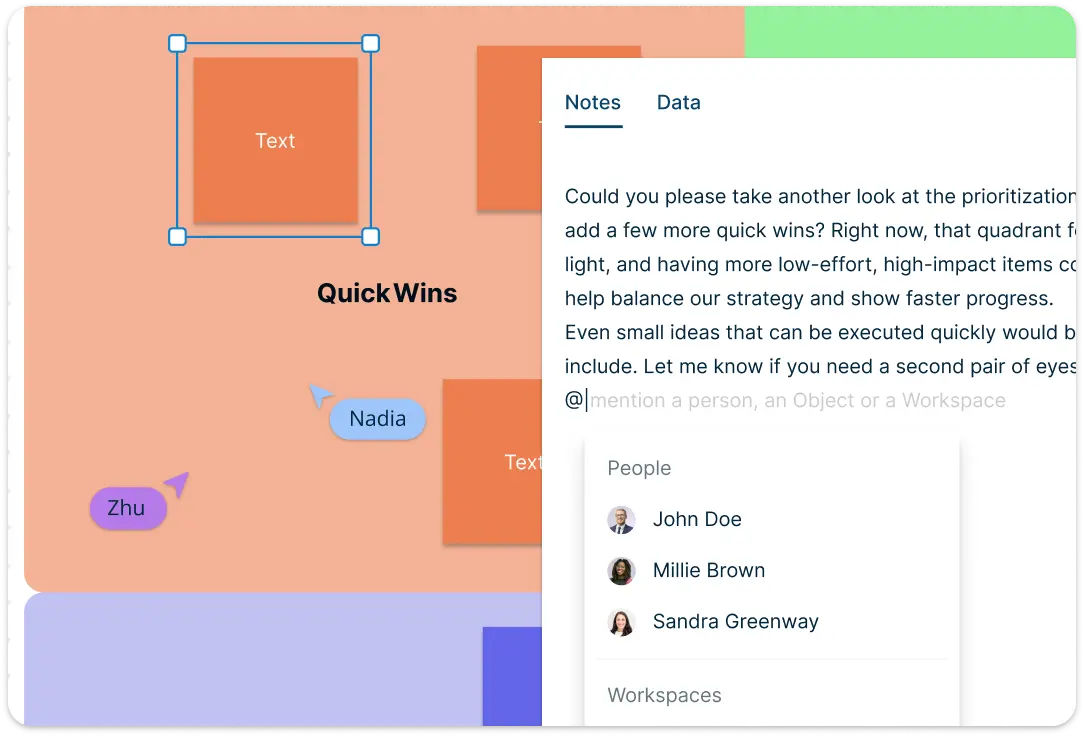
Go beyond surface-level prioritization by enriching tasks with contextual data. Add labels, effort estimates, deadlines, and dependencies directly to matrix items. Link to external sources or internal workspaces to track decisions and outcomes, turning your priority matrix into a real-time source of insight.
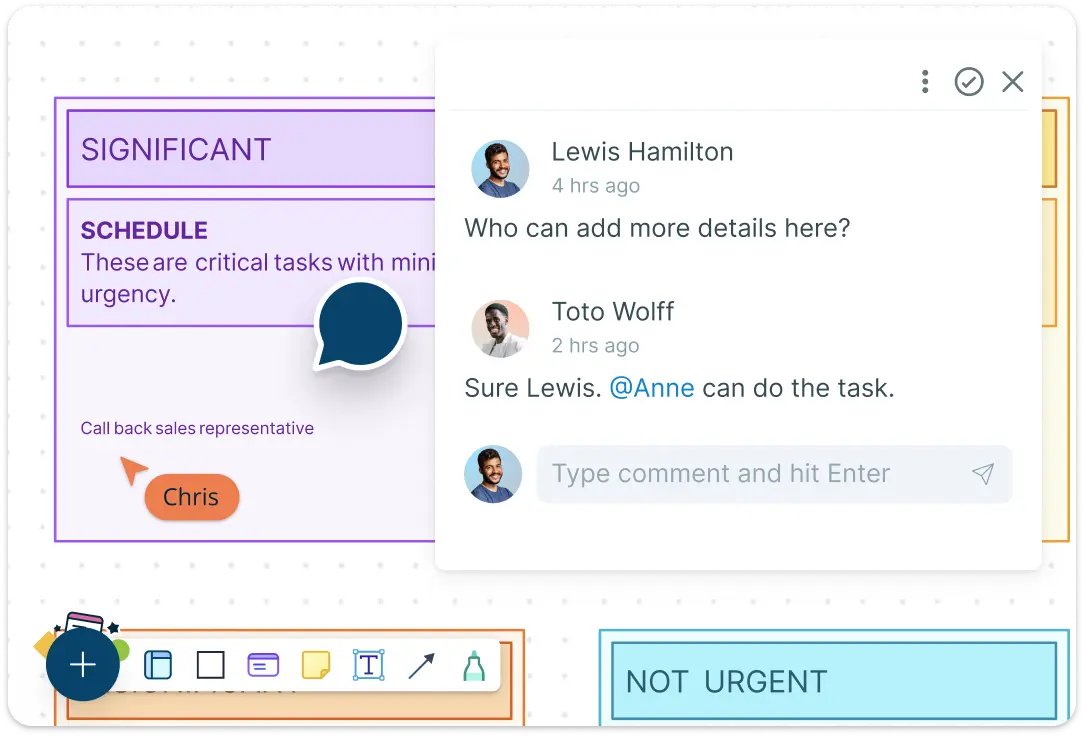
Collaborate Seamlessly on a Shared Prioritization Matrix Canvas
Work side-by-side with stakeholders in real time using live cursors and synced updates. Add comments and tag teammates for input directly on the prioritization matrix, ensuring collective clarity on what to focus on and why. Everyone stays aligned, whether async or live.
What Is a Prioritization Matrix?
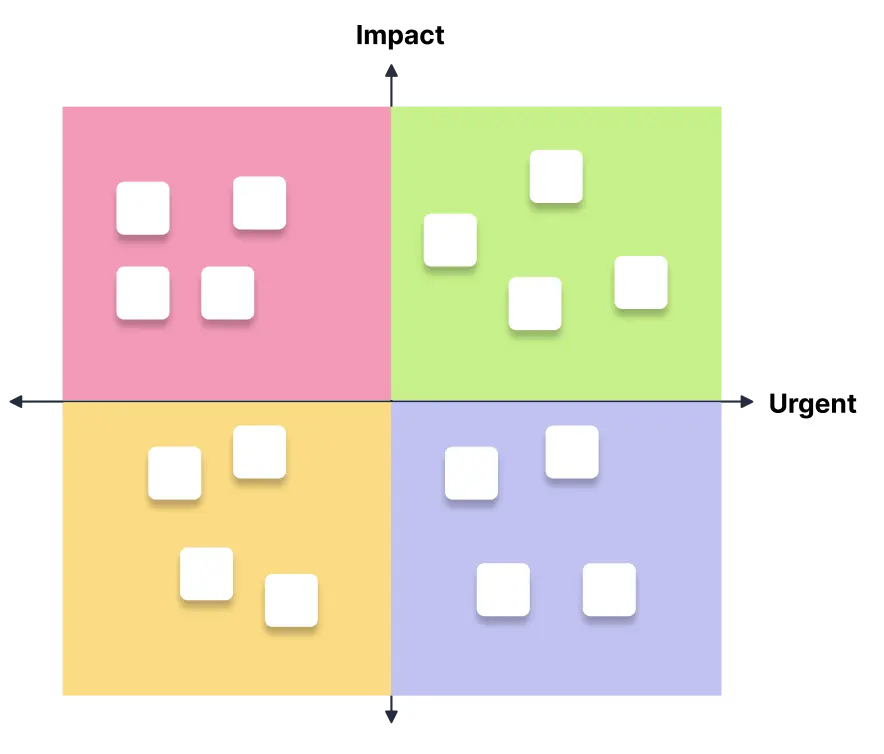
A Prioritization Matrix is a powerful decision-making tool that helps you rank tasks, projects, or goals based on two key factors, impact/rewards and importance/urgency. It offers a clear, visual way to identify what truly deserves your attention and what can be delayed or delegated.
Whether you’re juggling competing deadlines or struggling to decide which task to tackle first, a prioritization matrix canvas helps bring structure to your workload.
How to Create a Prioritization Matrix with Creately
Launch a Workspace and Add Your Team:
Log in to Creately if you already have an account, or sign up if you are a new user. Start by opening a new workspace. Share an edit link with colleagues or stakeholders to enable real-time collaboration. Live mouse tracking and synced previews make it easy to stay aligned as everyone contributes to the prioritization matrix.Brainstorm Ideas and Tasks:
List out all ideas, initiatives, or tasks that need evaluation. You can add sticky notes or use shapes from the library to capture input from each participant. This initial pool forms the base for prioritization.Choose a Prioritization Matrix Template:
Select a ready-made prioritization matrix template, such as the Eisenhower Matrix or Impact vs. Effort Matrix, to quickly structure your data. You can also create a custom matrix layout to match your team’s framework.Categorize Based on Importance and Urgency:
Drag and drop tasks into the relevant matrix quadrants. Label them according to urgency, importance, effort, or any criteria that suit your project. Add color codes, notes, or tags for better clarity and visual impact.Add Context with Data Fields and Links:
Enhance your priority matrix by adding effort estimates, deadlines, owners, or related resources. You can also link to other Creately workspaces or external documents to provide more context behind each decision.Review and Refine as a Team:
Use comment threads to discuss task placements and adjust priorities as needed. This step ensures alignment on what needs immediate attention and what can wait.Export or Share the Final Prioritization Matrix:
Once finalized, share your prioritization matrix canvas via public or private links or export it in formats like PNG, SVG, JPEG, or PDF. Easily embed it in wikis, presentations, or project dashboards.
Explore More Visual Templates for Smarter Decisions
FAQs About the Prioritization Matrix
What are Creately’s prioritization matrix template pricing plans?
- Free Plan — $0/month for basic prioritization matrix creation and collaboration
- Starter & Team Plans — $8/month or $5/month billed annually
- Business Plan — $149/month or $89/month billed annually
Annual billing helps you save more while unlocking advanced collaboration, workspace management, and enhanced prioritization matrix features. You can compare all available plans and features on the Creately Pricing Page.
How can you create prioritization matrices faster?
Are there templates for different prioritization matrix use cases?
Can teams collaborate on prioritization matrices?
Can I add notes, data, and files?
Can I share, present, or export prioritization matrices?