PESTEL Model Template
Analyze Market Forces with Ease and Clarity
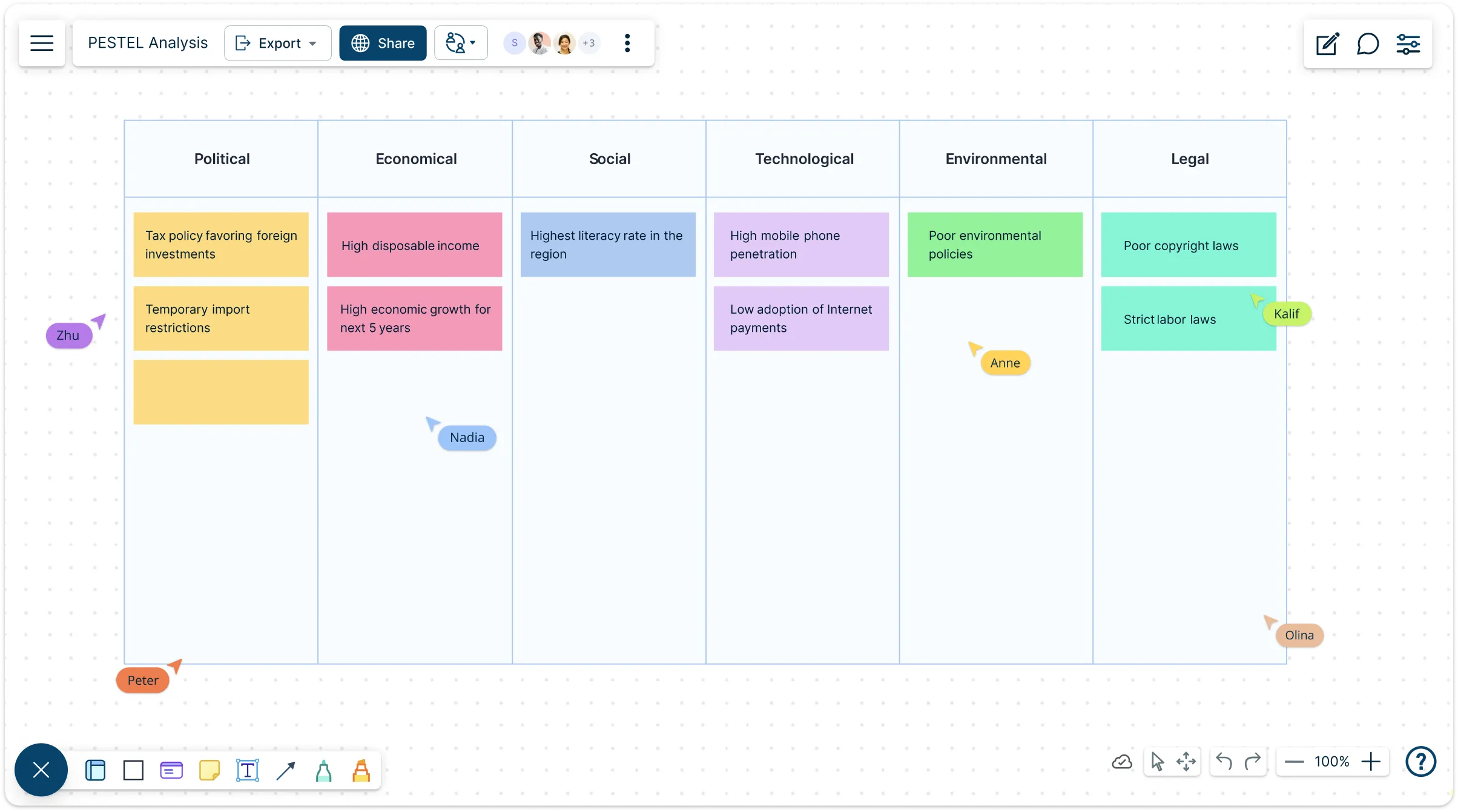
Quickly assess external factors impacting your business with our easy-to-use, customizable PESTEL model template. Collaborate in real-time and visualize insights to make smarter decisions.
- Intuitive drag-and-drop interface for effortless setup
- Real-time collaboration to align your team instantly
- Customizable design to fit your unique business needs
Over 10 Million people and 1000s of teams already use Creately

Explore Ready-Made PESTEL Model Templates for Quicker Analysis
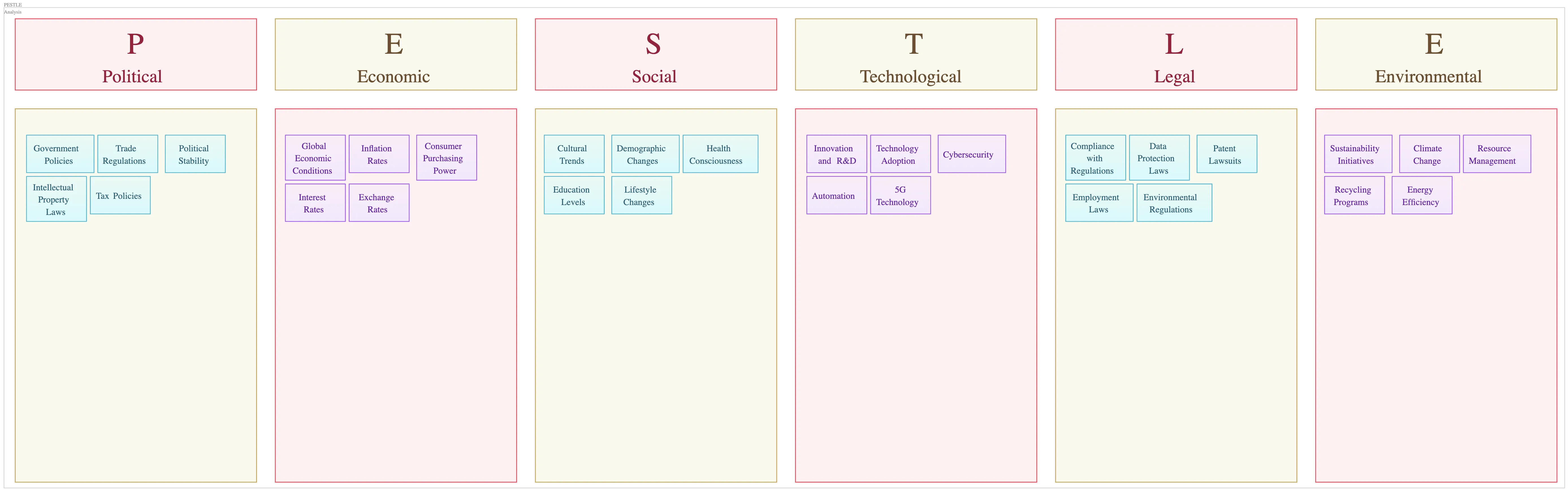
Jumpstart Your Analysis with a Ready-to-Use Setup
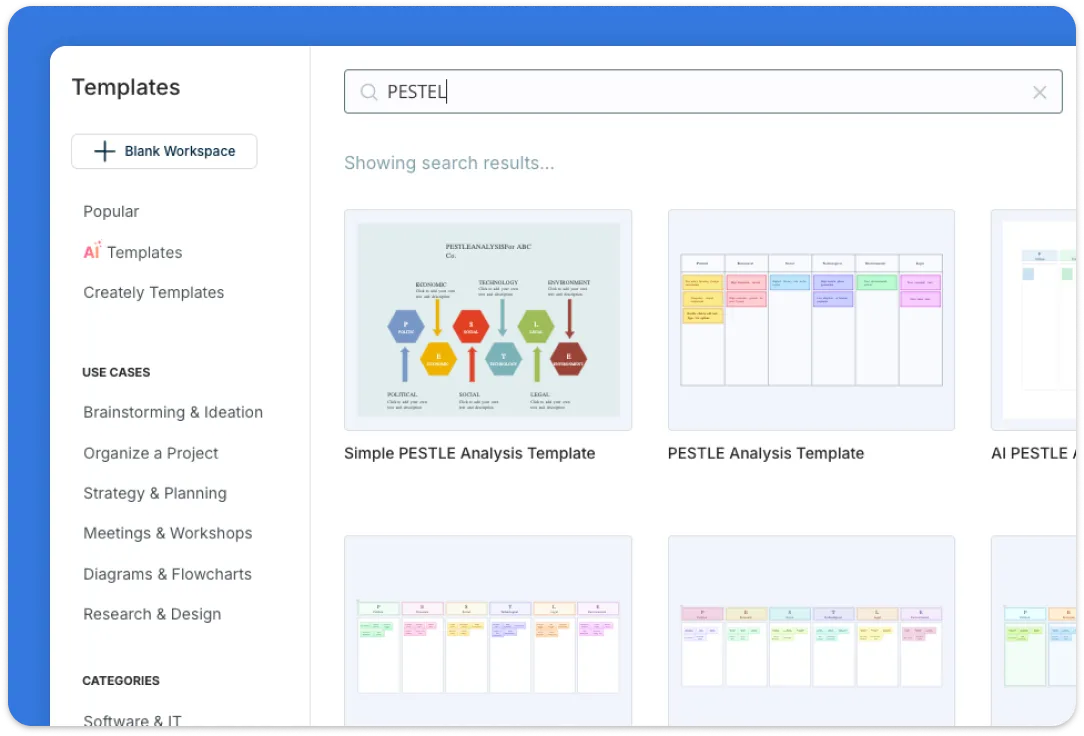
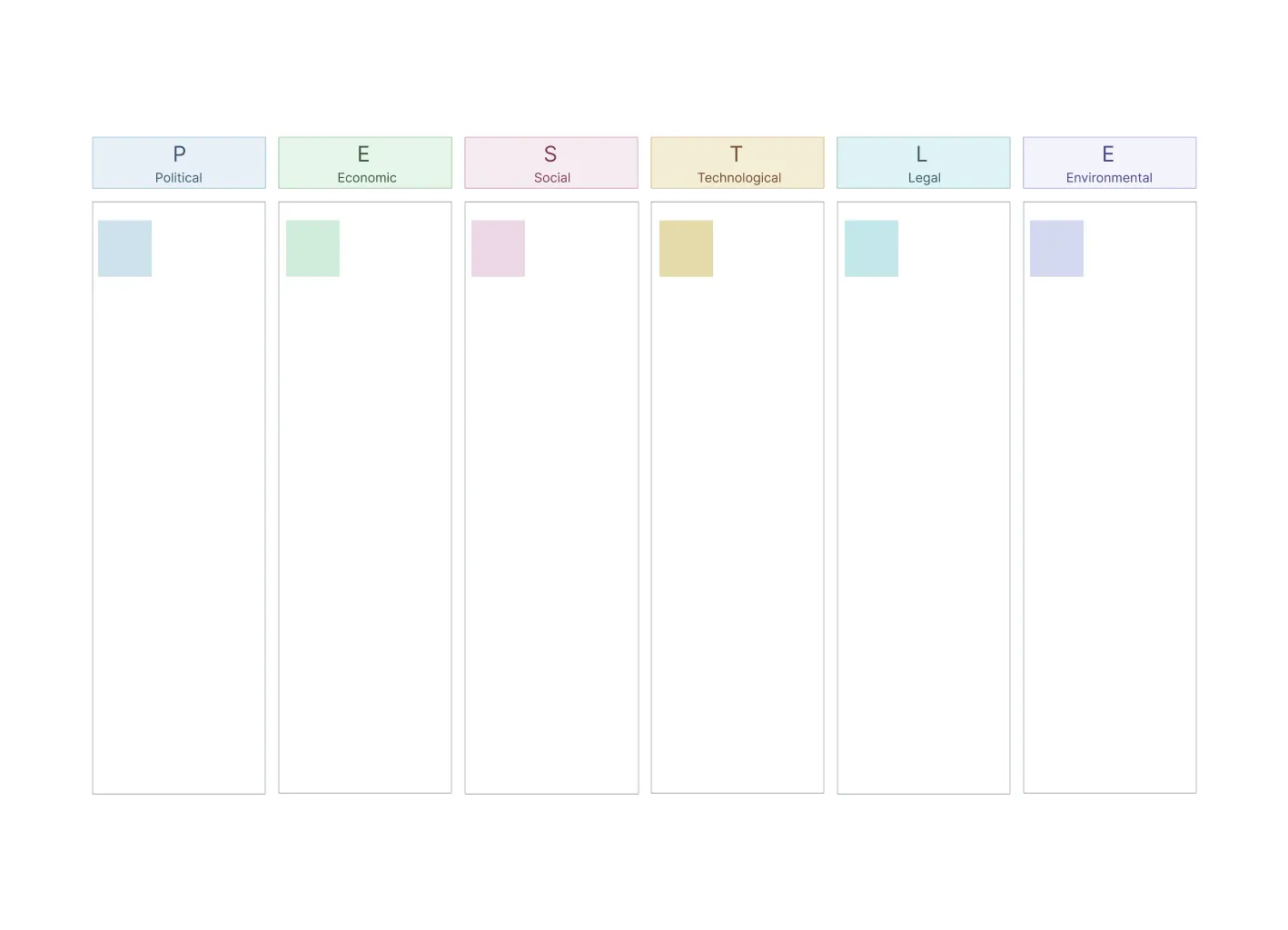
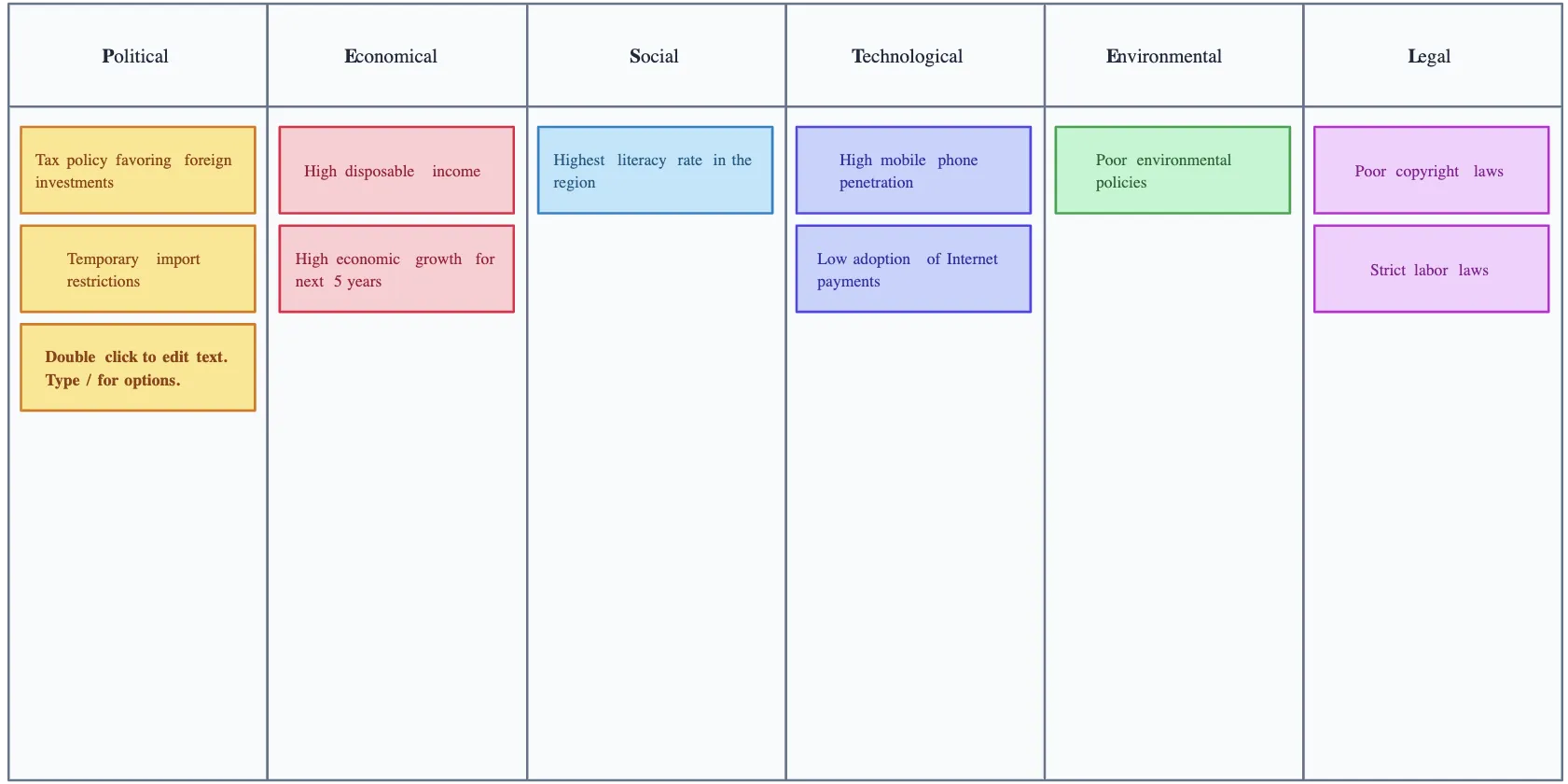
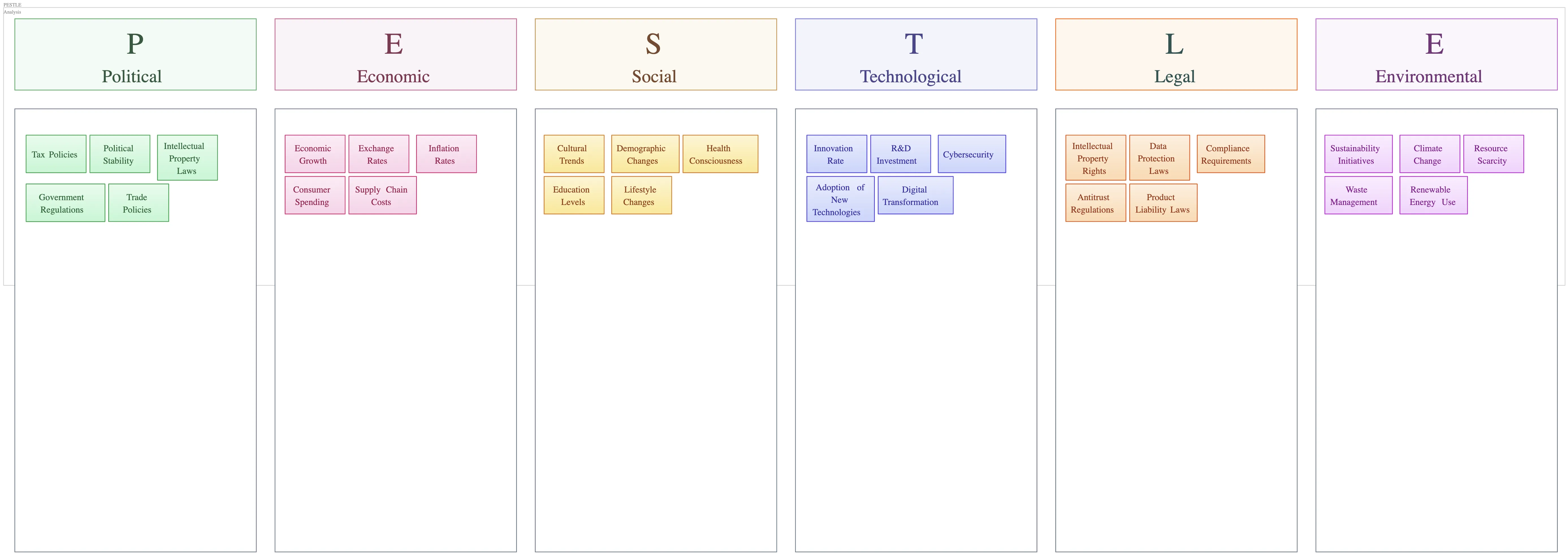
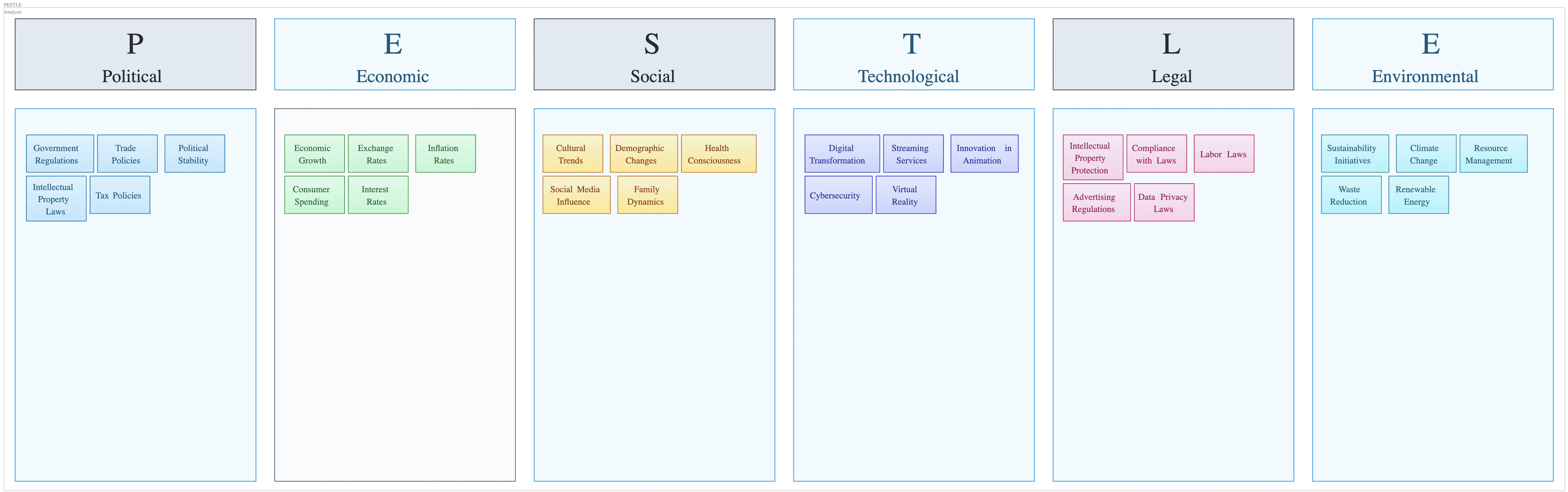
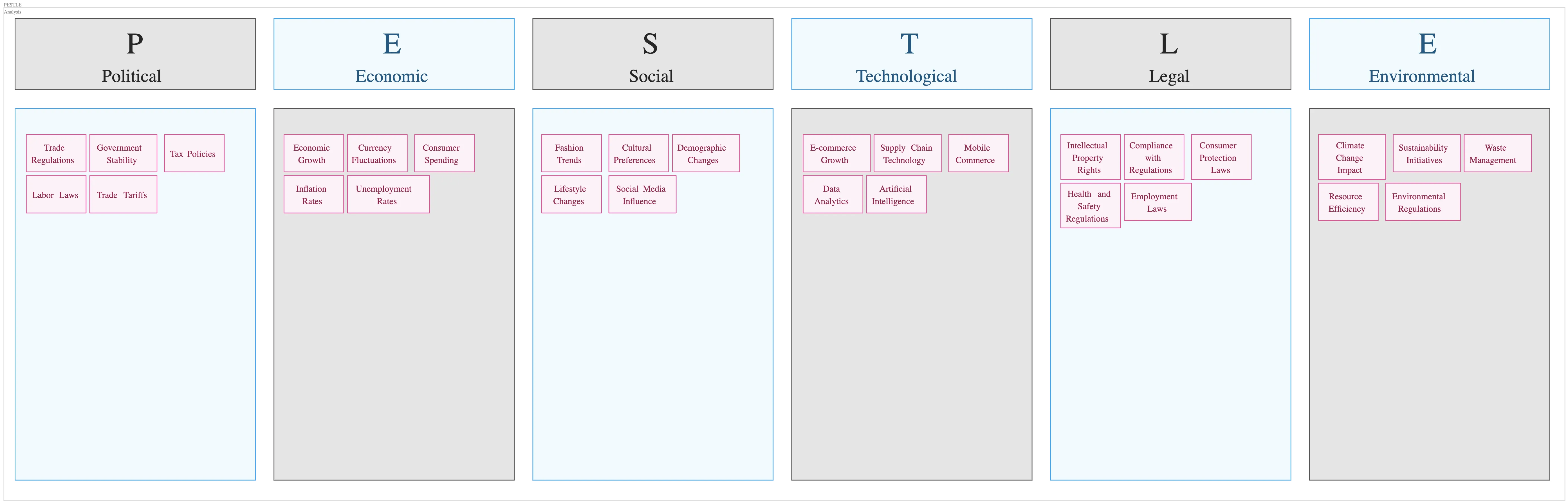
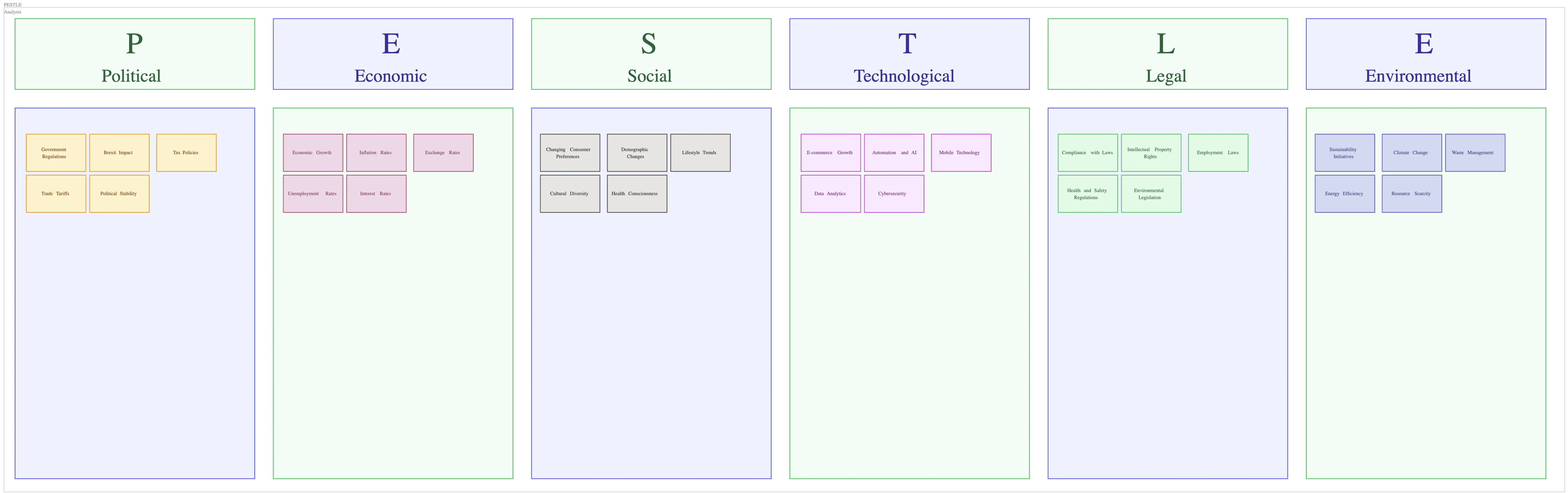
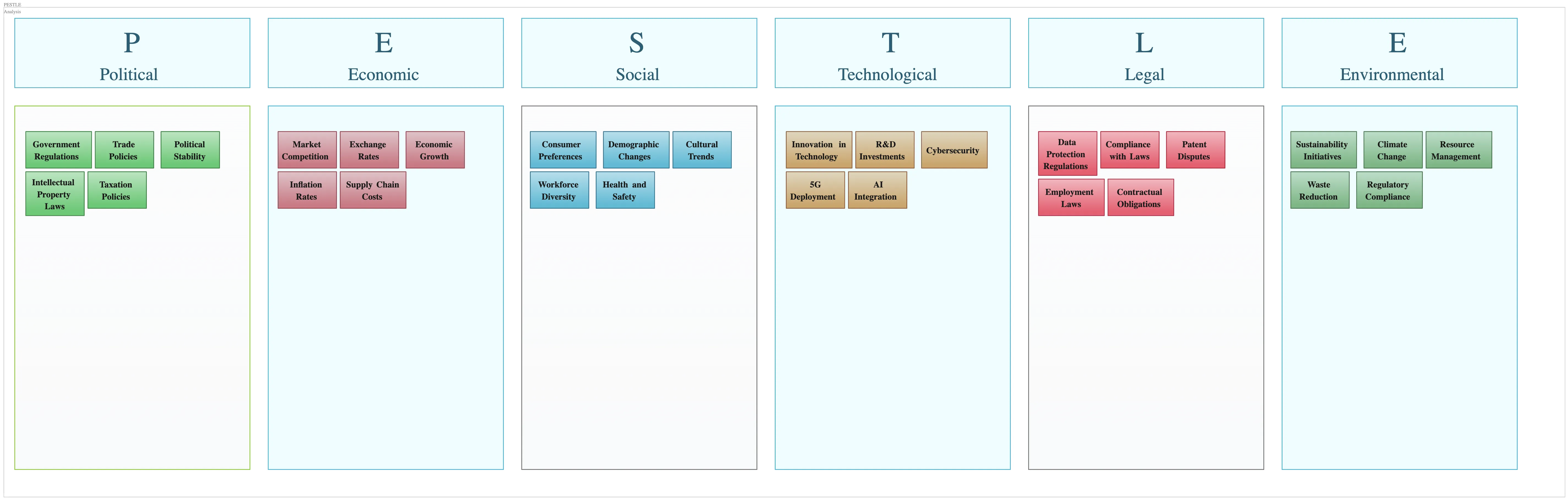
Our pre-built PESTEL model template helps you jumpstart your strategic analysis by covering all critical external factors: Political, Economic, Social, Technological, Environmental, and Legal. With Creately’s intuitive drag-and-drop editor, you can easily add, remove, or rearrange elements to tailor the analysis specifically to your industry or project. With the smart formatting feature you can easily maintain a clean, professional look, so your diagrams always stay organized and visually appealing without extra effort.
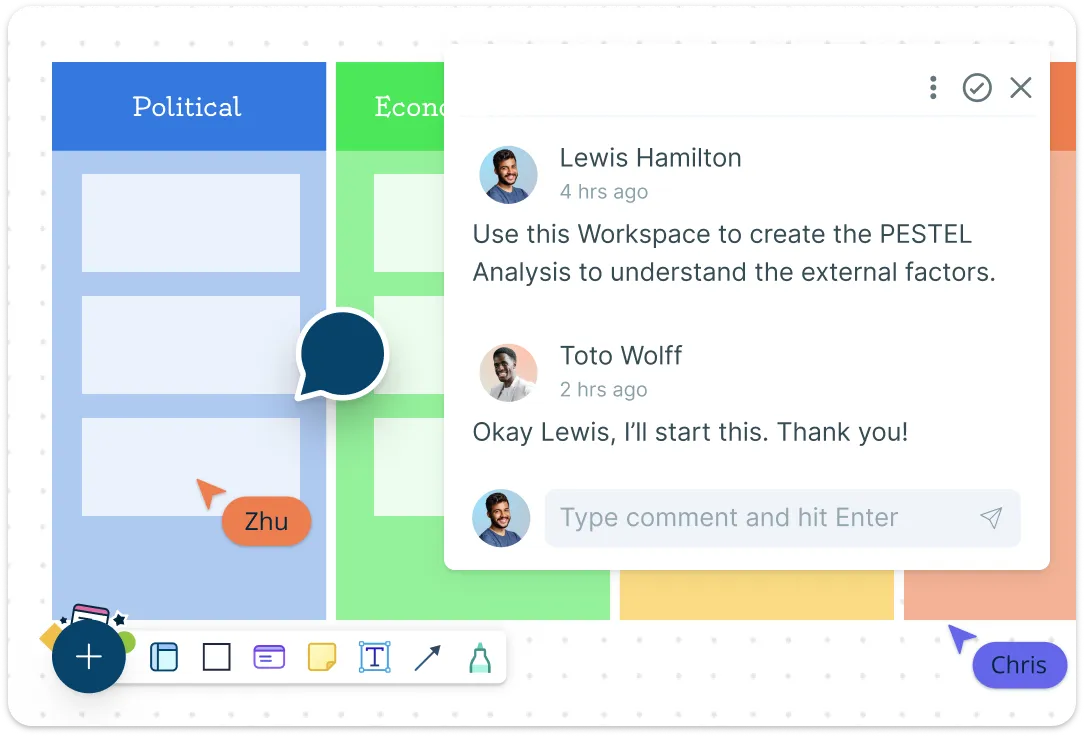
Collaborate Effortlessly with Your Team in Real Time
Collaborate with your team in real-time and see updates instantly as everyone contributes to the analysis. You can add comments and tag teammates directly on the diagram to discuss insights and share feedback quickly, streamlining your review process. Additionally, version history lets you track all changes and roll back to previous versions if needed, ensuring your analysis evolves safely and transparently.
Present and Share Your Analysis with Ease
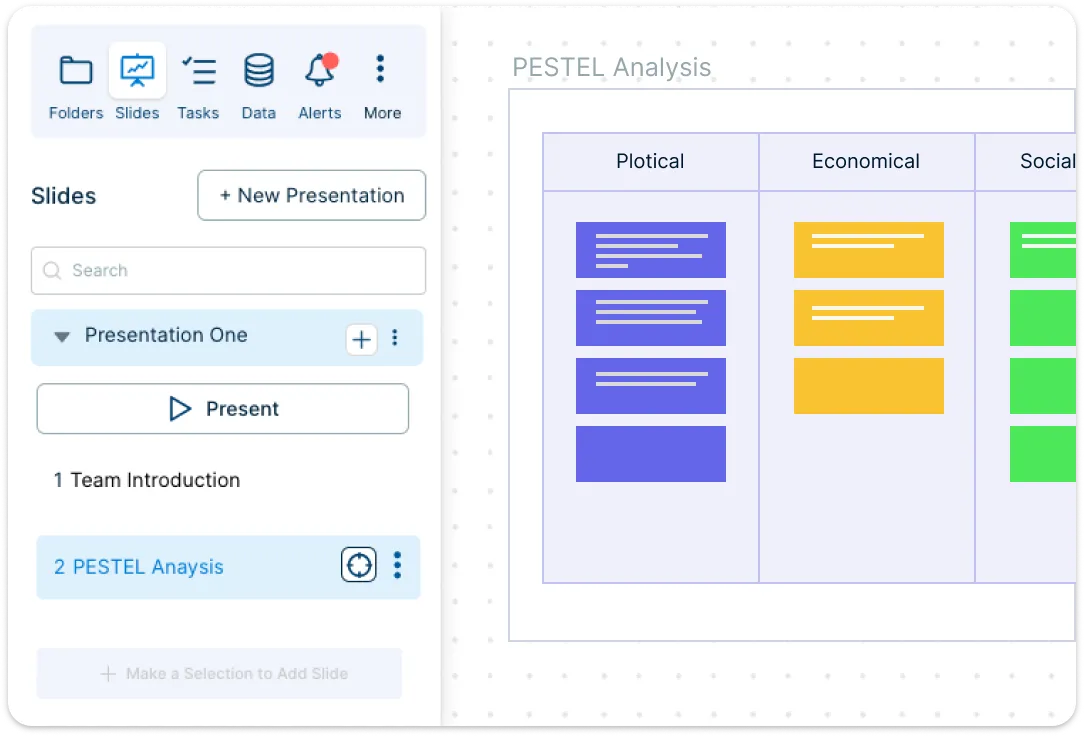
Transform your PESTEL analysis into interactive presentations within Creately with the presentation mode, making it easy to communicate insights during meetings or strategy sessions. You can export your diagrams as PDFs, PNGs, or share secure links with stakeholders for easy access. Plus, seamless integrations with tools like Google Workspace, Microsoft Teams, and Confluence allow you to embed your diagrams directly into your existing workflows.
Why Use Creately's PESTEL Model Template?
How to Use Creately’s PESTEL Model Template
Open the template:
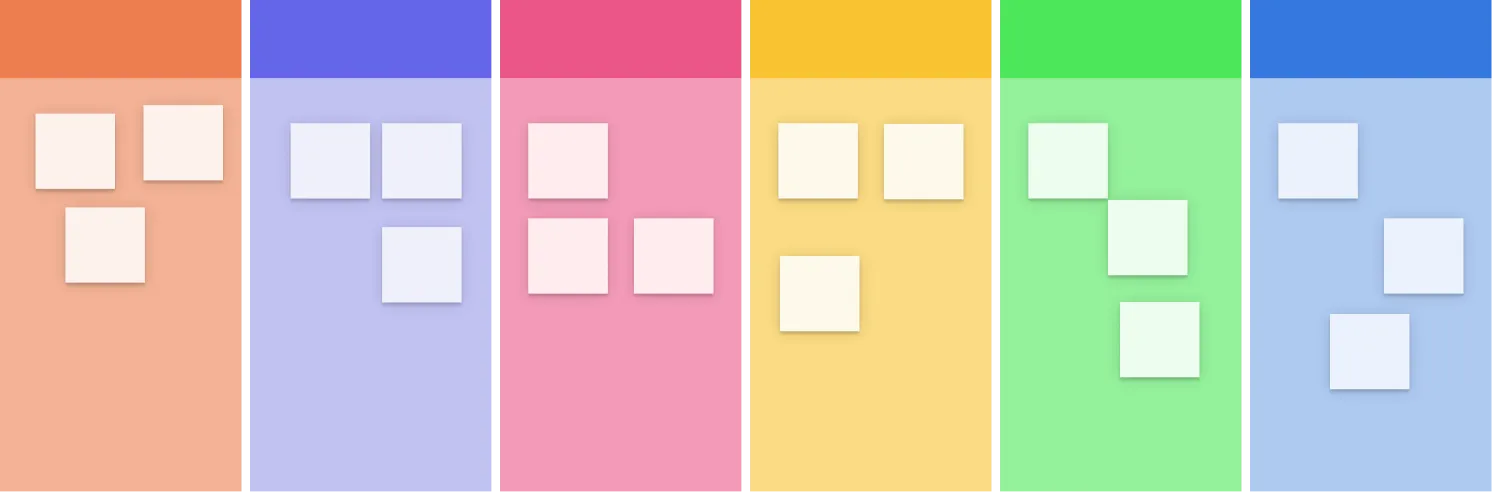
Select the PESTEL model template from Creately’s library. It’s pre-structured into six categories—Political, Economic, Social, Technological, Environmental, and Legal—so you can get started instantly.Define your objective:
Determine the focus of your analysis, such as exploring a market opportunity, assessing a strategic move, or preparing for a business expansion. This helps ensure all insights are relevant and actionable.Use AI assistance to generate insights:
With AI assistance, you can generate external factors for each category based on your objective or industry. This helps you uncover potential influences faster and ensures no key area is overlooked.Add and organize your findings:
Manually you can fill in each PESTEL category with relevant factors. Use shapes, notes, or text boxes to organize your inputs. Drag-and-drop functionality and smart formatting tools help you structure the analysis clearly and efficiently.Collaborate in real time:
Invite your team to contribute directly on the canvas. Discuss insights using comments and mentions, and see updates live to stay aligned throughout the process.Customize for clarity:
Reorganize items, apply color coding, and group related insights to improve visual clarity and make the diagram easy to read during reviews and presentations.Present and share your analysis:
Share your finished PESTEL analysis via a secure link, export it as an image or PDF, or present it live from within Creately to engage stakeholders and decision-makers.
Pre-Made Templates to Simplify Your PESTEL Process
FAQs About the PESTEL Model Template
What are Creately’s PESTEL model template pricing plans?
- Free Plan — $0/month for basic PESTEL model creation and collaboration
- Starter & Team Plans — $8/month or $5/month billed annually
- Business Plan — $149/month or $89/month billed annually
Annual billing helps you save more while unlocking advanced collaboration, workspace management, and enhanced PESTEL model features. You can compare all available plans and features on the Creately Pricing Page.
How can you create PESTEL models faster?
Are there templates for different PESTEL model use cases?
Can teams collaborate on PESTEL models?
Can I add notes, data, and files?
Can I share, present, or export PESTEL models?






















